

Key Takeaways
-
AI detection reduces false alarms dramatically by distinguishing between people, vehicles, and background noise, eliminating motion-only alerts triggered by shadows or animals.
-
Cloud video security costs typically start at $25 per camera monthly, with small businesses spending $100-$250 and larger operations scaling up based on storage and AI features needed.
-
Zone-based intrusion detection, people/vehicle recognition, behavior anomaly detection, and hybrid edge-cloud processing offer different AI approaches suited to specific business types and security needs.
-
Most cloud AI platforms work with existing IP cameras, allowing businesses to upgrade without complete hardware replacement, though older analog systems may need upgrades for full AI capability.
-
Centralized cloud dashboards enable remote monitoring across multiple locations from a single interface, eliminating the need for on-site staff and simplifying franchise security management.
-
Network stability is critical for cloud video security success; businesses must assess bandwidth, internet reliability, and structured cabling before implementation to avoid lag or footage loss.
Picture this: your Tampa business gets an alert on your phone the moment someone lingers near your back door after hours. No fuzzy motion blob. No 2 a.m. false alarm because a moth flew past the lens. Just a clear, timestamped clip that says “this matters, look now.” That’s the promise of cloud video security with AI detection, and it’s changing how business owners protect their property, their people, and their peace of mind.
If you’re a small business owner juggling a dozen tasks, an office manager tired of chasing false alerts, or an IT manager comparing vendors for a multi-site rollout, this guide breaks down what actually matters. We’ll walk through four standout approaches to cloud video security with AI detection, show you the real numbers behind the technology, and help you figure out what fits your business. Ideal Solutions Provider has helped Tampa businesses and companies nationwide sort through security options for over 24 years, so let’s get into it.
What Is Cloud Video Security With AI Detection, Really?
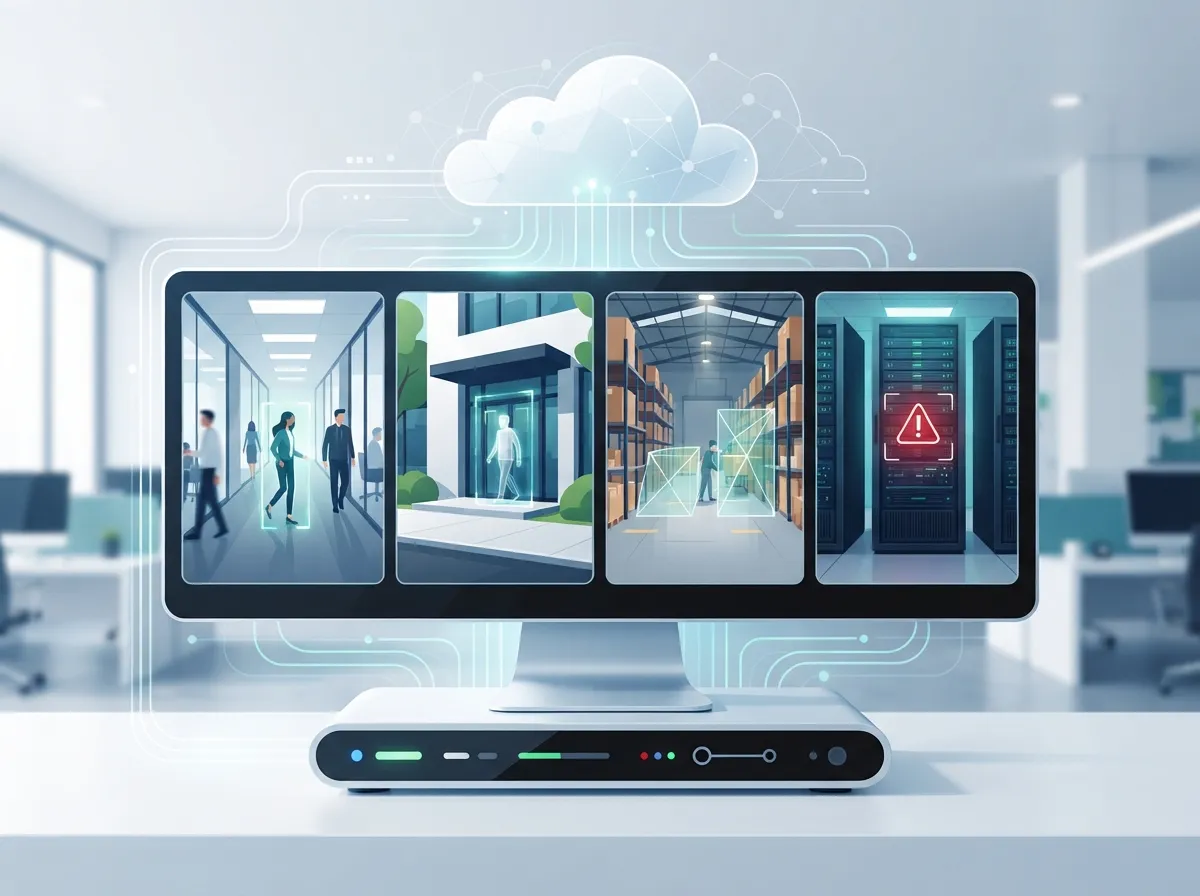
Cloud video security with AI detection is a video surveillance setup where your camera footage lives in the cloud instead of a clunky box in a back closet. Artificial intelligence watches that footage and picks out what actually matters, like a person, a vehicle, or someone loitering near an entrance.
Instead of just recording everything and hoping you catch the important part later, the system tags events as they happen. That means faster response times and way less time spent scrubbing through hours of boring footage. It’s a smarter version of the security camera you already know and trust.
Why This Matters More Than Ever in 2026
The market backs this up in a big way. The video analytics market was valued at roughly $14.65 billion in 2026, and it’s projected to reach $41.39 billion by 2031. That’s a compound annual growth rate of about 23.1%, which tells you businesses are voting with their wallets.
On top of that, a 2026 industry report found that 51% of U.S. organizations planned to adopt cloud-first strategies within the next two years. Security is a big part of that shift. Businesses want systems that scale, integrate, and don’t require a server room full of hardware.
4 Cloud Video Security Approaches With AI Detection Worth Knowing
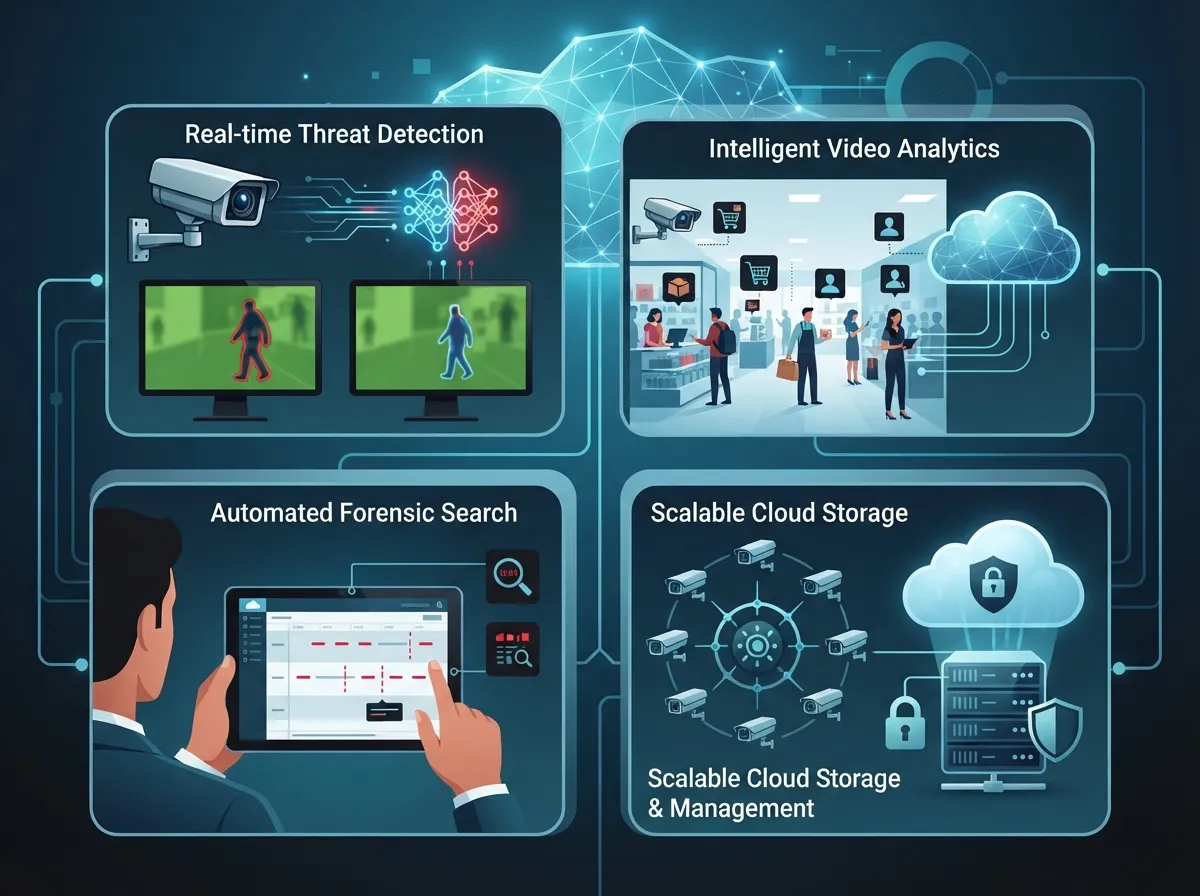
Not all AI-powered cloud video security works the same way. Here are four common approaches businesses use today, each suited to different needs and budgets.
1. Zone-Based Intrusion Detection
This approach lets you draw digital lines or boxes on your camera view. If a person or vehicle crosses that line during hours you set, you get an instant alert. It’s perfect for warehouses, parking lots, and loading docks where you only care about activity during certain hours.
- Best for businesses with defined perimeters or restricted areas
- Reduces alert fatigue by ignoring normal daytime traffic
- Works well paired with cloud-based access control systems for a full security picture
2. People and Vehicle Recognition
This type of AI sorts through footage and tells the difference between a person, a car, and a stray cat setting off your camera. It filters out the noise so your team only gets alerts that actually deserve attention.
- Cuts down false alarms dramatically compared to old motion-only systems
- Great for retail stores, offices, and multi-location franchises
- Supports quick searches, like “show me every vehicle that entered after 9 p.m.”
3. Behavior and Anomaly Detection
This is the more advanced tier. The AI learns what “normal” looks like at your business and flags anything unusual, like someone pacing back and forth near a door or a person left alone in a restricted area for too long.
- Useful for healthcare facilities, financial offices, and government buildings
- Helps security teams catch subtle risks before they become real problems
- Often paired with detailed reporting dashboards for compliance needs
4. Hybrid Edge-and-Cloud Processing
Some systems process video locally on the camera or a small on-site device, then send only the important clips to the cloud. This hybrid setup keeps things running even if your internet has a hiccup, while still giving you the benefits of centralized cloud storage and remote access.
- Ideal for businesses in areas with less reliable internet
- Balances speed, storage costs, and reliability
- Common among franchise operators managing multiple sites at once
How AI Video Detection Actually Works Behind the Scenes
Here’s the simple version. Your cameras capture video like normal. Then AI software, either on the camera itself or in the cloud, scans each frame looking for specific things you’ve told it to watch for.
- The camera captures continuous video footage.
- AI software analyzes frames in real time or near-real time.
- The system matches what it sees against trained models for people, vehicles, or specific behaviors.
- When a match happens, it creates a timestamped event with a short clip.
- An alert goes to your phone, email, or security dashboard instantly.
- You review the clip and decide whether action is needed.
This whole process usually takes seconds. That’s a massive upgrade from the old days of digging through eight hours of footage to find one suspicious moment.
Comparing Cloud AI Video Security to Traditional Systems
| Feature | Traditional DVR/NVR Systems | Cloud Video Security With AI Detection |
|---|---|---|
| Storage Location | On-site hardware box | Secure cloud servers |
| Remote Access | Limited or complicated | Mobile app, anywhere access |
| Alert Type | Motion-only, many false alarms | AI-filtered, event-specific alerts |
| Multi-Location Management | Difficult, separate systems | Centralized dashboard for all sites |
| Maintenance | Manual updates, on-site visits | Managed updates through provider |
| Scalability | Requires new hardware | Add cameras without major rebuilds |
This table makes it pretty clear why so many businesses are switching. If you want a deeper look at how these two setups stack up, check out our breakdown of 6 Key Differences Between Cloud Video Security and DVR Systems.
Real Costs You Should Expect in 2026
Budgeting matters, so let’s talk numbers. Some cloud AI video security vendors advertise pricing starting around $25 per camera per month for cloud storage and AI detection features. Your final cost depends on camera count, storage length, and how advanced your AI features are.
| Business Size | Typical Camera Count | Estimated Monthly Range |
|---|---|---|
| Small Business | 4-8 cameras | $100 – $250 |
| Mid-Sized Enterprise | 10-25 cameras | $300 – $750 |
| Multi-Location Franchise | 25+ cameras across sites | $750+ |
These are rough estimates, and actual pricing varies by provider and feature set. For a more detailed cost breakdown specific to your setup, our guide on how to budget for commercial video surveillance in Tampa FL walks through the details.
Key Benefits for Different Types of Businesses
Different readers care about different things, so let’s break down the top benefits by audience.
For Small Business Owners
- Lower upfront costs than traditional hardware-heavy systems
- Easy to manage without hiring dedicated security staff
- Peace of mind knowing you can check in from your phone anytime
For Mid-Sized Enterprises and IT Managers
- Centralized dashboards make managing multiple properties simple
- Integration with existing IP cameras, often without full replacement
- Detailed reporting for compliance, audits, and insurance needs
For Franchise Operators
- Consistent security standards across every location
- Scalable systems that grow as you open new sites
- Remote monitoring that doesn’t require staff on-site 24/7
If you’re managing several properties, our article on scalable access control systems for multi-location Tampa businesses covers a related piece of the puzzle worth pairing with video security.
Can AI Cloud Video Security Work With Your Current Cameras?
Good news here. Many cloud AI video platforms are built to work with existing IP cameras, which means you don’t always need to rip out and replace everything. This is a huge relief for businesses that already invested in decent hardware.
That said, older analog cameras or very outdated systems may need an upgrade to fully take advantage of AI features. A quick assessment of what your security cameras really do for your business can help you figure out if your current setup is AI-ready or needs a refresh.
Steps to Roll Out Cloud Video Security With AI Detection
Ready to get started? Here’s a simple roadmap that works whether you’re a single-location shop or a multi-site franchise.
- Audit your current camera setup and identify gaps in coverage.
- Decide which zones or behaviors matter most for AI monitoring.
- Choose a provider that supports your existing hardware where possible.
- Plan your network and cabling needs, since strong connectivity is essential.
- Schedule professional installation and configuration.
- Train your team on how to use alerts and the mobile dashboard.
- Review footage and alert accuracy monthly, then adjust settings as needed.
Strong structured cabling and a reliable network backbone make a big difference in how well these systems perform. If your cabling is outdated, it’s worth reviewing before you invest in new cameras.
Common Mistakes Businesses Make With Cloud AI Video Security
We’ve seen a few patterns trip up businesses when they roll out these systems. Avoid these pitfalls:
- Skipping a network assessment before installation, leading to lag or dropped footage
- Choosing the cheapest plan without checking storage retention limits
- Ignoring integration options with access control or existing security tools
- Not training staff on how to respond to AI alerts properly
- Underestimating bandwidth needs, especially with multiple high-resolution cameras
A stable Internet Service Provider connection is non-negotiable here. Cloud systems depend on consistent upload speeds, so pairing your video security rollout with a review of your business internet is smart. Our guide on high-speed internet for business tips that save money is a good place to start.
Why Businesses Choose a Managed Approach
Handling cameras, cloud storage, AI settings, networking, and access control across multiple vendors gets messy fast. That’s why many businesses prefer working with one partner who handles it all.
Ideal Solutions Provider works with 35+ vetted suppliers to build cloud video security systems that fit your business, not a one-size-fits-all package. Whether you need a handful of cameras for one Tampa office or a scalable rollout across a dozen franchise locations, having a single point of contact saves time and headaches. You can also follow their project updates and client stories on Facebook, Instagram, and YouTube.
Wrapping It Up
Cloud video security with AI detection isn’t just a shiny new trend. It’s a practical upgrade that saves time, cuts down false alarms, and gives you real peace of mind about your business. Whether you run a small shop, manage IT for a growing company, or oversee multiple franchise locations, there’s an AI-powered option that fits your needs and your budget.
Ready to see what a smarter security setup could look like for your business? Contact us for a free consultation, or call us today to talk through your options with a real person who actually listens.
FAQs
Q: What is cloud video security with AI detection?
A: It’s a video surveillance system where footage is stored and managed in the cloud, and artificial intelligence automatically identifies important events like people, vehicles, or intrusions. Instead of watching hours of boring footage, you get instant alerts only when something actually matters. It’s like having a really smart assistant watching your cameras 24/7.
Q: Can AI cloud video security work with my existing cameras?
A: In many cases, yes! A lot of cloud AI platforms are designed to work with your current IP cameras, so you won’t need to replace everything. Older analog systems might need an upgrade, but we’re happy to help you figure out what works with what you already have.
Q: How does cloud video security reduce false alarms?
A: Traditional motion detectors panic over anything that moves, including shadows and stray cats. AI detection is smarter. It recognizes the difference between a person, a vehicle, and random background noise, so you only get alerts that truly need your attention.
Q: How much does cloud video security with AI detection cost?
A: Pricing typically starts around $25 per camera per month, though your total cost depends on how many cameras you need and how long you want footage stored. Small businesses often spend $100 to $250 a month, while larger operations with more cameras spend more. We’re glad to walk you through a custom estimate.
Q: Is cloud video surveillance better than on-premises security?
A: For most modern businesses, yes, especially if you manage multiple locations or want remote access. Cloud systems offer easier scaling, centralized management, and AI-powered alerts that traditional on-site DVR systems just can’t match. That said, hybrid setups exist too, so there’s a good option for nearly every situation.





