
Key Takeaways
-
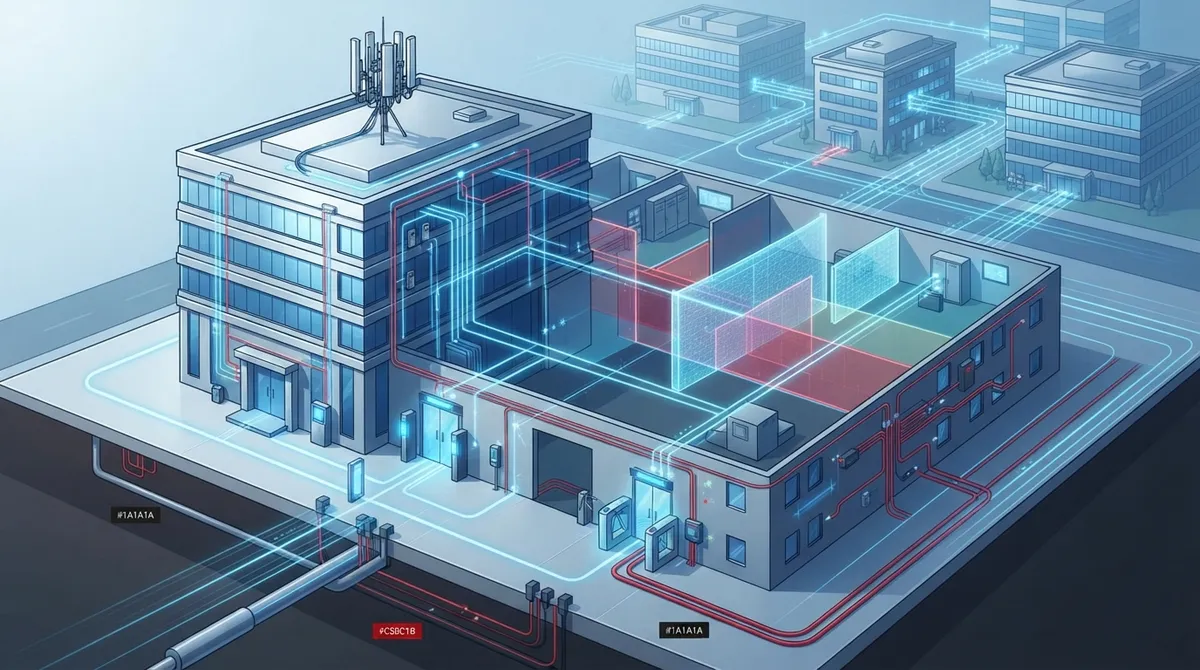
Plan cloud access control as a combined security and connectivity project, not just software—account for hardware, wiring, power, and network infrastructure from day one to avoid messy installs and unreliable performance.
-
Implement a cellular failover connection before deployment; internet outages can leave doors stuck locked or unlocked, so backup connectivity is essential for 24/7 operations and after-hours tenants.
-
Segment your network using VLANs and firewall rules to isolate access control devices from guest Wi-Fi and office computers; this prevents a single compromised device from exposing your entire security system.
-
Verify multi-property platform support, tenant-specific admin permissions, and API integration capabilities before signing contracts, especially if managing multiple buildings or franchise locations.
-
Budget for total cost of ownership including hardware, installation, credentials, integrations, and ongoing support—not just monthly subscription fees—and request detailed vendor breakdowns upfront.
-
Confirm emergency egress defaults, data ownership rights, multi-factor authentication availability, and 24/7 support response times in writing before committing to a vendor partnership.
If you manage commercial real estate, you already know that doors are more than just doors. They protect tenants, staff, and valuable equipment. Cloud access control real estate systems let you manage every entry point from your phone or laptop, but only if the setup is done right. Too many property owners jump into a shiny new system without thinking about the network, the backup plan, or the fine print in their vendor contract. That’s where things go wrong.
We’ve talked with property managers, IT teams, and franchise owners who learned these lessons the hard way. The good news? Every single mistake on this list is completely avoidable. Whether you’re running a single office building or a multi-site portfolio, this guide will walk you through the most common missteps in cloud access control real estate projects, so you can skip the headaches and get straight to the benefits. Let’s dig in together.
1. Treating Cloud Access Control as Just Software
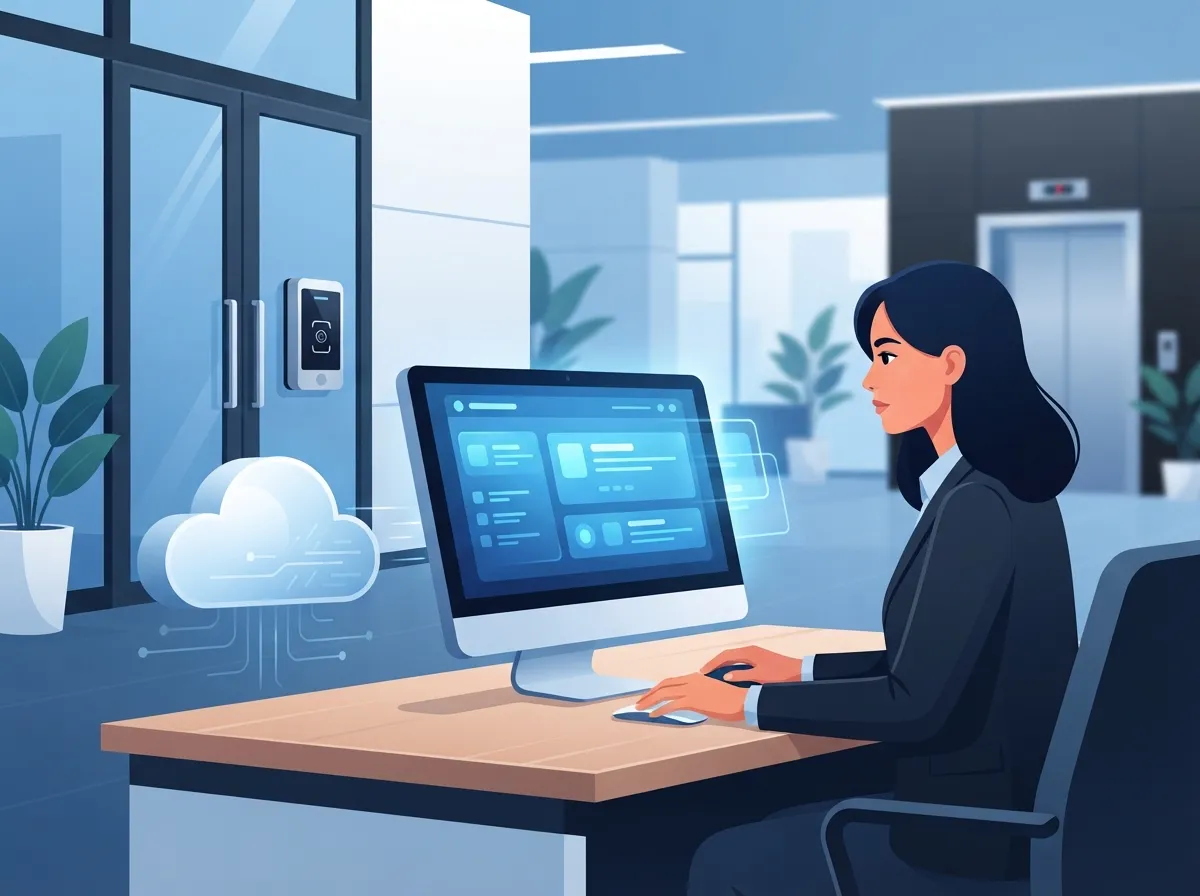
Cloud access control real estate systems are not a simple app you download and forget. They depend on real hardware: door controllers, readers, gateways, and credentials. All of that gear needs power, wiring, and a stable connection to talk to the cloud platform.
Many buyers focus only on the dashboard features and skip the physical planning. This leads to messy installs and unreliable performance. A better approach is to think of this as a combined security and connectivity project from day one, similar to how structured cabling supports your entire office network.
2. Ignoring Your Network Requirements
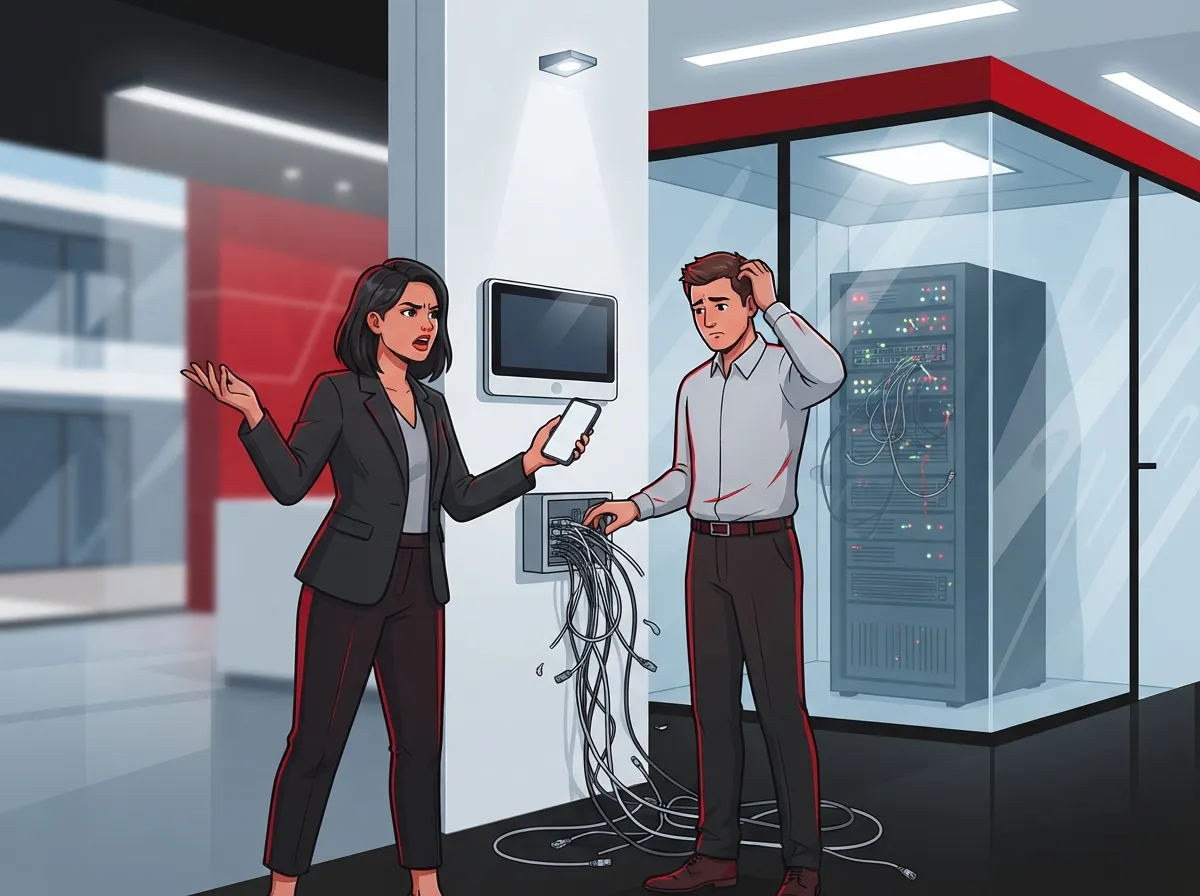
Your access control system is only as reliable as the network behind it. Weak Wi-Fi, outdated switches, or an overloaded internet connection can cause doors to lag or fail to unlock.
Before installation, review your bandwidth, Power over Ethernet capacity, and Wi-Fi coverage near every door. If your building’s internet has been shaky, it might be time to look into high-speed internet upgrades that save money before adding more devices to the network.
Common Network Gaps Property Managers Miss
- No dedicated VLAN for security devices
- Outdated switches that don’t support PoE
- Weak Wi-Fi signal near exterior doors
- No firewall rules protecting access control traffic
- Missing network monitoring to catch outages early
3. Skipping a Cellular or Backup Internet Plan
What happens when your main internet connection goes down? If you haven’t planned for it, your doors might get stuck locked or unlocked at the worst possible time.
A cellular failover connection keeps your access control system running even during an outage. This is a small investment that prevents a very big headache, especially for buildings with after-hours tenants or 24/7 operations.
4. Forgetting About Emergency Egress Rules
Fire codes and life-safety rules require that people can always exit a building, even if the system loses power or internet. Some property owners get so focused on locking things down that they forget this critical requirement.
Work with your access control vendor and local fire marshal to confirm your doors default to a safe state during emergencies. This isn’t optional. It’s the law in most jurisdictions.
5. Choosing a Vendor Without Checking Multi-Property Support
If you manage more than one building, you need a platform built for that. Not every cloud access control real estate provider supports multiple properties from a single dashboard.
Before signing a contract, ask if the platform supports:
- Multiple properties under one login
- Tenant-specific administrators with limited permissions
- Delegated administration for on-site staff
- API access for custom integrations
- Detailed reporting across all locations
Franchise operators especially need this kind of scalability, since new locations should be easy to add without starting from scratch.
6. Overlooking Cybersecurity Basics
A cloud-connected door is still a computer, and computers can be hacked. Weak passwords, missing multi-factor authentication, and unpatched devices create real risk.
According to NIST guidance on cloud environments, network boundaries and access control lists such as VLANs are essential for protecting connected systems. Property managers should treat access control security with the same seriousness as their business network solutions.
Cybersecurity Checklist for Cloud Access Control
- Encryption in transit and at rest
- Multi-factor authentication for all administrators
- Role-based access with least privilege
- Regular firmware and software patching
- Audit logs reviewed on a set schedule
- Documented data retention policies
7. Not Segmenting the Network Properly
Putting your access control devices on the same network as guest Wi-Fi or general office computers is asking for trouble. If one device gets compromised, the whole network could be exposed.
Network segmentation, using VLANs and firewall rules, keeps your security devices isolated. This is standard practice recommended by federal cybersecurity guidance and should be part of any professional installation.
8. Underestimating Total Cost of Ownership
The subscription fee is only part of the picture. Hardware, installation, credentials, integrations, and ongoing support all add up over time.
| Cost Category | What It Covers | Frequency |
|---|---|---|
| Hardware | Door controllers, readers, gateways | One-time |
| Installation | Wiring, mounting, configuration | One-time |
| Software Subscription | Cloud platform access, updates | Monthly or annual |
| Credentials | Mobile passes, key fobs, cards | Ongoing as needed |
| Support & Monitoring | Uptime monitoring, troubleshooting | Monthly or annual |
Ask vendors for a full breakdown before you commit. A 2025 market estimate valued the global cloud access control market at $12.4 billion, with software making up 45.2% of revenue and hardware 26.3%. These numbers show that hardware costs are a real factor, not an afterthought.
9. Picking Credentials That Don’t Fit Your Tenants
Not every tenant wants to use a mobile app, and not every visitor should get a permanent key fob. Mixing credential types without a plan creates confusion at the front desk.
Common credential options include:
- Mobile apps using Bluetooth or NFC
- Traditional key fobs and cards
- PIN codes for shared spaces
- QR codes for temporary visitor passes
- Biometric scans for high-security areas
Match the credential type to the use case. High-risk areas may need multi-factor authentication, combining a mobile credential with a PIN.
10. Failing to Plan for Integrations
Cloud access control real estate systems work best when they talk to your other building systems. Video surveillance, intercoms, elevator controls, and visitor management should all connect smoothly.
Without integrations, you lose valuable automation, like recording video the moment a door is forced open. Before you buy, check that the platform supports the integrations you already use, including your cloud security cameras for commercial buildings.
Integrations Worth Prioritizing
- Video surveillance and cloud cameras
- Visitor management systems
- Intercom and elevator controls
- Intrusion alarms
- Property management software
- Identity providers for single sign-on
11. Assuming All Vendors Offer the Same Support
Support response time matters a lot when a door won’t unlock and tenants are stuck outside. Some vendors offer 24/7 support, while others only respond during business hours.
Ask potential vendors about their average response time, escalation process, and whether support is included or billed separately. A good telecom and security partner should feel like an extension of your own team, not a call center you dread contacting.
12. Not Comparing Cloud vs. On-Premises Honestly
Cloud systems reduce the need for local servers and manual updates, but they do depend on internet connectivity and vendor uptime. On-premises systems avoid that dependency but require more in-house maintenance.
| Feature | Cloud Access Control | On-Premises System |
|---|---|---|
| Remote Management | Yes, from any device | Limited to local network |
| Maintenance | Vendor-managed updates | In-house IT required |
| Internet Dependency | High, needs backup plan | Low |
| Multi-Property Scaling | Easier | More complex |
| Upfront Cost | Lower hardware investment | Higher server costs |
Neither option is automatically better. The right choice depends on your portfolio size, IT resources, and how much you value remote management.
13. Overlooking Data Privacy and Ownership
Who owns the access logs and video footage stored in the cloud? Some contracts give the vendor more control than property owners realize.
Before signing, confirm your rights to export data, how long records are kept, and what happens to your data if you switch providers. This protects both your business and your tenants’ privacy.
14. Going It Alone Without an Experienced Partner
Cloud access control real estate projects touch networking, security hardware, cybersecurity, and building compliance all at once. Trying to coordinate separate vendors for each piece often leads to gaps and finger-pointing when something breaks.
Working with a single point of contact who understands both telecom and security systems makes the whole project smoother. This is exactly why property owners across Tampa and beyond turn to Ideal Solutions Provider’s cloud based access control services to design connectivity, install hardware, and provide ongoing support under one roof.
How Business Telecom Partners Strengthen Cloud Access Control
A dependable network is the backbone of any cloud access control real estate deployment. Business telecom providers bring value by designing the right connectivity architecture, supplying managed internet with cellular backup, and configuring segmented networks that keep security devices safe.
They also handle the unglamorous but critical work: monitoring uptime, coordinating installation schedules, and providing support under a clear service-level agreement. If you’re also evaluating your cloud-based phone system options or planning new structured cabling for your office, bundling these projects with your access control rollout often saves time and money.
Questions to Ask Before You Sign a Contract
- Does the platform support multiple properties and tenant-specific admins?
- What happens to door access during an internet outage?
- Is multi-factor authentication available for administrators?
- What integrations are supported out of the box?
- Who owns the data, and can it be exported easily?
- What is the average support response time?
Taking the time to ask these questions upfront saves you from costly surprises later. It also gives you confidence that your investment will actually perform the way you expect.
Bringing It All Together
Cloud access control real estate systems offer real benefits: centralized management, mobile credentials, and simpler multi-site administration. But those benefits only show up when the network, hardware, security, and vendor relationship are all handled correctly. Skipping any of these 14 areas can turn a promising upgrade into a frustrating mess.
The market is growing fast too. Recent estimates project the cloud access control market could reach $47.8 billion by 2034, growing at nearly 15% a year. That growth means more options, but also more room for mistakes if you don’t plan carefully. You can also follow Facebook or check out project walkthroughs on YouTube to see real installations in action.
Ready to build a cloud access control system that actually works for your properties? Reach out to our team today for a free consultation, or give us a call to talk through your building’s specific needs. We’ll help you avoid these mistakes and design a system your tenants and staff will actually appreciate.
FAQs
Q: What is cloud access control in commercial real estate?
A: It’s a hosted security system that lets property managers control doors and credentials over the internet instead of a local server. Think of it as managing every lock in your building from your phone, from anywhere. It’s a great fit for busy property teams juggling multiple locations.
Q: Can cloud access control keep working if the internet goes down?
A: It can, but only if you plan ahead with things like cellular failover and offline credential caching. Without a backup plan, an outage could leave doors stuck. We always recommend building in redundancy from day one, so you’re never caught off guard.
Q: How do telecom providers improve cloud access control reliability?
A: Telecom partners design the network backbone, from PoE and VLAN segmentation to backup internet connections. They also monitor uptime so small issues get caught before they become big problems. It’s the behind-the-scenes work that makes the whole system feel effortless.
Q: Is cloud access control secure enough for sensitive properties?
A: Yes, when it’s set up with encryption, multi-factor authentication, and proper network segmentation. Security comes down to how the system is configured, not just the cloud label itself. A trusted installer will walk you through every safeguard so you feel confident.
Q: Can one platform manage multiple real estate properties?
A: Many cloud platforms are built exactly for that, letting you manage several buildings from one dashboard. Just be sure to confirm tenant-specific admin permissions and reporting features before you commit. It makes life so much easier when everything lives in one place.





