
Key Takeaways
-
Construction equipment theft costs the U.S. industry $300 million to $1 billion annually, with fewer than 25% of stolen machines recovered and average losses of $30,000 per incident, making proactive security essential.
-
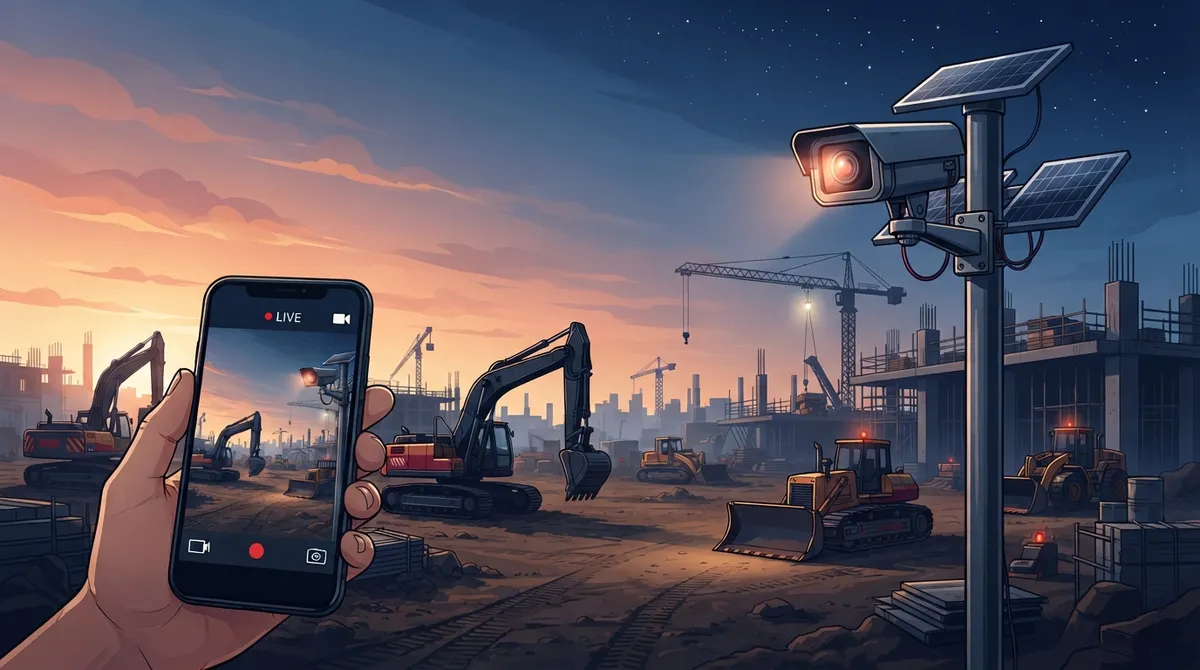
Cloud video security uses cellular connectivity (4G/5G) and solar power to operate on undeveloped jobsites without wired internet or permanent power, allowing remote monitoring via phone or browser from anywhere.
-
Motion-triggered recording and AI analytics reduce unnecessary footage and false alerts by identifying only relevant events like people, vehicles, and restricted-area access, saving bandwidth and storage costs.
-
Centralized dashboards enable multi-site management from a single login, with support for up to 64 camera channels, event playback, and role-based permissions across multiple active projects simultaneously.
-
Camera systems should include night vision for after-dark theft prevention, wide-angle lenses for broad coverage, weatherproof housings rated for dust and impact, and secure remote administration capabilities.
-
Most contractors balance costs and protection with 30-90 days of cloud storage retention, while bandwidth usage depends on recording method—continuous HD recording uses significantly more data than motion-triggered clips.
Picture this: your crew shows up Monday morning and half the copper wire is gone. So is the generator. Sound familiar? If you build things for a living, you already know construction sites are prime targets for theft. The good news is that cloud video security has changed the game for jobsite protection, and it’s a lot more affordable and flexible than most contractors realize.
Cloud video security for construction sites isn’t just about slapping up a camera and hoping for the best. It’s a full communications solution built for places that don’t have permanent power, buildings, or internet lines yet. Think rugged cameras, cellular connectivity, solar power, and remote monitoring, all working together so you can check on your site from your phone while sitting in traffic. For business owners, project managers, and IT folks juggling multiple job locations, this is the kind of tool that pays for itself fast.
In this guide, we’ll walk through how these systems actually work, what stats prove they matter, which features to look for, and how a telecom partner like Ideal Solutions Provider can help you set it all up without the headache.
What Is Cloud Video Security for Construction Sites?
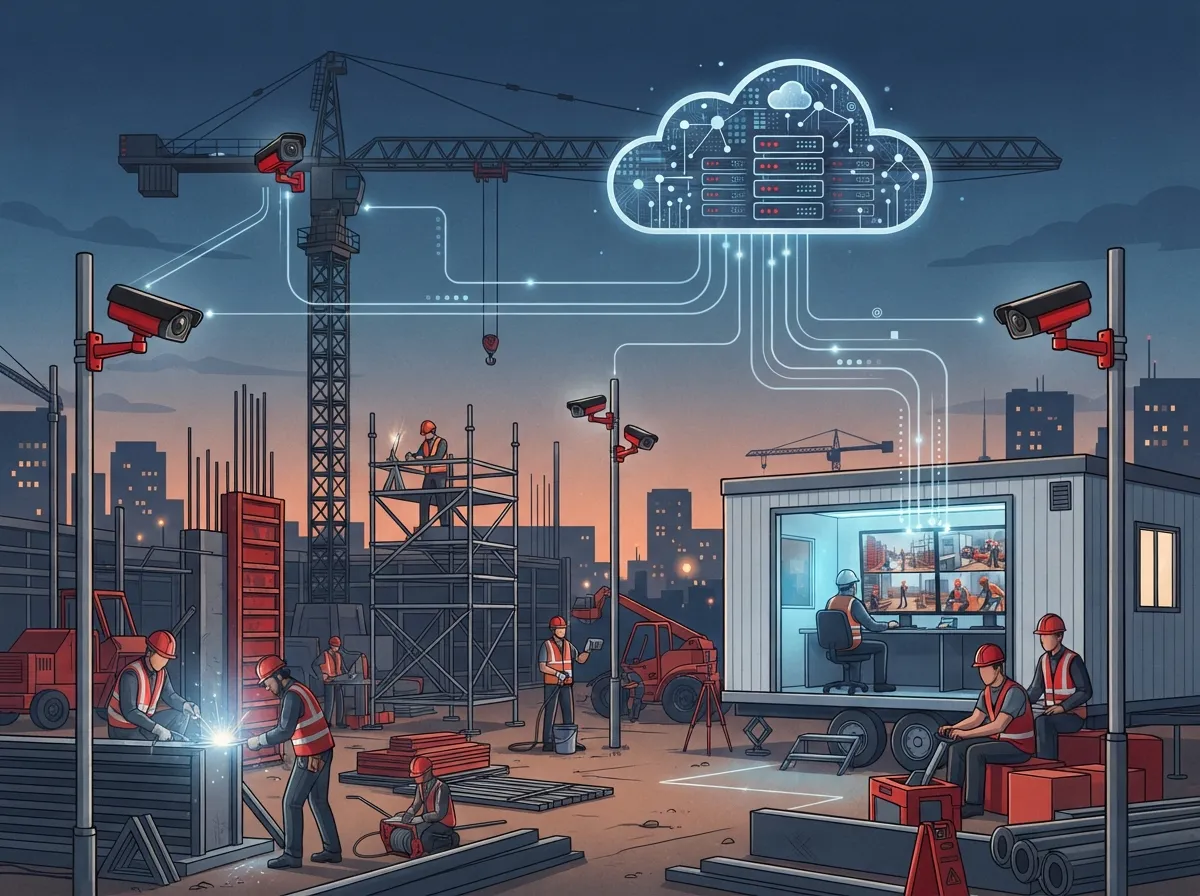
Cloud video security combines outdoor cameras, a cloud-based video management system, internet or cellular connectivity, and remote storage. Instead of footage sitting on a hard drive in a trailer that could get stolen too, everything lives safely online. You or your team can pull up live or recorded video through a web browser or a mobile app, from anywhere.
This matters even more on construction sites because they’re always changing. One month you’re pouring a foundation, the next you’re framing walls. A cloud system can move with the project instead of being locked into one building like traditional structured cabling-based setups.
Why Traditional Security Doesn’t Cut It
Old-school CCTV systems need wired internet, a secure building, and steady power. Construction sites usually have none of that in the early stages. That’s exactly why cloud video security, built around cellular data and solar panels, has become the go-to option for contractors nationwide.
The Real Cost of Construction Site Theft
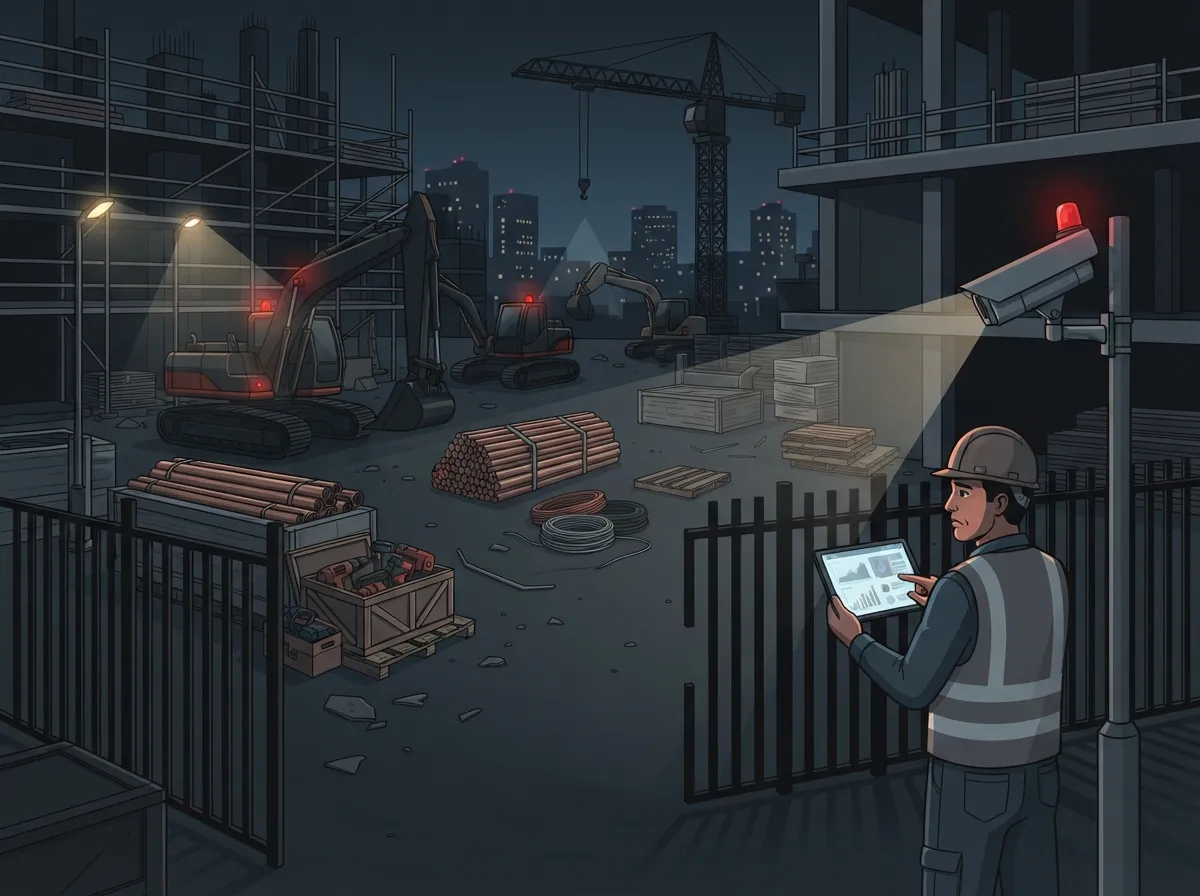
Let’s talk numbers, because they’re eye-opening. According to the National Equipment Register and the National Insurance Crime Bureau, construction equipment theft costs the U.S. industry somewhere between $300 million and $1 billion every year. That’s not even counting the delays, downtime, and insurance headaches that follow.
- Fewer than 25% of stolen construction machines ever get recovered
- The FBI and related industry reporting cite more than 11,000 construction-site thefts annually in the U.S.
- The average stolen-equipment loss runs around $30,000 per incident, according to the National Equipment Register
- Some incidents involve small tools, others involve full-size excavators or generators worth six figures
These numbers make one thing clear: waiting until after a theft to think about security is too late. A proactive system with 24/7 recording and instant alerts gives you a real shot at catching problems before they become expensive ones.
How Cloud Cameras Work Without Wi-Fi or Power
This is the question we hear most often. Construction sites rarely have wired internet or stable electricity, especially in the early phases. Here’s how modern systems solve that problem.
Cellular-Connected Cameras
Instead of relying on Wi-Fi, many jobsite cameras use 4G or 5G cellular data, similar to how your smartphone connects. This means footage uploads to the cloud even if there’s no internet cable within a mile of the site.
Solar-Powered Systems
Solar panels paired with battery backups keep cameras running around the clock, even overnight or during outages. A 2025 announcement from TP-Link described a solar setup with dual 100-watt panels and battery capacity advertised for up to seven days of backup under certain conditions. That’s the kind of independence a remote jobsite needs.
Wireless Bridges and Temporary Broadband
For larger sites, wireless bridges can connect multiple cameras to a single strong signal point. Temporary broadband setups also work well for sites expected to run for many months.
If you’re not sure which connectivity option fits your project, this is exactly the kind of decision a telecom partner can help sort out. It’s similar to choosing the right high-speed internet setup for an office, just adapted for outdoor and mobile conditions.
Key Features to Look for in Jobsite Cameras
Not all outdoor cameras are built for construction. Here’s what actually matters when you’re choosing equipment for a rough, unpredictable site.
- Weather and impact protection. Cameras need housings rated for rain, dust, heat, and the occasional flying debris.
- Infrared or low-light imaging. Most theft happens after dark, so night vision isn’t optional.
- Wide-angle coverage. Fewer cameras can cover more ground when the lens angle is wide.
- Motion detection. This helps trigger alerts and clips instead of recording hours of empty dirt.
- Secure remote administration. You want to control settings and users from anywhere, safely.
- Solar or battery power options. Especially important for undeveloped sites with no electrical hookups yet.
These features work together. A camera with great night vision but no motion detection will still bury you in footage you don’t need. That’s where smart system design, not just good hardware, makes the difference.
Beyond Theft Prevention: Other Ways Cloud Video Helps
Stopping theft is the headline reason contractors invest in cloud cameras, but it’s far from the only benefit. Here’s what else these systems can do for your project.
- Document vandalism and trespassing with timestamped video evidence
- Settle delivery disputes by showing exactly when materials arrived (or didn’t)
- Track subcontractor activity and confirm work schedules
- Record safety incidents for insurance claims and compliance
- Create time-lapse footage showing construction milestones and progress
- Give project managers remote visibility without daily site visits
Many general contractors now use time-lapse footage in client presentations. It’s a nice bonus that turns a security tool into a marketing and communication asset too.
AI Analytics: Smarter Alerts, Fewer False Alarms
Modern cloud systems often include AI-enabled video analytics. These features can identify people, vehicles, motion patterns, loitering, and even restricted-area access. Instead of getting an alert every time a bird flies past the lens, you only get notified for events that actually matter.
That said, detection accuracy depends on a few things: camera placement, lighting conditions, weather, network quality, and which system you choose. A poorly positioned camera with AI features still won’t perform well. This is another area where working with an experienced installer pays off, since placement and configuration matter just as much as the hardware itself.
Bandwidth and Data: What You Need to Know
Here’s something a lot of contractors overlook until the first bill arrives. Continuous 24/7 high-resolution recording eats up a lot more cellular data than event-based recording. Before choosing a plan, it helps to calculate your needs based on a few factors.
| Recording Method | Data Usage | Best For |
|---|---|---|
| Continuous 24/7 HD recording | High | High-theft-risk sites, valuable equipment storage |
| Motion-triggered clips | Low to moderate | Most active jobsites with regular activity |
| Scheduled recording (nights only) | Low | Sites with daytime supervision already in place |
| Edge recording with cloud backup | Moderate | Sites with limited cellular data plans |
Resolution, frame rate, compression settings, number of cameras, and how long you keep footage in the cloud all affect your data usage and monthly cost. A quick assessment before installation can save you from surprise overage charges later.
How Long Should Footage Be Stored?
There’s no single right answer here, but most contractors find a middle ground between cost and usefulness. Shorter retention periods save money. Longer retention gives you more protection for disputes, claims, or investigations that come up weeks after an incident.
Factors That Affect Retention Decisions
- Project length and how often incidents typically occur
- Insurance or contract requirements tied to documentation
- Storage costs, which scale with resolution and camera count
- State or local regulations around recorded footage
Many contractors settle on 30 to 90 days of cloud storage as a reasonable balance. If you’re dealing with high-value equipment or a history of theft in the area, longer retention is worth the extra cost.
Security and Privacy: What to Check Before You Buy
Construction footage often includes workers, visitors, and sometimes neighboring properties. That makes security and privacy just as important as the video quality itself. Before signing on with a provider, ask about these items.
- Is footage encrypted both in transit and while stored?
- Does the system support multifactor authentication for logins?
- Can you set role-based permissions so only certain people see certain footage?
- Are there audit logs showing who accessed what and when?
- How often are software updates pushed, and are they automatic?
- What are the vendor’s data-retention and deletion policies?
- Does the setup meet applicable privacy or labor requirements for your state?
These questions matter more than most people realize. A camera system is only as trustworthy as the security behind it. If you’d like a deeper look at how encryption and access controls work in cloud systems, our article on how secure cloud video storage really is covers this in more detail.
Managing Multiple Jobsites From One Dashboard
If you run more than one project at a time, juggling separate logins and systems for each site gets old fast. One of the biggest advantages of cloud video security is centralized management. A single dashboard can show live feeds and recorded clips from every active jobsite you’re running.
A 2025 TP-Link cloud VMS announcement described support for up to 64 channels in live view, along with event playback, map-based views, and multi-user access. Capabilities vary by vendor and subscription, but the trend across the industry points toward simpler, unified control for multi-site operations.
This is especially useful for franchise operators and mid-sized companies managing several builds across a region. Instead of hiring separate security vendors per location, one provider can standardize equipment, monitoring, and support everywhere you build.
Steps to Set Up Cloud Video Security on a New Jobsite
Getting a system up and running doesn’t have to be complicated if you follow a clear process. Here’s a general roadmap most providers follow.
- Conduct a site survey to identify coverage areas, power access, and connectivity options
- Choose camera types based on lighting, weather exposure, and site layout
- Select connectivity, whether cellular, wireless bridge, or temporary broadband
- Install cameras with proper mounting and weatherproofing
- Configure the cloud VMS, including user permissions and alert settings
- Test motion detection and analytics for accuracy in real conditions
- Set a response plan so alerts actually lead to action, not just recordings
- Plan for equipment relocation as the project phases change
That last step is easy to forget. Construction sites evolve fast, and your camera setup needs to move with the work. A provider that handles installation, troubleshooting, and relocation as one ongoing service saves you from starting over every few months.
Pairing Video With Physical Security Measures
Cameras work best as part of a bigger plan, not as a standalone fix. The strongest jobsite security combines video with physical controls that make theft harder in the first place.
- Fencing around the perimeter of the site
- Locked gates and controlled entry points
- Adequate lighting in equipment storage areas
- Equipment inventories with serial number tracking
- GPS tracking on high-value machinery
- Clear signage stating the site is monitored
- A defined incident-response plan for when alerts come in
A camera that records a theft but doesn’t trigger any action isn’t doing its full job. The most effective setups pair alerts with a clear next step, whether that’s a phone call, an on-site check, or a call to law enforcement.
Why Work With a Telecom Partner Instead of Buying Cameras Alone
It’s tempting to just order a few cameras online and call it done. But construction sites present unique challenges that go beyond hardware. You need reliable connectivity, secure cloud configuration, and support when something breaks in the middle of a project.
Ideal Solutions Provider has spent over 24 years helping businesses across the country solve exactly these kinds of connectivity puzzles. With partnerships across 35+ vetted suppliers, the team can compare cellular plans, camera hardware, and cloud VMS options to find what actually fits your budget and site conditions, instead of pushing one brand regardless of fit.
This same approach applies across other telecom needs too, from cloud-based phone systems to structured cabling installations for office trailers and permanent facilities once construction wraps up. Having one point of contact for all these services means fewer headaches and faster problem-solving.
A Quick Comparison: Cellular vs. Wired Cloud Camera Systems
| Feature | Cellular (4G/5G) Cameras | Wired Broadband Cameras |
|---|---|---|
| Setup speed | Fast, no trenching needed | Slower, requires cable runs |
| Best for | Remote or undeveloped sites | Long-term sites with existing infrastructure |
| Ongoing cost | Monthly data plan | Fixed internet bill |
| Mobility | Easy to relocate as project changes | Harder to move once installed |
| Reliability | Depends on cell signal strength | Depends on Internet Service Provider uptime |
Most active construction sites lean toward cellular setups early on, then may transition to wired options once permanent structures and utilities are in place.
Bringing It All Together for Your Next Project
Construction site theft isn’t going away, but the tools to fight it back have gotten a whole lot smarter. Cloud video security gives you eyes on your site around the clock, without needing a permanent building or wired internet to make it happen. Combined with solid physical security and a clear response plan, it’s one of the best investments a contractor can make for peace of mind.
Whether you’re managing one active build or juggling several across the state, getting the right connectivity and camera setup matters just as much as the equipment itself. If you want help designing a system that fits your specific jobsite, from cellular data plans to cloud storage retention, our team would love to walk you through it. You can follow our latest project stories and tips on Facebook or check out setup walkthroughs on YouTube.
Ready to protect your jobsite and simplify your telecom setup at the same time? Contact us today for a free consultation, or call us to talk through your project needs right now.
FAQs
Q: Can construction-site security cameras work without Wi-Fi or wired internet?
A: Absolutely, and that’s actually the norm for most jobsites! Cellular-connected cameras use 4G or 5G data, just like your phone, so footage uploads to the cloud even without any internet lines nearby. Pair that with a solar panel and battery backup, and you’ve got a system that works pretty much anywhere.
Q: How much does cloud video security cost for a construction site?
A: It really depends on your camera count, connectivity type, and how much footage you want stored. Cellular data plans, solar equipment, and cloud storage all factor in, so it’s worth getting a personalized assessment rather than guessing. We’re always happy to run through the numbers with you so there are no surprises later.
Q: How long should construction-site footage be stored in the cloud?
A: Most contractors find a sweet spot between 30 and 90 days, balancing cost with having enough history to handle disputes or claims. If your project involves high-value equipment or you’re in an area with a theft history, it’s worth stretching that retention window a bit longer for extra peace of mind.
Q: Can one cloud surveillance system monitor multiple construction sites?
A: Yes, and it’s honestly one of the best perks of going cloud-based! A single dashboard can pull in live feeds and recordings from several active jobsites at once, which is a lifesaver if you’re a franchise operator or managing multiple builds across a region.
Q: What camera features matter most for outdoor construction-site surveillance?
A: Look for weather and impact protection, solid infrared or low-light imaging, wide-angle coverage, and reliable motion detection. These features work together, so a camera that nails one but skips the others won’t give you the full protection your site deserves.





