

Key Takeaways
-
Distinguish between automated motion alerts and professional 24/7 monitoring with human verification; many systems only send push notifications without trained personnel reviewing threats and contacting responders.
-
Invest in reliable upstream bandwidth and cellular failover connectivity as the foundation for cloud monitoring; weak internet causes choppy video, missed alerts, and recording gaps that undermine even high-quality cameras.
-
Implement essential cybersecurity controls including encryption, multifactor authentication, role-based permissions, audit logs, and regular firmware updates to protect connected cameras from hackers and unauthorized access.
-
Require a detailed service-level agreement specifying footage retention periods, camera specs, uptime guarantees, response times for outages, and data export procedures before signing any contract.
-
Integrate cloud cameras with access control, alarm systems, and VoIP to create a unified security ecosystem; cameras operating independently deliver far less value than connected systems that share intelligence.
-
Request a custom quote based on your specific business needs rather than relying on industry averages; costs and requirements vary dramatically between a five-camera retail shop and a multi-location franchise.
Picture this: something happens at your business overnight. Maybe it’s a break-in, a slip-and-fall, or a delivery gone missing. Without solid 24/7 cloud video monitoring, you’re left guessing what happened. With it, you can pull up clear footage from your phone in seconds, no matter where you are. That peace of mind is exactly why so many Tampa business owners are making the switch.
At Ideal Solutions Provider, we’ve helped businesses across Tampa Bay and beyond set up smarter surveillance. But here’s the thing: not every cloud camera setup is created equal. Many businesses make the same four mistakes over and over, and those mistakes end up costing money, causing headaches, or leaving gaps in security exactly when they matter most.
In this guide, we’ll walk through what 24/7 cloud video monitoring actually is, why it beats old-school DVR boxes, and the four biggest mistakes to steer clear of. Whether you run a single storefront or manage several franchise locations, this article will help you make smarter choices for your business.

What Is 24/7 Cloud Video Monitoring?
Simply put, 24/7 cloud video monitoring is a security service that never sleeps. Cameras capture footage around the clock, and that footage gets sent, stored, and analyzed through cloud software instead of a clunky box sitting in a back closet. Depending on your setup, alerts can be handled by smart AI, a live human team, or both working together.
For a business telecom solutions provider like ours, this means bundling everything you need into one managed service. That includes reliable internet, the cameras themselves, the software platform, storage, and the connections that tie it all together with your phone system and network.
Here’s what makes it different from your old recording setup:
- No bulky recording box sitting on-site that can be stolen or damaged
- Footage lives safely in the cloud, viewable from any browser or mobile app
- Software updates and system health checks are handled for you
- You can manage cameras across multiple locations from one dashboard
- Storage can expand as your needs grow, without buying new hardware
Market research backs up just how fast this shift is happening. One estimate from MarketIntelo puts the global cloud video surveillance market at $12.8 billion in 2025, projected to hit $57.3 billion by 2034. Other reports, like one from WiseGuyReports, estimate a smaller but still fast-growing market of $5.7 billion in 2025, climbing to $15 billion by 2035. The numbers vary because analysts define “cloud surveillance” differently, but the trend is clear: more businesses are moving away from old DVR systems every year.
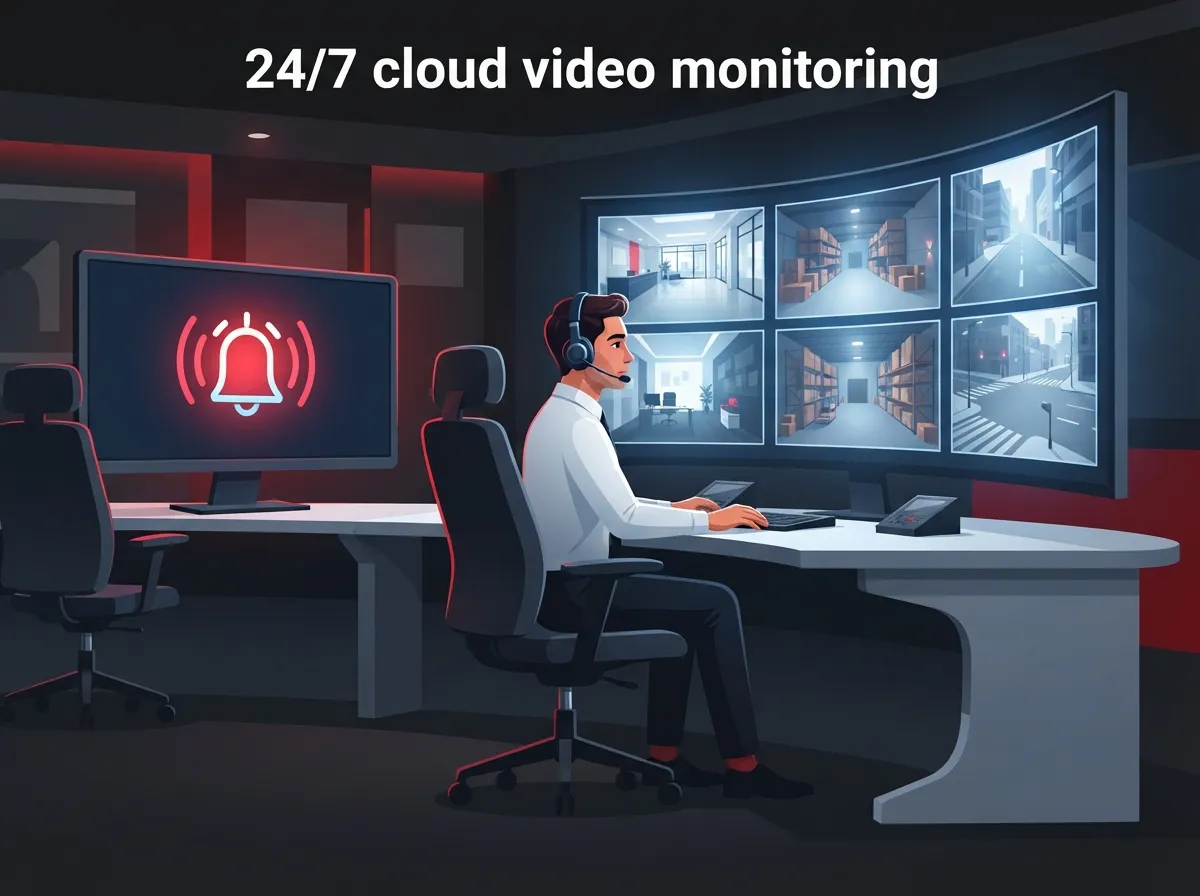
Mistake #1: Assuming Automated Alerts Mean the Same Thing as a Live Monitoring Team
This is probably the most common mix-up we see. Many business owners think their cloud camera system includes someone actively watching for trouble. In reality, most systems only send automated push notifications when motion is detected.
That’s a big difference. A professionally monitored service has trained people who review the alert, confirm it’s a real threat, and contact the right responders based on a documented plan. Without that human layer, you might get a 2 a.m. notification about a raccoon and sleep right through an actual break-in because the alert got buried in your notifications.
Before signing up for any 24/7 cloud video monitoring plan, ask these questions:
- Does this plan include human review of alerts, or only automated notifications?
- Who gets contacted if something suspicious happens, and how fast?
- Is there a documented escalation plan for different types of alerts?
- Can I customize which events trigger a call versus just a text or app alert?
Getting clear answers upfront saves you from a false sense of security. If you want to understand how these systems really work day-to-day, check out our guide on what security cameras really do for your business.
Mistake #2: Skimping on Bandwidth and Backup Connectivity
Cloud cameras need a steady stream of internet to send footage up to the cloud. If your connection is weak or unreliable, you’ll end up with choppy video, missed alerts, or gaps in your recording history. This is one reason business internet quality matters just as much as the cameras themselves.
Here’s a quick breakdown of what businesses commonly overlook when planning bandwidth:
| Requirement | Why It Matters |
|---|---|
| Upstream bandwidth | Cameras upload footage constantly; low upload speed causes lag or dropped frames |
| Cellular failover | Keeps cameras recording even if your main internet connection goes down |
| Network segmentation | Separates camera traffic from regular office traffic to avoid slowdowns |
| Edge recording | Cameras store a short buffer locally in case of a brief outage |
If your current internet setup can’t handle the load, it might be time for an upgrade. Our team can help you figure out exactly what speed and setup you need — take a look at our tips on high-speed internet for business or learn how to choose the right internet speed for your specific location. And if your cameras keep freezing or lagging, it’s worth reading up on how to keep cameras working during internet outages.
Solid, dependable connectivity from a trusted Internet Service Provider is really the backbone of any cloud monitoring setup. Skip this step, and even the best cameras in the world won’t perform the way you need them to.
Mistake #3: Ignoring Cybersecurity and Access Controls
Cloud cameras are connected devices, which means they can be a target for hackers if they’re not set up correctly. Too many businesses plug in cameras, connect them to Wi-Fi, and never think about security again. That’s a risky move.
Here are the security basics every business should have in place:
- Encryption for footage both while it’s traveling and while it’s stored
- Multifactor authentication for anyone logging into the camera system
- Role-based permissions so employees only see what they need to see
- Audit logs that track who viewed or exported footage
- Regular firmware updates to patch security holes
- A clear process for disabling access if a device or account is compromised
These aren’t optional extras. They’re basic hygiene for any connected device on your network. If you’re also running cloud-based access control alongside your cameras, make sure both systems follow the same security standards. Weak links anywhere in your network can put your whole operation at risk.
Privacy rules matter too. Depending on your location and industry, you may need to post visitor notices, limit audio recording, or set clear retention limits. Businesses handling customer or employee footage should document these policies clearly, especially if minors or biometric data are involved.
Mistake #4: Choosing a Provider Without a Clear Service-Level Agreement
This mistake trips up more businesses than you’d think. It’s easy to get excited about camera features and forget to ask the boring but important questions about service guarantees. Before you sign anything, make sure your provider spells out these details in writing:
- How long footage will be retained (30 days? 90 days? Longer?)
- Camera resolution, frame rate, and low-light performance specs
- What happens to data if you cancel or switch providers
- Export formats and how easy it is to pull footage for an investigation
- Support for multiple sites and multiple user permission levels
- Response times if a camera goes offline or malfunctions
A vague contract with no clear commitments leaves you exposed. If a camera goes down and nobody notices for two weeks, that’s a real problem. Make sure your agreement includes uptime expectations and a clear process for reporting issues.
This is exactly why working with a single, experienced telecom partner matters so much. Instead of juggling separate contracts for internet, cameras, and networking, a company like Ideal Solutions Provider can bundle everything and hold every vendor accountable on your behalf. We’ve spent over 24 years building relationships with 35+ vetted suppliers, so we know which providers actually deliver on their promises.
How Cloud Monitoring Fits Into Your Bigger Telecom Picture
Cameras don’t operate in a vacuum. The best setups integrate with your other business systems, creating one connected ecosystem instead of a pile of separate tools. Common integrations include:
- Access control systems, so you can verify who opened a door and see it on video
- Intrusion alarms, for instant visual confirmation of an alert
- VoIP and unified communications, so staff can be notified quickly
- Point-of-sale systems, useful for retail loss prevention
- Building management systems, for broader operational oversight
ONVIF compatibility can help different brands of equipment talk to each other, but always confirm which specific features are supported before you commit. If your structured cabling and network infrastructure aren’t ready to support these integrations, cameras alone won’t deliver the full benefit. A proper foundation of structured cabling makes sure every device on your network, from phones to cameras to access control panels, communicates smoothly and reliably.
Why Cost Estimates Vary So Much
You may notice big differences in market reports and pricing claims when researching cloud video monitoring. That’s normal. One report from WiseGuyReports estimated the market at $7.93 billion in 2024, growing to roughly $20 billion by 2035. Another from MarketIntelo claims cloud surveillance can cut total cost of ownership by 30% to 50% over five years compared to some on-premises systems. Actual savings depend heavily on camera count, storage needs, bandwidth, and whether you need live monitoring staff.
The takeaway? Always ask for a real quote based on your specific business, not a generic industry average. Every location is different, and the right setup for a five-camera retail shop looks nothing like what a ten-location franchise operation needs.
Ready to Set Up Cloud Video Monitoring the Right Way?
Cloud video monitoring can genuinely transform how you protect your business, your staff, and your customers. But only if it’s set up correctly from day one. Skipping the details around live monitoring, bandwidth, cybersecurity, and service agreements can leave you paying for a system that doesn’t actually deliver when you need it most.
Our team at Ideal Solutions Provider has spent over 24 years helping Tampa businesses and companies nationwide avoid these exact pitfalls. We compare options across 35+ vetted suppliers so you get a setup built around your actual needs, not a one-size-fits-all package. If you’re ready to talk through your options, reach out to our team for a free consultation, or give us a call to get started today. You can also follow along with helpful tips and behind-the-scenes updates on our Facebook, Instagram, and YouTube pages.
FAQs
Q: Does 24/7 cloud video monitoring include a live person watching my cameras?
A: Not always! Many plans only send automated alerts based on motion detection. If you want a real person reviewing events and contacting responders, make sure to ask specifically for professional monitoring with human verification, not just app notifications.
Q: How much internet bandwidth do I need for cloud cameras?
A: It depends on your camera count, resolution, and frame rate, but most businesses need reliable upload speeds along with a cellular backup option. We’re happy to review your setup and recommend the right bandwidth for your specific business.
Q: What happens to my footage if the internet goes down?
A: Good cloud camera systems include edge recording, which stores a short buffer locally on the camera. Once your connection comes back, that footage uploads to the cloud automatically, so you don’t lose those critical moments.
Q: How long should my business keep surveillance footage?
A: Retention periods vary by industry and location, but many businesses keep footage for 30 to 90 days. Some industries with compliance requirements need longer retention, so it’s worth checking your specific regulations before finalizing your plan.
Q: Can cloud cameras work with my existing phone system and access control?
A: Yes, in most cases! Cloud video platforms often integrate with VoIP systems, access control, and alarm systems, creating one connected security ecosystem. We can help make sure everything talks to each other smoothly.





