

Key Takeaways
-
Cloud cameras enable remote access from any device with internet, eliminating the need to physically access on-site DVR systems and allowing real-time monitoring from anywhere globally.
-
Modern cloud cameras include edge recording that automatically saves footage locally during internet outages and uploads once connection returns, eliminating gaps in security coverage.
-
Bandwidth planning is critical before deployment; calculate expected upload traffic per camera based on resolution and frame rate, and test upstream speed during business hours to prevent network slowdowns.
-
Implement security best practices including unique credentials per user, multifactor authentication, role-based access, encrypted video storage, and network segmentation to protect cloud camera systems.
-
Cloud systems offer centralized multi-location management through a single dashboard, making them ideal for franchise operators and growing enterprises managing multiple sites simultaneously.
-
Global cloud video surveillance market is projected to grow from $5.7-22.6 billion in 2025 to $15-63.7 billion by 2035, reflecting rapid business adoption and industry momentum.
If you have ever squinted at grainy DVR footage trying to figure out who bumped your delivery van, you already know the pain. Old-school security systems can feel like a locked filing cabinet from the 1990s. Cloud enabled security cameras change that story completely. They let you check on your Tampa office, warehouse, or storefront from your phone while sipping coffee anywhere in the world. Pretty great, right?
In this article, we will walk through how cloud enabled security cameras stack up against traditional DVR and NVR setups. We will keep things simple, friendly, and packed with real answers. Whether you run a small shop, manage IT for a growing company, or oversee several franchise locations, this guide is for you. By the end, you will know exactly which option fits your business best, and how a trusted telecom partner like Ideal Solutions Provider can help you get there without the headache.
What Are Cloud Enabled Security Cameras, Anyway?
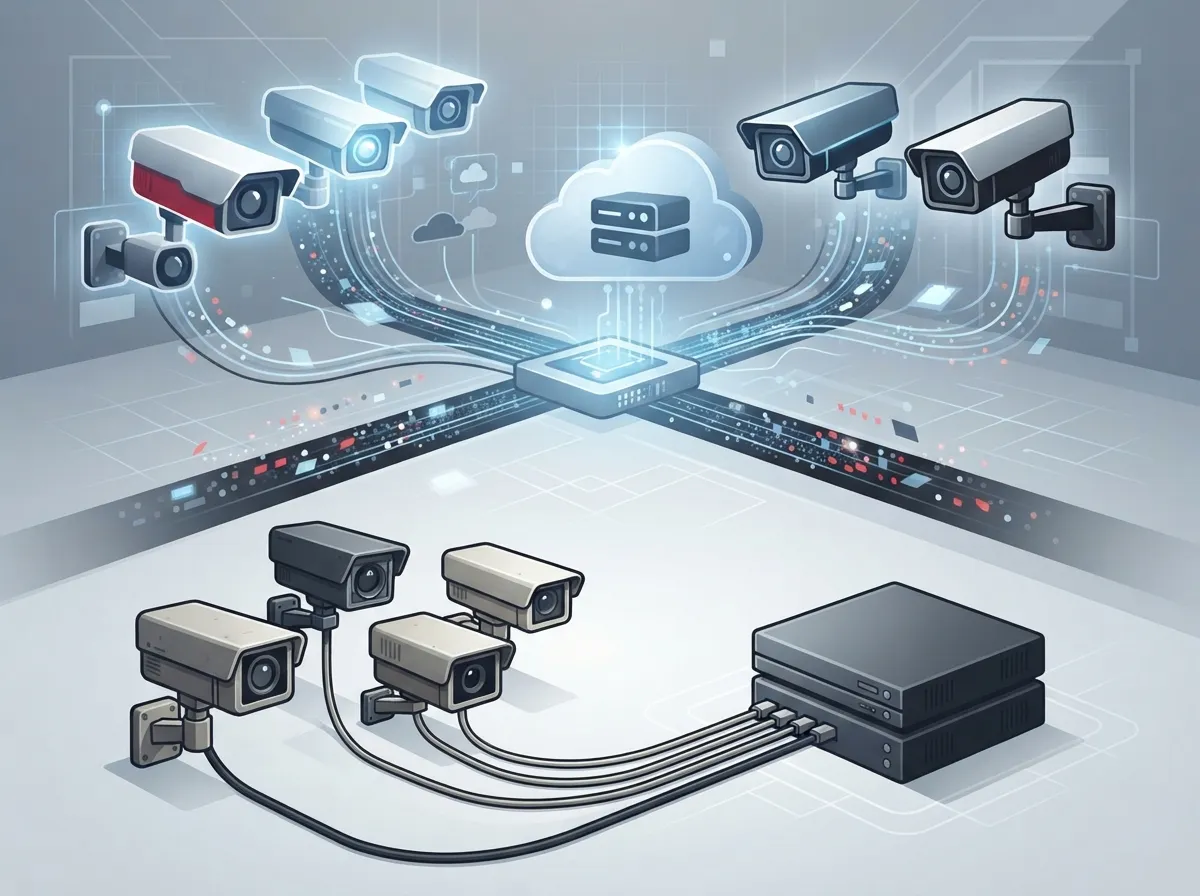
Cloud enabled security cameras are internet-connected cameras that send video straight to a secure online platform. Instead of relying only on a box sitting in a closet, your footage lives in the cloud. You can pull it up through a web browser, an app, or your laptop, wherever you happen to be.
For businesses that already rely on security cameras for daily operations, this is a natural next step. Think of it like moving from a flip phone to a smartphone. Same basic idea, but way more useful features packed in.
How the Technology Works
Cameras capture video and send it over your business network. From there, it travels to cloud servers where it is stored and processed. Many systems also keep a little backup footage on the camera itself, just in case your internet hiccups.
- Live viewing from any device with internet access
- Automatic software updates handled by the provider
- Motion, person, and vehicle detection alerts
- Simple search tools to find footage by time or event
- Easy integration with access control and alarm systems
Cloud Cameras vs. Traditional DVR/NVR Systems: A Side-by-Side Look
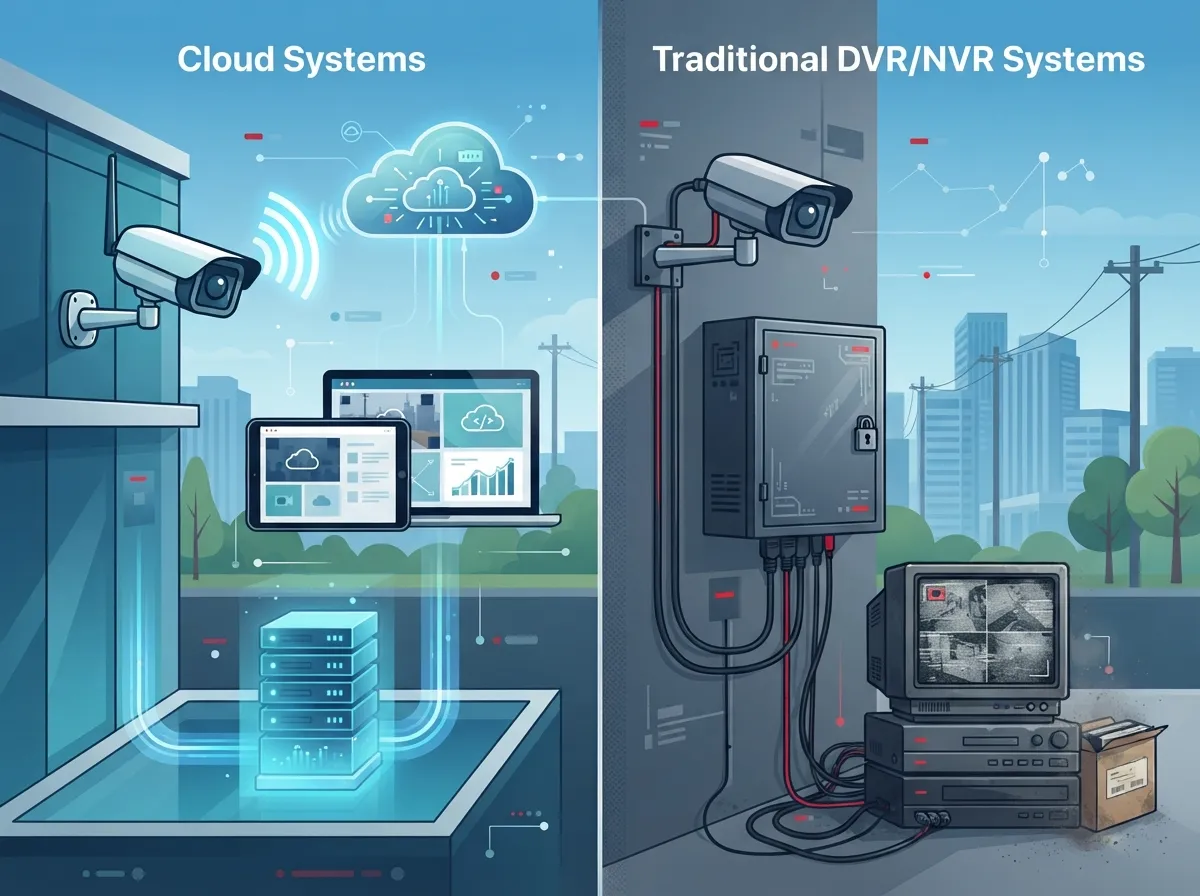
Let’s break down the biggest differences so you can see exactly where each option shines.
| Feature | Cloud Enabled Cameras | Traditional DVR/NVR |
|---|---|---|
| Remote Access | Yes, from anywhere with internet | Limited, often requires VPN setup |
| Storage Location | Hosted cloud platform | On-site hard drive or server |
| Software Updates | Automatic, handled by provider | Manual, often skipped or delayed |
| Multi-Site Management | Centralized, single dashboard | Separate system per location |
| Upfront Hardware Cost | Lower, minimal on-site equipment | Higher, requires local server |
| Ongoing Cost | Monthly subscription fee | Mostly one-time, plus maintenance |
| Internet Dependency | Requires reliable connectivity | Works locally without internet |
| Scalability | Easy to add cameras or locations | More complex, needs new hardware |
Notice a pattern here? Cloud systems win big on convenience and growth, while DVR setups hold an edge in pure offline reliability. The right pick depends on how your business actually operates day to day.
Why Small Business Owners Are Making the Switch
Running a small Tampa business means wearing a dozen hats already. You do not have time to babysit a clunky recording box. Cloud enabled security cameras take that burden off your plate.
Small business owners love these systems because they:
- Skip the cost of buying and housing a local server
- Get instant phone alerts when something looks off
- Check in on the shop during vacation without stress
- Pair easily with existing high-speed internet for business setups
- Avoid hiring extra staff just to manage security footage
Many owners we talk to also bundle cameras with their phone and internet services. It just makes life simpler having one bundled phone and internet service instead of juggling five different bills.
What Mid-Sized Enterprises and IT Managers Should Know
If you manage IT for a growing company, you already juggle enough vendors. Cloud cameras simplify that mess by centralizing management across every location.
Bandwidth and Network Planning
Before rolling out cameras company-wide, think about your network’s health. Every camera adds upload traffic, so bandwidth planning really matters here.
- Run a site survey to map camera locations and network access points
- Calculate expected bandwidth per camera based on resolution and frame rate
- Confirm Power over Ethernet (PoE) availability for wired cameras
- Test upstream speed and latency during business hours
- Plan for cellular failover in case your main connection drops
This is exactly where solid structured cabling services come into play. Good wiring keeps cameras stable and your whole network running smoothly. If your building’s structured cabling is outdated, adding a dozen cameras can slow everything down fast.
Cybersecurity Should Never Be an Afterthought
Cloud video is not automatically safer than local storage. Someone still has to manage passwords, permissions, and updates. The National Institute of Standards and Technology published guidance (NIST SP 800-213) back in 2021 for securing connected devices like cameras. It covers things like secure device identity, safe configuration, and vulnerability management.
Smart security habits for your cloud camera system include:
- Unique login credentials for every user
- Multifactor authentication on all accounts
- Role-based access so staff only see what they need
- Encrypted video, both while traveling and while stored
- Network segmentation to keep cameras separate from other devices
- Regular audit logs to track who viewed what footage
Franchise Operators: Scaling Across Multiple Locations
Running five, ten, or fifty locations brings a unique challenge. You need consistency without losing your mind managing separate systems everywhere.
Cloud enabled security cameras solve this beautifully. One dashboard lets you check every store, every camera, from a single login. No more calling each manager individually to ask what happened last Tuesday night.
Franchise operators often pair cloud cameras with scalable access control systems for multi-location businesses. That combo gives you full visibility over who enters each building and what happens once they are inside. It is a powerful pairing for loss prevention and staff accountability.
Office Managers: Keeping Things Simple and Reliable
As an office manager, you probably do not want to become a part-time IT technician. Cloud systems are built with people like you in mind.
Here is what makes daily life easier:
- Mobile app access means no more digging through complicated menus
- Automatic updates mean you never have to schedule downtime for patches
- Simple sharing tools let you send a clip to your landlord or insurance company in seconds
- Health monitoring alerts tell you immediately if a camera goes offline
And if something ever seems off with your network, a quick call to your telecom expert who gets results can save you hours of frustration.
The Market Is Growing Fast, and Here Is Why
Cloud video surveillance is not just a passing trend. Market researchers at Wise Guy Reports valued the global cloud video surveillance market at roughly $5.7 billion in 2025, with projections reaching about $15 billion by 2035. That is close to a 10% annual growth rate.
Other analysts see similar momentum. Verified Market Reports pegged the market at about $7.5 billion in 2024, forecasting growth to $20 billion by 2033. A broader video surveillance analysis from Global Market Insights estimated cloud deployment alone at $22.6 billion in 2025, climbing toward $63.7 billion by 2035.
These numbers vary because different reports count different things. Some only measure cloud video services. Others include cameras, storage, software, and connectivity together. Either way, one thing is crystal clear: businesses are moving toward the cloud, and fast.
What Happens If the Internet Goes Down?
This is probably the number one worry we hear from business owners. Good news: most modern cloud cameras include edge recording. This means the camera keeps recording locally, even without internet access.
Once your connection comes back, the camera automatically uploads the missed footage to the cloud. No gaps, no lost evidence. Just make sure your provider confirms this feature before you sign up, since not every camera model handles outages the same way.
Choosing the Right Managed Provider
Picking a provider is about more than just camera specs. You want a partner who handles the whole picture, from installation to ongoing support.
Here is a simple checklist to guide your decision:
- Clear ownership rules for hardware, footage, and cloud accounts
- Defined storage duration and retention policies
- Documented process for exporting footage as evidence
- Support responsibilities spelled out in writing
- Bandwidth and network assumptions clearly explained
- A plan for camera replacement and firmware updates
This is exactly the kind of detail work that Ideal Solutions Provider handles daily. With over 24 years of experience and partnerships across 35+ vetted suppliers, they act as a single point of contact rather than another vendor you have to manage yourself. That means less time chasing support tickets and more time running your business.
Privacy and Legal Considerations
Before installing any camera system, take a moment to think through privacy rules. Employment laws, surveillance regulations, and biometric rules can vary by state and industry.
Key questions worth asking include:
- Do you need posted notice for areas under video surveillance?
- Are there restrictions on recording audio along with video?
- Do any cameras cover sensitive areas like restrooms or break rooms?
- Does your industry require specific retention periods for footage?
A quick conversation with your legal counsel, alongside your telecom provider, will keep you covered on all fronts.
Bringing It All Together: Cameras, Networking, and Communication
Cloud enabled security cameras rarely work in isolation. They depend on strong internet, smart networking, and often integrate with your phone system and access control setup. That is the beauty of working with one experienced partner instead of five separate vendors.
Ideal Solutions Provider brings together cloud-based phone systems, high-speed internet, structured cabling, networking, and cloud video security under one roof. That means fewer headaches, faster troubleshooting, and one friendly team who actually knows your setup inside and out.
You can also follow their work and customer stories on Facebook, catch quick tips on Instagram, or watch installation walkthroughs on YouTube. It is a great way to see real projects before committing to your own.
Final Thoughts: Which Option Really Wins?
So, cloud vs. traditional DVR: which one wins? For most modern businesses, cloud enabled security cameras take the crown. They offer easier scaling, remote access, and less on-site hassle. Traditional systems still have a place for businesses with very limited internet or strict offline requirements, but that group keeps shrinking every year.
Whether you are a small shop owner in Tampa or managing IT across a national franchise, the right cloud camera setup can genuinely transform how you protect your business. Pair it with reliable connectivity from a provider like an Internet Service Provider you trust, and you are set up for smooth, worry-free monitoring.
Ready to see what cloud enabled security cameras could look like for your business? Reach out to our team today for a friendly, no-pressure consultation, or simply give us a call to talk through your options. We are here to help you find the setup that actually fits your business, not just a one-size-fits-all package.
FAQs
Q: What are cloud enabled security cameras and how do they work?
A: They are internet-connected cameras that send live and recorded video to a secure cloud platform instead of just a local box. You can check footage from your phone, laptop, or any device with internet access, which makes life so much easier when you are away from the office.
Q: How much internet bandwidth do cloud security cameras need?
A: It really depends on how many cameras you run and their video quality settings. A good rule of thumb is to test your upload speed first, then talk with your provider about a bandwidth plan that keeps everything running smoothly without slowing down your other business systems.
Q: Can cloud cameras keep recording if the internet goes down?
A: Many modern cloud cameras include edge recording, which saves footage locally during an outage. Once your connection returns, that footage uploads automatically to the cloud, so you will not lose those important moments.
Q: Are cloud security cameras secure enough for business use?
A: Yes, as long as you follow smart security habits like strong passwords, multifactor authentication, and encrypted storage. Cloud is not automatically safer than on-site systems, but with the right setup, it can be just as secure, if not more convenient.
Q: How long should a business keep its cloud camera footage?
A: Retention needs vary by industry and local laws, but many businesses keep footage anywhere from 30 to 90 days. It is worth chatting with your provider and legal team to set a retention policy that fits your specific business needs.





