

Key Takeaways
-
Security cameras are not legally required for most businesses, but they become smart investments when you handle cash, have valuable inventory, operate in remote areas, or face specific theft and liability risks.
-
Modern IP-based camera systems require proper network infrastructure including structured cabling, PoE switches, and adequate internet bandwidth (2-8 Mbps per HD camera), so plan with your IT setup before installation.
-
Visible cameras deter 60-70% of burglars and reduce employee theft by roughly 50%, but placement matters—focus on entrances, cash areas, loading docks, and parking lots while avoiding privacy-sensitive zones.
-
Audio recording laws vary significantly by state; disable microphones on cameras unless legally confirmed for your area, and always post signage, set retention policies (30-90 days), and encrypt footage.
-
Cloud storage suits multi-location businesses with remote access needs, while on-premises storage works better for single sites and internet outages; modern systems can integrate with access control and VoIP phones for unified security.
-
Treat networked cameras as cybersecurity assets by changing default credentials immediately, enabling multifactor authentication, isolating cameras on separate VLANs, and keeping firmware updated to prevent hacker access to your broader network.
You’re standing in your office at 6 PM, keys in hand, wondering if you locked everything up right. Sound familiar? If you’ve ever asked yourself “do I need security cameras for my business,” you’re definitely not alone. Small business owners, office managers, and IT teams across Tampa Bay ask this question every single day. And honestly? There’s no one-size-fits-all answer.
The good news is you don’t have to guess. This guide breaks down exactly when cameras make sense, what modern camera systems actually involve (spoiler: it’s more than just hardware), and how to think through the decision like a pro. We’ll also cover the network side of things, because today’s security cameras run on your internet and IT infrastructure, not just a wall outlet. Whether you run a small shop or manage a growing enterprise with multiple locations, this article will help you make a smart, informed choice. Let’s dig in together.

Do You Legally Need Security Cameras for Your Business?
Here’s the short answer: no, most businesses aren’t legally required to install cameras. There’s no federal law forcing every shop, office, or warehouse to have surveillance. That said, some industries and insurance policies do require it, especially banks, pharmacies, and cannabis businesses.
Even without a legal mandate, cameras often make good business sense. Think of them like insurance. You don’t need fire extinguishers by law in every room, but you’d feel silly without one if something went wrong. The same logic applies here.
When Cameras Become a Smart Investment
Cameras tend to pay off when your business faces specific risks. Here are the situations where they matter most:
- You handle cash, valuable inventory, or expensive equipment
- Your location has seen theft, vandalism, or break-ins before
- You have high customer foot traffic and want to reduce liability claims
- Your business operates in a remote or poorly lit area
- Your insurance provider offers discounts for monitored properties
- You manage multiple entrances, loading docks, or storage areas
If none of these apply to your business, you might be fine with simpler solutions like better lighting, locks, or an alarm system. But if even two or three of these hit close to home, cameras deserve a serious look.
What Modern Business Security Cameras Actually Look Like
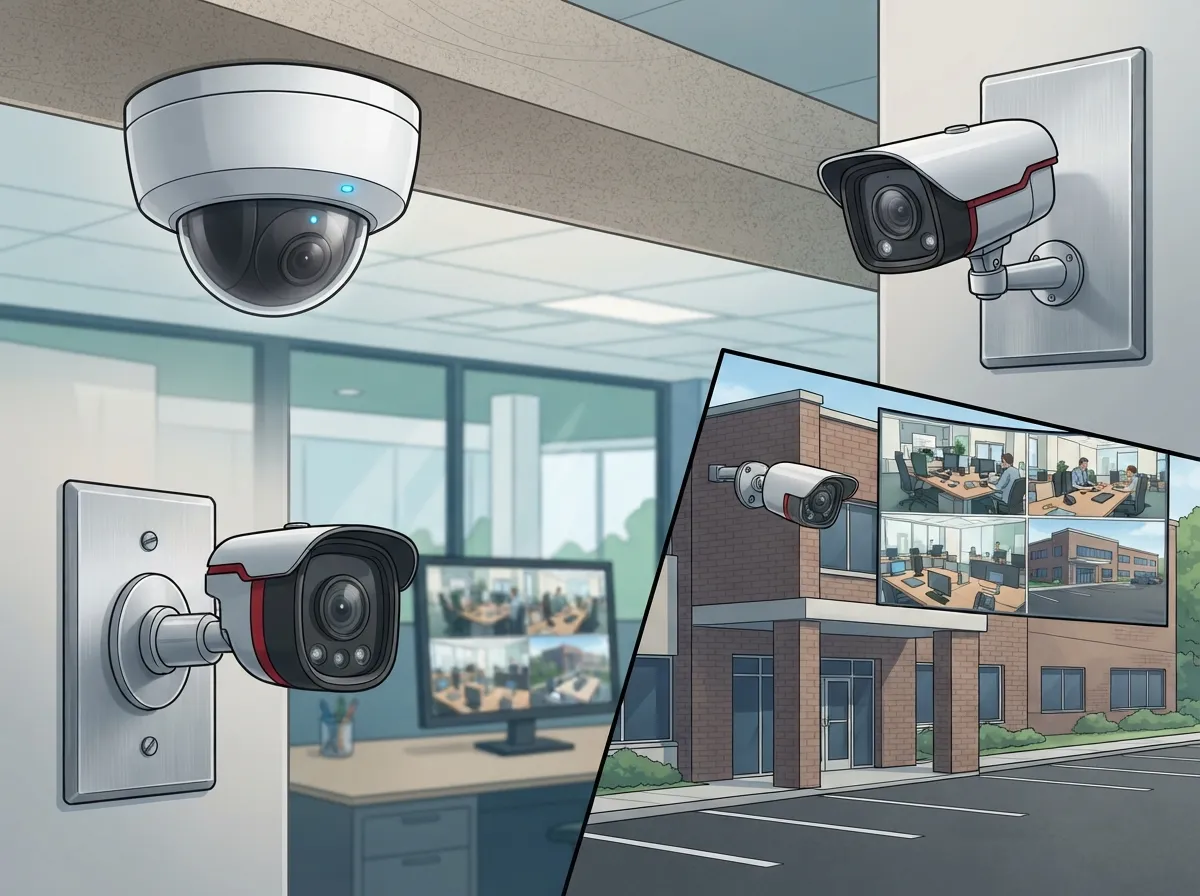
Gone are the days of grainy VHS tapes and clunky recorders. Today’s business camera systems are IP-based, meaning they connect through your network just like your computers and phones do. This is where telecom and IT expertise really matters.
A modern setup typically includes network cameras, switches, cabling or Wi-Fi, video management software, and either cloud or on-site storage. Many businesses now integrate cameras with access control systems, alarms, and even their business phone systems for a more connected security approach.
Key Components You’ll Need
- Network cameras – These capture footage and send it over your network instead of a separate cable to a DVR
- Power over Ethernet (PoE) switches – These deliver power and data through a single cable, simplifying installation
- Structured cabling or reliable Wi-Fi – Your camera system needs strong structured cabling infrastructure to move video data smoothly
- Video management software – This lets you view live feeds, search footage, and manage user access
- Storage – Cloud storage offers remote access and automatic backups, while on-site storage keeps footage local
If your building’s cabling or internet setup isn’t ready for this kind of load, cameras can lag, freeze, or drop footage entirely. That’s why many businesses work with a telecom partner to plan the network side before buying a single camera. Learn more about how structured cabling supports VoIP and security cameras together.
Do Security Cameras Actually Reduce Crime?
Great question, and the data backs it up pretty well. A University of North Carolina study found that roughly 60% to 70% of burglars avoid properties with visible cameras. That’s a strong deterrent effect right there.
A separate UK analysis found a 51% drop in crime at car parks after CCTV was installed. And in Chicago, a cost-benefit study estimated about $4.30 in benefits for every $1 spent on surveillance infrastructure. A 2024 UK retail study even reported roughly a 50% drop in employee theft after visible cameras went up.
Now, these numbers vary depending on lighting, coverage, and how visible the cameras actually are. A hidden camera in a back closet won’t scare anyone off. But a clearly visible camera at your entrance? That sends a message.
| Benefit | How Cameras Help |
|---|---|
| Theft Deterrence | Visible cameras discourage break-ins and shoplifting before they happen |
| Incident Documentation | Footage supports police reports and insurance claims |
| Employee Safety | Cameras help monitor parking lots and entrances after dark |
| Delivery Verification | Confirms packages arrived and were handled correctly |
| Remote Oversight | Owners can check multiple locations from their phone |
Where Should You Actually Place Cameras?
Placement matters just as much as the cameras themselves. You want coverage where it counts, not cameras pointed at empty hallways all day.
High-Priority Areas to Cover
- Front and back entrances
- Cash registers and cash-handling areas
- Loading docks and delivery zones
- Warehouses and storage rooms
- Server rooms and IT closets
- Parking lots, especially in low-light hours
On the flip side, avoid pointing cameras where people expect privacy. That means no cameras in restrooms, locker rooms, or changing areas. It’s not just about being respectful, it’s often required by state privacy laws too.
Curious how many cameras your specific business needs? Check out this breakdown of 10 factors that decide how many security cameras you need.
What About Audio Recording and Privacy Laws?
This is where things get tricky, and honestly, a little legally sticky. Audio recording laws vary a lot from state to state. Some states require consent from everyone in the room before you can record audio. Others only need one party to agree.
The safest approach? Disable microphones on your cameras unless you have a clear business reason and you’ve confirmed it’s legal in your area. Video-only recording carries far less legal risk than audio.
You’ll also want to think through a few other privacy basics:
- Post clear signage letting people know cameras are in use
- Notify employees about monitoring policies in writing
- Limit who can access stored footage
- Set a retention period, like 30 or 90 days, and stick to it
- Encrypt video footage whenever possible
If your business uses facial recognition features, tread carefully. Under the Illinois Biometric Information Privacy Act, violations can carry statutory damages of $1,000 for negligent violations and $5,000 for intentional ones. If you operate internationally, the European Data Protection Board also requires impact assessments for large-scale public monitoring under GDPR. When in doubt, loop in your legal counsel before flipping the switch on facial recognition.
Cloud Storage vs. On-Premises: Which Should You Choose?
This decision shapes how your whole system runs day to day. Let’s break down the differences simply.
| Feature | Cloud Storage | On-Premises Storage |
|---|---|---|
| Remote Access | Yes, from any device | Limited or requires VPN setup |
| Upfront Cost | Lower hardware costs | Higher hardware investment |
| Maintenance | Provider handles updates | Your IT team manages upkeep |
| Scalability | Easy to add cameras or sites | May require new servers |
| Internet Dependency | Requires stable connection | Works even during outages |
For businesses with multiple locations, like franchise operators managing sites across Tampa Bay, cloud-based systems usually win. They let you check every location from one dashboard, no matter where you are. Take a look at the best cloud video security provider options for Tampa businesses if this route interests you.
How Much Internet Bandwidth Do Cameras Really Need?
This question trips up a lot of business owners. Cameras stream video constantly, and that adds up fast if you have several running at once.
A single high-definition camera might use anywhere from 2 to 8 Mbps, depending on resolution and frame rate. Multiply that by 10, 20, or 50 cameras, and suddenly your internet connection needs serious muscle. If your current setup already struggles with video calls or slow uploads, adding cameras will only make things worse.
This is exactly why pairing your camera rollout with a properly sized internet speed plan matters so much. Many businesses upgrade to dedicated fiber internet specifically to support camera systems alongside VoIP phones and everyday operations without slowdowns.
Keeping Your Camera Network Secure from Hackers
Here’s something people often overlook: your cameras are now part of your IT network. That means they need real cybersecurity protection, not just a password you set once and forget.
Steps to Lock Down Your System
- Change default usernames and passwords immediately after installation
- Use strong, unique passwords and enable multifactor authentication
- Keep firmware updated on every camera and recorder
- Put cameras on a separate network or VLAN, away from your main business systems
- Encrypt remote access connections
- Review access logs regularly to catch anything unusual
The National Institute of Standards and Technology includes networked surveillance systems in its cybersecurity guidance for good reason. Cameras that aren’t secured properly can become an easy entry point for hackers looking to access your broader network. Treating your camera system with the same care as your cloud video storage security setup protects your whole business, not just the footage.
Can Cameras Work with Your Phone System and Access Control?
Absolutely, and this is where things get genuinely exciting. Modern cameras can talk to your access control systems, alarms, and even your VoIP phone setup. Imagine getting an alert on your business phone the moment someone enters after hours, complete with a live video snapshot.
This kind of integration reduces the number of separate tools your team has to monitor. Instead of juggling five different apps, everything lives in one dashboard. It’s a huge time-saver for office managers and IT teams juggling multiple responsibilities already.
If you’re exploring this kind of setup, learning about cloud-based access control systems is a great next step. Combined with cameras and a solid phone system, you get a full security ecosystem instead of scattered pieces.
When You Might NOT Need a Full Camera System
Let’s be fair here, cameras aren’t always necessary. If your business checks these boxes, you might be okay without a full setup:
- Your premises are small, well-lit, and easy to monitor visually
- You don’t handle cash or store valuable inventory on-site
- You’ve never experienced theft or safety incidents
- Simple measures like better locks or lighting already solve your concerns
- Your team works remotely with no physical office to protect
In these cases, investing in access control or a basic alarm system might make more sense than a full camera network. It’s all about matching the solution to your actual risk, not buying technology just because it’s available.
How a Telecom Partner Makes This Decision Easier
Here’s the honest truth: choosing, installing, and maintaining a camera system involves a lot of moving parts. Network capacity, cabling, storage decisions, cybersecurity, and integration all need to work together smoothly.
This is exactly the kind of project that benefits from a single point of contact. At Ideal Solutions Provider, we’ve spent over 24 years helping Tampa-based and nationwide businesses design telecom and security setups that actually fit their needs. Our partnerships with 35+ vetted suppliers mean we compare real options instead of pushing one brand. We handle everything from the network cabling to the camera installation to ongoing support, so you’re not stuck coordinating five different vendors.
Whether you’re a small business owner just starting to think about security, or an IT manager overseeing a multi-site rollout, having one trusted partner saves time, money, and headaches. You can see examples of our work and client experiences on our YouTube channel or follow updates on Facebook and Instagram.
Making the Final Call for Your Business
So, do you need security cameras for your business? If you’ve read this far, you probably have a much clearer answer than when you started. Cameras make sense when you face real risks around theft, safety, or liability. They make even more sense when paired with solid network infrastructure, secure storage, and smart integration with your existing phone and access systems.
The key is planning it right from the start. A rushed camera installation on a weak network leads to frustration, lag, and missed footage right when you need it most. A well-planned system, backed by the right high-speed internet service and structured cabling, gives you peace of mind that actually lasts.
Ready to figure out what your business really needs? Our team would love to walk through your specific situation and build a plan that fits your budget and risk level. Contact us today for a free consultation, or feel free to call us to talk through your options directly. We’re here to make this decision simple, not stressful.
FAQs
Q: Do I legally need security cameras for my business?
A: Nope, most businesses aren’t legally required to have cameras. Some industries like banking or cannabis do have specific requirements, but for the average small business, it’s really about weighing your own risks and deciding what makes sense for you.
Q: How long should I keep my business security camera footage?
A: Most businesses keep footage for 30 to 90 days, which gives you enough time to review incidents without storing more than you need. Check if your industry has specific retention rules, and always balance storage costs with how far back you might need to look.
Q: Should I choose cloud-based or on-premises video storage?
A: Cloud storage is a great fit if you want remote access and easier scaling across multiple locations, which is perfect for franchise owners or growing businesses. On-premises storage works well if you want full control and don’t want to rely on internet connectivity for playback.
Q: Can my business record audio along with video?
A: You can, but audio recording laws vary quite a bit by state, so it’s worth checking local rules before enabling microphones. Many businesses stick to video-only recording since it carries much less legal risk and still gets the job done.
Q: How much internet bandwidth do security cameras use?
A: A single HD camera typically uses 2 to 8 Mbps, so multiple cameras can add up fast on your network. If you’re planning a larger system, it’s smart to review your internet speed first so everything runs smoothly without lag or dropped footage.





