
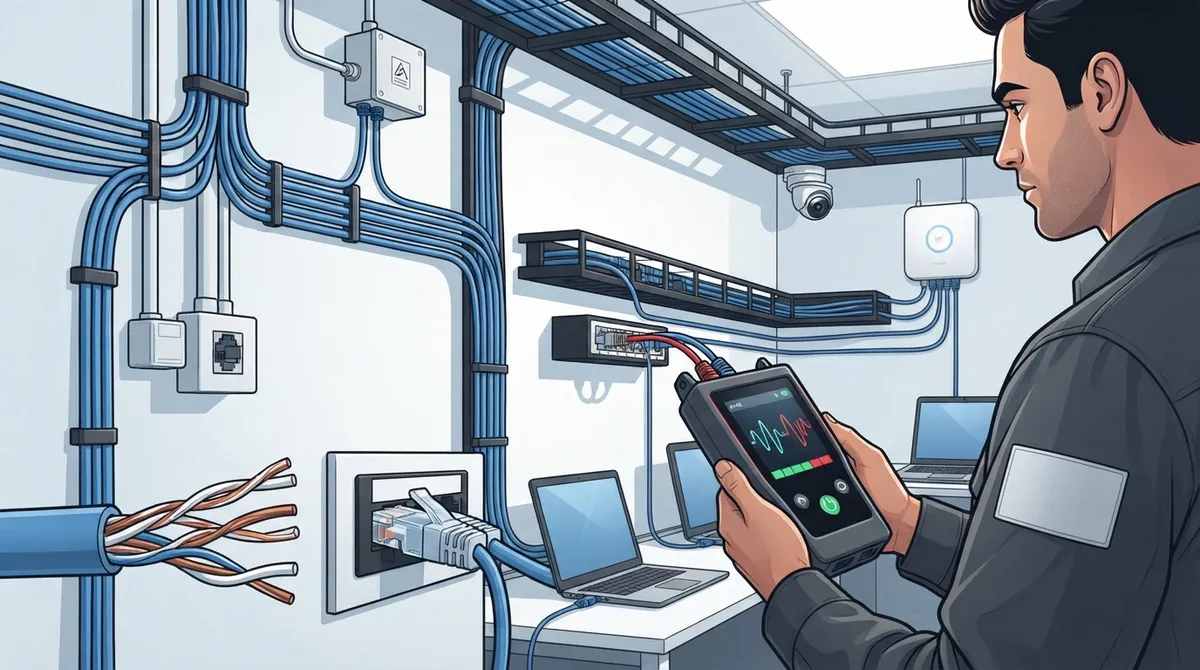
Key Takeaways
-
Cat5e supports Gigabit Ethernet up to 100 meters and handles Power over Ethernet (PoE) including the newest 802.3bt standard delivering up to 90 watts, making it viable for most modern offices with standard networking needs.
-
Cat5e works well for everyday office tasks like email, file sharing, video calls, and wireless access points, but Cat6 or Cat6A should be considered if you're planning growth, adding high-power PoE devices, or need 10-Gigabit speeds.
-
Common installation mistakes like using copper-clad aluminum cable instead of solid copper, ignoring bend-radius limits, and skipping cable testing can severely degrade performance even with quality Cat5e cabling.
-
Professional testing and certification of cable runs is essential to verify compliance with TIA standards, ensure proper labeling, and confirm the network actually performs as designed, especially for critical systems like access control and security cameras.
-
Cat5e remains cost-effective for existing offices where cabling is already in good condition, but new construction projects should strongly consider Cat6A to avoid expensive rewiring within a few years as bandwidth demands increase.
-
Warning signs that your current cabling needs an upgrade include dropped VoIP calls, poor video conferencing quality, weak wireless access point performance, laggy security cameras, and devices not receiving adequate PoE power.
Picking the right cable for your office network sounds boring, right? But trust me, it’s one of those quiet decisions that can make or break your daily workflow. If your phones drop calls, your Wi-Fi lags, or your security cameras freeze up, there’s a good chance the cabling behind your walls is the real culprit. Grab a coffee, and let’s talk through Cat5e cabling for offices versus its bigger sibling, Cat6, so you can make a smart, confident choice for your business.
At Ideal Solutions Provider, we’ve spent over 24 years helping Tampa businesses (and companies nationwide) figure out exactly what their network needs, without the sales pressure or confusing tech talk. This guide is here to do the same for you: friendly, straightforward, and packed with the facts you actually need.
What Is Cat5e Cabling, Anyway?
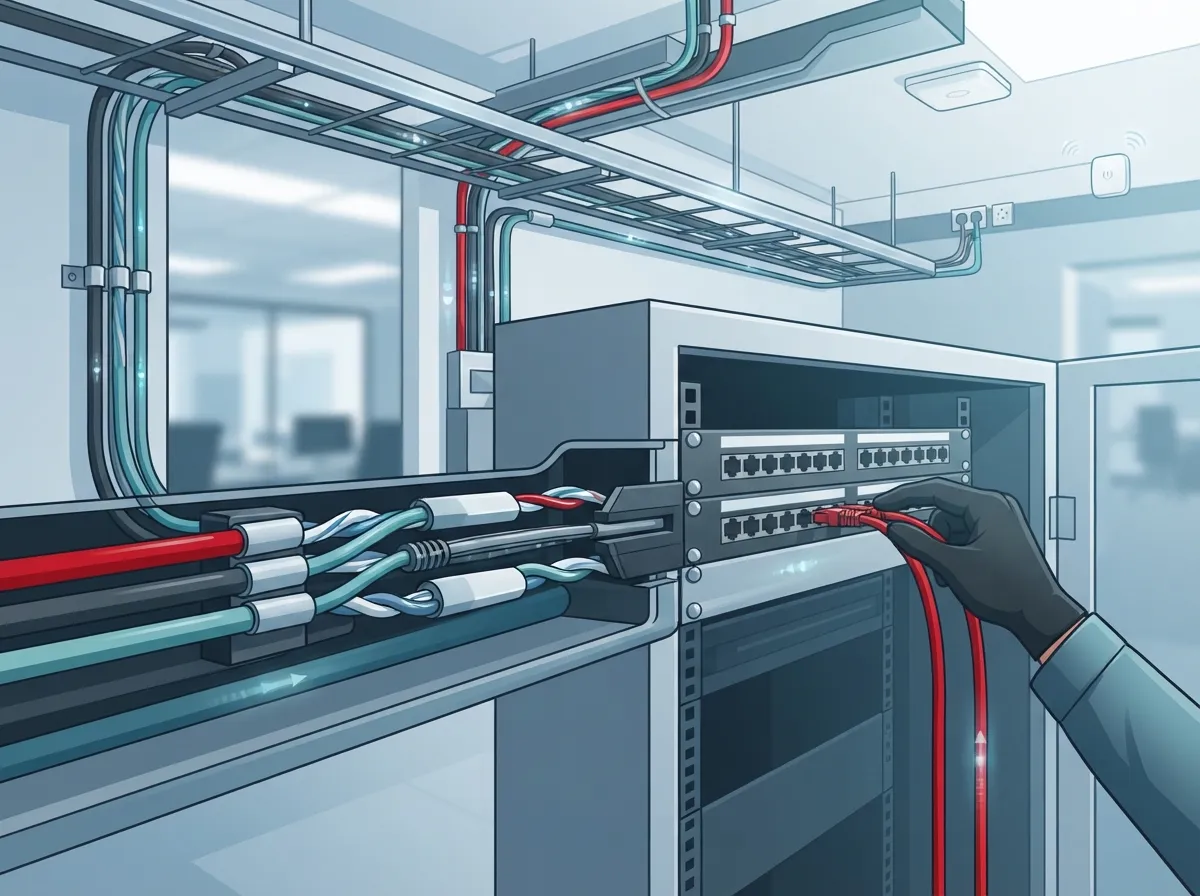
Cat5e stands for “Category 5 enhanced.” It’s a type of copper cable with four twisted pairs inside, and it’s been a workhorse in office buildings for years. It plugs into the same RJ-45 connectors you already know, so it plays nice with older equipment too.
Here’s the good news: Cat5e isn’t outdated junk. It still supports Gigabit Ethernet (that’s 1000BASE-T, if you want the technical name) over a full 100-meter run. That’s about 328 feet, which covers most office layouts without breaking a sweat. Most setups use a 90-meter permanent link plus up to 10 meters of patch cords to hit that 100-meter total.
Where Cat5e Shines
Cat5e cabling works well for:
- Desktop computers and shared office printers
- VoIP desk phones connecting to your cloud-based phone system
- Wireless access points that don’t need extreme bandwidth
- Basic security cameras and access control readers
- Existing offices where the cabling is already in good shape
The bandwidth rating for Cat5e sits at 100 MHz. That’s plenty for everyday office tasks like email, file sharing, video calls, and browsing. If your business isn’t pushing massive data loads, Cat5e might be all you need.
What Is Cat6 Cabling and How Is It Different?
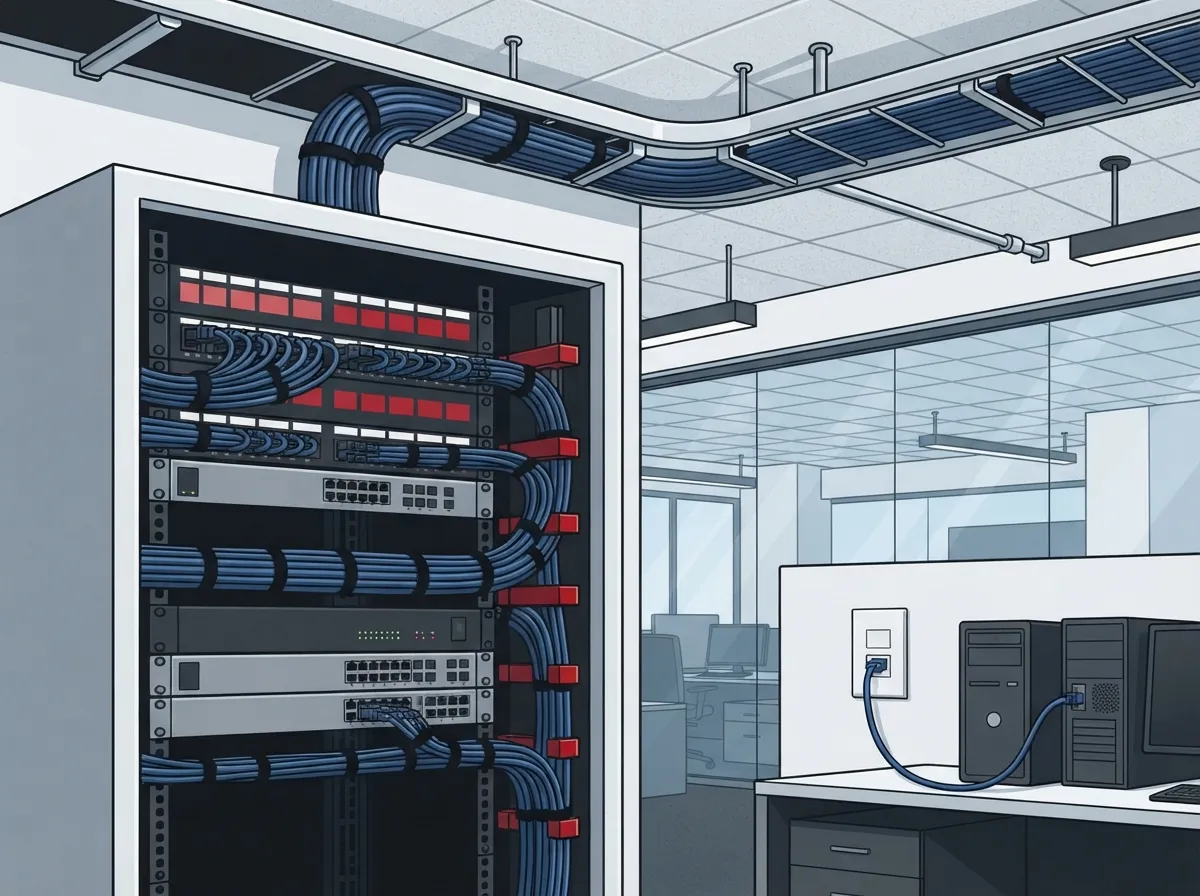
Cat6 cable looks similar to Cat5e, but it’s built with tighter twists and better shielding. This gives it more bandwidth and better performance over longer distances at higher speeds. Cat6 is commonly rated for 10-Gigabit Ethernet up to 55 meters under the right conditions, while Cat6A stretches that same 10-Gigabit speed all the way to 100 meters.
Think of it like this: Cat5e is a reliable sedan that gets you where you need to go. Cat6 is more like a sedan with a bigger engine, ready for heavier loads and faster trips. Neither is “wrong.” It just depends on where you’re driving.
Quick Comparison Table
| Feature | Cat5e | Cat6 | Cat6A |
|---|---|---|---|
| Bandwidth | 100 MHz | 250 MHz | 500 MHz |
| Gigabit Ethernet (100m) | Yes | Yes | Yes |
| 10-Gigabit Ethernet | Not standard at 100m | Up to 55m | Up to 100m |
| Best For | Standard office devices, existing installs | Growing offices, moderate future-proofing | High-density networks, heavy PoE use |
| Initial Cost | Lower | Moderate | Higher |
Can Cat5e Handle Power Over Ethernet (PoE)?
Yes, and this is a big deal for modern offices. PoE lets a single cable carry both data and electrical power, which means you can skip a separate power outlet for things like IP phones, wireless access points, and security cameras.
There are three common PoE standards you’ll run into:
- 802.3af (Type 1): Delivers up to 15.4 watts at the source, with about 12.95 watts actually reaching the device.
- 802.3at (Type 2): Delivers up to 30 watts at the source, with roughly 25.5 watts available at the device.
- 802.3bt (Type 4): The newest standard, delivering up to 90 watts at the source and about 71.3 watts at the device, using all four cable pairs.
Cat5e can carry all three PoE types just fine, as long as the cable is good quality and the run isn’t stretched to its limits. Bundle size, room temperature, and cable length all affect how much power actually makes it to your devices. This matters a lot if you’re setting up a fleet of security cameras or a busy wireless network across a larger office.
7 Steps to Decide Between Cat5e and Cat6 for Your Office
Not sure which one fits your business? Walk through these steps with your team, or better yet, with a telecom partner who can test your setup.
- Check your current speeds. If your office runs fine on 1-Gigabit connections, Cat5e likely still works.
- Count your PoE devices. More cameras, phones, and access points mean more power draw across your cabling.
- Think about growth. Are you planning to add more staff, more devices, or move to higher-bandwidth applications soon?
- Test existing cable. Don’t guess. Have your structured cabling tested and certified to confirm it meets today’s standards.
- Consider your building’s age. Older buildings may have cabling that’s degraded or improperly installed.
- Factor in your budget. Cat5e costs less upfront, but Cat6 or Cat6A may save money later by avoiding a second install.
- Talk to a pro. A quick consultation can save you from costly guesswork.
If you’re building a brand-new office or doing a major renovation, this is the perfect time to weigh Cat5e against Cat6 or Cat6A. For most new construction projects, especially ones expecting 10-Gigabit needs down the road, Cat6A gives you more room to grow.
Common Mistakes Offices Make with Cat5e Cabling
Even good cable can perform poorly if it’s installed wrong. Here are mistakes we see often:
- Using copper-clad aluminum (CCA) cable instead of solid copper, especially with PoE devices
- Ignoring bend-radius limits, which can damage the internal wiring
- Skipping proper labeling on both ends of the cable run
- Exceeding the 100-meter channel limit without realizing it
- Not testing and certifying the cable after installation
- Mixing incompatible components throughout the cable run
Following structured cabling standards matters just as much as picking the right cable category. TIA guidelines and local building codes exist for a reason. Cutting corners here often costs more to fix later than doing it right the first time.
Does Cat5e Still Make Sense for Your Business in 2026?
Honestly? For a lot of offices, yes. If your team uses standard office equipment, IP phones, and Wi-Fi access points that don’t demand huge bandwidth, Cat5e is a solid, budget-friendly option. It’s not the flashy choice, but it gets the job done reliably.
That said, if you’re a growing mid-sized company, a franchise expanding to new locations, or a business planning to lean heavily on cloud video security systems and high-density PoE devices, it might be time to look at Cat6 or Cat6A instead. The extra investment now can save you from tearing out walls again in a few years.
Signs You Might Need an Upgrade
Watch for these warning signs that your current cabling isn’t cutting it anymore:
- Frequent dropped VoIP calls or choppy video conferencing
- Wireless access points that struggle to keep up with demand
- Security cameras that lag or lose connection randomly
- Network slowdowns during busy hours
- Devices that won’t get enough power through PoE
If any of these sound familiar, it’s worth having your structured cabling professionally inspected. Our team has walked into plenty of offices where 9 out of 10 setups were either underperforming, overpaying, or both, and a simple audit uncovered the fix fast.
How Testing and Certification Protect Your Investment
Buying good cable isn’t enough. It needs to be installed and tested correctly to actually perform the way it should. A proper cable tester checks things like signal loss, crosstalk, and overall channel performance against Cat5e or Cat6 standards.
Here’s what a solid certification process typically includes:
- Testing every cable run from end to end
- Confirming the cable meets TIA performance standards
- Checking for proper labeling and documentation
- Verifying compliance with local fire and building codes
- Providing a written report you can keep on file
This step matters even more if you’re relying on cabling for critical systems like cloud-based access control or 24/7 video monitoring. A poorly tested network can lead to security gaps you don’t want to discover the hard way.
Why Working With One Telecom Partner Makes This Easier
Juggling multiple vendors for phones, internet, cabling, and cameras gets exhausting fast. That’s exactly why so many Tampa businesses turn to us at Ideal Solutions Provider. We partner with over 35 vetted suppliers, which means we can compare options honestly instead of pushing one brand because it’s the only one we sell.
Whether you’re a small business owner setting up your first office, an IT manager overseeing multiple locations, or a franchise operator scaling across Tampa Bay, having one point of contact saves time, money, and a whole lot of headaches. We handle everything from the first consultation to installation and ongoing support.
You can also see our work and get more tips by following us on Facebook, checking out project photos on Instagram, or watching real installations on YouTube.
Bringing It All Together
Cat5e cabling for offices remains a genuinely useful option in 2026, especially for businesses with standard networking needs and existing infrastructure that still tests well. But if you’re planning growth, adding high-power PoE devices, or want more bandwidth headroom, Cat6 or Cat6A might be worth the extra investment.
The best move? Don’t guess. Have your network evaluated by people who do this every single day. We’d love to take a look at your current setup, walk you through your options in plain language, and help you build a network that actually fits your business, not just today, but for years to come. Reach out to our team for a free consultation, or give us a call and let’s chat about what’s really happening behind your office walls.
FAQs
Q: Is Cat5e good enough for an office network?
A: For most everyday office tasks, yes! Cat5e handles Gigabit Ethernet just fine over a full 100-meter run. If your team isn’t pushing massive bandwidth needs, it’s a reliable and budget-friendly choice.
Q: What speed does Cat5e support over 100 meters?
A: Cat5e supports Gigabit Ethernet (1000BASE-T) up to 100 meters, which is about 328 feet. That’s usually a 90-meter permanent link plus up to 10 meters of patch cords, and it covers most office layouts comfortably.
Q: Can Cat5e support Gigabit Ethernet and PoE?
A: Absolutely! Cat5e handles both Gigabit Ethernet and Power over Ethernet, including the newer 802.3bt standard delivering up to 90 watts. Just make sure you’re using quality cable, since cheap or damaged cable can limit performance.
Q: Should an office install Cat5e, Cat6, or Cat6A cabling?
A: It really depends on your future plans. If you expect to need 10-Gigabit speeds or lots of high-power PoE devices, Cat6A gives you more room to grow. If your needs are more standard, Cat5e or Cat6 will likely serve you well.
Q: How should Cat5e office cabling be tested and certified?
A: Every cable run should be tested end-to-end with a proper cable tester, checking for signal loss and compliance with TIA standards. It’s also smart to keep documentation and labeling clear, so future troubleshooting is quick and painless.





