
Key Takeaways
-
Cat6 cable can run up to 100 meters (328 feet) total with 90 meters through walls/ceilings and supports 1 Gigabit speeds across the full distance; for 10 Gigabit speeds, limit is around 55 meters.
-
Professional installation includes site survey, material selection, cable routing, termination with consistent wiring standards, labeling, certified testing of every link, and full documentation—skipping steps causes future problems.
-
Cat6 supports Power over Ethernet (PoE), allowing VoIP phones, cameras, and Wi-Fi access points to receive both data and power through one cable, eliminating extra outlets and reducing installation costs.
-
Proper Cat6 installation requires certified field testing of every cable run against official performance standards, not just basic continuity checks; testing reports provide warranty protection and troubleshooting documentation.
-
Common installation mistakes include mixing cable brands/categories, sharp bends that damage wires, running cable near electrical lines causing interference, and skipping plenum-rated cable in ceiling spaces—all create performance issues or code violations.
-
Cat6 costs roughly $200 per drop as a starting point, but varies based on cable run length, plenum-rated requirements, total drops needed, labor accessibility, and testing fees—get itemized quotes upfront to avoid surprises.
Picture this: your VoIP phones keep dropping calls, your Wi-Fi crawls, and your security cameras freeze mid-recording. Before you blame your internet provider, take a look behind your walls. The real problem might be old, tangled cabling that can’t keep up with your business anymore. That’s where cat6 cabling installation comes in, and it’s more important than most business owners realize.
Cat6 cabling is the backbone that connects your computers, phones, cameras, and Wi-Fi access points to your network. Think of it like the plumbing in your building. Nobody notices it until something goes wrong. A properly installed Cat6 system keeps everything running smoothly, quietly, and without drama. Whether you’re a small Tampa shop or a growing company with several offices, this guide walks you through everything you need to know, in plain, friendly language.
What Is Cat6 Cabling and Why Does Your Business Need It?
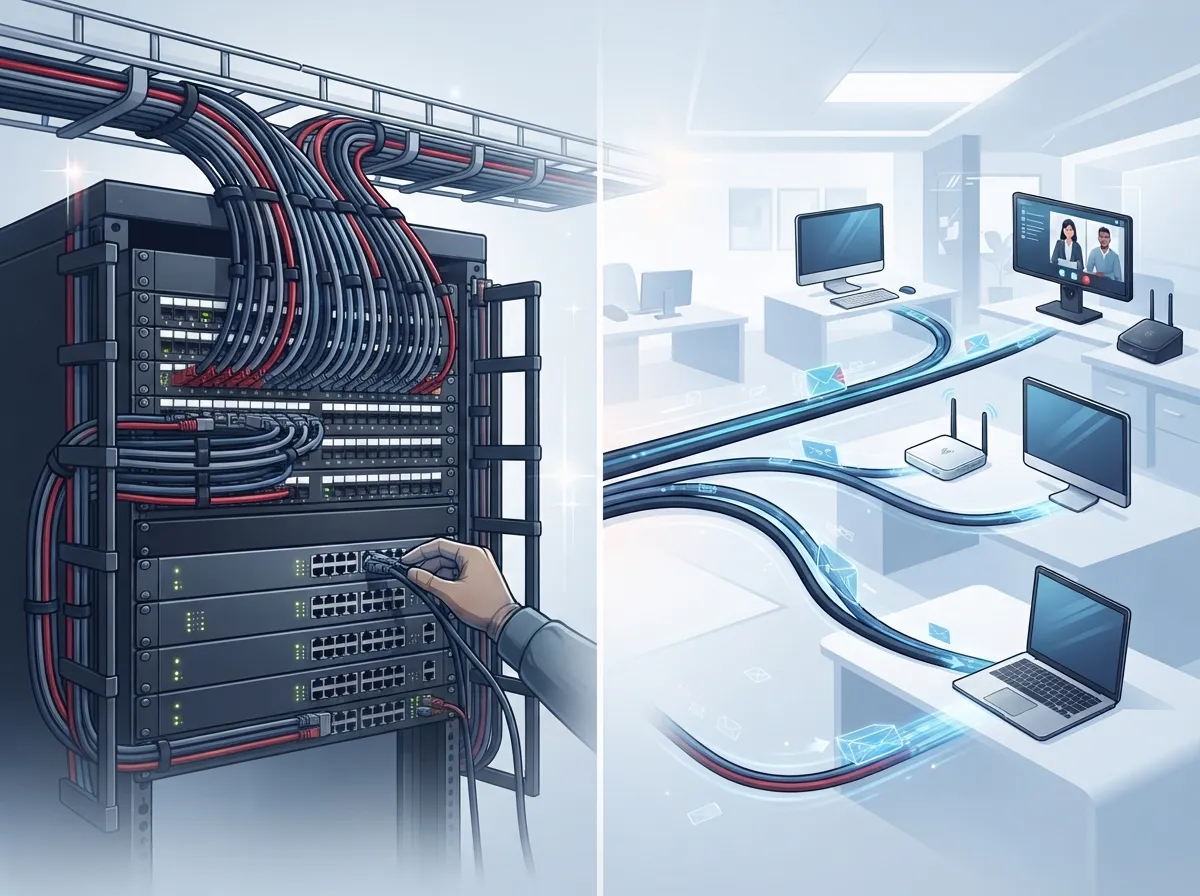
Cat6 stands for Category 6 cable. It’s a type of network wire used to connect devices in your office to your network switches and patch panels. This includes computers, VoIP phones, printers, wireless access points, and security cameras.
Cat6 cable is built to handle a lot of data, up to 250 MHz of bandwidth. In everyday terms, that means it can carry a fast, steady internet signal without hiccups. Most offices use Cat6 to support 1 Gigabit Ethernet speeds, which is plenty for day-to-day business tasks like video calls, cloud apps, and file sharing.
If you’re still running on old wiring, you’re likely missing out on speed and reliability. Many businesses we talk to at Ideal Solutions Provider don’t realize their internet slowdowns come from outdated cabling, not their internet plan. Curious how these two pieces fit together? Check out our guide on high-speed internet for business to see how good cabling and fast internet work as a team.
How Far Can Cat6 Cable Actually Run?
This is one of the most common questions we hear, and it’s a good one. Cat6 cable has distance limits, and knowing them helps you plan your office layout the right way.
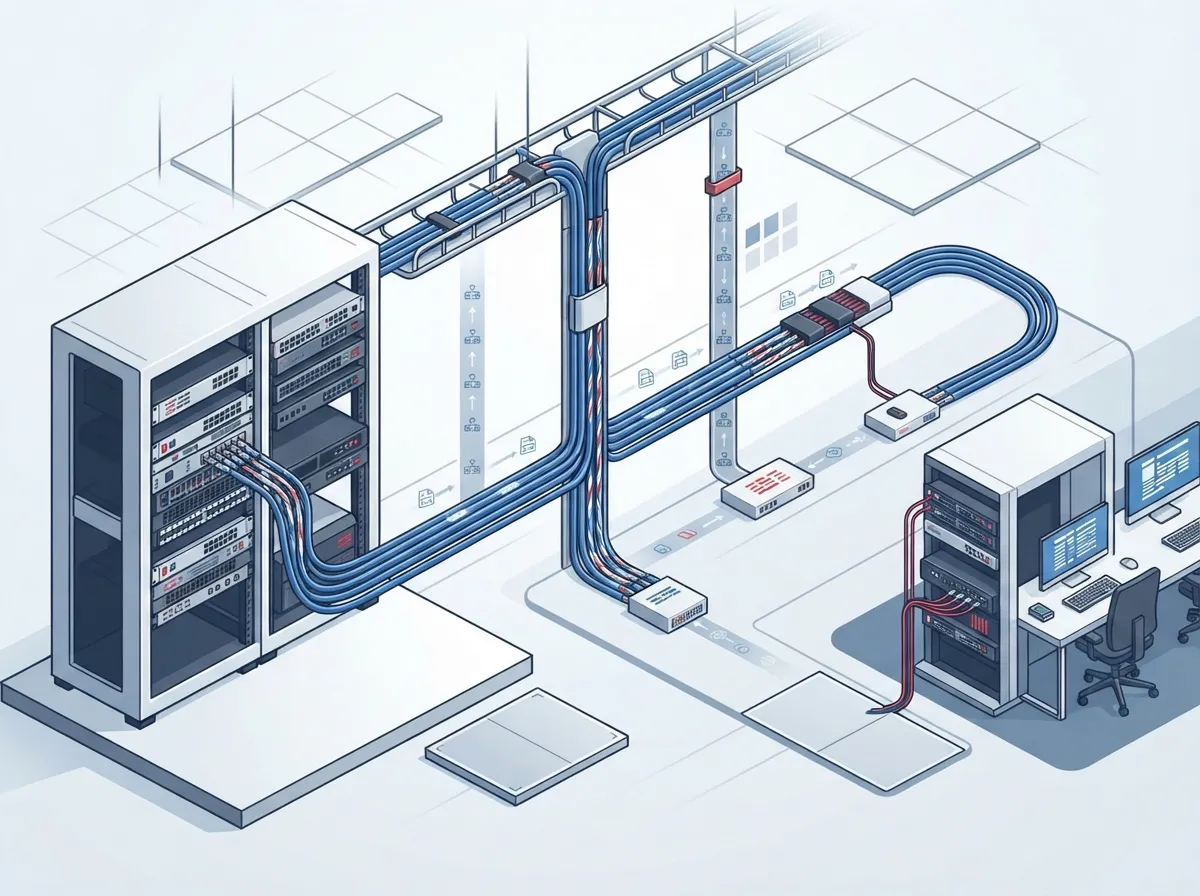
- The total cable run, called a channel, can be up to 100 meters (about 328 feet).
- Most of that distance, usually up to 90 meters, is the fixed cable running through your walls and ceilings.
- The rest is made up of patch cords connecting your equipment on each end.
- Cat6 supports 1 Gigabit Ethernet across the full 100-meter channel with no problem.
- For 10 Gigabit speeds, Cat6 usually only works well up to about 55 meters, depending on conditions.
If your building is large or spread across multiple floors, these distance rules matter a lot. A good installer will map out your building first, then plan cable routes that stay within these limits. This is exactly the kind of planning we walk through in our post on how to plan network cabling installation.
What Does a Professional Cat6 Installation Actually Include?
A proper installation is more than just running wire from point A to point B. Here’s what a quality job looks like, step by step.
Step-by-Step Installation Process
- Site survey and planning: The installer walks your space, maps out where outlets, switches, and equipment will go, and plans the shortest, safest cable routes.
- Choosing the right materials: Cat6 cable, jacks, patch panels, and patch cords should all match. Mixing brands or cable types can hurt performance.
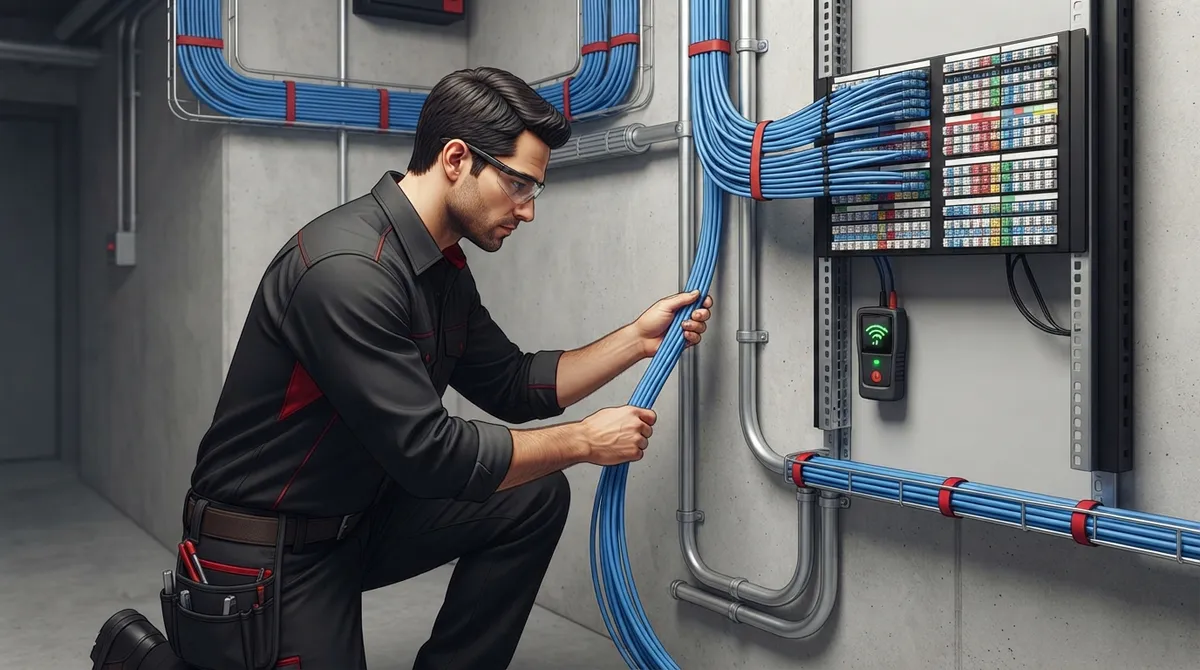
- Running the cable: Technicians pull cable through walls, ceilings, and conduit, being careful not to bend it too sharply or pull it too hard.
- Termination: Each cable end gets connected to a jack or patch panel using a consistent wiring standard, either T568A or T568B.
- Labeling: Every cable and port gets a clear label so future troubleshooting is quick and painless.
- Testing and certification: Every single link gets tested with a certified cable tester to confirm it meets Cat6 standards.
- Documentation: You receive a full report showing test results, cable maps, and labels for your records.
Skipping any of these steps can lead to headaches down the road. That’s why so many businesses turn to a trusted partner instead of trying to handle it in-house. If you’re weighing your options, our article on DIY vs. professional structured cabling breaks down the pros and cons clearly.
Can Cat6 Cable Power Your VoIP Phones and Cameras?
Yes, and this is one of the coolest things about modern cabling. Cat6 can carry both data and electrical power at the same time, through something called Power over Ethernet, or PoE.
This means your VoIP phones, Wi-Fi access points, and security cameras can get power directly through the same cable that carries their network connection. No extra outlets needed. This makes installation cleaner, cheaper, and way more flexible.
That said, PoE does add some things to think about. Bigger cable bundles can generate heat, especially in tight spaces. If you’re running lots of PoE devices, like a full building of cameras and access points, your installer should check things like conductor quality, bundle size, and room temperature. In some cases, Cat6A cable offers more breathing room for these demanding setups. Learn more about how structured cabling supports these devices in our piece on how structured cabling supports VoIP and cameras.
Cat6 vs Cat6A: Which One Should You Choose?
This is a big decision, and it depends on your business needs today and down the road. Here’s a simple breakdown to help you compare.
| Feature | Cat6 | Cat6A |
|---|---|---|
| Bandwidth | Up to 250 MHz | Up to 500 MHz |
| 1 Gb/s Ethernet | Full 100 meters | Full 100 meters |
| 10 Gb/s Ethernet | Up to about 55 meters | Full 100 meters |
| Best for | Standard office networks | High-bandwidth or future-proof setups |
| Cable thickness | Thinner, easier to route | Thicker, needs more space |
| Typical cost | Lower | Higher |
For most everyday offices running phones, computers, and basic Wi-Fi, Cat6 does the job well and saves money. But if you’re planning for heavy data use, lots of PoE devices, or want room to grow into 10 Gigabit speeds, Cat6A might be worth the extra investment. We cover this topic in more depth in our article about differences between Cat5e and Cat6 cabling, which also touches on how Cat6A fits into the picture.
How Is Cat6 Cabling Tested and Certified?
Here’s something a lot of business owners don’t know. Just because a cable is plugged in and “working” doesn’t mean it’s actually performing at Cat6 standards. A simple continuity check only tells you the wires are connected correctly. It doesn’t tell you if the cable can actually handle the speed and distance it’s rated for.
That’s why proper installers use a certified field tester to check every single cable run against official Cat6 performance limits. This test checks things like signal strength, interference, and data loss over the full length of the cable.
Once testing is done, you should receive a report showing pass or fail results for every link, plus documentation you can keep on file. This paperwork is valuable if you ever need warranty support or want to troubleshoot problems later. Skipping certification is one of the most common mistakes we see, and we talk about this and other pitfalls in our post on structured cabling mistakes that hurt your business.
What Does Cat6 Cabling Installation Cost?
Pricing varies quite a bit based on your building, the number of drops you need, and how hard it is to access ceilings and walls. As a rough estimate, some industry sources cite around $200 per Cat6 drop as a general starting point for 2025 and 2026 projects. Your actual cost could be higher or lower depending on:
- How long each cable run needs to be
- Whether you need plenum-rated cable for above-ceiling spaces
- How many drops your office needs in total
- Labor costs and site accessibility
- Testing, certification, and documentation fees
Getting a clear, itemized quote upfront helps you avoid surprises later. A good provider will walk you through pricing before any work begins, so you know exactly what you’re paying for.
Common Mistakes That Hurt Cat6 Installations
Even well-meaning installers can make mistakes that cause problems later. Watch out for these common issues:
- Mixing cable brands or categories: Using Cat5e jacks with Cat6 cable, for example, can drag down performance.
- Bending cable too sharply: This damages the internal wire pairs and hurts signal quality.
- Running cable too close to electrical lines: This can cause interference and signal loss.
- Skipping certification testing: Without proper testing, you won’t know if your cabling actually meets Cat6 standards.
- Poor labeling: This makes future troubleshooting a nightmare for your IT team.
- Ignoring building codes: Plenum-rated cable is required in certain ceiling spaces, and skipping this can create fire code violations.
Working with an experienced structured cabling team helps you avoid all of these headaches. It’s one reason so many businesses choose to work with a single trusted partner instead of juggling multiple vendors. Our article on why one telecom partner beats multiple vendors explains this benefit in more detail.
Signs Your Business Needs New Cat6 Cabling
Not sure if it’s time to upgrade? Here are some clear signs your current cabling setup is holding you back.
- Your internet feels slow even though you’re paying for fast service.
- VoIP calls drop or sound choppy during busy hours.
- Security cameras lag or lose connection randomly.
- You’re adding new equipment but running out of network ports.
- Your building still has old Cat5 or Cat5e cabling from years ago.
- You’re planning an office move or renovation.
- Your IT team can’t figure out which cable goes where.
Sound familiar? You’re definitely not alone. We’ve helped many Tampa businesses spot these exact issues. Take a look at our post on signs your business needs structured cabling for a deeper dive into this topic.
Why Work With a Telecom Partner Instead of Going It Alone?
Cat6 cabling installation touches so many parts of your business, your phones, your internet, your security cameras, and your network gear. Managing all of that yourself, or juggling separate vendors for each piece, can get messy fast.
At Ideal Solutions Provider, we’ve spent over 24 years helping businesses across Tampa and nationwide simplify their telecom setups. We work with more than 35 vetted suppliers, so we can compare options and recommend what actually fits your needs, not just what’s easiest to sell. From structured cabling to VoIP phones to Internet Service Provider selection, we handle it all as your single point of contact.
Good cabling follows established industry standards, like those from the structured cabling guidelines used across the telecom industry. These standards exist to keep your network reliable for years, not just months. You can also follow us on Facebook, check out project photos on Instagram, or watch real installations on our YouTube channel to see our work in action.
Ready to Upgrade Your Network the Right Way?
Cat6 cabling installation isn’t just wiring, it’s the foundation that keeps your phones, internet, and security systems running without a hitch. Whether you’re setting up a new office or fixing years of tangled cable problems, getting it right the first time saves you time, money, and stress.
If you’re ready to see what a properly installed, tested, and certified Cat6 network can do for your business, we’d love to help. Contact us today for a free consultation, or call us to talk through your options with our friendly team. Let’s build a network your business can actually count on.
FAQs
Q: What is Cat6 cabling used for in a business?
A: Cat6 cabling connects your office devices, like computers, VoIP phones, printers, and security cameras, to your network switches and patch panels. It’s the physical backbone that keeps your business communications running smoothly and reliably every single day.
Q: How far can a Cat6 cable run in an office building?
A: A standard Cat6 channel can stretch up to 100 meters, or about 328 feet, including patch cords on both ends. That’s plenty of distance for most offices, though larger buildings may need careful planning to stay within these limits.
Q: Can Cat6 cable support 10 Gigabit internet speeds?
A: Cat6 can handle 10 Gigabit Ethernet, but usually only over shorter runs, around 55 meters or less. If you need full 10 Gigabit speed across your entire building, Cat6A might be a better fit for your setup.
Q: Should my business choose Cat6 or Cat6A cabling?
A: Cat6 works great for most everyday office needs like phones, computers, and standard Wi-Fi. If you’re planning for heavy data use or want extra room to grow, Cat6A offers more bandwidth and better long-term flexibility.
Q: How much does Cat6 cabling installation typically cost?
A: Pricing varies based on building layout and project size, but a rough estimate is around $200 per cable drop. We’re happy to walk you through a clear, no-surprise quote based on your specific space and needs.





