
Key Takeaways
-
Check your internet and local network before buying any gear, since even the best camera cannot fix a weak connection.
-
Give audio top priority: people tolerate blurry video but quickly give up on meetings where remote guests cannot hear clearly.
-
Choose your meeting platform first (Zoom Rooms or Microsoft Teams Rooms) so your equipment matches what your team already uses.
-
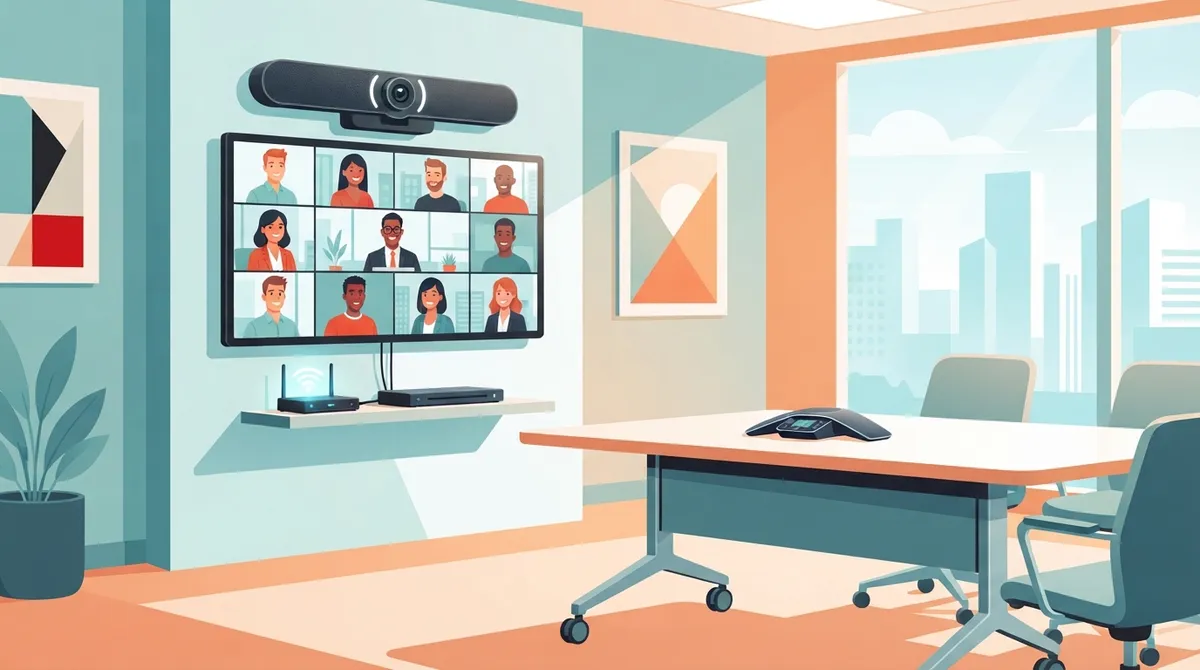
Match equipment to room size: huddle rooms need an all-in-one video bar, while large boardrooms need multiple cameras, extra mics, and room controls.
-
Ask providers for detailed quotes covering recurring license fees, installation, warranty, and support response times, not just the upfront equipment price.
-
Test ease of use by having someone unfamiliar with the room start a meeting; if they can do it in under a minute without help, the setup is working.
Picture this: it’s Monday morning, your big client call is about to start, and the screen freezes. The audio echoes. Someone says, “Can you hear me now?” for the third time. We’ve all been there, and it’s no fun. The good news is that great meetings are very doable with the right setup.
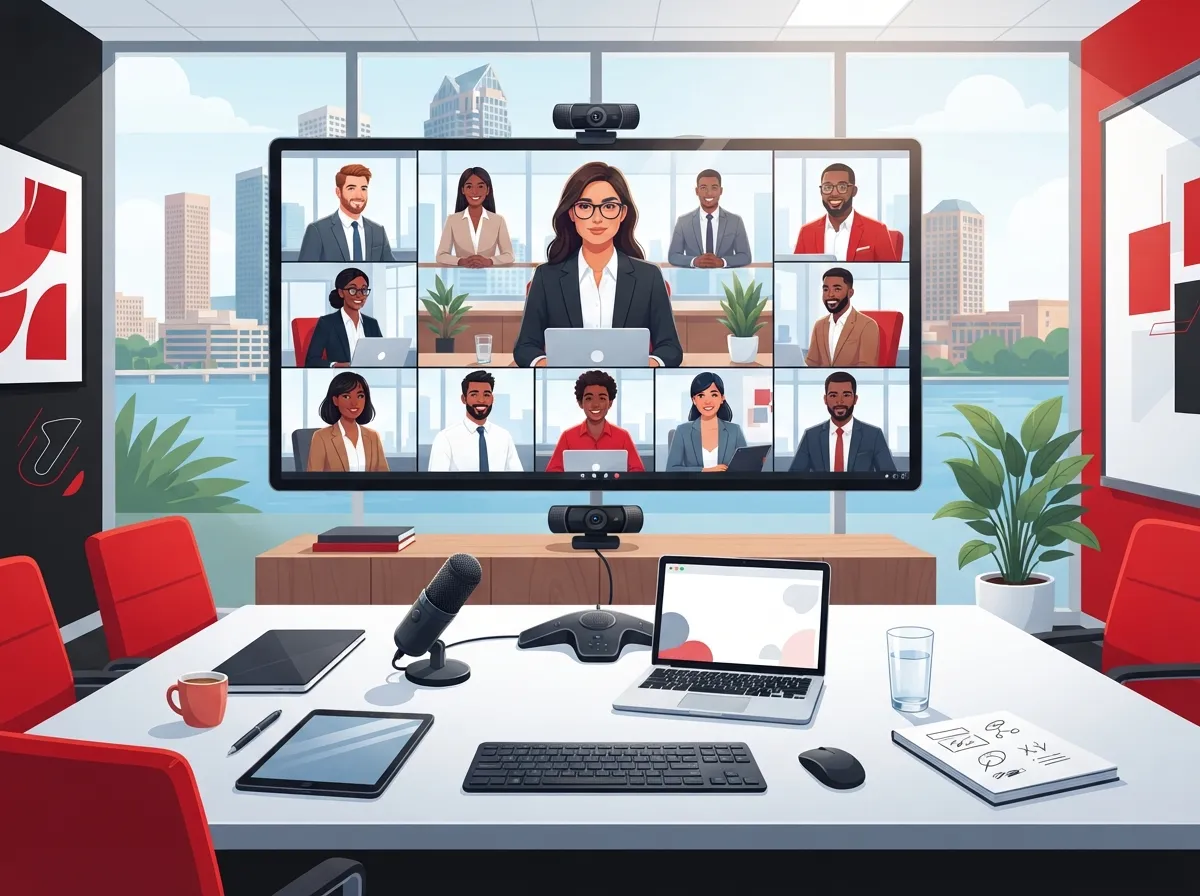
For Tampa businesses, video conferencing Tampa companies rely on is more than a webcam and a login. It’s a full package: software, cameras, microphones, speakers, displays, a solid network, and people who can set it up and support it. When all those pieces work together, meetings feel smooth and natural.
This guide shares 13 practical tips to help you plan, buy, and run a video setup that works. Whether you run a small office, manage IT for a growing company, or oversee several franchise locations, you’ll find simple ideas you can use right away. Let’s dive in!

What Does Video Conferencing Mean for a Tampa Business?
When local businesses talk about video conferencing, they usually mean a complete meeting-room solution. Tampa-area providers describe designs that include cameras, microphones, speakers, displays, room controls, meeting software, network connectivity, installation, and ongoing support.
Many local firms install popular platforms such as Zoom Rooms and Microsoft Teams Rooms. Others combine video with business calling and messaging in a single unified communications package. The right choice depends on how you use your rooms, what you already own, how reliable you need things to be, and your budget.
13 Tips for Getting Video Conferencing Right in Tampa
1. Start With How You Actually Meet
Before you shop, write down how your team uses meetings. Do you hold quick huddles, client presentations, or all-hands training sessions? A small huddle room needs a very different setup than a large boardroom.
Ask a few simple questions:
- How many people usually join in the room?
- How many join remotely?
- Do you share screens, whiteboards, or documents?
- Do you record meetings?
These answers shape every choice that follows.
2. Choose Your Platform First
Your meeting software drives which equipment will work best. Most Tampa businesses pick between Zoom Rooms and Microsoft Teams Rooms, and some use both. If your staff already lives in Microsoft tools every day, Teams may feel natural. If your clients mostly send Zoom links, that platform may make more sense.
Pick the one your people already know. Training is easier when the tool feels familiar.
3. Think of the Room as a System, Not a Gadget
A webcam on a laptop is fine for solo calls. A conference room is a different story. Good room design looks at the whole picture: where people sit, where the camera points, where sound travels, and how the display is placed.
Local AV providers stress room layout, participant framing, and audio coverage as key parts of design. Treat the room like a small studio, and your meetings will look and sound more professional.
4. Give Audio the Most Attention
Here’s a secret many people learn the hard way: people forgive blurry video, but they hate bad audio. If remote guests can’t hear clearly, the meeting falls apart fast.
Plan for strong microphone pickup so everyone is heard, not just the person sitting near the mic. Think about echo, hard walls, glass, and background noise from hallways or air vents. A few small changes, like soft furnishings or better mic placement, can make a big difference.
5. Match Your Equipment to Your Room Size
Bigger rooms need more coverage. Here’s a simple way to think about it:
| Room Type | Typical Setup Needs | Key Focus |
|---|---|---|
| Small huddle room (2-4 people) | All-in-one video bar, single display | Simple, easy to join |
| Medium meeting room (5-10 people) | Wide-angle camera, table or ceiling mics, one or two displays | Clear audio coverage |
| Large boardroom or training space | Multiple cameras, extra mics, speakers, room controls | Framing and sound across the whole room |
Treat this table as a starting point. A site visit from a provider can confirm what your exact space needs.
6. Check Your Internet Before You Buy Anything
Video meetings depend on a steady connection. Even the best camera can’t fix a weak network. Before you spend money on gear, look at your internet service and your local network.
Tampa businesses can choose from dedicated fiber, broadband, shared fiber, and SD-WAN options. What’s available depends on your address and carrier. If your connection feels slow, our guide on why your business internet is slow in Tampa and how to fix it is a helpful place to start. You can also learn how to choose the right internet speed for your Tampa business.
7. Don’t Forget the Wiring Behind the Walls
Cameras, displays, and room controllers all need reliable connections. Messy or outdated cabling can cause dropped signals and flickering video. Wired connections are usually steadier than Wi-Fi for fixed room equipment.
Good structured cabling gives your room a clean, organized backbone. Learn more in our post on cabling tips for video conferencing rooms, or explore our structured cabling services.
8. Plan the Network, Not Just the Internet Line
Your internet line brings video in and out. Your local network moves it around the office. Switches, access points, and traffic settings all matter. If many people stream video at once, a weak network can slow everyone down.
For multi-location teams, tools like SD-WAN can help keep video traffic moving smoothly between sites. See our guide on how to choose SD-WAN solutions for Tampa Bay businesses to learn more.
9. Consider a Unified Communications Approach
Video is often just one piece of the puzzle. Many Tampa providers bundle video meetings with business calling, messaging, and mobile apps. This is often called unified communications, or UCaaS.
The big win? Your team uses one set of tools instead of juggling many. If your phones are due for a refresh, it’s worth looking at both together. Check out our guide to the best cloud-based phone system for Tampa businesses and our cloud based phone systems page.
10. Make Joining a Meeting Dead Simple
The best system is the one people actually use. If staff need ten minutes and a call to IT just to start a meeting, they’ll avoid it. Look for one-touch join features, clear room controls, and simple screen sharing.
Try this quick test: ask someone who has never used the room to start a meeting. If they can do it in under a minute without help, you’re on the right track.
11. Ask About Ongoing Costs, Not Just the Upfront Price
Independently verified local pricing can be hard to find, so it’s smart to ask providers for detailed quotes. Don’t stop at the equipment price. Room systems often come with recurring costs, such as software licenses and support plans.
Here’s a handy checklist to bring to your next conversation:
- What equipment is included, and what’s extra?
- Are there monthly or yearly license fees for the room platform?
- Is installation and setup included in the quote?
- What does the warranty cover, and for how long?
- How fast does support respond when something breaks?
- Are training sessions for staff included?
12. Look for Security and Accessibility Features
Meetings often cover sensitive topics like finances, client details, and strategy. Ask providers about meeting security controls, such as passcodes, waiting rooms, and user permissions. Also check for accessibility features like captions, so everyone can take part.
Security matters for your whole communications setup, not just video. Our guide on how to choose a data security service for business telecom covers more ideas.
13. Pick a Partner Who Handles the Whole Project
Video conferencing touches many areas: internet, cabling, networking, phones, and room equipment. When different vendors handle each part, finger-pointing can happen if something goes wrong. A single partner who coordinates everything saves time and stress.
That’s where Ideal Solutions Provider comes in. With over 24 years of experience and relationships with 35+ vetted suppliers, our Tampa team acts as your single point of contact for consultation, installation, and ongoing support. We’re an independent partner, so we compare options for you instead of pushing one product.
A Simple Step-by-Step Plan for Your Video Setup
Feeling a little overwhelmed? That’s normal! Here’s an easy path to follow:
- Assess your rooms. Note room size, layout, lighting, and noise.
- Check your network. Test your internet and local network readiness.
- Pick your platform. Choose Zoom, Teams, or another tool your team likes.
- Select compatible equipment. Match cameras, mics, and displays to your platform and room.
- Install and configure. Have a pro handle placement, wiring, and settings.
- Train your team. Show everyone how to join, share, and troubleshoot.
- Plan for support. Set up ongoing maintenance and quick help when needed.
How Video Conferencing Fits Different Business Types
Every business uses video a little differently. Here’s how it often plays out:
- Small businesses: Need affordable, easy setups that don’t require a full-time IT person. Our look at how to choose the right phone system for small business pairs well with this.
- Mid-sized companies: Often need several rooms, strong networks, and consistent support across teams.
- Franchise operators: Want the same easy experience at every location, which is why reliable network solutions for multi-location Tampa businesses matter.
- Office managers: Want rooms that just work, with simple controls and fast help.
Common Mistakes to Avoid
A few missteps trip people up again and again. Watch out for these:
- Buying gear before checking your internet and network.
- Ignoring room acoustics and then blaming the microphones.
- Choosing equipment that doesn’t match your meeting platform.
- Skipping staff training and wondering why no one uses the room.
- Forgetting about recurring license and support costs.
Avoiding these keeps your project on time and on budget. For a wider view on telecom decisions, see how to choose business telecom solutions that actually work.
Ready to Make Your Meetings Shine?
Great video meetings don’t happen by accident. They come from smart planning: the right room design, clear audio, a steady network, solid cabling, and support you can count on. Take these 13 tips, adapt them to your space, and you’ll be well on your way to smoother, more productive calls.
If you’d like a friendly hand along the way, we’re here to help. Contact us for a free consultation, or call us at 813-388-4935 to talk through your video conferencing Tampa needs. You can also follow our updates on YouTube for helpful telecom tips. Let’s build a setup your team will love using!
FAQs
Q: What does business video conferencing in Tampa include?
A: It usually covers much more than a webcam. A full setup includes cameras, microphones, speakers, displays, room controls, meeting software, network connectivity, installation, and ongoing support. Tampa providers often design rooms around platforms like Zoom Rooms or Microsoft Teams Rooms.
Q: How much does a business video conferencing system cost in Tampa?
A: Costs vary a lot based on room size, equipment, and software licensing, so it’s best to request detailed quotes from providers. Be sure to ask about recurring license fees, installation, and support so there are no surprises later.
Q: Can a business phone system include video conferencing and messaging?
A: Yes! Many unified communications (UCaaS) providers combine business calling, messaging, mobile apps, and video meetings in one platform. This keeps your team in a single set of tools and can simplify both billing and support.
Q: How do I reduce echo and improve audio in a conference room?
A: Start with good microphone placement so every seat is covered, then tackle hard surfaces like glass and bare walls that bounce sound. Adding soft furnishings and working with a pro on room design can make a big difference in clarity.
Q: What should I look for in a Tampa video conferencing provider?
A: Check platform compatibility, recurring costs, network requirements, warranty, support response times, and security controls. It also helps if the same partner handles installation and ongoing service, so you have one point of contact when you need help.





