
Key Takeaways
-
Ask which phone system integrations are built in versus separately licensed, since CRM, Teams, and other connections may carry extra costs.
-
Choose between hosted VoIP, an on-premises PBX with SIP trunking, or a hybrid based on your existing equipment, control needs, and reliability requirements.
-
Assess your internet capacity before committing, because even the best phone platform will sound choppy on a weak or unreliable connection.
-
Verify 911 compliance early: Kari's Law requires direct dialing without a prefix and notification of a central location, and RAY BAUM'S Act requires dispatchable location.
-
Request a demo using your own CRM, Teams, and devices rather than a generic walkthrough, and get a written quote listing all licenses, devices, and fees.
-
Plan for outages by adding backup connectivity and setting up call forwarding rules in advance, especially for multi-location and remote teams.
Picture this: a customer calls your Tampa office, and your receptionist has to flip through three screens, a sticky note, and an old spreadsheet just to see who they are. Nobody enjoys that moment! The good news is that phone system integration in Tampa can make that scene a thing of the past.
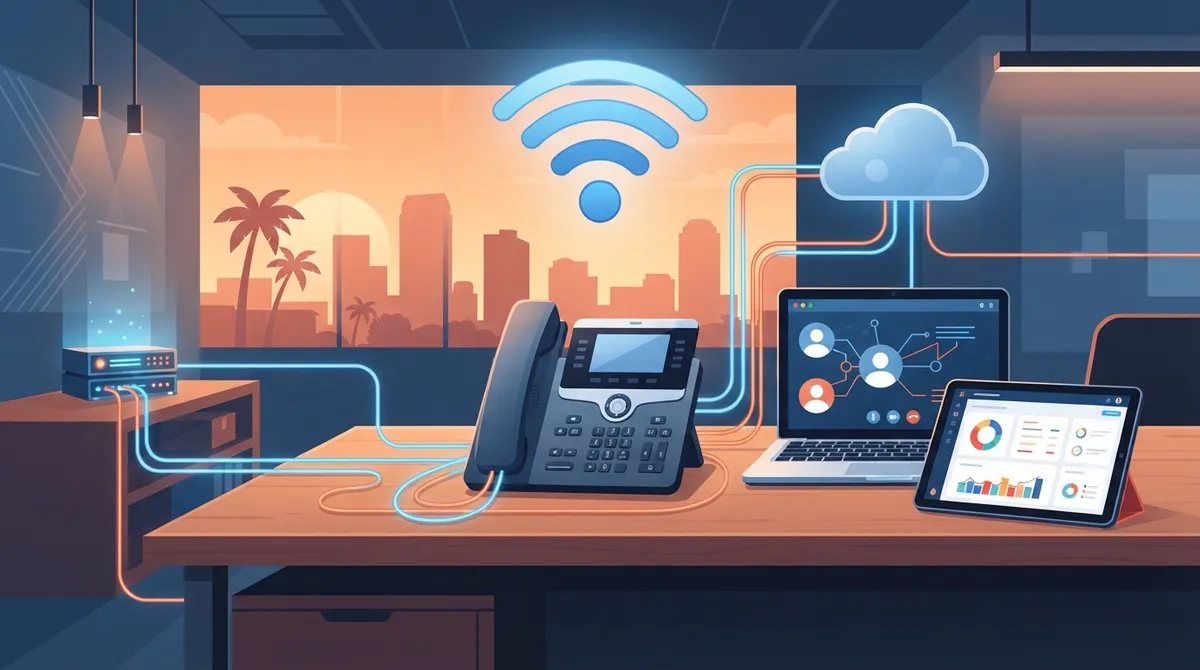
At its heart, phone system integration means connecting your business phones with the other tools you rely on every day. That includes your internet, your office network, your CRM, Microsoft Teams, and even your mobile devices. It is much more than plugging in a few desk phones.
Whether you run a small shop, manage a growing company, or oversee several franchise locations, a well-planned integration can save time, cut frustration, and help your team look sharp on every call. In this guide, we will walk through what integration includes, your main options, the 911 rules you need to know, and how to pick a partner you can trust. Grab a coffee and let’s dive in.

What Does Phone System Integration Actually Mean?
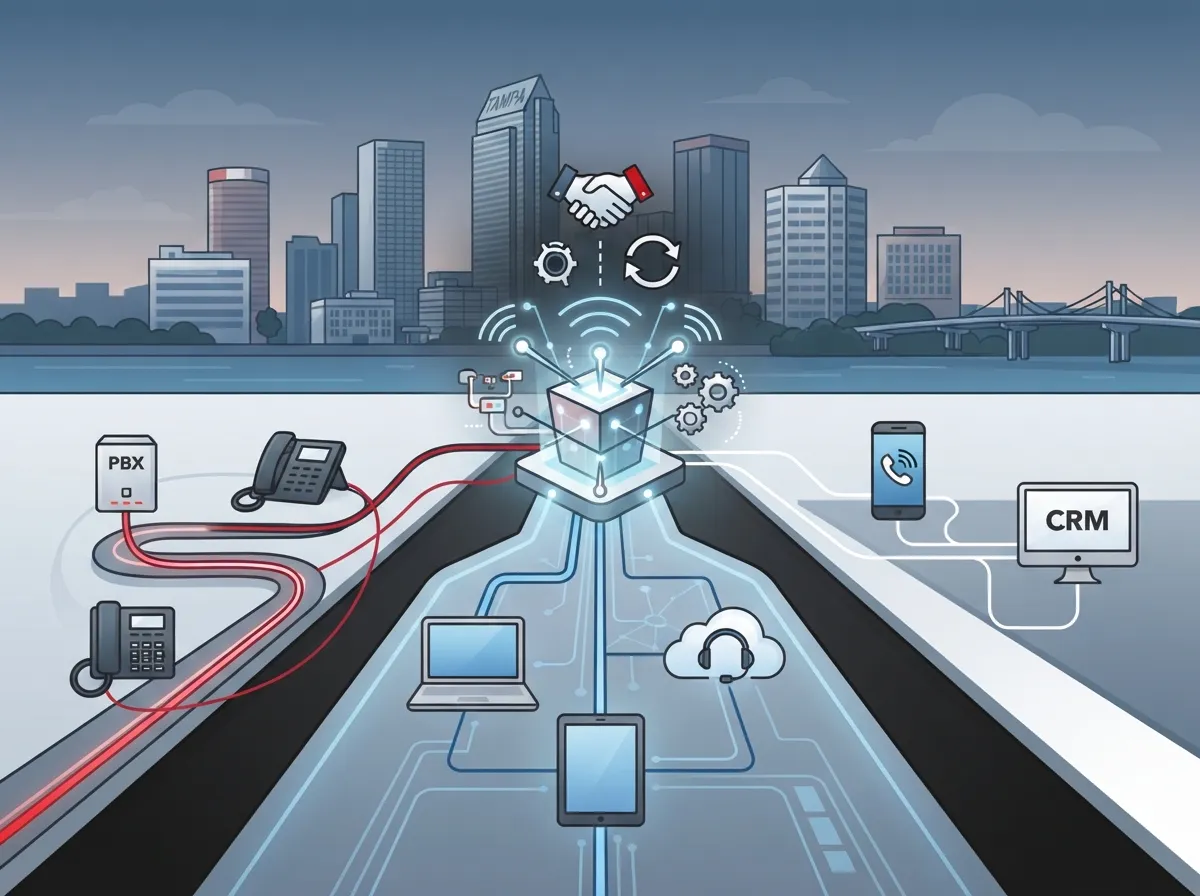
Phone system integration connects your business telephony with the rest of your technology. Think of it as getting all your tools to talk to each other instead of working alone.
A good integration project can include:
- Network connection: Your phones, internet, and office network working together smoothly.
- Business apps: Links to your CRM, Microsoft Teams, and other cloud tools.
- Mobile and remote access: Calls that follow your team to laptops and smartphones.
- Multi-location setup: Shared extensions and directories across offices.
Depending on the platform, these connections can support click-to-call, shared contacts, call logging, voicemail delivery, and coordinated voice, video, and messaging. Just keep one tip in mind: always ask which features are built in and which ones cost extra. Some are separately licensed.
If you are new to the topic, our guide on what a cloud-based phone system is is a friendly place to start.
Which Integration Approach Fits Your Tampa Business?
There is no single right answer here. Most Tampa businesses choose from three common paths. Each one has its own strengths.
| Approach | How It Works | Best For | Watch Out For |
|---|---|---|---|
| Hosted VoIP / UCaaS | Phone service runs in the cloud and is managed by a provider | Growing teams, remote staff, multi-office companies | Needs strong internet and a backup plan |
| On-premises PBX with SIP trunking | You keep your existing PBX and connect it to internet-based phone lines | Companies with recent equipment and custom needs | You still manage and maintain hardware |
| Hybrid | Mixes on-site equipment with cloud features | Businesses moving to the cloud step by step | Can be more complex to design |
The right pick depends on your legacy equipment, how much control you want, who will manage the system, how reliable it must be, and the total cost. That last part is important. Do not judge by the advertised per-user price alone. One Tampa-area provider page lists hosted phone service at $24.95 per user per month, but that is a single provider’s advertised price, not a market benchmark. Always confirm current terms and included features.
For a deeper comparison, see Hosted VoIP vs. Traditional Phone: Which Is Right for You? and 6 Key Differences Between VoIP and Traditional Phone Systems.
When Hosted VoIP Shines
Hosted VoIP is popular because it is flexible. You can add users quickly, connect a Tampa office with one in St. Petersburg or Clearwater, and let employees take calls from their phones or laptops. It is a natural fit for franchise operators who need the same setup across many sites.
When Keeping Your PBX Makes Sense
If you recently invested in a solid PBX, you may not need to rip it out. Connecting it to SIP trunks can modernize your calling while protecting your investment. It also gives you more hands-on control over customization.
How Do Phone Systems Connect With Teams, CRMs, and Mobile Devices?
This is where integration really starts to pay off. Many Tampa-area providers advertise connections with Microsoft Teams, CRM platforms, cloud applications, mobile devices, and standard SIP phones.
In everyday life, that can look like this:
- A customer calls, and their record pops up on your screen automatically.
- Your rep clicks a phone number in the CRM to place a call with one tap.
- The call is logged without anyone typing a single note.
- A voicemail lands in email or Teams so nothing gets missed.
That is a lot of saved clicks! Still, features vary a lot between platforms. Before you commit, ask for a demo that shows your exact tools working together, not a generic walkthrough.
It also helps to avoid common pitfalls. Our article on 7 VoIP Integration Mistakes That Hurt Your Business covers the missteps we see most often.
What Should You Check Before Starting a Project?
A smart phone system integration in Tampa starts with homework, not hardware. Before picking a platform, a good partner will look at several things:
- Internet capacity and quality: Voice calls need steady, reliable bandwidth.
- Existing numbers and equipment: What can be reused, and what needs to go.
- User workflows: How your team actually makes and takes calls.
- Locations: Single office, several offices, or remote workers.
- Security needs: Who can access what, and how data is protected.
- Emergency calling requirements: More on this in a moment.
Internet is the big one. Even the best phone platform will sound choppy on a weak connection. If you are unsure what you need, read What Internet Speed Do I Need for VoIP in Tampa? and Why Is My Business Internet So Slow in Tampa and How Do I Fix It?
Your office wiring matters too. Tidy, certified cabling keeps phones and computers running without hiccups. Learn more about structured cabling and how structured cabling supports VoIP and cameras.
What Are the Steps in a Typical Integration Project?
Every business is different, but most projects follow a familiar path. Here is a simple roadmap:
- Assess: Review your network, equipment, numbers, and goals.
- Choose: Pick hosted, SIP-connected PBX, or hybrid based on your needs.
- Configure: Set up extensions, call routing, integrations, and emergency settings.
- Port numbers: Move your existing phone numbers to the new service.
- Set up devices: Install and test desk phones, apps, and headsets.
- Train: Show your team how to use the new features.
- Support: Keep administering and fine-tuning after go-live.
Want the detailed walk-through? Check out 10 Phone System Setup Steps Every Business Should Follow and How Does Cloud Phone System Installation Work for Tampa Businesses?
A Quick Word on Number Porting
Keeping your existing business number is a big deal. Customers know it, and it is printed on your signs, cards, and website. Number porting takes planning, and timing varies by carrier, so ask your provider about their experience. Our article on how to keep your phone number when switching to VoIP in Tampa explains what to expect.
What Do 911 Rules Mean for Your Phone System?
This part is not the most exciting topic, but it is one of the most important. Federal 911 rules affect how a business phone system is designed and configured.
Two key rules to know:
- Kari’s Law: Covered multi-line telephone systems (MLTS) must allow direct 911 dialing without a prefix, like dialing 9 first. They must also notify a central location when a 911 call is placed. The law’s statutory effective date was February 16, 2020 (FCC).
- RAY BAUM’S Act: Rules address dispatchable location, such as a validated street address plus suite, floor, or other details needed to find the caller. For MLTS, requirements differ for fixed on-premises devices and non-fixed devices, with alternative location provisions when automated dispatchable location is not technically feasible (FCC).
In plain English: when someone calls 911 from your office, responders need to find them fast. A sound integration plan handles this from day one. For official details, see the Kari’s Law and RAY BAUM’S Act guidance on 911.gov, and talk with your provider about how your specific setup is configured.
How Do You Connect Multiple Tampa Bay Offices and Remote Staff?
Cloud systems can tie together offices in Tampa, St. Petersburg, Clearwater, and beyond using shared extensions, directories, and call routing. Remote and mobile users can join the same system, so a call to your main number can ring a laptop at home just as easily as a desk phone.
There is one catch. Call quality and availability depend on good connectivity, plus a plan for internet or power outages. Smart businesses add backup connectivity and set up call forwarding rules in advance. If you run several sites, 11 Reliable Network Solutions for Multi-Location Tampa Businesses and How to Choose SD-WAN Solutions for Tampa Bay Businesses are worth a look.
Choosing the right carrier or Internet Service Provider is part of the puzzle, too. Our guide to business internet service providers in Tampa Florida can help you compare options.
How Do You Choose the Right Tampa Integration Partner?
Provider websites describe their offerings, but marketing claims should always be verified during procurement. Here is a handy checklist to bring to every conversation:
| What to Evaluate | Questions to Ask |
|---|---|
| Local implementation and support | Who installs, and who do I call when something breaks? |
| Number-porting experience | How many ports have you handled, and how do you avoid downtime? |
| Integration compatibility | Will it work with my CRM, Teams, and existing phones? |
| Security and administration | How are users, permissions, and data managed? |
| Service-level commitments | What uptime and response times are in writing? |
| Backup connectivity | What happens during an internet or power outage? |
| Emergency-calling setup | How do you handle Kari’s Law and dispatchable location? |
| Pricing transparency | What is included, and what costs extra? |
One more tip: working with several separate vendors for phones, internet, and cabling can turn into a juggling act. A single point of contact keeps things simpler. Ideal Solutions Provider, a Tampa-based telecom and IT partner with over 24 years of experience, compares options across 35+ vetted suppliers and handles everything from consultation to installation and ongoing support. You can read more in How to Choose a Business VoIP Solutions Provider in Tampa or explore their cloud based phone systems.
What Will It Cost, and How Can You Avoid Surprises?
Pricing depends on users, features, call volume, equipment, and how much integration work is needed. Hosted plans often use a monthly per-user model, while PBX projects may include upfront hardware costs.
To keep costs honest, try these tips:
- Ask for a written quote that lists every license, device, and one-time fee.
- Confirm which integrations are included and which are add-ons.
- Plan for internet upgrades or backup connections if needed.
- Review your current telecom bills for savings before you switch.
For more detail, see How Much Does a VoIP Phone System Cost for a Business in Tampa? and 15 Ways to Reduce Business Telecom Costs in Tampa (2026).
Ready to Connect Your Phones the Smart Way?
Phone system integration in Tampa is really about making your daily work easier. When your phones, network, and business apps work as one team, your staff spends less time hunting for information and more time helping customers. Start with a clear look at your internet, equipment, and goals. Pick the model that fits, whether that is hosted VoIP, a SIP-connected PBX, or a hybrid. And make sure 911 settings are handled right from the start.
You do not have to figure it all out alone. If you would like a friendly, no-pressure review of your current setup, contact us for a free consultation, or call us to talk it through. We would love to help your business sound as great as it is.
FAQs
Q: What does business phone system integration include?
A: It connects your business phones with your network, devices, cloud services, and apps like Microsoft Teams or a CRM. That can include click-to-call, call logging, voicemail delivery, number porting, device setup, testing, and training. The exact features depend on your platform, so always confirm what is included.
Q: Should my Tampa business choose hosted VoIP, an on-premises PBX, or a hybrid system?
A: It depends on your existing equipment, how much control you want, your staffing, and your reliability needs. Hosted VoIP is great for flexibility and multiple locations, while a SIP-connected PBX can protect a recent equipment investment. A hybrid approach lets you move to the cloud at your own pace.
Q: Can one phone system connect multiple Tampa Bay offices and remote employees?
A: Yes! Cloud systems can link offices in Tampa, St. Petersburg, Clearwater, and other areas with shared extensions, directories, and call routing. Remote and mobile users can join too, as long as you have solid internet and a backup plan for outages.
Q: What 911 rules apply to business phone systems?
A: Kari’s Law requires covered multi-line systems to allow direct 911 dialing without a prefix and to notify a central location when a 911 call is made. RAY BAUM’S Act rules address dispatchable location, like a street address plus suite or floor. Ask your provider how your system is set up to meet these rules.
Q: How much does phone system integration cost in Tampa?
A: Costs vary based on the number of users, features, equipment, and integration work. One Tampa-area provider lists hosted service at $24.95 per user per month, but that is a single advertised price, not a market average. Request a written quote that spells out all licenses, devices, and one-time fees.





