
Key Takeaways
-
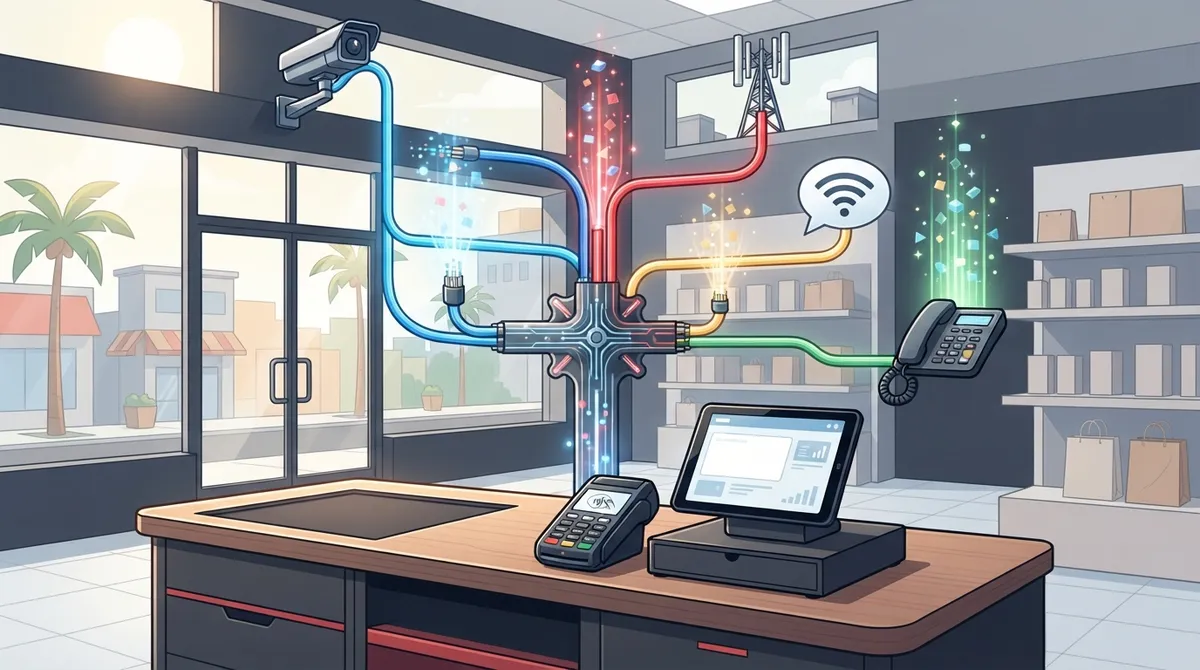
Verify service availability at your exact Tampa storefront address before comparing advertised prices, since options vary block by block.
-
Check upload speeds, not just download, because cloud POS, cameras, and phones all send data out of your store.
-
Separate payment terminals, inventory systems, cameras, guest Wi-Fi, and voice traffic onto different network segments to reduce security risk.
-
Add a backup connection such as cellular or a second provider so payments keep flowing during an internet outage.
Running a retail store in Tampa is a lot like hosting a party. You want guests to walk in, feel welcome, and leave happy. But behind the scenes, your phones, internet, payment terminals, and cameras all have to work together without a hiccup. When one piece fails, the whole party slows down.
That is where the right telecom solution for a retail business in Tampa comes in. Here, “telecom solution” does not mean a shop that sells phones. It means the connected set of services that keep your store running: business internet, phone systems, Wi-Fi, structured cabling, security, and support.
This friendly guide walks through 15 practical solutions and tips. Whether you run one boutique, manage an IT team, or oversee several franchise locations, you will find ideas you can use today. Let’s dive in!
What Does a Telecom Solution Mean for a Tampa Retail Store?
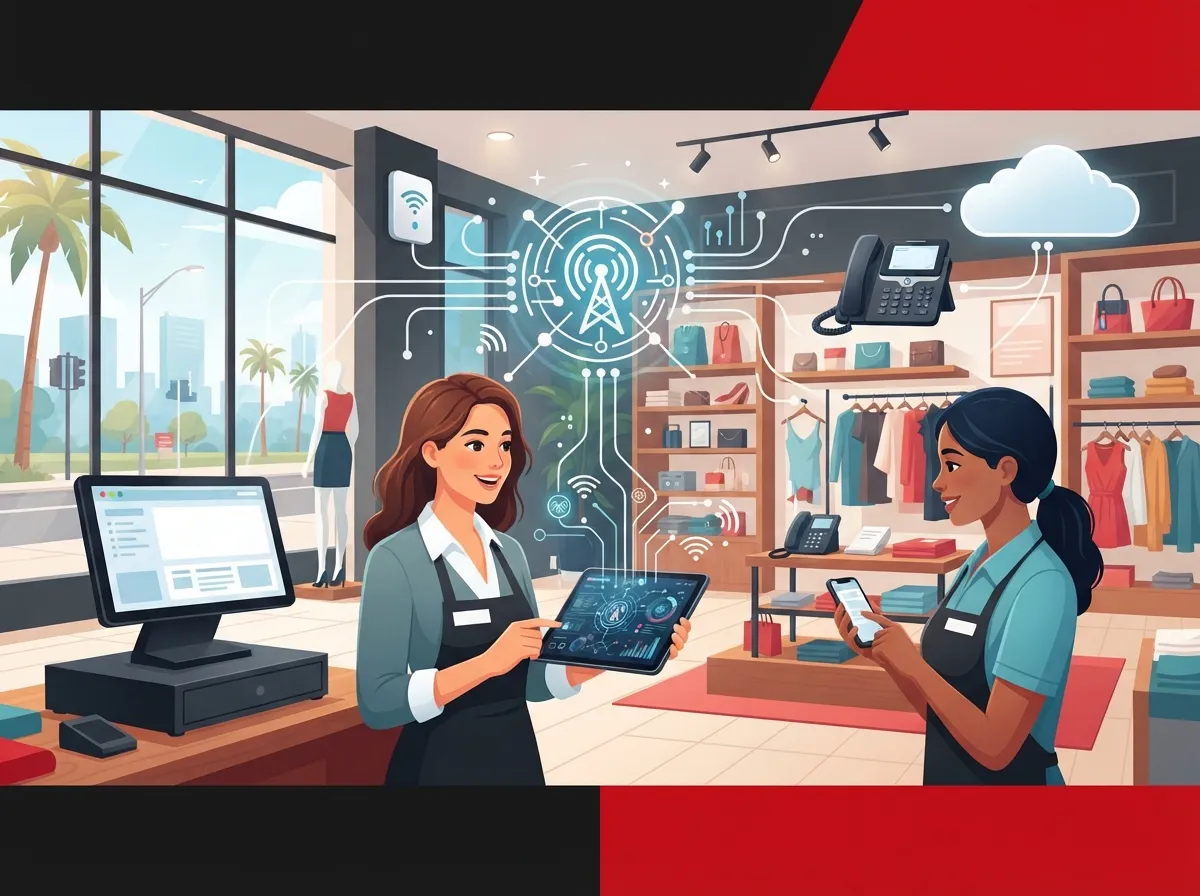
For a retailer, telecom is the nervous system of the store. It carries card payments, phone calls, inventory updates, camera footage, and customer Wi-Fi. If any part is weak, customers feel it right at the checkout line.
Provider availability and pricing change from street to street in Tampa. So the smartest first step is always to check what is available at your exact storefront address before you compare plans.
15 Telecom Solutions and Tips for Tampa Retailers
1. Check Service Availability at Your Exact Address
Fiber, cable, and other business internet options are not the same across every Tampa block. Providers such as Spectrum Business, Frontier Business, and Verizon Business all ask you to verify service at your specific location. Start there before you fall in love with any advertised price.
2. Choose the Right Connection Type
Fiber, cable, and fixed wireless each have strengths. Fiber often delivers steady upload and download speeds. Cable is widely available. Fixed wireless can fill gaps. Our guide on fiber vs. cable business internet in Tampa breaks down the tradeoffs in plain language.
3. Know What “Fiber-Powered” Really Means
Some providers describe service as fiber-powered, which can still use coaxial cable for the final stretch to your building. That is not always the same as a dedicated fiber line to your door. Ask the provider directly what type of connection reaches your premises.
4. Size Your Speed to Your Store
A small boutique does not need the same speed as a big-box store with twenty cameras. Think about how many devices run at once. Our walkthrough on choosing the right internet speed for your Tampa business can help you avoid overpaying.
5. Pay Attention to Upload Speed
Many shoppers forget uploads. Cloud cameras, cloud phones, and cloud POS systems all send data out of your store. Weak upload speeds can cause choppy calls and slow video. Always compare upload numbers, not just download.
6. Consider Cloud-Based VoIP Phones
Cloud phone systems let your team take calls anywhere, forward calls to a mobile phone, and keep one business number across locations. It is a great fit for retailers who need to answer calls while helping customers on the floor. Learn more in which cloud-based phone system is best for Tampa businesses.
7. Plan for VoIP Cost Upfront
Pricing depends on users, features, and phone hardware. Before you buy, read how much a VoIP phone system costs for a business in Tampa so there are no surprises on your first bill.
8. Invest in Structured Cabling
Good cabling is the quiet hero of every store. Clean, labeled structured cabling supports registers, printers, cameras, and Wi-Fi access points with fewer random failures. If your back room looks like spaghetti, check out 9 signs your Tampa business needs structured cabling.
9. Separate Your Networks
Here is a big one for retailers. Your payment terminals should not share the same network as guest Wi-Fi. Create separate network segments for:
- Point-of-sale and payment terminals
- Inventory and back-office systems
- Security cameras and access control
- Guest Wi-Fi for shoppers
- Voice traffic for your phones
This simple step lowers security risk and keeps a customer streaming video from slowing down a sale.
10. Keep Guest Wi-Fi Safe and Simple
Free Wi-Fi is a nice perk, but it should be walled off from your business data. Use strong authentication on your private network, keep router firmware current, and set bandwidth limits on guest access so checkout speeds stay snappy.
11. Add a Backup Internet Connection
If your internet goes down, can you still ring up a sale? A backup connection, such as a cellular or second-provider line, can keep payments flowing during an outage. For multi-store owners, our tips on keeping security cameras working during internet outages show how backup planning protects more than just sales.
12. Protect Your Store with Cloud Security Cameras
Cloud cameras let you check your store from your phone, review clips quickly, and skip bulky recorders. They also depend on strong internet and good cabling, which is why telecom and security belong in the same plan. See how to set up retail security camera cloud solutions for a clear starting point.
13. Use Cloud Access Control for Back Rooms
Stockrooms and offices deserve better than a key that gets copied. Cloud access control lets you issue and cancel mobile or card credentials in seconds, and it keeps a log of who went where. It is especially helpful when staff turnover is high.
14. Compare Contracts, Not Just Prices
A low promotional rate can hide limits. Before signing, compare these items side by side:
- Total monthly cost after the promo period ends
- Upload and download speeds
- Service-level commitments and outage response times
- Installation lead times
- Static IP availability, if you need one
- Support hours and how to reach a real person
- Equipment, backup, and security services included
15. Work with One Local Telecom Partner
Juggling separate vendors for internet, phones, cabling, and cameras is exhausting. A single partner who compares many carriers can save time and money. Check out 11 reasons to use one telecom partner in Tampa FL to see why so many owners make the switch.
Quick Comparison: Common Retail Connectivity Options
| Option | Best For | Things to Verify |
|---|---|---|
| Business fiber | Busy stores, cloud POS, cameras | Availability at your address, contract terms |
| Business cable | Small shops with moderate needs | Upload speeds, shared-capacity limits |
| Fixed wireless or cellular | Backup or hard-to-reach locations | Data caps, latency, signal strength |
| Dedicated internet | Larger stores, heavy uploads | Cost, installation timeline, SLA |
What Do Tampa Providers Actually Offer?
Several well-known names serve the Tampa area. Spectrum advertises small-business internet and internet-plus-phone packages, with speeds up to 1 Gbps on its local page. Frontier advertises business fiber in select Tampa areas. Verizon Business offers plans and services across the region as well.
Keep in mind that advertised prices, speeds, and promotions depend on your address and offer terms. Always confirm the details directly before you commit. It also helps to understand what an Internet Service Provider is responsible for, and where your own equipment takes over.
Tips for Different Kinds of Tampa Retailers
Single-Location Shop Owners
Keep it simple. A solid business internet plan, a cloud phone line, a few cloud cameras, and separate guest Wi-Fi will cover most needs. Start with an honest look at your monthly bills, using this guide to spotting overpaying for telecom.
Franchise Operators and Multi-Location Retailers
Consistency is king. You want the same phone setup, security standards, and network design at every site. Cloud-based tools make that far easier. Explore reliable network solutions for multi-location Tampa businesses to plan a rollout that scales.
IT Managers and Office Managers
You are the person everyone calls when the registers freeze. Documented cabling, clear network segments, and a partner with fast outage response will make your life much calmer. A managed approach can also free up your time, as covered in in-house IT vs. network solutions provider.
How Ideal Solutions Provider Can Help
Ideal Solutions Provider is a Tampa-based telecom and IT partner with more than 24 years of experience. They work with over 35 vetted suppliers, so they can compare carriers for you instead of pushing one brand. From business high-speed internet services to cloud phones, cabling, networking, and security, you get one friendly point of contact from consultation to ongoing support.
Conclusion
The best telecom solution for a retail business in Tampa is not about the flashiest plan. It is about a reliable, secure setup that keeps customers happy and your team productive. Check your address, match speed to your real needs, separate your networks, add a backup, and compare contracts carefully.
Ready for a stress-free setup? Contact us for a free review of your current setup, or call us to talk with a real person. Your customers will thank you, and so will your checkout line!
FAQs
Q: What does a telecom solution mean for a retail business in Tampa?
A: It means the connected services that keep your store running, like business internet, phone systems, Wi-Fi, cabling, and security cameras. It is not a store that sells phones. The goal is a reliable, secure setup that supports sales and daily operations.
Q: How do I find out which internet providers serve my Tampa storefront?
A: Availability changes from address to address, so check serviceability at your exact location. A local telecom partner can compare several carriers for you at once, which saves time and helps you spot the best fit.
Q: How can I keep my POS system running during an internet outage?
A: Add a backup connection, such as a cellular or second-provider line, so payments can keep flowing. It also helps to keep payment terminals on their own network segment and to ask your provider about outage response times.
Q: How should I separate guest Wi-Fi from my payment network?
A: Use separate network segments so shoppers on guest Wi-Fi never touch your payment or business systems. Pair that with strong authentication and up-to-date router firmware for extra protection.
Q: What should I compare before choosing a Tampa business telecom provider?
A: Look at total cost after promotions end, upload and download speeds, service-level commitments, installation time, support hours, and backup options. A partner who works with many carriers can help you compare these side by side.





