
Key Takeaways
-
Use a cloud-based VoIP system with an auto-attendant, call queues, and mobile access so calls reach the right person during peak rushes without tying up your host stand.
-
Test your internet speed and reliability during your busiest hours before switching, since a VoIP system is only as good as the connection behind it.
-
Set up a backup plan such as forwarding your main number to a manager's cell phone or adding a secondary internet line to avoid missed orders during outages.
-
Confirm that the phone system integrates with your specific POS and reservation software through a live demo using your real tools, not just the provider's feature list.
-
Compare providers on total cost by asking about equipment, setup fees, taxes, contract length, and charges for extra numbers, not just the advertised monthly price.
-
Start number porting early so you can keep your existing restaurant phone number and avoid any gap in service during the switch.
Picture this: it’s Friday at 6:15 p.m., the dining room is packed, and the host stand phone is ringing for the fourth time in a minute. Someone wants a table for six. Someone else is asking about takeout. A third caller just wants to know if you’re open on Sunday. Meanwhile, your team is racing to serve the guests who actually walked through the door.
If that sounds familiar, you’re not alone. Every busy kitchen and dining room in Bay Area faces the same juggling act. The good news? The right restaurant phone system in Tampa can take a big load off your staff and make sure no call slips through the cracks.
In this friendly guide, we’ll walk through what a restaurant phone system really is, which features matter most, what to check before you switch, and how to avoid common surprises. Whether you run one neighborhood spot or a growing group of locations, you’ll leave with a clear plan.
What Is a Restaurant Phone System in Tampa?
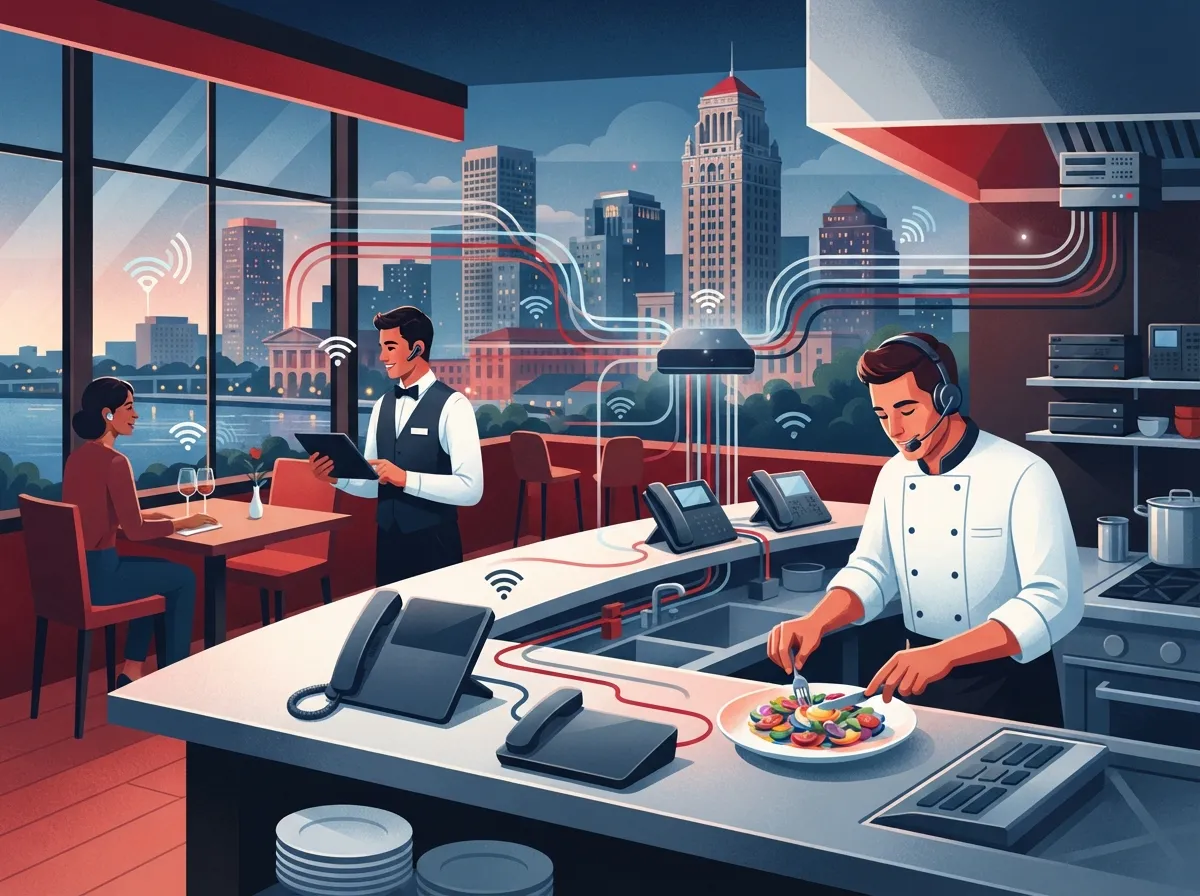
A restaurant phone system is a business communications service that manages guest calls for reservations, takeout, delivery, catering, and general questions. In Tampa, most restaurants today choose a cloud-based VoIP system instead of old-style copper phone lines.
VoIP stands for Voice over Internet Protocol. In plain English, your calls travel over your internet connection. That means your phone can work on a desk phone, a computer, or a mobile app. A manager can even answer a call from the back office or from home.
Not sure how this differs from what you have now? Our guide on the key differences between VoIP and traditional phone systems breaks it down nicely.
Why Restaurants Have Unique Phone Needs
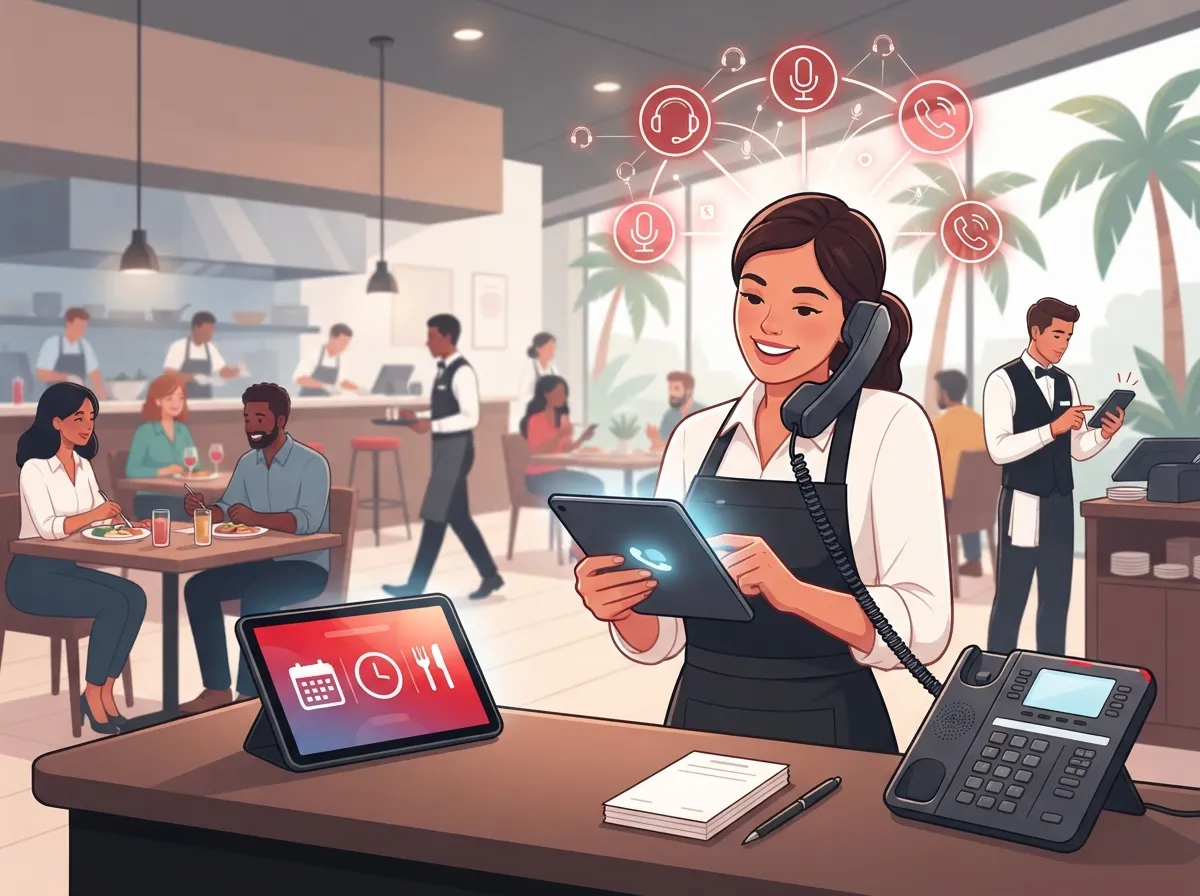
A restaurant isn’t like a typical office. Calls come in waves, often at the worst possible moments. Your staff has their hands full, and a missed call can mean a missed reservation or a lost takeout order.
Here are a few things that make restaurant calls special:
- Peak-hour spikes: Calls surge right when your team is busiest.
- Many call types: Reservations, orders, catering requests, job applicants, and vendors all use the same number.
- Short staffing: The host may also be seating guests and bagging takeout.
- Time-sensitive callers: Hungry guests rarely wait on hold or leave a long message.
A good restaurant phone system is built around these realities. It routes calls smartly so the right person picks up, or so the caller gets quick answers on their own.
Phone System Features That Help Restaurants Most
Not every feature is worth paying for. These are the ones that tend to make the biggest difference in a busy dining room.
Auto-Attendant or IVR Menu
An auto-attendant is a friendly recorded greeting that offers choices. For example, “Press 1 for reservations, press 2 for takeout, press 3 for catering.” It sends callers to the right place without tying up a team member.
Call Queues and Ring Groups
Instead of one phone ringing at the host stand, a ring group can ring several phones at once. A call queue holds callers in line with a short message, so they don’t hit a busy signal and hang up.
Business-Hours Routing
Your system can play a different greeting after hours, share your hours and address, or send calls to a manager’s mobile phone. This is handy for catering inquiries that come in late.
Voicemail-to-Email or Text
Missed a call? Voicemail messages can land in your inbox or on your phone, so you can call back fast. That quick follow-up can turn a lost lead into a booked party.
Call Forwarding and Mobile Access
If your host stand is slammed, calls can ring on a manager’s smartphone. Staff don’t need to be tied to one spot to stay reachable.
Reporting and Call Logs
Reports show when calls come in, how many go unanswered, and which hours are busiest. That data helps with smarter scheduling. For a closer look at the full menu of options, check out these VoIP phone system features every business needs in 2026.
| Feature | What It Does | Why Restaurants Like It |
|---|---|---|
| Auto-attendant | Greets callers and offers menu options | Sorts reservations, takeout, and catering |
| Call queue | Holds callers in line | Prevents busy signals at peak hours |
| Ring group | Rings multiple phones at once | Someone is likely to pick up fast |
| Hours-based routing | Changes call flow by time of day | Handles after-hours calls smoothly |
| Voicemail-to-email | Sends messages to inbox or text | Quick callbacks on missed orders |
| Mobile app | Answers calls on a smartphone | Managers stay reachable anywhere |
Check Your Internet Before You Switch
Here’s a friendly reminder that surprises many owners: a VoIP phone system is only as good as the internet behind it. If your connection is shaky, your calls may sound choppy or drop out.
Before you switch, take a quick look at these points:
- Check your bandwidth. Make sure you have enough speed for phones, card readers, Wi-Fi, and any online ordering tools all at once.
- Ask about Quality of Service (QoS). QoS is a router setting that gives phone traffic priority over other internet use.
- Look at your network wiring. Old or messy cabling can cause trouble. Clean, well-organized structured cabling helps phones and other devices run smoothly.
- Plan a backup. A second internet connection or a mobile forwarding plan keeps you answering calls if the main line goes down.
Wondering how much speed you actually need? Our article on what internet speed you need for VoIP in Tampa is a great place to start. You can also explore high-speed internet for business tips to keep costs in check.
What Happens When the Internet Goes Down?
Florida weather and the occasional construction crew can interrupt service. It’s smart to have a plan so your restaurant never goes silent during a rush.
- Mobile forwarding: Set your main number to forward to a manager’s cell phone if your connection drops.
- Secondary internet line: A backup connection can keep your phones running automatically.
- Cloud-based control: With a cloud system, you can change call routing from any device, even if your restaurant’s internet is out.
If your phones also share a network with security cameras or other tools, it helps to read up on how to keep security cameras working during internet outages. Many of the same backup ideas apply.
Multi-Location Restaurants: Keep It Simple
Running more than one restaurant? A cloud phone system can make life much easier. You can manage everything from one dashboard, yet still give each location its own number, greeting, hours, and call flow.
Some providers also let you use one shared main number that routes callers to the right location. That means a guest who calls your brand’s main line can be sent to the Tampa Bay location nearest them.
For franchise and multi-site owners, this kind of setup helps keep the guest experience consistent. If you’re growing, our guide on reliable network solutions for multi-location Tampa businesses is worth a read.
Will It Work With Your POS and Reservation Software?
This is a question to ask early. Many providers say they offer “integrations,” but the details vary a lot. Some connect to your reservation or customer tools. Others only offer basic features.
Before you buy, confirm these things:
- Does the phone system connect with your specific POS, reservation, or delivery software?
- Does the integration support the exact workflow you need, such as showing caller info on screen?
- Who handles setup, and who fixes it if something stops working?
Don’t just trust a feature list. Ask for a demo using your real tools. It saves time and avoids frustrating surprises later. Our article on VoIP integration mistakes that hurt your business shares more pitfalls to watch for.
How Much Does a Restaurant Phone System Cost in Tampa?
Honest answer: it depends. Pricing changes with the number of phones, the features you pick, and the provider. Advertised per-user prices rarely tell the whole story.
When you compare quotes, look beyond the monthly number. Here’s what to ask about:
- Equipment costs, such as desk phones or adapters
- Setup and installation fees
- Taxes and regulatory fees
- Contract length and early-termination terms
- Charges for extra numbers or locations
For a deeper look at budgeting, see how much a VoIP phone system costs for a business in Tampa. You may also like these affordable VoIP phone services for Tampa businesses.
Can You Keep Your Existing Phone Number?
Good news: in most cases, yes. Moving your existing number to a new provider is called number porting. Guests have known your number for years, so keeping it matters.
The process takes some coordination, so start early and ask your provider to walk you through it. Our step-by-step article on how to keep your phone number when switching to VoIP in Tampa covers what to expect.
How to Compare Tampa Phone System Providers
With so many options, it’s easy to feel stuck. Use this simple checklist to compare providers side by side.
- Local installation and support: Can someone come on-site if you need help during a busy week?
- Number porting help: Will they handle the move of your existing numbers?
- Emergency calling: Confirm how 911 works with the system, including location details.
- Contract terms: Look for clear, fair terms with no hidden fees.
- Security: Ask how calls and data are protected.
- Service commitments: Ask what uptime and response times they promise in writing.
If you’d like more guidance, these two reads are helpful: how to choose cloud-based phone system providers in Tampa FL and how to choose a business VoIP solutions provider in Tampa.
Common Mistakes Restaurants Make
A little planning goes a long way. Here are some missteps we see often:
- Skipping the internet check. Great phones can’t fix a weak connection.
- Buying too much (or too little). Pay for features you’ll use, and plan for growth.
- Forgetting a backup plan. Outages happen. Be ready.
- Ignoring staff training. Even the best system needs a quick walkthrough for your team.
Want to dodge the biggest traps? Read about cloud phone system mistakes Tampa small businesses make and VoIP provider mistakes Tampa businesses must avoid.
How a Single Telecom Partner Makes It Easier
Restaurant owners already wear a dozen hats. Juggling a phone vendor, an internet provider, a cabling contractor, and a camera installer can feel like a second full-time job.
That’s where Ideal Solutions Provider comes in. With over 24 years of experience and partnerships with 35+ vetted suppliers, this Tampa-based team acts as a single point of contact. They can help with cloud-based phone systems, internet, cabling, and even cloud video security, so you aren’t chasing several vendors. They also review your current setup to spot areas where you may be overpaying or underperforming.
Want to see how this approach works? Here’s a look at why one telecom partner can simplify your Tampa business. You can also follow their tips and updates on Facebook.
A Simple Plan to Get Started
Ready to move forward? Here’s an easy path to follow:
- List your needs. Count phones, locations, and the call types you handle.
- Check your internet. Test speed and reliability during your busiest hours.
- Pick must-have features. Think auto-attendant, queues, mobile access, and reports.
- Confirm integrations. Test with your real POS and reservation tools.
- Plan the switch. Schedule number porting and installation away from your peak days.
- Train your team. A short walkthrough keeps everyone confident.
Our guide on 5 steps to switch your business phone to the cloud in Tampa pairs nicely with this list.
Final Thoughts
A great restaurant phone system in Tampa does more than ring. It helps you capture reservations, speed up takeout orders, and free your team to focus on the guests in front of them. With the right features, a solid internet connection, and a backup plan, you can make sure every call gets the attention it deserves.
Ready to take the stress out of your restaurant’s phones? Contact the Ideal Solutions Provider team for a free consultation, or call us at 813-388-4935 to talk through your options. We’d love to help your restaurant stay connected.
FAQs
Q: What is the best phone system for a restaurant in Tampa?
A: For most restaurants, a cloud-based VoIP system is a great fit because it offers auto-attendants, call queues, mobile access, and easy management. The best choice depends on your internet reliability, your software, and how many locations you run. A quick audit from a local telecom partner can point you in the right direction.
Q: Can a Tampa restaurant keep its existing phone number when switching to VoIP?
A: Yes, in most cases you can keep your current number through a process called number porting. Your new provider usually handles the paperwork, but it’s smart to start early so there’s no gap in service. Ask for a clear timeline before you sign.
Q: Do restaurant phone systems work with POS and reservation software?
A: Some do, but integration claims vary a lot between providers. Before you buy, confirm that the system connects with your specific tools and supports the exact workflow you need. A live demo with your real software is the best way to be sure.
Q: What should a restaurant do if its internet or phone service goes down?
A: Have a backup plan ready, such as forwarding your main number to a manager’s mobile phone or using a secondary internet connection. Cloud-based systems also let you change call routing from any device. A little prep means you won’t miss orders during an outage.
Q: Can one phone system route calls to multiple Tampa locations?
A: Yes. Many cloud systems let you manage all locations from one dashboard while giving each restaurant its own number, greeting, hours, and call flow. Some also offer a shared main number that sends callers to the right location.





