
Key Takeaways
-
Plan network cabling, power, and capacity before buying; skipping this is the top reason door entry installs get delayed.
-
Confirm your door station is compatible with your VoIP phone platform and access control before purchase, since compatibility varies by product and configuration.
-
Ask providers how the system behaves during internet or power outages, including backup power, lock fail-safe or fail-secure type, and call fallback options.
-
Protect IP door entry systems by placing them on a separate network segment, using strong unique passwords, and applying firmware updates on a regular schedule.
Picture this: a delivery driver is standing at your front door, your receptionist is on a call, and the one person who can buzz him in is two floors up. Sound familiar? That tiny moment of chaos is exactly what commercial door entry systems were built to fix.
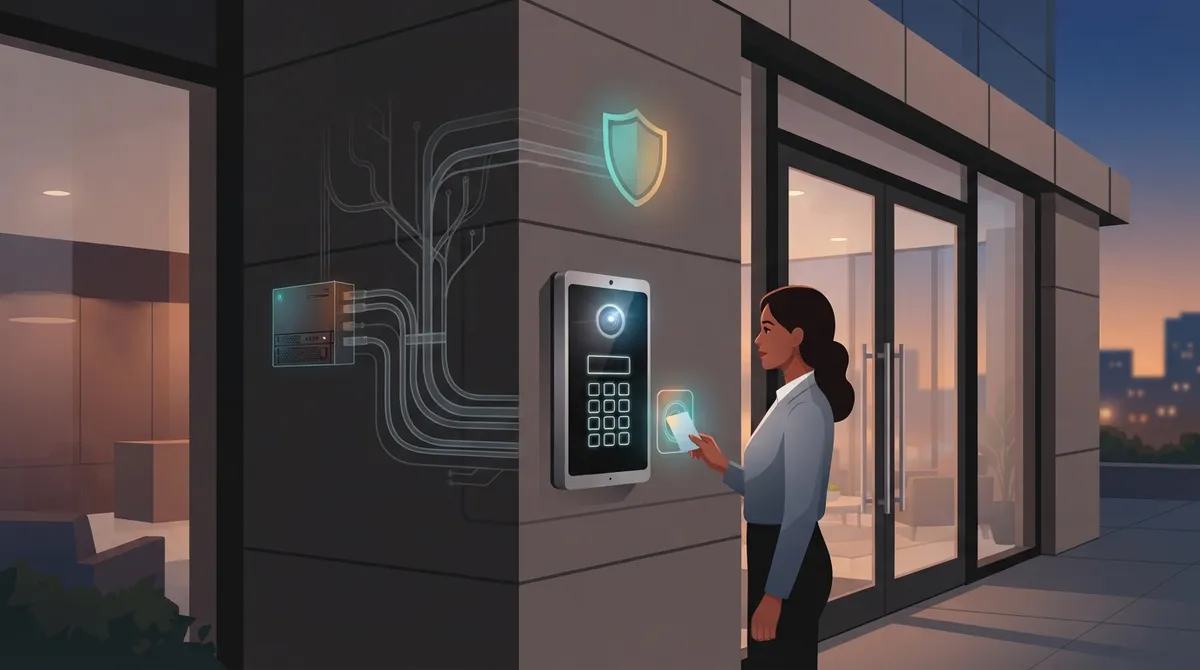
In 2026, a business door entry system is no longer just a buzzer on the wall. Modern IP-based systems can ring your desk phone, show you a video of the visitor, and let you unlock the door with one tap. They can also tie into your access control and security cameras.
Whether you run a small office, manage a growing company, or oversee several franchise locations, the right setup saves time and keeps your people safe. In this guide, we share 10 friendly, practical tips to help you choose, plan, and run a door entry system that actually works for your business. Let’s dive in!
1. Understand What a Commercial Door Entry System Really Is
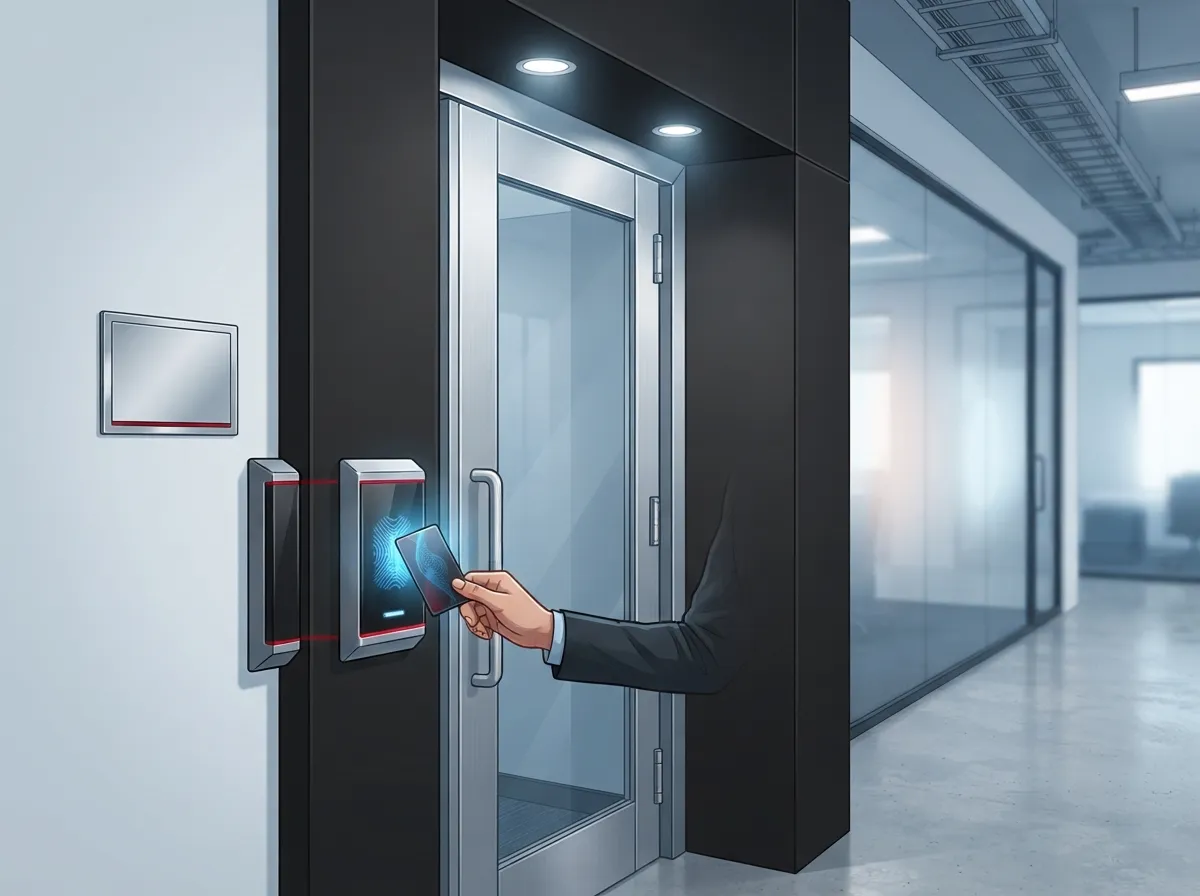
A commercial door entry system combines a door or gate intercom with a way to approve and release entry. Some models are audio-only. Others add video so staff can see who is outside before unlocking anything.
Here is the simple version of how it works:
- A visitor presses the call button at the door station.
- The call rings on a desk phone, indoor station, or supported mobile app.
- Your team member talks to the visitor and, if everything checks out, releases the door.
It sounds easy, and it is. The magic is in choosing the right pieces and making sure they work well together.
2. Know the Difference Between Intercom and Access Control
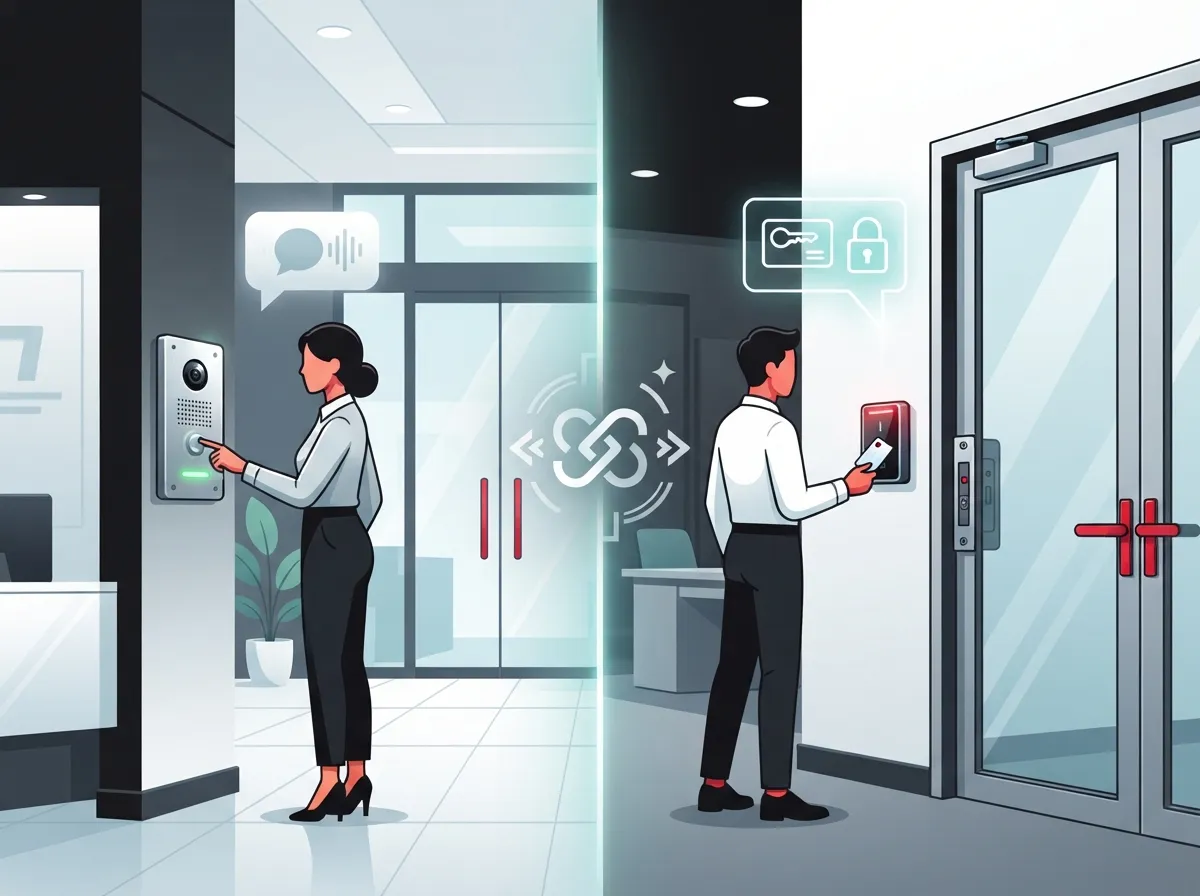
This one trips up a lot of buyers, so let’s clear it up. An intercom lets people talk and decide on entry. An access control system decides who is allowed in using cards, fobs, PINs, or mobile credentials.
| Feature | Door Intercom | Access Control |
|---|---|---|
| Main purpose | Communicate with visitors | Verify and authorize people |
| Typical users | Guests, vendors, deliveries | Employees, approved visitors |
| Entry method | Staff releases the door | Card, fob, PIN, or mobile credential |
| Audit records | Depends on the system | Usually logs each entry event |
Many businesses use both together. If you are exploring the access side, our guide on how to choose access control systems for Tampa businesses is a great companion read.
3. Pick IP-Based Over Old-School Analog When It Fits
IP-based intercoms connect over your company network. That means they can route calls to desk phones, SIP/VoIP phone systems, indoor stations, or supported apps. They also make it easier to manage things from one place and add doors later.
That said, IP is not automatically perfect for every site. It depends on your network, your power setup, and your cybersecurity habits. An older building with simple needs might still do fine with a simpler setup.
Ask yourself:
- How many entrances do I have today, and how many might I add?
- Is my network ready to handle video traffic?
- Do I want calls to reach people when they are away from the front desk?
4. Connect Your Door Entry System to Your VoIP Phones
Here is where telecom really shines. When a door station works with your VoIP system, a visitor’s call can ring a receptionist, a group of staff, or an after-hours number. No one has to run to the lobby just to say, “Who is it?”
Compatibility varies by product, phone platform, and configuration, so always confirm your door station supports your phone system before buying. If you are still deciding on a phone platform, check out how to choose the right phone system for small business. And if you are curious how the two worlds compare, 6 key differences between VoIP and traditional phone systems explains why VoIP plays so nicely with modern door entry.
5. Plan Your Network and Cabling First
A great door station needs a solid foundation. Every IP device needs a reliable network connection, and many need power delivered over the cable. Skipping this step is the number one reason installs get delayed.
A typical installation includes:
- An exterior door or gate station
- Network wiring and switch capacity
- An indoor answering endpoint or phone system
- An electric strike or magnetic lock
- An access-control interface to control that lock
Good structured cabling makes all of this cleaner and easier to expand. Our post on how structured cabling supports VoIP and cameras shows why planning the wiring early pays off.
6. Choose Your Access Methods Wisely
People enter buildings in different ways, and your system should match how your team really works. Common options include:
- Cards or fobs: Simple and familiar for staff.
- PIN codes: Handy for small teams or cleaning crews.
- Mobile credentials: Staff use their phones as keys.
- Visitor credentials: Temporary access for guests and vendors.
Features like schedules, temporary permissions, and instant revocation depend on your access-control platform. Lost a badge? Revoking it should take seconds, not days. Learn more about the benefits in 10 cloud access control benefits every business should know.
7. Add Video for Smarter Visitor Verification
Audio is helpful, but video is a game changer. Seeing the visitor lets your team confirm who they are before releasing the door. It also creates a helpful visual record when paired with your security cameras.
Integration can let staff verify a visitor, release a door remotely, and link entry events with other security records. Just remember to confirm compatibility with your specific equipment and software versions before you commit.
Want to see what cameras can do for your daily operations? Take a look at what security cameras really do for your business.
8. Prepare for Internet and Power Outages
This is the tip nobody thinks about until the lights go out. What happens to your door entry system when the internet drops or the power fails? The answer depends on how it was designed.
Before you buy, ask your provider:
- Does the door still unlock for staff credentials during an internet outage?
- Is there backup power for the door station, network switch, and lock?
- Is the lock fail-safe or fail-secure, and does that meet your fire and safety needs?
- Are calls able to fall back to another number or device?
For cloud-connected gear, our article on keeping security cameras working during internet outages covers similar planning ideas you can borrow.
9. Protect the System With Smart Security Habits
Because IP door entry systems live on your network, they need the same care as any other connected device. A weak setup can become a doorway for the wrong kind of visitor, and not the kind you want at your front door!
Smart habits include:
- Placing devices on a separate network segment
- Using strong, unique passwords and limited user permissions
- Installing software and firmware updates on a regular schedule
- Choosing products that support encryption
If network design feels like a lot, a managed approach can help. Read 8 managed network services every business should know for ideas on getting expert support.
10. Work With One Partner From Planning to Support
A door entry system touches phones, networking, wiring, door hardware, and security. When different vendors handle each piece, finger-pointing can happen fast. A single partner who verifies wiring, network capacity, door hardware, and end-to-end operation before handover makes life far easier.
This is where Ideal Solutions Provider comes in. With over 24 years of experience and a network of 35+ vetted suppliers, the Tampa-based team acts as your single point of contact for phones, internet, cabling, cameras, and access control. You can explore their cloud based access control options to see how it all fits together. For more on the one-partner approach, see 11 reasons to use one telecom partner in Tampa FL.
Who Benefits Most From Door Entry Upgrades?
Different businesses care about different things. Here is a quick look:
| Business Type | Top Priority | Helpful Feature |
|---|---|---|
| Small office | Simple, affordable visitor handling | Calls to existing desk phones |
| Mid-sized company | Growth and audit records | Access control integration |
| IT manager | Network safety and easy admin | Centralized management, segmentation |
| Office manager | Fewer interruptions | After-hours call routing |
| Franchise operator | Consistency across sites | Scalable, cloud-based setup |
A Quick Pre-Purchase Checklist
Before you request quotes, gather this information. It makes planning much smoother:
- Number and type of entry points, including gates
- Typical visitor volume and delivery traffic
- Staffing and after-hours coverage
- Accessibility needs for visitors and employees
- Your current phone, camera, and access-control systems
- The audit records you need to keep
Having these answers ready helps a provider recommend the right solution the first time, which saves money and headaches.
Ready to Upgrade Your Entrance?
Great door entry is about more than convenience. It is about welcoming the right people, protecting your team, and keeping your day running smoothly. By understanding how commercial door entry systems work, planning your network, and choosing a trusted partner, you set your business up for success in 2026 and beyond.
Ready to talk through your options? Contact us for a free consultation, or call us to speak with a friendly expert today. We would love to help you open the door to better communication and security!
FAQs
Q: What is a commercial door entry system?
A: It is a business-grade intercom and entry setup that lets your staff talk with visitors at a door or gate and decide whether to unlock it. Some versions add video and tie into your phones, cameras, and access control.
Q: Can a commercial intercom unlock a door remotely?
A: Yes, many systems can. When connected to an electric strike or magnetic lock through the right access-control interface, a team member can release the door from a desk phone, indoor station, or supported mobile app.
Q: How does a business video intercom work with a VoIP phone system?
A: An IP intercom connects to your network and sends visitor calls to desk phones or apps through your VoIP platform. Compatibility depends on the product and phone system, so it is smart to confirm before buying.
Q: What happens during an internet or power outage?
A: That depends on how the system is designed. Backup power, local credential storage, and call fallback options can keep things running, so ask your provider about these before installation.
Q: Are IP door entry systems better than analog for businesses?
A: IP systems offer centralized management, easier expansion, and phone and camera integration. They do rely on good network design, power, and cybersecurity, so the best choice depends on your site and needs.





