

Key Takeaways
-
Standard business VoIP plans typically run about $15 to $40 per user monthly, but the advertised rate is only a starting point, so compare all-in monthly costs instead.
-
Taxes and regulatory fees can add roughly 15% to 25% to the bill, so ask providers for an itemized, all-in quote rather than budgeting for the base rate alone.
-
Extra costs often come from additional phone numbers, international calling, premium features like call recording, setup or number porting fees, and hardware.
-
Annual billing often lowers the per-user rate, but check contract length, minimum seat requirements, renewal terms, and cancellation fees before committing.
-
Many teams can skip new hardware by using existing computers, smartphones, or compatible IP phones, which avoids desk phone costs of about $50 to $300 each.
-
Confirm your internet speed and reliability before buying VoIP, since calls travel over your connection and a weak network can make even a good plan sound choppy.
Let’s be honest: shopping for a business phone system can feel like reading a menu in a language you don’t speak. One provider says $15 per user. Another says $30. A third says “call for a quote.” So what will you really pay? That is the question behind business VoIP pricing, and it is a fair one.
The good news is that VoIP is easier to budget than it looks. You just need to know which numbers matter and which ones are marketing. In this friendly guide, we will walk through how plans are priced, what extras can sneak in, and how to build a simple all-in estimate you can trust.
Whether you run a small Tampa shop, manage an office, lead IT for a growing company, or oversee several franchise sites, the steps are the same. Grab a coffee, and let’s make your budget feel a lot less scary.
How Business VoIP Pricing Works
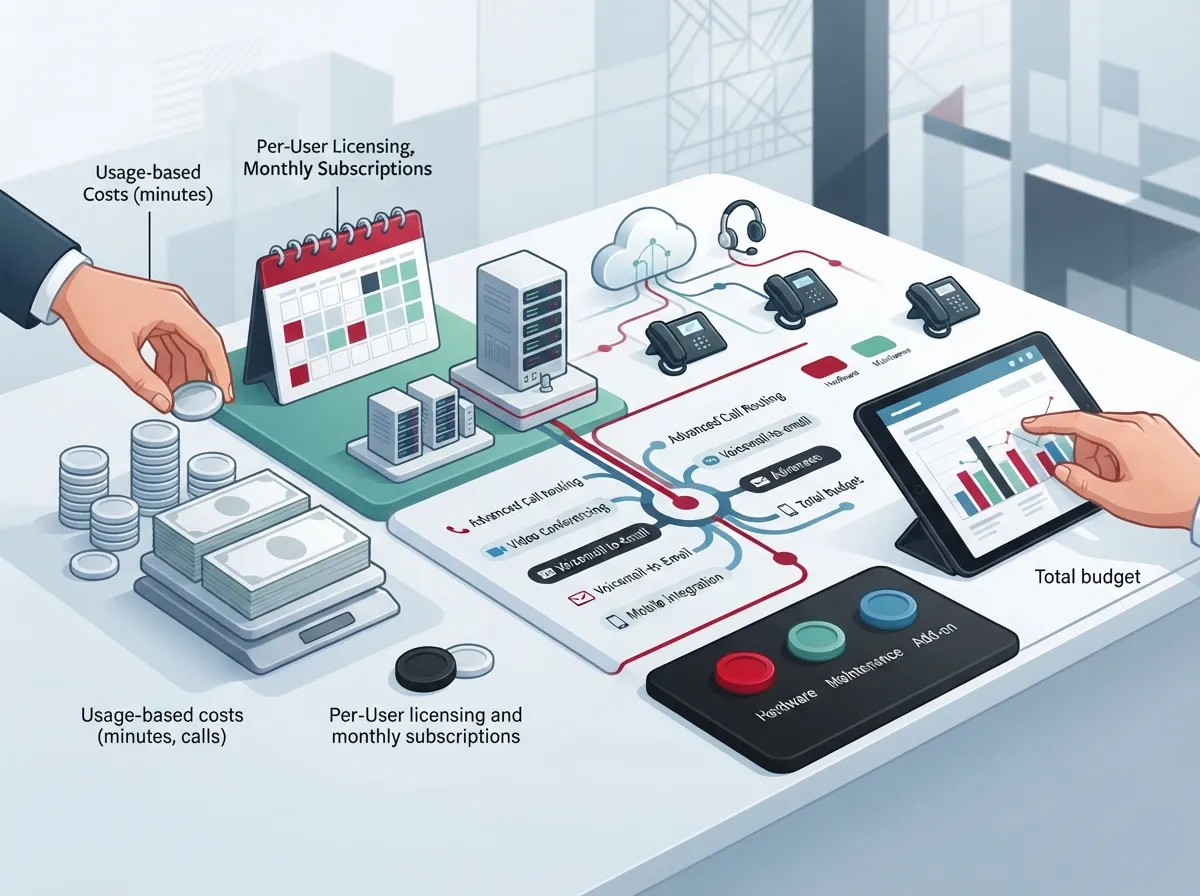
Most business VoIP is a monthly subscription. You usually pay per user or per line, each month. Think of it like a gym membership for your phone system. You pay a set fee, and you get access to a bundle of features.
Published estimates in 2026 commonly place standard business plans around $15 to $40 per user each month. Entry-level plans can start near $10 to $15. Advanced or contact-center plans can cost much more, often $50 to $150 or more per user.
That wide range is normal. Each provider bundles features differently, so two plans with the same price can include very different things. That is why the headline rate is only a starting point.
Per User vs. Per Line
A per-user plan gives each person their own account, usually with a desktop app and a mobile app. A per-line plan ties the price to a phone number or desk phone. Many modern plans lean toward per-user pricing, but always ask how your provider counts seats.
What You Typically Get at Each Tier
Basic plans often include domestic calling, voicemail, and desktop or mobile apps. Higher tiers may add auto-attendants, call queues, call recording, analytics, and integrations. Exact features vary, so compare the fine print instead of the plan names.
| Plan Level | Typical Monthly Price Per User | Common Inclusions |
|---|---|---|
| Entry-level | About $10 to $20 | Domestic calling, voicemail, basic apps |
| Mid-tier | About $23 to $35 | Auto-attendant, call queues, more integrations |
| Advanced | About $35 to $75 | Recording, analytics, enhanced support |
| Contact center | $50 to $150 or more | Advanced routing, reporting, agent tools |
These ranges come from 2026 market comparisons and pricing guides. Use them as a rough map, not a promise. Your real quote will depend on your needs.

The Costs Beyond the Advertised Rate
Here is where many budgets go sideways. The advertised subscription is only one piece of the bill. A few other items can add up fast if you do not plan for them.
- Extra phone numbers: Main lines, direct dials, and toll-free numbers may cost extra each month.
- International calling: Calls may be billed per minute or covered by a separate package.
- Hardware: Desk phones and headsets are often optional but not free.
- Premium features: Call recording, advanced analytics, and special integrations may sit in higher tiers or cost add-on fees.
- Setup and porting: Some providers charge for onboarding or for moving your existing numbers.
- Taxes and regulatory fees: These vary by location and provider.
Speaking of taxes, one 2026 cost guide estimates U.S. taxes and fees at roughly 15% to 25% of the bill. That is a big range, and it can surprise you if you only budgeted for the base rate. Ask for an itemized quote so nothing is hidden.
Hardware: Do You Actually Need It?
Good news here. Many teams can skip new hardware entirely. Employees can use compatible computers, smartphones, or existing IP phones. If you do want desk phones, one 2026 guide puts them at about $50 to $300 or more each. Headsets run about $15 to $350, depending on the model.
Always confirm compatibility with your provider before buying anything. A quick question now can save you a pile of returns later.
How to Build Your Business VoIP Pricing Estimate
Ready to build your own number? This simple five-step method works for almost any business. It keeps you focused on the total monthly cost instead of the shiny starting price.
- Count your users and numbers. List every person who needs a phone account. Then count the extra numbers you need, such as a main line, a toll-free number, or direct dials.
- Map your calling habits. Note where you call and how often. Mostly domestic calls? Great. Frequent international calls? Plan for a calling package.
- List the features you truly need. Do you need an auto-attendant, call queues, or call recording? Do you need integrations with your CRM? Mark each as a must-have or nice-to-have.
- Decide on hardware. Choose which people will use apps only and which need desk phones or headsets. Add up the one-time cost.
- Add taxes and fees. Ask for the full, all-in monthly estimate. Then compare quotes side by side.
Once you have these five answers, you can ask every provider the same questions. That keeps the comparison fair. It also makes you sound like a seasoned buyer, which never hurts.
A Quick Example
Imagine a small office with 10 users. Say the plan runs $25 per user monthly. That is $250 before extras. Add two extra numbers, a few headsets, and taxes and fees of 15% to 25%. Your real monthly bill could land well above that base figure. This is a simplified example, but it shows why the all-in number matters most.
Annual Billing vs. Month-to-Month
Many providers offer a lower per-user rate if you pay annually. A 2026 market comparison reports annual-billing starting prices of roughly $14 to $20 per user monthly for many small-business plans. Month-to-month pricing is often higher.
But a discount is not the whole story. Before you commit, compare these terms:
- Contract length and renewal terms
- Minimum seat requirements
- Cancellation fees
- Whether the rate is locked or can rise later
A lower rate with a painful exit clause may not be a bargain. If your team is still growing or changing, a little flexibility can be worth a slightly higher monthly price. If your headcount is steady, annual billing can be a smart way to save.
For a deeper look at how rates can creep up, you may enjoy this guide on common business VoIP mistakes that cost you money.
Examples of Advertised Starting Prices
To give you a feel for real-world numbers, a 2026 provider comparison lists example advertised annual starting prices of about $12 per user monthly for Zoom Phone, $15 for Nextiva, and $20 for RingCentral. Plan details and eligibility vary, so treat these as snapshots, not final quotes.
Notice how a starting price can look low but leave out features you need. That is why a feature checklist matters. If you want help sorting out what to look for, take a peek at how to choose VoIP features that help your business grow.
Is VoIP Cheaper Than a Traditional Phone System?
For many businesses, yes. Traditional systems often involve expensive on-site equipment, maintenance, and separate phone lines. VoIP moves much of that to the cloud and spreads the cost into a predictable monthly fee.
Still, “cheaper” depends on your setup. A small team with simple needs may save a lot. A large team with heavy international calling may see a smaller gap. If you are weighing both paths, this comparison of VoIP and traditional phone systems can help you decide.
Do Not Forget Your Internet and Cabling
Here is a tip many buyers miss. Your VoIP calls travel over your internet connection. A great plan on a weak network can still sound choppy. So your budget should consider the foundation, too.
Check your internet speed and reliability first. If you are unsure what you need, this guide on what internet speed is needed for VoIP is a handy starting point. Any decent Internet Service Provider can tell you what plans are available at your address.
Wiring matters as well. Clean, organized structured cabling helps desk phones and Wi-Fi run smoothly. If your office wiring is old or messy, it may be worth a quick review. You can learn more in this explainer on what structured cabling is for your business network.
Tips for Different Types of Buyers
Small Business Owners
Keep it simple. Start with a mid-tier plan, use apps instead of desk phones, and add features only when you need them. You can usually upgrade later.
Office Managers
Ask about setup, number porting, and ongoing support. You want a smooth switch and a real person to call when something needs fixing. If you are worried about moving numbers, read how to keep your phone number when switching to VoIP.
IT Managers and Mid-Sized Teams
Focus on integrations, security, call quality, and support levels. Check seat minimums and scaling terms. Ask how the provider handles growth and multiple sites.
Franchise Operators
Look for pricing that stays predictable as you add locations. Cloud-based systems make it easier to manage many sites from one place. Ask about volume pricing and consistent features across every location.
Why a Single Telecom Partner Can Help
Comparing dozens of providers is a lot of homework. That is where an independent partner can lighten the load. Ideal Solutions Provider is a Tampa-based telecom and IT partner with over 24 years of experience. The team compares options across 35+ vetted suppliers and reviews your current setup to spot overpaying or underperforming services.
Because they also handle internet, cabling, and networking, you get one point of contact for the whole picture. That makes it easier to get an honest all-in number. If you would like to see the phone side, check out their cloud based phone systems page. You can also follow their tips on YouTube for more helpful walkthroughs.
Conclusion: Your Next Step Toward a Clear Quote
Business VoIP pricing does not have to be a mystery. Remember the big ideas: plans usually run $15 to $40 per user each month, extras like numbers, hardware, and fees can add up, and annual billing may save money if the terms fit. Most of all, compare the all-in monthly cost, not the headline rate.
If you want a second set of eyes on your numbers, we would love to help. Contact us for a free consultation, or call us to talk through your setup. You will leave with a clearer budget and a lot more confidence.
FAQs
Q: How much does business VoIP cost per user per month?
A: Most standard business plans run about $15 to $40 per user each month in 2026. Entry-level plans can start near $10 to $15, while advanced or contact-center plans can cost $50 to $150 or more. Your final price depends on features, calling needs, and fees.
Q: What extra fees should I expect with business VoIP?
A: Watch for extra phone numbers, international calling, premium features, setup or porting charges, and taxes and regulatory fees. One 2026 guide estimates U.S. taxes and fees at about 15% to 25% of the bill. Ask for an itemized, all-in quote so there are no surprises.
Q: Does business VoIP pricing include desk phones and headsets?
A: Usually not. Hardware is often optional because your team can use computers, smartphones, or compatible IP phones. If you want new gear, desk phones run roughly $50 to $300 or more, and headsets about $15 to $350.
Q: Is annual billing cheaper than paying monthly for business VoIP?
A: Often, yes. Annual billing can lower the per-user rate, but check contract length, minimum seats, renewal terms, and cancellation fees too. A bigger discount is only a win if the terms fit your business.
Q: How do I compare business VoIP quotes and calculate total cost?
A: Estimate your users and numbers, calling destinations and volume, must-have features, hardware needs, and taxes and fees. Then ask every provider for the same all-in monthly figure. Comparing that total is far more useful than comparing starting prices.





