
Key Takeaways
-
Cloud backup protects footage from physical disasters like theft, fire, and flooding by storing a second copy off-site; this prevents total loss when on-premises equipment is compromised or destroyed.
-
Hybrid cloud setups often provide the best balance for Tampa businesses, keeping recent footage locally for quick access while sending select clips to the cloud for disaster protection without excessive costs.
-
Bandwidth needs vary significantly based on camera count, resolution, and recording method; switching to H.265 compression and motion-based recording can reduce bandwidth by 50% compared to standard settings.
-
A properly secured cloud video system requires encryption, unique user credentials, multifactor authentication, network segmentation, and audit logs—not just good cameras—to prevent hacking and ransomware attacks.
-
Retention periods should align with your industry regulations: retail stores typically use 30-60 days, healthcare facilities need longer compliance-based retention, and financial services often require 90+ days of footage.
-
The global video surveillance storage market is growing rapidly at 6-18% annually, indicating increasing adoption of cloud-based security; working with a single telecom partner simplifies management across multiple locations.
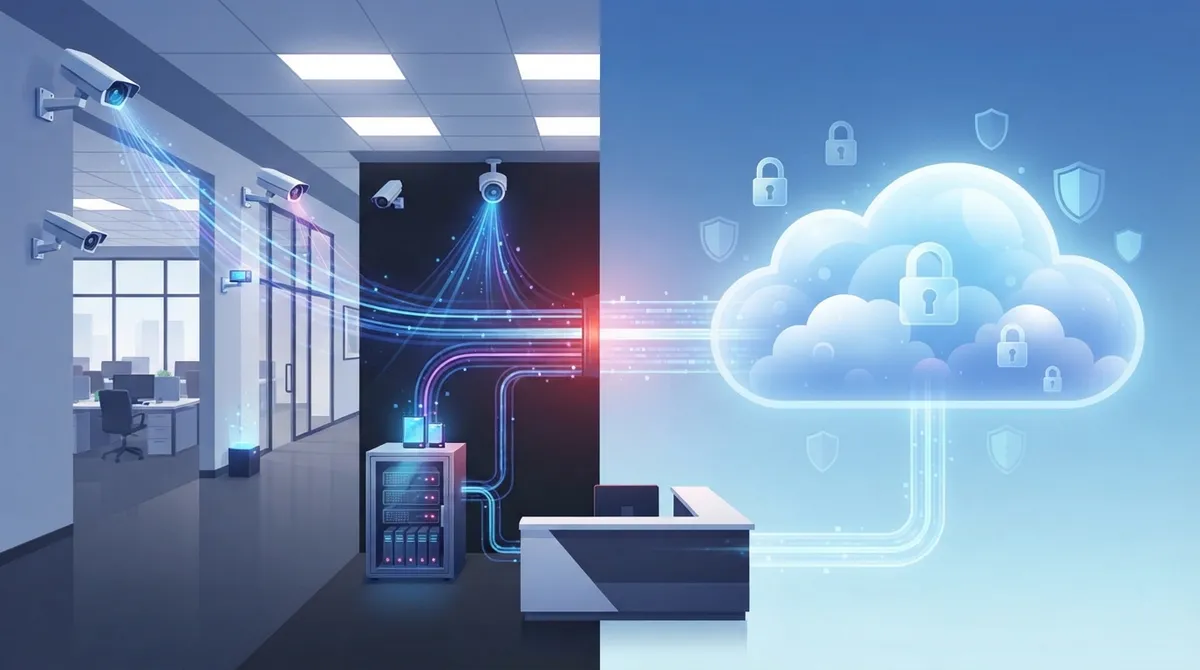
Picture this: a break-in happens at your Tampa office over the weekend. You pull up your phone to check the footage, but your camera system was sitting in the same building that got hit. The recorder is gone, and so is your proof. This nightmare scenario is exactly why more business owners are turning to cloud video security with backup. It keeps a copy of your footage safe somewhere else, so a local disaster never means losing everything.
We work with businesses across Tampa Bay every day, and we know security cameras are only half the story. The other half is making sure your network, internet, and storage all work together smoothly. In this guide, we’ll walk you through what cloud video security with backup really means, how it works, and what to look for before you invest. Grab a coffee, and let’s get into it together.
What Is Cloud Video Security with Backup?
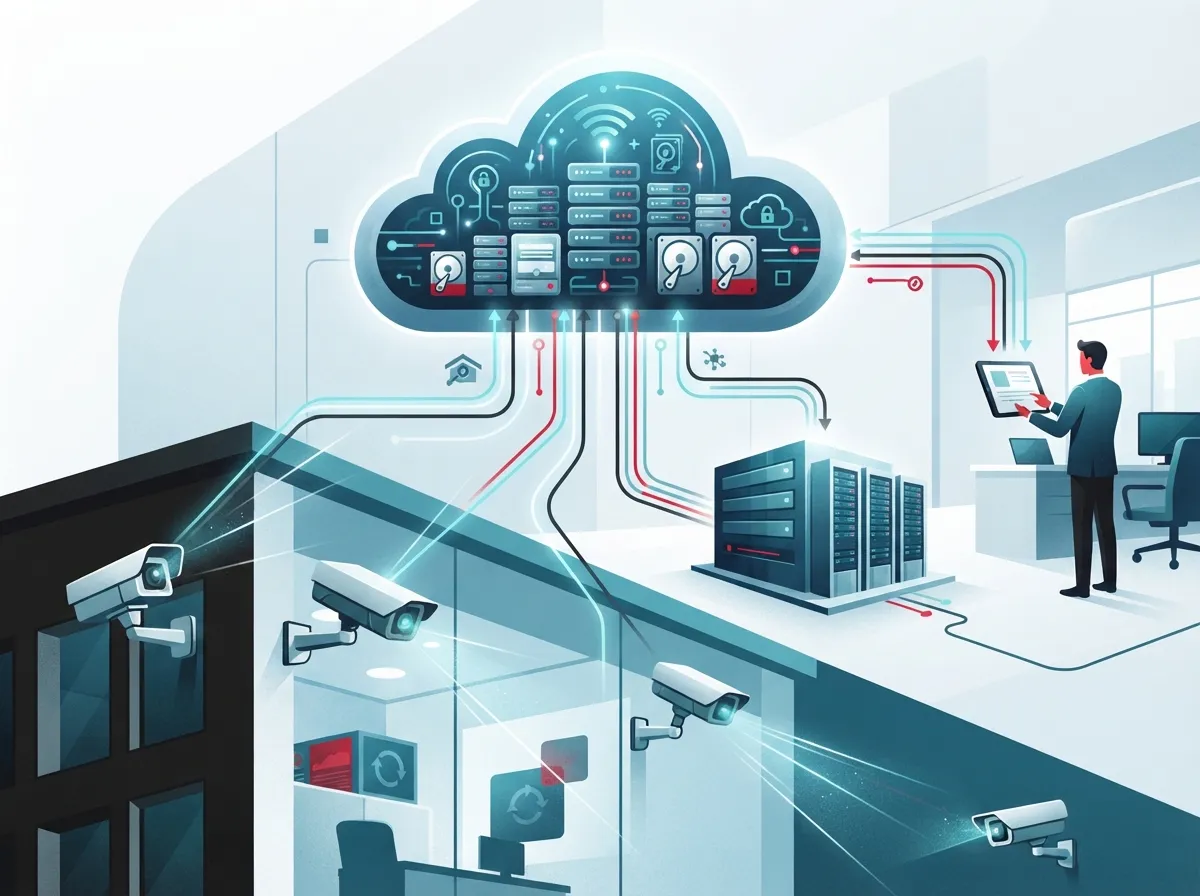
Cloud video security with backup combines a few key pieces: IP cameras, video management software, your internet connection, and cloud storage. Together, they let you watch your business from anywhere and keep a second copy of your footage off-site. That second copy is the “backup” part, and it’s what saves you when something goes wrong on-site.
Think of it like a backup singer. Your main camera system does the heavy lifting every day. But if the main system fails, gets stolen, or catches fire, the backup steps in and saves the show. For a deeper look at how these systems work, check out 10 Facts That Explain What Cloud Video Security Is.
The Three Main Setup Types
Not every business needs the exact same setup. Here are the three common models we see:
- Fully cloud-hosted: All footage streams directly to the cloud. No local recorder needed.
- Hybrid: Cameras or an on-site recorder keep recent footage locally, while select clips get copied to the cloud for backup.
- Backup-focused: Your main recording stays local, but scheduled backups protect you from losing everything at once.
Many Tampa businesses find the hybrid model hits the sweet spot between cost and protection. It keeps quick access to recent footage local, while still guarding against total loss. Our team breaks this down further in 6 Key Differences Between Cloud Video Security and DVR Systems.
Why Backup Matters So Much
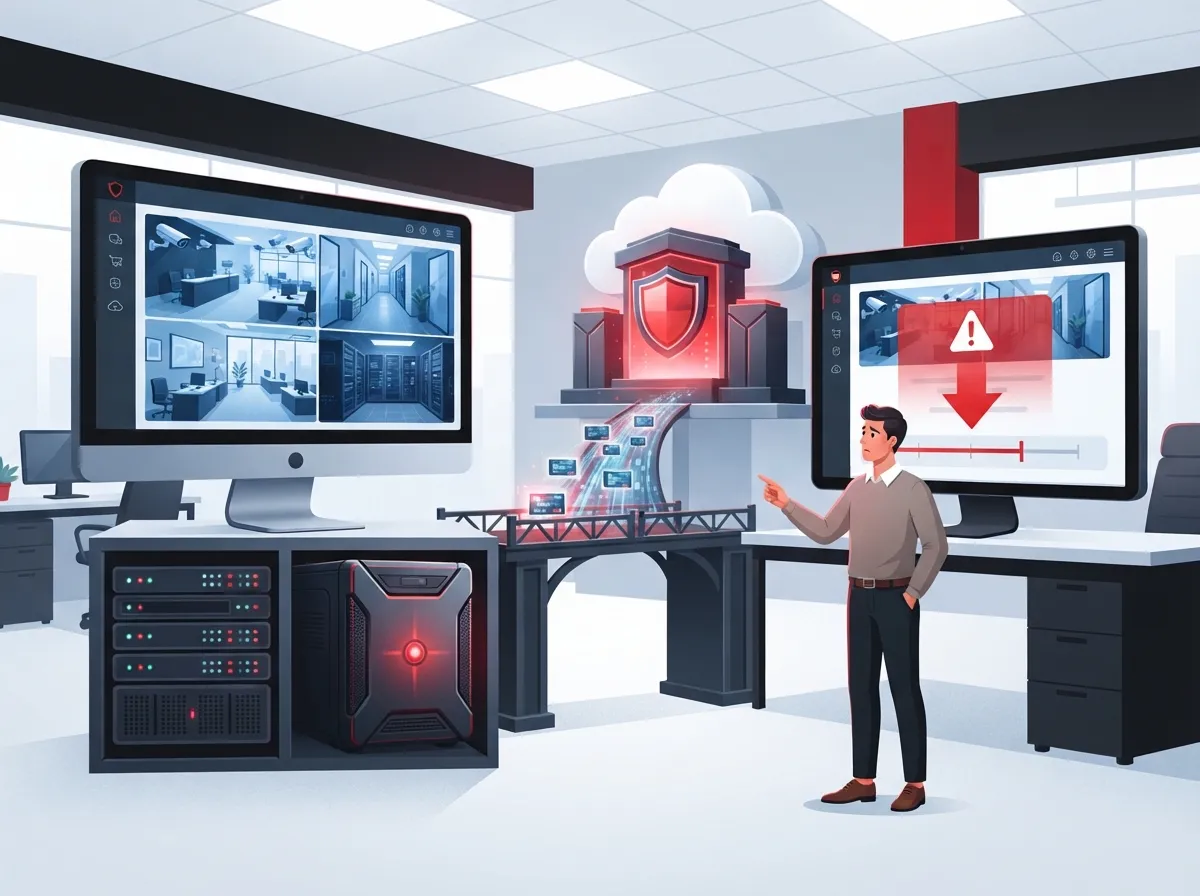
Cameras alone don’t protect your footage. If your recorder sits in the same building as your cameras, one fire, flood, or theft can wipe out your evidence in seconds. Cloud backup solves this by storing a copy somewhere completely separate.
Here’s what a solid backup protects you against:
- Theft or vandalism targeting the recording equipment itself
- Fire, flooding, or storm damage to your building
- Ransomware attacks that lock or delete local files
- Hardware failure from age or power surges
- Loss of physical access to your location during an emergency
The best protection comes from footage stored in a separate location with immutable or version-controlled retention. That means even if someone tries to delete or alter a recording, an untouched copy still exists. This matters a lot for retail, healthcare, and financial businesses that may need footage as evidence months later.
How Much Bandwidth Do You Really Need?
This is one of the most common questions we hear, and it’s a smart one to ask. Video systems eat up bandwidth, and if your internet can’t keep up, you’ll see lag, dropped frames, or failed backups.
Bandwidth needs depend on several factors working together:
- Number of cameras on your network
- Resolution of each camera (higher resolution needs more data)
- Frame rate, or how many images per second each camera captures
- Video codec used, like H.264 or the more efficient H.265
- Amount of motion in the scene, since busy areas generate more data
- Retention period, since longer storage means more data moving and staying put
- Whether you record continuously or only during motion events
Good news: smart settings can shrink your bandwidth needs quite a bit. According to Synology, switching to low-bandwidth mode can cut the bitrate of a 5-megapixel camera from 3 Mbps down to 1.5 Mbps. That’s roughly a 50% reduction, just from smarter encoding. Using H.265 compression, motion detection, and edge analytics can all help your network breathe easier. If your current setup feels slow, our article on 13 High-Speed Internet for Business Tips That Save Money is worth a read.
Bandwidth Planning Table
| Camera Setup | Estimated Bandwidth Need | Best For |
|---|---|---|
| 4 cameras, standard HD, motion-based recording | 4-8 Mbps | Small offices, retail storefronts |
| 8-12 cameras, HD, continuous recording | 15-25 Mbps | Mid-sized offices, warehouses |
| 16+ cameras, 4K, continuous with cloud backup | 40+ Mbps dedicated | Multi-location enterprises, large facilities |
These are general estimates. Your actual needs depend on your specific cameras and settings. A quick chat with a telecom partner can help you nail down the right numbers before you commit to a plan.
Keeping Your Video System Secure
A camera system connected to the cloud is still a computer network, and it needs real security. Too many businesses set up cameras and forget about the digital locks that protect them.
Here’s what a properly secured system should include:
- Encryption for footage both while it travels and while it’s stored
- Unique login credentials for every user, not shared passwords
- Multifactor authentication for extra login protection
- Role-based permissions so staff only see what they need to
- Audit logs that track who viewed or downloaded footage
- Regular firmware updates to patch security holes
- Network segmentation, keeping cameras separate from other business systems
If a camera gets compromised, having it isolated on its own network segment stops attackers from jumping to your other systems. This is one of many reasons a real network security plan matters, not just good cameras. You can learn more in How Secure Is Cloud Video Storage for Your Business?
How Long Should You Keep Footage?
There’s no single right answer here. Retention should match your business needs and any laws that apply to your industry or location.
Some general starting points businesses often use:
- Retail and small offices: 30 to 60 days is common
- Healthcare facilities: often longer, based on compliance requirements
- Financial services: frequently 90 days or more due to regulatory rules
- Construction sites: variable, often tied to project timelines
- Multi-location franchises: standardized company-wide policy for consistency
Before you settle on a retention window, review where your cloud provider stores data, how they handle deletion, and what their data-processing terms say. Local surveillance laws can also affect what you’re allowed to record and for how long. Our guide on 6 Key Facts About Cloud Video Security Footage Storage in Tampa covers this in more detail.
The Role of Telecom Infrastructure
Cloud video security doesn’t run on cameras alone. It leans heavily on your internet connection, network setup, and ongoing support. This is where working with a telecom partner really pays off.
A solid telecom foundation for cloud video should include:
- Business-grade internet with enough speed for your camera count
- Dual connectivity, like fiber paired with cellular failover, so you never lose coverage
- Traffic prioritization so video doesn’t choke your phone or business apps
- Proactive monitoring to catch problems before they become outages
- Centralized management for businesses with more than one location
Franchise operators and multi-location businesses especially benefit from this kind of setup. Instead of juggling different internet providers and camera vendors at every site, one partner can manage it all. If outages worry you, our piece on How to Keep Security Cameras Working During Internet Outages is a helpful read.
Interoperability Checklist
If you’re working with more than one vendor, or you might switch providers down the road, interoperability matters. Here’s what to check before you sign anything:
- ONVIF support for camera and recorder compatibility
- Open APIs that let systems talk to each other
- Standard export formats so footage isn’t locked into one platform
- Mobile and desktop access options for your team
- A clear process for retrieving footage if you switch providers later
What Does It Cost?
Pricing for cloud video security with backup varies quite a bit based on camera count, resolution, retention length, and whether you choose fully cloud, hybrid, or backup-focused storage. Most cloud storage providers price based on how much data you store, plus any upload or retrieval activity.
| Business Size | Typical Camera Count | General Monthly Range |
|---|---|---|
| Small business | 4-8 cameras | $50 – $200 |
| Mid-sized enterprise | 10-25 cameras | $200 – $600 |
| Multi-location franchise | 25+ cameras across sites | $600+, scales with locations |
These figures are general starting points, not fixed quotes. Actual pricing depends heavily on your specific setup and provider. For a full cost breakdown, take a look at How to Budget for Commercial Video Surveillance in Tampa FL.
Is the Market Growing?
Yes, and quickly. According to MarketsandMarkets, the global video surveillance storage market was valued around $9.56 billion in 2024, with projections reaching $14.13 billion by 2031. That works out to a compound annual growth rate of about 6.1%.
Other research firms see even faster growth. Congruence Market Insights estimated the market at roughly $16.85 billion in 2025, projecting an 18.4% CAGR through 2033. These numbers differ because firms define “video surveillance storage” differently, so it’s smart to treat any single figure as one forecast rather than a universal truth. Either way, the trend is clear: more businesses are moving toward cloud-based video security every year.
Choosing the Right Model for Your Business
So how do you decide between fully cloud, hybrid, or backup-focused options? It really comes down to your priorities.
- If instant remote access from anywhere matters most, fully cloud-hosted may fit best.
- If you want fast local playback with disaster protection, hybrid is often the sweet spot.
- If you already have solid on-site recording and just want peace of mind, backup-focused works well.
- If you run multiple locations, centralized cloud management usually saves time and headaches.
- If budget is tight right now, starting with backup-focused and scaling up later is a smart move.
Retail stores, warehouses, healthcare offices, schools, and construction sites all use cloud video security a little differently. What matters is matching the setup to how your business actually operates. You can see real examples in 7 Cloud Video Security Systems Tampa FL Businesses Love.
Bringing It All Together
At the end of the day, cloud video security with backup isn’t just about buying cameras. It’s about building a system where your network, your internet, and your storage all work together to protect your business. When one piece is weak, the whole system suffers.
Ideal Solutions Provider has spent over 24 years helping Tampa businesses build telecom setups that actually work together. As a single point of contact working with 35+ vetted suppliers, we handle everything from your internet connection to your camera installation to ongoing support. You get one team to call instead of five different vendors pointing fingers at each other. You can also follow our latest tips and project updates on Facebook, Instagram, and YouTube.
Good structured cabling and a reliable Internet Service Provider relationship both play a bigger role in video security than most business owners realize. Skimping on either can undo even the best camera system.
Ready to stop worrying about lost footage and start feeling confident in your security setup? Reach out to our team for a free consultation, or simply give us a call to talk through what your business really needs. We’re happy to walk you through it, no pressure, no confusing sales pitch. Just honest advice from people who’ve been doing this for over two decades.
FAQs
Q: What is cloud video security with backup?
A: It’s a setup where your security cameras record footage that gets stored both locally and in the cloud. Think of the cloud copy as your safety net. If something happens to your on-site equipment, you still have your footage safe and sound somewhere else.
Q: What’s the difference between cloud video surveillance and cloud video backup?
A: Cloud surveillance usually means your cameras stream and store footage directly in the cloud as the main system. Cloud backup means your main recording stays local, but a copy also gets sent to the cloud just in case. Many businesses use a mix of both for the best protection.
Q: How much internet bandwidth do cloud security cameras need?
A: It depends on your camera count, resolution, and recording style. A small setup with 4 cameras might only need 4-8 Mbps, while a larger continuous-recording system could need 40 Mbps or more. Using motion detection and modern codecs like H.265 can cut that need significantly.
Q: Is cloud video surveillance secure against hacking and ransomware?
A: It can be very secure, but only if it’s set up right. Encryption, unique logins, multifactor authentication, and network segmentation all help keep your footage safe. We always recommend working with a partner who takes these steps seriously, not just someone who installs cameras and walks away.
Q: Should my business choose fully cloud, on-premises, or hybrid video surveillance?
A: It really depends on your goals. If you want fast local access plus disaster protection, hybrid often works best for most businesses we work with. If remote access from anywhere matters most, fully cloud might be the better fit. We’re happy to walk through your specific needs and help you decide.





