
Key Takeaways
-
Hosted business phone systems run on a provider's cloud, so you avoid buying and maintaining hardware, while on-premises systems keep equipment on-site and require you to handle upgrades and repairs.
-
Don't assume hosted is always cheaper: compare total cost over three to five years, including licenses, calling plans, phones, setup, connectivity, and integrations, not just the monthly fee.
-
A hosted system is only as reliable as your network, so test internet stability during busy hours, check router and Wi-Fi capacity, and plan backup internet and power.
-
Register an accurate emergency 911 address for every user or device and update it whenever staff move or work remotely, since FCC rules require interconnected VoIP providers to handle 911 and location.
-
Hosted systems suit businesses with remote or mobile staff, plans to add users or locations, or multiple sites, while on-premises fits teams with working equipment and in-house IT.
-
Before switching, confirm uptime commitments, support hours, number porting, and how the provider handles security updates and access controls.
Picking a phone system for your business sounds simple, until you start reading the options. Should you keep a box of equipment humming in a closet, or let a provider run everything for you in the cloud? If you have ever stared at a quote and wondered what you were really paying for, you are in good company.
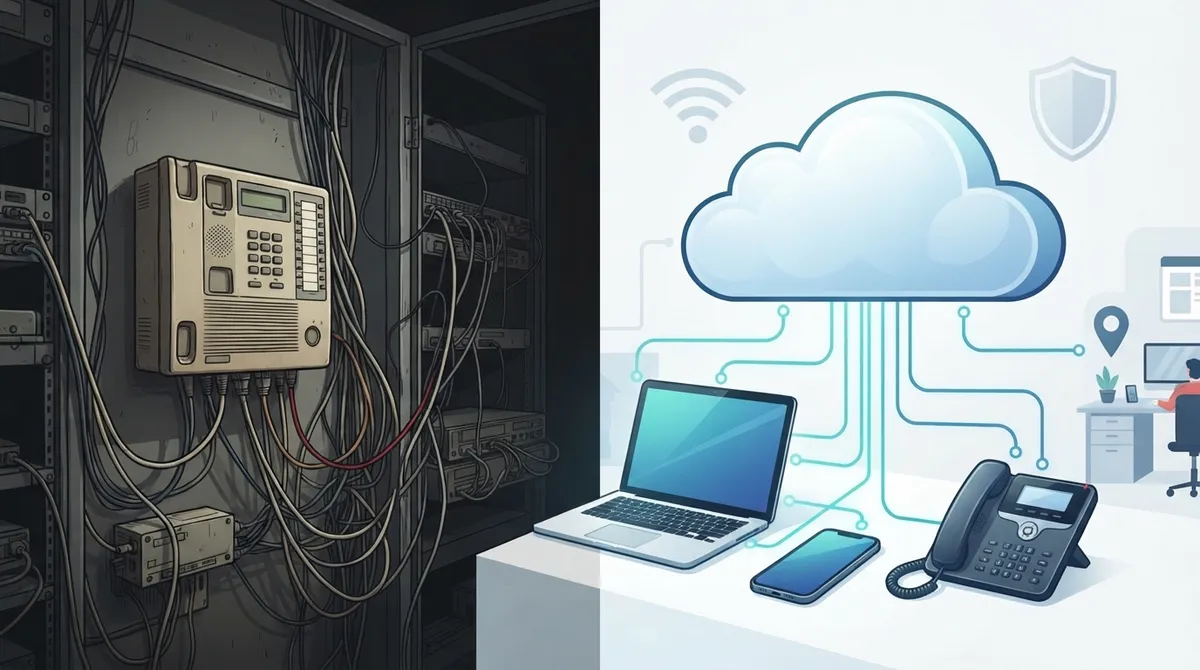
A hosted business phone system runs on a provider’s cloud platform instead of a box in your office. An on-premises system keeps the call-control hardware on your own site. Both can work well, but they fit different businesses.
In this friendly guide, we will compare the two side by side. We will cover costs, features, reliability, security, and 911 readiness. Whether you run a small shop, manage an IT team, or oversee several franchise locations, you will leave knowing which path makes sense for you in 2026.

What Is a Hosted Business Phone System?
A hosted business phone system is a provider-managed service, often called hosted PBX or cloud PBX. The provider runs the call-control platform in its cloud or data center. Your team makes and receives calls using Voice over IP (VoIP) over your internet connection.
Staff can use compatible desk phones, a computer app, or a mobile app. Many people use the same business number and extension on every device. That is handy when someone works from home or travels.
Common features include:
- Auto attendants that greet callers and route them
- Call forwarding, extensions, and ring groups
- Voicemail, and sometimes voicemail transcription
- Conferencing and web-based admin tools
- Optional SMS, call recording, analytics, and CRM integrations, depending on the plan
If you want a deeper primer, our guide on what a cloud-based phone system is breaks it down in plain language.
What Is an On-Premises Phone System?
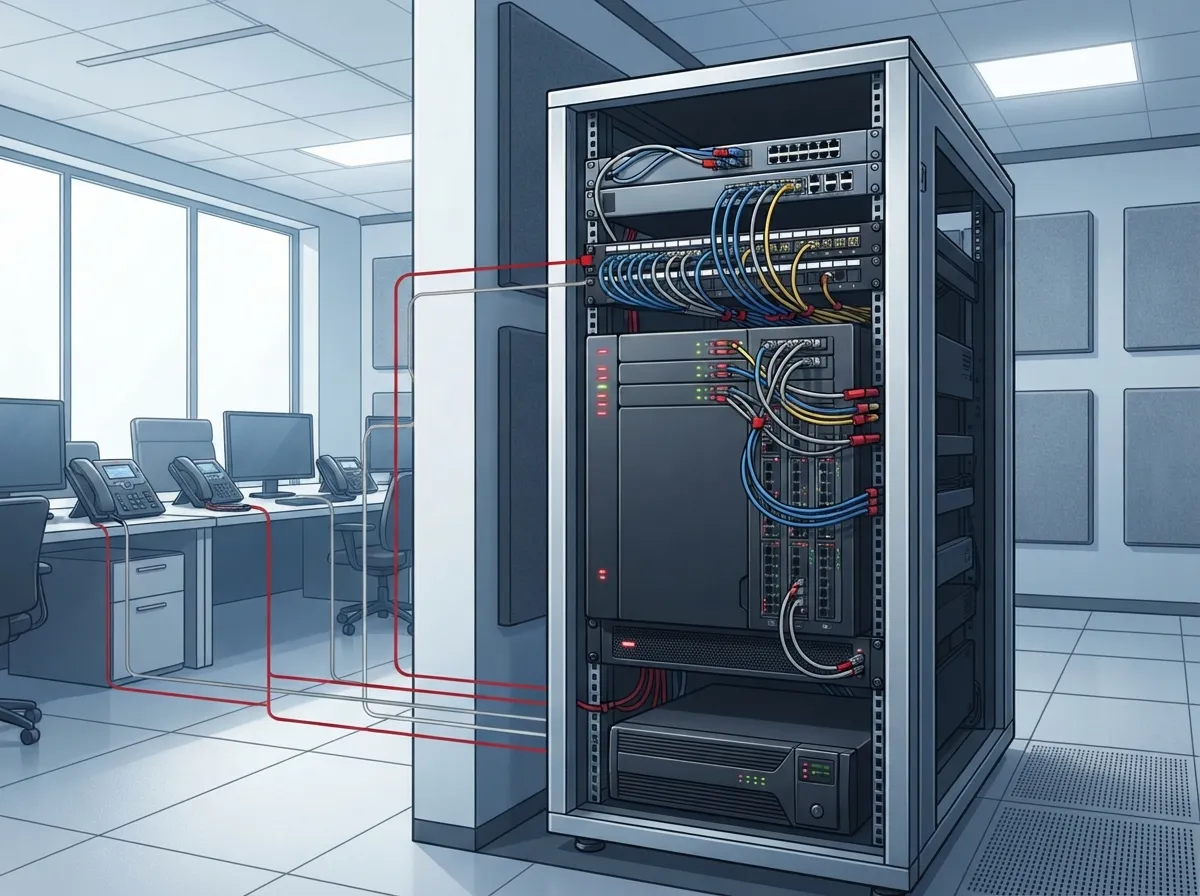
An on-premises PBX keeps the call-control equipment at your location. You own or lease the hardware, and your team or a vendor maintains it. Calls usually travel over phone lines or SIP trunks, and some modern on-site systems also support VoIP.
This setup gives you direct control over the equipment. It also means you handle upgrades, repairs, and capacity limits. If you add a new office, you often need new hardware and new cabling.
Some organizations still prefer this model, especially those with strict internal policies or existing investments in equipment. For many others, the maintenance burden becomes the main drawback over time.
Hosted vs. On-Premises: Side-by-Side Comparison
Here is a quick snapshot of how the two stack up. Remember that real costs and results depend on your provider, your devices, and your network.
| Factor | Hosted Business Phone System | On-Premises Phone System |
|---|---|---|
| Where it runs | Provider’s cloud or data center | Equipment at your location |
| Upfront cost | Often lower (licenses, phones, setup) | Often higher (hardware, installation) |
| Ongoing cost | Per-user subscription plus calling plans | Maintenance, support, and upgrades |
| Adding users or sites | Typically simpler and faster | May require new hardware and cabling |
| Remote and mobile work | Built for it with apps and softphones | Possible, but often needs extra setup |
| Updates and maintenance | Handled by the provider | Handled by you or your vendor |
| Internet dependence | High, so network quality matters | Lower for internal calls |
| Control over equipment | Less direct control | Full control on site |
The big takeaway: hosted systems trade some direct control for flexibility and less hands-on work. On-premises systems trade flexibility for control and ownership.
Cost: Which Is Really Cheaper?
Many people assume hosted service is always cheaper. That is not guaranteed. Your actual cost depends on licensing, calling plans, phones, connectivity, setup, and any integrations you need.
Hosted systems usually spread costs into a predictable monthly fee per user. That can be easier on cash flow, especially for growing teams. You also skip buying a large piece of hardware up front.
On-premises systems often cost more at the start. Over time, you may pay less per month if you keep the equipment for many years. But you also take on repair costs, upgrades, and the risk of the hardware aging out.
The best approach is to compare total cost over three to five years, not just the monthly bill. For local pricing context, see how much a VoIP phone system costs for a business in Tampa.
Features and Flexibility
Modern hosted platforms tend to roll out new features through the provider, so you do not need to buy new hardware to get them. That includes mobile apps, conferencing tools, and analytics. Features vary by provider and plan, so always confirm what is included.
On-premises systems can be very capable too. However, upgrading features may require new modules, licenses, or hardware. That can slow you down when your needs change.
For a helpful checklist, check out these 12 VoIP phone system features every business needs in 2026.
Reliability, Call Quality, and Your Network
Here is where honesty matters. A hosted business phone system is only as good as the network under it. Call quality and availability depend on the provider’s service and on your internet connection, local network, power, and devices.
Before you switch, think through these items:
- Test your internet speed and stability during busy hours.
- Check that your router, switches, and Wi-Fi can handle voice traffic.
- Ask the provider about uptime commitments and support hours.
- Plan for backup connectivity, such as a second internet line.
- Consider power backup so phones stay up during an outage.
Not sure how much speed you need? Our post on what internet speed you need for VoIP can help you size it right.
Good wiring matters too. Solid cabling keeps desk phones and access points running smoothly. Learn more about how structured cabling supports VoIP and cameras. If you want background on the concept itself, this overview of structured cabling is a nice starting point.
Security and Control
With a hosted system, the provider manages the platform, software updates, and core infrastructure. That takes a lot off your plate. You still manage users, call settings, devices, and your own network.
With an on-premises system, you control the equipment, but you also carry the responsibility for patching, access, and physical security. Neither model is automatically safer. What matters is good configuration, strong passwords, and careful user management.
If security is a top concern, ask any provider how they handle access controls, updates, and incident response. Your telecom partner should walk you through these answers without hesitation.
911 and Emergency Calling: Do Not Skip This
Emergency calling deserves special attention with any VoIP-based service. In the United States, FCC rules require interconnected VoIP providers to provide 911 service and handle location information under applicable requirements. Fixed interconnected VoIP providers must also provide automated dispatchable location with 911 calls under the FCC’s rules.
What does that mean for you in practice?
- Register an accurate emergency address for each user or device.
- Update that address whenever staff move offices or work remotely.
- Test your 911 setup and train employees on how it works.
- Confirm with your provider how location is handled for your service type.
You can read the official guidance in the FCC’s VoIP and 911 service guide. Exact location handling depends on your service type and configuration, so make sure your provider explains it clearly.
Who Should Choose Which?
Every business is different, so here is a friendly rule of thumb.
Hosted May Be the Better Fit If You
- Have remote, hybrid, or mobile employees
- Plan to add users or locations soon
- Want less equipment and less maintenance
- Prefer predictable monthly costs
- Manage multiple sites, like a franchise operator
On-Premises May Be the Better Fit If You
- Already own equipment that still works well
- Need direct, on-site control of your call platform
- Have a stable, unchanging team and location
- Have an IT team ready to maintain the system
Small business owners often love hosted service because it is quick to set up and easy to grow. IT managers like the centralized admin tools. Office managers appreciate that the provider handles most updates. Franchise operators gain a consistent system across every location.
If you are weighing VoIP against older setups, you may also enjoy hosted VoIP vs. traditional phone: which is right for you.
How to Choose a Hosted Phone Provider
If hosted sounds like your direction, compare providers carefully. Do not just look at the sticker price. Here is a simple process to follow:
- List your needs. Count users, locations, and must-have features.
- Check your network. Confirm your internet and cabling can support voice.
- Compare total cost. Include licenses, calling plans, devices, setup, and integrations.
- Review uptime and support. Ask about service commitments and response times.
- Confirm 911 handling. Make sure location management fits how your team works.
- Plan the switch. Ask about number porting, training, and cutover timing.
You can find more detail in how to choose cloud-based phone system providers in Tampa FL. Also keep an eye out for common pitfalls, like those in 5 hosted PBX mistakes Tampa small businesses must avoid.
Why a Single Telecom Partner Helps
A phone system never works alone. It depends on your internet, your cabling, and your network. That is why many businesses like having one trusted partner handle the whole picture instead of juggling several vendors.
Ideal Solutions Provider is a Tampa-based telecom and IT partner with over 24 years of experience. They work with 35+ vetted suppliers, so they can compare options for VoIP, high-speed internet, cabling, and networking side by side. They also handle consultation, installation, and ongoing support, which means fewer headaches for you.
If you want a deeper look at the cloud route, visit their page on cloud based phone systems. You can also follow their tips and updates on YouTube.
The Verdict: Which One Wins?
So, which wins? For most growing, flexible, or multi-location businesses in 2026, a hosted business phone system is the easier path. It reduces equipment, speeds up changes, and supports remote work well. Just remember that it relies on a strong network, solid backup plans, and correct 911 setup.
An on-premises system can still make sense when you already own working equipment or need hands-on control. The best choice is the one that fits your team, your sites, and your budget over the next several years.
The good news is you do not have to figure this out alone. Contact us for a free consultation, or call us to talk through your options. We will review your current setup and help you find a solution that fits like a glove.
FAQs
Q: What is a hosted business phone system?
A: A hosted business phone system, also called hosted PBX or cloud PBX, is a phone service run from your provider’s cloud instead of a box at your office. Your team makes calls over the internet using desk phones, computer apps, or mobile apps. The provider manages the platform and updates, while you manage users and settings.
Q: How much internet speed and network setup does a hosted phone system need?
A: It depends on how many people call at once, but a stable, low-delay connection matters more than raw speed. Check your bandwidth, router, switches, and Wi-Fi, and consider a backup internet line for peace of mind. A telecom partner can test your network before you switch so there are no surprises.
Q: Can employees use a hosted business phone system remotely or on mobile devices?
A: Yes, and that is one of the best perks. Most providers offer computer and mobile apps so staff can use the same business number from anywhere. Just keep each person’s emergency location up to date for 911 calls when they move around.
Q: How does 911 work with a hosted business phone system?
A: In the U.S., FCC rules require interconnected VoIP providers to offer 911 service and handle location information. You should register and keep each user’s or device’s emergency address current, especially for remote or mobile staff. Exact location handling depends on your service type and setup, so ask your provider how it works.
Q: Is a hosted phone system always cheaper than an on-premises system?
A: Not always. Hosted service often costs less up front and spreads costs into monthly fees, but total cost depends on licenses, calling plans, devices, connectivity, and setup. Compare the full cost over three to five years to see which option truly saves you money.





