
Key Takeaways
-
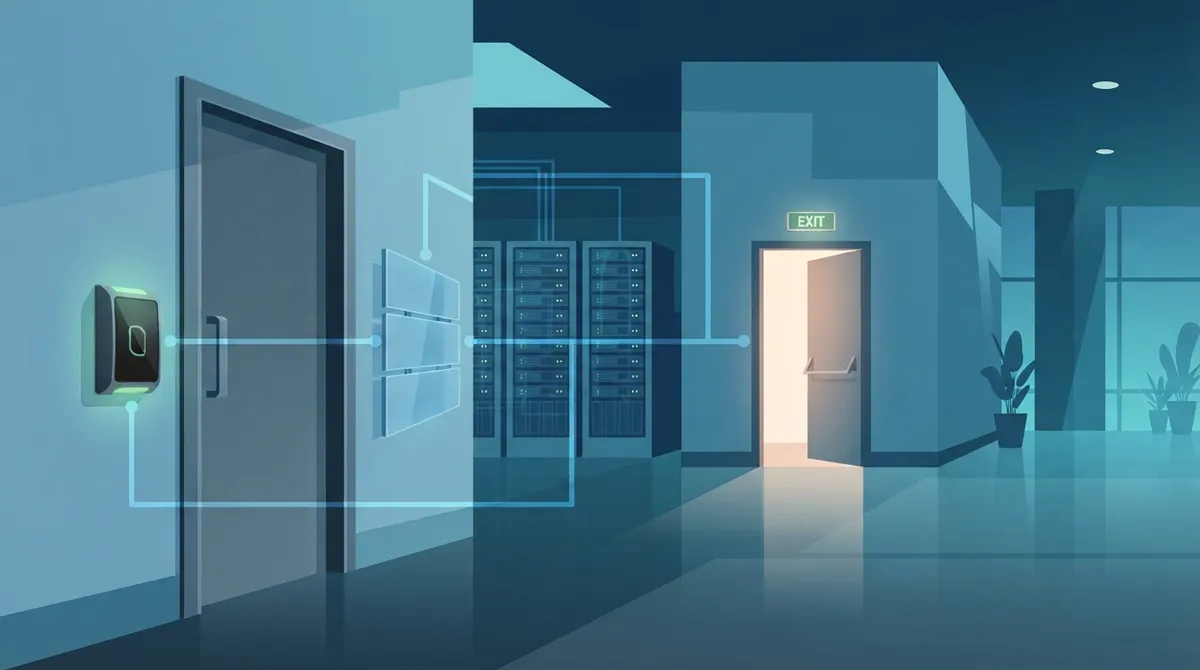
Plan for offline operation before buying: confirm whether approved cards still open doors during an internet outage, whether events sync later, and whether users can be added or removed offline.
-
Place door devices on a separate network segment (VLAN) with tight firewall rules, so a breach of guest or office Wi-Fi cannot reach your door system.
-
Use role-based permissions and a same-day deactivation routine for lost cards and departing employees to prevent former staff from keeping door access.
-
Choose encrypted smart-card credentials over older low-frequency proximity cards, which are easier to clone, and add a PIN or second factor for sensitive rooms.
-
Confirm life-safety and local fire code requirements with a qualified installer and your fire marshal so access control never blocks required emergency exits.
-
Work with one telecom or integration partner to coordinate cabling, PoE switches, internet, and video, so you have a single point of contact when issues arise.
Picture this: it’s Monday morning, and a former employee’s key card still opens your front door. Nobody remembered to turn it off. Or maybe your internet blinked, and suddenly half your doors stopped working. Sound stressful? It happens more often than you’d think, and the good news is that it’s all avoidable.
A key card access control system is one of the easiest ways to protect your building, your people, and your equipment. But a card reader on the wall is only the start. How the system connects to your network, how you handle outages, and how you manage cards all matter just as much as the hardware.
If you run a small office, a growing company, or a handful of franchise locations, this guide is for you. We’ll walk through 11 common mistakes, explain them in plain English, and show you how to dodge each one. Grab a coffee and let’s make your doors work for you, not against you.
What Is a Key Card Access Control System?
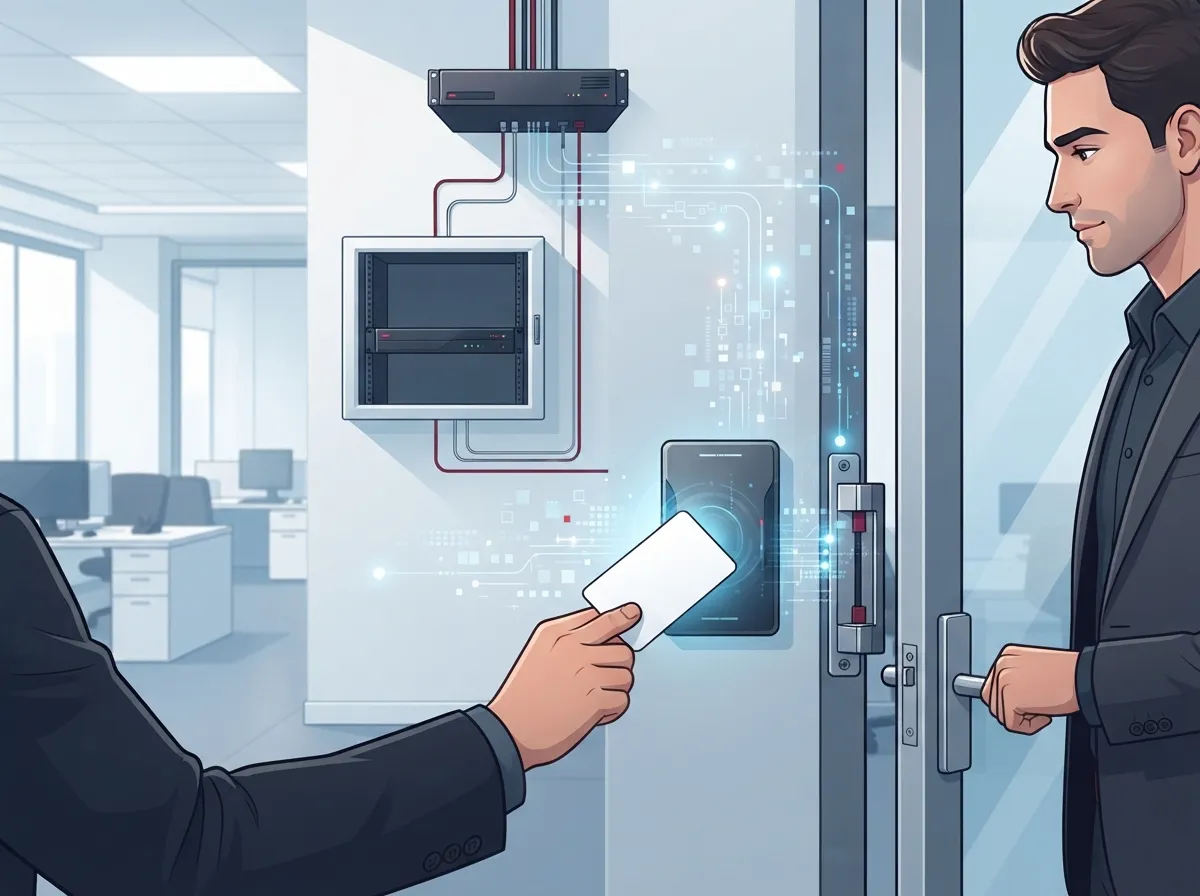
A key card access control system decides who can open which doors, and when. People tap a card or fob on a reader. A controller checks that credential against a list of permissions. If it matches, the electronic lock opens. Software records every event and lets you add, change, or cancel access.
Here are the usual parts of a system:
- Credentials: cards, fobs, or smart cards
- Readers: the devices at each door
- Door controllers: the “brains” that make the unlock decision
- Electric locks: strikes or magnetic locks that release the door
- Request-to-exit devices: sensors or buttons that let people leave safely
- Management software: where admins set rules and review logs
- Network connectivity: the link that ties it all together
That last item is where telecom comes in. Modern systems depend on solid cabling, switches, internet service, and secure network design. That’s why many businesses work with a telecom partner like Ideal Solutions Provider to plan the whole picture, not just the card readers.
Analysts see strong demand too. Grand View Research estimated the global access-control market at $11.6 billion in 2025 and projected it could reach $22.8 billion by 2033. Another firm, IMARC, estimated that card-based systems made up about 59.8% of the market in 2025. These are market estimates, but they show that key cards remain a popular, trusted choice.
Mistake 1: Treating a Key Card Access Control System Like a Plug-and-Play Gadget
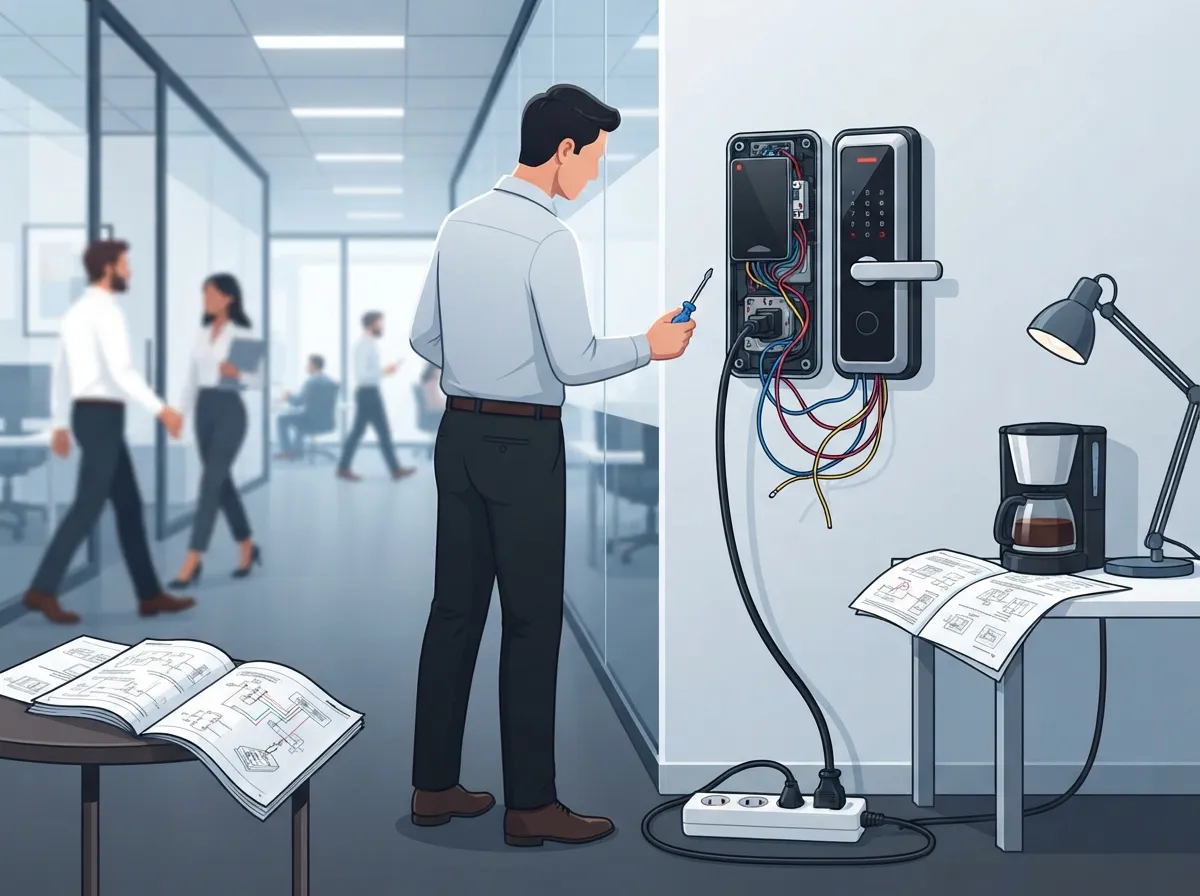
It’s tempting to buy readers online and call it a day. But an access system touches your network, your electrical setup, your door hardware, and local safety codes. Skipping the planning stage leads to surprise costs and doors that don’t behave.
Before you buy, map out every door. Decide which ones need cards, which need extra protection, and which can stay simple. A short planning session now saves a long headache later.
Mistake 2: Ignoring the Network Behind the Doors
Many modern readers and controllers need a network connection. If your cabling is old, messy, or overloaded, doors can lag or drop offline. That’s a frustrating way to start a workday.
Good structured cabling services give every reader a clean, reliable path. If you’re not sure what that means, our guide on what structured cabling is for your business network breaks it down. Also check that your switches can deliver Power over Ethernet (PoE) if your readers or controllers use it.
Mistake 3: Putting Door Devices on an Open Business Network
Here’s one that surprises people. Access control devices should not just be plugged into the same network your guests and laptops use. If someone breaks into that network, they could reach your door system too.
Instead, ask your integrator and IT team to agree on a secure design:
- Place door devices on their own network segment (a VLAN).
- Use firewall rules that allow only the traffic the system truly needs.
- Document which outbound connections the cloud service requires.
- Decide who owns updates and patches, and how often they happen.
Think of it like giving your door system its own private hallway. If you want to go deeper on design, see how to choose access control systems for Tampa businesses.
Mistake 4: Not Knowing What Happens When the Internet Goes Down
This is the big one. Cloud and hybrid systems are wonderful for remote management, but you need to know exactly what keeps working during an outage. Some systems keep validating cards locally. Others may not.
Ask any provider these questions:
- Will approved cards still open doors if the internet drops?
- Are events stored and uploaded once service returns?
- Can I still add or remove a user during an outage?
- What happens to doors during a power loss?
A reliable business high-speed internet connection helps a lot, and a backup connection helps even more. Our tips on high-speed internet for business can help you pick the right level of service.
Mistake 5: Forgetting That a Card Alone Doesn’t Prove Identity
A key card proves someone has a card. It doesn’t prove who is holding it. Cards get lent, lost, or stolen, and that’s just human nature.
For most doors, a card is plenty. For sensitive areas like server rooms, cash rooms, or records storage, consider adding a second factor such as a PIN, a mobile credential, or biometrics. Our post on why Tampa businesses are moving from key cards to phones shows how mobile options compare.
Mistake 6: Choosing Cards Without Asking About Security Technology
Not all cards are equally secure. Older, low-frequency proximity cards can be easy to copy. Newer smart-card technology uses encryption and is much harder to clone.
When you shop, ask:
- What credential technology does this system use?
- Is it encrypted, and how resistant is it to cloning?
- How are new cards issued securely?
- Can my existing cards be migrated, or must I replace them?
A quick note on standards: NIST’s FIPS 201-3 describes federal Personal Identity Verification (PIV) credentials. It’s a federal standard, not a rule for ordinary commercial key-card systems. Still, it’s a helpful example of how seriously credential security can be taken.
Mistake 7: Skipping a Clear Onboarding and Offboarding Process
Remember our Monday-morning story? This is how it happens. Cards get handed out in a rush, and nobody has a checklist for when someone leaves.
Build a simple routine:
- Define roles (for example: front desk, manager, cleaning crew, IT).
- Assign permissions by role instead of one person at a time.
- Issue cards only after HR or a manager approves the request.
- Deactivate cards the same day someone leaves or reports a card lost.
- Review who has access every quarter and remove what’s no longer needed.
Office managers and franchise operators love this one, because a little structure keeps everything tidy across busy teams and multiple sites.
Mistake 8: Overlooking Life-Safety and Local Code Rules
Security is important, but people must always be able to get out safely in an emergency. Access control must never block required emergency egress. The exact rules depend on your location and door type.
Work with a qualified installer, and confirm requirements with your local fire marshal or code authority. If you’re unsure, ask before you install, not after. It’s a small step that protects everyone in the building.
Mistake 9: Choosing the Wrong Deployment Style for Your Business
Access control comes in three main flavors, and each fits different needs. Here’s a quick comparison:
| Type | How It Works | Best For | Things to Watch |
|---|---|---|---|
| On-premises | Software and servers live at your location | Single sites with in-house IT | You handle updates, backups, and hardware |
| Cloud-based | Management happens through a hosted platform | Multi-site and growing businesses | Needs reliable internet and clear outage behavior |
| Hybrid | Local controllers plus cloud management | Businesses wanting remote control and local backup | Requires good network design |
For franchises and companies with several locations, central management is a big win. You can set rules once and apply them everywhere. Learn more in our guide to scalable access control systems for multi-location businesses, or compare options in cloud vs. on-premise access control.
Mistake 10: Keeping Access Control Separate From Your Other Systems
Doors, cameras, phones, and networks all work better when they’re planned together. When a door alarm triggers, you want to see the video right away. When a visitor arrives, you want a smooth check-in.
Many systems can integrate with video surveillance, visitor management, alarms, and building systems. Pairing access control with cloud video security is a popular combination because you get a log entry and a video clip for each event. If you’re curious how that works, read what security cameras really do for your business.
Planning backup power matters here too. Ask how long your readers, controllers, and network gear keep running if the lights go out.
Mistake 11: Buying From Too Many Vendors Without One Point of Contact
One company for cards, another for locks, another for internet, another for cabling. When something breaks, everyone points at someone else. Nobody enjoys that game.
A single partner can coordinate the pieces, track warranties, and handle support. With over 24 years of experience and relationships with 35+ vetted suppliers, Ideal Solutions Provider acts as that single point of contact for connectivity, cabling, networking, cameras, and access control. If that sounds appealing, our post on why use one telecom partner explains the benefits in detail.
Quick Planning Checklist for Your Key Card Access Control System
Before you sign anything, run through this short list:
- Walk the building and list every door and access zone.
- Decide who needs access to what, using roles.
- Confirm your cabling, switches, and PoE are ready.
- Plan a separate, secure network segment for door devices.
- Ask what works during internet and power outages.
- Check credential security and card cloning resistance.
- Write down your onboarding and offboarding steps.
- Confirm life-safety and local code requirements.
- Ask about integrations with video and other systems.
- Get support terms and lifecycle plans in writing.
How Much Does a Key Card Access Control System Cost?
Costs vary a lot. The number of doors, the type of lock, the credential technology, cabling needs, software subscriptions, and installation difficulty all change the price. A glass storefront door costs a different amount than a steel stairwell door.
Instead of chasing a single per-door number, ask for a written quote that breaks out hardware, installation, software fees, and support. That way you can compare apples to apples. A free consultation is a smart way to get real numbers for your building.
Putting It All Together
A key card access control system works best when you treat it as part of your bigger communications and security picture. Plan your doors, protect your network, prepare for outages, manage cards carefully, and keep life safety front and center. Do those things, and you’ll avoid nearly every mistake on this list.
Small business owners get peace of mind. IT managers get a cleaner network design. Office managers get simple routines. Franchise operators get consistent control across locations. Everybody wins.
Ready to make your doors smarter and your life easier? Contact us for a free consultation, or call us at 813-388-4935. We’ll review your setup, answer your questions, and help you build an access control plan that fits your business. You can also follow our tips on Facebook and YouTube.
FAQs
Q: What is a key card access control system and how does it work?
A: It’s a system that decides who can open which doors and when. A person taps a card or fob on a reader, a controller checks their permissions, and the electronic lock opens if they’re approved. The software also logs every entry so you can review activity later.
Q: What happens to key card entry if the internet or cloud service goes down?
A: It depends on how the system is built. Many cloud and hybrid systems keep validating cards locally and store events until service returns, but you should confirm this with your provider before you buy. A backup internet connection and backup power add extra peace of mind.
Q: Are key cards secure, and can they be cloned or deactivated if lost?
A: Security depends on the card technology and setup. Newer encrypted smart cards are much harder to copy than older proximity cards, and lost cards can be deactivated quickly in your management software. For sensitive rooms, adding a PIN or another credential gives you an extra layer.
Q: Can key card access control integrate with business phone, internet, or network services?
A: Yes, it relies on your network, so it works hand in hand with your internet, cabling, and switches. Many systems also connect with video surveillance, visitor management, and alarms. A telecom partner can help coordinate all of these pieces so they work smoothly together.
Q: What is the difference between cloud-based, on-premises, and hybrid access control?
A: On-premises systems run on your own servers, cloud-based systems are managed through a hosted platform, and hybrid systems combine local controllers with cloud management. Cloud and hybrid options are popular for multi-site businesses because you can manage everyone from one place.





