
Key Takeaways
-
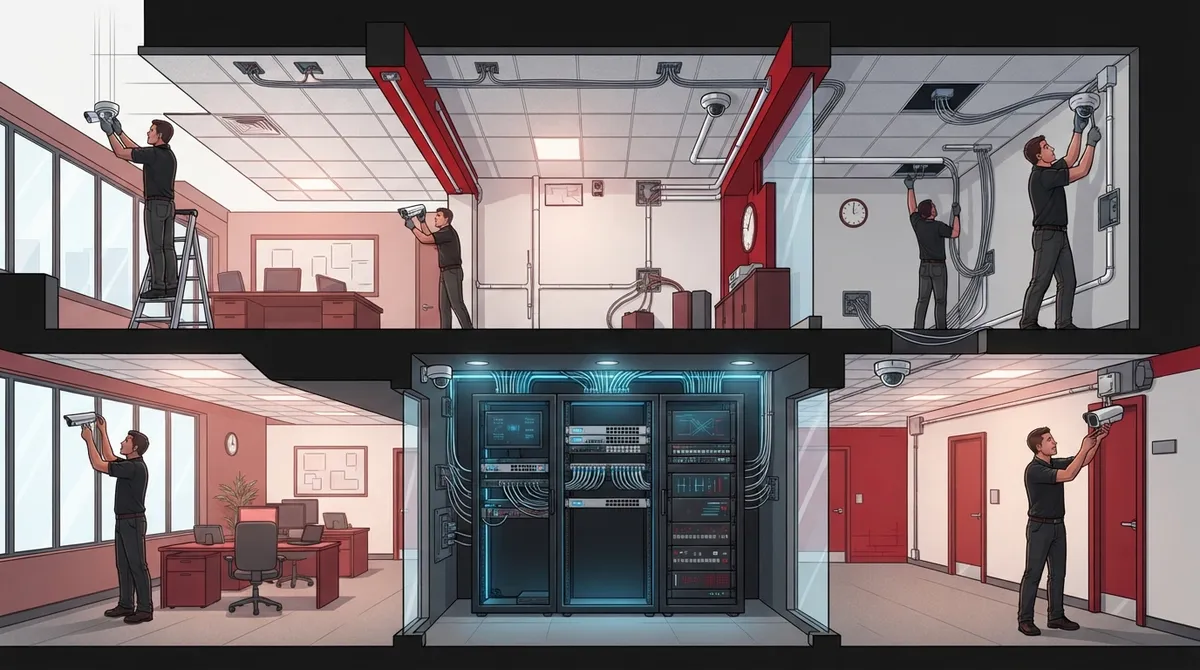
Cabling accounts for 40-60% of installation time on commercial projects; buildings with easy attic or drop-ceiling access move much faster than those requiring core drilling or conduit runs.
-
Installation timeline varies dramatically by camera count: 4-8 cameras take 0.5-2 days, while 16-32 cameras need 2-4 days and 32+ cameras require 5-10 days or phased scheduling.
-
Network readiness is critical; upgrading PoE switches, adding network drops, or improving internet connections before installation can significantly extend project timelines.
-
Professional site surveys are essential to avoid surprises; they assess cable routes, network capacity, mounting surfaces, and required equipment before work begins.
-
Plan for total timeline beyond installation day: equipment ordering, design approval, permits, and network preparation can take 1-2 weeks for small projects and a month+ for enterprise rollouts.
-
Installers can work around business hours through after-hours scheduling, phased installations by section, or coordination with slow periods to minimize operational disruption.
You’ve decided your business needs security cameras. Maybe you had a break-in scare, or you just want peace of mind while you’re away from the shop. Now you’re wondering how much your day (or week) is about to be disrupted. Good news: we’re here to walk you through exactly what to expect, so you can plan around it instead of worrying about it.
The honest answer is that camera installation time depends on your building, your camera count, and how ready your network already is. A small office might be done in half a day. A large warehouse with 30 cameras could take almost a week. Let’s break down the real numbers so you can plan your project with confidence.
Quick Answer: Typical Camera Installation Timelines
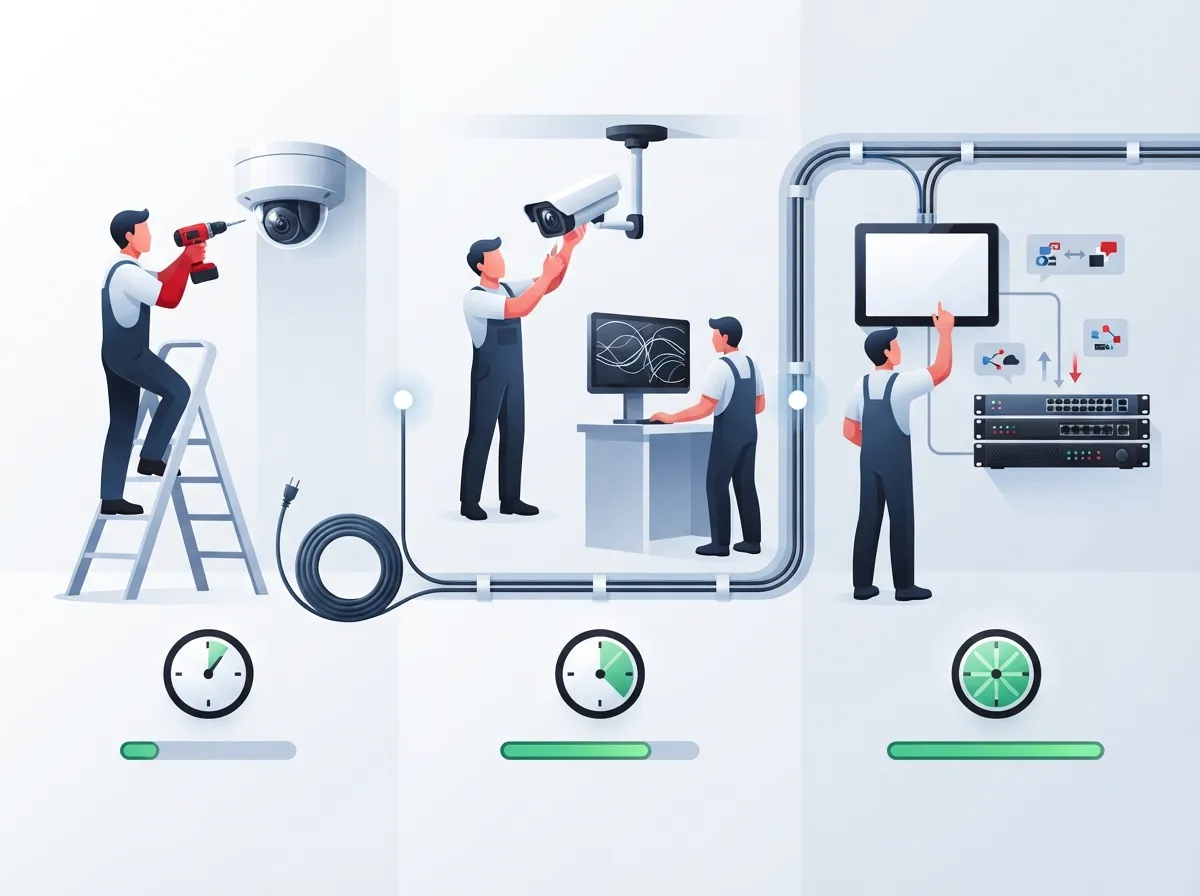
If you just want the short version, here it is. Most small commercial camera systems take anywhere from a few hours to a few days. Larger, multi-building projects can stretch into weeks. The table below gives you a solid planning guide based on camera count.
| Camera Count | Typical Installation Time | Best For |
|---|---|---|
| 4–8 cameras | 0.5–2 days | Small offices, retail shops, restaurants |
| 8–16 cameras | 1–3 days | Mid-sized businesses, multi-room offices |
| 16–32 cameras | 2–4 days | Warehouses, large retail, medical facilities |
| 32–64+ cameras | 5–10 days (or phased over weeks) | Enterprise sites, multi-location franchises |
These numbers assume a professional two-person crew and reasonably accessible cable pathways. If your building has tricky construction or an outdated network, add extra time. We’ll cover those factors next.
Why Installation Time Varies So Much
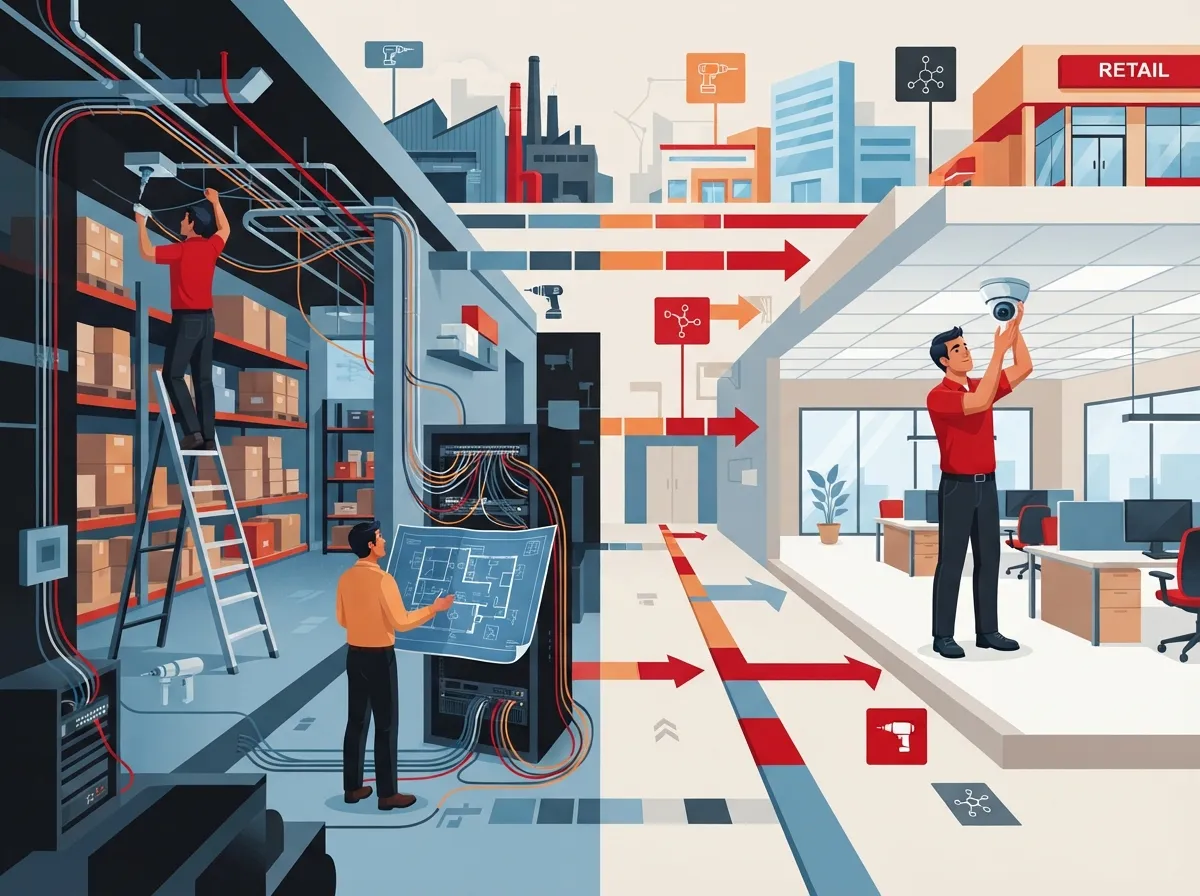
Two businesses with the same number of cameras can have very different installation timelines. Here’s why.
Cabling Is the Biggest Time Factor
Running cable is often the longest part of the job. In fact, cabling can eat up 40% to 60% of your total installation time on commercial projects. If your ceilings are hard to reach, your walls are solid concrete, or you need conduit for exterior runs, expect the schedule to grow. A building with easy attic or drop-ceiling access moves much faster than one requiring core drilling or long conduit runs.
This is one reason many businesses pair camera projects with a broader look at their professional structured cabling services. If your cabling is outdated or messy, fixing it during the camera install saves you from redoing work later. You can learn more about the basics of structured cabling and why it matters for long-term network reliability.
Building Construction and Ceiling Height
Difficult buildings can add 25% to 50% more time to your baseline estimate. Think tall warehouse ceilings that need lifts, historic buildings with plaster walls, or facilities with asbestos abatement rules. Multi-story buildings also take longer because crews have to move equipment and materials between floors.
Network Readiness
If your network already has power-over-Ethernet (PoE) switches and enough bandwidth, your installer can connect cameras quickly. If not, they’ll need to upgrade switches, add network drops, or even improve your Internet Service Provider connection before cameras can reliably stream and record footage. This is a common issue for older offices that haven’t updated their network cabling basics in years.
Integration with Other Systems
Many businesses want their cameras to work alongside access control or analytics software. This adds configuration time. If you’re also considering a commercial access control installation, it often makes sense to schedule both projects together so your installer can coordinate cabling and network setup in one visit.
Installation Time by Business Type
Let’s get specific. Here’s what installation typically looks like for common business types.
Small Retail Stores and Offices
A small store or office with 4 to 8 cameras usually takes half a day to two full days. If you already have accessible ceilings and a decent network, your installer might finish in a single afternoon. This is the most common scenario for small business owners just getting started with video security.
Mid-Sized Commercial Buildings
An 8 to 16 camera setup generally needs 1 to 3 days on site. This includes running cable, mounting cameras, setting up your recording system, and testing everything works. Many mid-sized offices, medical practices, and multi-room retail locations fall into this category.
Warehouses and Large Facilities
Warehouses often need 16 to 32 cameras or more to cover large open spaces, loading docks, and perimeter areas. This typically takes 2 to 4 days with a professional crew. High ceilings and long cable runs are the biggest time factors here. Some installers may need lifts or scaffolding, which adds setup time each day.
Multi-Site Franchise Locations
If you’re a franchise operator managing several locations, installation is usually scheduled site by site. Each location follows its own timeline based on size, but coordinating multiple sites means your overall rollout could take several weeks. A single point of contact managing the entire schedule makes this process far less stressful. This is exactly the kind of project where a scalable, multi-location approach pays off.
What Actually Happens During Installation
Camera installation involves more than just screwing cameras to the wall. Here’s the full process, step by step.
- Site survey. A technician walks your building, identifies camera placement, checks cable routes, and reviews your network capacity.
- Design approval. You review the camera plan and approve locations, angles, and coverage areas.
- Cable installation. Technicians run cable from each camera location back to the recording system or network switch.
- Camera mounting. Cameras are physically installed, aimed, and secured.
- Network and recording setup. The NVR or cloud video management system (VMS) is configured, including storage settings and user access.
- Testing. Every camera is checked for image quality, night vision performance, and recording reliability.
- Staff training. Your team learns how to view live footage, pull recordings, and use the mobile app.
Skipping steps like testing or training might save an hour on install day, but it often leads to bigger headaches later. A thorough installer will always build these into the schedule.
Does Wireless or Cloud-Based Change the Timeline?
This is one of the most common questions we hear. Wireless and cloud-connected cameras can be faster to deploy in certain situations, especially when your power and Wi-Fi coverage are already solid. But don’t assume wireless is automatically quicker.
- Commercial sites still need bandwidth checks to make sure your network can handle video streaming.
- Cybersecurity settings must be configured properly to protect your footage from unauthorized access.
- Weak Wi-Fi signal or interference from other equipment can actually slow down installation while technicians troubleshoot connectivity.
- Power availability at each camera location still needs to be confirmed ahead of time.
Many businesses today prefer cloud-based video security because it offers remote access and easier scalability. But the installation timeline still depends heavily on your building’s readiness, not just the camera type.
Keeping Your Business Running During Installation
One big worry for business owners is disruption. Nobody wants customers tripping over cables or staff unable to work during installation. The good news is that professional installers plan around your operating hours.
- Retail stores often schedule work after closing or during slow hours.
- Restaurants may have cameras installed overnight or between meal rushes.
- Warehouses can phase installation by section, keeping operations running in unaffected areas.
- Healthcare facilities often require after-hours work to avoid disrupting patient care.
- Occupied offices may need installation broken into phases, floor by floor.
A good installer will ask about your schedule upfront and build a plan around it, rather than forcing you to work around them.
Why a Site Survey Matters More Than Guesswork
Every estimate you read online, including the ranges in this article, is just a starting point. The only way to get an accurate timeline for your specific building is a professional site survey. A survey looks at:
- Total camera count and desired coverage areas
- Cable distances and mounting surface types
- Whether lifts or special equipment are needed
- Current network capacity and available PoE ports
- Storage needs for recorded footage
- Any permits or landlord approvals required
Skipping this step often leads to surprises mid-project, like discovering a wall is solid concrete or your network can’t handle the added camera traffic. A proper survey helps you avoid delays and budget surprises before work even begins.
Planning Ahead: Timeline From Contract to Completion
Here’s something many business owners don’t realize: the time spent physically installing cameras is usually shorter than the time it takes to get to that point. Between signing a contract and having a fully operational system, you should plan for:
- Equipment ordering and availability, which can take days to weeks depending on camera models
- Design approval and any adjustments to the camera plan
- Permit approvals, if required by your city or landlord
- Network preparation, including switch upgrades or new cabling
- Scheduling around your business hours or slow seasons
For a straightforward small business project, this entire process might take one to two weeks from contract to completion. Larger enterprise projects with custom equipment or multiple locations can take a month or more. Building this buffer into your planning helps you avoid feeling rushed or caught off guard.
How Ideal Solutions Provider Helps Simplify the Process
At Ideal Solutions Provider, we’ve spent over 24 years helping Tampa businesses and companies nationwide navigate telecom and security projects without the headaches. Instead of juggling multiple vendors for cameras, networking, and cabling, you get one point of contact managing the entire process from site survey to final testing.
We work with more than 35 vetted suppliers, which means we can match your business with the right camera system and network setup, not just whatever a single vendor happens to sell. Whether you’re a small Tampa retail shop needing four cameras or a multi-location franchise coordinating a nationwide rollout, we build a realistic installation timeline and stick to it.
Ready to Get Your Camera Installation Timeline?
Every business is different, and the only way to know exactly how long your project will take is to have a professional look at your building and your goals. If you’re ready to stop guessing and start planning, reach out to our team for a free consultation and we’ll walk you through what to expect. You can also give us a call to talk through your specific building and timeline questions today.
Want to see real examples of our work? Check out our YouTube channel for installation walkthroughs, or follow us on Facebook and Instagram for behind-the-scenes looks at our projects across Tampa Bay and beyond.
FAQs
Q: How long does it take to install security cameras in a small business?
A: For a small business with about 4 to 8 cameras, you’re usually looking at half a day to two full days. If your ceilings are easy to access and your network is already set up well, your installer might even wrap up in a single afternoon. It’s one of the quicker projects we handle!
Q: Does installing wired cameras take longer than wireless cameras?
A: Not always! Wireless cameras can be quicker when your Wi-Fi and power setup are already solid, but they still need proper network testing and security configuration. Wired systems take longer to cable but often give you more reliable long-term performance, so it really depends on your building and goals.
Q: Can security cameras be installed without disrupting my business?
A: Absolutely, and this is something we plan for from day one. Many installers work after hours, on weekends, or in phases so your team and customers barely notice anything happening. Just let your installer know your busiest hours, and they’ll build the schedule around you.
Q: Do I really need a site survey before installation?
A: Yes, and it’s honestly the best way to avoid surprises. A site survey checks your cable routes, network readiness, and building layout so you get an accurate timeline instead of a rough guess. It’s a small step upfront that saves a lot of headaches later.
Q: How far in advance should I schedule a professional camera installation?
A: We recommend planning at least one to two weeks ahead for smaller projects, and a month or more for larger or multi-location installs. This gives time for equipment ordering, design approval, and any network upgrades your building might need before install day.





