

Key Takeaways
-
Network reliability is critical to video analytics success—high-resolution 24/7 camera streams require steady bandwidth and low latency, so plan your internet capacity before installing cameras to avoid laggy footage or dropped connections.
-
Cloud-based video analytics work best for multi-location businesses and franchises, offering centralized management from a single dashboard without requiring on-site IT teams, though edge processing suits single locations needing faster response times.
-
Video analytics capabilities are now standard, with 80% of cameras shipped in 2024 including built-in analytics and two-thirds using deep-learning technology, making intelligent security affordable for businesses of all sizes.
-
Treat security cameras as networked devices vulnerable to hacking by implementing unique strong passwords, encrypted data transfer and storage, firmware updates, network segmentation, and access logging to prevent breaches.
-
Video analytics deliver business intelligence beyond security—38% of organizations use cameras for staffing optimization, foot traffic analysis, and compliance monitoring, representing a significant shift from traditional surveillance-only approaches.
-
Privacy and compliance laws vary by location, so verify regulations before deploying facial recognition or license-plate readers, post camera signage, limit data retention, and restrict access based on job roles to avoid legal liability.
Picture this: your Tampa business just got broken into, and your old security cameras only caught grainy footage from the wrong angle. Sound familiar? You are not alone. Business owners everywhere are tired of security cameras that only record and never actually help. That is where video analytics security systems come in, and honestly, they are a total game-changer for businesses of every size.
Think of video analytics as giving your cameras a brain. Instead of just recording hours of boring footage nobody watches, these smart systems spot trouble the moment it happens. They can tell the difference between a stray cat and a person sneaking around your loading dock at 2 a.m. And here is the best part: getting this right depends just as much on your network and connectivity as it does on the cameras themselves. That is exactly where a telecom partner like Ideal Solutions Provider steps in to make everything work together smoothly. Let us walk through how to set up a video analytics security system that actually protects your business, keeps your team happy, and does not drain your budget.

What Are Video Analytics Security Systems, Really?
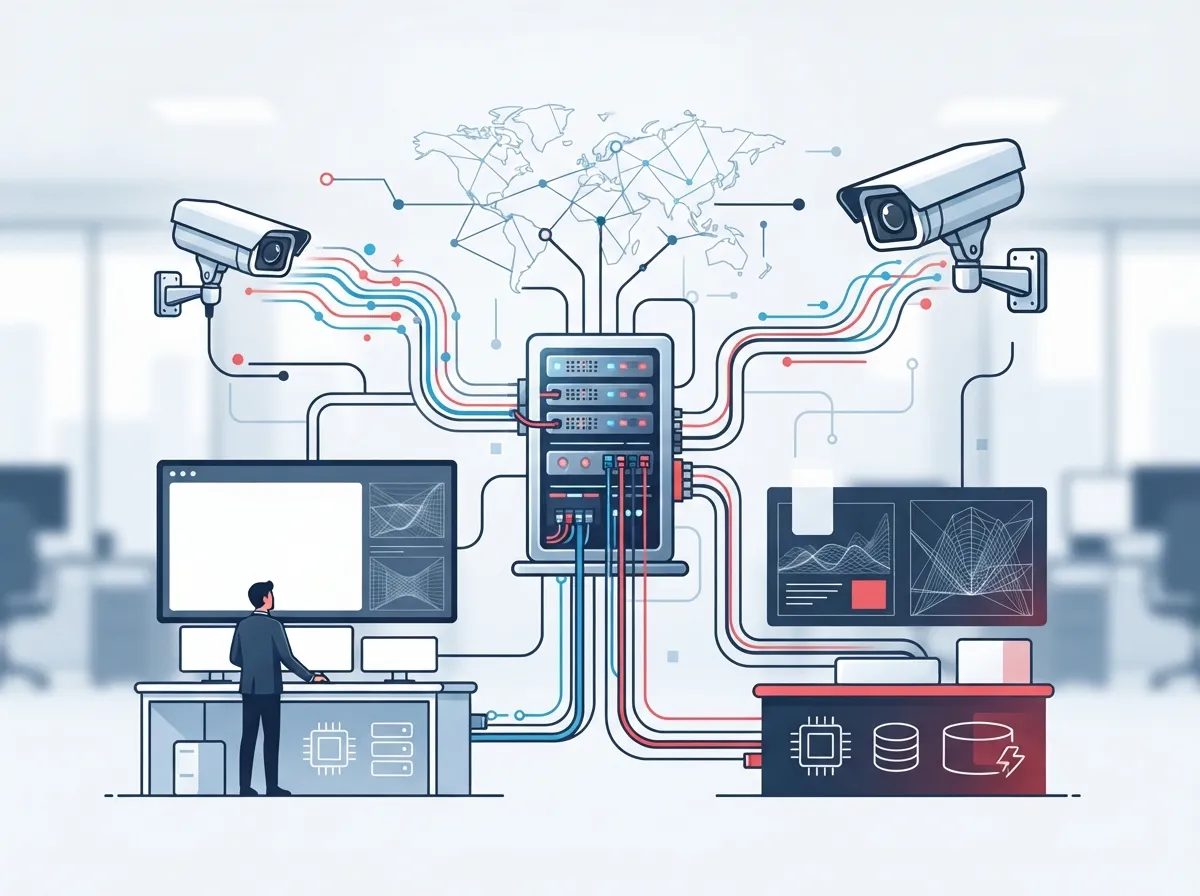
Video analytics security systems combine network cameras, smart software, and your internet connection to spot events automatically. Instead of a security guard staring at ten screens all day, the software does the watching for you. It flags anything unusual and sends you an alert right away.
According to Axis, nearly 80% of cameras shipped in 2024 already came with analytics capabilities built in. About two-thirds of those used deep-learning technology, meaning the cameras are getting smarter every year. This is not some futuristic idea anymore. It is standard practice for businesses that want real protection.
Common Features You Should Know About
Not every business needs every feature, but here is what is available today:
- Motion and intrusion detection for after-hours alerts
- People and vehicle counting for traffic patterns
- Loitering detection near entrances or cash registers
- Virtual tripwires that trigger alarms when crossed
- License-plate recognition for parking lots and gates
- Object left-behind detection for lobbies and warehouses
- Crowding alerts for retail and event spaces
Some systems even offer facial recognition, though this comes with serious privacy considerations we will cover later. For most small and mid-sized businesses in Tampa Bay, the basics like motion detection and virtual tripwires deliver the biggest bang for your buck.
Why Your Network Matters More Than You Think
Here is something a lot of business owners do not realize: your camera system is only as good as your internet connection. A high-resolution camera streaming 24/7 needs steady bandwidth, low latency, and a network that will not crash when three other employees are on a video call.
If your business internet setup is already stretched thin, adding a dozen cameras could slow everything down. This is why smart planning matters before you install a single camera.
Step-by-Step: Planning Your Network for Video Analytics
- Calculate how many cameras you need and their resolution requirements
- Estimate your bandwidth needs based on camera count and video quality
- Check if your current internet speed can handle the extra load
- Consider Power over Ethernet (PoE) to simplify cabling and power delivery
- Build in cellular failover so cameras stay online during outages
- Segment your network so cameras do not share bandwidth with critical business systems
- Test remote access before going live so you know it works from anywhere
Businesses that skip this planning step often end up with laggy footage or dropped connections right when they need the system most. A properly planned structured cabling setup makes a huge difference here too, since good cabling supports both your cameras and your phone systems without competing for resources.
Should Analytics Run on the Camera, On-Site, or in the Cloud?
This is one of the most common questions we hear, and honestly, there is no single right answer. It depends on your business size, budget, and how many locations you manage.
| Architecture | Best For | Pros | Cons |
|---|---|---|---|
| Edge (on-camera) | Single locations needing fast response | Lower bandwidth use, quick alerts | Limited processing power |
| On-premises server | Businesses wanting full data control | No monthly cloud fees, local storage | Requires IT maintenance, hardware costs |
| Cloud-based | Multi-location franchises and growing businesses | Easy updates, remote management, scalable | Ongoing subscription costs |
| Hybrid | Distributed businesses needing flexibility | Combines speed and centralized control | More complex setup |
Many franchise operators and mid-sized businesses find that cloud video security gives them the easiest way to manage cameras across multiple sites from one dashboard. You do not need an IT team on-site at every location when everything lives in the cloud.
Real Business Problems Video Analytics Can Solve
Security is the obvious use case, but video analytics does so much more for your bottom line. Here is how different industries are putting this technology to work:
- Retailers analyze checkout queues and adjust staffing during rush hours
- Warehouses monitor restricted zones and loading docks for safety compliance
- Manufacturers spot unsafe behavior before accidents happen
- Property managers use footage to resolve disputes and investigate incidents faster
- Franchise operators compare foot traffic patterns across locations
Axis reported that 38% of surveyed organizations used video systems for business intelligence in 2025, up from just 20% the year before. That is a huge jump, and it shows businesses are realizing cameras can do more than just watch the door.
What Do Security Cameras Really Do Beyond Recording?
If you are curious about the everyday value cameras bring beyond catching thieves, check out our article on what security cameras really do for your business. It covers practical uses your team might not have considered yet.
Keeping Your System Secure and Compliant
Here is the part nobody likes to think about, but it matters a lot: your cameras are basically tiny computers connected to the internet. That means they can be hacked if you are not careful.
The National Institute of Standards and Technology, or NIST, recommends treating cameras like any other networked device. That means strong passwords, encrypted data, and regular software updates. Skipping these steps is like leaving your front door unlocked while bragging about your fancy alarm system.
Cybersecurity Checklist for Your Camera System
- Give every camera a unique login and strong password
- Encrypt video data both while it travels and while it is stored
- Separate your camera network from your main business network
- Limit who can access footage based on job role
- Keep firmware updated automatically when possible
- Log all access attempts for accountability
- Set clear retention limits so old footage gets deleted automatically
- Have a plan ready in case something goes wrong
Working with an experienced telecom and IT partner takes the guesswork out of this process. Our team at Ideal Solutions Provider can help you choose the right data security services alongside your camera deployment.
Privacy and Compliance: What You Need to Know
Before you install cameras with facial recognition or license-plate reading, pump the brakes for a second. Privacy laws vary a lot depending on where your business operates.
Here are the basics every business should think through:
- Define exactly why you are collecting video data
- Post clear signage notifying visitors and employees about cameras
- Limit how long you keep footage
- Restrict biometric features unless legally required and clearly justified
- Control who on your team can view sensitive footage
- Review state and industry-specific privacy laws before rolling out advanced features
Employee monitoring, in particular, can get tricky fast. Some states require notice before recording in certain areas like break rooms. It pays to check with a legal advisor familiar with your industry and location.
Connecting Cameras to Your Other Business Systems
The real magic happens when your video system talks to your other tools. Imagine a camera detecting someone at your front door, automatically unlocking access for an approved visitor, and alerting your front desk phone all at once.
This kind of integration works best when your cloud access control system, your cameras, and your phone system all speak the same language. NIST has pointed out that secure, stable networks and interoperable components are essential for effective video analytics to actually work as intended.
Systems That Should Work Together
- Video cameras and video management software
- Access control systems for doors and gates
- Alarm systems for immediate threat response
- Business phone systems for staff notifications
- Intercoms for remote visitor verification
Businesses using a single provider for their networking, phones, and security tend to avoid the headaches that come from juggling five different vendors who do not talk to each other. That is really the whole point behind having one telecom partner handle everything.
The Market Is Growing Fast, and Here Is Why It Matters
If you are on the fence about upgrading your security setup, consider this: Fortune Business Insights estimated the global video surveillance market at roughly $83.71 billion in 2025, and they expect it to reach $261.65 billion by 2034. That is not a small trend. Businesses everywhere are investing in smarter security because it works.
IP cameras now make up about 90% of camera revenue, according to Axis, leaving old-school analog cameras far behind. Novaira Insights also projects installed camera counts outside China will grow from about 562 million in 2025 to 736 million by 2029. The shift toward connected, intelligent video systems is not slowing down anytime soon.
Getting Started: Your Action Plan
Ready to move forward? Here is a simple roadmap to follow:
- Audit your current security setup and identify gaps
- Assess your network’s bandwidth and reliability
- Decide which analytics features actually matter for your business
- Choose between edge, cloud, or hybrid architecture
- Build in cybersecurity protections from day one
- Review privacy and compliance requirements for your industry
- Plan integration with access control and communications systems
- Partner with a telecom provider who can manage it all
None of this has to feel overwhelming. That is honestly the whole reason companies like ours exist. With over 24 years of experience and partnerships with 35+ vetted suppliers, we help businesses across Tampa Bay and nationwide find video security solutions that actually fit their needs instead of a one-size-fits-all package.
You can also follow us on Facebook or Instagram for updates on the latest telecom and security trends, or check out helpful walkthroughs on our YouTube channel.
Bringing It All Together
Video analytics security systems are not just about catching bad guys anymore. They help you run a smarter, safer, and more efficient business. But getting the technology right takes more than buying a few cameras off a shelf. It takes solid structured cabling, dependable internet from a trustworthy Internet Service Provider, and a network built to handle it all without breaking a sweat.
Whether you run a small shop, manage IT for a growing enterprise, or oversee multiple franchise locations, the right video analytics setup can genuinely transform how you protect your business. And you do not have to figure it all out alone. Our friendly team loves helping business owners cut through the confusion and find solutions that actually work.
Ready to see what a smarter security system could do for your business? Contact us today for a free consultation, or call us to talk through your options with a real person who genuinely wants to help.
FAQs
Q: What are video analytics security systems and how do they work?
A: They are smart camera systems that use computer vision and AI to spot events automatically, like intrusions or loitering, instead of relying on someone watching hours of footage. The cameras connect through your business network to send real-time alerts straight to your phone or team. It is like giving your security system a brain that never gets tired or distracted.
Q: How much bandwidth does my business need for video analytics cameras?
A: It really depends on how many cameras you have and their video quality, but higher resolution cameras need more bandwidth. A good rule of thumb is to test your current internet speed first, then plan extra capacity so cameras do not slow down your other business systems. Our team can help you calculate exact numbers based on your specific setup.
Q: Should my analytics run on the camera, on-site, or in the cloud?
A: Cloud-based systems work great for franchise operators and businesses with multiple locations since you can manage everything from one dashboard. Single-location businesses sometimes prefer edge processing for faster response times. Many growing companies end up choosing a hybrid approach that blends the best of both worlds.
Q: How do I keep my security cameras safe from hackers?
A: Treat your cameras like any other device on your network by using strong passwords, encrypting data, and updating firmware regularly. Segmenting your camera network away from your main business systems also helps a ton. It sounds technical, but a good telecom partner can set all this up so you do not have to worry about it.
Q: What privacy rules apply to facial recognition and license-plate cameras?
A: Privacy laws vary quite a bit by state, so it is smart to check local regulations before using biometric features like facial recognition. Businesses should post clear signage, limit data retention, and only collect what is truly necessary. When in doubt, chatting with a legal advisor familiar with your industry saves a lot of headaches down the road.





