

Key Takeaways
-
Choose OM4 fiber for new installations instead of OM3 since the cost difference is minimal but OM4 provides better reach for future-proofing without requiring OM5's specialized multi-wavelength transceivers.
-
Multimode fiber is ideal for in-building and data center connections under a few hundred meters with lower equipment costs, while single-mode fiber is reserved for longer campus links or maximum future-proofing.
-
Avoid legacy OM1 and OM2 cabling for new projects as they cannot support modern high-speed Ethernet standards; instead use OM3 or OM4 which support 10G to 100G links with better effective modal bandwidth.
-
Plan for future growth by selecting higher-grade fiber (OM4) today rather than facing expensive re-cabling projects in 2-5 years when bandwidth demands increase from additional employees, devices, and systems.
-
Match your fiber grade to specific speed and distance requirements by measuring actual cable runs, checking IEEE 802.3 reach specifications for your chosen speed, and confirming transceiver compatibility before ordering.
-
Account for connector and splice losses when designing your cable channel budget, as every connection point reduces total reach; MPO/MTP connectors work better for high-density setups while duplex LC connectors suit simpler office links.
If your Tampa business is planning a network upgrade, you’ve probably heard the term “multimode fiber cabling” tossed around by your IT team or cabling contractor. Maybe it sounds a little technical and a lot confusing. Don’t worry, you’re in good company! Most business owners and office managers didn’t sign up to become fiber optic experts, and that’s okay. That’s exactly why we’re breaking this down in plain, friendly language.
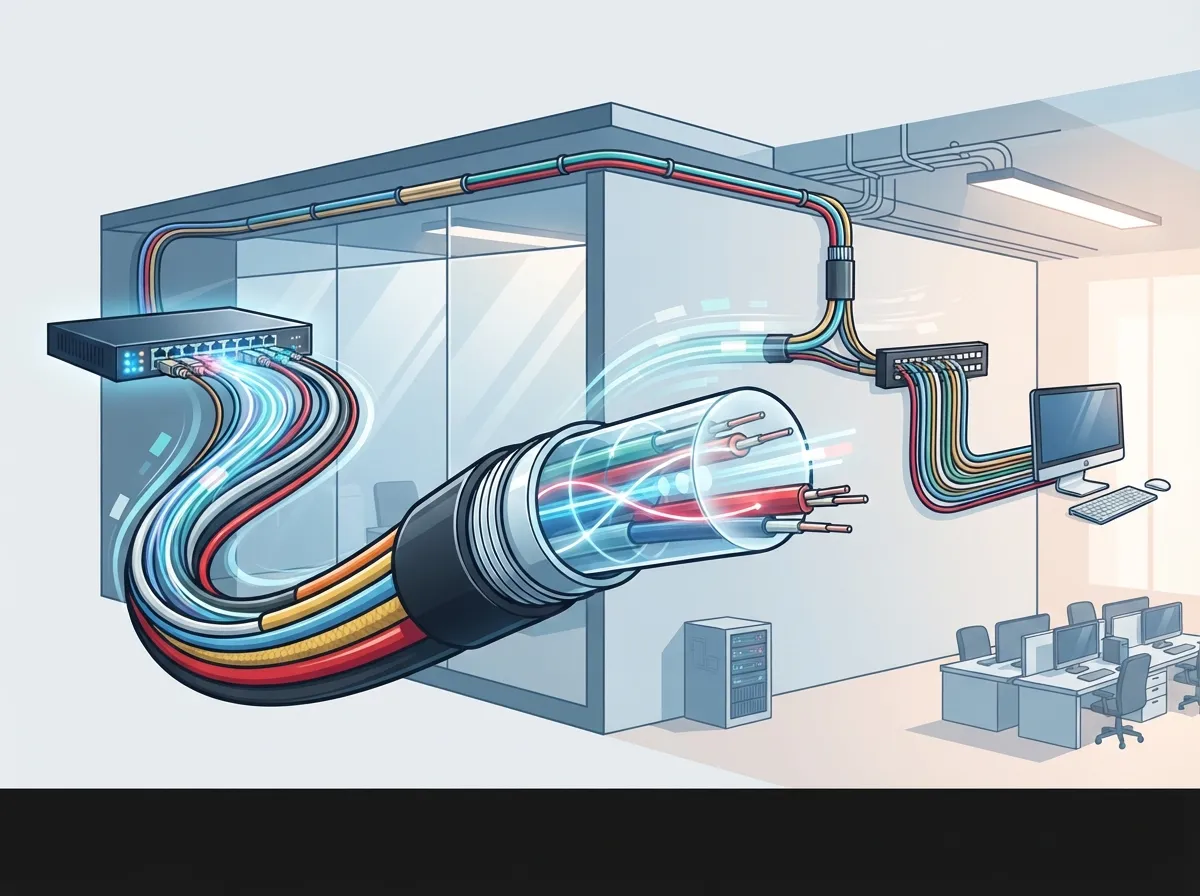
Think of multimode fiber cabling as the highway system inside your building. It carries data between your switches, servers, and equipment rooms at lightning speed. Whether you’re running a growing mid-sized company or managing IT for multiple franchise locations, choosing the right fiber matters more than you might think. Pick the wrong grade, and you could be stuck with slow speeds or an expensive redo down the road.
In this guide, we’ll walk you through exactly how to choose, plan, and install multimode fiber cabling for your commercial building with confidence. No engineering degree required, we promise!
What Is Multimode Fiber Cabling, Anyway?
Multimode fiber (MMF) is a type of structured cabling used for shorter network connections. Think data centers, equipment rooms, and links between floors in an office building. It has a wider core than single-mode fiber, which lets it work great with affordable, widely available transceivers.
Most modern MMF setups pair with 850 nanometer VCSEL-based transceivers for Ethernet connections. This combo keeps costs down while still delivering serious speed. For growing businesses that need reliable performance without a massive budget, this is often the sweet spot.
Why Businesses Choose Multimode Over Single-Mode
Single-mode fiber is great for really long stretches, think miles between buildings or across a campus. But for most in-building or data center connections, multimode fiber does the job just fine and usually costs less. The transceivers are cheaper too, which adds up when you’re wiring an entire office.
- Lower equipment and optic costs for short-reach connections
- Easier to work with during installation
- Wide compatibility with common Ethernet standards
- Great fit for data centers, server rooms, and inter-floor links
- Supported by a huge range of vetted suppliers and manufacturers
Step 1: Understand the Different Grades of Multimode Fiber
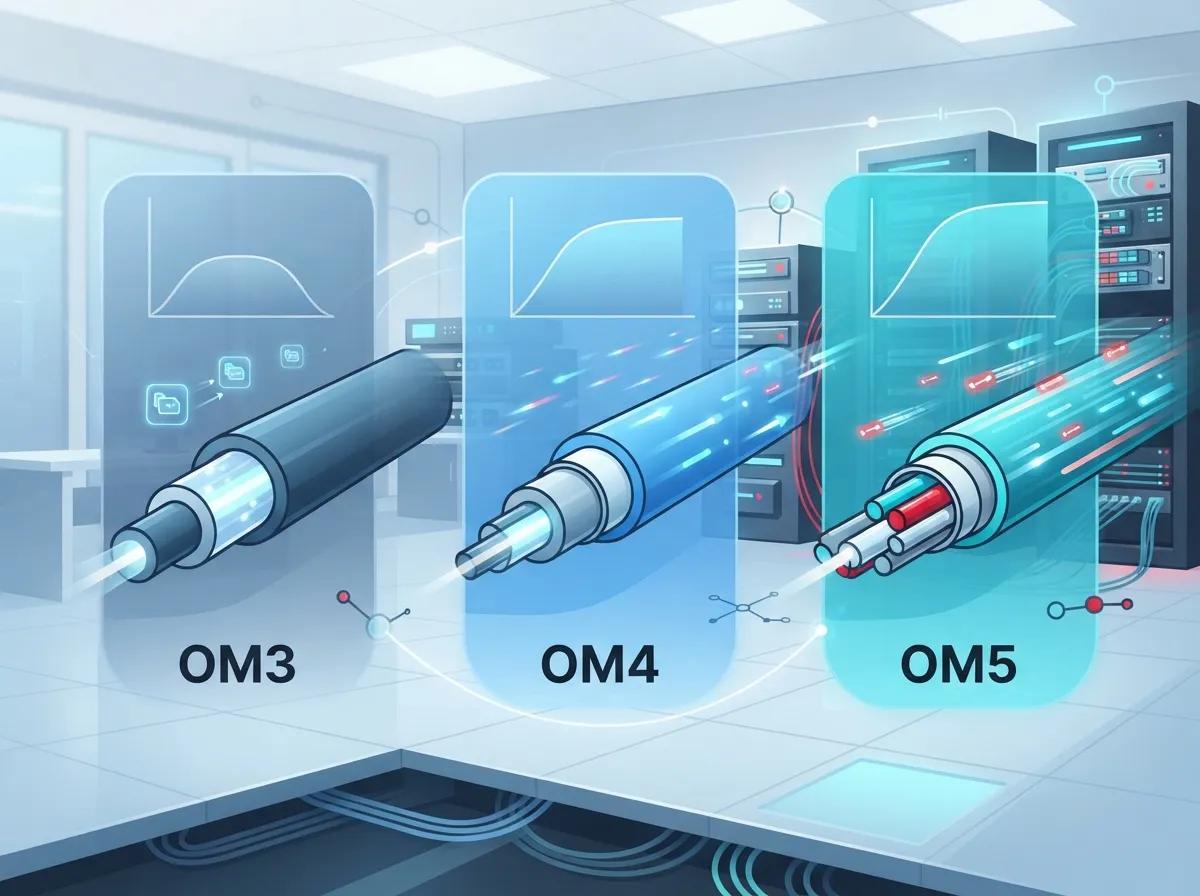
Not all multimode fiber is created equal. There are several grades, and picking the right one depends on your speed needs, distance requirements, and future growth plans.
| Fiber Grade | Core Size | Best For | Status |
|---|---|---|---|
| OM1 | 62.5/125 µm | Older, existing networks | Legacy, not for new builds |
| OM2 | 50/125 µm | Older, existing networks | Legacy, not for new builds |
| OM3 | 50/125 µm | 10G to 40G links | Common for new installs |
| OM4 | 50/125 µm | 10G to 100G links, longer reach | Popular choice for new builds |
| OM5 | 50/125 µm | Multi-wavelength applications | Newer, specialized use cases |
According to the TIA Fiber Optic Technology Consortium, OM1 and OM2 are considered legacy fiber types today. They’re still fine if you already have them installed, but they’re not recommended for new projects. If you’re starting fresh, OM3 or OM4 are your best bets.
OM3 vs OM4: Which One Should You Choose?
Here’s the friendly, no-nonsense answer: OM4 usually wins for new installations. It offers better effective modal bandwidth than OM3 at 850 nm, which means it supports longer distances for many common applications. The cost difference between OM3 and OM4 cable is often small, so many businesses just go with OM4 for the extra headroom.
OM5 is a bit different. It has the same bandwidth as OM4 at 850 nm, but it also performs well at 953 nm. This matters only if you’re using specialized transceivers that use multiple wavelengths at once. For standard 850 nm Ethernet optics, OM5 won’t give you extra reach over OM4. So unless you have a specific multi-wavelength application in mind, OM4 is often the more budget-friendly and practical pick.
Step 2: Match Your Fiber Grade to Your Speed and Distance Needs
This is where things get real practical. Your network speed and cable run length will determine which fiber grade actually makes sense for your building.
- Figure out your required speed. Are you running 10G, 25G, 40G, or 100G Ethernet? This changes everything about your fiber choice.
- Measure your actual cable run distances. Walk your building or review blueprints to know exactly how far your longest connections need to travel.
- Check the reach specs for your chosen speed. Every Ethernet standard has different distance limits depending on fiber grade.
- Add a safety margin. Connector losses, splices, and patch panels all eat into your total reach budget.
- Confirm compatibility with your transceivers. The optic you plan to use matters just as much as the cable itself.
Here’s a quick look at typical reach figures based on IEEE 802.3 application standards, as summarized by the TIA FOTC and Cisco:
| Ethernet Standard | OM3 Reach | OM4/OM5 Reach |
|---|---|---|
| 10GBASE-SR | Up to 300 m | Up to 400 m |
| 25GBASE-SR | Up to 70 m | Up to 100 m |
| 40GBASE-SR4 | Up to 100 m | Up to 150 m (OM4) |
| 100GBASE-SR4 | Up to 70 m | Up to 100 m (OM4) |
Keep in mind these numbers are application specific and can vary by exact transceiver model. Cisco’s 40 Gigabit Ethernet white paper and the company’s 100G module data sheets both note that reach depends heavily on the specific optic implementation. Always double check the manufacturer’s documentation before finalizing your design.
Step 3: Choose the Right Connectors for Your Setup
Multimode fiber can be terminated with a few different connector types, and picking the right one depends on your equipment and how your network is architected.
- Duplex LC connectors – Common for standard point-to-point links, easy to work with
- MPO/MTP connectors – Used for parallel optics and high-density connections, great for 40G and 100G links
- Polarity planning – Critical for MPO/MTP setups to make sure signals travel the correct direction
- Insertion loss budgeting – Every connector and splice adds a small amount of loss that adds up over distance
If you’re planning a data center or high-density equipment room, MPO/MTP connectors often make more sense. They pack more fiber strands into a smaller footprint. For simpler office links, duplex LC connectors are usually easier and more cost-effective.
Step 4: Don’t Forget About Future Growth
One mistake we see often is businesses installing cabling that barely meets today’s needs. Then two years later, they’re ripping out walls again for an upgrade. That’s not fun, and it’s not cheap either.
When you’re planning your network cabling installation, think about where your business will be in five years. Will you add more employees? More devices? Video conferencing systems? Cloud security cameras? All of these things increase your bandwidth needs over time.
Choosing OM4 instead of OM3, even if you don’t need the extra reach today, can save you a costly re-cabling project later. It’s a small investment now that pays off big when your business scales.
Step 5: Decide Between Multimode and Single-Mode Fiber
Sometimes the better question isn’t “which multimode grade” but “should I even use multimode at all?” Here’s a simple way to think about it:
- Choose multimode fiber for links within a building or data center, generally under a few hundred meters
- Choose single-mode fiber for longer campus connections or when you want maximum future-proofing
- Consider optic and transceiver costs, not just cable price, since single-mode optics often cost more
- Think about your dedicated fiber internet needs alongside your internal cabling plan
This decision isn’t one-size-fits-all. It really depends on your building layout, your growth plans, and your budget. That’s exactly why working with an experienced partner matters so much.
Common Mistakes Businesses Make With Fiber Cabling
We’ve seen plenty of well-meaning businesses run into trouble because of a few avoidable mistakes. Here’s what to watch for:
- Reusing old OM1 or OM2 cabling for a network upgrade without checking if it supports new speeds
- Assuming OM5 automatically means better performance, when it only helps with specific multi-wavelength optics
- Skipping proper distance measurements and ending up with a cable that doesn’t reach far enough
- Forgetting to budget for connector and splice losses in the total channel design
- Not confirming transceiver compatibility before ordering cable and hardware
Avoiding these missteps can save you time, money, and a whole lot of headaches. A little planning up front goes a long way.
Why Work With an Experienced Telecom Partner
Here’s the honest truth: fiber cabling decisions get technical fast. Between fiber grades, connector types, transceiver compatibility, and IEEE standards, it’s easy to feel overwhelmed. That’s where having a trusted partner really pays off.
At Ideal Solutions Provider, we’ve spent over 24 years helping Tampa businesses and companies nationwide plan and install structured cabling solutions that actually fit their needs. We work with 35+ vetted suppliers, so we’re not pushing one brand or one product. We’re comparing options and finding what genuinely works best for you.
Whether you’re a small business owner setting up your first server room, an IT manager overseeing a data center upgrade, or a franchise operator scaling cabling across multiple locations, we’ve got your back. We handle everything from the initial consultation to installation and ongoing support.
Bringing It All Together
Choosing the right multimode fiber cabling doesn’t have to be stressful. Start by understanding your speed and distance needs, pick OM3 or OM4 for new installs, plan your connectors carefully, and always think a few years ahead. When in doubt, lean on the expertise of a partner who’s seen it all before.
Your network is the backbone of your business communications, from cloud-based phone systems to security cameras and everything in between. Getting the cabling right the first time sets you up for smooth, reliable operations for years to come. You can also follow along with helpful tips and behind-the-scenes updates on our Facebook, Instagram, and YouTube channels.
Ready to plan your next cabling project the right way? Contact us for a free consultation, or feel free to call us today and let’s talk about what your business really needs.
FAQs
Q: What is multimode fiber cabling used for in business networks?
A: Multimode fiber cabling is perfect for shorter network connections, like linking servers in a data center or connecting floors in an office building. It’s a cost-effective way to move data fast without the higher price tag of single-mode fiber optics.
Q: What’s the difference between OM3, OM4, and OM5 fiber?
A: OM3 and OM4 are both laser-optimized 50/125 µm fiber, but OM4 supports longer distances at higher speeds thanks to better bandwidth. OM5 matches OM4’s performance at 850 nm and adds support for other wavelengths, which only helps if you’re using specialized multi-wavelength transceivers.
Q: Can OM3 or OM4 fiber handle 100G Ethernet?
A: Yes! OM3 typically supports 100GBASE-SR4 up to about 70 meters, while OM4 can stretch that to around 100 meters. Just remember, exact reach depends on your specific transceiver, so always check the datasheet.
Q: Should I reuse old OM1 or OM2 cabling for a network upgrade?
A: We’d recommend against it for new high-speed applications. OM1 and OM2 are considered legacy fiber types and generally can’t support the speeds and distances that modern OM3 or OM4 fiber can handle comfortably.
Q: Does OM5 fiber offer a real advantage over OM4?
A: Honestly, not always. For standard 850 nm Ethernet optics, OM5 performs about the same as OM4. It only shines when you’re using transceivers that take advantage of multiple wavelengths, so OM4 is often the smarter, more budget-friendly choice for typical setups.





