
Key Takeaways
-
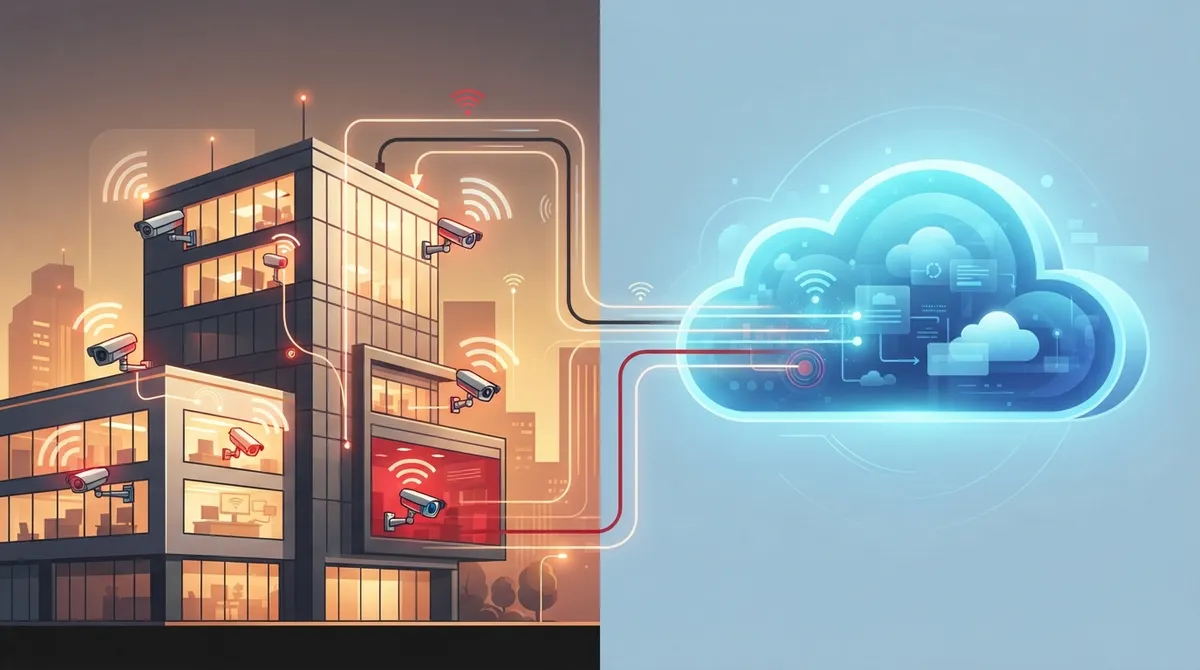
Wireless and cloud are different system components: wireless describes the camera-to-network connection, while cloud describes where footage is stored and how you access it remotely—you can combine wired cameras with cloud storage.
-
Most businesses benefit from hybrid setups combining wired PoE cameras with cloud management rather than purely wireless systems, as PoE eliminates Wi-Fi interference, bandwidth competition, and provides more reliable video quality.
-
Cloud storage costs $3-$15 per camera monthly and scales easily, while wireless with local storage has higher upfront hardware costs but no recurring fees—calculate total cost of ownership based on your location count and growth plans.
-
For multi-location businesses, centralized cloud management becomes essential for coordinated oversight, whereas single-site small offices can work well with wireless cameras and cloud storage.
-
Cloud systems require stable internet connectivity; most include SD card backup for outages but lose remote access functionality until connection restores—ask vendors about failover options and backup internet for 24/7 monitoring needs.
-
Before committing to any system, verify vendor practices on data encryption, storage location, access controls, and deletion policies, plus request a professional site assessment to identify network capacity and cabling infrastructure needs.
Picking a security camera system for your business shouldn’t feel like solving a puzzle. But once you start researching, you’ll bump into two terms that get mixed up all the time: wireless and cloud. They sound similar, but they mean very different things for your Tampa business. Let’s clear up the confusion together, so you can make a smart choice that keeps your team, your customers, and your property safe.
At Ideal Solutions Provider, we’ve spent over 24 years helping businesses across Tampa Bay and nationwide sort out their telecom and security needs. We’ve seen firsthand how the right camera setup can save a business owner from major headaches. So grab a coffee, and let’s walk through everything you need to know about wireless vs cloud security cameras.
What Wireless Security Cameras Actually Do
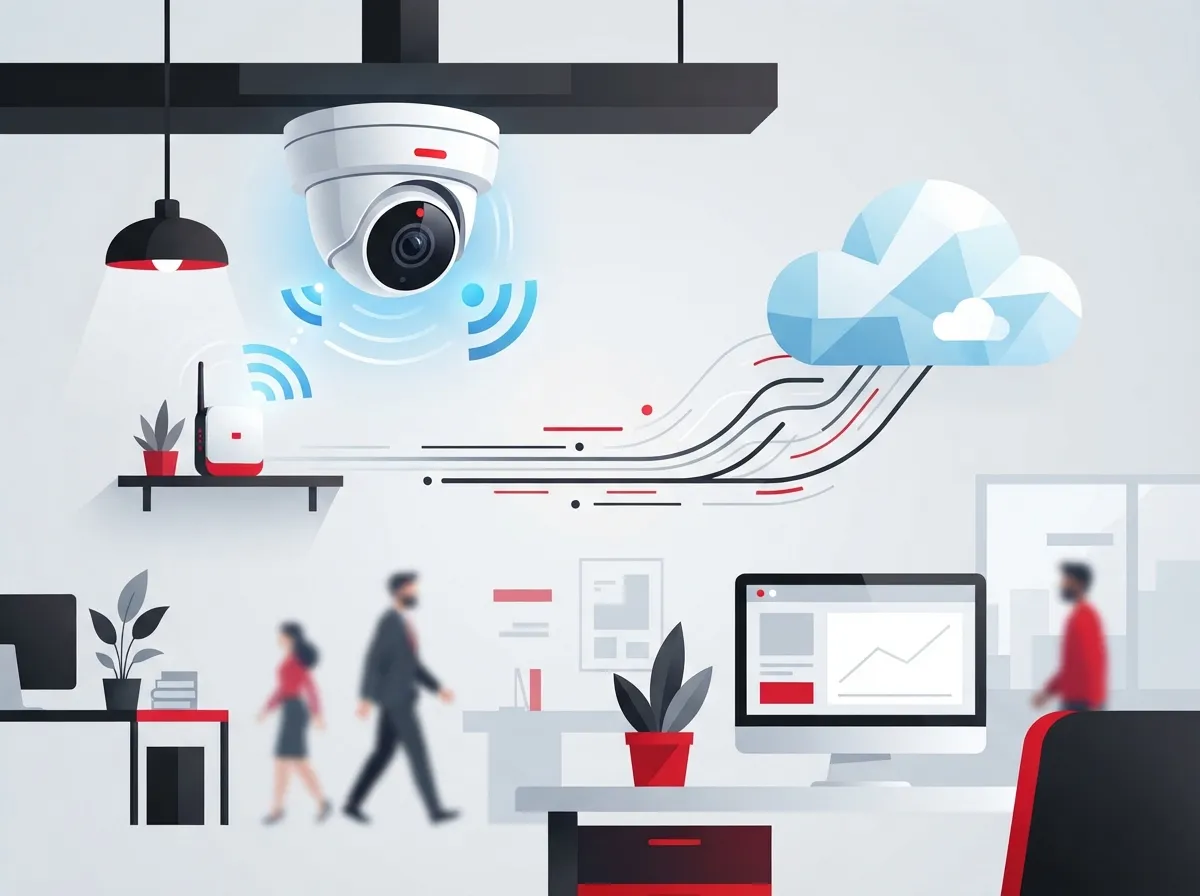
Wireless security cameras send video over Wi-Fi or another radio signal instead of running a cable straight to a recorder. This makes them easy to install almost anywhere. You just need a power source and a decent Wi-Fi signal nearby.
Here’s something a lot of business owners don’t realize: most “wireless” cameras still need a power cord. Only battery-powered or solar-assisted models skip the outlet entirely. That’s an important detail when you’re planning your setup.
- Video travels over Wi-Fi instead of a physical data cable
- Most models still require a nearby power outlet
- Battery or solar options exist but need regular maintenance
- Great for spaces where running cable is difficult or costly
- Signal strength and interference can affect video quality

What Cloud Security Cameras Actually Do
Cloud security cameras take a different approach. Instead of storing footage only on a local box sitting in a closet, they send video to remote servers. This means you can pull up footage from your phone, laptop, or tablet, wherever you are.
Here’s the catch many people miss: cloud cameras still need Wi-Fi or Ethernet to work. “Cloud” describes where the footage is stored and how you access it, not how the camera connects to your network. A stable internet connection is a must for reliable cloud recording, according to guidance from Avigilon’s cloud security camera resource.
- Camera captures video at your business location
- Footage uploads to secure remote servers over your network
- You view live or recorded video through an app or web portal
- Storage can scale up easily without adding hardware on-site
- Software updates and security patches happen automatically
Wireless vs Cloud Security Cameras: The Real Differences
The biggest source of confusion is that these two terms describe different parts of the system. Wireless is about the connection between camera and network. Cloud is about where footage gets stored and how you manage it. You can actually have a wired camera with cloud storage, or a wireless camera that only saves footage locally.
| Feature | Wireless Cameras | Cloud Cameras |
|---|---|---|
| Connection Type | Wi-Fi or radio signal | Wi-Fi or Ethernet (varies) |
| Storage Location | Often local DVR/NVR | Remote servers |
| Remote Access | Limited without cloud add-on | Built-in remote viewing |
| Installation Effort | Lower, flexible placement | Depends on network setup |
| Best For | Small or temporary setups | Multi-location oversight |
| Ongoing Costs | Usually one-time hardware | Monthly subscription fees |
Many business-grade systems today combine both ideas. They use wireless connectivity for flexible placement, plus cloud software for storage and remote access. That said, guides like the Pelco small business security camera guide point out that fully wireless cloud setups work best for smaller deployments, not full enterprise environments.
Why Wired PoE Systems Still Matter for Business
If you’re running a mid-sized office, warehouse, or multi-location franchise, wireless alone often isn’t enough. Power over Ethernet, or PoE, sends both power and data through a single cable. This means fewer points of failure and steadier video quality.
Business security comparisons in 2026 consistently rate wired or PoE systems as more reliable than wireless setups for commercial environments. If your Wi-Fi network gets crowded during business hours, wireless cameras can lag or drop frames right when you need them most.
- PoE cameras don’t compete with laptops and phones for bandwidth
- One cable handles both power and data, simplifying installs
- Less vulnerable to Wi-Fi interference from other devices
- Easier to scale across large buildings or campuses
- Works well paired with cloud storage for remote access
This is where structured cabling comes into play. A well-planned cabling setup gives your cameras, phones, and network devices a stable backbone. If you’re curious how this connects to your broader network, check out our guide on how structured cabling supports VoIP and cameras.
Cost Breakdown: What to Expect
Money talks, so let’s talk numbers. Wireless cameras usually mean a bigger upfront cost for the hardware, but fewer ongoing fees if you’re only using local storage. Cloud systems flip that script: lower upfront hardware costs, but you’ll pay monthly for storage and features.
| Cost Factor | Wireless (Local Storage) | Cloud-Based System |
|---|---|---|
| Upfront Hardware | Moderate to high | Lower to moderate |
| Monthly Fees | Usually none | Around $3–$15 per camera |
| Storage Limits | Fixed by hardware | Scalable, nearly unlimited |
| Maintenance | On-site troubleshooting | Remote updates included |
According to industry pricing comparisons, cloud storage plans typically run about $3 to $15 per camera each month. That might sound small, but it adds up quickly for franchise operators managing cameras across many sites. For budgeting help, our article on how to budget for commercial video surveillance breaks this down further.
How to Choose the Right Fit for Your Business
There’s no single “best” answer here. It really depends on your business size, your locations, and how hands-on you want to be with monitoring. Let’s walk through a simple decision process.
- Count your locations. One site? Wireless with cloud storage might work fine. Multiple sites? Cloud management becomes essential.
- Check your network strength. Weak Wi-Fi means wireless cameras will struggle, no matter how good the camera is.
- Think about growth. If you’re planning to add cameras or locations, cloud scalability saves you from replacing hardware later.
- Consider your team’s tech comfort. Cloud systems often have simpler apps and dashboards for non-technical staff.
- Review your budget style. Do you prefer a bigger upfront cost or smaller recurring payments?
- Ask about privacy protections. Make sure any vendor explains where footage is stored and who can access it.
Office managers juggling daily operations often love cloud systems because they don’t need to babysit a server closet. Meanwhile, IT managers overseeing larger networks may lean toward PoE with cloud video management layered on top, giving them reliability plus remote access.
Privacy and Security Considerations
Storing footage off-site means trusting a third party with sensitive video. That’s a real concern, and it’s worth asking pointed questions before signing any contract.
- Where exactly is footage stored, and in which country?
- Who at the vendor company can access your video?
- How is footage encrypted during transfer and storage?
- What happens to your data if you cancel the service?
- Is there a clear data retention and deletion policy?
According to Kastle’s guide to cloud-based video surveillance, reputable vendors should be transparent about encryption standards and data handling practices. Don’t be shy about asking these questions during a sales call. A trustworthy provider will welcome them.
What Happens When the Internet Goes Down
This is one of the most common questions we hear from business owners. Since most cloud systems rely on internet connectivity, an outage can interrupt remote access and live streaming. Many cameras include local backup storage, like an SD card, to bridge the gap until connection returns.
If uninterrupted coverage matters to you, ask your provider about failover options. A solid Internet Service Provider connection paired with backup internet or cellular failover can keep your cameras online even during outages. This is especially important for retail locations or facilities that need 24/7 monitoring.
Best Setups by Business Type
Different businesses have different needs. Here’s a quick rundown of what tends to work best.
| Business Type | Recommended Approach |
|---|---|
| Small Office (1-5 cameras) | Wireless cameras with cloud storage |
| Retail Storefront | PoE cameras with cloud management |
| Multi-Location Franchise | PoE hardware, centralized cloud dashboard |
| Warehouse or Manufacturing | Wired PoE for reliability at scale |
| Corporate Campus | Structured cabling with hybrid cloud/local storage |
Notice a pattern? Larger or more critical sites almost always benefit from wired connections, even when cloud storage is part of the plan. This matches what business security guides, including BOS Security’s business camera comparison, recommend for commercial environments.
Why a Hybrid Approach Often Wins
Instead of picking strictly wireless or strictly cloud, many businesses land on a hybrid setup. This means wired connections for reliability, plus cloud software layered on top for remote access and centralized management. You get the best of both worlds without the weak spots of either approach alone.
Forbel’s guide on cloud-based security camera systems notes this hybrid model is becoming the standard for businesses that want dependable footage without piling on extra hardware. If you want to see how this plays out for a real business, check out our piece on what security cameras really do for your business.
Steps to Get Started With the Right System
Ready to move forward? Here’s a simple roadmap to help you avoid costly mistakes.
- Walk your site and note where cameras are needed most
- Check your current network capacity and cabling infrastructure
- Decide how many locations need centralized monitoring
- Compare hardware costs against monthly subscription costs
- Ask vendors detailed questions about data storage and privacy
- Request a professional site assessment before committing
Skipping that last step is where a lot of businesses go wrong. A proper site assessment catches problems before they become expensive fixes. If you’d rather not handle this alone, our team can walk your site with you and map out exactly what you need.
Let’s Find the Right Camera Setup for You
Choosing between wireless and cloud security cameras doesn’t have to be stressful. The truth is, most growing businesses end up with some blend of both, tailored to their specific locations and budget. What matters most is working with a partner who explains your options honestly, without pushing you toward one brand because of a sales quota.
At Ideal Solutions Provider, we’ve partnered with 35+ vetted suppliers to bring Tampa businesses and companies nationwide the right camera setup, not just any setup. We handle everything from the first consultation to installation and ongoing support, so you have one trusted point of contact instead of juggling multiple vendors. You can also follow our work and see real installations on Facebook, Instagram, and YouTube.
Whether you’re outfitting a single Tampa office or coordinating cameras across a multi-location franchise, we’re here to make the process simple. Reach out to our team today for a free consultation, or give us a call to start the conversation about protecting your business the smart way.
FAQs
Q: What is the difference between wireless and cloud security cameras for businesses?
A: Wireless describes how the camera connects to your network, usually over Wi-Fi. Cloud describes where the footage gets stored and how you access it remotely. You can actually mix and match both, so it’s less about picking one over the other and more about understanding what each term covers.
Q: Are cloud security cameras really wireless?
A: Not always! Many cloud cameras actually connect through Ethernet cables for a more stable signal, then send footage to the cloud for storage. The ‘cloud’ part is about storage and access, not the physical connection type, so don’t assume cloud automatically means wireless.
Q: Do cloud security cameras work without the internet?
A: Most cloud systems need an internet connection to upload footage and let you view it remotely. Some cameras include local SD card backup so you don’t lose footage during a short outage, but full functionality returns once your connection is back.
Q: Which is better for a business: PoE, wireless, or cloud-managed cameras?
A: For most growing businesses, a hybrid setup wins. PoE gives you reliable power and data through one cable, while cloud software adds remote access and easy management. Small setups with just a camera or two can often get away with fully wireless cloud systems, but larger sites benefit from wired reliability.
Q: How much do cloud security cameras cost per month for a business?
A: Cloud storage plans typically run about $3 to $15 per camera each month, depending on your provider and storage needs. It’s a smaller monthly bite compared to buying expensive local storage hardware upfront, but it does add up if you’re managing many cameras across multiple locations.





