

Key Takeaways
-
Start the number port with your new provider before canceling anything with the old one, since your old provider generally cannot refuse a port over a balance or early termination fee.
-
Verify coverage at each exact service address in writing, because citywide broadband statistics for Tampa do not guarantee your office can be served.
-
Inventory your circuits, phone numbers, contracts, and hidden dependencies like alarm panels and card readers that rely on old phone lines before you talk to any sales rep.
-
Keep the old service running side by side until the new one is installed and tested, including inbound and outbound calls, voicemail, failover, and 911 address accuracy.
-
Compare upload speed, latency, uptime commitments, repair response time, and support hours, not just download speed, since these affect video calls, VoIP quality, and downtime.
-
Ask what promotional rates become after they expire and review early termination fees, equipment return charges, installation costs, and auto-renewal terms before signing.
Let’s be honest: nobody wakes up excited to change telecom providers. Your phones work, your internet mostly works, and the thought of a mix-up on moving day makes your stomach flip. But if your bills keep climbing, your calls drop, or your speeds can’t keep up, staying put costs you more than the hassle of switching.
The good news? Switching telecom providers in Tampa does not have to be scary. With a clear plan, you can move to better service without missing a single customer call. This guide walks you through ten friendly, practical steps. It is written for small business owners, office managers, IT managers, and franchise operators who want a smooth move.
Here is the big idea to remember: the best switch is a planned switch. Check coverage at your exact address, protect your phone numbers, test everything, and only cancel the old service once the new one works. Let’s dive in!

1. Decide What You Are Actually Switching
“Telecom” covers a lot of ground. When Tampa businesses talk about switching telecom providers, they might mean internet access, business voice or VoIP, mobile service, or a bundle of all three. Pinning this down first saves you from comparing apples to oranges.
Ask yourself a few simple questions:
- Is the problem our internet, our phones, or both?
- Do we need this fixed at one office or across several sites?
- Are we unhappy with price, reliability, speed, or support?
Write your answers down. They become your shopping list. For a deeper look at what matters, our guide on what to look for in a business telecom provider in Tampa FL is a great companion read.
2. Take Inventory Before You Call Anyone
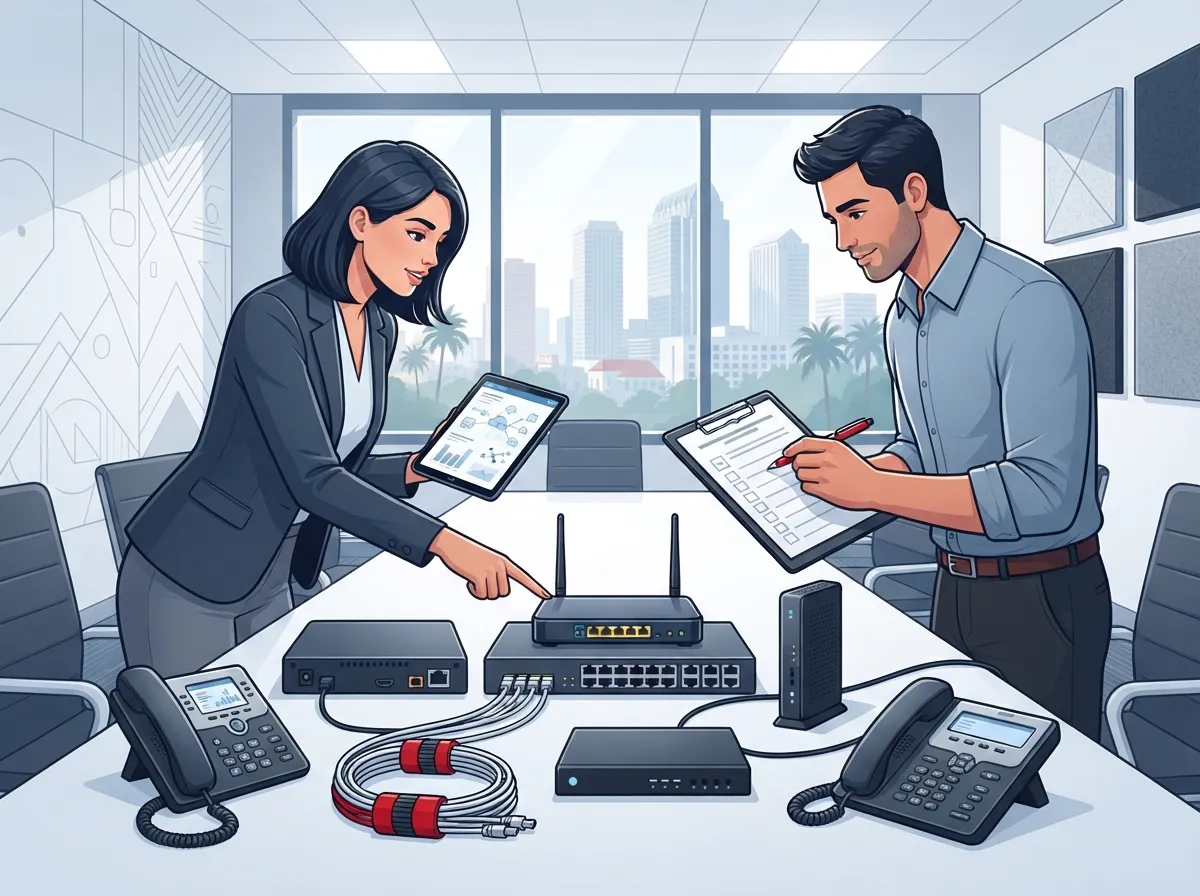
Before you talk to a single sales rep, gather the facts about what you have today. This is the step most people skip, and it is the one that prevents surprises later.
Make a simple list of the following:
- Circuits and internet lines: type, speed, and account numbers.
- Phone numbers: main lines, direct lines, fax lines, and toll-free numbers.
- Extensions and equipment: desk phones, routers, firewalls, and modems.
- Contracts: start dates, end dates, and renewal terms.
- Dependencies: alarm lines, payment terminals, elevators, and door systems that may use your phone or internet lines.
That last item is a sneaky one. An alarm panel or card reader that quietly relies on an old phone line can stop working the moment you cancel. A quick audit now keeps you safe later.
3. Check What Is Really Available at Your Address
Tampa has plenty of choices. There are cable and fiber-powered services, fiber internet, dedicated internet, wireless connectivity, and even satellite. But here is the catch: availability depends on your exact service address.
A Tampa city broadband summary based on FCC Broadband Data Collection filings (as of June 30, 2025) reports 18 non-satellite internet providers, 14 providers offering fiber somewhere in the city, and 69.8% of broadband-serviceable units with provider-reported access to at least 1 Gbps fixed service. Those numbers sound great, but they are citywide and largely residential. They do not guarantee that your office can be served.
So always confirm coverage for each location in writing. If you run multiple sites, check every single address. A good Internet Service Provider will quote you per address, not per zip code. Need help sorting the options? See our breakdown of business internet service providers in Tampa Florida.
4. Compare More Than Download Speed
Big download numbers look impressive on a flyer. But for a working business, they are only part of the story. Cloud apps, video calls, payment systems, and VoIP all depend on other things too.
Here is a quick table of what to compare:
| What to Compare | Why It Matters |
|---|---|
| Upload speed | Video calls, cloud backups, and file sharing rely on it |
| Latency | Lower delay means clearer voice and smoother meetings |
| Uptime commitment | Tells you how reliable the service is promised to be |
| Repair response time | Determines how long you wait when something breaks |
| Static IP addresses | Useful for remote access, security cameras, and servers |
| Support hours | Matters if you work early, late, or on weekends |
| Shared vs. dedicated access | Dedicated lines are private; shared broadband can slow at busy times |
Not sure which type fits? Read Fiber vs. Cable Business Internet in Tampa: Which Wins? and Dedicated vs. Shared Fiber to see how they stack up.
5. Know What Providers Typically Offer in Tampa
Major carriers advertise a mix of services to Tampa businesses. For example, AT&T advertises business fiber, cost-oriented business internet, and dedicated internet in Tampa. Its dedicated service is described as a private connection with symmetrical speeds and proactive monitoring. Spectrum advertises Tampa business internet and phone bundles, including fiber-powered internet delivered over coaxial connections in some areas.
Remember, these are advertised offers. Speeds, promotions, and prices depend on your address and can change. Always get current pricing, installation charges, and contract terms in writing before you rely on any ad.
6. Decide on Your Phone Setup: VoIP, Hosted, or Traditional
If you are switching voice service, this is a great moment to ask whether your phone system is still the right fit. Many Tampa businesses use the switch to move from older lines to cloud-based calling.
- Traditional phone lines: familiar and simple, but less flexible for remote work and growth.
- VoIP: voice over your internet connection, often with more features and easier scaling.
- Hosted or cloud phone systems: the provider manages the system for you, so there is less equipment to maintain.
Curious about the differences? Check out 6 Key Differences Between VoIP and Traditional Phone Systems and VoIP vs. Traditional Phone: Which Wins for Tampa Businesses?. Also remember that VoIP quality depends on a solid internet connection, so pair your phone choice with the right speed.
7. Protect Your Phone Numbers With a Proper Port
Here is the part that worries everyone: “Will I lose my business number?” Good news. Businesses can generally keep an existing local number when changing providers within the same geographic area. This is called number porting.
The FCC offers clear guidance, and a few rules are worth memorizing:
- Start the port with your NEW provider. Do not cancel your old service first.
- Your old provider cannot refuse a port just because you owe a balance or an early termination fee.
- Simple ports generally must be completed within one business day, according to FCC guidance updated May 9, 2025.
- Complex ports, such as wireline-to-wireless moves, can take longer.
Gather your account number, billing name, and service address from your current provider so the request goes through cleanly. We cover this in detail in How to Keep Your Phone Number When Switching to VoIP in Tampa.
8. Read the Fine Print on Fees and Contracts
Switching can sting if you stumble into hidden costs. Before you sign, review these items carefully:
- Early termination fees on your current contract
- Equipment return requirements and any charges for unreturned gear
- Installation and activation charges from the new provider
- Taxes and surcharges that may not appear in the headline price
- Promotional pricing and when it expires
- Auto-renewal terms that lock you in again
Promotional rates are lovely until month thirteen. Ask what the price becomes after the promo ends. If you want more money-saving ideas, see 15 Ways to Reduce Business Telecom Costs in Tampa (2026) and 12 Business Internet Cost Mistakes Tampa Owners Make in 2026.
9. Build a Low-Risk Migration Plan
Now for the fun part: the move itself. A calm switch comes from a simple, written timeline. Here is a plan you can follow:
- Confirm dates. Lock in the installation date and the number port date in writing.
- Prepare the site. Make sure cabling, power, and equipment space are ready. Good structured cabling makes installs much smoother.
- Keep the old service on. Run both services side by side until the new one is proven.
- Test everything. Check inbound calls, outbound calls, call forwarding, voicemail, and internet speeds.
- Test emergency calling. Confirm 911 shows the correct address for every location.
- Test failover. If you have backup connectivity, unplug the main line and make sure it kicks in.
- Tell your team and customers. A short heads-up avoids confusion if anything changes.
- Cancel the old service last. Only after everything checks out, send your cancellation in writing.
If you are moving to the cloud, our walkthrough on 5 Steps to Switch Your Business Phone to the Cloud in Tampa pairs nicely with this list.
10. Get Help From One Trusted Partner
Juggling several carriers, calls, and contracts is a lot, especially if you also run a business. That is where a single point of contact can save your sanity. Ideal Solutions Provider is a Tampa-based telecom and IT partner with over 24 years of experience and relationships with 35+ vetted suppliers. They compare options side by side, review your current setup, and handle everything from consultation and installation to ongoing support.
Why does this matter when switching? Because an independent partner is not tied to one carrier. They can match your needs to the right provider and coordinate the port, the install, and the cutover. If you are curious how this works, read Telecom Broker vs. Direct Provider: What Tampa Businesses Should Know, or see why one telecom partner can make life easier.
This approach suits many readers:
- Small business owners get affordable options without managing many vendors.
- IT managers get one contact for cabling, security cameras, and telecom upgrades.
- Office managers get hassle-free setup and reliable support.
- Franchise operators get scalable solutions across Tampa Bay and nationwide sites.
Quick Reference: Your Switching Checklist
| Phase | What to Do |
|---|---|
| Before | Inventory lines, numbers, equipment, and contracts |
| Before | Verify coverage and terms at each address |
| Before | Compare speed, uptime, support, and total cost |
| During | Start the number port with the new provider |
| During | Keep old service active during install |
| During | Test calls, internet, failover, and 911 |
| After | Cancel old service in writing and return equipment |
| After | Review the first bills for surprise charges |
Common Mistakes to Avoid
Even careful people trip up. Watch out for these easy-to-make errors:
- Canceling the old service too early. This can break the number port and cause downtime.
- Trusting citywide coverage claims. Always verify your own address.
- Ignoring upload speed and latency. They matter as much as download speed.
- Forgetting hidden dependencies like alarms or card readers on old phone lines.
- Skipping the test. Test before you celebrate.
For more on this topic, see 8 VoIP Provider Mistakes Tampa Businesses Must Avoid.
Ready to Make the Move?
Switching does not have to feel like a gamble. When you plan ahead, protect your numbers, and test before you cancel, the whole process can go smoothly. And you do not have to do it alone.
Want a friendly expert to review your current setup and point out where you might be overpaying? Contact the Ideal Solutions Provider team for a free consultation, or call us to talk it through. You can also catch helpful tips on YouTube, Facebook, and Instagram. Your better, smoother telecom setup is closer than you think.
FAQs
Q: Can my Tampa business keep its phone numbers when switching telecom providers?
A: Yes, in most cases! Businesses can generally keep an existing local number when changing providers within the same geographic area through number porting. Just start the port with your new provider, and don’t cancel your old service first.
Q: How long does it take to port a business phone number?
A: The FCC says simple number ports generally must be completed within one business day. More complex ports, like wireline-to-wireless, can take longer, so it’s smart to plan a little extra time and test everything afterward.
Q: How do I switch business internet providers in Tampa without downtime?
A: Keep your old service running until the new one is installed and tested. Confirm installation and porting dates in writing, test calls and internet speeds, and only cancel the old service once everything works smoothly.
Q: What should I check before switching business telecom providers?
A: Look beyond download speed. Compare upload speed, uptime commitments, repair response, support hours, and whether service is shared or dedicated. Also review early-termination fees, equipment returns, installation costs, and when promotional pricing ends.
Q: Which business internet providers serve my Tampa address?
A: It depends on your exact address, since citywide coverage figures don’t guarantee service at your office. Ask providers to confirm availability and written terms for each location, or work with a partner like Ideal Solutions Provider to compare options for you.





