
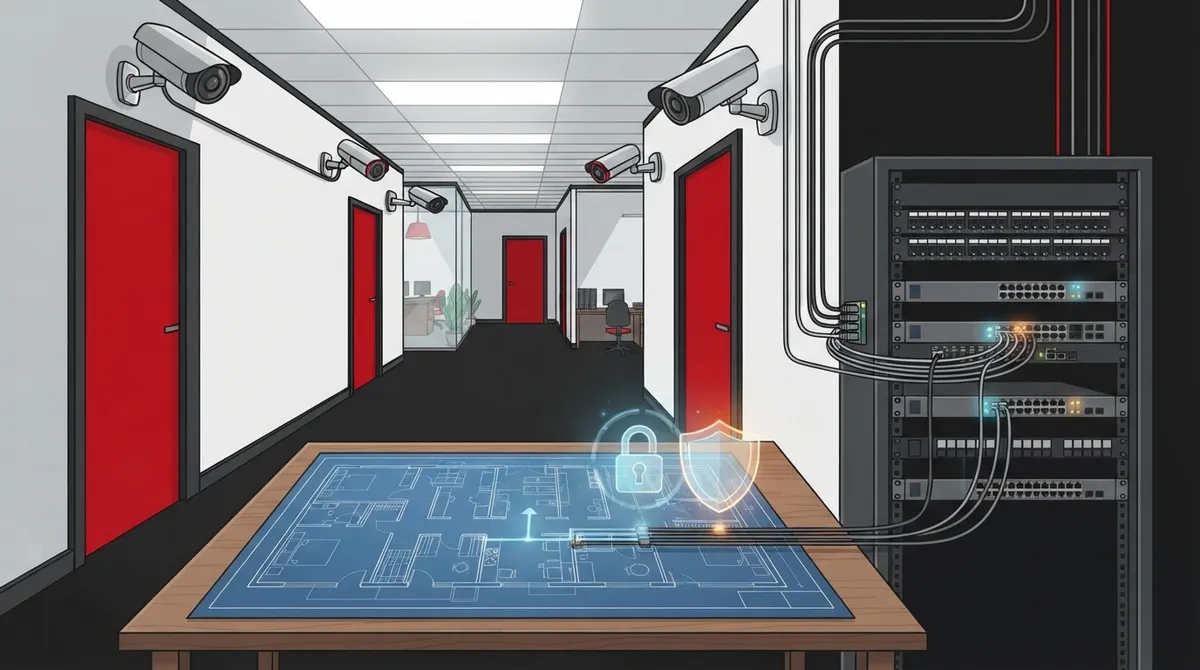
Key Takeaways
-
Skip the site and risk assessment at your peril: identify what you're protecting and what each camera must accomplish before buying hardware, since purpose should drive placement and angle.
-
Plan PoE switch capacity before buying cameras, because power-hungry models like heated or PTZ units can exceed a switch's power budget, and standard copper Ethernet is commonly limited to 100 meters.
-
Change default camera passwords immediately, apply firmware updates regularly, and place cameras on a separate network segment to protect them from cyber threats.
-
Don't hire on price alone: insist on a written site assessment, camera location map, secure credentials handoff, warranty details, and a clear support contact before signing.
Picture this: you spend a few thousand dollars on a shiny new security system, and three months later your manager tells you the footage is too grainy to read a license plate. Ouch. It happens more often than you would think, and it is almost never the camera’s fault.
Good commercial camera installation is about more than hanging gear on a wall. It is a mix of smart planning, solid cabling, network design, storage, and ongoing support. Skip any piece, and you pay for it later.
The good news? These mistakes are easy to dodge once you know what they look like. Whether you run a small shop, manage an office, oversee IT, or operate several franchise locations, this guide will help you get it right the first time. Let’s walk through 13 common slip-ups and how to avoid every one.
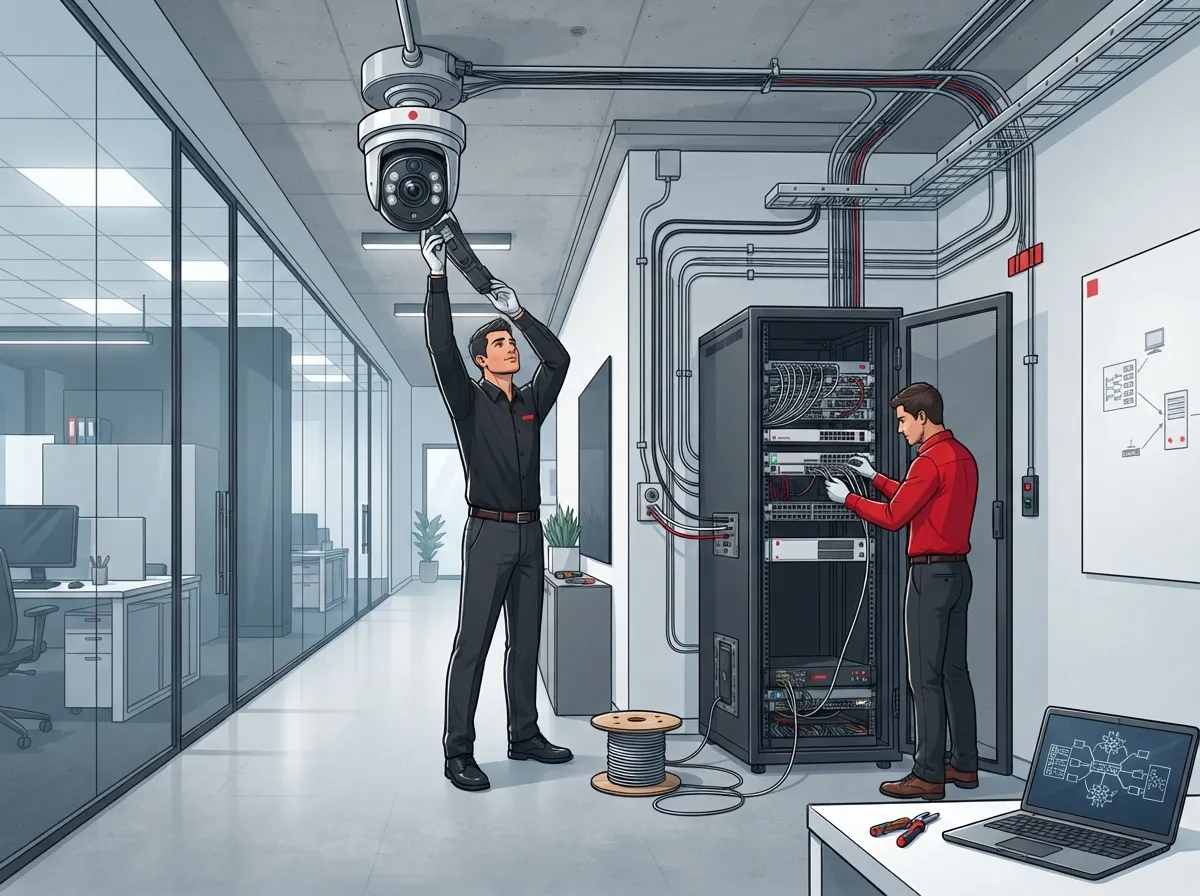
Why Commercial Camera Installation Is More Than Mounting Cameras
A business video-surveillance system is really a small network project. It includes cameras, cabling, network switches, recording or cloud services, remote access, and support. That is why camera work fits so naturally under business telecom solutions.
The market reflects how many businesses are investing here. Grand View Research estimates the global commercial video-surveillance market was valued at US$31.36 billion in 2025, with projections reaching US$75.81 billion by 2033. Estimates vary by research firm, so treat any single number as a guide, not gospel.
If you want a quick primer on the “why,” check out what security cameras really do for your business. Now, on to the mistakes.

Planning Mistakes That Doom a Project Early
1. Skipping the Site and Risk Assessment
Many owners jump straight to shopping for cameras. A pro starts with a walk-through. What are you protecting? Cash registers, loading docks, server rooms, parking lots? Each risk needs a different view.
Without that assessment, you end up with cameras pointing at the wrong things. A simple site review saves a lot of rework.
2. Guessing the Number of Cameras
Too few cameras leave blind spots. Too many waste budget and storage. The right number depends on your layout, entry points, and goals. Our guide on the 10 factors that decide how many security cameras you need breaks this down nicely.
3. Choosing Placement for Looks, Not Purpose
A camera should have a job. Is it identifying faces at the front door? Watching a checkout counter? Covering a loading bay? Pick the spot and angle based on the task.
Also think about lighting, glare, obstructions, and privacy-sensitive areas. A camera facing a bright window at noon will give you a washed-out mess.
4. Ignoring Privacy and Local Rules
Rules around workplace recording vary by location. Avoid recording areas where people expect privacy, like restrooms or changing rooms. Set clear policies for notice, access, retention, and footage sharing.
Local building, electrical, and fire codes may also apply to your install. Our overview of camera compliance rules every business must know is a helpful starting point. When in doubt, ask a qualified professional.
Network and Cabling Mistakes That Cause Headaches
5. Treating Cabling as an Afterthought
Most commercial systems use IP cameras over Ethernet. Cheap or messy cabling leads to dropped video and endless service calls. Solid structured cabling is the backbone of a reliable system.
We cover this in depth in 13 ways structured cabling supports VoIP and cameras. If you are weighing options, see DIY vs. professional cabling too.
6. Forgetting PoE Power Budgets
Power over Ethernet (PoE) sends power and data over a single cable, which cuts down on extra power runs. Nice, right? But every PoE switch has a limited power budget and a set number of ports.
Add a few power-hungry cameras, such as models with heaters or pan-tilt-zoom motors, and you can blow past that budget. Plan your switch capacity before you buy cameras, not after.
7. Running Cables Too Far
A commonly cited limit for standard copper Ethernet is 100 meters (328 feet). Real-world PoE reach depends on cable quality, equipment, power draw, and installation conditions. Long runs, like a camera at the far end of a parking lot, may need a properly designed intermediate network solution.
Not sure which cable type fits? Learn the 14 Cat6 cabling facts every business owner should know.
8. Underestimating Bandwidth and Internet Needs
Video eats bandwidth, especially at higher resolutions and with cloud recording. A weak internet connection means choppy remote viewing and failed uploads.
Take a look at your connection before you install. Our tips on choosing the right internet speed for your business can help you size it correctly.
Choosing the Wrong Recording Setup
9. Picking Storage Without Thinking About Retention
How long do you need to keep footage? Thirty days? Ninety? That answer drives your storage costs and your hardware choices.
You can record to an on-site network video recorder (NVR), use cloud video surveillance, or mix both in a hybrid design. The right choice depends on retention needs, internet reliability, remote access, and your compliance requirements.
| Recording Option | Best For | Watch Out For |
|---|---|---|
| On-site NVR | Large retention needs, limited internet | Hardware upkeep, theft or damage risk |
| Cloud video | Multi-location access, easy scaling | Bandwidth use, ongoing subscription |
| Hybrid | Balanced reliability and flexibility | More moving parts to manage |
Curious how the two main approaches stack up? Read the 6 key differences between cloud video security and DVR systems. And for storage specifics, see 6 key facts about cloud video security footage storage.
Security and Support Mistakes People Overlook
10. Leaving Default Passwords in Place
Here is a big one. Cameras live on your business network, so they need the same care as any other connected device. Leaving default credentials is like leaving the front door key under the mat.
Common safeguards include:
- Changing default usernames and passwords right away
- Applying firmware updates on a regular schedule
- Limiting administrative access to the people who truly need it
- Using network segmentation to keep cameras separate from sensitive systems
- Restricting remote access to approved users and secure methods
Want the bigger picture? Compare cloud security vs. traditional network security.
11. Having No Plan for Internet Outages
What happens to your video when the internet drops? With some cloud setups, recording can pause or fall behind. A smart design includes local backup or edge storage for those moments.
We explain how to handle this in how to keep security cameras working during internet outages.
12. Hiring on Price Alone
The cheapest quote often leaves things out, like network configuration, documentation, or support. A good installer should hand over a clear package, including:
- A written site assessment and camera plan
- A map of camera locations and network assignments
- A secure credentials handoff
- Warranty details and maintenance responsibilities
- A support contact for troubleshooting and future expansion
Not sure how to vet a provider? Our tips on how to hire the right security camera installer will help. You can also read how business security camera installation should work from start to finish.
13. Using Many Vendors for One System
Cameras from one company, cabling from another, internet from a third, and a switch installed by someone else. When something breaks, everyone points fingers. This is a pain point we hear constantly from office managers and IT teams.
A single partner that coordinates cabling, PoE switching, internet, configuration, and support keeps things simple. This is especially valuable for franchise operators managing many sites. For more on this idea, see 11 reasons to use one telecom partner.
What About Cost and DIY?
Cost depends on the number of cameras, cable runs, building type, storage choice, and ongoing service. Rather than chase a single price, build a budget around your actual needs. Our guide on budgeting for commercial video surveillance walks through the line items.
As for doing it yourself, a small one-camera setup might be fine. But for commercial sites, professional commercial camera installation usually pays off through better placement, cleaner cabling, safer network setup, and real support after the install.
Quick Planning Checklist
Before you sign anything, run through this list:
- Have you identified your top risks and goals?
- Do you know how many cameras you need and where they go?
- Is your cabling plan documented?
- Does your PoE switch have enough ports and power?
- Is your internet fast and stable enough?
- Have you picked a recording and retention plan?
- Are passwords, updates, and access rules planned?
- Do you have privacy notices and policies ready?
Ready for a Smoother Install?
The best systems are the ones you stop thinking about because they simply work. That starts with a plan, solid cabling, a secure network, and a partner who stays with you after the last camera goes up.
Ideal Solutions Provider is a Tampa-based telecom and IT partner with over 24 years of experience, handling consultation, installation, and ongoing support for businesses nationwide. Learn more about our cloud video security and structured cabling services, or follow along on YouTube for helpful tips.
Have questions about your next project? Contact us for a friendly, no-pressure conversation, or call us today. We would love to help you get it right the first time.
FAQs
Q: How much does commercial camera installation cost for a business?
A: It depends on how many cameras you need, how long the cable runs are, and whether you choose on-site, cloud, or hybrid recording. The best move is to get a site assessment so your quote reflects your real layout and goals, not a guess.
Q: Should I choose IP cameras, analog cameras, or a cloud-based system?
A: Most modern commercial setups use IP cameras over Ethernet because they pair nicely with PoE and offer flexible recording options. A cloud or hybrid system is a great fit if you want easy remote access across several locations, while an on-site recorder can suit heavy storage needs.
Q: What network and PoE requirements should I plan for?
A: Plan for enough switch ports, a PoE power budget that covers every camera, and enough bandwidth for your video. Also remember that standard copper Ethernet is commonly cited at a 100-meter (328-foot) channel limit, so long runs may need extra planning.
Q: How can I protect my cameras from cyber threats?
A: Start by changing default passwords, keeping firmware updated, and limiting who has admin access. Placing cameras on a separate network segment and restricting remote access to approved users adds another strong layer of protection.
Q: Should I install commercial cameras myself or hire a professional?
A: A tiny setup might be a fun DIY project, but commercial sites usually benefit from a pro who handles placement, cabling, network setup, and documentation. You also get ongoing support when something needs fixing or you want to add cameras later.





