
Key Takeaways
-
Define a response plan before you need it: name the first reviewer for each alert type, set escalation contacts in order, and set clear rules for when police or emergency services get called.
-
An alert is not a verified emergency; pair analytics or motion detection with a human who confirms activity before escalating.
-
Treat internet upload capacity as part of camera reliability, and plan bandwidth before adding cameras since cloud video depends heavily on upload speed.
-
Add backup connectivity and battery backup (UPS) for recorders, switches, and routers so monitoring keeps running during outages.
-
Secure cameras like any network device: change default credentials, enable multifactor authentication, keep firmware updated, avoid public internet exposure, and segment cameras from other systems.
-
Before signing, confirm who performs live monitoring and dispatch, whether installation is included, outage procedures, footage ownership, retention rules, and recurring costs.
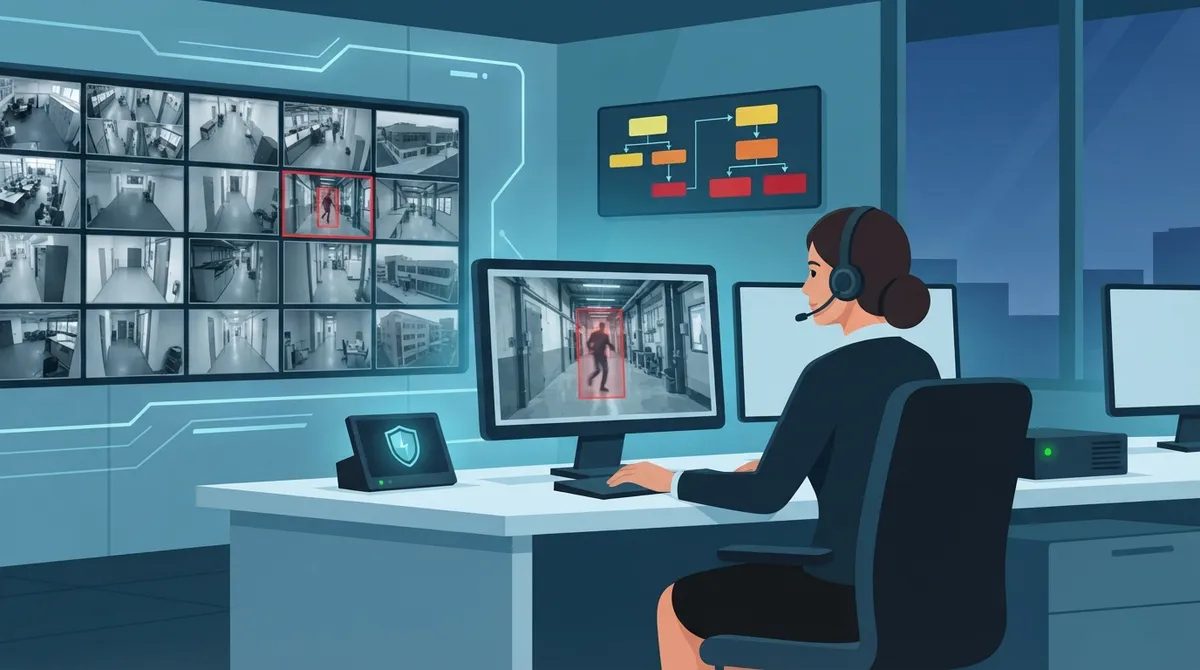
Picture this: it’s 2 a.m., and your office camera catches someone near the back door. Your phone buzzes. Now what? Who sees that alert? Who decides if it’s real? And who makes the call if it is? That gap between “camera saw something” and “someone did something” is exactly what security camera monitoring and response is all about.
For businesses, it’s not just about buying cameras. It’s about connecting cameras, internet service, storage, and a clear plan for what happens next. The video surveillance market is growing fast. Grand View Research estimated the global market at $83.5 billion in 2025 and projected $94.1 billion in 2026, with IP-based systems making up over 55.7% of revenue. More businesses are moving to network-connected cameras, and that means telecom matters more than ever.
Whether you run a small shop in Tampa, manage IT for a growing company, or oversee multiple franchise sites, these 14 tips will help you build a monitoring and response setup that actually works when you need it.
What Does Security Camera Monitoring and Response Really Mean?
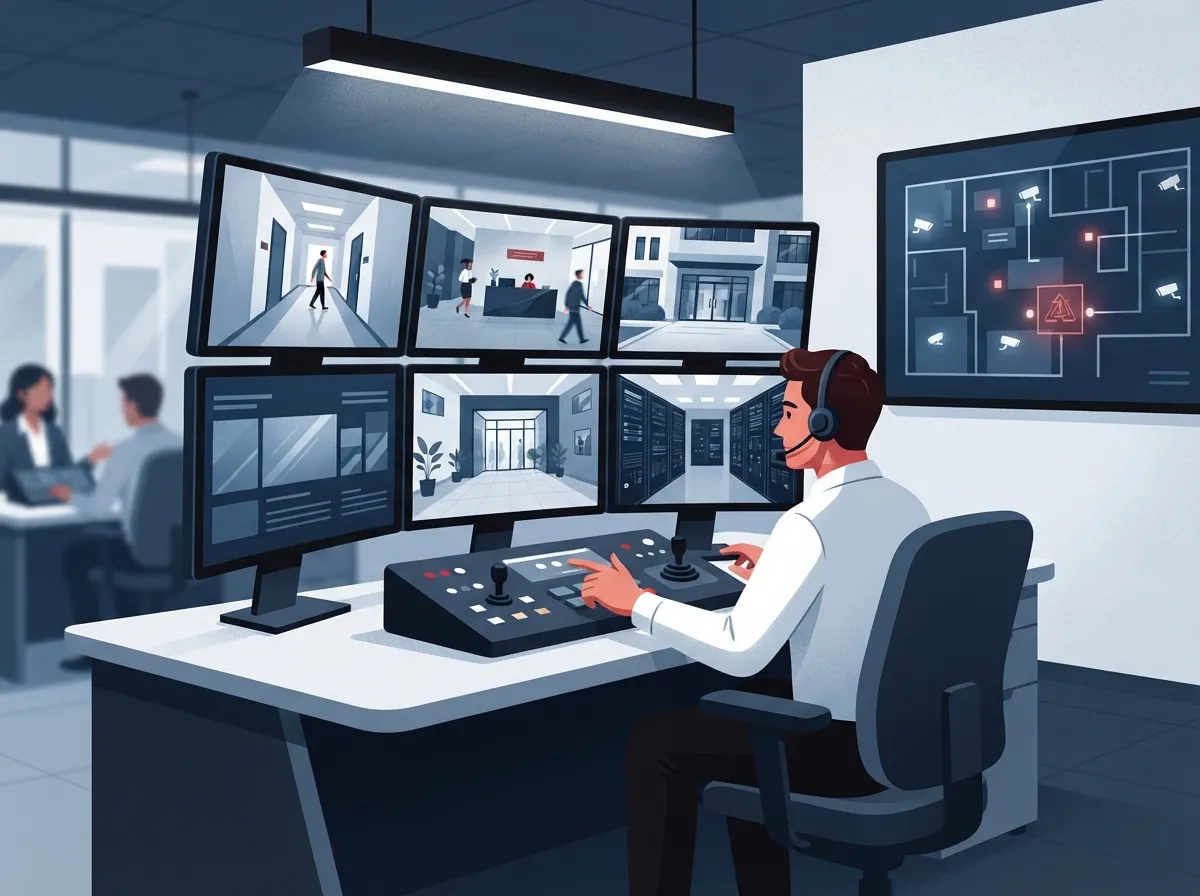
In plain terms, it’s a connected service. IP cameras send video over your business network to a recorder, the cloud, or both. A video management system (VMS) organizes it all. Then a defined process tells people how to review alerts and handle incidents.
Here’s the part many folks miss. An alert is not the same as a verified emergency. A motion alert might be a raccoon, a delivery driver, or a real problem. Good monitoring includes a plan for who checks it, how it gets escalated, and when authorized staff or emergency services get a call.
Also, scope matters. A telecom provider may supply connectivity, installation, and managed services, while live operator monitoring and dispatch may come from a specialist partner. Always confirm exactly what is included before you sign anything.
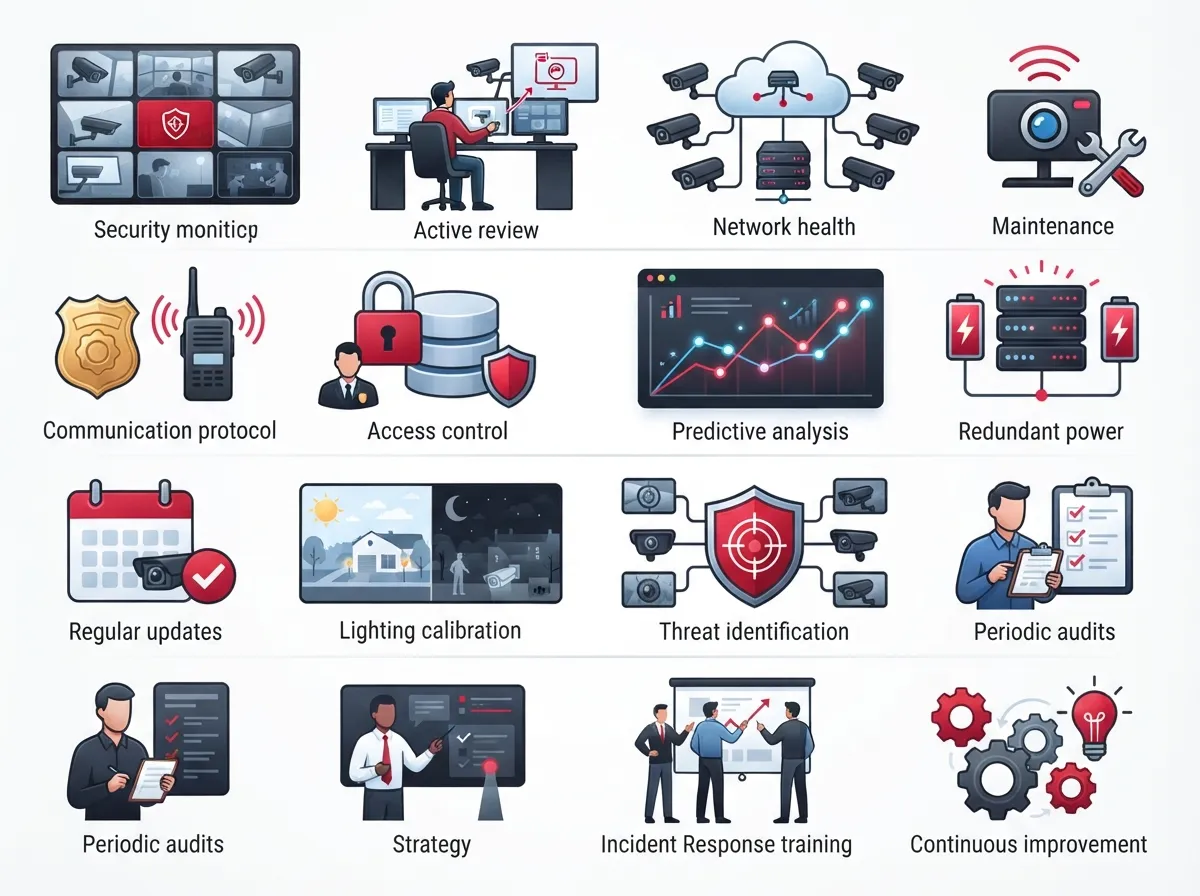
14 Tips for Better Monitoring and Response
1. Start With a Clear Goal
Before you buy a single camera, write down what you want to protect. Is it cash handling, inventory, employee safety, or after-hours break-ins? Your goal shapes camera placement, storage, and monitoring style. Keep the list short and honest.
2. Pick the Right Monitoring Style
There are two main styles. Continuous monitoring uses trained operators who watch feeds. Event-based monitoring uses motion detection and video analytics to flag activity for review.
| Feature | Continuous Monitoring | Event-Based Monitoring |
|---|---|---|
| Who watches | Trained operators | Software flags, staff or partner reviews |
| Best for | High-risk sites, 24/7 operations | Small offices, retail, after-hours coverage |
| Cost level | Higher recurring cost | Typically lower |
| Response speed | Faster live verification | Depends on alert review process |
Many businesses mix both. For a deeper look, see 24/7 Video Monitoring: What Every Business Should Know.
3. Write a Response Plan Before You Need One
Your plan should answer a few simple questions. Who gets the alert first? Who confirms it? Who decides to call the police? Who is the backup if that person is out?
- Name the first reviewer for each type of alert.
- Define what counts as a verified incident.
- List escalation contacts in order, with phone numbers.
- Set rules for when emergency services are called.
- Document what happens afterward, including saving and exporting footage.
Print it. Share it. Practice it once or twice. A plan nobody has read won’t help at 2 a.m.
4. Treat Your Internet Like Part of the Camera
Cameras are only as reliable as the connection behind them. Telecom reliability is part of camera reliability. Look at upload capacity, latency, and whether video traffic will compete with your phones and business apps.
Cloud video relies heavily on upload speed. If your plan is slow, feeds lag or drop. Our guide on choosing the right internet speed for your Tampa business can help you size things up.
5. Plan Bandwidth Before Adding Cameras
Every camera adds traffic. Higher resolution and more frames per second use more bandwidth. A few cameras may be fine on a modest connection. Dozens of cameras need real planning.
- Count your cameras and their resolution settings.
- Check your upload speed, not just download speed.
- Consider motion-based recording to reduce constant streaming.
- Ask your provider how video is prioritized on the network.
For help with speed and reliability, read 13 High-Speed Internet for Business Tips That Save Money.
6. Choose Cloud, On-Site, or Hybrid Storage
Storage choice affects cost, access, and resilience. On-site recorders (NVRs) keep video local. Cloud platforms make remote viewing and multi-site management easier. Hybrid designs do both.
| Storage Type | Pros | Watch Outs |
|---|---|---|
| On-site (NVR) | Local control, works during internet outages | Hardware upkeep, harder multi-site viewing |
| Cloud | Easy remote access, centralized management | Needs strong upload speed, recurring fees |
| Hybrid | Local backup plus remote access | More moving parts to plan |
Hybrid designs can keep recording locally if the internet drops, then sync later. See how to keep security cameras working during internet outages for more.
7. Build in Backup Connectivity
If your cameras depend on one internet line, one outage can leave you blind. A backup connection, such as a second provider or a cellular failover, keeps alerts flowing. It’s one of the simplest ways to protect your monitoring.
Also think about power. A small battery backup (UPS) for your recorder, switch, and router can keep things running through a short outage.
8. Lock Down Camera Security
Cameras are network devices, so they need cybersecurity care just like computers. A secure deployment should:
- Change all default usernames and passwords.
- Use unique, strong passwords and multifactor authentication where available.
- Keep firmware current.
- Encrypt video and management traffic.
- Restrict remote access to approved users.
- Avoid exposing cameras directly to the public internet.
The FTC offers a helpful resource called Start with Security: A Guide for Business that covers these basics in plain language. Lessons from the field are real, too. The FTC reported a $5.8 million settlement with Ring in 2023 over alleged privacy and security failures involving customer camera footage. Different setting, same lesson: access controls matter.
9. Segment Your Camera Network
Put cameras on their own network segment, separate from your point-of-sale systems, file servers, and guest Wi-Fi. If one device is compromised, the problem stays contained. A solid network design also keeps video traffic from slowing your daily work.
A well-built wired foundation helps here too. Learn more about 13 ways structured cabling supports VoIP and cameras, or read about structured cabling in general.
10. Use Analytics Wisely
Video analytics can flag people, vehicles, loitering, or crossing a line. That’s handy, but too many alerts create noise, and noise leads to ignored alerts. Start with a few well-tuned rules, like after-hours motion at entry doors. Then adjust.
Remember, analytics suggest. A human still verifies. That’s what keeps false alarms from becoming wasted time or unnecessary emergency calls.
11. Place Cameras With Purpose
Good coverage beats lots of cameras. Focus on entrances, exits, cash areas, loading docks, and parking areas. Think about lighting, angles, and what you actually need to identify. Not sure how many you need? Check out 10 factors that decide how many security cameras you need.
12. Respect Privacy and Set Retention Rules
Video can contain personal information. Set a documented purpose, keep camera views limited to necessary areas, and restrict and log who can access footage. Decide how long to keep footage and when to delete it.
Rules vary by location and use case, especially around employee monitoring and audio recording. It’s smart to review local privacy and data-protection requirements, and ask your legal advisor if you’re unsure. For storage timing, see 6 key facts about cloud video security footage storage.
13. Make Remote Access Easy but Safe
Owners and managers love checking cameras from a phone. It’s a real time-saver, especially for franchise operators with several locations. Just make sure each person has their own login and only the access they need. Learn more in Can I Monitor My Tampa Business Security Cameras From My Phone?
14. Ask the Right Questions Before You Sign
Service bundles vary a lot. Before contracting, clarify what’s actually included. Here’s a quick checklist to bring to any conversation:
| Question | Why It Matters |
|---|---|
| Is installation included? | Avoids surprise labor costs |
| Who does live monitoring and dispatch? | Clarifies who responds, and how fast |
| What are the service levels and outage procedures? | Sets expectations when something breaks |
| Who owns the footage, and how do I export it? | Important for investigations and claims |
| What are the retention rules? | Affects storage cost and compliance |
| Who handles cybersecurity updates? | Keeps cameras from becoming a weak spot |
| What are the recurring costs? | Prevents budget surprises |
For budgeting help, see How to Budget for Commercial Video Surveillance in Tampa FL.
Who Benefits Most From a Connected Monitoring Setup?
Different businesses have different needs, but a few patterns show up again and again:
- Small business owners want affordable coverage without juggling several vendors.
- IT managers want one accountable partner for cabling, networking, and cameras.
- Office managers want things to just work, with fast support when they don’t.
- Franchise operators want scalable, cloud-based management across many sites.
If that sounds like you, working with a single telecom and IT partner can simplify life. Cloud video security pairs nicely with a strong internet connection from a trusted Internet Service Provider and a clean network design. Ideal Solutions Provider has spent over 24 years helping businesses bring those pieces together with help from 35+ vetted suppliers.
A Quick Setup Roadmap
Feeling a little overwhelmed? Take it one step at a time. Here’s a simple path to follow:
- Define your goals and risk areas.
- Audit your current internet, cabling, and network.
- Choose your storage model: cloud, on-site, or hybrid.
- Select cameras and a monitoring style that fit your goals.
- Secure the network and set up access controls.
- Write and share your response plan.
- Test alerts, footage export, and failover.
- Review quarterly and adjust.
You can also explore remote vs. on-site video surveillance to help with step three, and What Do Security Cameras Really Do for Your Business? for a broader overview.
Final Thoughts
Great security camera monitoring and response isn’t about having the fanciest gear. It’s about connecting the dots: reliable internet, smart network design, secure cameras, clear storage choices, and a plan your team can follow without guessing. When all of those pieces line up, a late-night alert becomes a calm, confident action instead of a scramble.
You don’t have to figure it out alone. If you want a friendly, no-pressure look at your current setup, contact us or call us to talk through cameras, connectivity, and response planning with a team that has been doing this for more than two decades. You can also see more tips on YouTube.
FAQs
Q: What is security camera monitoring and response for a business?
A: It’s a connected service that links IP cameras, internet connectivity, video storage, and a clear process for reviewing alerts and handling incidents. The goal is to make sure someone sees an alert, verifies it, and takes the right action. Always confirm which parts, like live monitoring or dispatch, are actually included.
Q: What’s the difference between live camera monitoring and motion-alert monitoring?
A: Live monitoring uses trained operators who watch feeds and verify activity in real time. Motion-alert monitoring uses software to flag activity, which is then reviewed by staff or a partner. Live monitoring usually costs more but can respond faster, while motion alerts are often a budget-friendly fit for smaller sites.
Q: How much internet bandwidth do business security cameras need?
A: It depends on how many cameras you have, their resolution, and whether they stream constantly or record on motion. Upload speed matters most for cloud video. It’s best to have your provider assess your needs so video doesn’t slow down your phones and other business apps.
Q: Should a business use cloud, on-site, or hybrid video storage?
A: Cloud makes remote viewing and multi-location management easy. On-site recorders keep working during internet outages. Hybrid gives you both, so many businesses choose it for the best balance of access and resilience.
Q: How can a business secure network-connected cameras?
A: Change default passwords, use strong unique credentials and multifactor authentication, keep firmware updated, and encrypt traffic. Put cameras on a separate network segment and avoid exposing them directly to the public internet. Reviewing device logs now and then helps catch problems early.





