
Key Takeaways
-
Match cable to reader protocol: IP readers typically use Cat5e or Cat6 (often with PoE), OSDP uses a two-wire RS-485 pair plus power, and legacy Wiegand uses multiple conductors.
-
OSDP is generally preferred for new projects because it offers two-way communication, connection supervision that flags offline readers, and encrypted communication when Secure Channel is enabled.
-
Check voltage drop and wire gauge on long door runs, and confirm your PoE switch's total power budget so far-end readers and locks don't brown out.
-
Always verify manufacturer wiring specs, cable jacket ratings for each space (plenum, riser, general-purpose), and local code requirements before pulling any cable.
-
Label both ends of every cable, document pathways and terminations, and test every run before go-live so future troubleshooting and expansion are faster.
-
Build spare conductors or extra drops into the initial install and coordinate with IT and facilities early, since pulling cable once costs far less than opening walls twice.
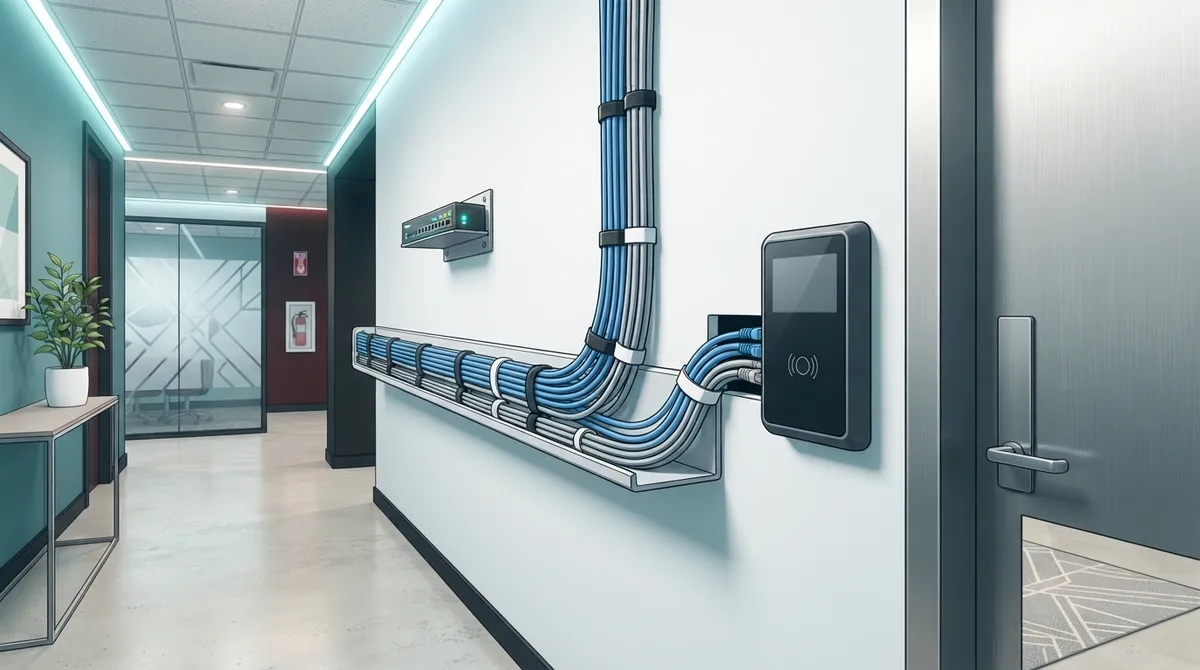
Picture this: your new card readers are on the doors, the software is loaded, and everyone is ready to go. Then the front door reader goes dark. The culprit is not the fancy hardware. It is the cable behind the wall.
That is the thing about access control cabling. It is the quiet part of your security system, so it gets less attention than cameras or readers. But it carries the data and power that keep every door working. Get it right, and you will rarely think about it again. Get it wrong, and you will think about it every Monday morning.
Whether you run a small Tampa office, manage IT for a growing company, or oversee several franchise locations, this guide is for you. We will walk through three smart cabling choices that make access control systems more reliable and easier to grow. We will keep it simple and friendly, too. No wiring degree required!
Why Access Control Cabling Matters More Than You Think
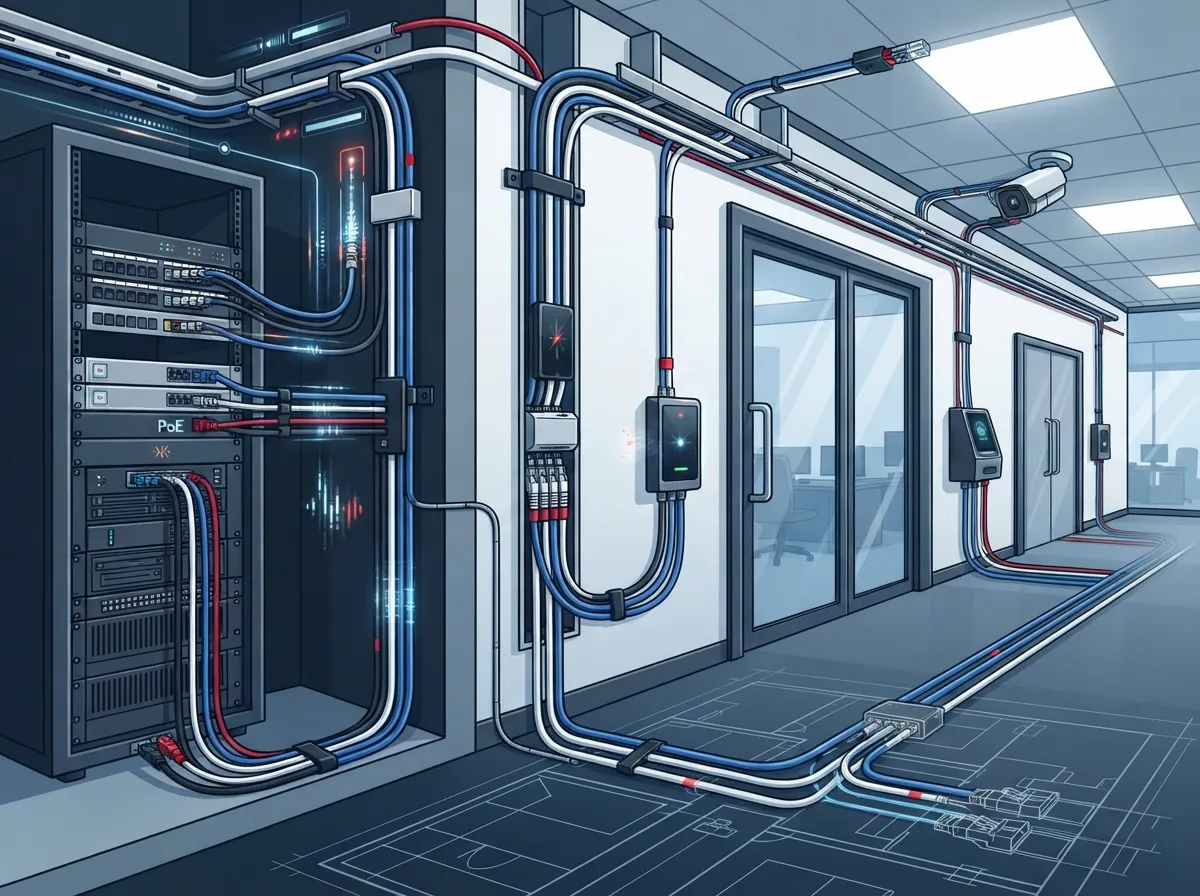
Access control cabling is the low-voltage wiring and network infrastructure that links your entry devices to power and data. Those devices include readers, door controllers, electronic locks, request-to-exit buttons, door sensors, and intercoms.
Think of it like the plumbing in your building. You never admire it, but you notice the second something leaks. A good cabling plan keeps doors responsive and alerts accurate. It also keeps your IT team from chasing mystery problems.
The access control market is growing fast. One third-party report from Fortune Business Insights estimated the global market at about USD 11.62 billion in 2025, with a forecast of USD 26.22 billion by 2034. Market numbers vary by report, and they do not measure cabling demand directly. Still, they show that more businesses are adding or upgrading door security every year. Each new door needs a solid wiring plan.
Here is what the right cabling plan helps you do:
- Keep readers and locks working without random dropouts
- Deliver the right power to each device
- Make future upgrades faster and cheaper
- Pass inspections with fewer surprises
- Cut down on service calls and downtime
Let’s dig into the three choices that matter most.
Choice 1: Match the Cable to the Reader Protocol
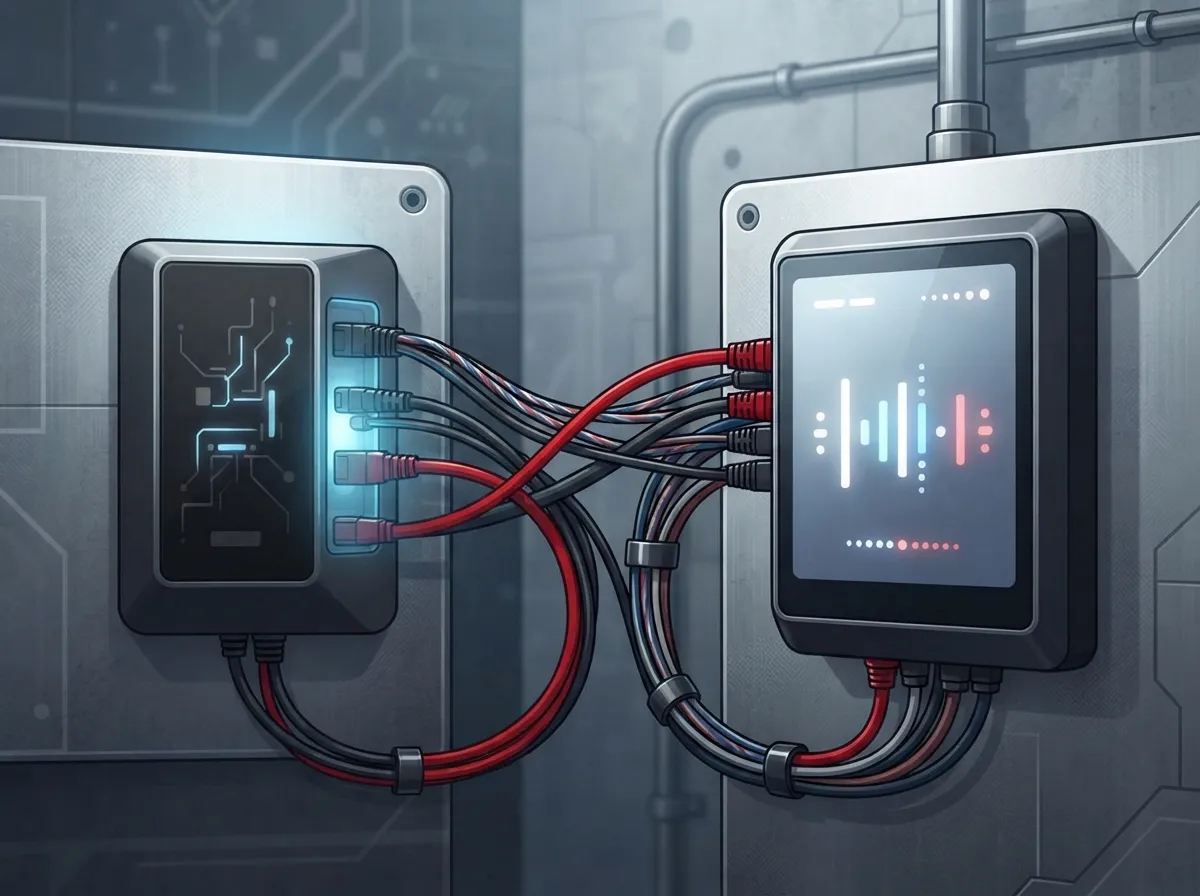
The first decision is simple but important. Your cable should match how your reader talks to the controller. There is no one-size-fits-all cable for every door. The reader type, the protocol, the distance, and the manufacturer’s rules all play a part.
IP Readers: Cat5e or Cat6
Networked, or IP, readers and controllers commonly use Category 5e or Category 6 cabling. They plug into your network just like a computer or VoIP phone does. If you are weighing the two, our guide on Cat5e vs. Cat6 for office cabling breaks down the differences in plain language.
Many IP devices can also receive power over the same cable using Power over Ethernet (PoE). That means one cable handles both data and power. It is tidy, and it often cuts installation time. Just check that your switch, your cable, and your device all support the PoE class you need.
Standard Ethernet channels top out at 100 meters (328 feet) end to end. That usually means up to 90 meters of permanent cable plus patch cords. Always confirm the limit against the applicable standard and your equipment’s specs.
OSDP: The Modern Reader Choice
OSDP stands for Open Supervised Device Protocol. It is a two-way reader-to-controller protocol, commonly carried over a two-wire RS-485 data pair. Power conductors are added as needed. Here is why many teams like it:
- It supports two-way communication between reader and controller
- It can supervise the connection, so you know if a reader goes offline
- It supports encrypted communication when Secure Channel is turned on
Use the cable and layout your equipment maker specifies. Also follow RS-485 guidance on termination and grounding. Small mistakes here can cause flaky readers that are hard to track down.
Wiegand: The Legacy Option
Wiegand is an older, mostly one-way reader interface that uses several conductors. You will still find it in many existing buildings. It works, but OSDP is often preferred for new projects because of two-way communication and better security options.
If you have older Wiegand readers, you do not always have to rip everything out. A telecom partner can help you plan a phased upgrade so you do not blow your budget.
| Protocol | Typical Cabling | Communication | Best For |
|---|---|---|---|
| IP (Network) | Cat5e or Cat6, often with PoE | Two-way over Ethernet | Networked doors, cloud systems |
| OSDP | Two-wire RS-485 pair plus power as needed | Two-way, supervised, can be encrypted | New reader-to-controller runs |
| Wiegand | Multiple conductors | Mostly one-way | Existing legacy installs |
One quick note. Always check your manufacturer’s wiring specs before you buy cable. Conductor count, wire gauge, shielding, and distance limits can differ from one product to the next.
Choice 2: Plan for Power, Distance, and Environment
The second smart choice is to think beyond the cable type. Power, distance, and conditions all affect how well your system performs. This is where many DIY jobs run into trouble.
Watch Voltage Drop and Power Budget
Electronic locks and readers need steady power. Over long runs, voltage can drop. A reader that works fine near the controller might act up at the far end of a long cable. Wire gauge matters here. Thicker conductors lose less voltage over distance.
If you use PoE, check your switch’s total power budget too. A switch has a limited pool of power to share across all devices. Add too many powered devices, and some may not get enough juice. Planning your PoE capacity up front saves headaches later.
Think About Shielding and Interference
Door cabling often runs near lighting, motors, elevators, and electrical panels. Those can create electrical noise. In noisy spots, shielded cable may help. Our post on choosing shielded twisted pair cabling for offices explains when shielding is worth the extra cost.
Keep low-voltage cabling separated from power conductors as required by code and by the manufacturer’s instructions. This is a basic rule that prevents interference and keeps installs safe.
Protect Exposed and Outdoor Runs
Exterior doors, gates, and parking areas face sun, rain, heat, and humidity. Tampa weather is no joke! Outdoor-rated cable, proper conduit, and sealed connections help your system last. Exposed runs also need protection from tampering and accidental damage.
Know Your Cable Jacket Ratings
Not every ceiling or wall space follows the same fire rules. Plenum, riser, and general-purpose spaces can each call for different listed cable ratings. In the United States, jacket ratings and installation methods must follow the electrical and fire codes your local area has adopted.
Do not rely on a generic rule here. Confirm the building conditions, the code edition, and the requirements of your local authority having jurisdiction. A knowledgeable installer will handle this for you and pull the right permits.
Here is a quick checklist of what to confirm before any cable is pulled:
- Identify each device and its protocol (IP, OSDP, or Wiegand)
- Check the manufacturer’s cable and distance requirements
- Calculate power needs and voltage drop for each run
- Review the PoE budget on your switches
- Confirm the correct cable jacket rating for each pathway
- Plan protection for exposed or outdoor runs
- Note where fire-rated walls will need firestopping
That list might look long, but it takes much less time on paper than it does in the field after a mistake.
Choice 3: Design for Documentation and Future Growth
The third choice is the one that separates a good install from a great one. It is about the long game. Your business will grow, add doors, change layouts, or move to the cloud. Your cabling should be ready.
Label and Document Everything
Label both ends of every cable. Record pathways, termination points, and device locations. It sounds boring, but it is a lifesaver when a door acts up or a new technician joins your team. For more on this, see our tips on network cable labeling that saves time and our guide on building structured cabling documentation that works.
Follow Good Installation Practices
A clean install is a reliable install. Pros follow these habits:
- Respect bend radius and pull tension limits
- Avoid sharp edges and tight zip ties that crush cable
- Use proper pathways, conduit, and supports
- Firestop rated penetrations the right way
- Test every run before the system goes live
Testing matters more than people think. A cable can look fine and still have a fault. Our post on cable testing and certification mistakes to avoid shows what proper verification looks like.
Leave Room to Grow
Smart planners add a few spare conductors or extra drops where doors might be added later. Pulling cable once costs far less than opening walls twice. It also helps to coordinate with your IT and facilities teams early. Agree on controller locations, network ports, PoE capacity, and backup power before the first cable is pulled.
If you plan to add cameras, phones, or Wi-Fi access points down the road, build that into your pathways now. Access control cabling should be part of one bigger telecom plan, not a separate project. That is the idea behind structured cabling for your business network, and it keeps your whole building organized.
Support Cloud-Based Systems
Many businesses are moving to cloud-managed doors. These systems still rely on solid cabling and a steady internet connection. If you are exploring that path, read about migrating to cloud access control without downtime and what cloud access control should really cost. Good cabling at the door is the foundation either way.
Common Access Control Cabling Mistakes to Skip
Even careful teams slip up. Here are a few mistakes we see again and again, along with the simple fix for each.
| Mistake | Why It Hurts | Simple Fix |
|---|---|---|
| Using one cable type for every device | Some devices need different conductors or shielding | Follow each manufacturer’s spec |
| Ignoring voltage drop on long runs | Locks and readers act up at the far end | Check wire gauge and power needs |
| Skipping labels and records | Troubleshooting takes much longer | Label both ends and document pathways |
| Running low-voltage next to power lines | Interference and code problems | Maintain required separation |
| Using the wrong jacket rating | Fails inspection and creates fire risk | Verify the space and local code |
| Forgetting firestopping | Breaks the fire rating of walls | Seal rated penetrations properly |
For a broader look at things that can go wrong, check out these cabling mistakes that cripple your network. The lessons apply to door wiring too.
How to Build Your Access Control Cabling Plan
Ready to put this into action? Here is a simple process any business can follow. It works whether you have two doors or two hundred.
- Walk the building. List every door, gate, and entry point that needs control. Note which ones already have wiring.
- Pick your devices. Choose readers, locks, and controllers, and note their protocols and power needs.
- Map your pathways. Plan where cable will run, where controllers will sit, and where network ports are needed.
- Check codes and ratings. Confirm jacket ratings, permits, and firestopping requirements with your local authority.
- Plan power and backup. Size your PoE budget or power supplies, and add backup power for critical doors.
- Install, test, and label. Pull the cable, test every run, and label both ends.
- Document and review. Save your records, and plan a check-in when your needs change.
For multi-floor buildings or bigger sites, our guide on planning multi-floor office cabling adds helpful detail. Franchise owners with several locations will also appreciate that a repeatable plan makes every new site faster to roll out.
Why Work With One Telecom Partner
Access control cabling touches several worlds at once: security, networking, electrical, and building code. That is a lot of moving parts for a busy owner or office manager to juggle. Hiring separate vendors for each piece can lead to finger-pointing when something goes wrong.
That is where a single point of contact helps. Ideal Solutions Provider is a Tampa-based telecom and IT partner with over 24 years of experience. The team handles structured cabling, networking, and cloud access control, working with 35+ vetted suppliers. They can look at your whole setup, from the cable in the wall to the reader on the door, and recommend what fits your business instead of pushing a sales quota. If you want to see what that looks like, explore their structured cabling services and cloud based access control options.
For more context on how security and cabling fit together, you might also like our security camera cabling guide. Many of the same rules apply, and planning both at once can save real money.
Final Thoughts
Access control cabling may not be the flashy part of your security system, but it is the part everything else depends on. Remember the three choices: match your cable to the reader protocol, plan for power, distance, and environment, and design for documentation and growth. Do those well, and your doors will keep working while you focus on running your business.
Ready to get your doors wired the right way? Contact us for a free consultation, or call us to talk through your project with a friendly expert. We would love to help you build an access control setup that is secure, tidy, and ready for whatever comes next.
FAQs
Q: What cable is used for a commercial access control system?
A: It depends on the device and protocol. IP readers and controllers commonly use Cat5e or Cat6, while OSDP readers often use a two-wire RS-485 data pair plus power conductors. Always follow the manufacturer’s wiring specs before you buy cable.
Q: Should I use Cat5e or Cat6 for IP access control readers?
A: Both can work for IP readers, and many installers choose Cat6 for extra headroom and future growth. Check your reader’s requirements and your PoE needs first. A quick chat with your cabling pro can help you pick the best fit.
Q: What is the difference between OSDP and Wiegand cabling?
A: Wiegand is an older, mostly one-way interface that uses several conductors. OSDP is a two-way protocol that supports supervision and encrypted communication when Secure Channel is enabled. Many teams prefer OSDP for new installs.
Q: How far can access control cable run between a reader and controller?
A: There is no single answer. Ethernet channels are generally limited to 100 meters (328 feet), but other protocols and devices have their own limits. Check the manufacturer’s specs and account for voltage drop and wire gauge.
Q: Can access control readers and door locks use Power over Ethernet?
A: Many networked readers and some locks can run on PoE, which delivers data and power over one cable. You will need to confirm that your switch, cable, and device all support the right PoE class and power budget.





