
Key Takeaways
-
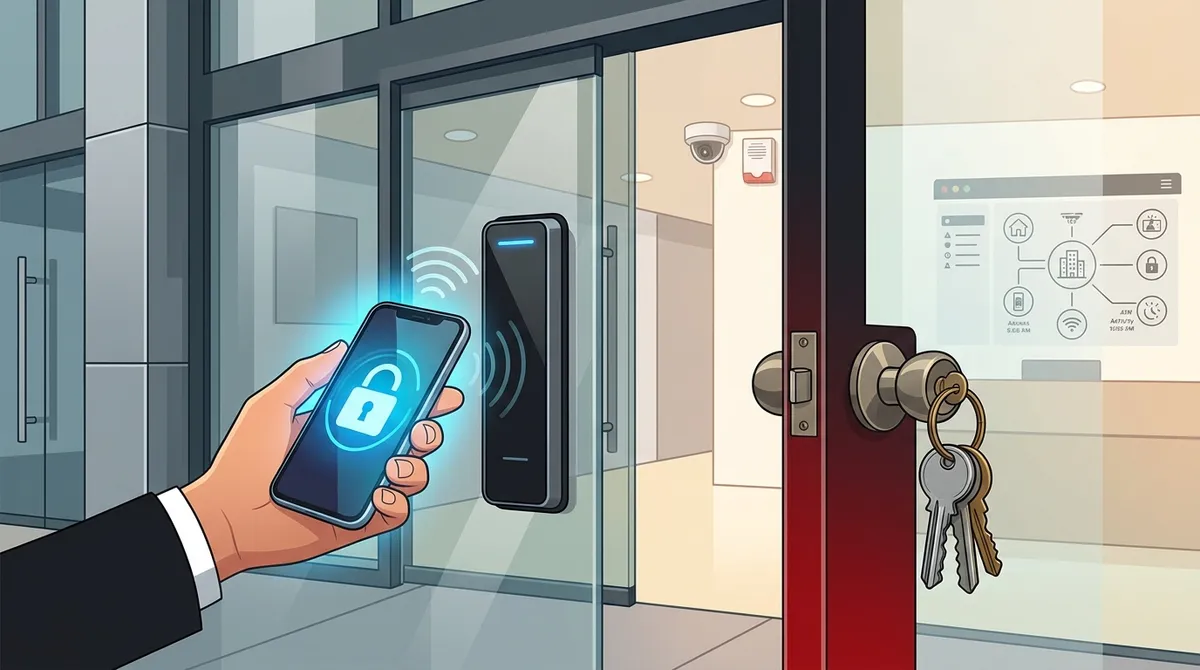
Keyless entry systems enable instant access deactivation when employees leave, eliminating costly lock changes and awkward key collection processes that plague traditional key management.
-
Cloud-based keyless systems provide complete audit trails showing exactly who accessed which areas and when, critical for compliance and security investigations that traditional keys cannot support.
-
Mobile credentials are becoming the preferred option in 2026 because employees already carry smartphones, eliminating forgotten cards while allowing instant remote access revocation from an admin dashboard.
-
Setup costs range from $500-$2,000 for small offices to $8,000+ for larger buildings, with ROI typically achieved within the first year through eliminated rekeying costs and reduced administrative overhead.
-
Keyless systems integrate with security cameras, alarm systems, visitor management, and HR software to create a unified security operation, while traditional keys operate as isolated, unconnected tools.
-
Fire code compliance and internet reliability are critical prerequisites; Tampa businesses must verify emergency access requirements and ensure business-grade connectivity before installation.
Imagine losing your office keys on a Friday night. Now imagine calling every employee to warn them. Then paying a locksmith. Then replacing every lock. Sound familiar? If you run a business in Tampa, you already know that traditional keys are a headache waiting to happen. That’s exactly why so many Tampa office buildings are switching to keyless entry systems for business buildings in Tampa — and honestly, it’s one of the smartest moves a business can make in 2026.
This guide breaks down everything you need to know. We’ll compare keyless entry systems against traditional key locks, look at the real costs, and help you figure out which option actually makes sense for your team. Whether you manage one office or multiple locations, you’ll walk away with a clear picture of what’s right for your building.
What Is a Keyless Entry System for Business Buildings?
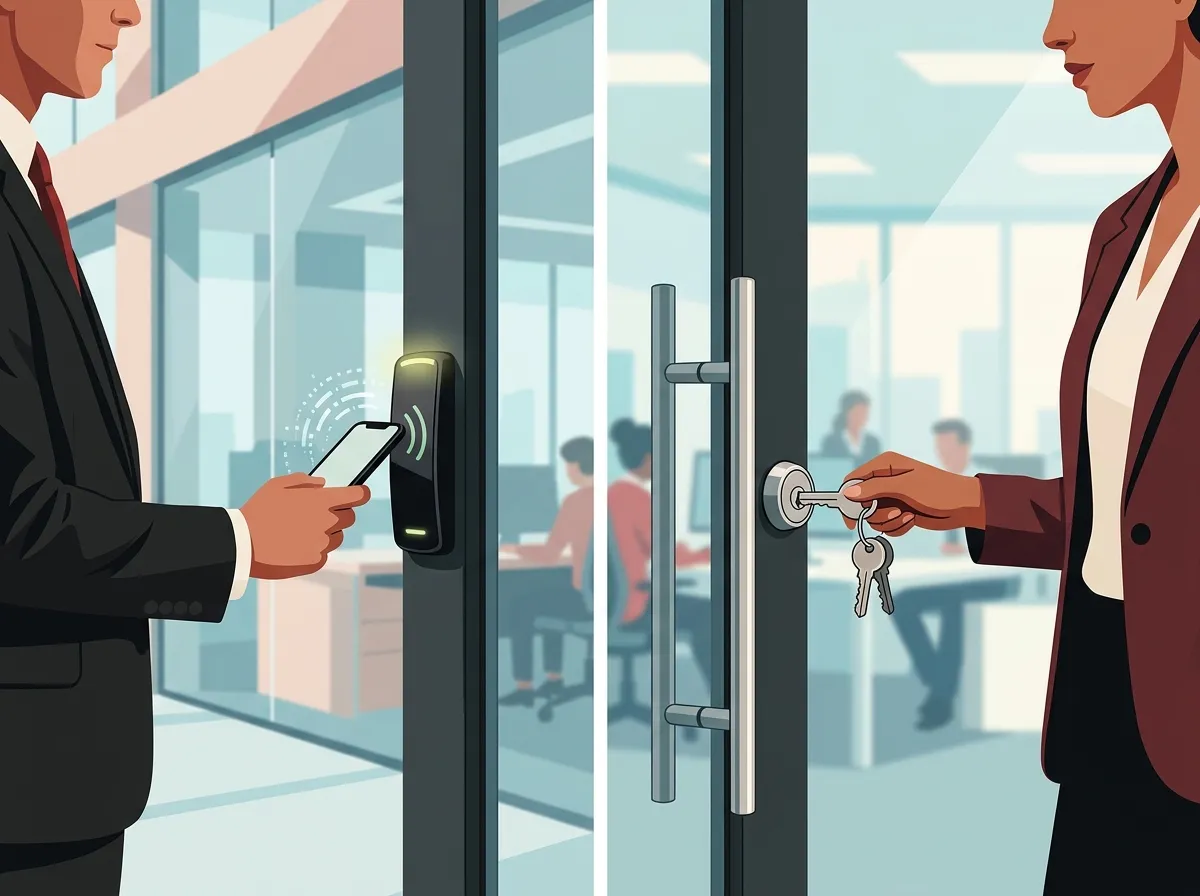
A keyless entry system replaces physical keys with electronic credentials. Instead of a metal key, your employees use a key card, fob, PIN code, mobile phone, or even a fingerprint to unlock doors. The system is usually managed through a cloud-based software platform, which means you can control access from anywhere — your laptop, tablet, or phone.
These systems are especially popular in Tampa office buildings, co-working spaces, multi-suite properties, and multi-tenant commercial buildings. They let you set different rules for different doors, floors, and time windows. For example, your cleaning crew might only have access after 6 PM on weekdays, while your IT manager has 24/7 access to the server room. That level of control simply doesn’t exist with traditional keys.
If you’re curious how this fits into a broader security strategy, check out what security cameras really do for your business — because access control and video surveillance often work best together.
Keyless Entry vs. Traditional Keys: The Core Differences
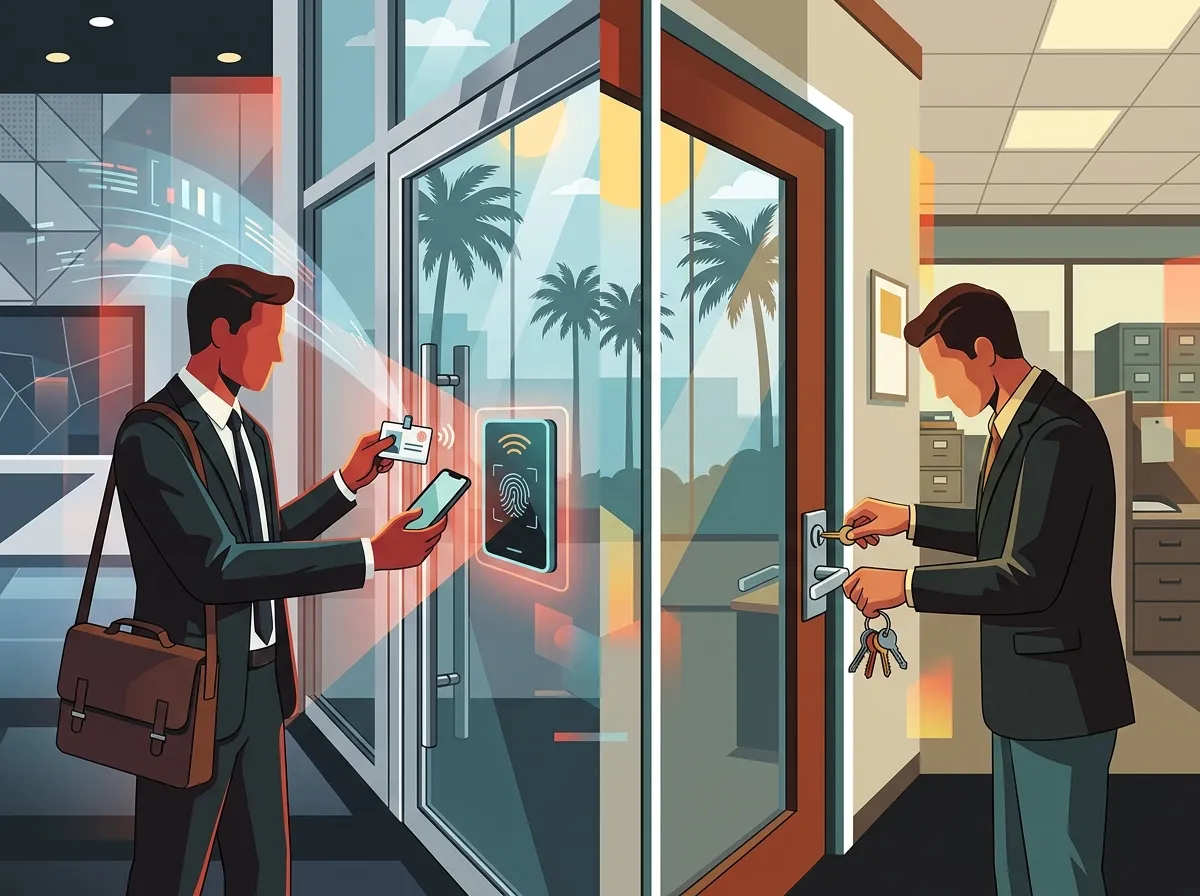
Let’s get straight to the point. Here’s a side-by-side look at how these two options stack up.
| Feature | Keyless Entry System | Traditional Keys |
|---|---|---|
| Access Management | Cloud-based, remote control | Manual, in-person only |
| Lost Credential Response | Deactivate instantly online | Replace all locks and keys |
| Audit Trail | Full digital log of all entries | No record of who entered |
| Scheduling | Set access by time and day | Not possible |
| Scalability | Easily add users and doors | Requires physical rekeying |
| Visitor Management | Temporary credentials available | Must hand over a physical key |
| Integration | Works with cameras, alarms, VoIP | No integration possible |
The difference is night and day. Traditional keys offer zero visibility into who is coming and going. A keyless system gives you a full digital log every time someone uses their credential — which is incredibly valuable for compliance, security investigations, and HR purposes.
Types of Keyless Entry Credentials
Not all keyless entry systems work the same way. There are several types of credentials, each with its own pros and cons. Here’s a quick breakdown.
| Credential Type | Best For | Security Level | Convenience |
|---|---|---|---|
| Key Card / Fob | Standard office environments | Medium | High |
| PIN Code | Low-traffic areas, storage rooms | Medium | High |
| Mobile Credentials | Tech-forward offices, co-working | High | Very High |
| Biometrics (fingerprint/face) | High-security zones, server rooms | Very High | Medium |
Mobile credentials are becoming the most popular choice in 2026 because employees already carry their smartphones everywhere. There’s no extra card to forget, and deactivating access is as simple as a few clicks in your admin dashboard.
5 Reasons Tampa Businesses Are Ditching Traditional Keys
Tampa’s business community is growing fast. More offices, more employees, more foot traffic — and more risk if your building access isn’t properly managed. Here are the top reasons local businesses are making the switch.
- Instant deactivation: When an employee leaves the company, you can revoke their access in seconds. No awkward key collection, no lock changes, no extra cost.
- Remote management: Cloud-based platforms let you manage access from anywhere. Traveling for business? You can still grant a vendor temporary entry from your phone.
- Multi-door and multi-floor control: You can set different access rules for lobbies, common areas, restrooms, individual suites, and restricted rooms — all from one dashboard.
- Audit logs for compliance: Many industries require documented proof of who accessed which areas. Keyless systems generate those reports automatically.
- Visitor and contractor management: Issue temporary credentials that expire automatically. No more chasing down temporary keys at the end of a project.
These benefits are why keyless entry systems for business buildings in Tampa are now considered a core part of a complete business security and operations stack — not just a fancy door lock.
How Keyless Entry Integrates with Your Broader Tech Stack
Here’s where it gets really interesting. A keyless entry system isn’t just a standalone product. When paired with other business technology, it becomes a powerful layer of your overall operations and security setup.
For example, cloud-based access control can integrate with:
- Cloud security cameras for visual verification at entry points
- Visitor management software to track guests in real time
- Alarm and intrusion detection systems for after-hours alerts
- Your business phone system for remote unlocking or intercom features
- HR software to sync employee onboarding and offboarding with access rights
To see how video surveillance pairs with access control, take a look at how to choose cloud security cameras for Tampa commercial buildings. And if you’re building out your full office tech setup, understanding why Tampa businesses love cloud access control in 2026 is a great starting point.
The key insight here is that modern businesses benefit most when their systems talk to each other. A siloed door lock doesn’t do that. A cloud-based access control system does.
What Does It Cost to Install a Keyless Entry System in Tampa?
Cost is always a fair question. The honest answer is that pricing varies based on the number of doors, the type of credentials, and the features you need. Here’s a general range to help you plan.
| Business Size | Doors Covered | Estimated Setup Cost | Monthly Software Fee |
|---|---|---|---|
| Small Office (1–10 employees) | 1–3 doors | $500 – $2,000 | $20 – $60/month |
| Mid-Sized Office (11–50 employees) | 4–10 doors | $2,000 – $8,000 | $60 – $200/month |
| Large Office / Multi-Floor | 10+ doors | $8,000+ | $200+/month |
| Multi-Location / Enterprise | Varies per site | Custom quote | Custom pricing |
Keep in mind: these costs are often offset by what you save. Think about eliminating rekeying costs, reducing security incidents, and cutting the admin time spent managing physical keys. Most businesses find that the return on investment is strong within the first year.
Key Considerations Before You Install
Before you commit to a system, there are a few important things to think through. Rushing this decision can lead to costly surprises down the road.
- Fire code compliance: Commercial properties in Tampa may have specific emergency-access requirements. Some buildings require a Knox Box (a secure key storage unit for emergency responders) alongside electronic access systems. Always verify local code requirements before installation.
- Internet reliability: Cloud-based systems depend on a stable internet connection. Make sure your office has reliable, business-grade connectivity. If you’re unsure, learn why Tampa businesses need dedicated fiber internet to support cloud-based tools.
- Backup access methods: Look for systems that offer offline functionality or backup access in case of network outages.
- Scalability: Choose a platform that can grow with your business. Adding a new floor or new location should be easy, not expensive.
- Professional installation: DIY installation of commercial access control systems is risky. Work with a professional who understands both the hardware and the software configuration.
How Ideal Solutions Provider Supports Tampa Access Control
If you’re ready to move beyond traditional keys, working with the right partner makes all the difference. Ideal Solutions Provider is a Tampa-based telecom and IT partner with over 24 years of experience helping businesses modernize their physical security and communications infrastructure. Their cloud access control services include mobile credentials, real-time alerts, and cloud-based management — all installed and supported by professionals who understand commercial buildings inside and out.
What makes them especially valuable is their single-point-of-contact model. Instead of juggling multiple vendors for your access control, cameras, cabling, and internet, you work with one trusted partner who handles it all. They work with 35+ vetted suppliers, so you get the right solution for your specific building — not a one-size-fits-all product.
You can also follow their latest tips and updates on their Facebook page and Instagram profile for real-world insights from Tampa’s business tech community.
Steps to Get Started with Keyless Entry in Your Tampa Office
Ready to make the switch? Here’s a simple step-by-step path to getting keyless entry systems for business buildings in Tampa up and running smoothly.
- Audit your current setup: Map out every door that needs access control. Note which areas have higher security requirements versus standard entry points.
- Choose your credential type: Decide whether you’ll use cards, fobs, mobile credentials, or biometrics based on your team size and security needs.
- Verify fire code and building requirements: Check with your property manager and local authorities about emergency access requirements specific to your Tampa building.
- Select a cloud-based platform: Choose a system that offers remote management, scheduling, audit logs, and integration with cameras and alarms.
- Schedule professional installation: Work with a trusted provider to handle hardware installation, system configuration, and staff training.
- Test the system thoroughly: Before going live, test every door, every credential, and every access rule to make sure everything works as expected.
Also, make sure your network infrastructure is ready to support the system. Structured cabling that supports VoIP phones and security cameras is also critical for access control hardware — and getting it right from the start saves you headaches later. You can also check out why Tampa businesses need commercial access control for more context on making the transition.
The Verdict: Keyless Entry Wins for Tampa Business Buildings
Traditional keys had a good run. But in 2026, they simply can’t compete with what cloud-based keyless entry systems offer. The control, visibility, and flexibility of a modern access control system make it the clear winner for any Tampa business that takes security and efficiency seriously.
Whether you’re a small business owner managing a single office, an IT manager overseeing a multi-floor corporate space, or a franchise operator with locations across Tampa Bay, keyless entry systems for business buildings in Tampa deliver real, measurable value. Less admin headache. More peace of mind. Better security outcomes.
To see how access control fits into your broader communications and security infrastructure, explore cloud video security systems Tampa FL businesses love and why Tampa Bay businesses need cloud surveillance systems. When you’re ready to take the next step, give our team a call at 813-388-4935 for a free consultation. We’ll review your current setup, walk through your options, and help you find the right solution — without the sales pressure. Your building’s security deserves nothing less.
FAQs
Q: What are the best keyless entry systems for commercial buildings in Tampa?
A: The best systems for Tampa commercial buildings are cloud-based platforms that support mobile credentials, key cards, and PIN codes — and that offer remote management, audit logs, and scheduling features. The right choice depends on your building size, number of doors, and security requirements, so a professional consultation is always a great first step!
Q: Can keyless entry systems integrate with video surveillance and alarms?
A: Absolutely! One of the biggest advantages of modern cloud-based access control is that it plays nicely with cloud security cameras, intrusion detection systems, and even your business phone system. This kind of integration gives you a complete, connected security setup rather than a bunch of disconnected tools.
Q: How do Tampa businesses manage employee, tenant, and contractor access with one system?
A: Cloud-based keyless entry systems let you create different access profiles for employees, tenants, visitors, and contractors — each with their own permissions, schedules, and expiration dates. You manage everything from a single online dashboard, which makes adding or revoking access incredibly fast and easy.
Q: Are there fire code requirements for commercial keyless entry systems in Tampa?
A: Yes, certain commercial properties in Tampa may require emergency access accommodations like a Knox Box (a secure key storage unit for first responders) alongside electronic access systems. It’s always a smart idea to check local fire codes and work with a professional installer who knows Tampa’s commercial building requirements.
Q: How much does it cost to install a keyless entry system in a Tampa office?
A: Costs vary based on building size and system features, but small offices with one to three doors typically see setup costs ranging from $500 to $2,000, plus a modest monthly software fee. Larger or multi-location setups will run higher — but most businesses find the savings from eliminated rekeying costs and improved security make it well worth it!





