
Key Takeaways
-
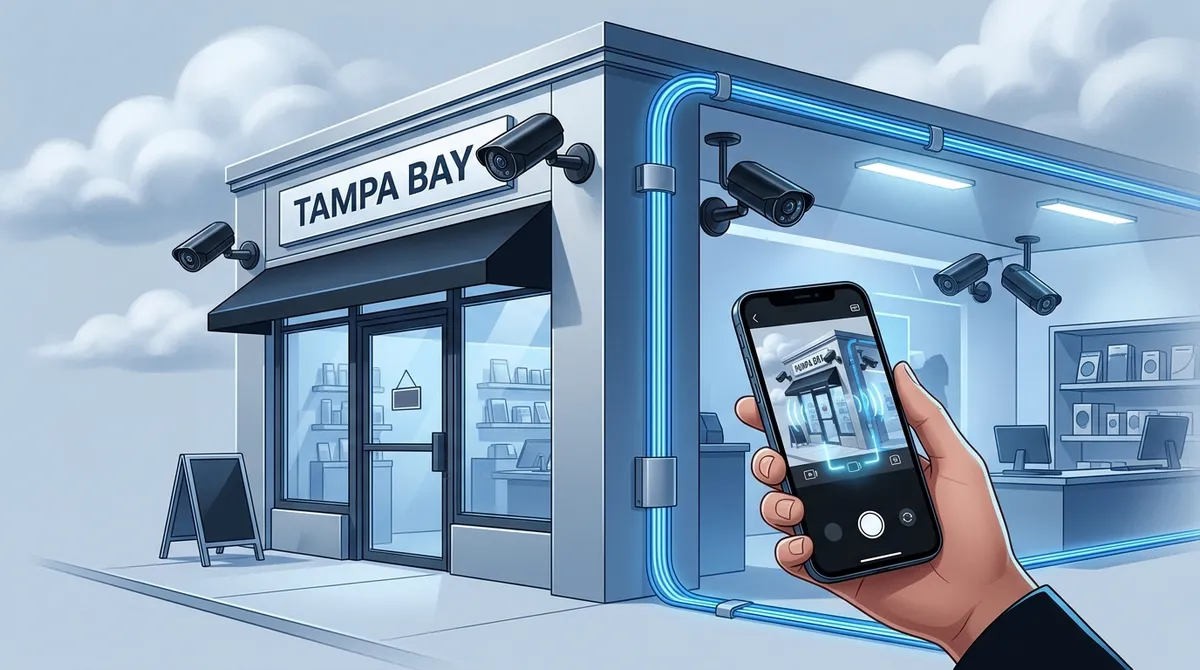
Cloud surveillance systems enable remote monitoring from anywhere via mobile devices and provide automatic cloud backup, eliminating the risk of losing footage if on-site equipment is stolen or damaged.
-
Professional installation requires proper network infrastructure and high-speed internet; systems depend on reliable bandwidth to avoid frame drops, lag, or offline cameras that compromise security effectiveness.
-
PoE (Power over Ethernet) IP cameras are the preferred commercial choice because they use a single cable for data and power, enabling cleaner installation and greater reliability than wireless alternatives.
-
Costs range from $100 for single-camera additions to $1,000-$2,200 for small business systems and $5,000+ for large warehouses; structured cabling quality significantly impacts long-term performance and reliability.
-
Modern cloud systems include AI-powered smart features like motion detection, facial recognition, and license plate detection that send instant alerts, eliminating the need to manually review hours of footage.
-
Franchise operators benefit most from cloud surveillance because centralized dashboards allow monitoring all locations simultaneously, reducing travel requirements and improving operational visibility across multiple sites.
Running a business in Tampa Bay is exciting. But keeping it safe? That can feel overwhelming. Whether you manage a busy retail shop in St. Pete, a warehouse in Hillsborough County, or a multi-location franchise across the region, security is always top of mind. That’s where a commercial cloud surveillance system installation in Tampa Bay can make a huge difference. These modern systems go far beyond old-school cameras. They give you live footage, smart alerts, and remote access — all from your phone or computer. And when you pair them with solid network infrastructure, the results are impressive. In this guide, we’ll walk you through everything you need to know about cloud-based surveillance for Tampa Bay businesses, including what it costs, what features matter most, and how to find the right partner for the job.
What Is a Commercial Cloud Surveillance System?
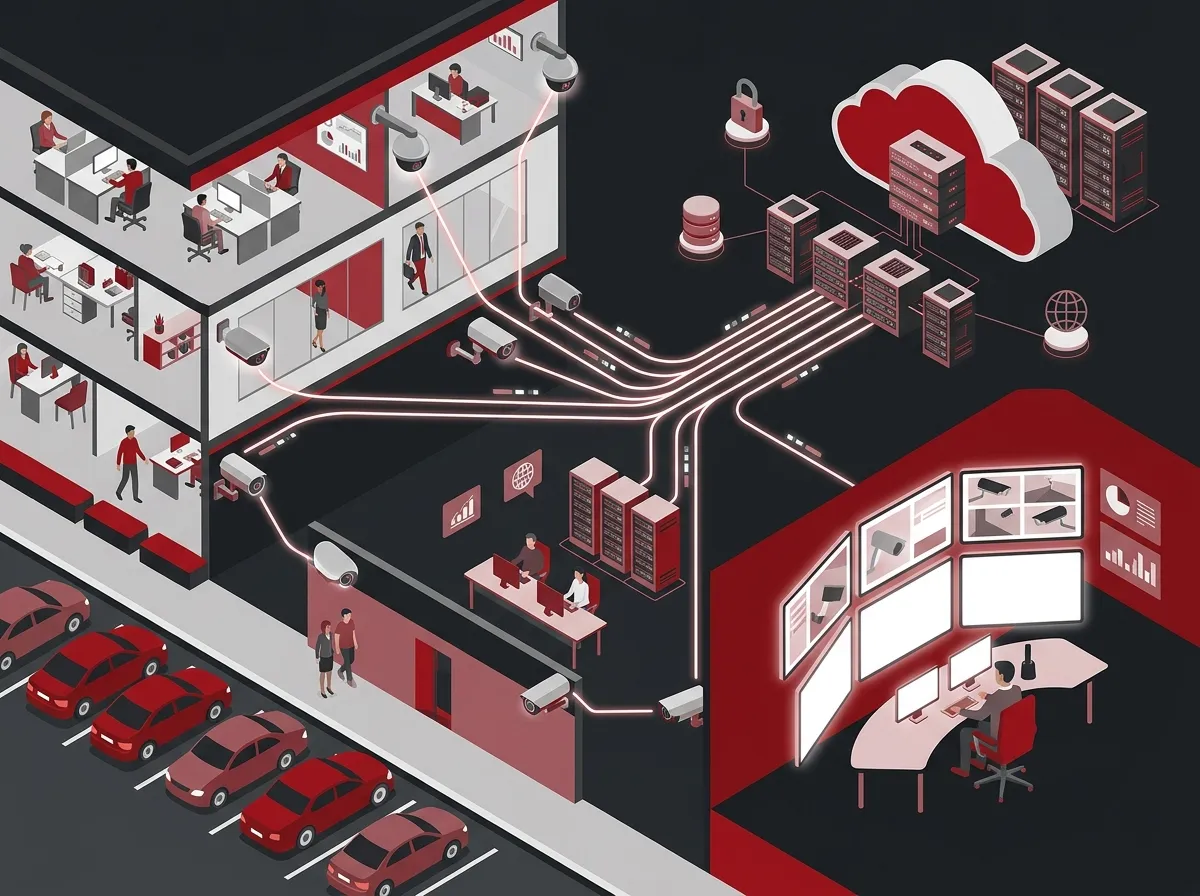
A commercial cloud surveillance system is a security camera setup that stores video footage online instead of on a local hard drive. Think of it like Google Drive — but for your security footage. You can access it from anywhere, at any time, using a smartphone, tablet, or computer. This is a big upgrade from older systems that required you to be on-site to review footage.
For businesses across Tampa Bay, cloud surveillance means you can check in on your location from home, the office, or even while traveling. It also means your footage is safe even if a camera gets damaged or stolen. Most cloud systems also include smart features like motion alerts, facial recognition, and license plate detection. If you’re curious about how these systems work in practice, check out this overview of cloud video security services.

Why Tampa Bay Businesses Are Making the Switch
Tampa Bay is a fast-growing region. More businesses are opening every month. With growth comes competition — and also risk. Business owners are looking for smarter, more affordable ways to protect their investments. Cloud surveillance systems check all those boxes.
Here are some of the top reasons Tampa Bay businesses are upgrading to cloud-based systems:
- Remote monitoring from anywhere with a mobile device
- No bulky on-site recording equipment needed
- Scalable — add more cameras as your business grows
- Automatic software updates with no extra cost
- Lower long-term maintenance expenses
- Footage is backed up securely offsite
If you’re already thinking about upgrading other parts of your business tech stack, you might also want to explore cloud-based access control systems that work alongside your surveillance setup.
Key Features to Look for in a Commercial System
Not all cloud surveillance systems are the same. When choosing a system for your Tampa Bay business, you want to make sure it has the right features for your environment. Here’s what to look for:
Camera Quality and Coverage
For commercial use, you want high-resolution cameras. Most modern systems offer 4K resolution, full-color night vision, and wide-angle lenses. This is especially important for large spaces like warehouses, parking lots, and open retail floors. PoE (Power over Ethernet) cameras are a popular choice for commercial installations because they use a single cable for both data and power. This makes installation cleaner and more reliable. Learn more about how structured cabling supports VoIP and security cameras in a professional setup.
Smart Alerts and AI Features
Modern cloud cameras can detect motion, people, vehicles, and even unusual behavior. You get instant alerts sent straight to your phone. This means you don’t have to watch hours of footage to find a problem. Instead, the system flags exactly what you need to see.
Cloud Storage vs. NVR Recording
Businesses typically have two options for storing their video footage. Here’s a quick comparison:
| Feature | Cloud Storage | NVR (Network Video Recorder) |
|---|---|---|
| Access | Remote, from any device | On-site or via VPN |
| Setup Cost | Lower upfront | Higher upfront hardware cost |
| Monthly Fees | Subscription required | No recurring storage fees |
| Scalability | Very easy to expand | Requires hardware upgrades |
| Security Risk | Footage safe if hardware is stolen | Footage lost if NVR is stolen |
Many Tampa Bay businesses choose cloud storage for its flexibility. But some prefer a hybrid approach — using both cloud and local NVR for extra redundancy. A good installer will help you decide what’s right for your setup.
Types of Tampa Bay Businesses That Benefit Most
Commercial cloud surveillance system installation in Tampa Bay is a smart move for many different types of businesses. Here’s a look at who benefits most and why:
| Business Type | Key Surveillance Need | Recommended Feature |
|---|---|---|
| Retail Stores | Theft prevention, customer safety | Wide-angle cameras, motion alerts |
| Warehouses | Large area coverage, inventory protection | 4K cameras, license plate detection |
| Office Buildings | Entry monitoring, employee safety | Access control integration |
| Restaurants | Front-of-house and back-of-house monitoring | Full-color night vision |
| Multi-Location Franchises | Centralized monitoring across sites | Cloud dashboard, mobile access |
Franchise operators especially love cloud systems because they can monitor all locations from one dashboard. No more flying from site to site just to check in. If you manage multiple locations, you’ll also want to read about reliable network solutions for multi-location Tampa businesses.
What Does Commercial Surveillance Installation Cost in Tampa Bay?
Pricing can vary quite a bit depending on the size of your property and the number of cameras you need. Here’s a general breakdown to give you an idea of what to expect:
| Scope | Estimated Cost | Best For |
|---|---|---|
| Single camera line install | Around $100 | Adding one camera to existing system |
| Full system (small business) | $1,000 – $2,200 | Small retail, office, or restaurant |
| Large commercial system | $5,000+ | Warehouses, campuses, multi-floor buildings |
| Managed video service | Monthly subscription | Businesses wanting ongoing support |
Keep in mind that cabling is a key part of the installation cost. Professional structured cabling services ensure your cameras are connected reliably and your network can handle the data load. Cutting corners on cabling almost always leads to problems down the road.
The Installation Process: Step by Step
Wondering what a professional commercial cloud surveillance installation actually looks like? Here’s how a typical project unfolds from start to finish:
- On-site assessment: A technician visits your location to review the layout, identify blind spots, and understand your security goals.
- Custom system design: Based on the assessment, a customized camera placement plan is created. This includes camera types, cable runs, and cloud configuration.
- Network review: Your existing internet and network infrastructure is reviewed to ensure it can support the new cameras. Upgrades may be recommended.
- Structured cabling installation: Cables are run to each camera location. PoE cabling is typically used for commercial IP cameras.
- Camera mounting and configuration: Cameras are installed, aimed, and connected to the cloud platform. Remote access is set up for your team.
- Testing and training: Everything is tested, and your team is walked through how to use the mobile app, review footage, and manage alerts.
A solid installation also depends on having the right internet connection. Streaming HD video from multiple cameras requires reliable bandwidth. Check out tips on how to choose the right internet speed for your Tampa business to make sure your network is ready.
Why Network Infrastructure Matters for Cloud Cameras
Here’s something many business owners don’t think about upfront: cloud surveillance systems are only as good as the network supporting them. If your internet connection is slow or unreliable, your cameras will drop frames, lag, or go offline. That defeats the whole purpose of having a high-quality system.
That’s why working with a full-service telecom partner makes so much sense. A provider that handles both your camera installation and your business network solutions can make sure everything is optimized together. No finger-pointing between vendors. No gaps in coverage.
High-speed internet is also crucial. Many Tampa Bay businesses are upgrading to dedicated fiber to handle video traffic. Learn more about why Tampa businesses need dedicated fiber internet to support growing bandwidth demands.
Choosing the Right Tampa Bay Installation Partner
Not every vendor is equal. When choosing a commercial cloud surveillance installer in Tampa Bay, here are the key things to look for:
- Florida low-voltage contractor licensing for legal commercial work
- Experience with PoE IP camera systems in commercial environments
- Ability to handle network and cabling as part of the installation
- Service coverage across Hillsborough, Pinellas, Pasco, and Manatee counties
- Transparent pricing with no hidden fees
- Ongoing support and maintenance options after installation
Ideal Solutions Provider is a Tampa-based telecom and IT partner with over 24 years of experience. They offer commercial cloud surveillance system installation as part of a full suite of business communications services. What makes them unique is their single-point-of-contact model — meaning they handle everything from cabling and cameras to internet and phone systems. You can see real-world examples of their work on their videos page.
Integrating Surveillance With Your Full Business Tech Stack
The smartest businesses in Tampa Bay are thinking about security as part of a bigger picture. Cloud cameras work best when they’re integrated with your access control, networking, and communications systems. This is sometimes called a converged infrastructure approach.
For example, pairing your cloud camera system with cloud-based access control lets you see who enters your building and when — all in one dashboard. Adding cloud-based phone systems into the mix means your entire communications setup is unified, scalable, and easy to manage remotely.
You can also follow Ideal Solutions Provider on Facebook for tips, updates, and local business insights to stay ahead of the curve.
What Real Business Owners Are Saying
Tampa Bay business owners who have made the switch to commercial cloud surveillance consistently report a few common benefits. Peace of mind is the big one. Knowing you can check your cameras from anywhere — even on vacation — is priceless. Many also notice a reduction in theft and employee incidents after visible cameras are installed.
IT managers love the simplified management dashboards that come with modern cloud platforms. Instead of logging into different systems, everything is centralized. Office managers appreciate how little day-to-day maintenance is required once the system is up and running. And franchise operators love being able to oversee all locations from a single login.
Want to learn more about what surveillance really does for your business? Read this helpful article: What Do Security Cameras Really Do for Your Business?
Getting Started With Cloud Surveillance in Tampa Bay
The good news is that getting started is easier than you might think. Most professional installers will offer a free on-site assessment to review your current setup and recommend a solution tailored to your business. You don’t need to figure out camera placement, cable runs, or cloud settings on your own.
Here are three simple steps to move forward:
- Request a free consultation: Have a professional review your property and security needs at no cost to you.
- Review your custom system design: Get a clear, itemized proposal with camera specs, cabling plan, and cloud platform details.
- Schedule your installation: A licensed technician handles everything from start to finish, with minimal disruption to your business operations.
You can also browse helpful resources like the 9 tips for affordable cloud security camera installation in Tampa FL and how to choose cloud security cameras for Tampa commercial buildings before your consultation.
For inspiration and to see how other Tampa Bay businesses are using cloud surveillance, check out the Ideal Solutions Provider YouTube channel and follow along on Instagram for helpful visual content.
Conclusion
Commercial cloud surveillance system installation in Tampa Bay is one of the smartest investments a business owner can make in 2026. It protects your people, your property, and your peace of mind. Whether you run a single retail location or a growing franchise network, cloud cameras give you the visibility and control you need — from anywhere in the world.
The key is working with a trusted, experienced partner who understands both surveillance technology and the network infrastructure that supports it. That’s where the right telecom and IT partner makes all the difference.
Ready to upgrade your business security? Reach out to our team today for a free consultation and let’s build the right cloud surveillance solution for your Tampa Bay business.
FAQs
Q: What is a commercial cloud surveillance system and how does it work?
A: A commercial cloud surveillance system uses IP cameras connected to the internet to stream and store video footage on secure cloud servers instead of a local hard drive. This means you can view live or recorded footage from any device, anywhere in the world — pretty handy when you can’t always be on-site! The system typically includes smart features like motion detection, mobile alerts, and remote access management.
Q: How much does commercial security camera installation cost in Tampa Bay?
A: Costs can vary based on the size of your space and the number of cameras you need. A single-camera installation can run around $100, while a full small business system typically costs between $1,000 and $2,200. Larger commercial properties like warehouses or multi-floor offices may invest $5,000 or more. We always recommend getting a free on-site assessment first so you get an accurate, tailored quote!
Q: What is the difference between cloud storage and NVR recording for business cameras?
A: Cloud storage saves your footage securely online, so it’s accessible from anywhere and is safe even if your camera hardware is damaged or stolen. NVR (Network Video Recorder) stores footage locally on a physical device at your location, with no monthly subscription fees but limited remote access. Many Tampa Bay businesses choose a hybrid approach that uses both methods for maximum flexibility and redundancy.
Q: Are PoE cameras better than wireless cameras for commercial installations?
A: For most commercial environments, PoE (Power over Ethernet) cameras are the preferred choice because they use a single cable for both power and data, making the installation clean, reliable, and stable. Wireless cameras are convenient for smaller setups but can be prone to interference or signal drops in busy commercial environments. A professional installer can help you determine which option — or which combination — is best for your specific property.
Q: Does my business internet need to be upgraded to support cloud surveillance cameras?
A: Yes, it very well might! Streaming high-definition video from multiple cameras requires solid, consistent bandwidth, and a slow or unreliable internet connection can cause cameras to lag or drop offline. That’s why working with a full-service telecom partner who handles both your camera installation and your network infrastructure is such a smart move — they make sure everything works seamlessly together.





