
Key Takeaways
-
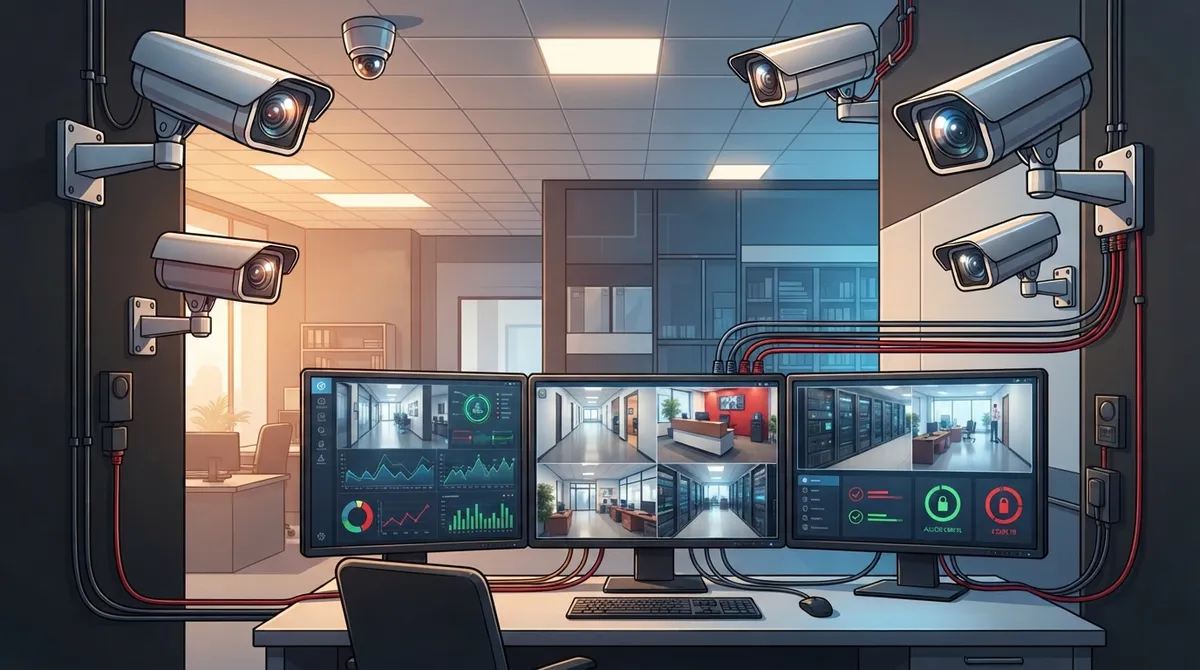
PoE IP cameras are ideal for Lakeland businesses because they use a single Ethernet cable for both power and data, integrate seamlessly with existing networks, and deliver high-definition footage that makes investigation easier.
-
Before installing cameras, assess your network bandwidth and internet speed to avoid choppy footage or dropouts; this is a critical step most business owners overlook.
-
Modern surveillance systems should integrate with access control and alarm systems into one unified dashboard rather than operating separately, eliminating the need to juggle multiple apps.
-
Choose a single installation provider experienced in commercial work who offers hardware support, ongoing maintenance, and understands Florida privacy laws to avoid costly vendor coordination issues.
-
Video surveillance costs vary by system type, but cameras are among the most cost-effective upgrades since they require minimal infrastructure changes compared to other business security investments.
-
Lakeland’s commercial security market is mature with 17+ years of local provider expertise, evidenced by the City of Lakeland managing 650 cameras across 53 sites, proving the technology scales reliably.
Running a business in Lakeland means keeping an eye on a lot of moving parts. Between employees, inventory, customers, and deliveries, it’s easy to feel like you need eyes in the back of your head. Good news: a smart video surveillance system Lakeland businesses trust can do exactly that, and it’s easier to set up than you might think.
Whether you run a small retail shop, manage a busy warehouse, or oversee IT for a growing company, the right camera setup protects more than just your building. It protects your people, your profits, and your peace of mind. This guide walks you through everything you need to know, from picking the right cameras to making sure your network can handle them. Let’s get you set up with confidence.
Why Lakeland Businesses Are Investing in Video Surveillance
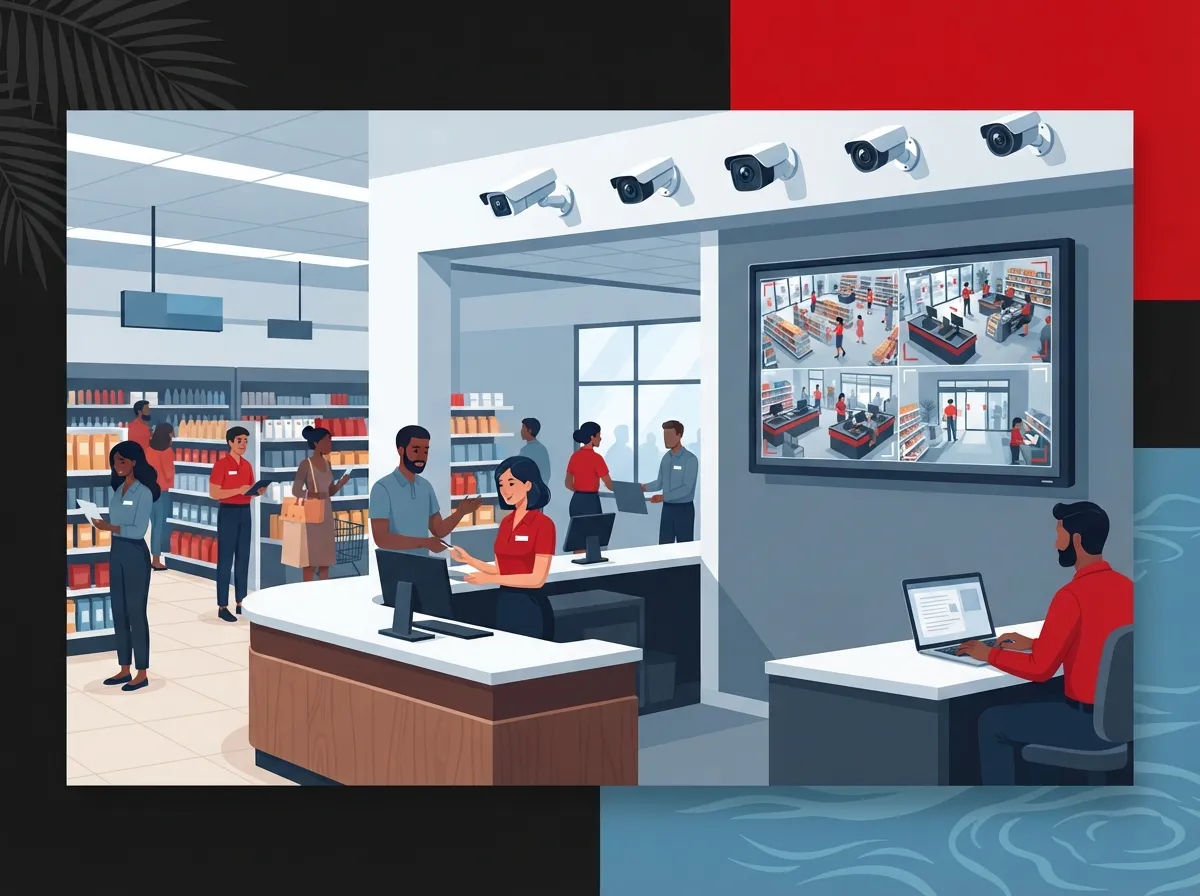
Lakeland has grown fast, and so has the need for smart security. Logistics centers, manufacturing plants, healthcare offices, and retail stores across Polk County are all realizing that cameras do more than just record footage. They actively reduce theft, improve safety, and help managers run tighter operations.
A good camera system does two jobs at once. First, it protects your property. Second, it becomes a management tool that helps you track productivity and spot bottlenecks. That dual benefit is why so many business owners now see surveillance as an investment, not just an expense. If you want to dig deeper into this idea, check out this piece on what security cameras really do for your business.
The Local Market Is Maturing Fast
Lakeland’s commercial security scene has grown quite a bit over the last two decades. Local providers have been serving businesses and institutions for well over 17 years, which tells you this isn’t a fly-by-night trend. It’s a proven, mature market with real expertise behind it.
Even the City of Lakeland has jumped on board. Their unified security platform now manages 650 cameras and over 450 doors across 53 sites, including police, fire, and city facilities. That kind of scale shows just how far surveillance technology has come, and how well it can grow with your needs.
Step 1: Understand Your Camera Options
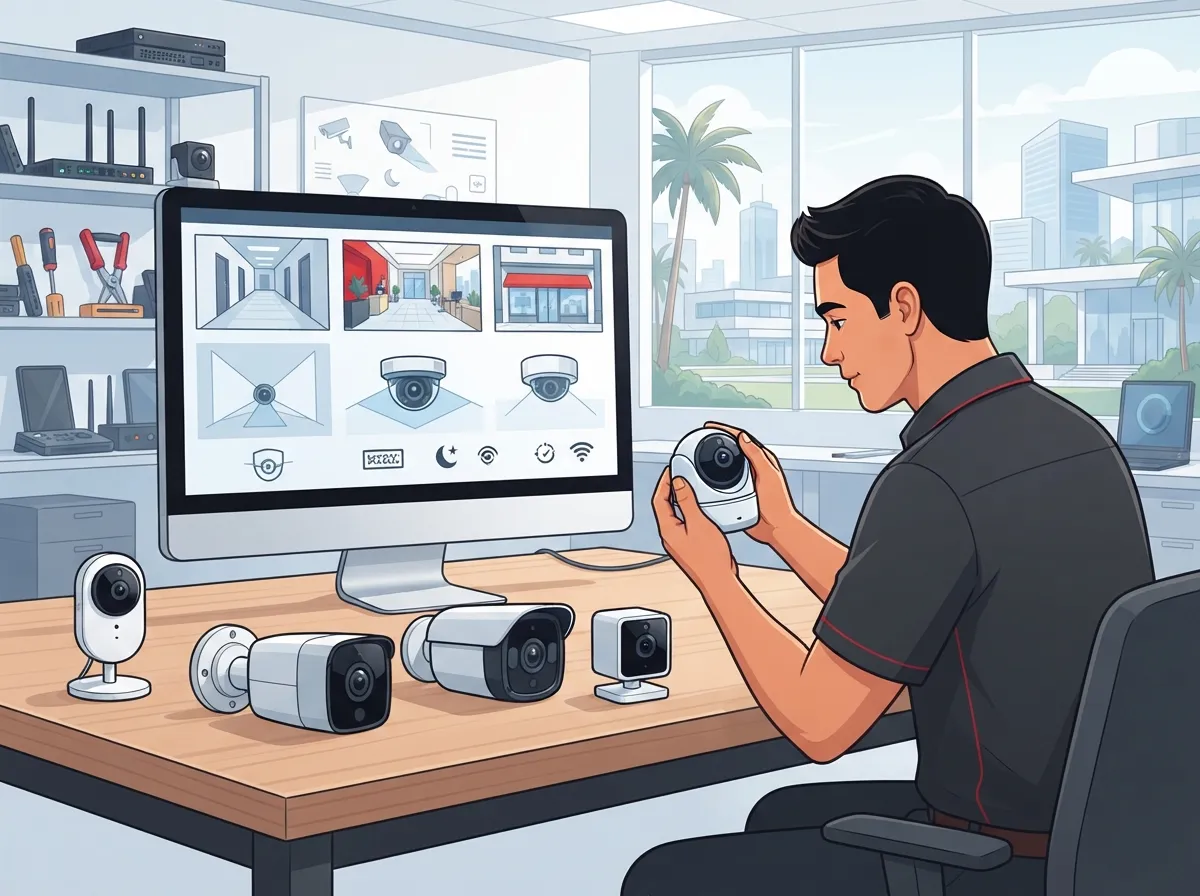
Before you buy anything, it helps to know what’s out there. Commercial surveillance in Lakeland mostly comes down to two main types of systems.
- PoE IP Cameras: These use Power over Ethernet, meaning one cable handles both power and data. They’re clean, scalable, and work great with existing network infrastructure.
- Analog Systems: These include AHD, CVI, TVI, and HDSDI formats. They’re often more budget-friendly but can be limited in resolution and flexibility.
- Hybrid Setups: Some businesses mix both types, especially when upgrading older buildings gradually.
- Cloud-Based Cameras: These store footage remotely, so you can check in from your phone no matter where you are.
Most growing businesses lean toward IP cameras because they integrate so easily with modern networks. If your building already has solid structured cabling, adding PoE cameras is often a smooth, cost-effective upgrade.
Analog vs. IP: A Quick Comparison
| Feature | Analog Cameras | IP (PoE) Cameras |
|---|---|---|
| Image Quality | Standard to moderate resolution | High-definition, often 4K available |
| Wiring Needs | Separate power and video cables | Single Ethernet cable for both |
| Scalability | Limited without major rewiring | Easily expandable on existing network |
| Remote Access | Usually limited | Full remote viewing via app or browser |
| Best For | Small budgets, basic monitoring | Growing businesses, multi-site operations |
Step 2: Check Your Network Readiness
Here’s something a lot of business owners overlook. Your camera system is only as good as the network behind it. If your internet connection or internal wiring can’t keep up, you’ll end up with choppy footage or constant dropouts.
Before installing cameras, it’s smart to have your network reviewed by a professional. This is a great time to think about upgrading your business high-speed internet if it’s been a while since your last check-up. A sluggish connection will slow down remote viewing and cloud backups, which defeats the purpose of having a modern system.
Questions to Ask Before Installation
- How many cameras will you need for full coverage?
- Does your current network have enough bandwidth for video traffic?
- Will footage be stored locally, in the cloud, or both?
- Do you need integration with access control or alarm systems?
- Who will monitor the footage, and how often?
Answering these questions early saves you from costly surprises later. It also helps your installer design a system that actually fits your daily operations instead of a generic one-size-fits-all setup.
Step 3: Plan for Integration, Not Just Installation
Modern security isn’t just about cameras anymore. The smartest Lakeland businesses are combining video surveillance with access control and even license plate recognition into one unified platform. Think of it like Genetec Security Center, which lets you manage cameras, doors, and alerts from a single dashboard.
This kind of integration means your front desk, IT team, or facilities manager can see everything at once. No more jumping between five different apps just to check who came in the back door at 2 a.m.
- Combine cameras with cloud-based access control for full building visibility
- Set up alerts that notify managers of unusual activity in real time
- Link surveillance footage with door logs to investigate incidents faster
- Use one login for cameras, doors, and alarms instead of juggling multiple systems
If you’re curious how access control fits into this picture, take a look at this guide on cloud-based access control systems for businesses.
Step 4: Choose the Right Installation Partner
This is the part where a lot of business owners feel stuck. There are dozens of vendors out there, and it’s tough to know who to trust. Here’s a simple checklist to help you narrow things down.
- Look for a provider with real experience in commercial installations, not just residential jobs.
- Ask if they offer both hardware and network support, so you’re not stuck coordinating two vendors.
- Check if they provide ongoing maintenance, not just a one-time install.
- Confirm they understand Florida’s specific surveillance laws and privacy requirements.
- Find out if they can scale the system as your business grows.
This is exactly where working with a single, experienced telecom partner pays off. Ideal Solutions Provider has spent over 24 years helping businesses across Tampa Bay and beyond set up cloud video security, structured cabling, and networking, all under one roof. Instead of juggling separate vendors for cameras, internet, and cabling, you get one point of contact who handles it all.
Why a Single Point of Contact Matters
Imagine your cameras stop recording properly. Is it the camera? The network? The cabling? When you have three different vendors, you’ll spend hours on hold trying to figure out who’s responsible. A single provider eliminates that headache entirely.
This is especially valuable for franchise operators and mid-sized companies managing multiple locations. You want consistency across every site, not a patchwork of different systems installed by different companies over the years.
Step 5: Understand the Costs Involved
Pricing for commercial video surveillance varies quite a bit depending on your building size, camera count, and whether you want cloud storage. Here’s a general breakdown to help you budget.
| System Type | Typical Use Case | General Cost Range |
|---|---|---|
| Basic Analog System | Small retail or office, 4-8 cameras | Lower upfront cost, limited features |
| Standard IP System | Mid-sized business, 8-16 cameras | Moderate cost, better image quality |
| Enterprise Cloud System | Warehouses, manufacturing, multi-site | Higher investment, full remote access |
| Integrated Platform | Cameras + access control combined | Highest cost, most comprehensive coverage |
Keep in mind that security cameras are actually one of the more cost-effective upgrades available. They can be placed almost anywhere without needing major changes to your existing infrastructure, which keeps installation costs reasonable for most Lakeland businesses.
Common Mistakes to Avoid
Even with the best intentions, businesses sometimes make avoidable mistakes when setting up surveillance. Here’s what to watch out for.
- Choosing cameras based on price alone instead of coverage needs
- Ignoring bandwidth requirements, leading to laggy or frozen footage
- Ignoring how the system will connect with existing phone or network infrastructure
- Forgetting to plan for long-term storage and footage retrieval
- Skipping regular maintenance checks after installation
- Not training staff on how to use monitoring tools properly
A little planning upfront saves you from headaches down the road. It’s always worth spending extra time getting the design right before cameras go up on the wall.
How Surveillance Fits Into Your Bigger Telecom Picture
Here’s something a lot of people don’t realize: your camera system doesn’t exist in a vacuum. It relies on the same network backbone as your phones, internet, and internal communications. That means when you’re planning surveillance, it’s the perfect time to review your entire setup.
Many Lakeland businesses use this moment to also evaluate their business network setup or even look into a cloud-based phone system upgrade at the same time. Bundling these projects together often saves money and reduces disruption to daily operations.
A Few Related Upgrades Worth Considering
- Upgrading structured cabling to support both cameras and VoIP phones
- Reviewing your internet plan to ensure enough bandwidth for video streaming
- Adding managed network services for proactive monitoring and troubleshooting
- Pairing surveillance with access control for complete building security
If you want a deeper look at how cabling supports all these systems together, this article on how structured cabling supports VoIP and cameras is a great resource.
Staying Compliant With Florida Surveillance Laws
Florida has specific rules around video monitoring, especially when it comes to audio recording and employee privacy. It’s important to post visible signage where cameras are in use and avoid placing them in areas where people expect privacy, like restrooms or break rooms.
Working with an experienced provider helps you avoid accidental legal missteps. They’ll know how to design a system that keeps your business protected without crossing any legal lines. For general reference on privacy and surveillance guidance, the Florida Senate website offers helpful background on state statutes.
Real-World Example: How Integration Helps Growing Businesses
Picture a mid-sized manufacturing company in Lakeland with two buildings and a loading dock. Without integration, the manager checks three separate systems every morning: one for cameras, one for door access, and one for the phone system to call in maintenance requests.
Now imagine that same manager logging into one dashboard that shows camera feeds, door activity, and even connects directly to their VoIP phone system for quick calls to security staff. That’s the kind of efficiency modern integrated platforms deliver, and it’s becoming the standard for growing operations across Polk County.
Getting Started With Your Own System
Setting up a video surveillance system doesn’t have to be overwhelming. Break it down into manageable steps, ask the right questions, and work with a provider who understands both security and telecom infrastructure.
- Assess your building layout and identify high-priority areas for coverage
- Review your network capacity and upgrade if needed
- Choose between IP, analog, or hybrid camera systems
- Decide if you want integration with access control
- Select a provider who can handle installation and ongoing support
- Train your team on how to use the new system effectively
Taking it step by step keeps the process manageable and ensures nothing important gets overlooked along the way.
Wrapping It All Up
A reliable video surveillance system does more than watch your building. It protects your team, deters theft, and gives you the confidence that your business is running smoothly even when you’re not physically there. Lakeland businesses of every size, from small retail shops to large manufacturing facilities, are realizing just how valuable this investment can be.
Ideal Solutions Provider has spent over 24 years helping businesses across Florida and beyond simplify their telecom and security needs. With partnerships across 35+ vetted suppliers, they act as your single point of contact for cameras, networking, cabling, and phone systems alike. If you’re ready to explore what a smart surveillance setup could look like for your business, reach out to their team for a free consultation, or simply give them a call to get started today. You can also follow their latest updates and tips on Facebook, Instagram, and YouTube for even more helpful resources.
FAQs
Q: What are the benefits of PoE IP cameras for small businesses in Lakeland?
A: PoE IP cameras run power and data through one simple Ethernet cable, which makes installation much cleaner and easier to expand later. They also deliver much sharper image quality than older analog systems, so you actually catch the details that matter. Plus, they play nicely with your existing network, which saves you money down the road.
Q: How do video surveillance systems integrate with business telephone systems in Lakeland?
A: Great question, and it’s one we get a lot! Modern cloud phone systems and surveillance cameras often share the same network backbone, so a well-planned setup lets your team view camera feeds and make calls from one connected system. It’s all about having solid structured cabling and a network that can handle both without slowing down.
Q: What is the cost of enterprise-grade CCTV installation for Lakeland retail stores?
A: Costs really depend on how many cameras you need and whether you want cloud storage or on-site recording. Basic setups tend to be quite affordable, while larger systems with remote access and integration cost more but offer way more flexibility. The good news is cameras don’t usually require major infrastructure changes, so you’re not looking at a huge overhaul.
Q: Can video surveillance improve employee productivity in Lakeland manufacturing facilities?
A: Absolutely, and many managers are pleasantly surprised by this benefit. Cameras help supervisors spot workflow bottlenecks, track equipment use, and even resolve disputes quickly with clear footage. It’s less about watching over shoulders and more about giving your team better tools to work smarter.
Q: Are there specific surveillance laws in Florida that Lakeland businesses must follow?
A: Yes, Florida does have rules around privacy and audio recording that businesses need to respect. You’ll want to avoid cameras in private areas like restrooms and post visible signage where monitoring happens. Working with an experienced provider takes the guesswork out of staying compliant while still protecting your business.





