
Key Takeaways
-
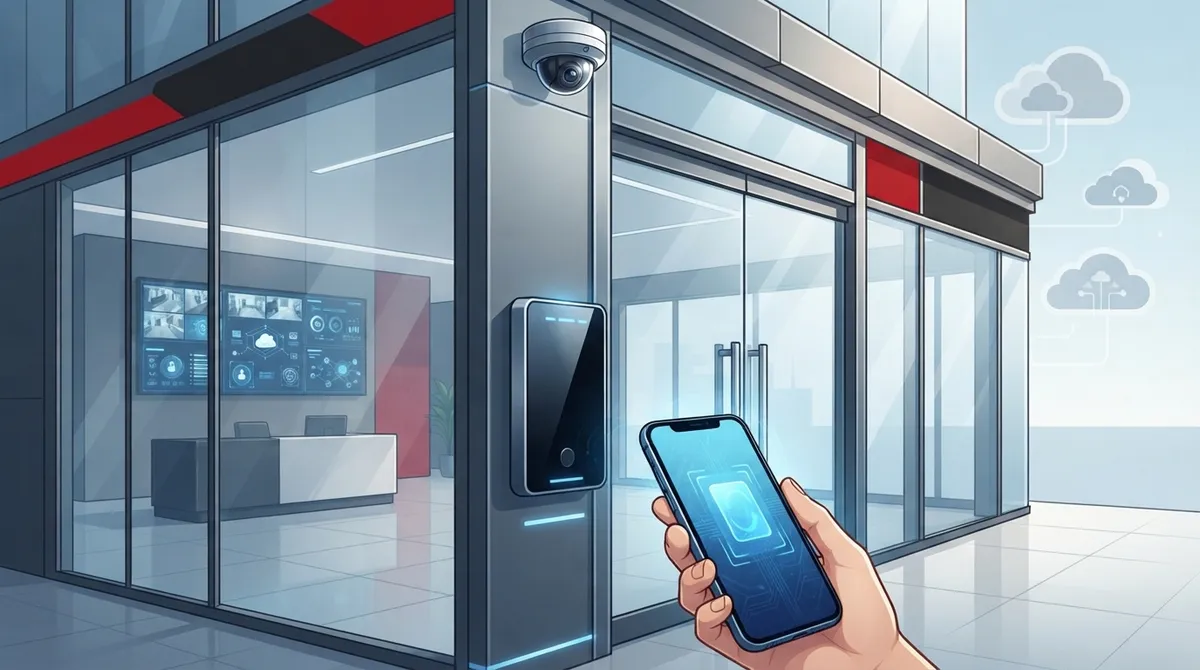
Cloud-based access control platforms let you instantly revoke employee access with a single tap, eliminating security risks from lost or copied keys and creating real-time audit trails for insurance and compliance purposes.
-
Modern access control systems should integrate with your existing internet, VoIP phones, and security cameras on one unified dashboard rather than operating as separate systems, which reduces vendor coordination headaches and improves overall security responsiveness.
-
Mobile credential systems using smartphones offer better security than traditional key cards while improving convenience, and pairing them with biometric authentication adds critical protection for healthcare, finance, and regulated industries.
-
Tampa businesses should get a proper consultation before committing to access control to avoid overpaying for unnecessary features; costs range from $50-$150 monthly for basic systems to $300-$800 for biometric solutions depending on building size and needs.
-
Bundling access control installation with VoIP or internet upgrades saves money on labor costs and reduces downtime, making it the ideal time to implement a scalable system if you’re already refreshing your business infrastructure.
-
A trustworthy access control provider should offer cloud-based management, integrate with existing systems, demonstrate scalability, provide maintenance support, and be transparent about data security and power outage procedures before you sign any contract.
Ever get that nagging feeling you’re not totally sure who has a key to your office? You’re not alone, friend. Tampa business owners deal with this worry every single day, especially as teams grow and turnover happens. The good news? You don’t need a giant budget or a headache-inducing overhaul to fix it. Modern business security access control Tampa systems make it simple, affordable, and honestly kind of fun to finally know exactly who’s coming and going from your building.
Whether you’re running a cozy small office or managing several franchise locations across Hillsborough County, this guide walks you through the best access control options available right now. We’ll cover real costs, smart integrations with your phone and internet systems, and how to pick the setup that actually fits your business. Let’s dig in together.
Why Access Control Matters More Than Ever for Tampa Businesses
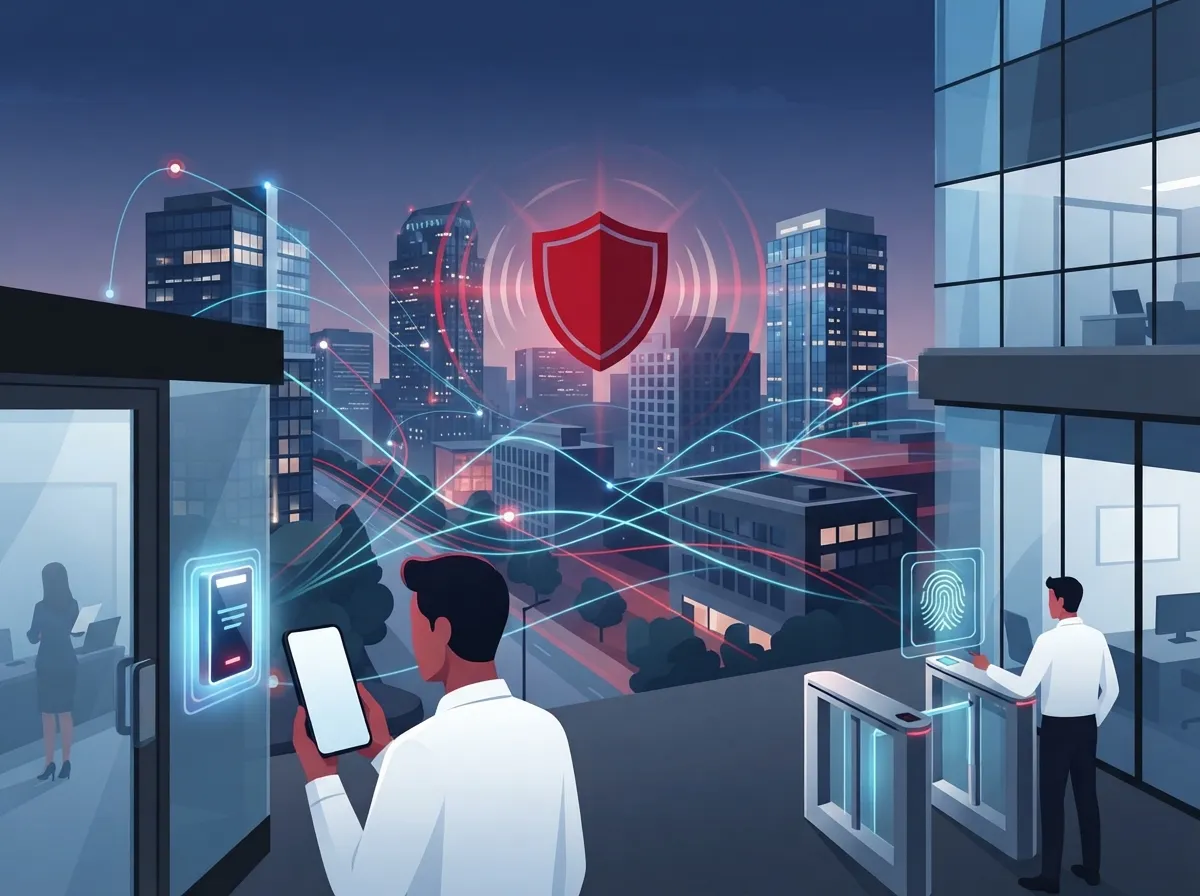
Old-school lock and key setups just don’t cut it anymore. When someone leaves your company, you can’t exactly chase down every copied key floating around town. Cloud-based access control solves that problem instantly by letting you revoke access with a single tap.
Access control systems in Tampa regulate entry using credentials like keycards, key fobs, mobile phones, and even biometric scans such as fingerprints or facial recognition. This means you get a clear, real-time picture of exactly who enters your building and when. That kind of visibility gives business owners genuine peace of mind, especially during nights and weekends when nobody’s around to keep watch.
The Real Cost of Doing Nothing
Unauthorized entry isn’t just a security risk. It can lead to theft, liability issues, and even damage to your reputation with clients and employees. Access control deters criminal targeting by restricting unauthorized entry and providing audit trails of every access attempt, which is a huge win for insurance purposes too.
- Prevents lost or stolen keys from becoming a security nightmare
- Creates a digital paper trail for every door in your building
- Reduces liability if an incident ever happens on your property
- Builds trust with employees who feel safer at work
- Supports compliance requirements in healthcare and finance industries
6 Business Security Access Control Tampa Solutions Worth Considering
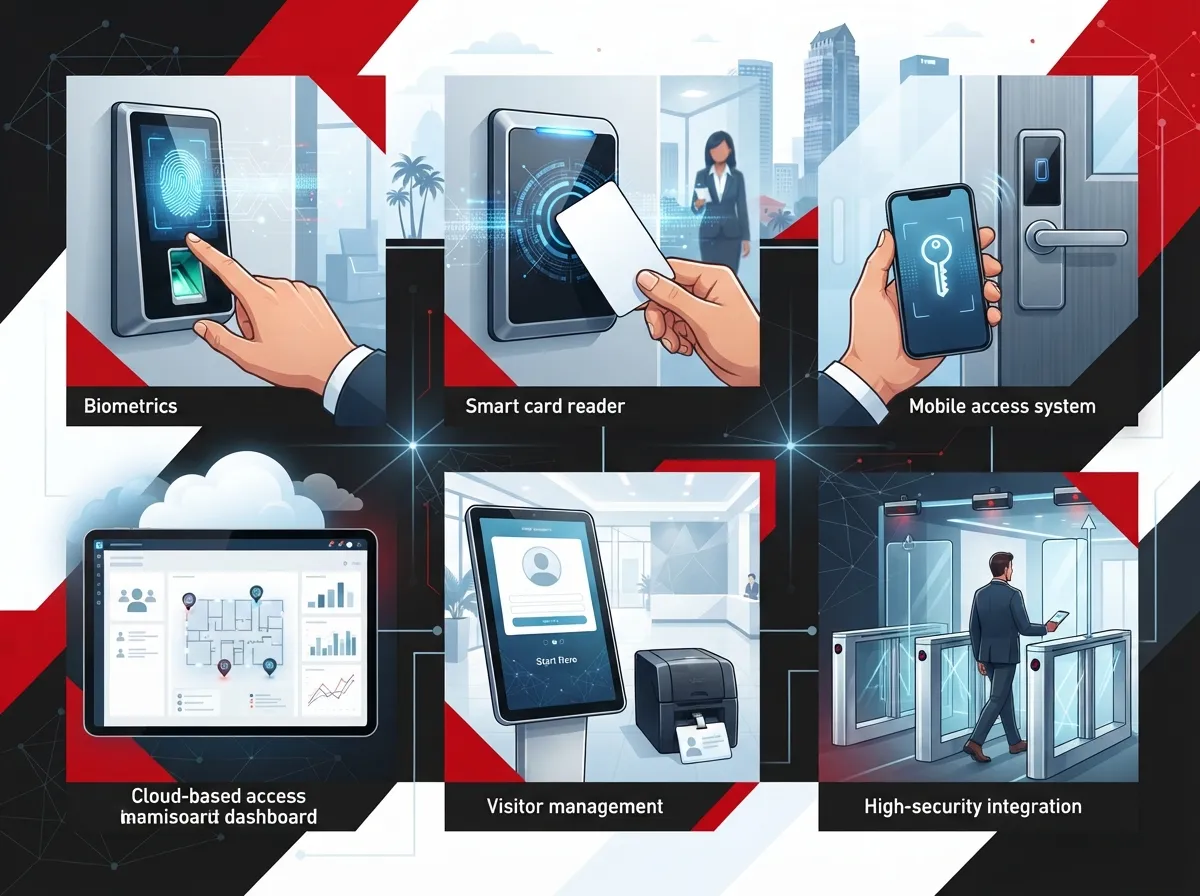
Not every business needs the same setup. Here’s a rundown of the top approaches Tampa companies are using right now, based on building size, budget, and industry needs.
1. Cloud-Based Access Control Platforms
Cloud platforms let you manage every door from one simple dashboard, whether you’re at your desk or halfway across the country. Real-time monitoring means you’ll always know who badged in and when, without needing to be on-site.
2. Mobile Credential Readers
Say goodbye to plastic key cards that get lost in someone’s car console. Mobile credentials let employees use their smartphone to unlock doors, which is both convenient and surprisingly secure.
3. Biometric Authentication Systems
For healthcare offices, finance firms, or anyone handling sensitive data, biometric readers using fingerprints or facial recognition add an extra layer of protection that’s nearly impossible to fake.
4. Smart Card and Key Fob Systems
These remain popular for larger offices where a mix of employees, contractors, and vendors need varying levels of access. They’re budget-friendly and easy to issue or deactivate.
5. Integrated Video and Access Control Combos
Pairing your entry system with cloud video security means you don’t just know a door opened, you can actually see who opened it. This combo has become the gold standard for Tampa businesses wanting complete coverage.
6. Scalable Multi-Site Access Control
Franchise operators and multi-location businesses need systems that grow easily. Scalable platforms let you add new doors, buildings, or even entire locations without starting from scratch each time.
How Access Control Fits Into Your Bigger Telecom Picture
Here’s something a lot of business owners don’t realize at first: access control shouldn’t live in its own little silo. It works best when it’s part of a bigger, connected system that includes your internet, phones, and network cabling.
Telecom solutions providers in Tampa often bundle access control with structured cabling services, VoIP phone systems, and security cameras. This creates one unified system instead of a messy pile of separate vendors and invoices. When your access control talks to your cloud security cameras and your network, you get a much smarter, more responsive security setup overall.
Why Bundling Saves You Time and Money
Managing separate vendors for internet, phones, cameras, and door access is exhausting. One company misses a call, another drags their feet on installation, and suddenly you’re the one stuck coordinating everything.
This is exactly why so many Tampa businesses turn to a single point of contact instead. Ideal Solutions Provider has spent over 24 years helping businesses simplify this exact process, working with 35+ vetted suppliers to find the right fit for access control, cloud phone systems, and everything in between.
Comparing Access Control System Costs in Tampa
Let’s talk numbers, because budgeting matters. Costs vary quite a bit depending on your building size, number of doors, and how fancy you want to get with biometrics or mobile credentials.
| System Type | Typical Monthly Cost | Best For |
|---|---|---|
| Basic keycard system | $50 – $150 | Small offices, single door |
| Cloud-based platform (per door) | $250 – $1,000 | Growing businesses, remote management |
| Mobile credential system | $100 – $300 | Modern offices, hybrid workforces |
| Biometric authentication | $300 – $800 | Healthcare, finance, high-security needs |
| Full hardware + install (one-time) | $200 – $20,000 | Any business size, varies by scope |
Comprehensive access control system costs range widely depending on hardware, the number of doors, and how complex your integration needs are. It’s smart to get a proper consultation before committing, since a good provider can help you avoid overpaying for features you don’t actually need.
What to Look for in a Tampa Access Control Provider
The Tampa market is competitive, with over 210 access control system providers listed near Temple Terrace and Tampa alone. So how do you pick the right one? Here’s a simple checklist to run through.
- Ask if they offer cloud-based management with real-time monitoring
- Confirm they can integrate access control with your existing phone and internet setup
- Check their experience with businesses similar in size to yours
- Ask about scalability if you plan to open new locations
- Request references from healthcare, finance, or other regulated industries if relevant
- Verify ongoing support and maintenance options after installation
Questions to Ask Before You Sign a Contract
Don’t be shy about asking pointed questions. A trustworthy provider will welcome them, not dodge them.
- What happens if a door reader fails outside business hours?
- Can I add or remove users myself, or do I need to call every time?
- How does this system handle power outages or internet downtime?
- Is my data stored securely, and who has access to it?
Integrating Access Control With VoIP and Internet Infrastructure
This is where things get really interesting. Modern access control systems rely on a strong network backbone to function properly. If your internet connection is slow or unreliable, your door readers and cameras could lag or drop offline entirely.
That’s why smart Tampa businesses pair their access control rollout with a review of their high-speed internet services and network setup. A properly cabled office, using quality structured cabling, ensures every device from your VoIP phones to your door locks stays connected and responsive.
Common Integration Mistakes to Avoid
A few slip-ups happen again and again with businesses rolling out new access control. Here’s what to watch for.
- Skipping a network audit before installation, leading to weak signal areas
- Choosing hardware that doesn’t play nicely with existing cameras
- Forgetting to plan for future growth or additional doors
- Not training staff properly on new mobile credential apps
- Ignoring backup power options for critical entry points
Industry-Specific Access Control Needs in Tampa
Different industries have wildly different security needs, and Tampa’s diverse business landscape reflects that. Let’s break down a few examples.
| Industry | Recommended Credential Type | Why It Matters |
|---|---|---|
| Healthcare | Biometric + keycard | Protects patient records and restricted areas |
| Finance | Biometric + mobile credential | Meets compliance and audit requirements |
| Retail/Franchise | Mobile credential, scalable | Easy management across multiple locations |
| Professional Services | Keycard or mobile | Simple, affordable, easy to manage |
| Manufacturing | Key fob + video integration | Tracks access to equipment and storage areas |
Local installers serving healthcare and finance sectors, like those partnering with well-known platforms such as Verkada and Avigilon, understand these specialized needs well. That said, working with a single telecom partner who understands your entire communications picture, not just security hardware, often produces better long-term results.
Steps to Get Started With Access Control in Your Tampa Office
Feeling ready to make the switch? Here’s a straightforward path to follow, no stress required.
- Schedule a consultation to review your current setup and vulnerabilities
- Get a clear breakdown of costs based on your building size and door count
- Choose credential types that match your industry and workforce needs
- Confirm integration with your existing internet, VoIP, and camera systems
- Plan installation timing to minimize disruption to daily operations
- Train your team on new procedures and mobile apps
- Set up ongoing support for troubleshooting and future upgrades
If this list feels like a lot, that’s totally normal. This is exactly why having one trusted partner handle everything, from commercial access control installation to ongoing network support, makes such a huge difference for busy business owners and office managers alike.
Why a Single Point of Contact Makes All the Difference
Running a business is hard enough without juggling five different vendor phone numbers every time something goes wrong. IT managers especially appreciate having one team to call for cabling, networking, phones, cameras, and access control.
Ideal Solutions Provider has built its entire reputation on being that single point of contact for Tampa businesses and companies nationwide. With partnerships across 35+ vetted suppliers, they help you compare options honestly instead of pushing whatever earns the biggest commission. You can follow their work and client stories on Facebook, Instagram, or their YouTube channel to see real examples of installs and client feedback.
Bundling Access Control With Your Phone and Internet Upgrade
Many businesses find the perfect moment to add access control is right when they’re already upgrading their VoIP phone service or switching internet service providers. Bundling projects together often saves money on installation labor and reduces overall downtime.
If you’re already thinking about a network refresh, it’s worth asking your provider about scalable access control systems that grow alongside your business, especially if you’re planning to open new locations soon.
Final Thoughts on Choosing Business Security Access Control in Tampa
Protecting your business doesn’t have to feel overwhelming or expensive. With the right access control system, paired with reliable internet and phone infrastructure, you get peace of mind and a genuinely smarter way to run your building. Tampa’s business community deserves security solutions that actually work, not just fancy gadgets collecting dust.
Ready to stop worrying about who has access to your building? Reach out to our team today for a free consultation, or give us a call to talk through your options with someone who genuinely wants to help you find the right fit.
FAQs
Q: What is the average cost of installing a business access control system in Tampa?
A: It really depends on your building, but you’re generally looking at $250 to $1,000 per month for cloud-based platforms, or $200 to $20,000 upfront for full hardware installs. The best way to know for sure is to get a free consultation so someone can look at your specific setup and give you real numbers, not just guesses.
Q: How do cloud-based access control systems integrate with VoIP and security cameras in Tampa businesses?
A: Cloud platforms are designed to play nicely with your other systems, connecting through your network to sync with cameras and phones on one shared dashboard. This means you can see who entered a door and pull up matching video footage, all without jumping between different apps or vendors.
Q: Which mobile credential technologies are best for Tampa commercial buildings?
A: Smartphone-based credentials are hugely popular right now because they’re convenient and hard to lose, unlike a key card someone might leave in their car. For extra security in industries like healthcare or finance, pairing mobile credentials with biometric authentication is a smart move too.
Q: Can Tampa businesses manage multiple access control doors from a single dashboard?
A: Absolutely, and honestly this is one of the best parts of modern cloud systems. Whether you have three doors or thirty across multiple locations, you can manage, monitor, and adjust access permissions all from one simple screen, even from your phone.
Q: How do Tampa telecom providers bundle access control with structured cabling and VoIP services?
A: Many providers, including our team, offer these as combined packages since they all rely on the same network foundation. Bundling saves you time, often saves money on installation, and means you only need one point of contact instead of juggling separate vendors for each piece.





