
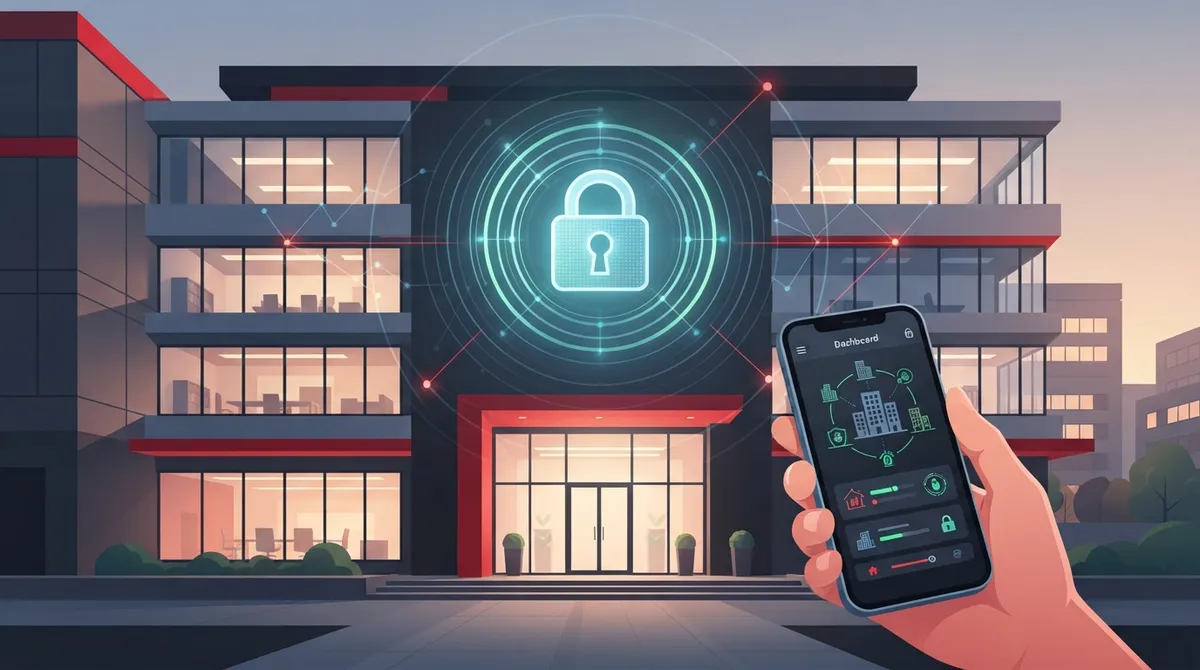
Key Takeaways
-
Eliminate on-site server maintenance and hardware failures by moving access control to the cloud, reducing IT overhead and unexpected repair costs for businesses without dedicated IT staff.
-
Manage building access remotely from any device in seconds—unlock doors, add employees, or revoke access instantly without being on-site, solving common problems like locked-out employees or forgotten badges.
-
Scale effortlessly across multiple locations under a single dashboard, making cloud access control ideal for franchise operators and growing companies expanding without hiring separate security managers per site.
-
Receive real-time alerts for suspicious activity like propped doors or after-hours access attempts, enabling faster incident response and compliance investigations compared to delayed paper-based logging systems.
-
Reduce long-term costs with predictable monthly subscription pricing instead of expensive server hardware, replacement parts, and surprise maintenance bills typical of traditional on-premise systems.
-
Integrate mobile credentials, multi-factor authentication, and single sign-on into one centralized security system that works alongside cameras and network infrastructure for comprehensive building and data protection.
Picture this: it’s Monday morning, and your office manager just called in sick. Nobody else has the key fob to unlock the front door. Sound familiar? If you’ve ever dealt with lost badges, locked-out employees, or a costly locksmith visit at 7 a.m., you already know why so many businesses are switching to cloud based access control. It’s one of those upgrades that seems small until you realize how much stress it takes off your plate.
At Ideal Solutions Provider, we’ve spent over 24 years helping Tampa businesses and companies nationwide simplify their telecom and security setups. Cloud based access control keeps coming up as one of the smartest, most affordable ways to protect your building without adding extra headaches for your team. Let’s walk through nine real wins businesses are seeing right now, plus what to look for before you buy.
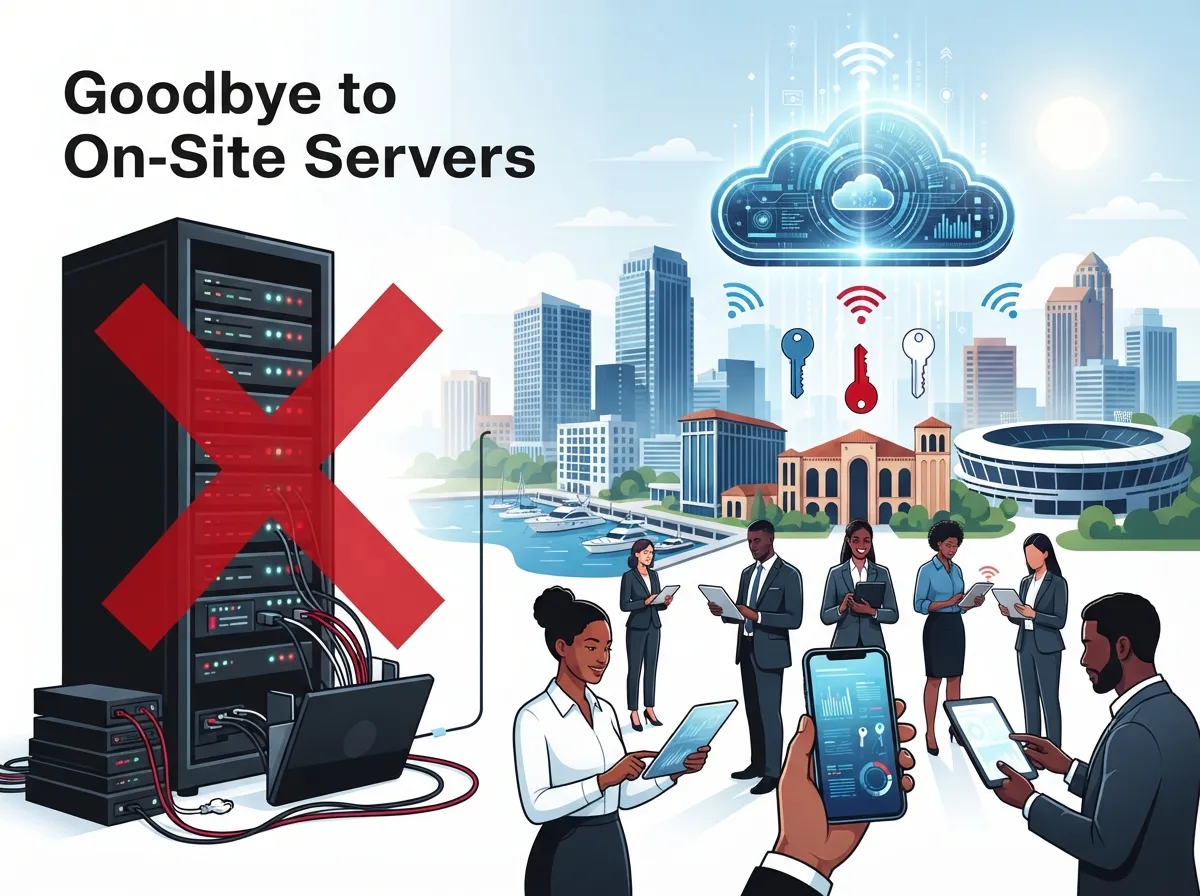
1. Say Goodbye to On-Site Servers
Traditional access control systems need a bulky server sitting in a closet somewhere, quietly aging and occasionally crashing. Cloud based access control moves all of that management online. You get a web dashboard instead of a machine that needs updates, backups, and babysitting.
This matters a lot for small business owners who don’t have an IT department on call. Less hardware means fewer things that can break, and one less vendor to call when something goes wrong.
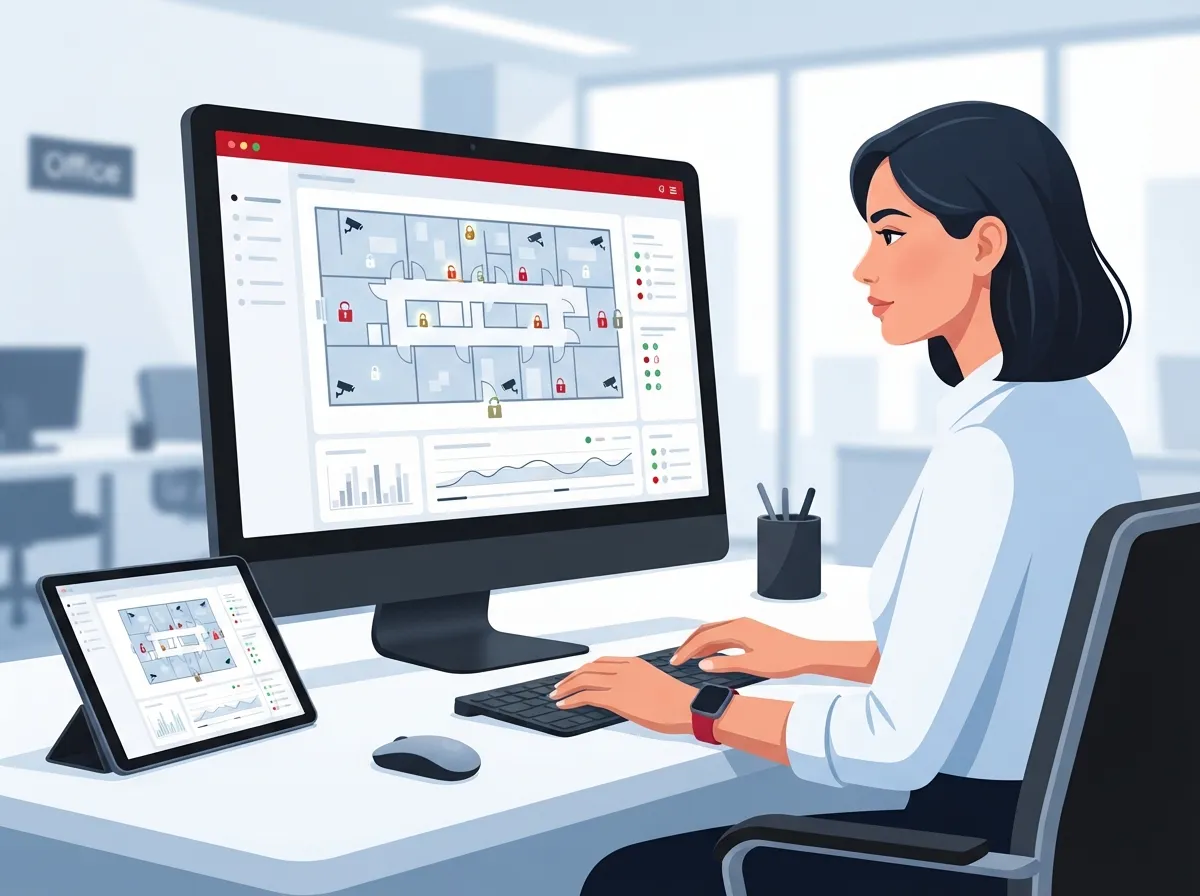
2. Manage Every Door From Anywhere
Here’s the part people love most: you can lock or unlock doors, add new employees, or remove a former staff member’s access from your phone. You don’t need to be standing in the building, and you don’t need to wait until Monday.
For office managers juggling a dozen tasks a day, this remote control feature is a lifesaver. Forgot to give the new hire access before their first day? Fix it from your couch in about thirty seconds.
What Remote Management Actually Looks Like
- Issuing a new mobile credential to an employee in seconds
- Instantly revoking access when someone leaves the company
- Setting temporary access for contractors or vendors
- Checking who entered which door and when, right from your phone
- Adjusting schedules for holidays or special events without an on-site visit
3. Scale Easily From One Office to Hundreds
Cloud platforms are built to grow with you. Whether you’re running a single Tampa storefront or managing locations across the country, the same dashboard handles it all. This is especially valuable for franchise operators who need consistent security standards across every site without hiring a security manager for each one.
If you’re planning expansion, it helps to work with a partner who understands scalable access control systems for multi-location businesses so growth doesn’t outpace your security setup.
4. Real-Time Alerts Keep You in the Loop
Cloud based access control doesn’t just record who came and went. It can send you an alert the moment something unusual happens, like a door propped open too long or an attempted entry after hours.
This kind of visibility matters for mid-sized enterprises managing sensitive equipment, client data, or inventory. You find out about problems in minutes, not days.
5. Centralized Logging Makes Audits Painless
Every entry and exit gets logged automatically, and reports can be pulled in seconds. This is huge for IT managers who need to prove compliance or investigate an incident without digging through paper logs or outdated software.
- Pull a report showing every person who entered a specific door
- Filter by date, time, or user for faster investigations
- Export logs for compliance reviews or insurance claims
- Spot patterns, like repeated late-night access, that might need attention
- Share reports with leadership without manual data entry
6. Stronger Security Through Smarter Credentials
Physical keys and old-school key cards get lost, copied, or forgotten at home. Cloud based access control typically uses mobile credentials, key fobs, or PIN codes that are easier to manage and harder to duplicate.
Many systems also connect with broader identity tools like multi-factor authentication and single sign-on. This ties nicely into IAM strategies that IT managers are already using for network security, creating one consistent approach to who gets in and who doesn’t.
7. Fewer IT Headaches, More Peace of Mind
Managed service providers and internal IT teams often juggle password resets, user provisioning, and a dozen other daily tasks. Cloud access management reduces that load by centralizing user permissions in one place instead of spreading them across multiple systems.
According to telecom security guidance, cloud programs typically combine access controls, encryption, threat detection, and continuous monitoring as core layers of protection. Cloud based access control fits neatly into that bigger security picture rather than standing alone.
8. Easier Integration With Your Existing Setup
A good cloud access control system shouldn’t operate in a silo. It should work alongside your security cameras, your network, and even your phone system. Many businesses pair access control with cloud video security so they can match a door event with actual camera footage.
This kind of integration also depends on solid structured cabling and networking behind the scenes. Without reliable wiring and network infrastructure, even the best cloud software can run into connectivity problems.
9. Lower Long-Term Costs Than You’d Expect
Because there’s no on-site server to maintain, replace, or repair, cloud based access control often costs less over time than traditional systems. Most providers use a subscription model, so you know what you’re paying month to month instead of facing surprise repair bills.
Small business owners especially appreciate this predictability. It’s one less unpredictable expense competing with payroll, rent, and everything else on the budget.
Cloud Based Access Control vs. Traditional On-Premise Systems
Still weighing your options? Here’s a side-by-side look at how the two approaches compare.
| Feature | Cloud Based Access Control | Traditional On-Premise System |
|---|---|---|
| Management Location | Web dashboard, accessible anywhere | Local server, on-site only |
| Scalability | Easy to add locations or doors | Often requires new hardware per site |
| Maintenance | Handled by provider, minimal local upkeep | Requires in-house IT support |
| Remote Access | Full control from any device | Limited or none without VPN setup |
| Upfront Cost | Lower, subscription-based | Higher, hardware-heavy |
| Software Updates | Automatic | Manual, often delayed |
Key Features to Look For
Not all cloud based access control systems are built the same. Before you sign a contract, make sure the system checks these boxes.
- Mobile credential support, so employees can use their phones instead of physical cards
- Role-based access control to limit who can enter sensitive areas
- Integration options with your existing network and camera systems
- Real-time alerts for unauthorized access attempts
- Detailed audit logs that are easy to search and export
- Support for multiple sites under one login
Common Use Cases Across Business Types
Different businesses lean on cloud based access control for different reasons. Here’s a quick breakdown by audience type.
| Business Type | Main Priority | Typical Setup |
|---|---|---|
| Small Business Owners | Affordable, simple management | Single-site, mobile credentials |
| Mid-Sized Enterprises | Security and compliance | Role-based access, integrated cameras |
| IT Managers | Centralized IAM integration | MFA, SSO, and audit logging |
| Franchise Operators | Consistency across locations | Multi-site cloud dashboard |
Getting Started: A Simple Rollout Plan
Switching from a traditional system, or installing access control for the first time, doesn’t have to be complicated. Here’s a straightforward path most businesses follow.
- Audit your current setup, including doors, badges, and any existing hardware
- Identify which entry points need controlled access versus open access
- Choose a provider that supports your growth plans, not just your current size
- Confirm the system integrates with your network and any security cameras
- Schedule installation with minimal disruption to daily operations
- Train staff on issuing and managing credentials through the dashboard
- Set up alert preferences so the right people get notified about issues
If your business already relies on VoIP phones or high-speed internet through a provider, it often makes sense to bundle access control into that same relationship. It’s worth reading about how to choose access control systems for Tampa businesses before making a final decision, especially if you’re also updating your business network setup at the same time.
Why Pairing Access Control With Your Telecom Setup Makes Sense
Access control doesn’t exist in a vacuum. It relies on your internet connection, your network cabling, and often your phone system for alerts and notifications. That’s why so many businesses prefer working with one partner instead of juggling separate vendors for phones, internet, cameras, and door security.
We’ve seen firsthand how much smoother things run when access control, cloud phone systems, and high-speed internet are all coordinated through a single point of contact. It cuts down on finger-pointing when something breaks and speeds up troubleshooting significantly.
A Quick Word on Cost
Pricing varies based on the number of doors, users, and features you need. Most providers charge a monthly subscription per door or per user, plus a one-time installation fee. Compared to traditional systems with expensive server hardware, cloud based access control tends to be gentler on your budget over the long run.
Many business owners find it helpful to compare quotes from multiple vetted suppliers rather than accepting the first offer. That’s part of why an independent telecom and security partner can be so valuable. You get side-by-side comparisons instead of a single sales pitch.
Ready to Simplify Your Building Security?
Cloud based access control isn’t just a trend. It’s a practical, cost-effective way to protect your building, your team, and your equipment without adding more to your plate. Whether you’re a small Tampa business or managing multiple franchise locations nationwide, the right system can save you time, money, and a whole lot of stress.
If you’re ready to explore your options, our team would love to walk you through it. Contact us today for a free consultation, or call us to talk through your specific needs. You can also follow our latest projects and tips on Facebook, Instagram, and YouTube. We’re here to help you find a solution that actually fits your business, not just a sales quota.
FAQs
Q: What is cloud based access control in business telecom solutions?
A: It’s a way to manage building entry using online software instead of an on-site server. You control doors, credentials, and reports from a web dashboard, which makes life a whole lot easier for busy business owners.
Q: How does cloud based access control work for multi-site businesses?
A: One dashboard manages every location, so franchise operators and growing companies can add new sites without buying separate hardware each time. It scales smoothly whether you have one office or a hundred.
Q: What is the difference between cloud based access control and on-premise access control?
A: On-premise systems need a local server that requires maintenance and only works on-site. Cloud systems live online, so you get remote access, automatic updates, and lower upfront costs.
Q: Can cloud based access control integrate with IAM, MFA, and SSO?
A: Yes, many cloud access control platforms connect with identity and access management tools like multi-factor authentication and single sign-on. This creates one consistent security approach across your network and building access.
Q: How much does cloud based access control cost for businesses?
A: Costs typically include a monthly subscription per door or user plus a one-time installation fee. It’s generally more affordable long-term than traditional systems since there’s no expensive server to maintain.





