

Key Takeaways
-
Assess your entire network infrastructure—bandwidth, storage, and processing power—before purchasing high-resolution cameras, as 4K cameras produce massive data that can crash networks if not properly planned.
-
Choose the correct Power over Ethernet standard: Standard PoE for basic cameras, PoE+ for moderate needs, and PoE++ for high-power cameras with infrared or multi-sensors to ensure proper functionality.
-
Prioritize specs beyond megapixels: low-light performance, infrared range, wide dynamic range, and field of view matter equally to resolution for usable footage in your specific environment.
-
Verify ONVIF profile compatibility (Profile S, T, or G) to avoid vendor lock-in and ensure cameras, recorders, and software work seamlessly together across your system.
-
Implement cybersecurity controls immediately: change default passwords, update firmware regularly, segment cameras on separate networks, and encrypt remote access to protect against IoT hacking.
-
Calculate storage needs based on codec type (H.265 saves space), frame rate, motion levels, and retention requirements, as 4K continuous recording consumes significantly more space than legacy systems.
So you’re ready to upgrade your business security cameras, and you want crisp, clear video that actually helps you when something goes wrong. That’s a great goal! But here’s the thing we’ve learned after 24 years in the telecom and IT world: buying high resolution security cameras for your business is about way more than just picking the highest megabyte number on the box. Get it wrong, and you end up with grainy footage, a crashed network, or a storage bill that makes your accountant wince. Get it right, and you have a system that protects your people, your property, and your peace of mind for years to come.
We know this stuff can feel overwhelming, especially if you’re already juggling phones, internet, and a dozen other business priorities. That’s exactly why we’re here. In this friendly guide, we’ll walk through the ten most common mistakes Tampa business owners and IT managers make when choosing high resolution security cameras. We’ll also share simple fixes so your next camera upgrade actually works the way you hoped.
1. Choosing Resolution Without Thinking About the Whole Network
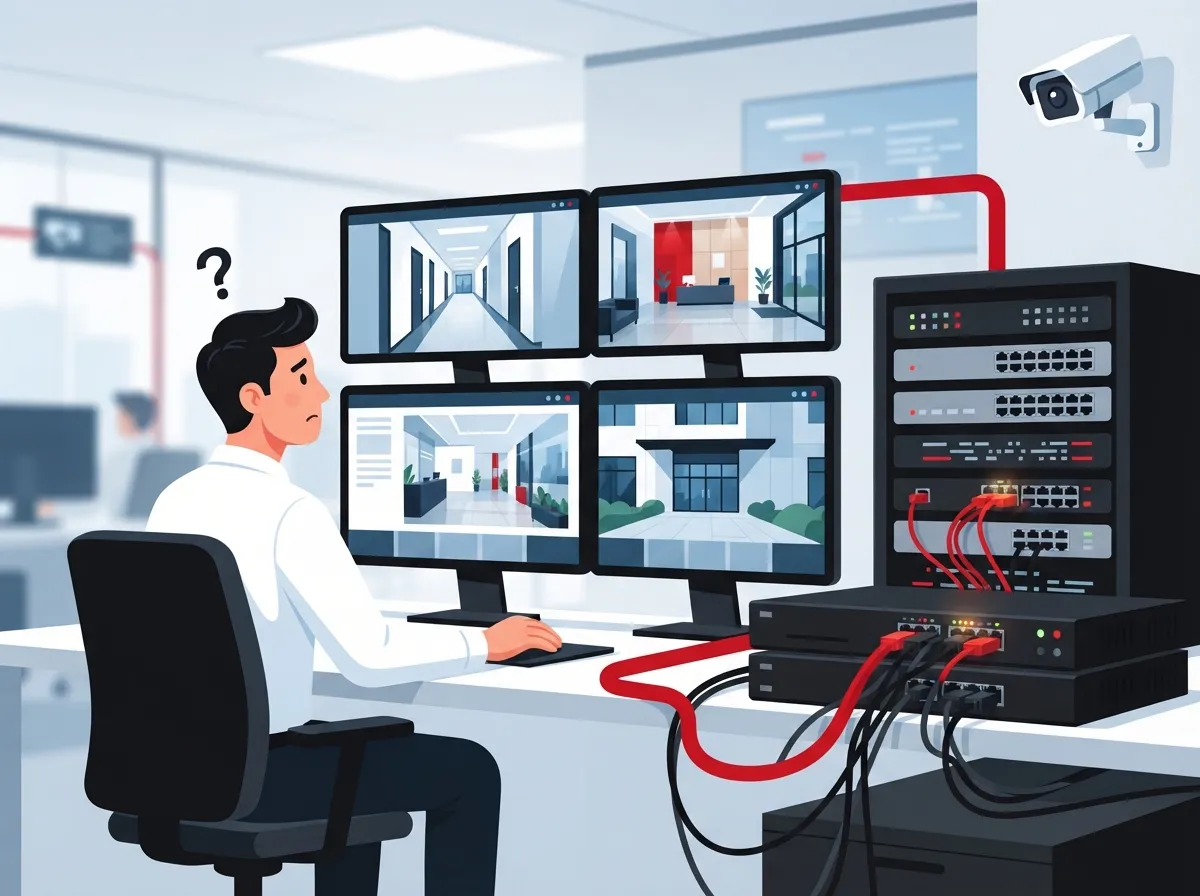
The biggest mistake we see? Business owners fall in love with 4K cameras, about 8 megapixels each, without asking what that means for their network. High resolution business security cameras produce a lot of data. That data has to travel somewhere, and it needs bandwidth, storage, and processing power to get there.
Before you buy a single camera, think about your whole setup as one connected system. A trusted business network setup should be part of the conversation from day one, not an afterthought. This is exactly why so many businesses turn to a Business Telecom Solutions partner instead of just calling a camera installer.

2. Ignoring Power Over Ethernet (PoE) Requirements
Power over Ethernet, or PoE, lets a single cable both power your camera and send its video data. It’s simpler, cleaner, and easier to manage than separate power cords everywhere. But not every PoE setup is the same.
Standard PoE works fine for most fixed cameras. But if you’re using PTZ (pan-tilt-zoom) cameras, multi-sensor cameras, or units with strong infrared lighting, you likely need PoE++ (IEEE 802.3bt). Skipping this detail means your fancy new camera might not get enough power to work properly.
- Standard PoE: good for basic fixed cameras
- PoE+: handles moderate power needs like small PTZ units
- PoE++: required for high-power cameras with heavy illumination or multiple sensors
Good structured cabling services account for these power differences during the planning stage, saving you headaches later.
3. Forgetting That Pixel Count Isn’t Everything
Higher resolution sounds great, but it’s only one piece of the puzzle. A camera with amazing megapixels but poor low-light performance will still give you useless footage at night.
Here are other specs that matter just as much as resolution:
- Low-light performance and minimum illumination rating
- Infrared range for nighttime visibility
- Wide dynamic range (WDR) for handling bright and dark areas together
- Field of view and lens type
- Frame rate for smooth motion capture
- Weather and vandal resistance for outdoor units
- Pixels per foot needed for identification versus simple recognition
A camera built for a sunny parking lot needs different specs than one watching a dim warehouse loading dock.
4. Skipping ONVIF Compatibility Checks
ONVIF is a standard that helps cameras, recorders, and software talk to each other smoothly. Without it, you might end up locked into one brand forever, or worse, stuck with equipment that doesn’t play nicely together.
| ONVIF Profile | What It Supports |
|---|---|
| Profile S | Basic video streaming and PTZ control |
| Profile T | Advanced video streaming and metadata |
| Profile G | Edge recording and retrieval |
Always ask your vendor which specific profiles their cameras support. Don’t just accept a vague “ONVIF compliant” answer.
5. Underestimating Bandwidth and Internet Needs
This is a big one. High resolution cameras are hungry for bandwidth, especially if you’re streaming to the cloud or letting staff view feeds remotely. If your current connection is already stretched thin, adding several 4K cameras can slow everything else down, including your phones.
Before installing new cameras, it’s smart to review your current setup. Many businesses discover their business internet is already running slow long before adding cameras to the mix. A quick audit of your internet speed needs can prevent a lot of frustration down the road.
6. Underplanning Storage Needs
Storage is another area where businesses get caught off guard. A 4K camera recording continuously eats up far more space than an older, lower-resolution model. Factors that affect storage include:
- Video codec used (H.264 versus H.265)
- Frame rate and image quality settings
- Whether recording is continuous or motion-triggered
- How much movement happens in the scene
- Your required retention period
H.265 compression can shrink file sizes significantly compared to older codecs, but you should always test it in your actual environment rather than assume it will work perfectly. If you’re unsure whether cloud, on-premises, or hybrid storage fits best, our team can walk you through the pros and cons based on your business type.
7. Overlooking Cybersecurity for Camera Systems
Here’s something a lot of business owners don’t realize: security cameras are internet-connected devices, which means they can be hacked just like a computer. The National Institute of Standards and Technology has published guidance (NISTIR 8259A) on securing IoT devices, and cameras absolutely fall into that category.
Simple steps make a huge difference:
- Change all default usernames and passwords immediately
- Keep firmware updated regularly
- Use multifactor authentication where it’s available
- Put cameras on their own separate network segment
- Encrypt any remote access connections
- Limit which internet services are exposed publicly
- Log who accesses the system and when
A knowledgeable Business Telecom Solutions provider treats your cameras as part of your overall cybersecurity picture, not a separate afterthought.
8. Choosing the Wrong Recording Approach
Should you go with cloud video surveillance, on-premises recording, or a hybrid of both? This decision depends on your business size, budget, and how many locations you need to monitor.
| Recording Type | Best For |
|---|---|
| Cloud-based | Multi-location businesses needing remote access anywhere |
| On-premises | Single sites wanting full local control over footage |
| Hybrid | Businesses wanting local backup plus cloud convenience |
Franchise operators managing several Tampa Bay locations often find cloud-based systems easier to scale, since new sites can be added without heavy on-site equipment.
9. Skipping Analytics That Could Save You Money
Modern high resolution security cameras aren’t just recording devices anymore. Many offer edge-based analytics right on the camera itself, including:
- Person and vehicle classification
- Line crossing and intrusion alerts
- Loitering detection
- People counting for retail insights
- Occupancy monitoring for offices
Processing this data on the camera, rather than sending everything to the cloud, helps manage your bandwidth too. That’s a win for your network and your wallet.
10. Forgetting Privacy Policies and Compliance Rules
Before you flip the switch on your new system, define your camera placement rules, signage requirements, and footage retention periods. Businesses handling healthcare, financial, or government-related work may also need to review procurement rules, including certain federal restrictions tied to vendor eligibility.
Think through these questions early:
- Where exactly will cameras be placed, and is signage required?
- How long will footage be retained?
- Who has access to view or export recordings?
- Will audio be recorded, and is that legal in your situation?
- How will you handle employee and customer privacy concerns?
Why Businesses Trust a Single Telecom Partner for Camera Projects
The video surveillance market is booming right now. Global Market Insights estimated the global market at around $63.1 billion in 2025, projecting growth to roughly $162.4 billion by 2035. Grand View Research put the 2025 figure even higher, at $83.48 billion, with strong growth expected through 2033. Numbers vary by research firm, but the message is the same: businesses everywhere are investing more in smarter, higher-resolution surveillance.
With so many camera brands, network requirements, and storage options out there, it makes sense to work with one trusted partner rather than juggling separate vendors. Ideal Solutions Provider has spent over 24 years helping Tampa businesses and companies nationwide connect the dots between phones, internet, cabling, networking, and security. Our partnerships with 35+ vetted suppliers mean you get honest comparisons instead of a one-size-fits-all sales pitch.
We also handle the pieces that often get overlooked, like reliable dedicated fiber internet to support your camera bandwidth, and proper Cat6 cabling installation to keep everything running smoothly. Our cloud-based security camera solutions are built with your whole network in mind, not just the camera hardware.
Quick Checklist Before You Buy
- Confirm your network bandwidth can handle new camera traffic
- Decide between standard PoE, PoE+, or PoE++ based on camera type
- Verify ONVIF profile support for interoperability
- Match camera specs (WDR, low-light, IR range) to each location’s conditions
- Choose cloud, on-premises, or hybrid storage based on your business needs
- Set up cybersecurity controls including unique passwords and network segmentation
- Plan storage capacity around resolution, codec, and retention period
- Define privacy and retention policies before installation
- Ask about analytics features that could add real business value
- Work with an experienced partner who understands the whole telecom picture
You can learn more about how surveillance fits into your broader security strategy in our article on what security cameras really do for your business. And if you’re curious how many cameras your specific space actually needs, check out our guide on factors that determine camera count.
Following us on Facebook, Instagram, or YouTube is a great way to see real installation examples and tips from our team. We also recommend learning a bit about structured cabling basics if you’re planning a larger network upgrade alongside your camera project, and understanding how your Internet Service Provider factors into overall system performance.
Bringing It All Together
Avoiding these ten mistakes isn’t about becoming a tech expert overnight. It’s about asking the right questions before you sign a contract or schedule an installation. High resolution security cameras can genuinely transform how you protect your business, but only when the network, storage, and security pieces are built correctly around them.
You don’t have to figure this out alone. Whether you’re a small Tampa shop owner, an IT manager overseeing multiple sites, or a franchise operator scaling across the state, we’re happy to walk through your options together. Contact us today for a free consultation, or call us to talk through your camera and network needs right now. We’d love to help you build a system you can actually trust.
FAQs
Q: What is the best resolution for business security cameras?
A: For most businesses, 4K (about 8 megapixels) hits the sweet spot between clear image quality and manageable bandwidth or storage costs. Higher resolutions like 12MP can help with identification in large areas, but they also demand more network resources, so it’s worth matching resolution to each specific location’s needs.
Q: How much internet bandwidth do high-resolution IP cameras need?
A: It really depends on the number of cameras, codec, frame rate, and how much motion is in the scene, so there’s no single answer that fits everyone. A good telecom partner can calculate your specific needs and make sure your internet connection can handle the load without slowing down your phones or other business systems.
Q: Should my business choose cloud, on-premises, or hybrid video storage?
A: It comes down to how many locations you manage and how much control you want over your footage. Cloud storage is wonderful for multi-location businesses needing remote access, while on-premises works well for single sites, and hybrid gives you the best of both worlds if you want local backup plus cloud convenience.
Q: Can high-resolution cameras work with our existing business network?
A: In many cases, yes, but it depends on your current cabling, switches, and available bandwidth. We always recommend a quick network assessment first, since older infrastructure sometimes needs upgrades before it can properly support high-resolution camera traffic.
Q: How can we secure our security cameras against hacking?
A: Start with the basics: change default passwords, keep firmware updated, and put cameras on their own separate network segment away from other business systems. Adding multifactor authentication and encrypting remote access are also smart steps that go a long way toward keeping your system safe.





