
Key Takeaways
-
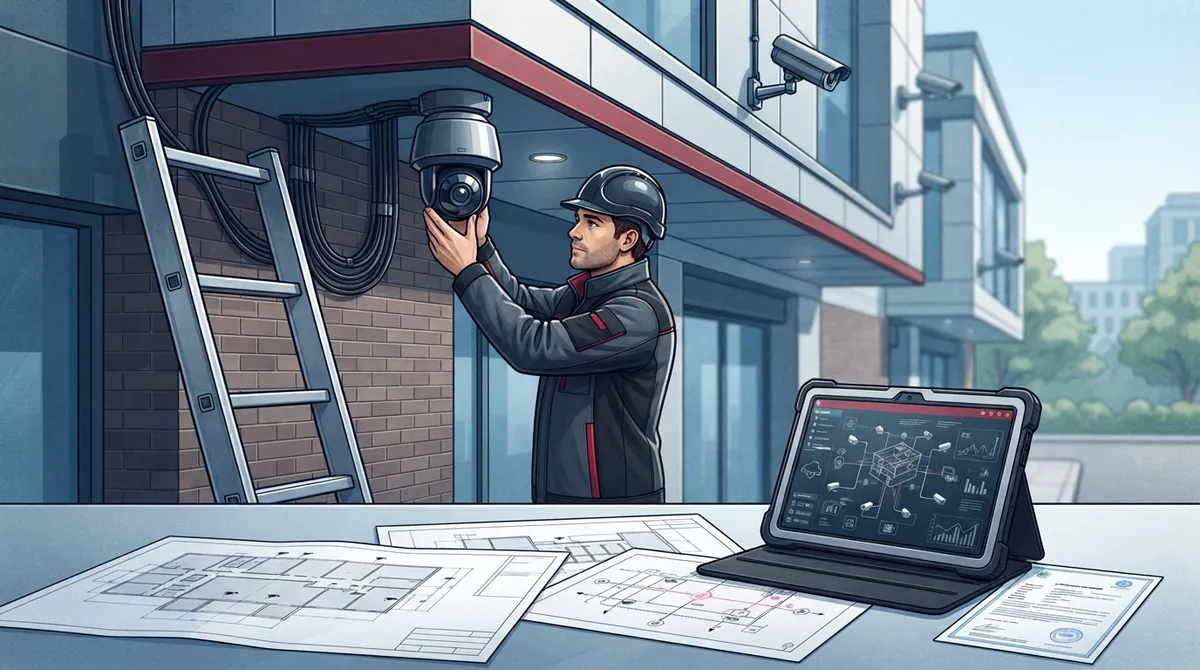
Verify licenses, bonds, and insurance with your state's licensing board before hiring—don't just take the installer's word for it, and check for any disciplinary history.
-
Demand a detailed system design with camera placement maps, bandwidth calculations, power requirements, and network segmentation—not just a generic camera count recommendation.
-
Ask about ONVIF profile compliance for your specific camera models and software to ensure compatibility and avoid vendor lock-in.
-
Compare full lifecycle costs including equipment, installation, storage fees, software licenses, and support—the cheapest quote often hides missing items that inflate total cost.
-
Require commercial experience with businesses similar to yours and ask for references that prove understanding of power, cabling, and network design, not just residential installations.
-
Prioritize cybersecurity practices: unique passwords, encrypted remote access, isolated network segments (VLAN), and clear firmware update procedures to protect cameras from being hacked.
Picking a security camera installer feels a lot like picking a business partner. You’re not just buying cameras. You’re trusting someone with your building’s safety, your network, and your peace of mind. If you’ve ever felt overwhelmed by quotes that all sound different, you’re not alone. Business owners, IT managers, and office administrators tell us this all the time.
Here’s the good news: choosing the right installer doesn’t have to be stressful. Once you know what to look for, the process becomes simple and even a little fun. Think of this guide as a friendly walkthrough from people who’ve helped hundreds of businesses get this decision right. Whether you run a small Tampa shop or manage a multi-location franchise, we’ll help you find a partner who treats your cameras as part of your whole network, not just a box on the wall.
Why This Decision Matters More Than You Think
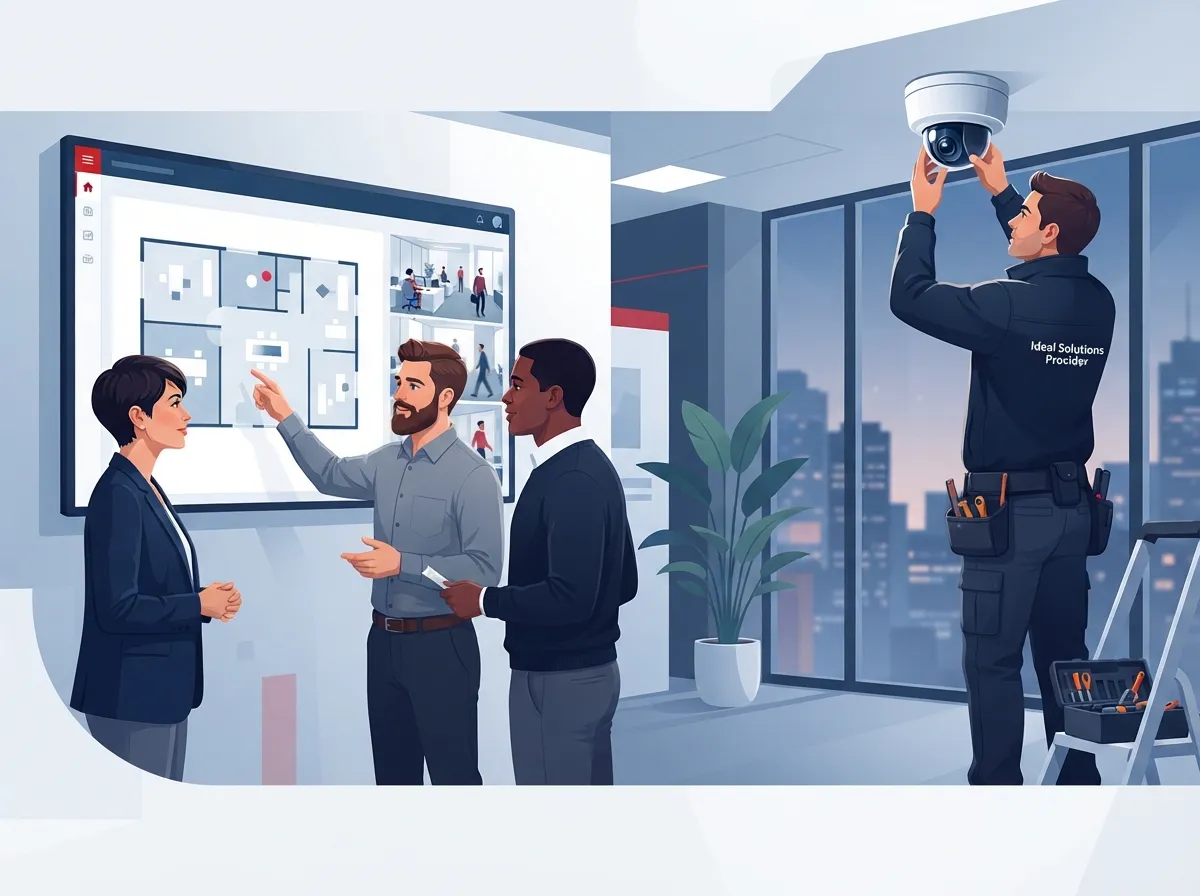
A security camera system touches your network, your internet, your access control, and sometimes your phone system too. That means the installer you pick needs to understand more than just where to mount a camera. They need to understand your whole setup.
At Ideal Solutions Provider, we’ve seen firsthand how a poorly planned camera system can slow down a network or leave gaps in coverage. Our team often gets called in after a business realizes their “camera guy” didn’t know anything about bandwidth or cybersecurity. That’s why we always say: treat this like a technology decision, not just a hardware purchase.

Start By Defining What You Actually Need
Before you even call an installer, get clear on your goals. This step saves you time and money later.
- How many entrances, hallways, or work areas need coverage?
- Do you have low-light areas like parking lots or loading docks?
- How long do you need to store footage for compliance or insurance reasons?
- Will you need remote viewing from your phone or laptop?
- Do you want smart alerts, like motion detection or license plate recognition?
- Will cameras need to connect with your access control or alarm system?
Once you know these answers, you’re ready to start real conversations with installers. If you’re also rethinking your business network setup, this is a great time to plan both projects together.
How to Choose a Security Camera Installer: The Core Checklist
This is where most business owners get stuck. Here’s a simple, step-by-step approach that takes the guesswork out of it.
1. Verify Licenses, Bonds, and Insurance
Every state has rules about who can legally install security systems. Ask for proof of low-voltage licensing, bonding, and insurance. Don’t just take their word for it. Check with your state’s licensing board to confirm their status and look for any disciplinary history.
2. Look for Commercial Experience, Not Just Residential Jobs
Installing a camera at someone’s house is very different from wiring a warehouse or a multi-location retail chain. Ask for references from businesses similar to yours. A good installer should be comfortable talking about power requirements, cabling, and network design, not just camera angles.
3. Require a Real System Design, Not a Camera Count
If an installer just says “you need 8 cameras,” that’s a red flag. A thorough proposal should include:
- Camera placement map showing field of view for each unit
- Resolution and low-light performance details
- Bandwidth and storage calculations based on your retention needs
- Power requirements, including Power over Ethernet (PoE) planning
- Network segmentation to keep cameras isolated from other devices
- Redundancy plans in case of internet or power outages
This kind of detail shows the installer actually understands your building, not just their product catalog. It’s similar to how structured cabling should be planned before any wires go into the wall.
4. Ask About System Compatibility
Cameras, recorders, and video software all need to “speak the same language.” That’s where ONVIF standards come in. ONVIF was founded in 2008 to help different security devices work together smoothly. Profile T, introduced in 2018, supports advanced video streaming like better compression and audio. Profiles G and M cover storage and smart analytics.
Ask your installer which ONVIF profiles their specific cameras and software support. Don’t just take the manufacturer’s word. Confirm that the exact products, not just the brand, are listed as conformant. This protects you from being stuck with one vendor forever.
5. Dig Into Cybersecurity Practices
Here’s something a lot of business owners don’t think about: cameras are basically small computers connected to your network. That means they can be hacked if they’re not set up correctly.
Ask your installer these important questions:
- Do cameras get unique passwords, not factory defaults?
- Is remote access encrypted using HTTPS or TLS?
- Are cameras isolated on their own network segment (VLAN)?
- Who handles firmware updates and security patches?
- What happens to old footage and devices at the end of their life?
The National Institute of Standards and Technology published guidance in 2021 for securing connected devices like cameras. A good installer should be following similar principles, even if they don’t quote the document directly.
6. Compare Full Lifecycle Costs, Not Just the Quote
The cheapest bid isn’t always the best deal. Some installers leave out cabling, storage fees, or software licenses to make their price look lower. Here’s a simple table to help you compare quotes apples-to-apples.
| Cost Category | What to Ask About |
|---|---|
| Equipment | Camera models, resolution, brand warranties |
| Installation | Cabling, mounting, labor hours included |
| Storage | Cloud fees, on-site NVR costs, retention period |
| Software | Licensing fees, app access, analytics add-ons |
| Support | Response times, maintenance visits, firmware updates |
| Expansion | Cost to add cameras or locations later |
This kind of side-by-side comparison is exactly what we walk clients through at Ideal Solutions Provider. We’ve found that 9 out of 10 businesses we audit are either overpaying or missing something important in their current setup.
7. Ask About Ongoing Support and Contracts
Cameras need care after installation too. Ask these questions before signing anything:
- Is monitoring handled in-house or outsourced?
- What’s the response time for a critical failure?
- Do they offer remote diagnostics and firmware updates?
- What’s covered under warranty, and for how long?
- Who owns the footage and data if you switch providers?
- What happens if the installer goes out of business?
These answers protect you long after the cameras are mounted. A trustworthy provider will answer these questions clearly and put them in writing.
8. Require Proper Testing and Handover Documentation
Once installation is done, the job isn’t over. A professional installer should test every camera, confirm recording and playback works, check timestamps, and verify remote access. Then they should hand over:
- As-built drawings and camera maps
- Login credentials and access procedures
- Warranty details and service schedules
- Training for your staff on how to use the system
If an installer skips this step, you could be left guessing how your own system works.
Cloud, On-Premise, or Hybrid: Which Fits Your Business?
This is one of the most common questions we hear. Here’s a quick breakdown to help you decide.
| Option | Best For | Key Consideration |
|---|---|---|
| Cloud-Based | Multi-location businesses, remote viewing needs | Requires reliable internet, subscription fees |
| On-Premise (NVR/DVR) | Single-location businesses, limited internet | Higher upfront cost, local maintenance needed |
| Hybrid | Businesses wanting backup and flexibility | Combines local storage with cloud backup |
Many franchise operators and mid-sized enterprises we work with prefer cloud-based systems because they can check every location from one app. If your internet connection isn’t fast enough to support this, it might be time to review your business internet speed before installation day.
Don’t Forget the Legal Side
Camera placement isn’t just a technical decision. It’s also a legal one. Avoid placing cameras in areas like restrooms or break rooms where privacy is expected. Set clear policies about who can access footage, how long it’s stored, and how it gets deleted. If you’re considering audio recording, facial recognition, or biometric tools, talk to a legal advisor first. Rules vary by state and industry, so it pays to double-check before installation begins.
Questions to Ask Before You Sign Anything
Here’s a simple list you can bring to your next meeting with an installer:
- Can you provide proof of licensing and insurance?
- What commercial projects have you completed that are similar to mine?
- What ONVIF profiles do your cameras and software support?
- How do you secure cameras against cyber threats?
- What’s included in the total cost, and what’s extra?
- What does your support and maintenance plan look like?
- Will you provide documentation and training after installation?
If an installer hesitates or gives vague answers, that’s a sign to keep looking.
Why Businesses Choose a Single Point of Contact
Managing cameras, internet, cabling, and phones with different vendors can feel like herding cats. That’s why so many IT managers and office administrators prefer working with one trusted partner who understands the whole picture.
At Ideal Solutions Provider, we’ve spent over 24 years helping businesses across Tampa Bay and nationwide connect their cameras, networks, and phone systems the right way. We work with more than 35 vetted suppliers, so you get honest comparisons instead of a sales pitch. From cloud video security systems to structured cabling services, we handle it all under one roof, so you don’t have to juggle five different vendors.
If you want to see real examples of how we help businesses like yours, check out our YouTube channel or follow our latest projects on Facebook and Instagram.
Bringing It All Together
Choosing a security camera installer is a big decision, but it doesn’t have to be complicated. Focus on licensing, commercial experience, system design, cybersecurity, lifecycle costs, and ongoing support. Ask the right questions, compare quotes carefully, and always get everything in writing.
Remember, a good installer isn’t just selling you cameras. They’re helping protect your business, your team, and your peace of mind for years to come. Take your time, trust the process, and don’t be afraid to ask tough questions. You deserve a partner who treats your business like it matters, because it does.
Ready to get expert guidance for your next camera project? Contact us today for a free consultation, or call us to talk through your options with a friendly member of our team.
FAQs
Q: What qualifications should a commercial security camera installer have?
A: Look for proper low-voltage licensing, bonding, and insurance in your state. It’s also smart to check their license status with your local regulatory board, not just trust their website claims. Commercial experience with businesses similar to yours matters just as much as paperwork.
Q: How much does commercial security camera installation cost?
A: Costs vary widely based on camera count, resolution, cabling needs, and storage requirements. A good quote should include equipment, installation, storage, software licenses, and support, not just the cameras themselves. We always recommend comparing full lifecycle costs, not just the upfront number.
Q: Should my business choose cloud-based or on-premise security cameras?
A: It depends on your internet reliability and how many locations you manage. Cloud-based systems are great for remote viewing and multi-location businesses, while on-premise systems work well for single sites with limited internet. Many businesses today choose a hybrid setup for extra peace of mind.
Q: How do I know if my cameras, recorder, and software will work together?
A: Ask your installer about ONVIF compliance, which helps different security devices communicate properly. Make sure the specific camera models, not just the brand, are listed as conformant. This simple check can save you from expensive compatibility headaches down the road.
Q: What should a security camera maintenance contract include?
A: A solid contract should cover firmware updates, remote diagnostics, response times for critical issues, and clear warranty terms. It should also explain who owns your footage and data if you ever switch providers. Getting this in writing protects you long after installation day.





