
Key Takeaways
-
Single mode fiber transmits data through a 9-micron glass core in one straight path, enabling data to travel much farther and faster with less signal loss compared to multimode fiber, making it ideal for multi-building connectivity.
-
OS2 fiber is the most common choice for campus backbones and building-to-building connections with 0.4 dB/km attenuation, while OS1a suits shorter indoor runs with 1.0 dB/km attenuation—choosing the wrong type wastes budget.
-
Maximum fiber reach depends on your transceivers and Ethernet standard, not the cable alone; a 10 Gbps setup may reach 10,000 meters, so always get a professional site assessment instead of relying on generic distance claims.
-
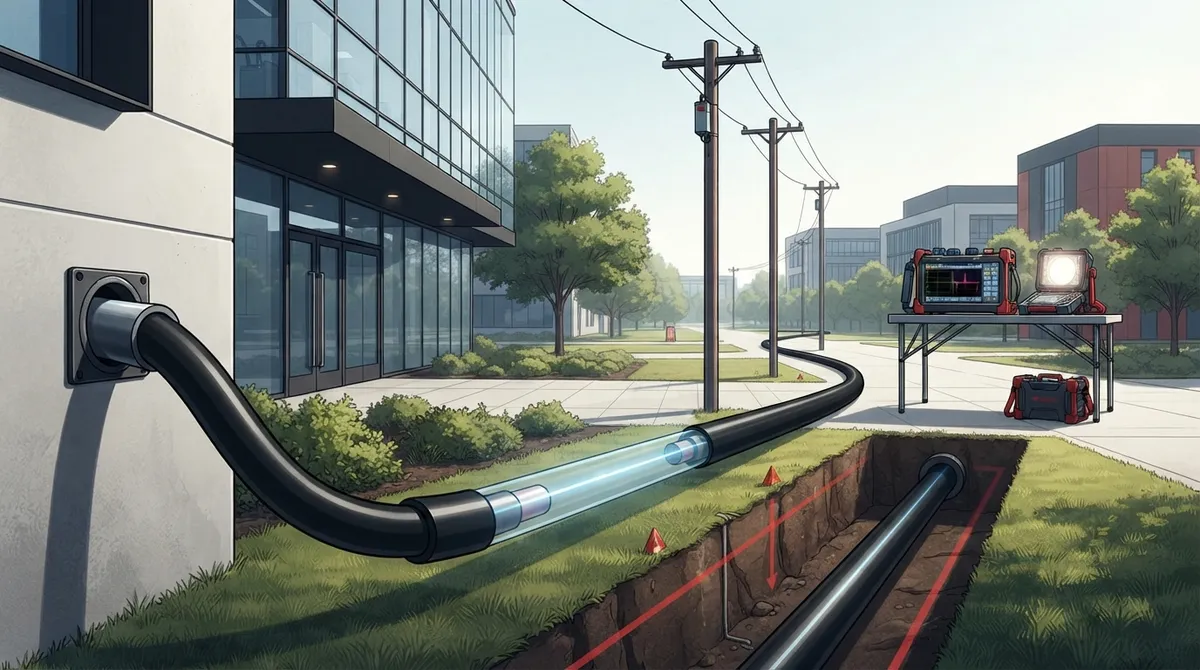
Cable construction must match installation route: indoor cable for building runs, outdoor for weather exposure, and indoor-outdoor for transitions between environments—choosing wrong causes premature failure and costly repairs.
-
Testing and certification are critical after installation; contractors must verify continuity, measure insertion loss at both wavelengths, perform OTDR testing on longer runs, and document everything to prevent random network failures.
-
Transceiver and connector compatibility is essential—LC, SC, or ST connectors must match your equipment, wavelengths must align with fiber type (typically 1310nm or 1550nm), and data rate requirements must be supported or equipment won't function.
If your Tampa business is growing fast, chances are your network is starting to feel the squeeze. Maybe your video calls freeze up. Maybe your two office buildings can’t talk to each other fast enough. That’s usually when someone mentions single mode fiber cabling, and suddenly you’re staring at a wall of technical terms that make your head spin. Don’t worry, we’re here to break it all down in plain language.
Whether you’re an office manager trying to keep the phones running, an IT manager juggling five vendors, or a franchise owner opening your tenth location, this guide will help you understand what single mode fiber cabling actually does and how to get it installed the smart way. We’ll skip the confusing jargon and focus on what matters most: getting a network that works, lasts, and doesn’t break the bank.
What Is Single Mode Fiber Cabling, Really?
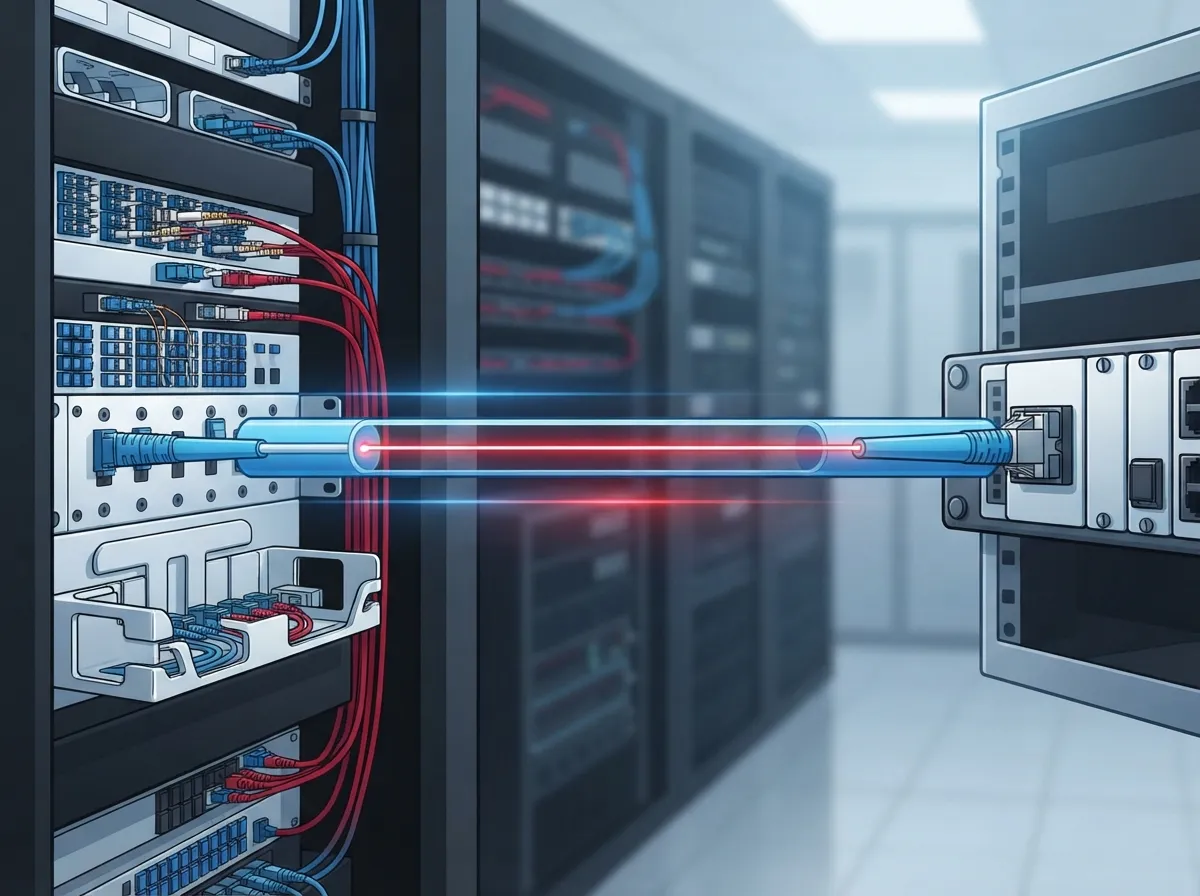
Single mode fiber cabling is a type of cable that sends light through a super thin glass core, about 9 microns wide (roughly 9/125 µm in technical terms). That’s thinner than a human hair. Because the core is so narrow, light travels through it in a single, straight path instead of bouncing around like it does in multimode fiber.
This matters because it means your data can travel farther and faster with less signal loss. Think of it like a laser pointer versus a flashlight beam. The laser stays tight and focused over long distances. The flashlight beam spreads out and gets weaker the farther it travels. That’s basically the difference between single mode and multimode fiber.
For businesses connecting multiple buildings, campuses, or even different cities, single mode fiber is often the better choice. It’s also a smart pick for connecting to your Internet Service Provider at high speeds, especially if you’re relying on dedicated fiber circuits.

Why Businesses Choose Single Mode Fiber Over Other Options
Here’s the short version: single mode fiber handles distance and speed better than almost anything else out there. Let’s look at some reasons business owners and IT teams choose it.
- It carries data over long distances without losing much signal strength
- It supports high-speed connections needed for cloud phones, security cameras, and heavy data traffic
- It’s immune to electrical interference, so nearby power lines or machinery won’t mess with your connection
- It can support network upgrades in the future just by swapping out the equipment on each end, not the cable itself
- It holds up well in outdoor and underground routes when the right cable type is used
If you’re running a scalable access control systems for multi-location businesses or managing several office locations, single mode fiber gives you the backbone to keep everything connected reliably.
OS1a vs. OS2: Which One Do You Need?
This is where things get a little technical, but stick with us because the choice actually matters for your budget and performance.
The Telecommunications Industry Association breaks single mode fiber into a few categories, and picking the right one depends on where the cable is going and how far it needs to travel.
| Fiber Type | Best Use Case | Max Attenuation (dB/km at 1310/1550nm) |
|---|---|---|
| OS1a | Indoor or short-haul premises use | 1.0 dB/km |
| OS2 | Outside-plant and longer-haul routes | 0.4 dB/km |
| Indoor-Outdoor Single Mode | Building-to-building and mid-haul links | 0.5 dB/km |
In simple terms, lower attenuation means less signal loss over distance. OS2 is the most common choice for campus backbones, connecting separate buildings, or running fiber out to a metro or wide area network. If your cable run is short and stays indoors, OS1a might be all you need.
How Far Can Single Mode Fiber Actually Reach?
This is one of the most common questions we hear, and the honest answer is: it depends. Single mode fiber itself doesn’t have one single maximum distance. The real limit comes from the optical equipment you connect to it, not the cable alone.
For example, some 10 Gbps single mode setups can reach up to 10,000 meters at certain wavelengths, according to network installation guides. But that number changes based on the Ethernet standard, the transceivers you use, and how clean your connections are. Don’t let anyone tell you single mode fiber has one magic number for distance. It’s really a combination of the cable, the electronics, and the route conditions.
This is exactly why working with an experienced telecom partner matters so much. At Ideal Solutions Provider, we help businesses map out their exact needs before recommending a cabling and equipment combination that actually works for their space.
Choosing the Right Cable Construction for Your Route
Not all single mode fiber cable looks the same on the inside. The jacket and construction change depending on where the cable will live.
- Indoor cable is designed for runs inside a building, often through walls, ceilings, or conduit
- Outdoor cable needs protection against moisture, sunlight, temperature swings, and rodents or physical damage
- Indoor-outdoor cable works well for routes that start outside and come into a building, cutting down on the need for a splice point
Picking the wrong construction for your route is one of the most common and costly mistakes we see. An outdoor-rated cable that’s not built for direct burial, for instance, can fail years earlier than it should. If you want to avoid these headaches, check out our guide on how to plan network cabling installation in Tampa Bay.
Connectors, Transceivers, and Equipment Compatibility
Here’s something a lot of people don’t realize: single mode fiber cabling is passive. It doesn’t do anything on its own. It’s basically a highway, and your data speed depends on the cars driving on it, meaning your transceivers and optics.
Common connector types for single mode fiber include LC, SC, and ST connectors. Your equipment needs to match whatever connector type is already installed, or you’ll need adapters. The transceivers (called optics) plug into your switches and routers, and they determine what speed and distance your network can actually achieve.
Before buying any equipment, always double-check:
- The connector type matches your patch panels and equipment ports
- The transceiver wavelength (usually 1310nm or 1550nm) matches your fiber type
- The data rate your business needs (1G, 10G, 40G, or 100G) is supported by the optics you choose
- Your loss budget, meaning the total signal loss allowed across the whole link, isn’t exceeded
Getting this wrong means paying for expensive equipment that simply won’t talk to your network. This is one reason so many businesses turn to a trusted partner instead of guessing. Learn more about how to choose fiber cabling for your business network before you commit to a purchase.
Steps to Test and Certify a Single Mode Fiber Installation
Once your cable is installed, you’re not quite done. Testing is what separates a reliable network from one that fails randomly six months later. Here’s the basic process a good contractor should follow.
- Check continuity and polarity to make sure every fiber strand is connected correctly end to end
- Measure insertion loss using a light source and power meter, comparing results against your planned loss budget
- Test at both 1310nm and 1550nm wavelengths when the project calls for it
- Use OTDR testing on longer or spliced outdoor routes to locate any weak points or bad splices
- Document everything, including test results, cable labeling, and connector locations, for future reference
Skipping these steps is like building a house and never checking if the plumbing actually works. It might seem fine at first, but problems show up eventually, usually at the worst possible time.
What Affects the Cost of Single Mode Fiber Installation
Every business wants to know the bottom line, so let’s talk numbers in a general sense. Several factors drive the total cost of a single mode fiber project.
- Total cable length and whether the route is indoor, outdoor, or both
- Number of connectors, splices, and patch panels needed
- Labor costs for pulling cable through conduit, trenching, or aerial installation
- Testing and certification requirements for the project
- Cost of compatible transceivers and networking equipment
A short indoor run between two rooms costs far less than a buried cable connecting two buildings across a parking lot. That’s why getting a proper site walk and quote matters more than guessing based on a general price per foot. Our team walks through these details during every professional structured cabling services for Tampa businesses consultation.
Common Mistakes Businesses Make with Fiber Installation
We’ve seen a lot of fiber projects over the years, and the same mistakes tend to pop up again and again. Here’s what to watch out for.
- Bending the cable tighter than its minimum bend radius, which damages the glass core inside
- Skipping connector cleaning and inspection before mating, which causes signal loss and connection failures
- Choosing the wrong cable construction for outdoor or underground routes
- Buying transceivers that don’t match the fiber type or required distance
- Not documenting the installation, making future troubleshooting a nightmare
Avoiding these mistakes from the start saves you money, time, and a lot of frustration down the road. It’s also why so many companies choose to bring in a specialist rather than trying to handle it themselves. Take a look at our comparison on DIY vs. professional cabling for Tampa offices if you’re on the fence.
How Single Mode Fiber Supports Your Whole Telecom Setup
Single mode fiber cabling doesn’t work alone. It’s the foundation that supports everything else running on your network, including your VoIP phones, your cloud security cameras, and your access control systems.
A stronger backbone means clearer calls, faster video footage uploads, and fewer dropped connections during busy hours. If you’ve ever wondered why your cloud-based phone system for Tampa businesses sounds choppy on certain days, the cabling behind the scenes could be part of the problem.
This is why we always look at the whole picture, from your internet connection down to the cabling in your walls, before recommending any single fix. You can see real examples of our work on our YouTube channel, where we walk through actual installations and explain what goes into each project.
Working With a Telecom Partner You Can Trust
Here’s something we’ve learned after over 24 years in this business: most companies don’t want to become fiber optic experts. They just want their network to work, their phones to ring clearly, and their cameras to record without gaps.
That’s exactly why Ideal Solutions Provider exists. We act as your single point of contact, comparing options across more than 35 vetted suppliers so you don’t have to become an expert in cable specifications and loss budgets. We handle everything from the first site visit to the final testing and certification.
Whether you’re a small business in Tampa needing your first structured cabling setup, or a franchise operator rolling out locations across the country, we’ve got a process that fits. Follow us on Facebook and Instagram for updates, tips, and behind-the-scenes looks at our projects.
Ready to Upgrade Your Business Network?
Single mode fiber cabling isn’t just for giant data centers anymore. It’s becoming a practical, smart choice for growing businesses that need reliable, fast connections between buildings, floors, or even across the country. Getting it right means choosing the correct fiber type, the right cable construction, compatible equipment, and proper testing every step of the way.
If you’re ready to stop guessing and start building a network that actually supports your business goals, we’d love to help. Get in touch with our team today for a free consultation, or give us a call to talk through your project with someone who’s done this hundreds of times before.
FAQs
Q: What is single mode fiber cabling, and how does it differ from multimode fiber?
A: Single mode fiber uses a super thin glass core that carries light in one straight path, which lets it travel farther with less signal loss. Multimode fiber has a wider core and works great for shorter runs, but it loses strength faster over long distances. Think of single mode as the marathon runner and multimode as the sprinter.
Q: When should a business choose OS2 single-mode fiber for its network?
A: OS2 fiber is your best friend when you’re connecting separate buildings, running cable outdoors, or covering longer distances across a campus. It has lower signal loss than other single mode types, making it perfect for outside-plant installations. If your project needs to travel farther than just one room, OS2 is usually the smart pick.
Q: How far can single mode fiber carry 10G, 40G, or 100G Ethernet?
A: Honestly, it depends more on your equipment than the cable itself. Some 10G setups can reach up to 10,000 meters, but that number shifts based on the transceivers and Ethernet standard you use. We always recommend getting a proper site assessment instead of relying on a generic distance number.
Q: Which connectors and transceivers are compatible with single mode fiber?
A: Common connector types include LC, SC, and ST, and your transceivers need to match both the connector and the wavelength your fiber supports, usually 1310nm or 1550nm. Mixing incompatible parts is one of the most common headaches we see. A quick equipment check before you buy saves a lot of frustration later.
Q: How should a contractor test and certify a single mode fiber installation?
A: A solid contractor checks continuity and polarity first, then measures insertion loss against your planned loss budget using a light source and power meter. For longer outdoor runs, OTDR testing helps spot any weak splices or trouble points. Good documentation afterward makes future troubleshooting so much easier.





