
Key Takeaways
-
Use wired Ethernet for fixed conference room equipment instead of Wi-Fi to ensure predictable, interference-free connections for codecs, cameras, and control panels.
-
Choose Cat6A cabling for new installations to support future 10 Gb/s speeds and AV-over-IP deployments, avoiding costly rework later.
-
HDMI and USB cables have strict distance limits (2-8 meters for HDMI, shorter for USB); use manufacturer-approved active cables or extenders for runs beyond 10 meters.
-
Implement Power over Ethernet (PoE) to reduce cable clutter by sending both power and data through a single network cable to compatible devices.
-
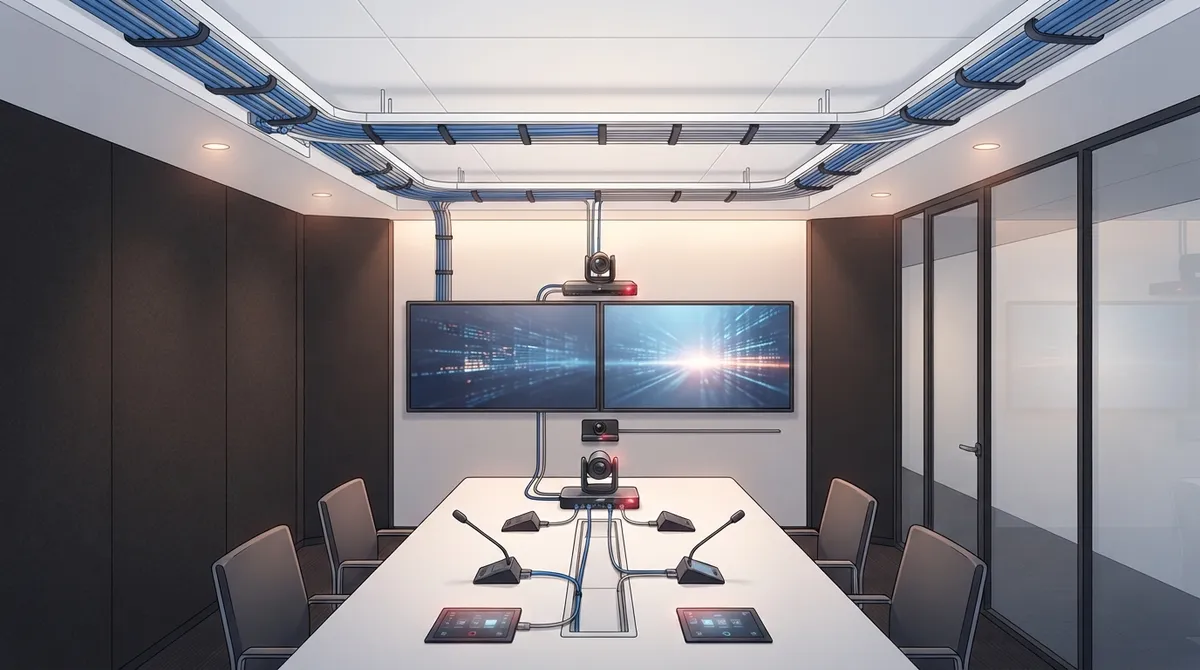
Map all cable pathways, label every connection, test each link before go-live, and plan for future growth by running extra cable while walls are open.
-
Perfect cabling alone cannot fix poor video quality; ensure adequate network bandwidth, low latency, quality switches, and traffic prioritization for reliable conferencing.
Ever joined a video call where the picture froze right as your big client started talking? It feels awful. And more often than not, the culprit is not the camera or the software. It is the cables behind the wall.
Good cabling for video conferencing is the quiet hero of every smooth meeting. It carries your video, audio, content sharing, and power. When it is planned well, nobody notices it. When it is not, everybody notices.
Whether you run a small Tampa office, manage IT for a growing company, or oversee several franchise locations, this guide will help. We will walk through seven practical tips, in plain language, so you can build meeting rooms that just work. Think of it as a friendly chat with someone who has seen a lot of ceilings opened up over the years.
1. Use Wired Ethernet for Fixed Conference Room Equipment
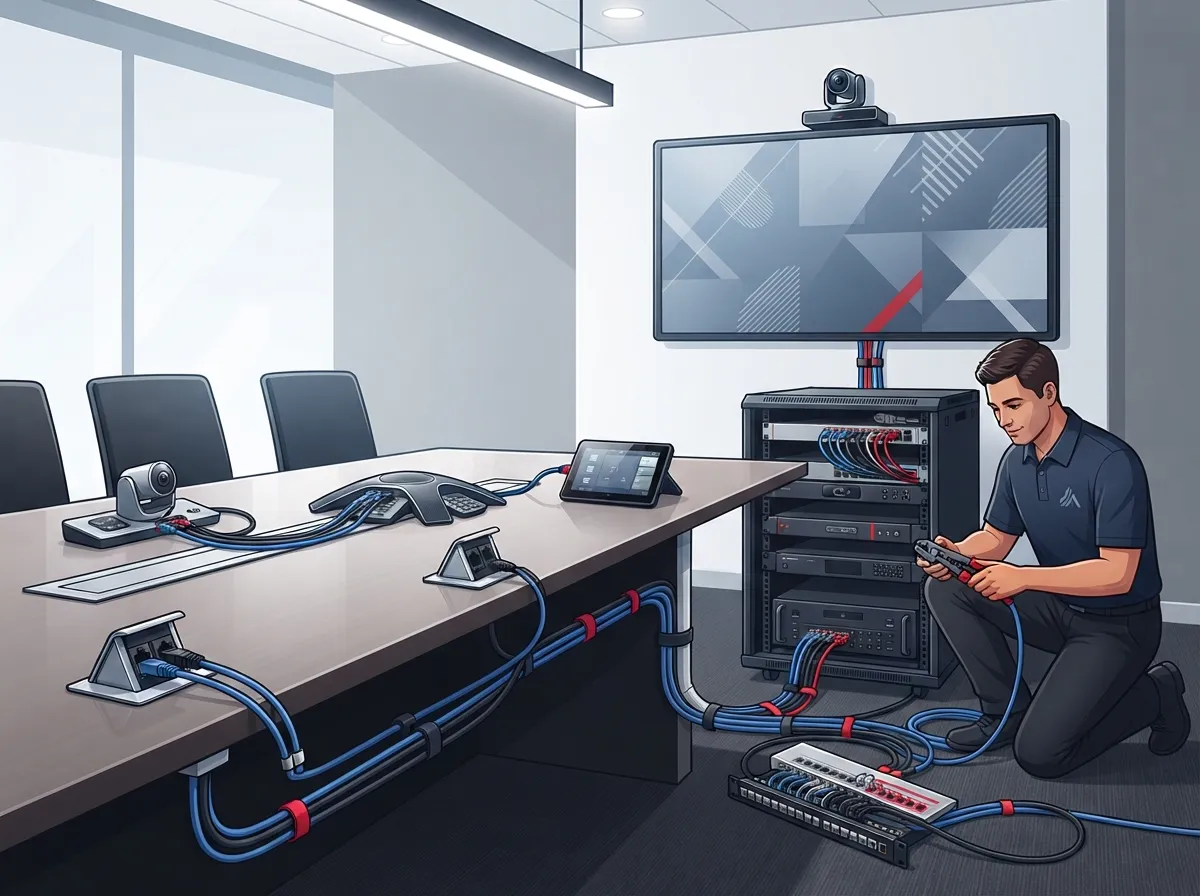
Let’s start with the golden rule. For gear that never moves, like your room system, codec, or display, wired Ethernet is usually the better choice over Wi-Fi.
Why? Wired connections are more predictable. They avoid some of the wireless variability that comes from interference, busy access points, and lots of devices fighting for the same airwaves. Wi-Fi still matters, because your guests will bring laptops and phones. But your core room equipment deserves a solid, physical connection.
What this means for your room
- Give every networked device its own wall jack, such as the codec, camera, and control panel.
- Add a spare drop or two for future gear.
- Keep Wi-Fi for visitors and mobile devices only.
If your office is new or being remodeled, this is the perfect time to plan it right. Our guide on whether you need structured cabling for a new office buildout in Tampa explains how to get started.
2. Choose the Right Ethernet Category (Cat6A Is a Smart Pick)
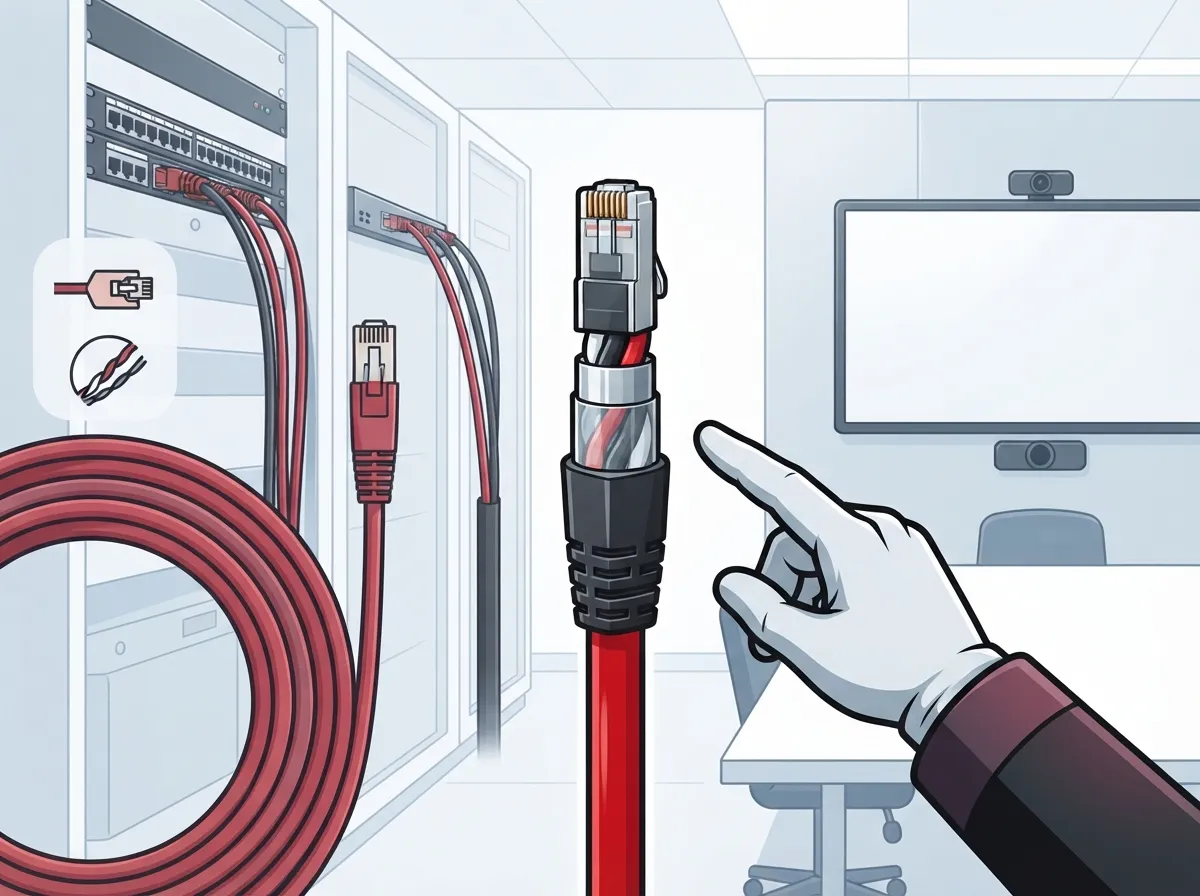
Not all Ethernet cable is created equal. For new installations, Cat6A is a popular future-ready choice, especially if you plan to use 10 Gb/s speeds or AV-over-IP down the road.
Panduit’s AV-over-IP guidance recommends cabling capable of 10 Gb/s, such as Cat6A-capable infrastructure, for new installs meant to support AV-over-IP and future needs. That is a strong hint that spending a little more today can save a lot of rework tomorrow.
One important note: the cable category alone does not guarantee end-to-end performance. Connectors, patch panels, link length, and installation quality all matter. Always confirm requirements with your equipment and network specifications.
| Cable Type | Best For | Things to Know |
|---|---|---|
| Cat5e | Older, basic setups | May limit future upgrades |
| Cat6 | Most standard conference rooms | Good balance of cost and performance |
| Cat6A | New builds, AV-over-IP, 10 Gb/s plans | Thicker cable; needs more pathway space |
Want to dig deeper into the differences? Check out our breakdown of key differences between CAT5e and CAT6 cabling and these Cat6 cabling facts every business owner should know.
3. Know the Distance Limits for HDMI and USB
Here is where many rooms go wrong. HDMI and USB cables only work reliably over short distances, and those limits change depending on the cable, the signal, and the equipment.
Leviton’s IT/AV Systems Guide (2025) lists typical HDMI reach at about 2 to 8 meters. Category-cable extender examples, on the other hand, can reach 40 to 100 meters depending on the extender and the signal. The same guide notes that USB 2.0 can be extended up to 100 meters, but only with a compatible extender. A standard passive USB cable will not get you there.
Zoom Support also recommends extending HDMI, rather than USB, for wired screen sharing when the connection must reach the conference table. For HDMI runs beyond about 10 meters (30 feet), it suggests active cables or extenders.
Quick rules of thumb
- Measure the real cable path, not the straight-line distance.
- Check the manufacturer’s specs for your exact device.
- Use approved active cables or extenders for longer runs.
- Never assume a cheap passive cable will do the job.
4. Understand HDBaseT vs. AV-over-IP
When your display is far from your codec or table, you need a way to stretch the signal. Two popular options are HDBaseT and AV-over-IP. They sound similar, but they work differently.
HDBaseT carries supported AV and control signals over category cable. Leviton’s 2025 enterprise AV guidance describes examples reaching up to 100 meters for supported 1080p/60 signals. Some 4K formats have shorter ranges, so actual limits depend on the product and format.
AV-over-IP sends audio and video over your regular network equipment. It is flexible and scalable, but it needs enough bandwidth, proper switching, careful configuration, and often network segmentation.
| Feature | HDBaseT | AV-over-IP |
|---|---|---|
| How it works | Point-to-point over category cable | Runs across network switches |
| Best for | Simple, direct room connections | Larger, flexible, multi-room setups |
| Needs network planning? | Less | Yes, significantly |
| Scalability | Limited by matrix or endpoints | Highly scalable |
For most single conference rooms, a simple extender or HDBaseT link is plenty. For campuses or multi-room builds, AV-over-IP may make more sense.
5. Let PoE Simplify Your Power Cabling
Power over Ethernet, or PoE, is a real time-saver. It sends electricity and data through a single network cable, so compatible cameras and room devices need no separate power cord.
That means fewer cables to hide, fewer outlets to install, and the ability to remotely reboot devices from the switch. Your IT team will thank you.
Before you plug anything in, check:
- The device’s PoE class and power needs.
- Whether the switch port supports that PoE level.
- The total power budget of the whole switch, not just one port.
A switch may have many ports, but it cannot always power all of them at full strength. Do the math up front and avoid surprises later.
6. Plan Pathways, Labels, and Testing Like a Pro
The best cable in the world will not help if it is stuffed into a tight space with no plan. Good cabling starts with good pathways.
Walk through the room and map every touchpoint: table connectivity, displays, cameras, microphones, codecs, and network ports. Then coordinate with power, furniture, acoustics, and security needs so nothing gets in the way.
- Map the room. Note where every device will live.
- Plan the pathways. Use conduit, trays, or in-wall routes that protect the cable.
- Leave service access. Someone will need to reach those connections later.
- Label everything. Clear labels save hours during troubleshooting.
- Test every link. Verify each run before the room goes live.
Good documentation pays off for years. Learn more in our guide on how to plan network cabling installation in Tampa Bay. If you are weighing a do-it-yourself approach, read DIY vs. professional cabling for Tampa offices first.
A well-organized installation follows recognized structured cabling principles, which keep everything tidy, scalable, and easy to support.
7. Remember That Cabling Is Only Half the Story
Here is the honest truth. Perfect cables will not fix a weak network. Video quality also depends on available capacity, latency, jitter, packet loss, switch configuration, and how many people are using the network at the same time.
Your conferencing platform and endpoint vendors publish current requirements. Use those as the final word for your design. Requirements vary by platform, resolution, and equipment, so a site-specific plan always beats a one-size-fits-all guess.
Check these network basics
- Enough internet bandwidth for peak usage, not just quiet moments.
- Quality switches with proper configuration.
- Separation or prioritization of video traffic where needed.
- A reliable connection to the outside world.
A fast, steady connection matters just as much as the cable in the wall. Explore high-speed internet for business tips that save money, or see how to choose the right internet speed for your Tampa business. If things already feel sluggish, this article on why your business internet is slow and how to fix it can help. Your Internet Service Provider also plays a big part in call quality.
Bonus: Build for Tomorrow, Not Just Today
Meeting room technology changes fast. Screens get bigger, cameras get sharper, and new tools arrive every year. The smartest move is to leave room to grow.
- Run extra cable while the walls are open. It is far cheaper than opening them twice.
- Use pathways with spare capacity.
- Choose cabling that supports higher speeds than you need today.
- Keep clear records of what goes where.
Multi-location teams benefit even more from consistency. When every office follows the same cabling standard, support gets simpler and rollouts get faster. See how this connects to voice and security systems in 13 ways structured cabling supports VoIP and cameras, and avoid costly errors by reading 12 structured cabling mistakes that hurt your business.
Who Should Handle Your Conference Room Cabling?
Video conferencing touches cabling, networking, internet, and sometimes phones, cameras, and door access too. That is a lot of moving parts, and juggling several vendors can be exhausting.
That is where a single point of contact really helps. Ideal Solutions Provider is a Tampa-based telecom and IT partner with over 24 years of experience and more than 35 vetted suppliers. The team handles everything from consultation and installation to ongoing support, for businesses of all sizes across Tampa Bay and nationwide. You can explore their structured cabling services and business network solutions to see how it all fits together. To get a feel for the company and its people, check out their YouTube channel.
Conclusion
Great meetings start long before anyone clicks “join.” They start with thoughtful cabling: wired Ethernet for fixed gear, the right cable category, smart handling of HDMI and USB distances, a clear choice between HDBaseT and AV-over-IP, PoE where it helps, tidy pathways, and a network ready to carry the load.
Get those seven pieces right, and your team will spend less time saying “can you hear me?” and more time getting real work done. Your clients will notice the difference, too.
Ready to build a conference room that works the first time? Contact us for a free consultation, or call us to talk through your space. We would love to help.
FAQs
Q: What type of Ethernet cable is best for a conference room?
A: Cat6A is a popular future-ready choice for new installs, especially if you plan on 10 Gb/s speeds or AV-over-IP. Cat6 works well for many standard rooms too. Always confirm the required category and link length with your equipment specs.
Q: Should video conferencing equipment use wired Ethernet or Wi-Fi?
A: For fixed room equipment, wired Ethernet is generally more predictable because it avoids some wireless interference and congestion. Keep Wi-Fi available for guests and personal devices. It is the best of both worlds.
Q: How far can HDMI or USB cables run in a conference room?
A: Standard HDMI typically reaches about 2 to 8 meters, and USB has short limits too. For longer runs, use manufacturer-approved active cables or extenders, such as category-cable extenders that can reach much farther depending on the product.
Q: Can PoE power conference room cameras and other AV equipment?
A: Yes, PoE can power compatible cameras and room devices over the same Ethernet cable, which cuts down on extra power cords. Just check the device’s PoE class, the switch port’s capability, and the total power budget of the switch first.
Q: When should a business use HDBaseT or AV-over-IP?
A: HDBaseT is great for simple, direct room connections over category cable. AV-over-IP suits larger or multi-room setups, but it needs solid bandwidth, proper switching, and often network segmentation. Your room size and future plans should guide the choice.





