
Key Takeaways
-
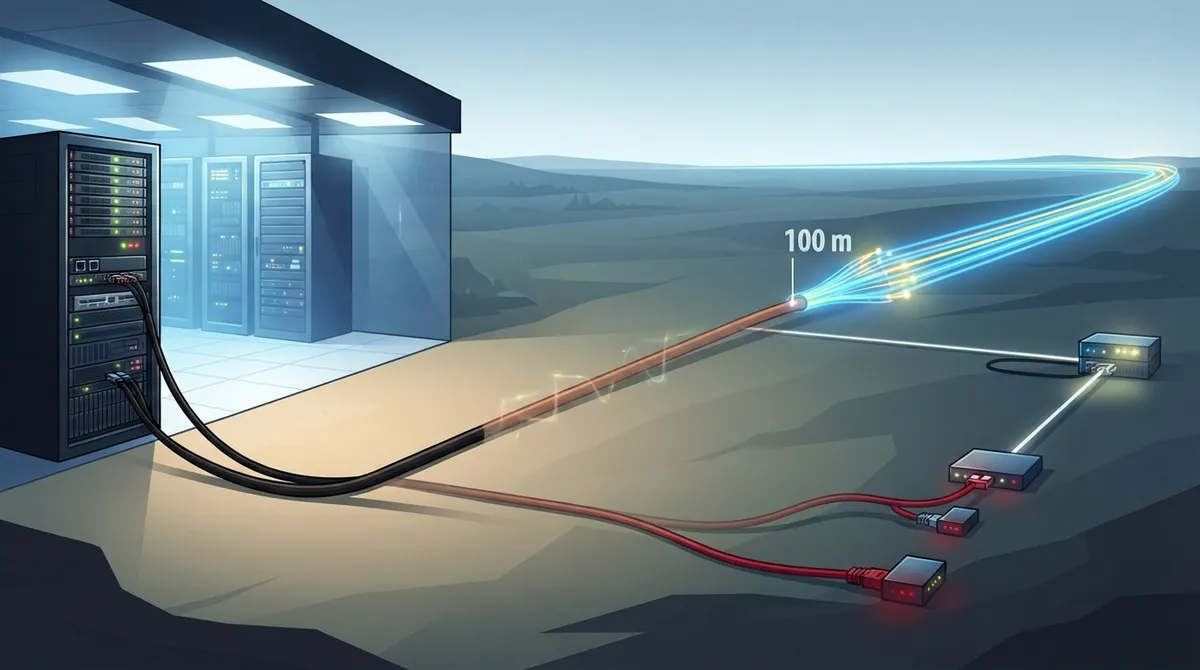
The standard copper Ethernet channel limit is 100 meters total (90m permanent link + 10m patch cords combined), and exceeding this causes dropped calls, slow speeds, and offline devices.
-
Cat 6A is required for reliable 10 Gigabit speeds across the full 100-meter distance; Cat 6 only supports 10 Gb/s up to approximately 55 meters under specified conditions.
-
Patch cords count toward the 100-meter channel limit, so using overly long patch cords at either end can push compliant installations over the standard and cause performance failures.
-
Power over Ethernet (PoE) follows the same 100-meter limit but suffers voltage drop on longer runs, making high-power devices like PTZ cameras and access points more sensitive to installation near the distance edge.
-
Fiber optic cable reaches much farther than copper (300-550m for multimode depending on speed/type) and is the practical solution for campuses, warehouses, and multi-building deployments exceeding 100 meters.
-
Real-world factors like excessive connectors, tight cable bends, poor installation, electromagnetic interference, and heat bundling can cause failures well before the rated 100-meter distance is reached.
Ever pulled a cable across your office, plugged it in, and watched the link light stay dark? Or maybe your new security camera keeps dropping offline for no clear reason? Trust me, you’re not alone. More often than you’d think, the culprit is cabling distance limitations.
Every type of network cable has a reach. Go past it, and things get flaky fast. Slow speeds, dropped calls, and cameras that blink out are all common signs.
The good news? These limits are easy to understand once someone explains them in plain English. That’s exactly what we’re doing here. Whether you run a small shop, manage an office, oversee IT, or operate multiple franchise locations, this guide will help you plan smarter. We’ll cover copper, fiber, Power over Ethernet (PoE), and what to do when your run is simply too long. Grab a coffee, and let’s dig in!
Why Do Cabling Distance Limitations Matter for Your Business?
Think of a cable like a garden hose. Water flows great near the faucet. But the longer the hose gets, the weaker the stream at the end. Data signals work in a similar way. The farther they travel, the weaker and noisier they become.
Distance limits aren’t random. They come from industry standards that make sure your gear works reliably. When you follow them, your VoIP calls stay clear, your internet stays fast, and your cameras keep recording.
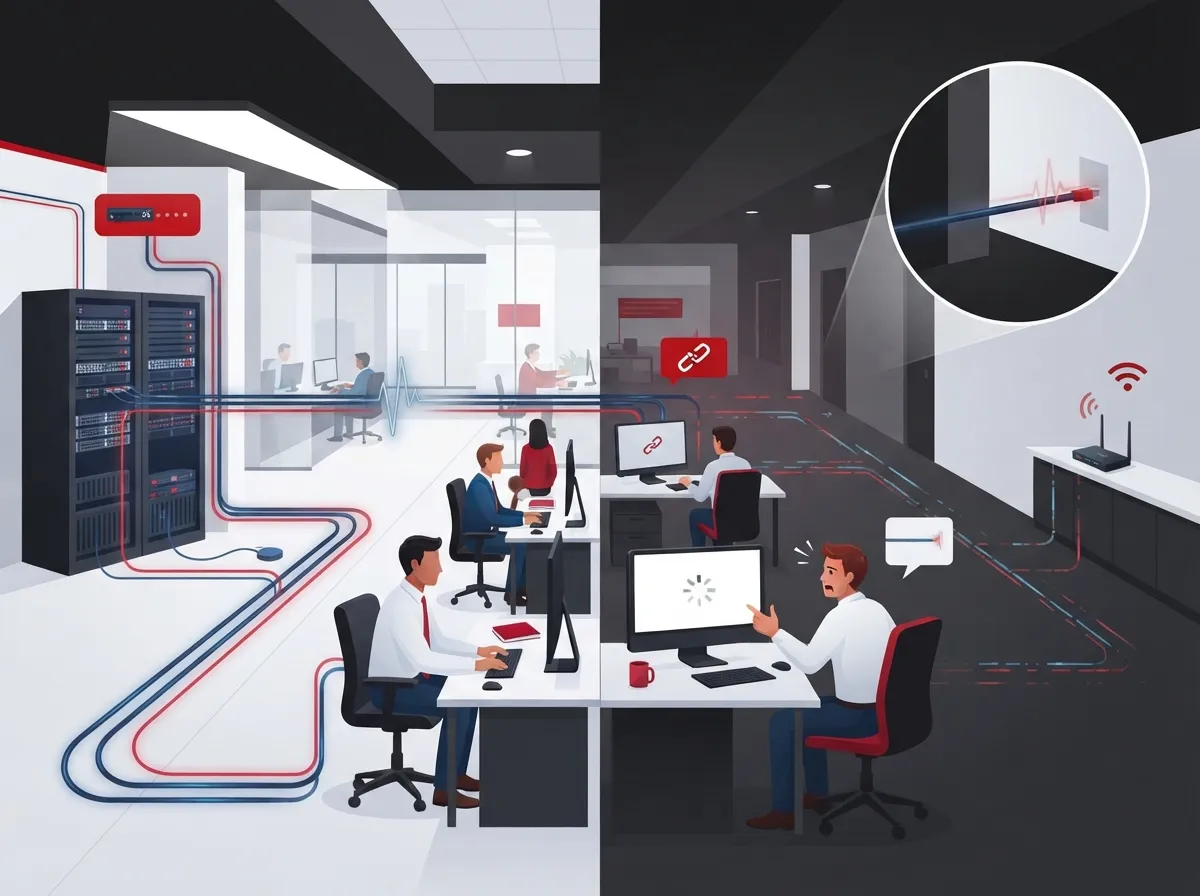
When you ignore them, you get problems that are hard to trace. Here’s what that often looks like:
- Choppy or dropped VoIP calls
- Network speeds far below what you pay for
- Security cameras that reboot or go offline
- Access control readers that lose power or connection
- Random errors that come and go
Planning around cabling distance limitations from day one saves money, time, and headaches. It’s much cheaper to design a run correctly than to rip and replace it later.
What Is the Maximum Distance for an Ethernet Cable?
Here’s the quick answer: the standard limit for copper twisted-pair Ethernet is 100 meters (328 feet). That applies to common cable types like Cat 5e, Cat 6, and Cat 6A.
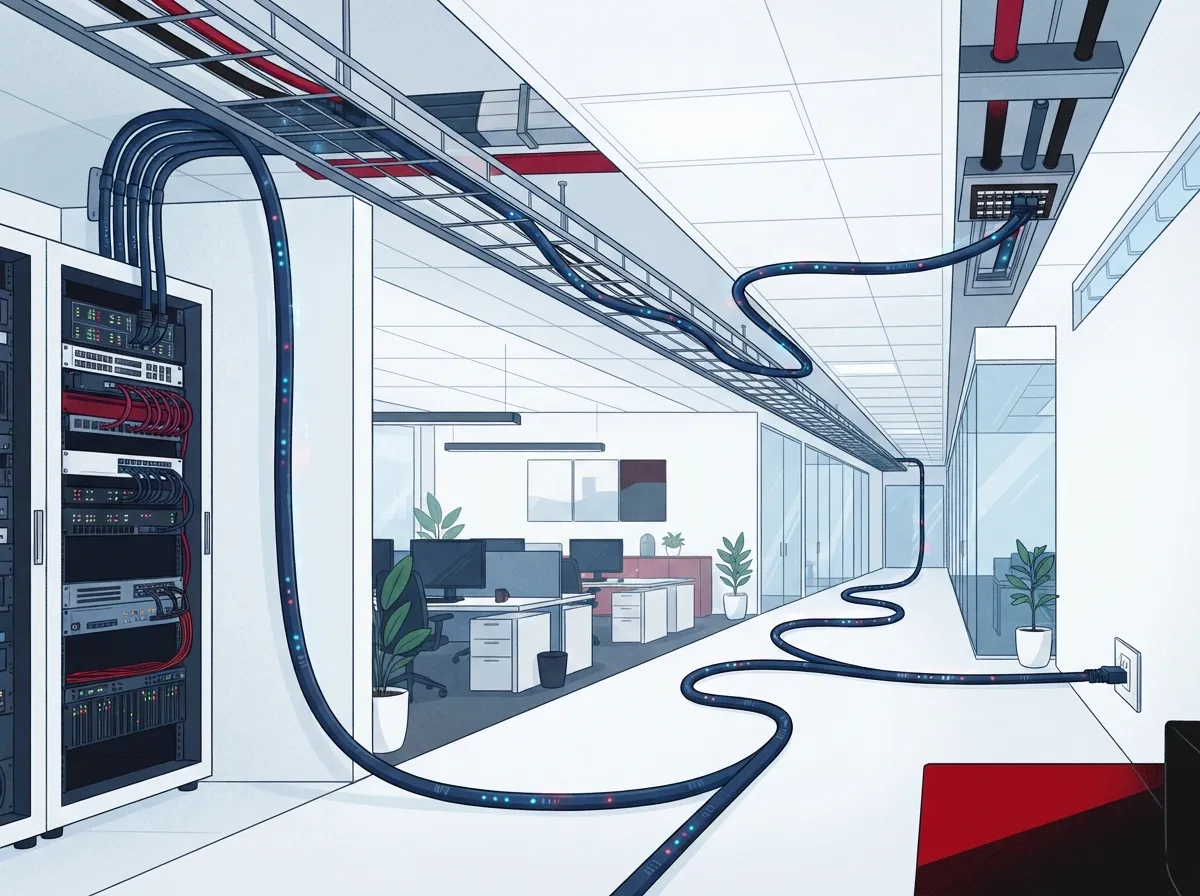
But there’s a catch that trips up a lot of folks. That 100 meters is a channel limit, not just the length of cable you pull through the ceiling. A channel includes everything from the device at one end to the device at the other, including patch cords.
The 90 + 10 Rule Explained
In structured cabling, the 100-meter channel is usually split into two parts:
- Permanent link: up to 90 meters (295 feet). This is the cable run inside walls and ceilings, from the patch panel to the wall jack.
- Patch cords: up to 10 meters (33 feet) total. This covers the short cords at the equipment end and the work area end combined.
So when someone says “100 meters,” they mean 90 in the wall plus 10 in patch cords. If you pull 100 meters of solid cable through the building and then add patch cords, you’ve already gone over.
Does the 100-Meter Limit Include Patch Cables?
Yes, it does. This is one of the most common questions we hear. Patch cords count toward the total channel length. Connectors, cable quality, and installation practices also affect whether a link meets the standard.
Want to see how a professional plans this? Our guide on how to plan network cabling installation in Tampa Bay walks through the process step by step.
Copper Cable Categories and Their Reach
Not all copper cables are equal. The category you choose changes how fast your network can go over a given distance. Here’s a simple comparison based on common Ethernet guidance.
| Cable Type | 1 Gb/s (1000BASE-T) | 2.5G / 5G | 10 Gb/s (10GBASE-T) |
|---|---|---|---|
| Cat 5e | Up to 100 m | Not typically specified for full reach | Not recommended |
| Cat 6 | Up to 100 m | Up to 100 m | Up to about 55 m under specified conditions |
| Cat 6A | Up to 100 m | Up to 100 m | Up to 100 m |
See the big takeaway? If you want 10 Gigabit speeds across a full 100-meter channel, Cat 6A is the safe copper choice. Cat 6 can carry 10 Gb/s, but only for shorter runs of roughly 55 meters, and only under specific conditions.
How Far Can Cat 6 Carry 10 Gigabit Ethernet?
About 55 meters (180 feet) in specified conditions. Don’t assume a Cat 6 run will hit 10 Gb/s across the full 100 meters. If your building is large or your future plans include faster speeds, Cat 6A gives you breathing room.
Curious about the differences between older and newer cable? Take a look at 7 key differences between CAT5e and CAT6 cabling, or dive into 14 Cat6 cabling facts every business owner should know.
How Far Can Fiber Optic Cable Run?
Here’s where things get exciting. Fiber goes much farther than copper. But unlike copper, there’s no single universal number. Fiber distance depends on several factors:
- The Ethernet application you’re running (10G, 40G, 100G, and so on)
- The fiber type (multimode grades like OM3 and OM4, or single-mode)
- The optical transceivers on each end
- The link-loss budget, which is how much signal can be lost along the way
So think of fiber like a set of tools rather than one tool. You pick the right fiber and the right optics for the job.
Multimode Fiber Reach by Speed
Here are typical reaches for common multimode applications, based on published industry guidance:
| Application | OM3 Fiber | OM4 Fiber |
|---|---|---|
| 10GBASE-SR | About 300 m | About 400 m (some engineered guidance shows up to 550 m) |
| 40GBASE-SR4 | About 100 m | About 150 m |
| 100GBASE-SR4 | About 100 m | About 150 m |
Notice how reach shrinks as speed climbs. That’s normal. Faster signals are more sensitive to loss and distortion. And because published numbers vary by source and by channel assumptions, always check the exact transceiver and standard before you design to a maximum.
Single-mode fiber reaches much farther and is a common choice between buildings or across campuses. Our guide on how to choose fiber cabling for your business network can help you sort through the options. You can also explore our fiber optic cabling services for commercial buildings.
How Do Cabling Distance Limitations Affect PoE Devices?
Power over Ethernet is a wonderful thing. One cable delivers both data and power to VoIP phones, wireless access points, security cameras, and door readers. No extra outlets required!
But PoE follows the same 100-meter channel rule as regular Ethernet. And power adds its own twist. Electrical resistance in the cable causes voltage drop. The longer the run, the less power actually reaches the device.
PoE Standards at a Glance
- IEEE 802.3af (Type 1): up to 15.4 W at the power source, about 12.95 W at the device.
- IEEE 802.3at (Type 2): up to 30 W at the power source, about 25.5 W at the device.
These power figures don’t stretch the 100-meter limit. In fact, higher-power PoE devices can be more sensitive to long runs, warm environments, and tightly bundled cables. Cheap or non-compliant cable makes it worse.
Does PoE Work Over the Full 100 Meters?
It can, when everything is compliant and installed well. But a device sitting right at the edge of the limit has very little margin. If you’re powering a hungry PTZ camera or a high-power access point, plan for shorter runs when you can.
Security camera and access control projects lean heavily on PoE. If that’s on your radar, check out 13 ways structured cabling supports VoIP and cameras and what security cameras really do for your business.
What Factors Cause a Link to Fail Before Its Rated Distance?
Sometimes a run is technically under 100 meters and still misbehaves. Frustrating, right? The rated distance is a best-case number. Real buildings add real-world challenges.
- Too many connectors. Every connection point adds a little signal loss. Extra patch panels, couplers, and adapters add up.
- Long patch cords. Patch cords eat into your 100-meter budget. Overly long ones push you over the limit.
- Low-quality cable. Cheap, noncompliant cable often can’t deliver its rated performance.
- Poor installation. Tight bends, over-pulled cable, and untwisted pairs at the termination hurt performance.
- Interference. Running data cable beside power lines, fluorescent lights, or heavy machinery can add noise.
- Heat and bundling. Warm ceilings and big bundles of PoE cable raise temperatures and reduce margin.
The fix is usually simple: design with margin, use quality components, and have the finished runs tested and certified. Avoid the common traps by reading 12 structured cabling mistakes that hurt your business. For deeper technical reading, this piece on attenuation in structured cabling explains why signals weaken.
How Can You Connect Devices More Than 100 Meters Apart?
Warehouses, campuses, parking lots, and multi-building sites often need to go farther than 100 meters. Good news: you have solid options. Here are the most common ones.
- Add an intermediate switch. Place a small switch partway along the run to start a fresh 100-meter segment. It needs power and a safe place to live, but it’s often the simplest fix.
- Use fiber with optical transceivers. For longer distances, fiber is the go-to. It also avoids electrical interference and grounding issues between buildings.
- Deploy an extended-reach solution. Some equipment is designed to extend Ethernet or PoE farther than standard. These must be checked against your equipment specs and applicable cabling standards before you rely on them.
- Rethink your layout. Sometimes adding a telecom closet closer to distant devices is the cleanest answer.
- Map your floor plan. Measure real cable paths, not straight lines. Cables go up walls, across ceilings, and around obstacles.
- Choose your speed target. Decide what you need today and what you might need in five years.
- Pick the right cable. Use Cat 6A for long 10 Gb/s runs, or fiber for longer distances.
- Budget your channel. Keep the permanent link at or under 90 meters and patch cords at 10 meters total.
- Check PoE needs. Confirm power requirements for cameras, phones, and access points at the far end.
- Test and certify. Have every run tested so you know it meets the standard.
Oops, that last bullet was meant to fit the list above. Let’s call it what it is: a design choice worth considering early. Each option has trade-offs in cost, power, and maintenance, so it helps to talk it through with someone who does this every day.
A Simple Planning Checklist
Before your next cabling project, run through these steps. They’ll help you avoid surprises when it comes to cabling distance limitations.
For a broader look at picking cable types, see our roundup of the 10 best cabling options for business networks in Tampa, FL.
Cabling Distance Tips for Different Business Types
Every business has different needs. Here’s how the limits play out in the real world.
Small Offices
Most small offices sit well within 90 meters from the closet to any desk. Cat 6 works nicely for most setups. Just keep patch cords short and tidy.
Mid-Sized and Multi-Floor Buildings
Larger footprints often need more than one telecom closet. Fiber between floors and closets, with copper for the last stretch to desks, is a classic and reliable design.
Franchise and Multi-Location Operators
Consistency is your friend. Standardizing on the same cable category and layout across locations makes support and upgrades much easier. Learn more about scaling in 11 reliable network solutions for multi-location Tampa businesses.
Warehouses and Campuses
Long distances are the norm here. Plan on fiber backbones and remote switches to reach far corners while staying inside the limits.
Let’s Get Your Cabling Right
Understanding cabling distance limitations is one of the easiest ways to protect your network. Remember the key numbers: 100 meters for copper channels (90 meters permanent link plus 10 meters of patch cords), Cat 6A for 10 Gb/s over the full distance, and fiber when you need to go farther. Add in good installation practices and testing, and you’ll have a network that just works.
At Ideal Solutions Provider, we’ve spent over 24 years helping businesses plan, install, and support cabling, phones, internet, and security systems, all through one friendly point of contact. Want a second set of eyes on your project or a free review of your current setup? Contact us today or call us, and let’s make your next cable run a stress-free one. You can also follow along on YouTube for helpful tips and walkthroughs.
FAQs
Q: What is the maximum distance for an Ethernet cable in an office?
A: For standard copper Ethernet (Cat 5e, Cat 6, or Cat 6A), the maximum channel length is 100 meters, or 328 feet. That’s usually 90 meters of installed cable plus up to 10 meters of patch cords. Go beyond that, and you’ll want a switch, fiber, or another compliant extension option.
Q: Does the 100-meter Ethernet limit include patch cables?
A: Yes, it does! The 100-meter limit covers the whole channel, so patch cords at both ends count toward the total. That’s why installers keep the permanent link to 90 meters or less and limit patch cords to 10 meters combined.
Q: What cable do I need for 10GbE over 100 meters?
A: Cat 6A is the go-to copper choice for 10GBASE-T across a full 100-meter channel. Cat 6 may support 10 Gb/s only up to about 55 meters under specified conditions. For longer or more future-proof runs, fiber is another great option.
Q: Does PoE work over the full 100-meter Ethernet distance?
A: PoE follows the same 100-meter channel limit, so it can work up to that distance with compliant cable and good installation. However, voltage drop reduces the power reaching the device on longer runs. Higher-power devices, warm ceilings, and bundled cables can shrink your margin, so it’s smart to leave some breathing room.
Q: How can a business network connect devices more than 100 meters apart?
A: The most common approaches are adding an intermediate switch, running fiber with the right optical transceivers, or using a standards-compliant extended-reach solution. Always confirm the choice against your equipment specs and applicable cabling standards. A quick chat with a cabling pro can help you pick the best fit.





