
Key Takeaways
-
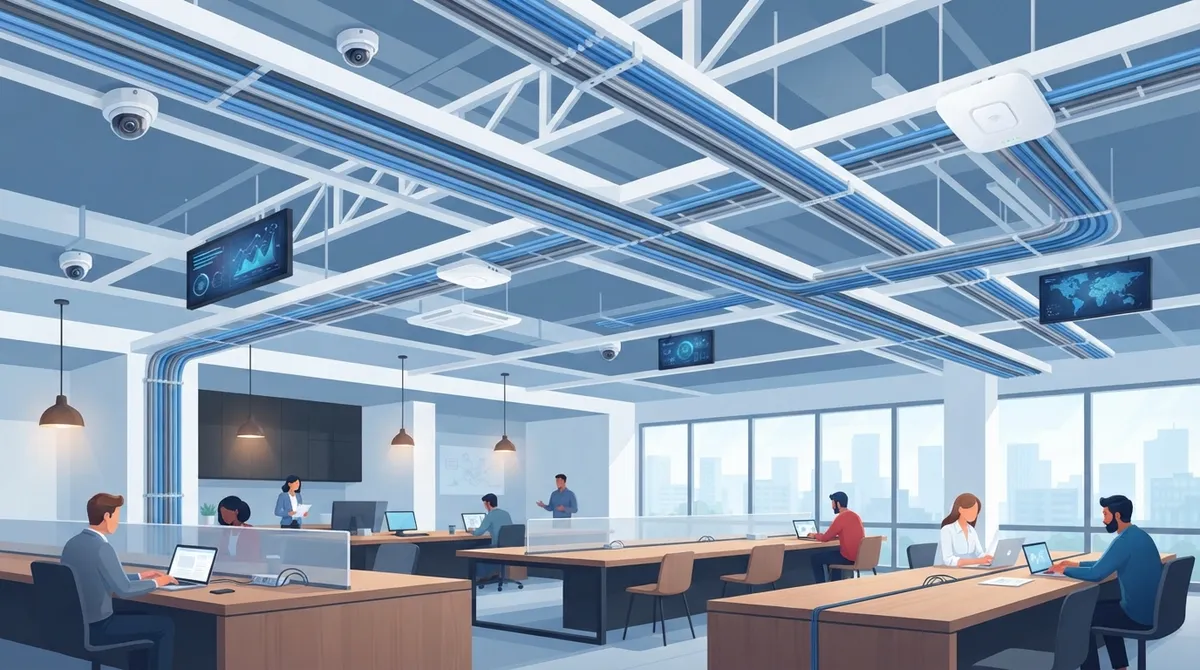
Deploy Category 6A cabling for new copper runs to support 10GBASE-T over the full 100-meter channel, future-proofing your coworking space against bandwidth demands.
-
Conduct a site survey before installation to identify desk locations, ceiling types, and trouble spots; this prevents dead zones and surprise retrofit costs.
-
Plan cable drops for Wi-Fi access points, conference displays, cameras, door readers, and printers during initial build rather than retrofitting later to save significantly on costs.
-
Implement network tenant separation using VLANs, firewall policies, and managed Wi-Fi rather than relying on cabling alone to keep member data private.
-
Budget for Power over Ethernet (PoE) infrastructure to deliver both data and power through single cables, reducing outlet needs and installation complexity.
-
Label all cable runs, patch panel ports, and switch ports with documentation including floor plans and test reports to enable fast troubleshooting and seamless future expansions.
Picture this: it’s Monday morning, your coworking space is buzzing, and a member shouts across the room that the Wi-Fi is down again. Sound familiar? Behind almost every slow connection, dropped video call, or cranky member is a cabling problem that nobody planned for. The good news is that you can avoid it with some smart planning up front.
Coworking space network cabling is the physical backbone that keeps everything running. It connects your internet handoff, switches, Wi-Fi access points, desks, meeting rooms, cameras, and door readers. When it’s done well, nobody notices it. When it’s done poorly, everybody does.
This guide walks you through 11 practical tips for building a cabling system that handles busy members today and flexible growth tomorrow. Whether you’re a small operator opening your first floor or an IT manager overseeing several locations, you’ll find clear, friendly advice here. Let’s dig in!
Why Cabling Matters So Much in a Coworking Space
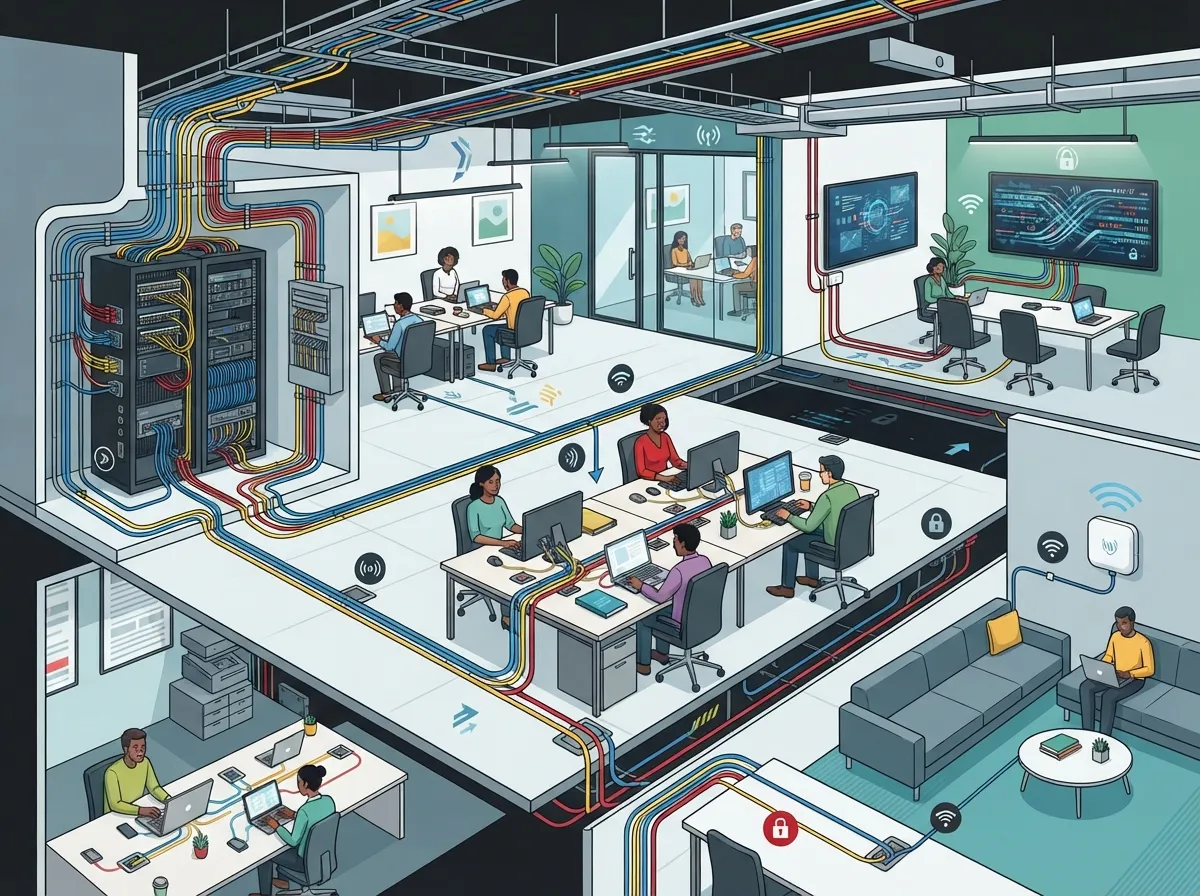
A regular office has a fixed team and predictable needs. A coworking space is different. Members come and go, teams grow or shrink, and everyone expects fast, private, reliable internet from day one.
That means your cabling has to be flexible, well labeled, and built to a standard. A structured cabling approach gives you an organized system that is easy to expand and fix. Ad hoc wiring, on the other hand, turns into a tangled mess as soon as tenants start moving around. If you’re curious about the difference, our post on structured cabling vs. ad-hoc wiring breaks it down nicely.
The 11 Tips
1. Start With a Site Survey
Before anyone pulls a single cable, walk the space. A site survey shows where desks, private offices, phone booths, and conference rooms will go. It also reveals ceiling types, wall materials, and possible trouble spots.
A good survey leads to an outlet plan and a Wi-Fi access point plan. Skipping this step is the fastest way to end up with dead zones and surprise costs. Our guide on how to plan network cabling installation in Tampa Bay shares more planning steps.
2. Follow Recognized Standards
Standards are your best friend. ANSI/TIA-568 provides guidance for commercial building cabling, including architecture, components, installation, and testing. TIA-569 covers pathways and spaces, such as conduits, trays, and telecom rooms.
Standards-based work is easier to expand and troubleshoot than one-off wiring. Always confirm which editions apply and check local code requirements with your project designer.
3. Choose the Right Cable Category
For new copper runs, Category 6A is a popular future-ready choice. It supports 10GBASE-T over a full 100-meter channel when installed to spec. Category 6 can support 10GBASE-T over shorter distances, commonly up to about 55 meters, depending on conditions.
Here’s a quick comparison to help you decide:
| Feature | Cat 5e | Cat 6 | Cat 6A |
|---|---|---|---|
| 1 Gigabit Ethernet at 100 m | Yes | Yes | Yes |
| 10GBASE-T range | Not recommended | About 55 m (conditions vary) | Full 100 m |
| Bandwidth | 100 MHz | 250 MHz | 500 MHz |
| Best for | Basic, older setups | Budget-friendly upgrades | Future-ready coworking builds |
If you want more detail, see our post on the key differences between CAT5e and CAT6 cabling.
4. Respect the 100-Meter Rule
The standard copper channel limit is 100 meters in total. That’s typically up to 90 meters of permanent horizontal cable plus patch cords at each end.
In a large coworking floor or multi-building campus, you may need more than one telecom room. Longer links generally call for a fiber backbone or another engineered solution. Fiber is also a great way to connect floors. Learn more in our guide to choosing fiber cabling for your business network.
5. Plan for More Than Desk Outlets
Many new operators only count desks. But a modern coworking space needs cable drops for much more:
- Wireless access points on ceilings and walls
- Conference room displays and video bars
- Printers and shared copiers
- Door readers and access control panels
- Security cameras
- Digital signage and building systems
Adding these during the first build costs far less than retrofitting later. Cameras and door controls are especially common. See how structured cabling supports VoIP and cameras for ideas.
6. Give Wi-Fi Access Points Strong Cabling
Wi-Fi is wireless, but every access point still needs a solid wired connection behind it. A 2023 addendum to the standard, TIA-568.1-E-1, was reported to call for at least two Category 6A-or-higher runs to each wireless access point. Verify the current standard and your project requirements before treating this as a design rule.
Even if you only connect one cable at first, a second run gives you backup and room to grow. Wi-Fi speeds keep climbing, so your cabling shouldn’t be the bottleneck.
7. Budget for Power Over Ethernet (PoE)
Power over Ethernet lets one cable carry both data and power to compatible devices like access points, cameras, and phones. That means fewer outlets and cleaner installs.
But PoE needs planning. Your switches, cabling, and total power budget must match the expected load. Add up every device before you buy switches, then leave some headroom. It’s a bit like packing for a trip: always bring a little extra.
8. Separate Tenants With Smart Network Design
Here’s something many people miss: cabling alone does not keep members’ data private. Tenant separation comes from how you configure the network on top of the cables.
Helpful tools include:
- VLANs to separate members, staff, guests, and building systems
- Firewall policies that control traffic between groups
- Guest access controls and managed Wi-Fi
- A separate segment for IoT gear like cameras and door locks
Working with a team that handles both cabling and networking makes this much easier. Our overview of enterprise network infrastructure services explains what that looks like.
9. Design Telecom Rooms and Pathways With Care
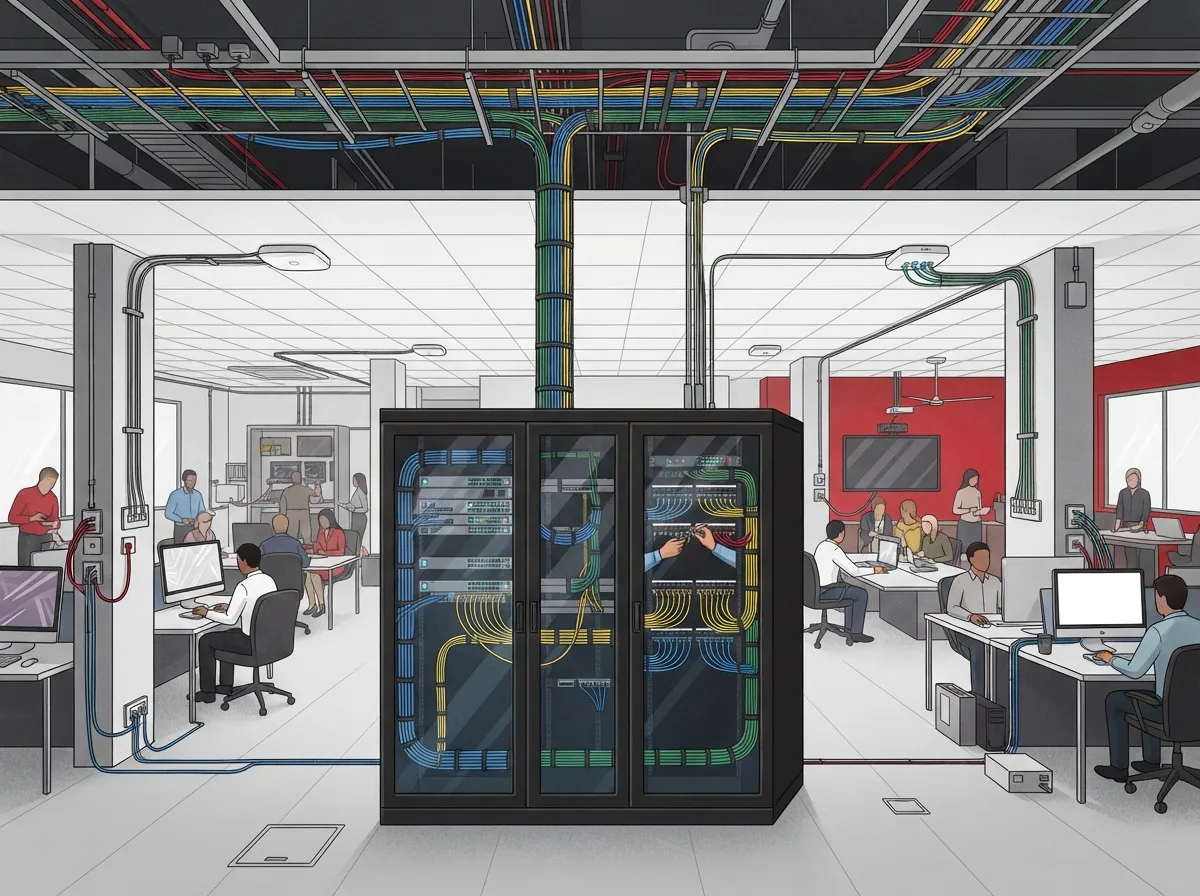
Your telecom room, sometimes called an IDF or MDF, is the heart of the system. It should have enough space, good airflow, proper power, and easy access.
Pathways matter too. Use accessible cable trays, conduits, or raceways with spare capacity so you can add cable later without opening walls. Clean, accessible pathways make future tenant changes far less disruptive.
10. Label Everything and Document It
Labeling feels boring until the day you need to trace one dead cable among 200. Label both ends of every run, every patch panel port, and every switch port.
Keep as-built documentation too. That includes floor plans showing outlet locations, a port map, and test results. If you ever switch providers or add a floor, you’ll be glad you did. A tidy system also saves money; see how cable management for business networks pays off.
11. Test and Certify Every Run
Don’t assume a cable works just because it lights up a laptop. Certification testing checks that each link meets the performance rules for its category and length.
Ask your installer for a test report for every run. It’s your proof that the work meets spec, and it helps with warranty claims later. Careful testing also helps you avoid the pain described in our post on 12 structured cabling mistakes that hurt your business.
What a Good Installation Package Includes
When you request quotes, make sure each one covers the full picture. Here’s a handy checklist to compare proposals:
- Site survey and outlet plan
- Access point placement plan
- Cable, patch panels, racks, and pathways
- Professional installation and clean cable management
- Labeling on every cable and port
- Certification testing with reports
- As-built documentation and floor plans
- Warranty and ongoing support terms
If a quote leaves out testing or documentation, ask why. Those two items are what separate a professional job from a quick fix.
Don’t Forget the Internet Connection Itself
Great cabling can’t fix a weak internet feed. A coworking space with dozens of members streaming, video calling, and uploading files needs a strong connection and ideally a backup. Many operators pair a primary fiber circuit with a secondary link for resilience.
Getting the right speed and provider can feel confusing. Our guide on choosing the right internet speed for your business and our 13 high-speed internet for business tips can help you size things correctly. And if you’re weighing options, an Internet Service Provider comparison is a smart first step.
Planning for the Future
The best coworking spaces are built to change. Members upgrade, rooms get reconfigured, and new tech shows up every year. A few simple habits keep you ready:
- Install extra cable runs in key areas now
- Choose switches with spare ports and PoE headroom
- Keep pathways open and uncrowded
- Review your network every year or two
Think of it as building a house with a spare room. You may not use it today, but you’ll love having it later.
How Ideal Solutions Provider Can Help
Juggling cabling contractors, internet carriers, camera installers, and phone vendors is exhausting. That’s where we come in. Ideal Solutions Provider is a Tampa-based telecom and IT partner with over 24 years of experience and 35+ vetted suppliers. We act as your single point of contact for structured cabling, networking, high-speed internet, VoIP, cloud security cameras, and access control, all serving businesses nationwide.
You can learn more about our structured cabling services and our business network solutions. We also love sharing tips and updates on YouTube, Facebook, and Instagram, so come say hello!
Wrapping It Up
Coworking space network cabling doesn’t have to be scary. Start with a survey, follow standards, pick Cat 6A for new runs where it fits, plan for access points, cameras, and PoE, and secure your tenants with proper network design. Finish with labels, testing, and documentation, and you’ll have a system that grows right along with your community.
Ready to build a coworking network that your members will actually brag about? Contact us for a free consultation, or call us to talk through your project with a friendly expert today.
FAQs
Q: What type of network cable is best for a coworking space?
A: For new copper runs, Category 6A is a great future-ready pick because it supports 10GBASE-T over the full 100-meter channel. Pair it with a fiber backbone if you need to connect floors or buildings. Your installer can help you match the cable to your layout and budget.
Q: How far can an Ethernet cable run in a coworking office?
A: A standard copper channel can reach up to 100 meters in total, typically 90 meters of permanent cable plus patch cords. Anything longer usually needs a fiber link or another engineered solution. A site survey will show whether you need an extra telecom room.
Q: Can Ethernet cabling power Wi-Fi access points and security cameras?
A: Yes! Power over Ethernet lets compatible access points, cameras, and phones get both data and power from one cable. Just make sure your switches and cabling are sized for the total power load, with a little extra room to grow.
Q: How should a coworking space separate member, guest, and staff networks?
A: Cabling alone won’t keep networks private, so use VLANs, firewall policies, guest access controls, and managed Wi-Fi to separate members, staff, guests, and building systems. Keeping cameras and door controls on their own segment adds another layer of protection.
Q: What should be included in a coworking-space cabling installation?
A: A solid package includes a site survey, outlet and access point plan, proper telecom rooms and pathways, clear labeling, certification testing, and as-built documentation. Ask for test reports on every run so you have proof the work meets spec.





