
Key Takeaways
-
Cloud VoIP with mobile apps is generally the stronger fit for construction firms with field crews, since calls follow people to job sites while keeping one set of company numbers.
-
Cloud VoIP depends on usable mobile data or Wi-Fi, so test cell signal at your office, yard, and common job sites before committing to a system.
-
A hybrid setup, with desk phones for the front office and softphone apps for project managers and estimators, often gives builders the best of both approaches.
-
Traditional desk-phone systems are tied to fixed locations and often need extra hardware for new lines or sites, making them less practical for crews on the move.
-
Before signing, confirm 911 is correctly configured for each user or location, ask what happens during an internet outage, and check whether your existing numbers can be ported.
-
Get the full monthly cost including taxes and fees, since cloud systems usually charge per user while traditional setups involve more upfront hardware spending.
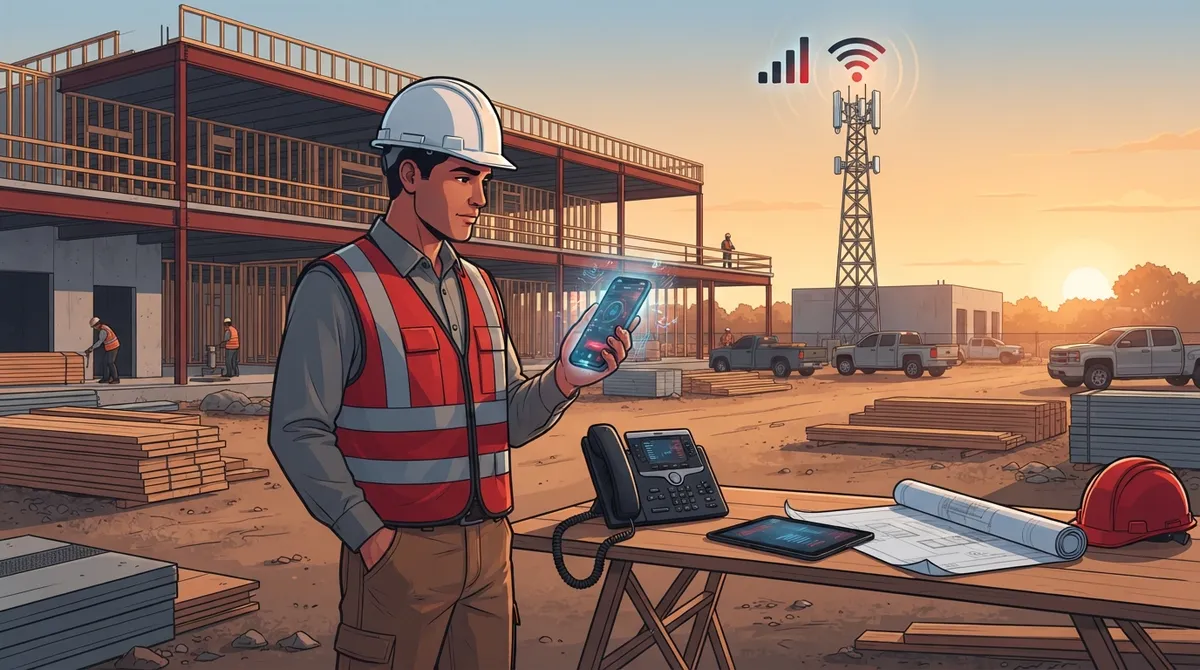
Picture this: your project manager is standing on a muddy job site, your estimator is in the office, and a client is calling the main line about a change order. Who picks up? If the answer is “nobody, until someone checks voicemail tomorrow,” you’re not alone. Many builders in Bay Area struggle with this exact problem.
Choosing the right construction company phone service in Tampa is about more than picking up calls. It’s about keeping your office, your crews, and your customers connected, no matter where the work happens. Tampa’s construction scene is busy, too. The Tampa Bay EDC reported that construction added 2,200 jobs year over year in the Tampa MSA as of August 2025. More crews means more calls to manage.
In this friendly guide, we’ll compare the two main approaches: a cloud-based VoIP system with mobile apps versus a traditional desk-phone setup. We’ll look at features, costs, field use, and reliability. By the end, you’ll know which one fits your company. Let’s dig in!
What Does Construction Company Phone Service in Tampa Really Mean?
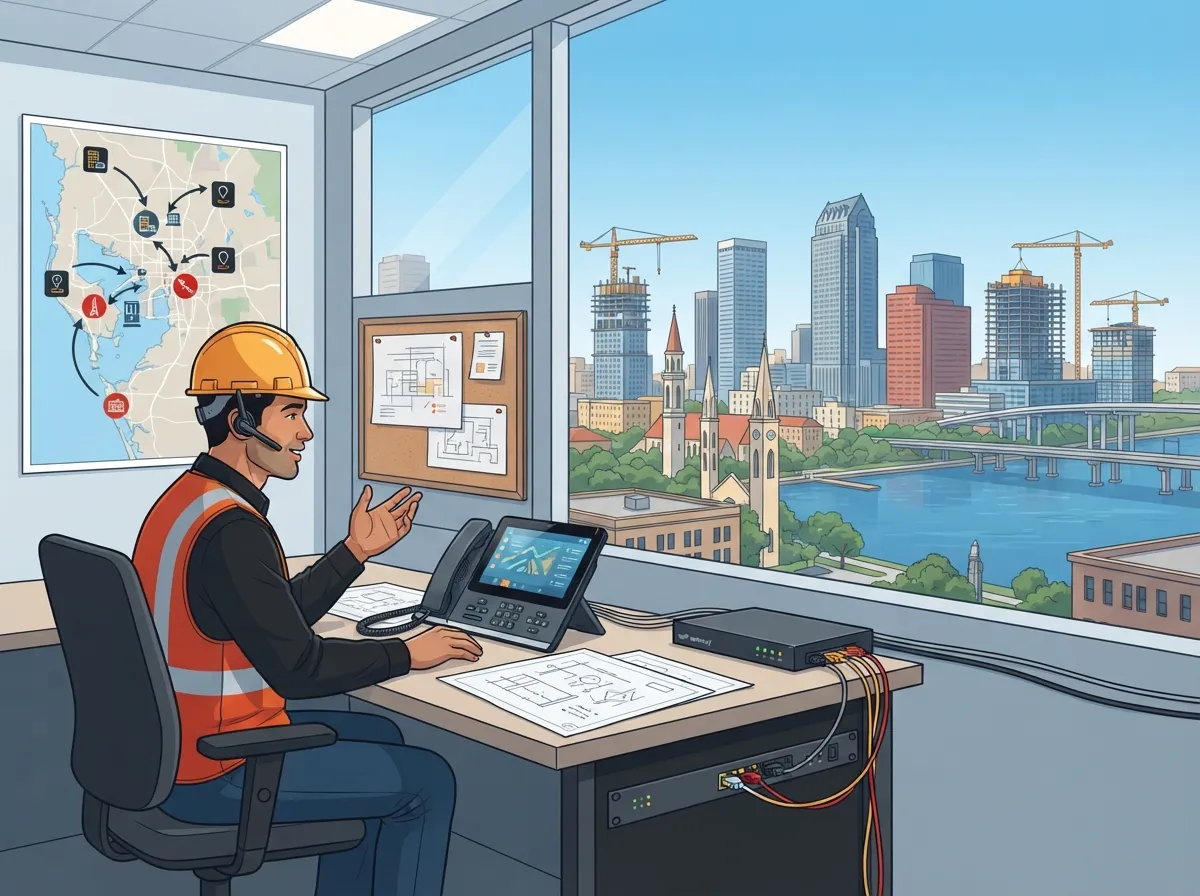
When people search for construction company phone service in Tampa, they usually want a business phone system built for a mix of office staff and field crews. It is not the same as a home phone line or a basic cell plan.
Most modern options fall into two camps:
- Cloud VoIP or hosted PBX: Calls travel over the internet. You get business numbers, extensions, and apps for mobile phones and computers.
- Traditional desk-phone systems: Calls run through physical phone lines and on-site equipment, often with phones tied to specific desks.
Of course, most real-world setups blend the two. You might keep a few desk phones at the front office while giving everyone else an app. We’ll cover that hybrid idea later. If you want a refresher on the basics, our guide on what a cloud-based phone system is explains it in plain language.
Option One: Cloud VoIP With Mobile Apps
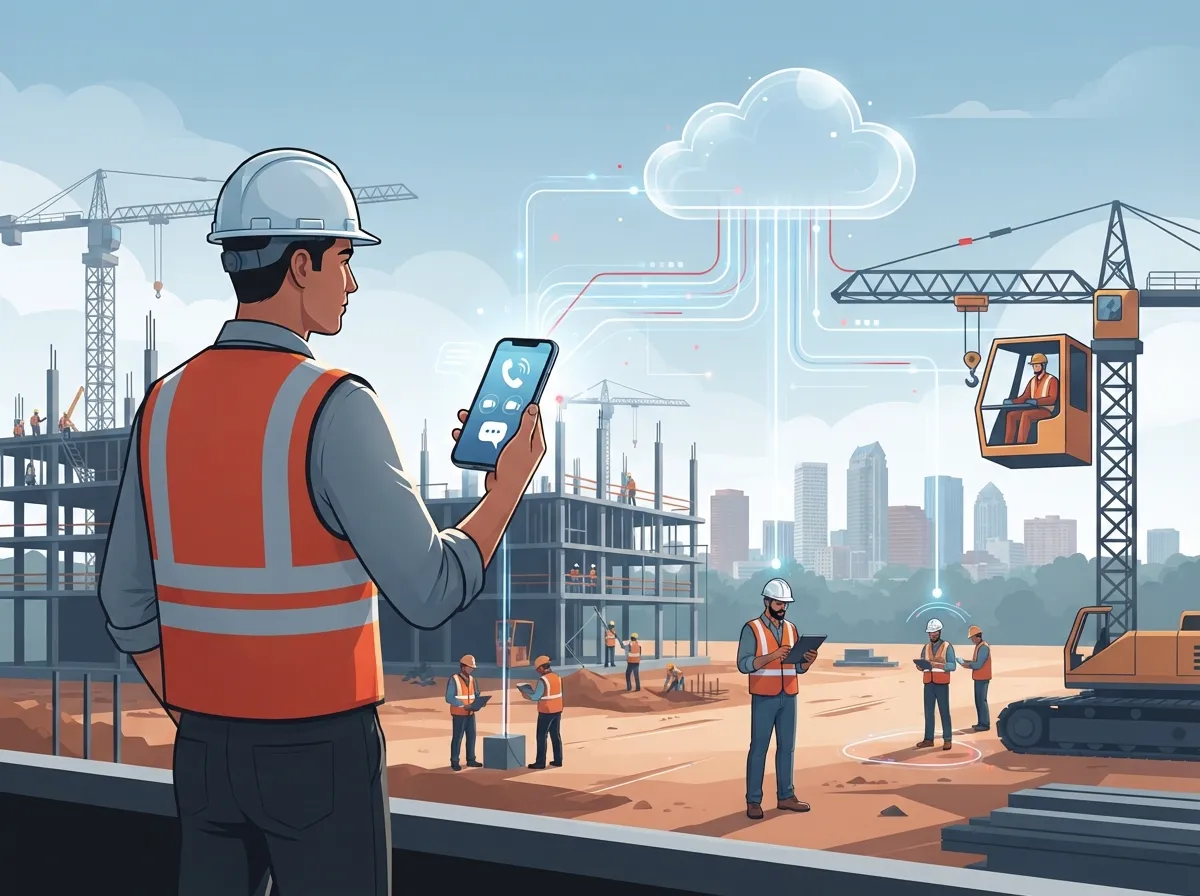
Cloud VoIP is a business phone system that runs through the internet instead of old copper lines. For a construction company, the big win is mobility. Your foreman can answer the main office line from a job site using an app on their own phone, and the caller never knows the difference.
Key Features Construction Teams Love
Useful capabilities for builders and contractors typically include:
- Mobile apps so crews can make and take calls on the company number
- Extensions and easy call transfers between office and field
- Auto-attendants that route calls to estimating, billing, or dispatch
- Voicemail-to-email so no message gets lost
- Call queues and conference calling for busy bid seasons
- Support for multiple offices, warehouses, and job sites
Keep in mind that features vary by provider and plan. Always confirm exactly what’s included before you sign. For a deeper list, check out these VoIP phone system features every business needs in 2026.
The Pros of Cloud VoIP
- True mobility: Calls follow your people, not your desks.
- Easy to grow: Adding a new hire or a new crew lead is usually quick.
- Multi-location friendly: Offices, yards, and job trailers can share one system.
- Professional image: One main number, clean menus, and smooth transfers.
The Watch-Outs
- It depends on a stable internet connection at the office.
- Field users need usable mobile data or Wi-Fi.
- Emergency calling must be set up correctly for each user or location.
Option Two: Traditional Desk-Phone Systems
Traditional systems rely on physical phone lines and equipment that lives in your office. For decades, this was the standard. It still works fine for some businesses, especially those where everyone sits in one place all day.
Where Traditional Phones Shine
- Familiar and simple: Pick up the handset and dial. No app needed.
- Less reliant on your office internet: Calls don’t ride on your data connection.
- Good for fixed spots: A front desk or dispatch counter often does well with a classic phone.
Where They Fall Short for Builders
- Phones are tied to desks, but your crews are not.
- Adding lines or moving them can mean more hardware and more cost.
- Connecting multiple job sites and offices gets clunky.
- Field staff often end up using personal cell numbers, which can blur business and personal lines.
If you’re curious how the two worlds stack up in general, read 6 key differences between VoIP and traditional phone systems.
Head-to-Head: Cloud VoIP vs. Desk Phones for Construction
Here’s a quick side-by-side look at how the two compare for a Tampa construction company. Remember, details vary by provider, so treat this as a starting point.
| Factor | Cloud VoIP | Traditional Desk Phones |
|---|---|---|
| Field mobility | Strong, with mobile and desktop apps | Limited, tied to desks |
| Multi-site support | Usually simple to connect | Often needs extra hardware |
| Internet dependence | High, needs stable connection | Lower for basic calling |
| Adding new users | Typically quick | May require new lines or equipment |
| Call routing and menus | Auto-attendants, queues, transfers | Varies by system |
| Voicemail handling | Voicemail-to-email common | Varies by system |
| Best fit | Mixed office and field teams | Mostly office-based teams |
For most builders with crews on the move, cloud VoIP tends to come out ahead on flexibility. But the “best” answer depends on your real-world setup, which brings us to connectivity.
The Big Question: Does It Work on a Job Site?
This is the number one worry we hear. Construction sites aren’t offices. Cell signals can be spotty, and Wi-Fi may not exist yet at a new build.
Here’s the honest truth: cloud phones need a usable connection, either mobile data or Wi-Fi. Coverage varies by carrier and location, so don’t assume it’s the same across Tampa Bay. A site near downtown may be fine, while a rural lot may be weaker.
Before you choose a system, do a quick connectivity check:
- List your main locations: office, warehouse, yard, and your most common job sites.
- Test mobile signal strength at each spot with your crews’ carriers.
- Check office internet speed and reliability, since the cloud system depends on it.
- Decide on backup options, such as a second internet connection or mobile hotspot.
- Ask providers how their app handles weak signals and dropped calls.
Your internet matters a lot here. Our post on what internet speed you need for VoIP in Tampa can help you size things up.
The Hybrid Setup: Often the Sweet Spot
You don’t have to pick just one. A practical setup for many construction firms combines both worlds:
- Desk phones for the front office, dispatch, and accounting
- Mobile or desktop softphones for project managers, superintendents, and estimators
- One shared business number that rings in the right places
This keeps business calls on company numbers while employees work away from the office. Just confirm that your provider supports the apps, devices, and plan you want. A hybrid approach also helps older team members who prefer a regular handset stay comfortable.
Who Benefits Most? A Quick Look by Reader Type
Different readers care about different things. Here’s how this decision might look from a few angles:
- Small business owners: You likely want affordable, simple, and flexible. Cloud VoIP with mobile apps often lets a small crew look big without buying lots of hardware.
- Office managers: You’ll love auto-attendants, voicemail-to-email, and easy call transfers that cut down on missed messages.
- IT managers: You’ll care about network readiness, security, and a single point of contact for cabling, internet, and phones.
- Franchise or multi-location operators: Cloud systems scale across offices and yards more easily than separate legacy setups.
What to Ask Before You Sign
A good phone proposal answers a lot of questions up front. Here are the ones we’d put on your checklist:
- Installation and number porting: Can you keep your existing business numbers? See how to keep your phone number when switching to VoIP.
- Support hours: Is help available when your crews start early or work late?
- Outage procedures: What happens if the internet goes down? Is there backup connectivity?
- Contract terms: How long is the commitment, and what are the exit terms?
- Taxes and fees: What’s the full monthly cost, not just the headline price?
- Emergency calling: Is 911 supported and correctly set up for each user or location?
That last one matters a great deal. Because crews move between sites, make sure everyone knows how to reach emergency services and that addresses are kept up to date. Mistakes here can be costly, so also review these VoIP provider mistakes Tampa businesses must avoid.
Think Beyond the Phone: The Whole Communication Picture
A phone system is only one piece of job-site communication. A truly smooth setup also considers:
- Mobile coverage and internet availability at each location
- Device durability, since phones on a job site take a beating
- Cybersecurity for your calls and company data
- A solid office network with proper structured cabling so calls stay clear
Reliable internet from a good Internet Service Provider is the backbone of any cloud phone setup. If your office connection is shaky, even the best phone system will struggle. Our tips on getting fast and reliable business internet in Tampa Bay are a handy next read.
How Much Will It Cost?
Pricing depends on how many users you have, which features you need, and the equipment you choose. Cloud systems often charge per user each month, while traditional setups can involve more upfront hardware. Always ask about taxes, fees, and any setup charges.
For a clearer picture, see how much a VoIP phone system costs for a business in Tampa. And if you’re comparing local and cloud-based providers, this local vs. cloud VoIP breakdown can help.
Our Take: Which One Wins?
So, which is better for construction company phone service in Tampa? For most builders, contractors, and trades with people in the field, a cloud VoIP system with mobile apps is the stronger fit. It keeps everyone on one set of company numbers and makes growth easy.
Traditional desk phones still make sense for fixed spots like a front desk. That’s why many firms land on a hybrid setup. The right answer comes down to your connectivity, your crew’s habits, and your plans for growth.
At Ideal Solutions Provider, we’ve spent over 24 years helping businesses sort through exactly these choices. As a single point of contact with 35+ vetted suppliers, we can compare options side by side, so you don’t have to juggle multiple vendors. We handle the consultation, installation, and ongoing support, and we can pair your phones with internet, cabling, cameras, and access control.
Ready to Get Your Crews Connected?
You’ve got plenty on your plate, and phone headaches shouldn’t be one of them. Whether you’re a small outfit with a handful of trucks or a growing company with several yards, we’re happy to walk through your options. Contact us for a friendly, no-pressure consultation, or call us to talk it through. We’ll review your current setup and help you find a phone solution that keeps every call answered, from the front office to the farthest job site.
FAQs
Q: What is the best business phone service for a construction company in Tampa?
A: For most construction firms with crews in the field, a cloud VoIP system with mobile apps is a great fit. It keeps calls on company numbers and supports multiple offices and job sites. The best choice still depends on your connectivity and team size, so compare proposals carefully.
Q: Can construction workers use a company phone number from their mobile phones?
A: Yes, in most cases! Many cloud phone providers offer mobile and desktop apps that let crews make and take calls on the business number. Just confirm the app, device, and plan details with your provider first.
Q: Does cloud VoIP work at construction sites with limited internet or cell coverage?
A: Cloud VoIP needs usable mobile data or Wi-Fi, so weak coverage can be a challenge. Coverage varies by carrier and location, so test signal at your common job sites and ask about backup options before you commit.
Q: What should a construction company ask about 911 service and outages before choosing VoIP?
A: Ask whether emergency calling is supported and correctly configured for each user or location. Also ask what happens during an internet outage and whether backup connectivity is available. Crews who move between sites should know exactly how to reach emergency services.
Q: How do I transfer my existing business phone numbers to a VoIP provider?
A: Most providers handle number porting for you, moving your current numbers to the new system. Ask about the timeline and any fees up front so there are no surprises. A good partner will manage the process so your calls keep flowing.





