

Key Takeaways
-
Verify business internet availability at your exact street address and suite, since provider coverage in Tampa varies block by block and fiber reaches far fewer business locations than residential ones.
-
Compare internet before phones: VoIP call quality depends on a healthy connection, so check upload speed, simultaneous call capacity, and whether voice traffic is prioritized.
-
Upload speed matters as much as download for video calls, cloud backups, and VoIP, and fiber typically offers balanced speeds while 'up to' speeds are only maximums.
-
Get uptime commitments, repair response times, installation dates, and contract terms in writing, including early termination fees and auto-renewal clauses.
-
Calculate total cost beyond the monthly price by including installation, equipment, per-user phone feature charges, taxes, fees, static IPs, and backup service costs.
-
Plan a tested backup for outages, such as fixed wireless or a second provider for internet and call forwarding to mobile devices, and confirm how fast failover switches.
If you’ve ever tried to compare business phone and internet options in Tampa, you know the feeling. Every provider promises “blazing speeds” and “powerful features,” yet the details hide behind fine print and phone calls. It’s enough to make any owner or office manager want to throw a headset across the room!
Here’s the good news: a solid telecom features comparison in Tampa doesn’t have to be painful. You just need a simple process, the right checklist, and a clear view of what really matters for your office. This guide walks you through it step by step, with a friendly eye toward small businesses, growing teams, IT managers, and multi-location franchise operators.
We’ll cover internet connection types, phone and VoIP features, contract terms, and total cost. We’ll also show you how to verify claims at your exact address, because in 2026 that still matters more than any ad. Grab a coffee, and let’s make this easier.
Why Telecom Features Comparison in Tampa Starts With Your Address
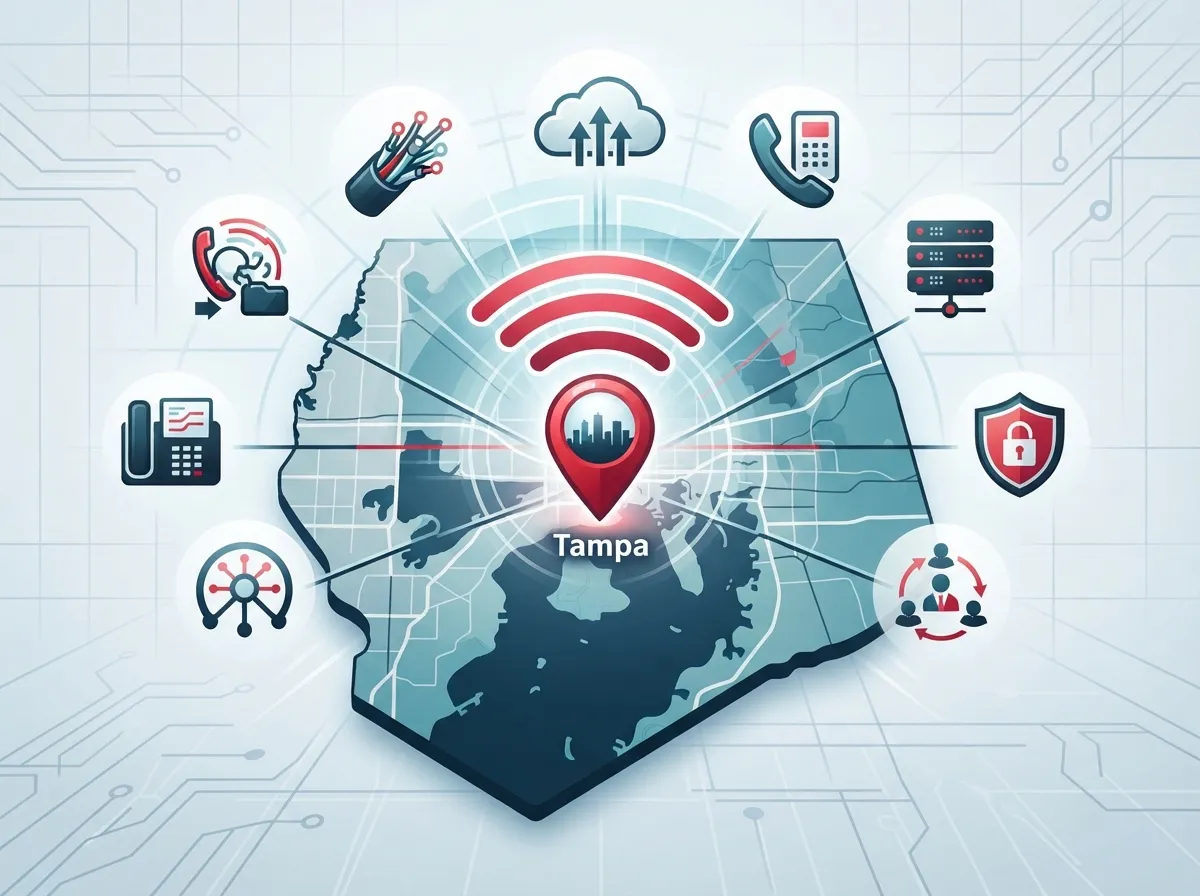
Before you compare a single feature, remember this: coverage in Tampa is street-by-street, and sometimes suite-by-suite. A provider may advertise “citywide” service, but your building may only support one or two options.
Provider pages currently show Spectrum, Frontier, and AT&T offering different mixes of business internet and phone services. Speeds, pricing, and included features vary by location and plan. That means any telecom features comparison in Tampa should begin with address-level availability, not a glossy brochure.
One third-party estimate from FiberNear reports fiber at about 20.7% of business broadband-serviceable locations in Tampa, versus 75.4% of residential locations. That’s a 54.7 percentage-point gap. Treat it as an estimate, since methodology and dates matter, but it shows why “fiber is available in Tampa” doesn’t always mean “fiber is available at your office.”
What to confirm for your exact location
- Which connection types reach your street address, building, and suite
- Real installation timelines and any build-out fees
- Whether static IPs are available and what they cost
- Repair response times in writing
- Backup internet options if your main line goes down
Want a deeper look at how to size things up? Our guide on how to compare business internet providers in Tampa Florida pairs nicely with this one.
How to Compare Telecom Features in Tampa: A Step-by-Step Process
Think of this as your recipe. Follow the steps in order, and you’ll end up with a clear side-by-side view instead of a pile of confusing quotes.
- List what your business actually does. Count your users, locations, remote workers, and the tools you rely on daily, such as cloud software, video calls, or point-of-sale systems.
- Check address-level availability. Confirm what can really be installed at your exact suite.
- Compare internet first. Voice quality depends on a healthy connection, so settle this before phones.
- Compare phone and VoIP features. Match features to your daily workflow, not the longest feature list.
- Review service levels and support. Ask for uptime commitments and repair response in writing.
- Calculate total cost. Include equipment, installation, taxes, fees, and contract length.
- Plan for backup. Decide how you’ll stay online and reachable during an outage.
Let’s break down the big pieces, starting with internet.
Comparing Internet Connection Types in Tampa
Tampa-area businesses typically choose from fiber, cable, fixed wireless, and satellite. Each has a role. The trick is matching the connection to how your team works.
| Connection Type | Best For | Things to Watch |
|---|---|---|
| Fiber | Symmetric upload and download, cloud apps, video calls | Limited business availability in some buildings; confirm at your address |
| Cable (fiber-powered coax) | Broad availability and solid everyday speeds | Upload speeds are often lower than download; shared capacity |
| Dedicated Internet | Private connection with guaranteed speeds | Higher cost; ask about installation timelines |
| Fixed Wireless | Locations without wired options, or as backup | Weather and line-of-sight can affect performance |
| Satellite | Last-resort or remote sites | Latency can hurt voice and video calls |
Not sure which way to lean? Our post on fiber vs. cable business internet in Tampa goes deeper, and the guide to dedicated vs. shared fiber helps if you’re weighing guaranteed speeds.
Look at upload speed, not just download
Advertised numbers usually shout about download speed. But if your team lives on video calls, cloud backups, and VoIP, upload speed is the unsung hero. Fiber is generally attractive here because upload and download are typically balanced.
Also remember that “up to” speeds are maximums, not promises. One listing based on FCC availability data shows maximum listed speeds of up to 7,000 Mbps for Frontier fiber and 1,000 Mbps for Spectrum. Those are location-specific maximums, not typical speeds or guarantees. If you want help choosing a realistic number, see how to choose the right internet speed for your Tampa business.
What the Major Tampa Providers Advertise
Here’s a quick snapshot of what’s published on provider pages. Treat it as a starting point, then verify every detail for your address and get service terms in writing.
| Provider | Internet Highlights | Voice Highlights |
|---|---|---|
| Spectrum Business | Fiber-powered internet delivered over coax in many locations; plans up to 1 Gbps | Business phone with 35+ calling features |
| Frontier | Business fiber in select Tampa locations; address-level checks required | SmartVoice VoIP with 35+ call-flow and routing features |
| AT&T Business | Fiber, general business internet, and dedicated internet; fiber speeds up to 5 Gbps where available | Check current voice offerings directly with the provider |
A few cautions as you read that table. Spectrum’s published offers may be promotional. Frontier says business fiber is available only in select areas. AT&T’s dedicated service is positioned as a private connection with guaranteed speeds, and its page lists business internet pricing starting at $40 per month. Always verify eligibility, terms, and promo conditions before you sign anything.
Since every carrier shows its own best foot forward, an independent view can help. Our overview of business internet service providers in Tampa Florida and the roundup of business high-speed internet services in Tampa can help you cross-check.
Comparing Business Phone and VoIP Features
Now for the fun part: phone features. A long feature list looks impressive, but what you really need is the handful that match how your team talks to customers. A feature that sounds amazing but never gets used is just a line item on your bill.
Core features to compare
- Auto attendant: Greets callers and routes them to the right person or department
- Call queues: Keeps busy periods organized instead of dropping calls
- Voicemail-to-email: Sends messages straight to your inbox
- Mobile and desktop apps: Lets staff take calls from anywhere
- SMS and messaging: Handy for appointment reminders and quick customer replies
- Call recording: Useful for training and record keeping
- Integrations: Connects with the tools you already use
- Number porting: Lets you keep your current phone numbers
- Emergency calling: Confirms 911 works correctly for each location
Remember that provider feature lists differ by plan, and some features may be charged per user or by usage. Ask for a written breakdown of what’s included in the base price.
For more detail, check out 9 VoIP phone system features every business needs in 2026 and 15 cloud phone system features that transform your business.
Features by business type
Different teams value different things. Here’s a quick way to think about it.
- Small offices: Auto attendant, voicemail-to-email, and a good mobile app
- Growing companies: Call queues, integrations, and simple admin tools
- Multi-location franchises: Centralized management, consistent call routing, and easy adds for new sites
- Teams with remote staff: Strong apps, messaging, and reliable softphones
If you’re deciding between phone styles, 6 key differences between VoIP and traditional phone systems is a friendly refresher.
Do Your Internet and Phones Work Well Together?
Here’s something that surprises many owners: your phone system is only as good as your internet. If your connection is shaky or your upload speed is tiny, even the best VoIP feature list won’t save your calls from sounding choppy.
That’s why a smart telecom features comparison in Tampa looks at internet and voice together. Ask these questions:
- How many simultaneous calls can my connection handle comfortably?
- Does my network prioritize voice traffic?
- What happens to calls if the internet drops?
- Is my internal cabling ready for the load?
That last one is easy to forget. Old or messy wiring can bottleneck even a great connection. If that sounds familiar, our guides on what internet speed you need for VoIP in Tampa and professional structured cabling services for Tampa businesses are worth a look. The basics of structured cabling explain why a tidy, standards-based setup pays off.
Service Levels, Support, and Contract Terms
Features are exciting, but support is what you’ll remember when something breaks at 8:55 a.m. on a Monday. Don’t skip this part of your comparison.
Ask for these in writing
- Uptime commitments and what credits you get if they’re missed
- Repair response times, not just “we’ll get to it soon”
- Installation dates and what happens if they slip
- Contract length, early termination fees, and auto-renewal terms
- Equipment ownership and return policies
- Whether support is local, national, or outsourced
Contract fine print is where many Tampa businesses get surprised. Our post on 12 business internet cost mistakes Tampa owners make in 2026 shows what to watch for.
Total Cost: Look Beyond the Monthly Price
A low advertised price can grow quickly once you add the extras. When you build your comparison sheet, include every cost, not just the headline number.
| Cost Item | What to Ask |
|---|---|
| Monthly service | Is this a promotional rate? When does it change? |
| Installation | Is there a one-time fee or build-out charge? |
| Equipment | Are phones, routers, and modems leased or purchased? |
| Per-user charges | Which phone features cost extra per seat? |
| Taxes and fees | What regulatory and surcharge fees apply? |
| Static IPs | Are they included or an add-on? |
| Backup service | What does failover internet cost? |
For a helpful look at pricing, see how much a VoIP phone system costs for a business in Tampa and 15 ways to reduce business telecom costs in Tampa.
Plan Your Backup Before You Need It
Tampa storms are no joke, and outages happen even on sunny days. A good comparison includes a plan B. Fixed wireless or a second wired provider can serve as backup when your primary line goes down. Cloud phone systems can also forward calls to mobile devices so customers can still reach you.
Ask each provider how failover works, how fast it switches, and what it costs. A backup you never test is just a hope, so schedule a quick test once it’s installed.
Building Your Own Comparison Scorecard
To keep things simple, create a one-page scorecard with your must-haves in rows and each provider in columns. Rate each item from 1 to 5. Here’s a starter list.
- Address-level availability confirmed
- Upload and download speeds at your location
- Phone features that match your workflow
- Uptime and repair commitments in writing
- Total monthly and one-time cost
- Contract flexibility
- Backup and failover options
- Support quality and local presence
Add up the scores, then compare. You may find that the cheapest option isn’t the best fit, or that a slightly pricier plan saves headaches down the road.
Why Many Tampa Businesses Use a Single Point of Contact
Doing this comparison across three or four carriers means a lot of phone tag, mismatched quotes, and decoding different jargon. That’s where an independent partner can lighten the load.
Ideal Solutions Provider is a Tampa-based telecom and IT partner with over 24 years of experience and relationships with 35+ vetted suppliers. Instead of pitching one carrier, they compare options across many, then help with installation and ongoing support. If you’d like to see how that works in practice, take a look at telecom broker vs. direct provider: what Tampa businesses should know and 11 reasons to use one telecom partner in Tampa FL. You can also follow along on YouTube for helpful telecom videos.
Not ready to make a decision? An audit of your current setup is a gentle first step, and our walkthrough of 11 telecom audit steps that cut business costs in 2026 shows what that looks like.
Ready to Compare With Confidence?
A great telecom features comparison in Tampa comes down to a few simple habits: verify availability at your exact address, compare internet and voice together, get service terms in writing, and look at total cost instead of the sticker price. Do that, and you’ll skip most of the surprises that catch other businesses off guard.
If you’d rather not go it alone, we’d love to help. Contact us for a free consultation, or call us to talk through your options with a friendly local team. You can also say hello on Facebook or Instagram. Your future self (and your phone lines) will thank you!
FAQs
Q: Which business internet providers serve my Tampa business address?
A: It depends on your exact street address, building, and suite. Spectrum, Frontier, and AT&T all advertise Tampa business service, but availability varies by location, so always confirm serviceability and get the details in writing before you sign.
Q: What phone features should a Tampa small business compare?
A: Start with the basics: auto attendant, call queues, voicemail-to-email, mobile and desktop apps, and messaging. Then check call recording, integrations, number porting, and emergency calling, and ask which features cost extra per user.
Q: Is fiber internet available for businesses in Tampa?
A: Yes, in many places, but not everywhere. One third-party estimate suggests business fiber reaches far fewer locations than residential fiber, so check your specific address and ask about upload speeds before deciding.
Q: What backup options should a Tampa business use during an outage?
A: Many businesses pair a main wired connection with fixed wireless or a second provider as failover. Cloud phone systems can also forward calls to mobile devices, so customers can still reach you while you get back online.





