
Key Takeaways
-
Plan for outages before buying: confirm whether approved credentials still unlock doors during an internet loss, whether controllers have backup power, and whether doors fail secure or fail safe.
-
Choose credentials by use case: key cards suit everyday offices, PINs work as low-risk backups, mobile credentials fit phone-carrying teams, and biometrics suit high-security rooms; many businesses mix types.
-
Treat network-connected access devices like servers: use multi-factor admin sign-in, least-privilege roles, prompt firmware updates, network segmentation away from guest Wi-Fi, and regular audit log reviews.
-
Cloud management lets admins remove access within moments, even remotely, which speeds offboarding; confirm vendor support for multi-site dashboards before expanding.
-
Plan structured cabling before installing readers and cameras, since poor wiring causes slow unlocks and dropped connections, and one cabling plan can serve several systems.
-
Pick a single-point-of-contact provider that handles design, installation, and support, and confirm it can integrate with your network, phones, and cameras.
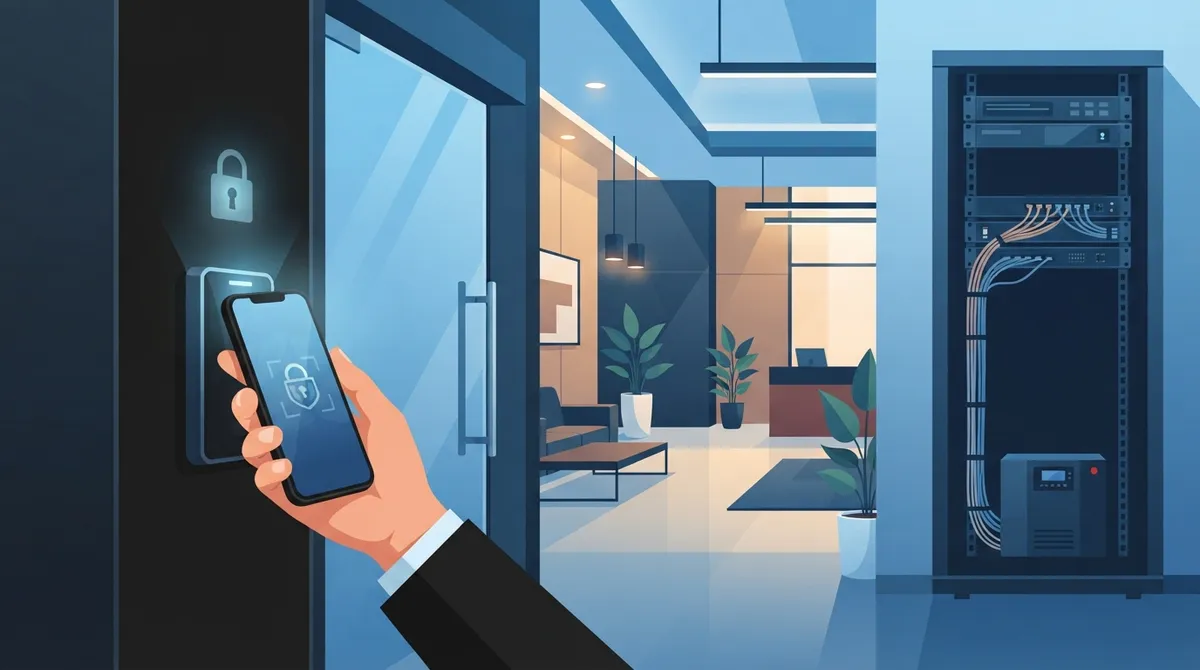
Picture this: it’s Monday morning, and your office manager is hunting for a spare key while three employees wait outside in the Florida heat. Sound familiar? You’re not alone, and the good news is there’s a friendlier way to run your doors. Modern commercial access control systems let you decide who gets in, where they can go, and when, all without chasing down a single metal key.
Whether you run a small Tampa office or manage several locations, access control is no longer just a security add-on. It now plugs right into your networks, phones, and cameras. That’s why it belongs in any smart telecom plan.
In this guide, we’ll walk through 10 practical tips to help you choose, set up, and protect your system. We’ll keep things simple and friendly, so you can make confident choices without needing an engineering degree.
1. Understand What Commercial Access Control Systems Actually Do
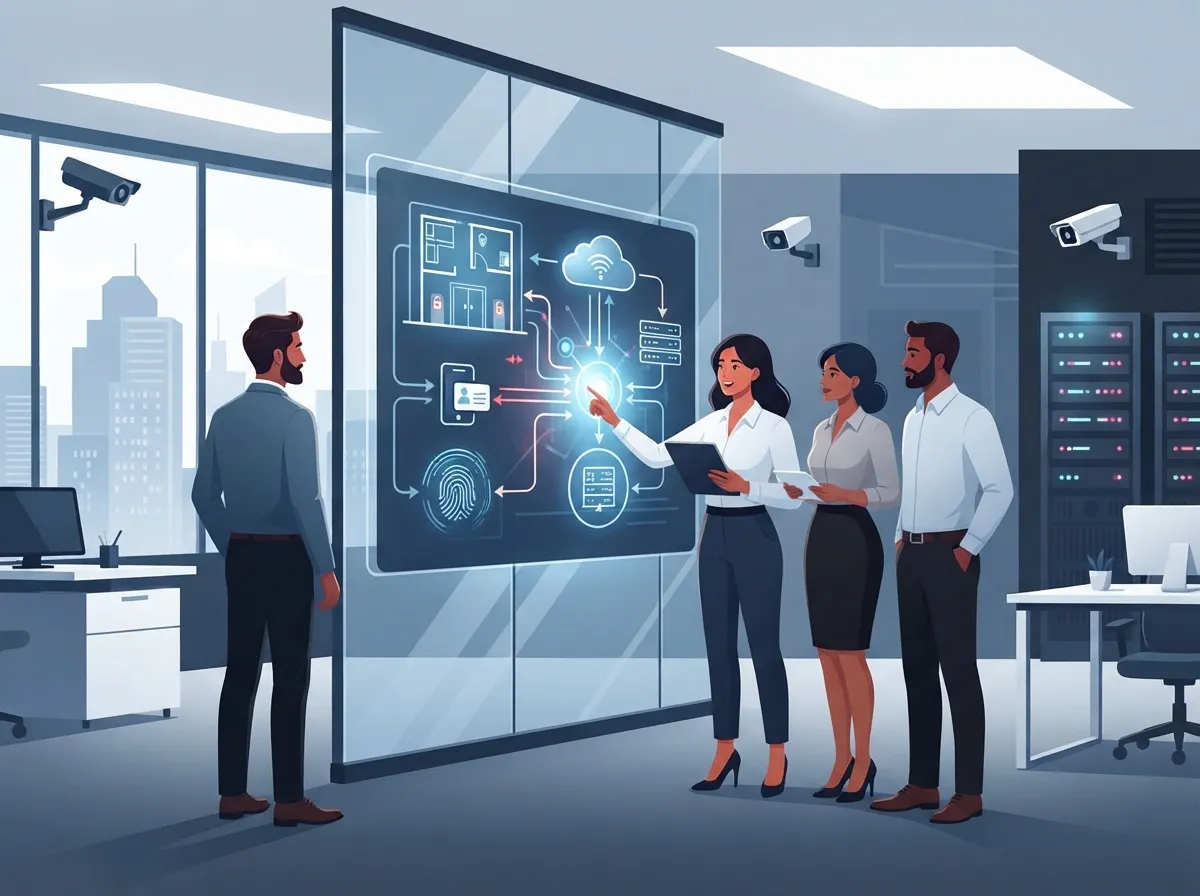
At its heart, a commercial access control system manages who can enter your building, which doors or areas they can use, and when. It also keeps a record of every entry attempt, which is handy when you need answers fast.
Most systems include a few key parts:
- Credential readers that scan cards, fobs, phones, or fingerprints
- Electronic locks that open or stay locked based on permissions
- Door controllers that make the unlock decision
- Management software where admins add users and set rules
- Event logs that record who went where and when
Think of it like a friendly doorman who never sleeps, never forgets a face, and writes everything down.

2. Choose the Right Type of Credential
Your credential is the “key” your team uses every day, so comfort matters. The best choice depends on your security needs, user convenience, privacy concerns, and what your doors already support.
| Credential Type | Best For | Things to Consider |
|---|---|---|
| Key cards and fobs | Everyday offices, easy rollout | Can be lost, lent, or copied if not well protected |
| PIN codes | Low-risk areas, backup option | Codes can be shared or watched |
| Mobile credentials | Teams that always carry a phone | Needs phone support and user onboarding |
| Biometrics | High-security rooms | Privacy rules and user comfort matter |
Many businesses mix two or more types. For example, a card for the front door and a fingerprint scan for the server room. If you’re weighing phones against cards, our guide on mobile vs. traditional access control breaks it down nicely.
3. Decide Between Cloud-Based and On-Premises Systems
This is one of the biggest choices you’ll make. An on-premises system keeps software and servers at your location. A cloud-based system lets authorized admins manage users and permissions remotely, which is a big win for multi-site businesses.
Cloud systems depend on a reliable internet connection and the vendor’s cloud service. That’s why it’s smart to ask what keeps working if the internet drops. Market researchers see the shift happening too. Mordor Intelligence forecasts cloud-based access control software deployment to grow at a 14.32% CAGR through 2031, though forecasts like this come from commercial research firms and should be treated as estimates.
Want a deeper side-by-side? Check out cloud vs. on-premise access control for help picking the right fit.
4. Connect Access Control to Your Telecom and Network Setup
Here’s where a telecom partner really shines. Modern access control is not a standalone gadget. It can work alongside your business network, Wi-Fi, VoIP phones, intercoms, video cameras, and visitor tools.
For example, a visitor presses the intercom button at your front door, and the call rings on your desk phone. You see them on camera, then unlock the door with a click. That’s a smooth, connected workplace.
Integration abilities vary by product, so always confirm which interfaces are supported and who is responsible for what before you buy. If your phones are due for a refresh too, it may be a great time to explore what a cloud-based phone system can do alongside your new doors.
5. Build a Solid Foundation With the Right Cabling
Even the smartest reader is only as good as the connection behind it. Wired readers and controllers often rely on clean, organized cabling to stay fast and dependable. Poor wiring leads to slow unlocks, dropped connections, and those frustrating “why won’t the door open?” moments.
Planning your structured cabling before installing readers and cameras can save you headaches and rework later. If you’re not sure where to begin, our post on how structured cabling supports VoIP and cameras shows how one smart cabling plan can serve several systems at once.
6. Lock Down Cybersecurity Like You Mean It
Here’s a friendly reminder: network-connected readers and controllers are part of your technology environment. That means they deserve the same care as your computers and servers.
Good habits include:
- Use strong administrator authentication, ideally with multi-factor sign-in.
- Give people only the access they need (least-privilege roles).
- Install software and firmware updates promptly.
- Segment your network so access devices don’t share space with guest Wi-Fi.
- Secure any remote access to the system.
- Review audit logs on a regular schedule.
For broader guidance, NIST SP 800-210 offers general access-control guidance for cloud systems, and the NIST Cybersecurity Framework covers identity management and authentication for physical and logical assets. They’re helpful references, but they don’t replace site-specific rules or a professional assessment.
7. Plan for Outages Before They Happen
Nobody likes thinking about power cuts or internet hiccups, but Florida storms have a way of testing our patience. A good plan answers one simple question: what happens to my doors when the power or internet goes down?
Ask your provider these things up front:
- Do doors still open for approved credentials if the internet is lost?
- Is there backup power for controllers and locks?
- Do doors fail secure or fail safe, and does that match your needs?
- How does emergency exit (egress) work during an outage?
Life-safety rules matter a lot here. Door, fire, and accessibility requirements depend on your jurisdiction and building, so work with a pro who knows local expectations.
8. Get Your Daily Processes in Order
The best hardware in the world won’t help if no one knows how to use it. Strong day-to-day habits are what keep your building safe long after installation day.
Think through these operational details:
- Onboarding: How do new hires get credentials quickly?
- Offboarding: How fast can you turn off access when someone leaves?
- Lost credentials: Who deactivates a missing card or phone, and how?
- Visitors: How are guests checked in and tracked?
- Schedules: Which doors unlock during business hours, and which stay locked?
One of the biggest perks of cloud management is speed. An authorized admin can remove access in moments, even from home. If you want more on the upside, take a look at 10 cloud access control benefits every business should know.
9. Think Ahead for Growth and Multiple Locations
Maybe you have one office today and three next year. Franchise owners and growing companies especially benefit from a system that can manage many sites from a single dashboard. That way, you set rules once and apply them everywhere instead of juggling separate systems.
When comparing options, check whether the system can:
- Add doors and users without a major rebuild
- Manage several locations from one login
- Set different permissions for each site
- Support new hardware as your needs change
Market data suggests many others are heading the same way. Mordor Intelligence estimates the global access control market at USD 4.09 billion in 2026, growing toward USD 5.94 billion by 2031. Commercial buildings made up about 31.10% of the market by end-user in 2025. Keep in mind that research firms define the market differently, so totals vary widely. Emergen Research, for instance, uses a broader scope and reports a much larger figure, so the numbers shouldn’t be compared directly. If scaling is on your mind, read about scalable access control systems for multi-location businesses.
10. Choose a Partner, Not Just a Product
Hardware is only half the story. The other half is the people who plan, install, and support it. A single point of contact can save you from the finger-pointing that happens when your phones, internet, cabling, cameras, and doors all come from different vendors.
Here’s a quick checklist for evaluating a provider:
| Question to Ask | Why It Matters |
|---|---|
| Do you handle design, install, and ongoing support? | Avoids gaps when something needs fixing |
| Can the system integrate with our network, phones, and cameras? | Creates a connected workplace |
| What works during internet or power loss? | Keeps your doors dependable |
| How are updates and security handled? | Protects your data and devices |
| Can you support all our locations? | Important for growth and franchises |
This is where Ideal Solutions Provider can help. With over 24 years of experience and partnerships with 35+ vetted suppliers, the Tampa-based team acts as one friendly point of contact for access control, cloud video security, networking, internet, and phones. They can also guide you through how to choose access control systems for Tampa businesses.
Putting It All Together
Choosing among commercial access control systems doesn’t have to feel overwhelming. Start with your goals, pick credentials your team will actually enjoy using, decide between cloud and on-premises, and protect the whole thing with smart cybersecurity and a reliable network.
Remember to plan for outages, build good onboarding and offboarding habits, and leave room to grow. And when in doubt, lean on a partner who understands both telecom and security, because that’s where these systems truly come together.
If you’d like friendly, no-pressure advice, contact us for a free consultation, or call us to talk through your doors, your network, and your next step. You can also see how the team works by browsing their videos on YouTube, or learn the basics of how an Internet Service Provider fits into the picture. Your future self (and your office manager) will thank you.
FAQs
Q: What is a commercial access control system, and how does it work?
A: It’s an electronic system that controls who can enter your business, which doors they can use, and when. Readers check a credential like a card, phone, or fingerprint, a controller decides whether to unlock the door, and software logs every entry for you.
Q: What is the difference between cloud-based and on-premises access control?
A: On-premises systems keep the software and servers at your location, while cloud-based systems let authorized admins manage users and doors remotely through a vendor’s service. Cloud options are handy for multiple sites, but they rely on a good internet connection, so ask what still works during an outage.
Q: What happens to door access if the internet or power goes down?
A: It depends on the system you choose. Many setups can keep working for approved credentials during an internet outage, and backup power can keep controllers and locks running, so confirm these details with your provider before you buy.
Q: How should a business secure network-connected access control devices?
A: Treat them like any other part of your technology environment. Use strong admin sign-in, limit access with least-privilege roles, apply updates quickly, separate them on your network where appropriate, secure remote access, and review audit logs regularly.
Q: Can one access control system manage multiple business locations?
A: Yes, many cloud-managed systems let you oversee several sites from a single dashboard. That makes it easier to set consistent rules, add or remove users quickly, and keep records in one place, which is especially helpful for franchises and growing companies.





