
Key Takeaways
-
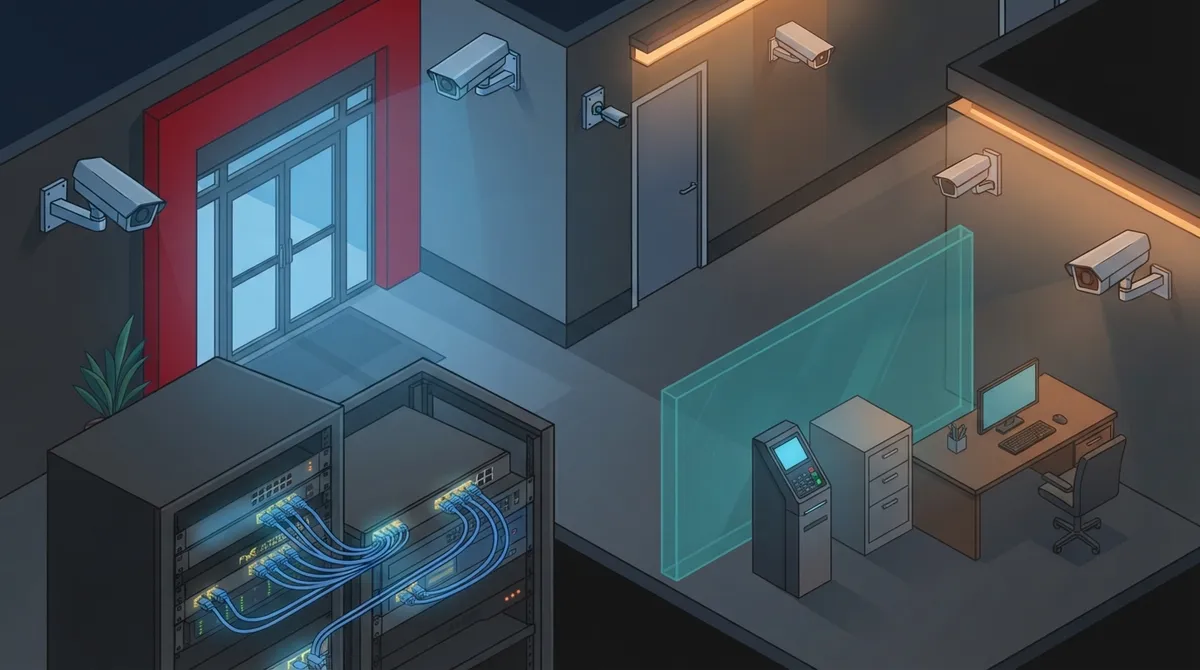
Treat the camera system as a network project: plan cabling, bandwidth, PoE power, and security together, not just camera placement.
-
Match each camera to a specific job using three levels: wide view for the scene, medium view for actions, and close view to identify faces or plates.
-
Keep Ethernet runs within about 100 meters (328 feet) including patch cords, and plan an intermediate switch or supported extension for farther cameras.
-
Change default passwords, apply firmware updates, limit user access, and avoid exposing cameras directly to the public internet to prevent network intrusions.
-
Place cameras on a dedicated VLAN or separate network with firewall rules so a compromised camera cannot spread to payment systems or files.
-
Test every camera at night, verify timestamps, check footage export and remote viewing, and get the installation scope in writing before work begins.
Let’s be honest: nobody wakes up excited to think about security cameras. But when something goes wrong at your shop, office, or warehouse, you’ll be very glad you took the time to do it right. The good news? Security camera installation for business has never been more doable, and you don’t need to be a tech wizard to get great results.
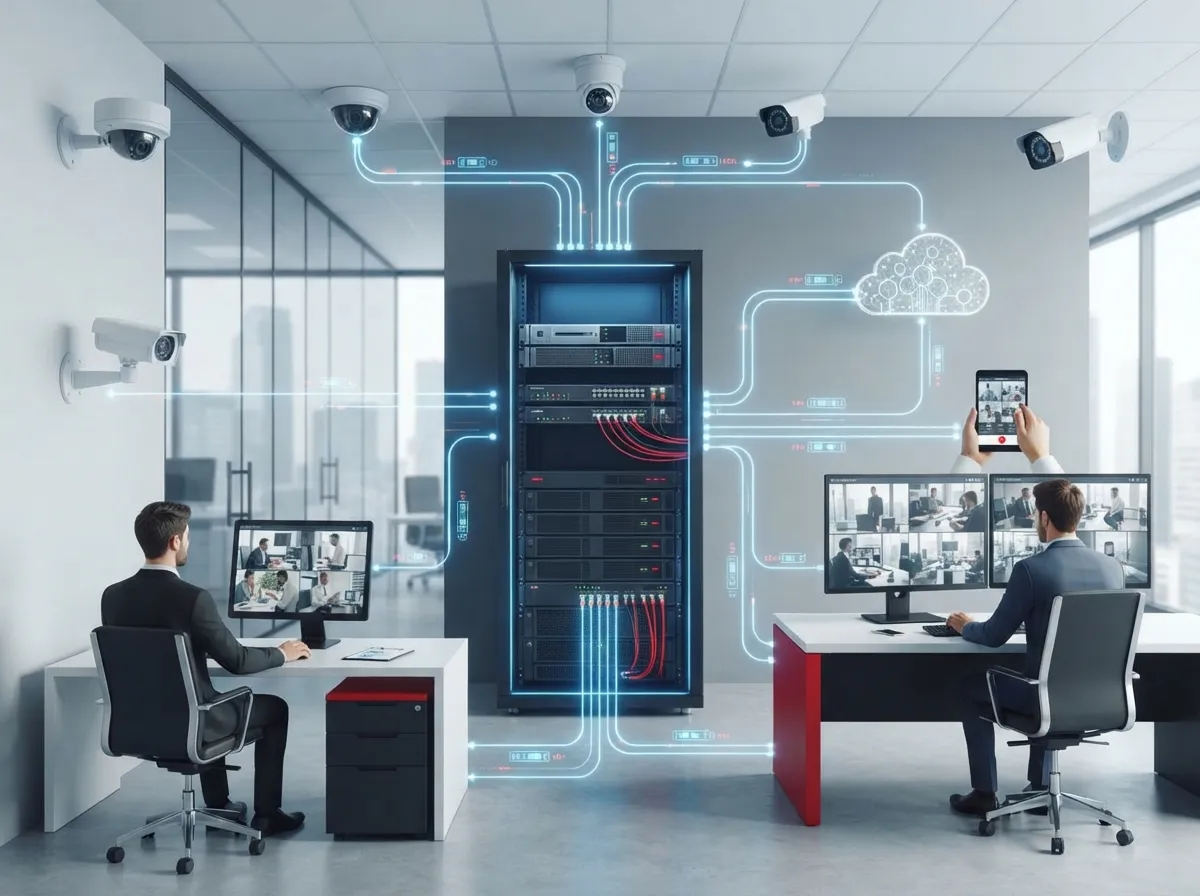
Here’s the part many owners miss. A modern camera system is really a network project. Your cameras share the same cabling, switches, and internet connection as your phones and computers. That means a smart installation needs good planning, solid wiring, and secure settings, not just a few cameras on the wall.
Whether you run a small Tampa shop, manage an office, or oversee several franchise locations, this friendly guide walks you through 13 practical tips. Use them to plan, install, and protect a system that actually works. Let’s dive in!
Why Business Camera Installation Is a Network Project
A camera is only as good as the network behind it. Most business systems today use IP cameras, which send video over Ethernet cables. They can offer sharper video, remote viewing, and easy links to other systems.
The market reflects this shift. Grand View Research reports that IP video surveillance systems held 55.7% of the global video surveillance market by revenue in 2025. Another firm, Mordor Intelligence, puts the IP share even higher using a different market scope, so treat these numbers as directional rather than exact.
Because cameras live on your network, cabling, bandwidth, and security all matter. If you want a deeper look at why this is true, our guide on 13 Ways Structured Cabling Supports VoIP & Cameras is a great companion read.
13 Tips for Security Camera Installation for Business
1. Start With Your Goals, Not the Gear
Before you shop, ask what you want the cameras to do. Are you deterring theft, protecting staff, watching inventory, or settling customer disputes? Your answer shapes everything else.
Write down your top concerns. A cash-handling counter needs very different coverage than a back parking lot. Clear goals keep you from overspending on cameras you don’t need.
2. Walk the Site and Rank Your Priority Areas
Take a slow walk around your building, inside and out. Look for the spots where problems are most likely to happen. Then rank them from most to least important.
Common priority areas include:
- Main entrances and exits
- Cash registers and cash-handling rooms
- Inventory rooms and stockrooms
- Loading docks and delivery doors
- Parking lots and walkways
- Server closets and equipment rooms
Also note lighting, glare, and anything that blocks the view. A tree branch or a stack of boxes can ruin a camera’s usefulness.
3. Match Each Camera View to a Job
Here’s a common trap. A wide view makes a room look covered, but it may not show faces or license plates clearly. Different jobs need different views.
Think in three simple levels: a wide view to see the whole scene, a medium view to see what people are doing, and a close view to identify a face or plate. Pick the camera and lens that fit each spot.
4. Decide How Many Cameras You Really Need
There’s no magic number. The right count depends on your floor plan, your priority areas, and how much detail you need. A small shop might need four cameras, while a warehouse could need dozens.
We break this down further in 10 Factors That Decide How Many Security Cameras You Need. Start with your priority list and build outward from there.
5. Choose Your Camera Type and Recording Style
You have a few choices here. IP cameras send digital video over Ethernet. Older analog cameras use coaxial cable, and hybrid systems mix both. For most new installs, IP is the common pick.
Next, choose how footage is stored. Each option has trade-offs:
| Storage Style | How It Works | Best For |
|---|---|---|
| On-site NVR | Network video recorder stores footage at your location | Single sites wanting local control |
| Cloud storage | Footage is stored and managed online | Multi-location businesses wanting easy remote access |
| Hybrid | Local recording plus cloud backup or access | Businesses wanting both control and flexibility |
Curious how cloud compares to traditional recorders? Read 6 Key Differences Between Cloud Video Security and DVR Systems for a simple breakdown.
6. Plan Power With PoE
Power over Ethernet, or PoE, carries both data and power through a single Ethernet cable. That makes many wired installs much simpler. You don’t need an outlet near every camera.
Just make sure your PoE switch can handle the total power your cameras need. Add up the draw from every camera, then leave some headroom for growth. A switch that’s too small leads to flickering or dead cameras.
7. Respect the 100-Meter Cable Limit
A standard Ethernet channel run is generally limited to about 100 meters, or 328 feet. That includes patch cords at both ends. Go too far and your signal and power can drop.
If a camera sits farther away, plan ahead. You may need a properly designed intermediate switch or another supported extension method. This is one of those details a pro will catch early, saving you a headache later.
8. Get the Cabling Right From the Start
Good cabling is the quiet hero of every reliable system. Cheap or messy wiring causes dropouts that are hard to trace. Clean, labeled, tested cable runs make troubleshooting simple.
Most business cameras do well on quality Category 6 cable. If you’re curious about your options, check out 10 Best Cabling Options for Business Networks in Tampa FL. You can also learn the basics of structured cabling to see how it all fits together.
9. Size Your Bandwidth and Storage Properly
Video eats up network capacity and disk space. The amount depends on several things:
- How many cameras you have
- Video resolution and frame rate
- Whether you record all day or only on motion
- How many days of footage you want to keep
- How many people watch live video at once
Running the math up front prevents slow networks and full hard drives. Your internet speed matters too, especially for cloud systems. See How to Choose the Right Internet Speed for Your Tampa Business for help sizing your connection.
10. Treat Cameras Like Networked Computers
Here’s something that surprises many owners: a camera is a small computer on your network. If it’s set up carelessly, it can become a doorway for trouble.
Follow these simple safety habits:
- Change every default username and password right away
- Install firmware updates from the maker
- Give each user only the access they truly need
- Use encrypted connections when available
- Avoid exposing cameras directly to the public internet
For remote viewing, use secure methods instead of opening ports. Our article on How to Set Up Remote Business Video Monitoring in Tampa explains safer ways to watch from anywhere.
11. Separate Camera Traffic With a VLAN
A dedicated camera VLAN, or a physically separate network, keeps camera traffic apart from your business systems. If one device is compromised, it’s harder for trouble to spread to your payment systems or files.
Pair this with firewall rules that allow only the traffic your cameras truly need. It’s best to coordinate this with your IT team or telecom provider so everything works together smoothly.
12. Know the Privacy and Recording Rules
Rules about workplace surveillance vary by location. Before you install, check the notice, consent, audio-recording, employee-monitoring, and retention requirements that apply to you.
A few friendly guidelines help keep you on the right side of things:
- Never place cameras where people expect privacy, like restrooms or changing areas
- Post clear signs where recording takes place
- Be careful with audio, which often has stricter rules than video
- Set a footage retention policy and stick to it
When in doubt, talk with a legal professional. This article isn’t legal advice, and local rules differ.
13. Test Everything Before You Say “Done”
Before handover, run a full checkup. Don’t assume everything works just because the picture appears on screen. A good test list includes:
- Confirm every camera shows the right view and is properly focused
- Check night and low-light image quality
- Verify the date and time stamps are accurate
- Test recording, playback, and footage export
- Try remote viewing from a phone and a computer
- Confirm alerts and motion settings work as planned
- Make sure your team knows how to pull footage
Walk the site at dusk if you can. Lighting changes can reveal glare or dark spots you missed in daylight.
Clarify Who Does What Before Work Begins
Many camera projects stumble over unclear responsibilities. Before you sign anything, get the scope in writing. Know who supplies the cameras, PoE switches, cabling, recorder, and storage.
Also confirm who configures network access and remote viewing, how footage is kept and retrieved, and who handles updates and support after install day. A clear scope prevents finger-pointing later.
If you’re weighing professional help, read How to Hire the Right Security Camera Installer in Tampa. It covers what to ask and what red flags to watch for.
Rough Planning Checklist by Business Size
Every business is different, but this quick table can help you think about where to focus first.
| Business Type | Top Priorities | Planning Focus |
|---|---|---|
| Small office or shop | Entrance, register, back door | Simple PoE setup, easy remote viewing |
| Mid-sized company | Multiple entrances, parking, server room | VLAN design, storage sizing, access control links |
| Warehouse or loading site | Docks, inventory, perimeter | Long cable runs, weather-rated cameras, lighting |
| Multi-location franchise | Consistent coverage at every site | Cloud management, standard design, central support |
The Market Is Growing, So Plan for the Future
Video surveillance keeps expanding. Grand View Research estimates the global market was valued at $83.5 billion in 2025, with a forecast of $204.7 billion by 2033. A different firm, Mordor Intelligence, estimates a narrower “video surveillance systems” market at $64.79 billion in 2025. These numbers use different definitions, so please don’t add them together.
The takeaway for you is simple. Technology is moving fast, so build a system that can grow. Leave spare switch ports, run a few extra cable drops, and pick equipment that supports updates. Planning for tomorrow costs less than redoing it later.
How Ideal Solutions Provider Can Help
Juggling cameras, cabling, internet, and network security can feel like a lot. That’s where having one trusted partner makes life easier. Ideal Solutions Provider offers cloud video security backed by over 24 years of telecom and IT experience and a network of 35+ vetted suppliers.
Instead of coordinating several vendors, you get a single point of contact for consultation, installation, and ongoing support. They can also tie your cameras into structured cabling, networking, and access control so everything works as one system. Want to see how this fits your world? Take a look at What Do Security Cameras Really Do for Your Business? for more real-world context.
Final Thoughts
Great security camera installation for business comes down to planning, solid wiring, and smart network habits. Start with your goals, match each view to a job, size your power and storage, lock down access, and test before you finish. Do those things and you’ll have a system that quietly does its job for years.
You don’t have to figure it all out alone. If you’d like a friendly expert to review your site and recommend a setup that fits your budget, contact us for a free consultation or call us at 813-388-4935. We’d love to help you protect what you’ve worked so hard to build.
FAQs
Q: How much does security camera installation cost for a business?
A: Costs vary widely based on camera count, camera type, cabling distance, storage choice, and how much site work is needed. The best way to get a real number is to have a pro walk your site and quote the full scope, including cabling, switches, and setup.
Q: Does a business security camera system need internet access to record?
A: Not always! A system with an on-site recorder can keep recording even if your internet goes down. Internet is mainly needed for remote viewing and cloud storage, so it’s smart to plan for a backup if you rely on the cloud.
Q: How long should a business keep security camera footage?
A: There’s no single answer, since it depends on your industry, risk level, and local rules. Many businesses choose a set window, such as several weeks, and then confirm the policy with their legal advisor and storage capacity.
Q: Should a business choose IP cameras or analog cameras?
A: Most new business installs lean toward IP cameras because they offer higher resolution, remote management, and easy network integration. Analog or hybrid setups can make sense if you already have working coax cabling you want to reuse.
Q: How should business cameras connect securely to the company network?
A: Put them on a dedicated VLAN or separate network, change all default passwords, keep firmware updated, and limit user permissions. Avoid exposing cameras directly to the public internet, and use secure remote access methods instead.





