
Key Takeaways
-
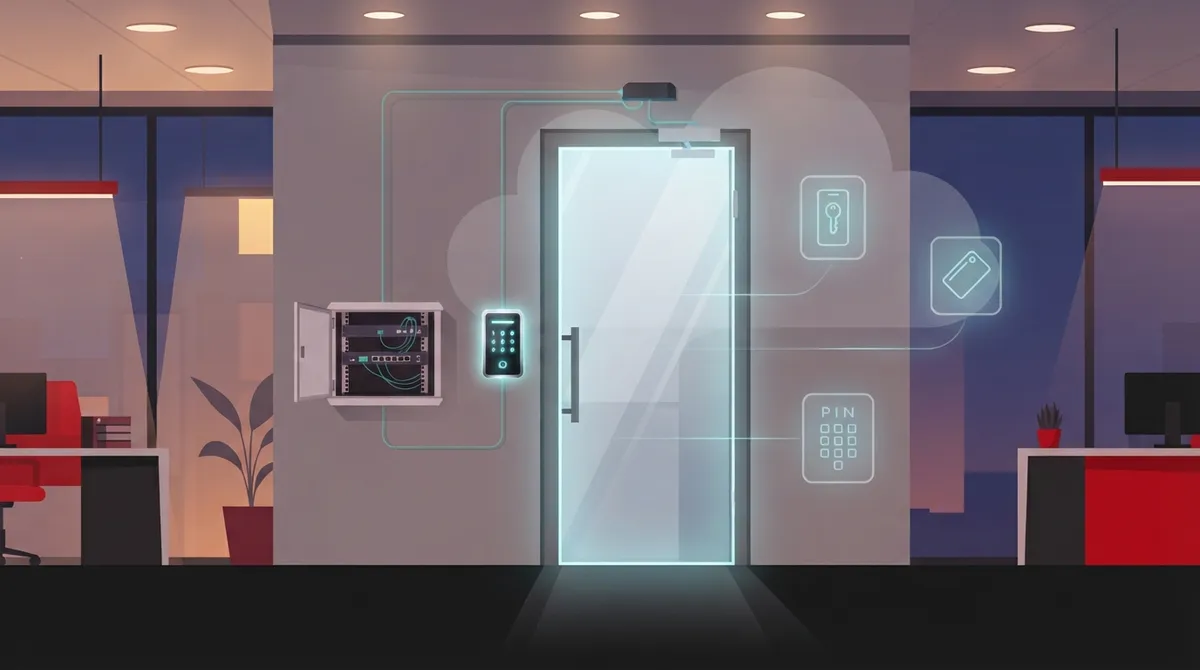
Avigilon Alta door entry decisions are made by local hardware (Access Control Core), so doors keep working during internet outages, though remote administration may be unavailable until connectivity returns.
-
Before buying hardware, verify live Ethernet ports, PoE switch capacity, power budget, and documented IP/VLAN plans near every door you plan to secure.
-
Share firewall requirements early: outbound TCP 443 and UDP 123, plus UDP 53 if using an external DNS server, with inbound TCP 443 on the access unit for Wi-Fi unlocking.
-
Match credentials to your workforce: mobile credentials, key cards, PINs, and digital guest passes can all be issued, changed, or revoked remotely from the dashboard.
-
Integrations with identity providers like Active Directory, Okta, and Workday can automate access when employees join or leave, but availability depends on the integration and subscription tier.
-
Compare Basic, Premium, and Enterprise tiers before committing, since alarm limits and advanced features differ, and confirm current terms with Avigilon or an authorized integrator.
Picture this: it’s Monday morning, and three new hires are waiting at the front door while your office manager hunts for a spare key card. Sound familiar? You’re not alone. Many Tampa Bay businesses still juggle keys, fobs, and spreadsheets to control who gets in and when.
That’s where Avigilon Alta access control comes in. It’s a cloud-managed system that lets you handle doors, users, credentials, and entry events from a web or mobile app. But here’s the part many people miss: a cloud access system lives or dies on your network. Cabling, PoE switches, firewall rules, and internet reliability all matter.
In this friendly guide, we’ll walk through 10 practical tips for planning, deploying, and managing Avigilon Alta access control with a telecom-first mindset. Whether you run a small office, a growing company, or a multi-location franchise, these tips will help you avoid surprises and get more from your investment.
1. Understand What Avigilon Alta Access Control Actually Does
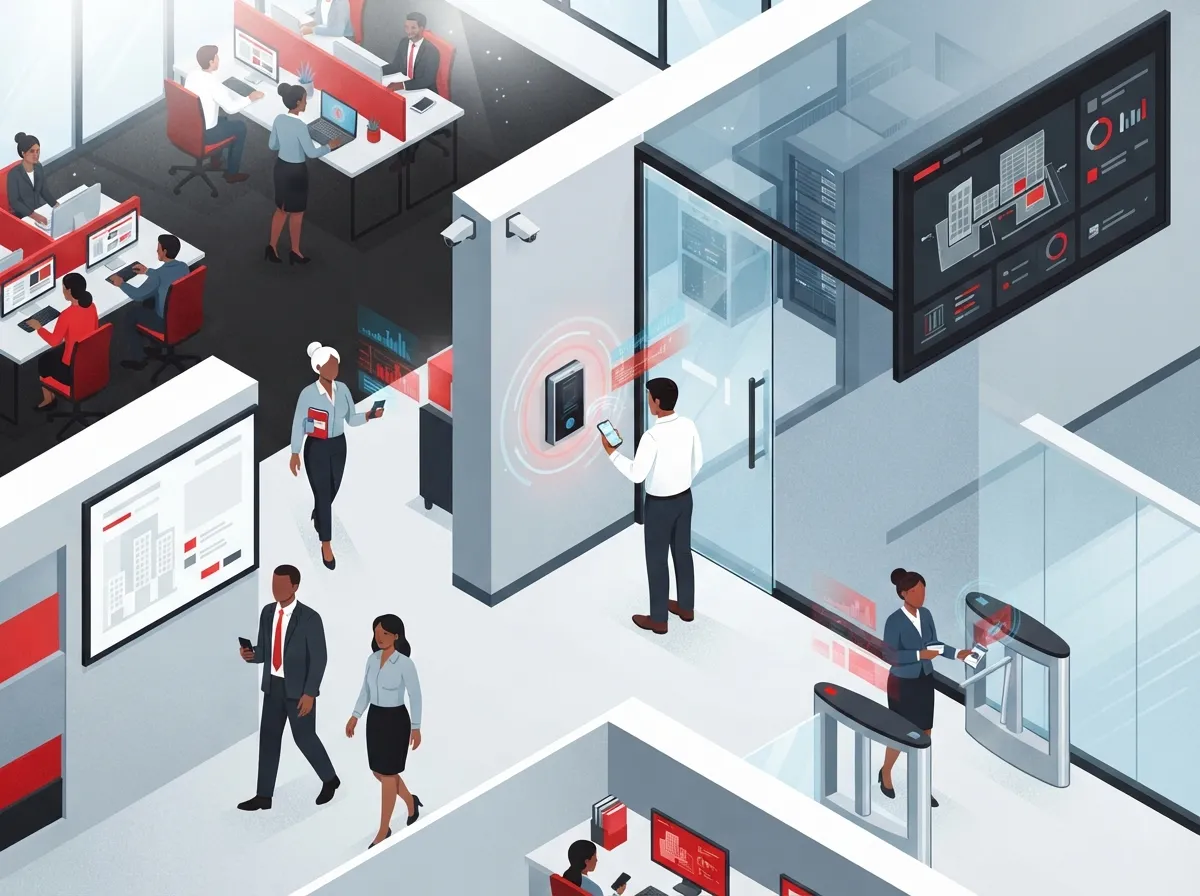
Let’s start with the basics. Avigilon Alta Access is a cloud-native platform for managing doors, users, credentials, and access events across one site or many. You use a web dashboard and mobile app instead of a server sitting in a closet.
Avigilon describes the system as serverless and cloud-managed. Local hardware, including the Access Control Core, stores configurations and makes the actual entry decisions at the door. That means the cloud handles administration, while the door hardware handles the moment of truth.
Why does this matter for a telecom buyer? Because you’re adding a network-connected security system to your infrastructure. Treat it like any other business-critical service, such as your phones or internet.
2. Check Your Network Before You Buy Hardware
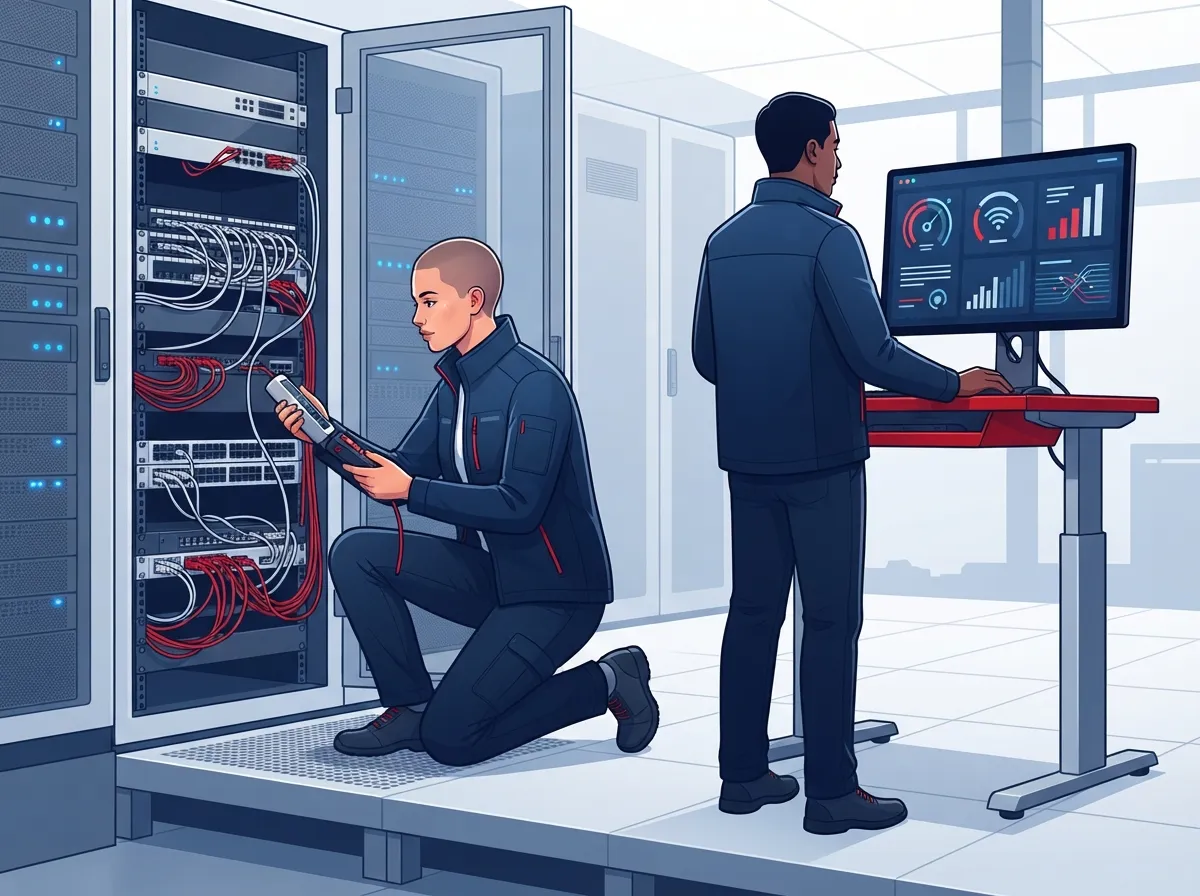
Before anyone orders readers or controllers, take a look at your network. Avigilon’s installation guide says the access control unit connects to your LAN using Ethernet with DHCP. So you need live, tested network ports near the doors you want to secure.
Here’s a quick readiness checklist:
- Ethernet drops at or near each controller location
- PoE-capable switch ports for supported devices
- Available power budget on your switches
- Documented IP and VLAN plans so devices don’t collide with other gear
- Labeled patch panels so future troubleshooting is painless
If you’re not sure your cabling can handle the load, a quick audit helps. Our guide on what structured cabling is for your business network explains why a clean foundation saves money later.
3. Plan Your Firewall and DNS Settings Early
This is the tip IT managers thank us for. Avigilon’s installation guide specifies outbound TCP 443 and outbound UDP 123 for system communications. If you use an external DNS server, outbound UDP 53 is also needed.
The guide also notes that inbound TCP 443 on the access control unit is needed within the LAN for Wi-Fi unlocking from the Alta Open app. Requirements can vary by device and deployment, so confirm current details with your installer and network administrator before go-live.
| Network Item | What Avigilon Specifies | Why It Matters |
|---|---|---|
| Outbound TCP 443 | Required for system communications | Keeps the controller talking to the cloud |
| Outbound UDP 123 | Required | Time synchronization |
| Outbound UDP 53 | Needed with an external DNS server | Name resolution |
| Inbound TCP 443 (LAN) | Needed on the ACU for Wi-Fi unlocking | Supports unlocking from the Alta Open app |
Sharing this table with your firewall team up front can prevent the dreaded “it works in the lab but not on site” moment.
4. Know What Happens When the Internet Goes Down
Everyone asks this one, and for good reason. Avigilon describes local operation during internet outages: the Access Control Core stores configurations locally and makes entry decisions. So doors can keep working when your WAN or the cloud has a hiccup.
Still, some things may be unavailable during an outage, such as remote administration and other cloud-dependent features. And behavior can vary by hardware and design. Validate failover behavior for your exact setup before you rely on it.
If your internet connection is a weak link, it’s worth fixing. Read why cloud-based security systems fail without fast internet for a deeper look at keeping everything online.
5. Choose the Right Credentials for Your People
One reason teams love Avigilon Alta access control is credential flexibility. Options include:
- Mobile credentials on a smartphone
- Key cards and fobs for people who prefer something physical
- PINs for simple code-based entry
- Digital guest passes for visitors and vendors
- Supported hands-free options where available
Administrators can issue, change, or revoke credentials remotely. The mobile app also supports remote unlocking and lockdown workflows. Think about how often your staff changes, how many visitors you host, and who needs after-hours access. Then match credentials to those realities.
For more on how mobile entry works day to day, check out how to manage office doors with a mobile access app.
6. Take Advantage of Integrations
Access control gets smarter when it talks to your other systems. Avigilon advertises more than 100 integration apps for Alta Access (a vendor-reported figure that may change) plus an open API. Its materials cite identity-provider synchronization with tools such as Active Directory, Okta, and Workday.
Why do this? Imagine a new employee gets added to your directory, and their door access follows automatically. When someone leaves, access can be removed without a frantic scramble. Availability and setup can depend on the specific integration and your subscription tier, so confirm details before promising features to your team.
For an even bigger picture, explore 14 cloud access control integration wins for 2026.
7. Pair Access Events With Video
Alta can combine access events with video and other security workflows. That means if a door is propped open or someone badges in at 2 a.m., you can connect the event to what a camera saw. It’s like having a helpful witness for every door.
Of course, video adds network demands. Cameras need bandwidth, PoE power, and sensible storage planning. If you’re considering both systems together, our guide on internet speeds your cloud cameras actually need can help you size your connection.
8. Compare Plan Tiers Before You Commit
Avigilon’s published plan comparison lists Basic, Premium, and Enterprise tiers. Features such as advanced rules, occupancy management, custom dashboards, and alarm-management limits vary by tier. The comparison lists up to 100 alarms for Premium and up to 500 for Enterprise.
| Plan Tier | Who It Often Fits | Things to Verify |
|---|---|---|
| Basic | Smaller offices with simple needs | Which features are included |
| Premium | Growing businesses wanting more control | Alarm limits and advanced rules |
| Enterprise | Larger or multi-site organizations | Dashboards, occupancy tools, alarm limits |
Plan features and limits can change, so check current commercial terms with Avigilon or an authorized integrator. Budgeting also goes beyond the subscription. Our article on how to budget for cloud access control cost in 2026 walks through the full picture.
9. Size the Hardware to the Project
The Alta Access Core product page says the core can connect to up to two expansion boards and support up to 16 entries and 16 readers. That’s a handy number for planning, but confirm the right configuration for your specific project.
Here’s a simple way to scope it:
- Walk the building and list every door that needs control.
- Note each door type, including lock hardware and existing readers.
- Map cable paths from each door back to a telecom closet or switch.
- Count PoE needs and check your switch power budget.
- Decide on credentials and visitor workflows.
- Confirm the final hardware list with an authorized integrator.
Avigilon also lists integrations with lock makers, such as Schlage smart locks through Allegion. Compatibility with existing door hardware varies, so verify before assuming old locks will work.
10. Roll Out Multi-Site Locations the Smart Way
Franchise operators and growing companies often ask how to manage several sites without chaos. Cloud-managed access control shines here, since you can administer users and doors across locations from one dashboard.
Before deploying across sites, ask yourself:
- Does every location have reliable internet and a backup path?
- Are firewall and DNS rules consistent everywhere?
- Who owns security decisions, and who owns network decisions?
- How will you train managers at each site?
A thoughtful rollout keeps your security and IT teams on the same page. For WAN resilience across sites, see what SD-WAN services are and whether your business needs them.
Why a Telecom Partner Makes Access Control Easier
Access control is a physical security system, but it depends on telecom basics: cabling, switching, internet, and firewall settings. That’s why many businesses prefer one partner who sees the whole picture.
Ideal Solutions Provider is a Tampa-based telecom and IT partner with over 24 years of experience and relationships with 35+ vetted suppliers. We help with network readiness, cabling, internet, and security systems, serving as a single point of contact from consultation through support. You can also learn more about our cloud based access control services.
If you’re new to this world, remember that a reliable Internet Service Provider and solid structured cabling are the quiet heroes behind any cloud security system. Want to see our team in action? Follow us on YouTube.
Conclusion: Start With the Network, Finish With Confidence
Avigilon Alta access control can simplify how you manage doors, people, and events. But the smoothest deployments start with a ready network, clear firewall rules, a plan for outages, and the right credentials and integrations for your team.
You don’t have to figure it all out alone. If you’d like a friendly set of eyes on your cabling, internet, and security plans, contact us for a free consultation, or call us to talk it through. We’d love to help you open the right doors, and keep the wrong ones closed.
FAQs
Q: What is Avigilon Alta access control, and how does it work?
A: It’s a cloud-managed platform that lets you administer doors, users, credentials, and access events through web and mobile apps. Local hardware like the Access Control Core stores configurations and makes entry decisions at the door, while the cloud handles management.
Q: Does Avigilon Alta access control need an internet connection?
A: Day-to-day entry decisions are made by local hardware that stores configurations, so doors can keep working during an internet outage. Remote administration and other cloud-dependent features may be unavailable until you’re back online, so test failover for your specific setup.
Q: What network and firewall settings does Avigilon Alta require?
A: Avigilon’s installation guide specifies outbound TCP 443 and UDP 123, plus outbound UDP 53 when using an external DNS server. The access control unit also uses Ethernet with DHCP, and requirements can vary, so confirm current details with your installer before deployment.
Q: Which credentials does Avigilon Alta support?
A: Options include mobile credentials, key cards and fobs, PINs, digital guest passes, and supported hands-free options. Administrators can issue, change, or revoke credentials remotely, which is a big help when staff or visitors come and go.





