
Key Takeaways
-
Upload speed, not download speed, is the critical bottleneck for cloud cameras, since video leaves your building; plan for peak moments when many cameras upload at once.
-
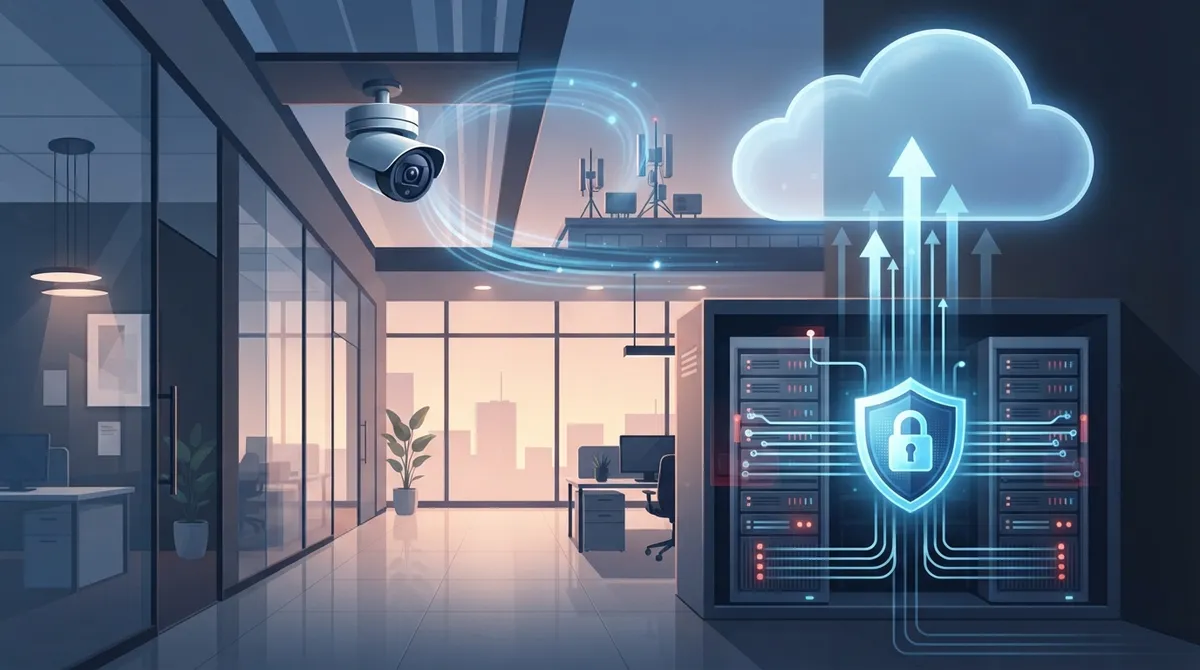
A hybrid design, with continuous local recording plus selected cloud copies, keeps footage safe during internet outages while still giving central remote access.
-
Secure the system from day one with encryption, multifactor authentication, role-based permissions, audit logs, and timely firmware updates.
-
Keep cameras on a separate network segment from business-critical systems and avoid exposing them directly to the open internet.
-
Compare total cost of ownership, including subscriptions, retention levels, connectivity upgrades, cabling, and whether you can reuse existing cameras, not just hardware prices.
-
Review local privacy and employment rules, post required notices, limit footage access, and set a written retention period, ideally checking with a legal professional.
Picture this: it’s a quiet Sunday night, and you’re relaxing at home when your phone buzzes. An alert shows motion at your back door. With one tap, you see a live feed from the office, check the clip, and know right away if it’s a stray cat or something more serious. That peace of mind is exactly why so many owners are looking at a cloud security camera system in 2026.
But here’s the thing. These systems are not just cameras on a wall. They rely on your internet connection, your network design, and smart security settings to work well. If any of those pieces are weak, even the best cameras can let you down.
The good news? It’s easier than it sounds. In this friendly guide, we’ll walk through how a cloud security camera system works, what your business network needs to support it, how to keep your footage safe, and what to compare before you buy. Whether you run a small shop, manage an office, or oversee several franchise locations, you’ll leave with clear next steps.
What Is a Cloud Security Camera System for a Business?
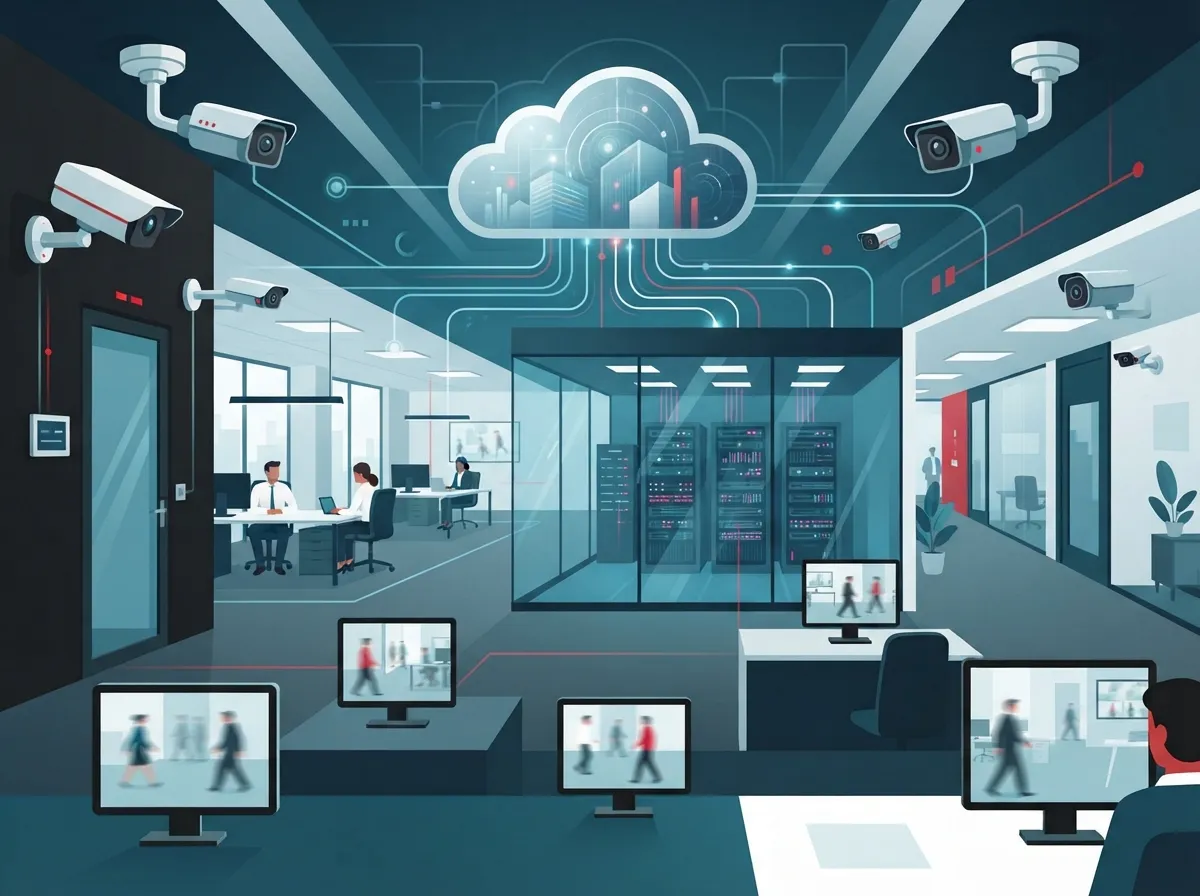
A cloud security camera system uses network-connected IP cameras and a hosted online service. That service manages your video, user accounts, alerts, and recordings. Instead of walking to a back-room recorder, you log in from a phone or laptop and see what you need.
Depending on the design, video may work in a few different ways:
- Continuous upload: Footage streams to the cloud around the clock.
- Event-based upload: Clips are sent only when motion or another trigger happens.
- Local recording with selective cloud copies: Cameras store video on-site and send chosen clips to the cloud.
Cloud-managed systems can simplify remote viewing, central admin, software updates, and management across many sites. They can also reduce the need for on-site recording servers. Still, you will need cameras, network gear, and sometimes local storage. For a deeper look at the basics, check out How Does Cloud Video Security Work for Businesses?

Why Are So Many Businesses Moving to the Cloud?
Video surveillance is a growing market. One report from MarketsandMarkets estimates the global video surveillance market at $56.11 billion in 2025, heading toward $88.06 billion by 2031. Another forecast, from MarketIntelo, puts cloud video surveillance alone at $12.8 billion in 2025, with strong growth ahead. Keep in mind that forecasts differ by source and method, so treat them as helpful signals rather than hard facts.
What are business owners actually doing with video? According to Axis’s 2025 end-customer survey, 42% use video for operational efficiency and 38% use it for business intelligence. And 44% named cybersecurity and data protection as a top priority for the next one to three years. In other words, cameras are no longer just about catching trouble. They help you run a smarter business, and they must be secure themselves.
For many owners, the draw is simple:
- Check in on any location from anywhere.
- Skip the hassle of maintaining a recording server.
- Get updates and new features without a service visit.
- Add cameras or sites as you grow.
If you are weighing cloud against older recorders, our guide on Cloud Video Surveillance vs. DVR: Which Wins for Business? breaks it down nicely.
How Much Upload Bandwidth Does a Cloud Security Camera System Need?
This is the question that trips up more businesses than any other. Your cameras send video out of your building, so upload speed matters more than download speed. Many standard business plans offer plenty of download but much less upload.
Bandwidth needs depend on several things:
- Camera count: More cameras mean more video leaving your network.
- Resolution: Higher resolution looks sharper but uses more data.
- Frame rate: Smoother video needs more bandwidth.
- Compression: Efficient compression shrinks file sizes.
- Recording mode: Continuous upload needs far more than event-based upload.
- Retention period: Longer storage means more cloud capacity.
You also want to think about peak concurrent uploads. If ten cameras all trigger at once during a busy moment, your connection must handle that surge while phones and apps keep working. Want specifics? Read 8 Internet Speeds Your Cloud Cameras Actually Need (2026) and 8 Cloud Video Security Bandwidth Facts for 2026.
A Quick Planning Table
| Factor | Lower Bandwidth Impact | Higher Bandwidth Impact |
|---|---|---|
| Recording mode | Event-based clips | Continuous cloud upload |
| Resolution | Standard HD | 4K and above |
| Frame rate | Lower, steady rates | High, smooth rates |
| Camera count | A handful | Dozens across sites |
| Architecture | Hybrid with local storage | Cloud-first, always streaming |
This is where a telecom partner earns their keep. A site survey can match the right internet service to your camera plan before you buy a single device. If you want to understand why speed matters so much, see Why Do Cloud-Based Security Systems Fail Without Fast Internet?
Cloud, Local, or Hybrid: Which Storage Design Fits You?
There’s no single right answer. Each design has trade-offs, and the best pick depends on your site count, bandwidth, uptime needs, retention rules, and compliance duties.
| Design | How It Works | Best For | Watch Out For |
|---|---|---|---|
| Cloud-first | Video uploads to a hosted service | Multi-site teams that want easy admin | Needs strong upload capacity |
| On-premises | Video stored on local recorders | Sites with limited internet | Hardware upkeep and remote access setup |
| Hybrid | Local recording plus selected cloud copies | Businesses wanting resilience and central access | Slightly more planning up front |
Why Hybrid Is Getting Popular
A hybrid design keeps continuous recording on-site and sends event clips or chosen footage to the cloud. You balance bandwidth use, local resilience, and central access. If your internet drops, local recording keeps going. For help picking storage, take a look at 13 Security Camera Storage Solutions to Know in 2026, and for backup planning see 11 Video Backup and Archiving Systems Facts (2026).
How Do You Keep a Cloud Security Camera System Secure?
Here’s a point that doesn’t get enough attention. A security camera is itself a network device, and a poorly set up camera can become a weak spot. Since cybersecurity is a top worry for many business buyers, it’s smart to build safety in from day one.
When you compare vendors and designs, look for these controls:
- Encryption: Protect video in transit and at rest.
- Multifactor authentication: Add a second step for every login.
- Role-based permissions: Give people only the access they need.
- Audit logs: Track who viewed or exported footage.
- Secure device onboarding: Make sure only approved cameras join your system.
- Firmware updates: Keep devices current to close known gaps.
- Clear vendor policies: Understand data access, retention, deletion, and data location.
On the network side, keep cameras separated from business-critical systems, and avoid exposing them directly to the open internet. A smart network layout does a lot of heavy lifting here. Our article Is Cloud Video Security Actually Safe for Business? and How Secure Is Cloud Video Storage for Your Business? go deeper on this topic.
What Privacy Rules Apply to Workplace Cameras?
Video can capture personal information, so it pays to think about privacy early. Rules vary by location and by how you use the footage, so check with a legal professional for your situation. Still, a few good habits apply almost everywhere.
- Know your local rules. Learn what privacy and employment laws apply in your area.
- Place cameras with purpose. Cover entrances, cash areas, and lots, not private spaces.
- Post notices where required. Clear signs build trust and may be mandatory.
- Limit access. Only people who need footage should be able to see it.
- Set a defensible retention period. Keep video only as long as you truly need it.
- Consider a legal review. Depending on your use case, a privacy impact assessment may make sense.
Retention is a common head-scratcher. For help, see How Long Does Security Footage Stay Recorded? And if you’re in a regulated field, 6 Camera Compliance Rules Every Business Must Know is a handy read.
How Much Does a Cloud Security Camera System Cost?
It’s tempting to compare camera prices and call it a day. But the sticker price is only one slice. To see the real picture, think about total cost of ownership over the life of the system.
- Cameras and mounts: The upfront hardware.
- Subscriptions: Ongoing fees for cloud management and storage.
- Retention levels: Longer storage usually costs more.
- Connectivity upgrades: You may need more upload capacity.
- Cabling and installation: Clean wiring protects performance. See Security Camera Cabling for Business: A 2026 Guide.
- Integrations: Links to access control, alarms, and other business systems.
- Support and contract terms: Ask about data export if you ever leave.
Also confirm whether the system works with any cameras you already own. Reusing good equipment can save real money. For budgeting help, try How to Budget for Commercial Video Surveillance in Tampa FL.
What Mistakes Should You Avoid During Setup?
A little planning up front prevents a lot of headaches. Here are the pitfalls we see most often:
- Buying cameras before checking upload bandwidth.
- Skipping a site walk, which leads to blind spots.
- Forgetting power and cabling needs for each camera.
- Leaving default passwords in place.
- Mixing camera traffic with sensitive business systems.
- Ignoring firmware updates after installation.
Want a fuller list? Read 5 Cloud Video Security Mistakes That Cost Businesses. If something already seems off, our Cloud Security Camera Troubleshooting: A Simple Fix Guide can help you sort it out.
Why Does a Telecom Partner Make This Easier?
A cloud security camera system lives at the meeting point of cameras, internet, cabling, and networking. When different vendors handle each piece, finger-pointing can follow if something breaks. That is a pain for small business owners, IT managers, and office managers alike. And for franchise operators with many sites, it multiplies fast.
That’s where a single point of contact helps. Ideal Solutions Provider is a Tampa-based telecom and IT partner with more than 24 years of experience and relationships with 35+ vetted suppliers. They can look at your internet, structured cabling, and cloud video security needs together, then handle everything from consultation and installation to ongoing support. It’s a calm, simple way to get the whole thing right the first time.
Ready to Protect Your Business the Smart Way?
A strong cloud security camera system gives you remote visibility, easier management, and real peace of mind. The secret is matching the design to your network, your retention needs, and your privacy duties, then locking down security from the start. Plan your bandwidth, pick the right architecture, compare total cost, and keep everything updated.
If you’d like a hand, we’d love to chat. Contact us for a friendly consultation, or call us to talk through your setup. You can also see more tips on YouTube, and learn how an Internet Service Provider fits into your plan. Your business deserves protection that just works.
FAQs
Q: What is a cloud security camera system for a business?
A: It’s a setup where network-connected IP cameras work with a hosted online service that manages video, users, alerts, and recordings. You can watch and manage footage from a phone or computer, often across many locations. Some designs also keep local copies for extra backup.
Q: Is cloud or local storage better for business surveillance cameras?
A: Neither wins every time, and that’s okay! Cloud storage makes remote access and updates simple, while local storage keeps recording even if the internet drops. Many businesses love a hybrid approach that blends both.
Q: How long should a business keep security camera footage?
A: It depends on your needs, industry, and local rules, so there’s no one-size-fits-all number. Keep footage only as long as you truly need it, set a clear written policy, and check with a legal professional if you’re unsure.
Q: How can a business secure cloud-connected security cameras?
A: Start with encryption, multifactor authentication, and role-based permissions. Keep firmware updated, avoid exposing cameras directly to the internet, and separate them from your critical business systems on the network.
Q: How much upload bandwidth do business security cameras need?
A: It depends on camera count, resolution, frame rate, compression, and whether you upload continuously or only on events. Plan for peak moments when many cameras send video at once, and have a telecom pro size your connection before you buy.





