
Key Takeaways
-
Professional site assessments prevent wasted spending by identifying blind spots and recommending the minimum camera count needed for full coverage instead of over-buying equipment.
-
PoE (Power over Ethernet) cameras reduce installation costs by using a single cable for both power and data, cutting labor time and material expenses compared to traditional dual-cable systems.
-
Matching camera resolution to specific areas—4K for entrances, 2K for parking, 1080p for hallways—significantly reduces hardware and cloud storage costs without sacrificing critical security coverage.
-
Bundling cloud security cameras with other telecom services like phone systems and internet can substantially reduce total installation labor costs and provide a single point of contact for support.
-
Prioritizing high-risk areas first and expanding over time is more budget-friendly than attempting full coverage immediately, allowing businesses to protect vulnerable spots while managing cash flow.
-
Hybrid cloud-plus-local-backup storage combines offsite security with on-premise redundancy, and working with experienced local installers ensures proper placement, configuration, and ongoing warranty support.
Running a business in Tampa is exciting. But keeping it safe? That can feel overwhelming — especially when you start looking at security camera prices. The good news is that affordable cloud security camera installation in Tampa FL is more accessible than ever in 2026. Whether you manage a small retail shop, a busy warehouse, or a multi-location franchise, the right cloud camera system can protect your assets without draining your budget.
Cloud-based security cameras have changed the game for Tampa businesses. Instead of expensive on-site recording equipment, your footage is stored securely in the cloud. You can check live feeds from your phone anywhere in the world. And professional installation means everything works from day one.
In this guide, we’ll walk you through nine practical tips to get a great cloud security camera setup at a price that makes sense for your business. Let’s dive in!
Why Tampa Businesses Are Choosing Cloud Security Cameras
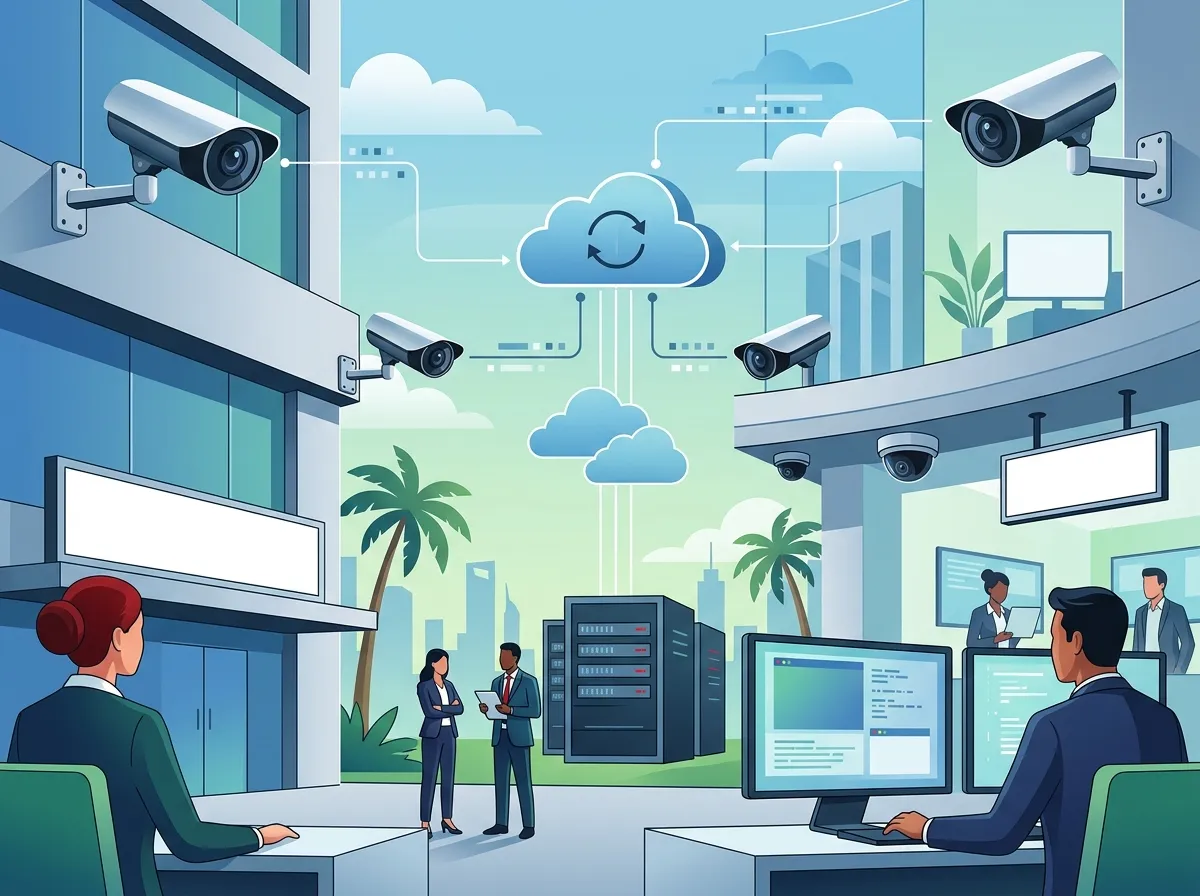
Before we get to the tips, let’s talk about why cloud cameras are so popular right now. Traditional systems used bulky DVR or NVR boxes stored on-site. If something happened to that equipment, you lost your footage. Cloud systems send video to secure offsite servers, so your recordings are always safe and accessible.
Tampa businesses love cloud video security because it offers remote viewing, easy scalability, and lower long-term maintenance costs. You can also integrate cameras with access control and alarms for a complete security solution. To learn more about what these systems can do for you, check out what security cameras really do for your business.
How Much Does Cloud Camera Installation Cost in Tampa?
Pricing varies quite a bit depending on your needs. Here’s a simple breakdown of what Tampa businesses typically spend:
| Business Size | Camera Count | Estimated Cost Range | Storage Type |
|---|---|---|---|
| Small Office / Retail | 2–4 cameras | $532 – $2,500 | Cloud or Hybrid |
| Mid-Size Business | 4–8 cameras | $2,500 – $7,500 | Cloud Managed |
| Large Office / Warehouse | 8–16+ cameras | $7,500 – $15,000 | Cloud + On-Premise |
| Multi-Location Franchise | 16+ cameras per site | Custom Pricing | Enterprise Cloud |
The average security camera installation in Tampa runs about $1,383, with a typical range of $532 to $2,253 for simpler setups. Larger commercial systems with professional cloud management can run from $2,500 to $15,000. Working with an experienced partner helps you get the most value for your budget.
9 Tips for Affordable Cloud Security Camera Installation
1. Start With a Professional Site Assessment
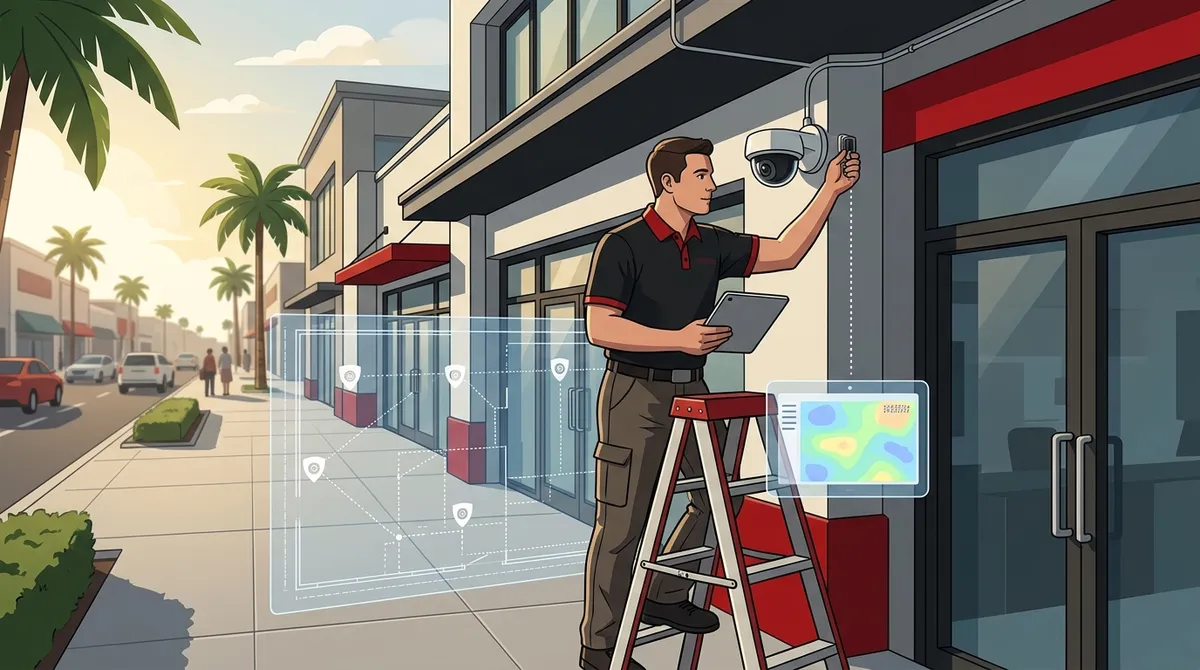
Don’t just guess how many cameras you need. A professional assessment maps out your property and identifies blind spots. This prevents you from buying more cameras than necessary — which is one of the biggest sources of wasted spending.
A good installer will look at your entries, exits, parking areas, loading docks, and inventory zones. They’ll design a system that gives you full coverage with the fewest cameras possible.
2. Choose PoE Cameras to Reduce Wiring Costs
Power over Ethernet (PoE) cameras use a single cable for both power and data. This simplifies installation significantly. You run one cable per camera instead of two, which cuts labor time and material costs.
PoE cameras are also very reliable. They work well indoors and outdoors. And they support high-resolution video, including HD, 2K, and 4K options. Pairing PoE cameras with structured cabling services gives you a clean, efficient installation that’s built to last.
3. Pick the Right Resolution for Each Area
Not every camera needs to be 4K. Using the right resolution in the right location saves money on both hardware and cloud storage costs. Here’s a quick guide:
| Camera Location | Recommended Resolution | Why It Fits |
|---|---|---|
| Main Entrance / Reception | 2K or 4K | Need to identify faces clearly |
| Parking Lot | 2K or 4K | Need to read license plates |
| Hallways / Interior Zones | HD (1080p) | General movement detection is enough |
| Storage Rooms / Low-Traffic Areas | HD (1080p) | Cost-effective for lower-risk zones |
Mixing resolutions based on risk level keeps your total hardware and cloud storage costs in check without sacrificing coverage where it matters most.
4. Compare Cloud Storage Plans Carefully
Cloud storage is an ongoing monthly cost. Plans are typically priced by camera count and retention period. Here’s what to look for:
- Retention period: How many days of footage do you need? Most businesses choose 7 to 30 days.
- Continuous vs. motion-triggered recording: Motion-triggered recording uses less storage and costs less per month.
- Per-camera pricing: Some providers charge per camera. Others offer flat-rate plans for unlimited cameras.
- Scalability: Can you add cameras to the plan without a big price jump?
Choosing the right plan upfront avoids bill shock down the road. A trusted telecom partner can help you compare storage options side by side.
5. Bundle Security Cameras With Other Business Tech
One of the smartest ways to save money is to bundle your security camera installation with other telecom services. Many Tampa businesses are already upgrading their phone systems or internet connections. Adding cameras at the same time can reduce installation labor costs significantly.
At Ideal Solutions Provider, Tampa businesses work with a single point of contact for cameras, cloud-based phone systems, high-speed internet, and more. Bundling services means fewer vendors, less hassle, and often better overall pricing.
6. Integrate Cameras With Cloud Access Control
Want to get even more value from your investment? Pair your cameras with a cloud-based access control system. These two technologies work together beautifully.
When someone badges into a door, the camera at that entry logs the event visually. If a door is forced open, you get an alert with video attached. This kind of integration reduces the need for separate monitoring systems and adds a layer of security that standalone cameras can’t match.
- Monitor who enters and exits in real time
- Get instant mobile alerts with video clips attached
- Manage access permissions and camera feeds from one dashboard
- Reduce the need for on-site security staff
7. Plan Your Cabling Infrastructure First
Poor cabling is one of the top reasons security camera installations go over budget. Running cable after walls are finished or through difficult spaces adds hours of labor. Planning your structured cabling to support security cameras during an office buildout or renovation saves a lot of money.
Good cabling infrastructure also future-proofs your system. When you want to add more cameras later, the runs are already in place. You only need to add hardware — not tear open walls again.
8. Prioritize Coverage Areas by Risk Level
Budget-conscious businesses often make the mistake of trying to cover everything at once. Instead, prioritize your highest-risk areas first. This lets you start with a smaller camera count and expand over time.
Here’s a typical coverage priority order for Tampa small businesses:
- Primary entrances and exits — the highest priority for every business
- Parking lots and vehicle areas — especially for retail and warehouse operations
- Point-of-sale and cash handling areas — critical for retail environments
- Loading docks and inventory zones — essential for warehouses and distributors
- Interior hallways and common areas — important for offices and multi-tenant buildings
Starting with this order means your most vulnerable spots are protected right away. You can add cameras to lower-risk areas as your budget allows. Check out cloud video security systems Tampa FL businesses love to see popular configurations.
9. Work With an Experienced Local Installer
This might be the most important tip of all. DIY camera installations often result in poor placement, inadequate coverage, and connectivity issues. A professional installer knows exactly how to position cameras for maximum coverage, run cables cleanly, and configure cloud settings correctly.
Local Tampa installers also understand the specific needs of Florida businesses — outdoor humidity, heat, and storm exposure all affect camera selection. Professional installation also typically includes warranties and ongoing support, which protects your investment long-term. You can get in touch with our team to schedule a free site assessment and get a custom quote.
Cloud vs. NVR: Which Storage Option Is Right for You?
One of the most common questions Tampa businesses ask is whether to go with cloud storage or an on-premise NVR (Network Video Recorder). Both have their place. Here’s a simple comparison:
| Feature | Cloud Storage | On-Premise NVR |
|---|---|---|
| Remote Access | ✅ Yes, from anywhere | ⚠️ Requires VPN setup |
| Upfront Cost | Lower (no NVR hardware) | Higher (NVR equipment required) |
| Monthly Fees | Yes (per camera or flat rate) | No ongoing storage fees |
| Footage Safety | ✅ Offsite, secure servers | ⚠️ At risk if hardware is stolen |
| Scalability | ✅ Easy to expand | Limited by NVR capacity |
| Maintenance | Low (managed by provider) | Requires IT management |
Many Tampa businesses choose a hybrid approach — using cloud storage for primary footage access while keeping a local backup for critical areas. Your installer can help you find the right balance for your budget and security needs. For more guidance on choosing the right setup, explore how to choose cloud security cameras for Tampa commercial buildings.
What to Look for in a Tampa Cloud Security Camera Provider
Not all installers are created equal. When evaluating providers for your affordable cloud security camera installation in Tampa FL, look for these key qualities:
- Commercial experience: Ask specifically about business installations, not just residential work.
- Cloud platform partnerships: Your provider should work with reputable, enterprise-grade cloud platforms.
- Integration capabilities: Can they integrate cameras with your access control, alarms, and business network?
- Ongoing support: Do they offer troubleshooting, maintenance, and system expansions after installation?
- Transparent pricing: Get itemized quotes so you know exactly what you’re paying for.
A provider that offers bundled telecom services — like business network solutions alongside security cameras — can often provide more seamless installations and better long-term support. Follow along with tips and insights on Facebook and Instagram for helpful updates from the Tampa telecom and security community.
Getting the Most From Your Cloud Camera Investment
Once your system is installed, a few habits will help you get maximum value from it. First, review your camera footage regularly — even when nothing seems wrong. This helps you catch small issues before they become big problems.
Second, make sure your business internet connection can handle the bandwidth demands of your camera system. Cloud cameras require a stable, fast internet connection to upload footage reliably. Learn how to choose the right internet speed for your Tampa business to make sure your cameras perform at their best.
Finally, keep your cloud platform software updated. Providers push security patches and feature improvements regularly. Staying current keeps your system secure and running smoothly. You can also watch installation and product demos on the Ideal Solutions Provider YouTube channel for helpful visual guidance.
Final Thoughts and Next Steps
Protecting your Tampa business doesn’t have to break the bank. With the right planning, the right technology, and the right installation partner, affordable cloud security camera installation in Tampa FL is absolutely within reach. Start small if you need to, focus on your highest-risk areas first, and build your system over time as your budget allows.
The key is working with a partner who understands both security technology and business telecom infrastructure. That combination ensures your cameras work seamlessly with your network, your access control, and your overall communications setup.
Ready to get started? Reach out to our team today for a free consultation and site assessment. We’ll help you design the perfect cloud security camera system for your Tampa business — at a price that fits your budget. You can also give us a call at 813-388-4935 to speak with a local expert right away.
FAQs
Q: How much does cloud security camera installation cost for a small business in Tampa FL?
A: Great news — it’s more affordable than most people expect! A simple 2–4 camera setup for a small business in Tampa typically runs between $532 and $2,500, while mid-size systems with 4–8 cameras can range from $2,500 to $7,500. The final cost depends on camera count, resolution, installation complexity, and your chosen cloud storage plan.
Q: What is the difference between cloud security cameras and NVR systems?
A: Cloud cameras store your footage on secure offsite servers, giving you remote access from any device and protecting your recordings even if on-site equipment is stolen or damaged. NVR (Network Video Recorder) systems store footage locally on a physical device, which has no monthly storage fees but requires more IT management and can be vulnerable to theft or damage. Many Tampa businesses love the hybrid approach — combining cloud access with a local backup!
Q: Are PoE security cameras a good choice for Tampa commercial buildings?
A: Absolutely — PoE (Power over Ethernet) cameras are one of the most popular choices for commercial properties in Tampa! They use a single cable to carry both power and data, which simplifies installation, reduces labor costs, and delivers very reliable performance indoors and outdoors. They’re also compatible with high-resolution video, making them a smart, cost-effective option for businesses of all sizes.
Q: Can cloud security cameras integrate with access control systems in Tampa?
A: Yes, and this integration is a game-changer for Tampa businesses! When cloud cameras and access control systems work together, you can visually verify who enters and exits, receive mobile alerts with video clips attached, and manage everything from a single dashboard. This combination gives you much stronger security than cameras or access control alone, often at a lower total cost too.
Q: How many cameras does my Tampa business need for adequate coverage?
A: It really depends on your property size and layout, but a good starting point is to prioritize your main entrances, parking areas, and cash-handling zones first. A small retail shop might need just 4 cameras, while a warehouse operation could require 16 or more. The best approach is a professional site assessment — a qualified installer will map your property and recommend the minimum camera count needed for full, effective coverage.





