Key Takeaways
-
Cloud-based surveillance systems are superior for Tampa businesses because they provide off-site backup, remote access from any device, automatic updates, and eliminate the need for costly on-site server equipment.
-
Professional video surveillance must be integrated with your business telecom infrastructure—including high-speed internet, structured cabling, and secure networking—to ensure reliable performance and prevent dropped feeds or coverage gaps.
-
High-resolution cameras (1080p minimum, 4K ideal), AI-powered analytics for motion detection and person recognition, and integration with cloud-based access control are critical features that maximize security effectiveness and operational insights.
-
Working with a single provider who handles cameras, cabling, networking, and cloud services eliminates vendor juggling and ensures seamless system integration that smaller, specialized installers cannot deliver.
-
Monthly costs range from $50–$150 for small offices to $400+ for multi-location businesses, but insurance discounts and loss prevention savings often offset a significant portion of the investment.
-
Professional installation is essential to optimize camera placement, prevent network vulnerabilities, account for lighting and blind spots, and ensure proper system configuration that DIY setups typically miss.
Running a business in Tampa is exciting. But it also comes with real security challenges. Whether you manage a single office or multiple locations, knowing what’s happening at your property matters — a lot. That’s where professional video surveillance systems for businesses in Tampa come in.
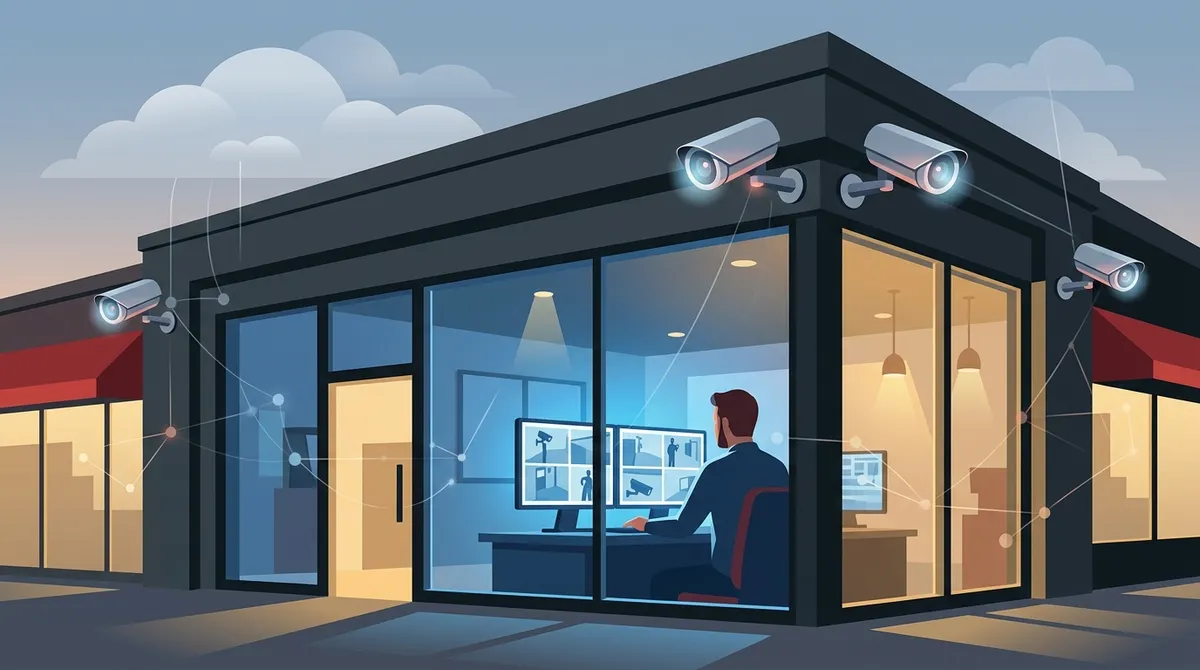
Today’s commercial surveillance systems are far more than basic cameras on a wall. They connect to your network, store footage in the cloud, and let you check in from anywhere using your phone. When paired with your existing telecom and IT infrastructure, they become a powerful layer of protection for your people, your assets, and your peace of mind.
In this guide, we’ll walk you through everything you need to know — from choosing the right cameras to understanding how surveillance fits into your broader business communications setup. Let’s dive in!

What Makes a Surveillance System “Professional”?
Not all security cameras are created equal. Consumer-grade cameras from big-box stores can work for a home, but they often fall short in a business environment. Professional systems are built for reliability, scalability, and performance.
Here’s what sets professional systems apart:
- Higher resolution: Commercial cameras often deliver 4K or at least 1080p HD footage, making it easy to identify faces and license plates.
- Better low-light performance: They handle nighttime and indoor lighting conditions far more effectively.
- Cloud storage and remote access: Footage is backed up off-site, so nothing is lost if hardware is damaged or stolen.
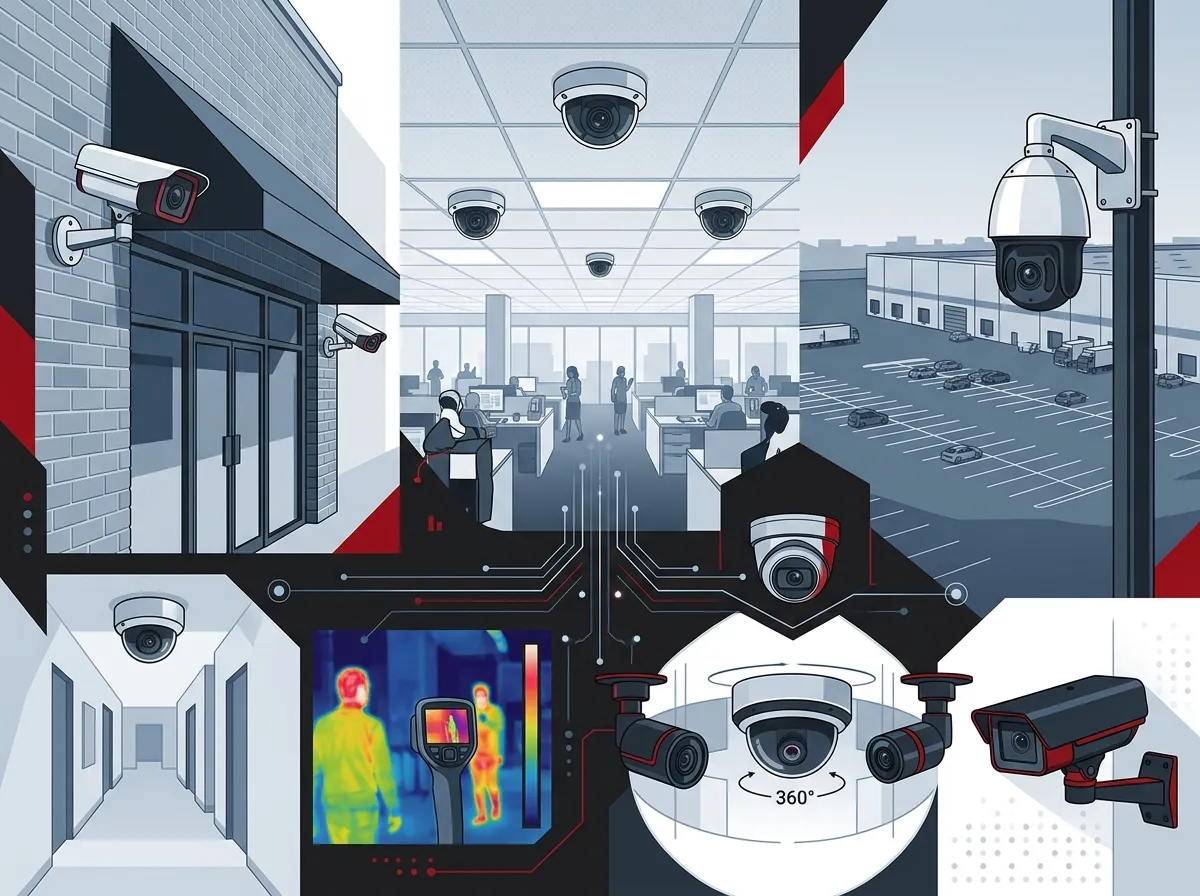
- Wider coverage angles: Commercial cameras often include wide-angle or PTZ (pan-tilt-zoom) capabilities.
- Integration with other systems: They connect with access control, alarms, and your business network.
- Scalability: You can easily add cameras as your business grows.
For a deeper look at what cameras can really do for your operations, check out this article on what security cameras really do for your business.
Types of Commercial Video Surveillance Systems
Before you invest, it helps to understand your options. There are a few main types of systems used by Tampa businesses today.
| System Type | Best For | Key Benefit | Storage Option |
|---|---|---|---|
| IP Camera Systems | Most modern businesses | High resolution, network-based | Cloud or NVR |
| Cloud-Based Systems | Multi-location or remote-managed businesses | Remote access, automatic updates | Cloud storage |
| Analog/HD-TVI Systems | Businesses upgrading older setups | Cost-effective, uses existing cabling | DVR (on-site) |
| PTZ Camera Systems | Large open spaces like warehouses or lots | Wide coverage, remote pan/tilt/zoom | Cloud or NVR |
Cloud-based systems are growing fast in popularity — and for good reason. They eliminate the need for bulky on-site recording equipment and let you access live footage from any device, anywhere. Explore cloud video security options that make remote monitoring simple and effective.
How Surveillance Connects to Your Telecom Infrastructure
Here’s something many business owners don’t think about: your surveillance system is only as strong as your network. Cameras transmit data constantly. Without a solid, fast, and reliable connection, you’ll experience dropped feeds, laggy footage, and gaps in coverage.
This is where your broader telecom setup matters. A few key components include:
- High-speed business internet: You need enough bandwidth to handle multiple HD camera feeds simultaneously. Learn more about business high-speed internet services that can support your system.
- Structured cabling: A clean, organized cabling infrastructure ensures reliable camera connections throughout your building. See how structured cabling supports VoIP and security cameras.
- Business networking: Cameras need to be on a secure, segmented network to prevent vulnerabilities. Check out business network solutions designed for commercial environments.
Think of your surveillance system as part of a bigger communications ecosystem — not a standalone product you plug in and forget.
Benefits of Professional Video Surveillance for Tampa Businesses
So why should Tampa business owners invest in a professional system? The benefits go well beyond just catching a thief on camera.
| Benefit | How It Helps |
|---|---|
| Crime Deterrence | Visible cameras discourage theft, vandalism, and unauthorized access |
| Remote Monitoring | Check live feeds from your phone, tablet, or laptop anywhere |
| Employee Safety | Creates a safer work environment and helps resolve workplace incidents |
| Liability Protection | Video footage can be used in insurance claims or legal disputes |
| Operational Insights | Monitor foot traffic, workflow, and compliance in real time |
| Insurance Savings | Some insurers offer discounts for verified security systems |
For franchise operators and multi-location businesses, these benefits multiply. Imagine being able to monitor all your Tampa locations — and even out-of-state sites — from a single dashboard. That’s the power of a well-designed cloud surveillance setup.
Key Features to Look for in a Business Surveillance System
Not every system will fit every business. Here’s a ranked list of the most important features to prioritize when choosing professional video surveillance systems for businesses in Tampa:
- Cloud storage with redundancy — Ensure footage is stored securely off-site with automatic backups.
- Mobile access and alerts — Get instant notifications and live views from your smartphone.
- High-definition video quality — At minimum 1080p; 4K is even better for identifying details.
- AI-powered analytics — Motion detection, person recognition, and activity alerts save time and improve response.
- Integration with access control — Pair cameras with cloud-based access control to see who entered and when.
- Scalable design — Start with a few cameras and add more as your needs grow.
- Professional installation and support — A system is only as good as its setup and maintenance.
When all these features work together, you get a surveillance system that truly works for your business — not just a collection of cameras mounted to walls.
Cloud Surveillance vs. Traditional On-Site Recording
One of the biggest decisions you’ll face is whether to go cloud-based or stick with traditional on-site recording. Both have their place, but the gap is closing fast.
| Feature | Cloud-Based | On-Site (DVR/NVR) |
|---|---|---|
| Remote Access | Yes, from any device | Limited (requires setup) |
| Storage Security | High — off-site backup | Risk of on-site damage/theft |
| Maintenance | Automatic updates | Manual updates required |
| Upfront Cost | Lower hardware cost | Higher hardware investment |
| Scalability | Easy to expand | Requires hardware upgrades |
| Internet Dependency | Requires stable connection | Works without internet |
For most Tampa businesses in 2026, cloud-based surveillance is the smarter long-term choice. You gain flexibility, automatic updates, and the ability to manage everything remotely — all without needing a server room. Explore the top cloud video security systems Tampa FL businesses love to see what’s available today.
How to Plan Your Surveillance System Installation
Getting the most out of your investment starts with a smart plan. Here’s a step-by-step approach that works well for Tampa businesses of all sizes:
- Assess your property: Walk through your building and identify all entry points, parking areas, high-traffic zones, and blind spots.
- Define your goals: Are you focused on deterrence, employee safety, remote monitoring, or all three? Your goals shape your camera selection.
- Evaluate your network: Make sure your internet and cabling infrastructure can handle the added load. Consult a professional about your structured cabling needs for Tampa businesses.
- Choose your camera types and placement: Mix indoor dome cameras, outdoor bullet cameras, and PTZ cameras where needed.
- Select your storage solution: Cloud storage is recommended for most businesses, especially those with multiple locations.
- Work with a trusted installer: Professional installation ensures proper angles, connections, and system configuration.
- Train your team: Make sure key staff know how to access footage, set alerts, and respond to incidents.
Planning ahead saves you time, money, and headaches down the road. And working with a single provider who handles cameras, cabling, and networking makes the whole process much smoother.
Integrating Surveillance with Your Full Business Security Stack
The real power of professional video surveillance shows when it’s part of a complete security strategy. Cameras alone are great. But cameras combined with access control, alarm monitoring, and a strong network are exceptional.
Here’s what a fully integrated security stack might look like for a Tampa business:
- Cloud video surveillance: Monitor all areas of your property 24/7 with remote access and recorded footage.
- Cloud access control: Manage who can enter which areas, when, and how — with mobile credentials and real-time alerts.
- Structured cabling infrastructure: A clean backbone that reliably connects all cameras, access points, and network equipment.
- High-speed internet: Enough bandwidth to stream, store, and access footage without bottlenecks.
- Business networking: Secure, segmented networks that keep your surveillance data protected.
This is exactly the kind of integrated approach that Ideal Solutions Provider specializes in. With over 24 years of experience and partnerships with 35+ vetted suppliers, they serve as a single point of contact for Tampa businesses that want everything handled in one place — from cameras to cabling to cloud phone systems.
You can also follow their latest updates and tips on Facebook and Instagram for helpful content about business security and telecom solutions.
Choosing the Right Provider in Tampa
Not every security installer understands the telecom side of the equation. And not every telecom provider understands surveillance. That’s why it pays to work with a partner who bridges both worlds.
Here’s what to look for when evaluating a provider:
- Experience with commercial installations — not just residential
- Ability to handle cabling, networking, AND cameras under one roof
- Access to multiple vetted vendors so you get the best fit for your budget
- Ongoing support and maintenance after installation
- Experience with multi-location and scalable deployments
Working with a provider who acts as your single point of contact saves you from juggling multiple vendors, contracts, and support lines. Learn more about choosing the right partner by watching helpful explainer content on their YouTube channel.
If you’d like to learn how surveillance fits into your full telecom strategy, take a look at the guide to choosing cloud security cameras for Tampa commercial buildings.
How Much Does a Professional System Cost?
Costs vary based on the number of cameras, storage needs, installation complexity, and features. Here’s a general breakdown to give you a ballpark idea:
| Business Size | Estimated Cameras Needed | Approximate Monthly Cost (Cloud) | Installation Complexity |
|---|---|---|---|
| Small Office (1–10 employees) | 4–8 cameras | $50–$150/mo | Low |
| Mid-Size Business (10–50 employees) | 8–20 cameras | $150–$400/mo | Medium |
| Large Business / Multi-Location | 20+ cameras per site | $400+/mo | High |
Keep in mind that these are estimates. The right provider will assess your specific needs and offer a customized quote. Many businesses find that the savings from insurance discounts and loss prevention offset a significant portion of the monthly cost.
Ready to Upgrade Your Business Security in Tampa?
Professional video surveillance systems for businesses in Tampa are no longer a luxury — they’re a smart business investment. Whether you’re a small shop owner, an IT manager overseeing a corporate campus, or a franchise operator with locations across the state, the right system gives you visibility, control, and confidence.
And when your cameras, cabling, networking, and cloud services all work together seamlessly, you’ve built a security foundation that’s truly built to last. Don’t wait for a security incident to motivate action. Take the first step today.
Reach out to our team at Ideal Solutions Provider for a free consultation. We’ll review your current setup, identify any gaps, and recommend the best solution for your needs and budget. Get in touch with our team today or give us a call at 813-388-4935 — we’d love to help you build a smarter, safer business.
FAQs
Q: What is the best type of video surveillance system for a small Tampa business?
A: For most small Tampa businesses, a cloud-based IP camera system is the best fit! It offers high-definition video, remote access from your smartphone, and off-site storage — all without needing bulky on-site recording equipment. Plus, it’s easy to scale up as your business grows.
Q: How many cameras does my Tampa business actually need?
A: It really depends on your building size and layout! A small office might need just 4–8 cameras covering entrances, the reception area, and key interior spaces. Larger businesses with warehouses, parking lots, or multiple floors will need more. A professional site assessment is the best way to get a precise recommendation.
Q: Do I need high-speed internet for cloud-based surveillance cameras?
A: Yes — and this is really important! Cloud cameras stream and upload footage continuously, so a reliable, high-bandwidth internet connection is essential. Without it, you may experience choppy or missing footage. We always recommend pairing your camera system with a solid business internet plan for the best performance.
Q: Can video surveillance systems integrate with access control systems?
A: Absolutely, and it’s one of the smartest things you can do! When cameras are paired with cloud-based access control, you can see exactly who entered a door and when — all from one dashboard. It’s a powerful combo that gives you a full picture of activity at your business at all times.
Q: Is professional installation really necessary for business surveillance cameras?
A: We strongly recommend it! Professional installation ensures your cameras are placed at optimal angles, properly connected to your network, and configured for the best performance. A professional installer also accounts for lighting, blind spots, and network segmentation — things that are easy to overlook in a DIY setup.