
Key Takeaways
-
Auto attendants answer every call with a greeting and menu, routing callers to the right person or department so busy front desks stay manageable without extra staff.
-
Cloud auto attendants usually win for small and mid-sized businesses due to web-portal menu changes, remote routing, easy scaling, and typically lower upfront costs than on-site PBX hardware.
-
Cloud plans in a 2026 third-party comparison ran about $15 to $30 per user per month billed annually, but check menu limits, scheduling, number porting, and 911 support before buying.
-
Your internet connection is critical: a cloud auto attendant sounds poor on a weak network, so verify speed and stability and consider structured cabling before switching.
-
Keep menus short and in plain language, offer a press-0 path to a live person, set separate after-hours and holiday flows, and test from cell, landline, and desk phones.
-
Avoid common mistakes like overly deep menu layers, outdated holiday greetings, skipping a live-person option, and comparing only per-user price instead of total cost.
Picture this: it is Monday morning, three phones are ringing at once, and your one front-desk person is trying to help a walk-in customer. Sound familiar? That is exactly where a phone system with auto attendant earns its keep. It answers every call, offers a friendly menu, and sends callers to the right place without anyone lifting a finger.
But here is the big question many Tampa owners ask us: should you get your auto attendant through a cloud-based system or a traditional on-site system? Both can work. Each has strengths, quirks, and costs worth knowing about.
In this friendly guide, we will break down what an auto attendant does, compare cloud and on-site options side by side, and share simple tips for building a menu your callers will actually enjoy. Whether you run a small shop, manage an office, or oversee several franchise locations, you will leave with a clear next step.
What Is a Phone System With Auto Attendant?
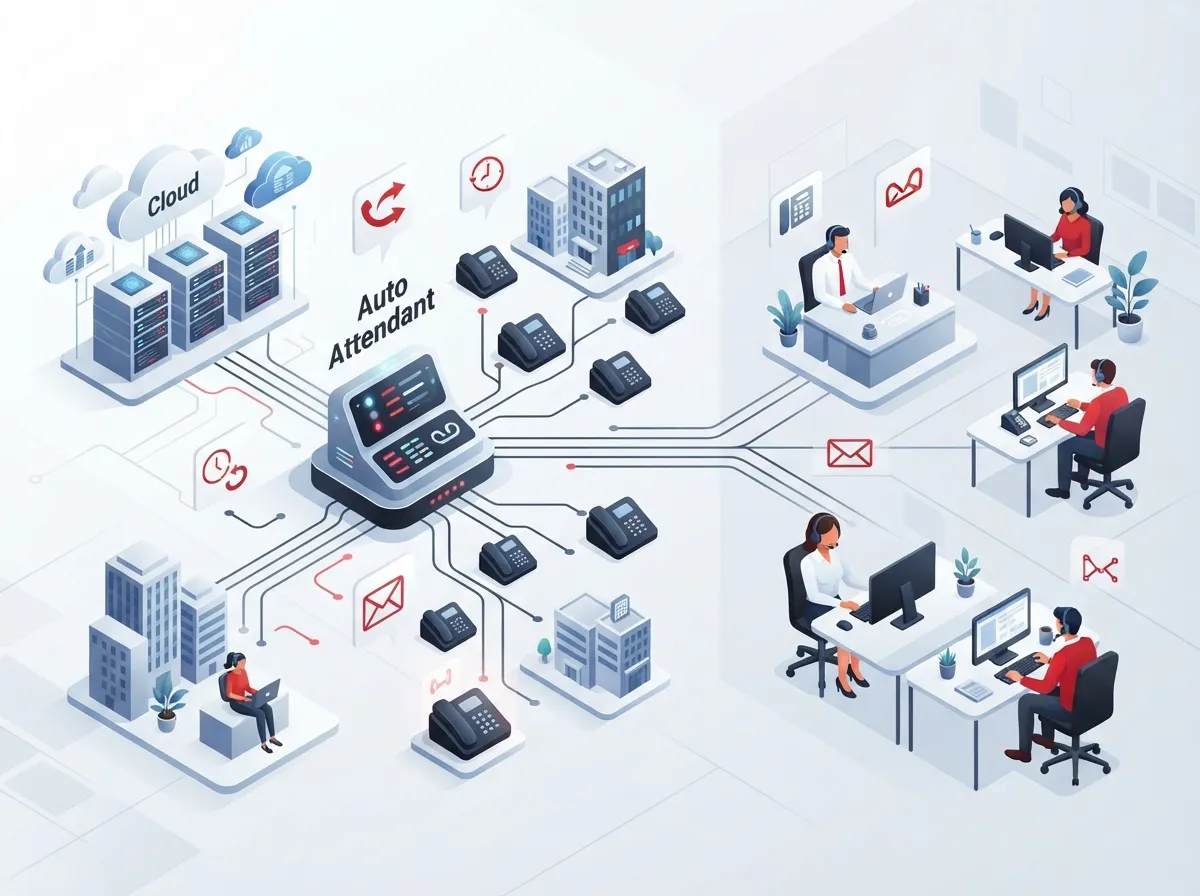
A phone system with auto attendant answers incoming calls using a recorded or synthesized greeting and a simple menu. Callers press a key or say a choice, and the system routes them to a person, a department, voicemail, or recorded information. You may also hear it called an automated receptionist, virtual receptionist, or phone menu.
Think of it as a polite digital front desk that never takes a lunch break. Typical features include:
- Custom greetings that sound like your brand
- Keypad-based routing to extensions and departments
- Dial-by-name directories
- Voicemail routing
- Business-hours schedules
- Separate after-hours and holiday call flows
Most cloud VoIP and hosted PBX plans include an auto attendant, though advanced options can depend on the plan. Traditional on-site PBX systems can support one too. The difference is in how you set it up, manage it, and pay for it.
Auto Attendant vs. IVR vs. Live Receptionist
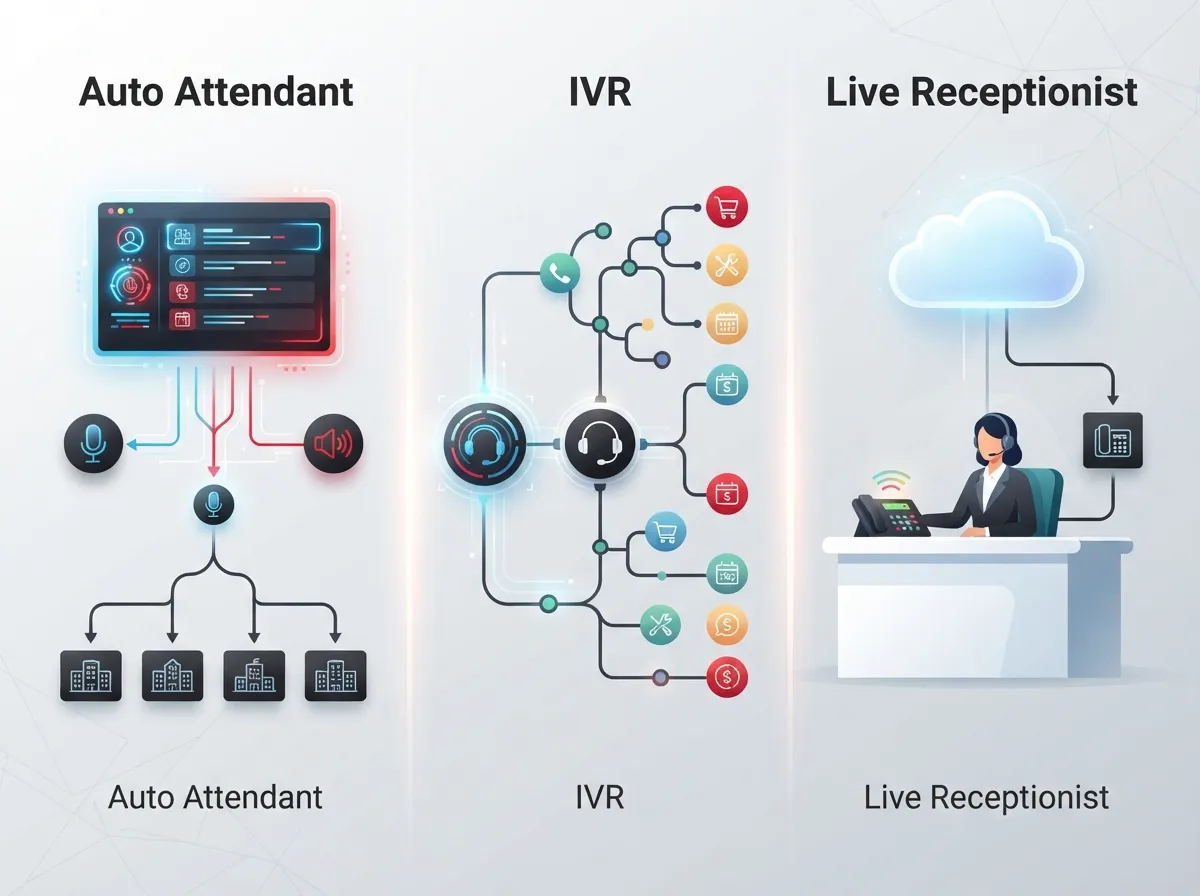
These terms get mixed up a lot, and some vendors use them interchangeably. Here is a quick way to tell them apart.
| Option | What It Does | Best For |
|---|---|---|
| Auto attendant | Greets callers and routes them using a simple menu | Small and mid-sized teams that need clean call routing |
| IVR (interactive voice response) | Adds deeper menus, caller input, and system integrations | Larger operations with complex workflows |
| Live receptionist | A real person answers and helps | Businesses where a personal touch is the main selling point |
Many businesses blend them. For example, an auto attendant handles the first greeting, with an easy option to press 0 for a real person. Since vendors label features differently, always ask exactly what is included before you sign anything.
Cloud vs. On-Site: The Big Comparison
Now for the main event. Let us put the two approaches head to head.
Cloud-Based Phone Systems
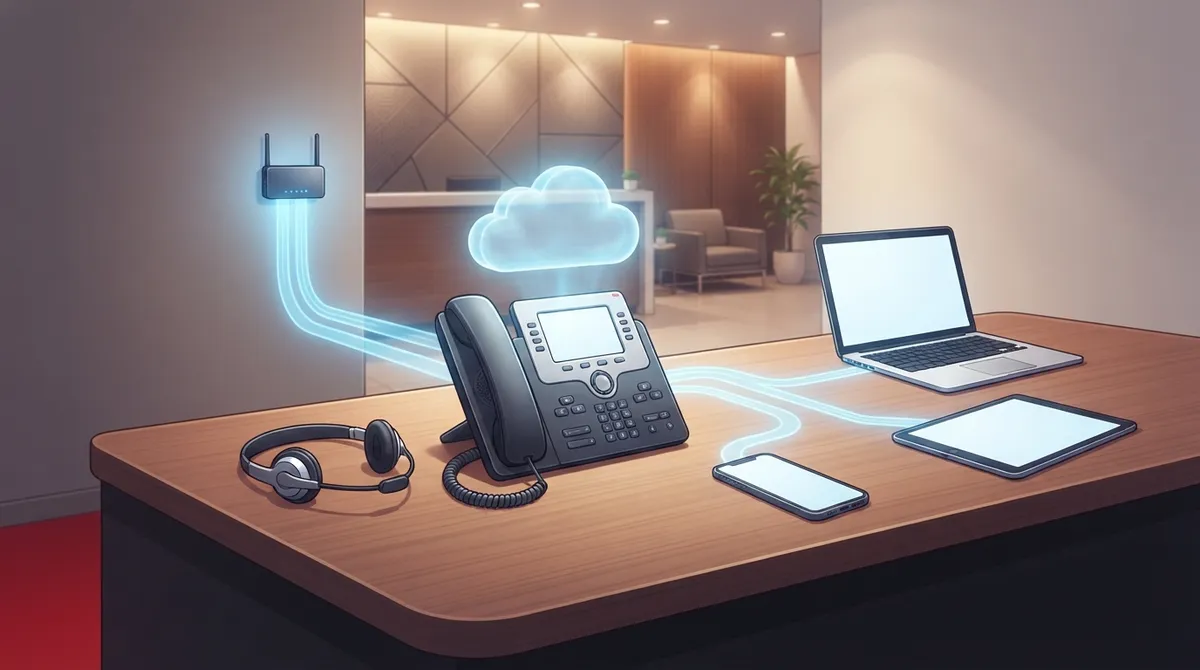
With a cloud system, your phone service runs over the internet through a provider’s data centers. Administrators usually configure menus through a simple web portal. Calls can ring desk phones, softphone apps, or mobile phones, which is great for distributed teams.
Cloud setups also scale easily. Adding a new hire or a new location is often a few clicks. If you want a deeper look, our guide on what a cloud-based phone system is and whether you need one covers the basics.
On-Site (Traditional) PBX Systems
An on-site PBX lives in a closet or server room at your office. You own or lease the hardware and typically rely on a technician for changes. It can offer solid control and works well for some businesses with fixed locations and stable needs.
The trade-off is flexibility. Updates, new lines, and remote work support often take more time and money. Our breakdown of the key differences between VoIP and traditional phone systems goes deeper on this.
Side-by-Side Snapshot
| Factor | Cloud | On-Site PBX |
|---|---|---|
| Menu changes | Web portal, often self-service | Often requires a technician |
| Remote and mobile routing | Typically built in | Varies, may need add-ons |
| Upfront cost | Usually lower | Usually higher (hardware) |
| Scalability | Easy to add users and sites | Limited by hardware capacity |
| Reliability depends on | Internet connection and provider | Local hardware and maintenance |
| Best fit | Growing, hybrid, or multi-location teams | Single-site with fixed needs |
For most small and growing Tampa businesses, cloud tends to win on flexibility and cost. Still, the right answer depends on your building, your internet, and how your team works.
How Much Does a Phone System With Auto Attendant Cost?
Let us talk money, because it matters. A 2026 comparison of provider plans reported entry-level plans with auto-attendant features ranging from roughly $15 to $30 per user per month when billed annually. Examples in that comparison included several popular plans at $15 per user per month and one listed at $20 per user per month with annual billing.
Those are third-party comparison figures, not a universal price. Plans change, and included features vary. Here is what to look at beyond the sticker price:
- Number of menus and options: Some plans limit how many menus you can build. One provider guide, for instance, describes up to nine caller options for its service, and limits differ by provider.
- Schedules: Check support for business hours, holidays, and after-hours flows.
- Number porting: Make sure you can keep your existing phone numbers.
- Emergency calling: Confirm how 911 works, especially for remote users.
- Support and uptime: Ask about service commitments and who you call when something breaks.
Want a local view of pricing? See how much a VoIP phone system costs for a business in Tampa, or browse affordable VoIP phone services for Tampa businesses.
Which Option Fits Your Business?
Different teams have different needs. Here is a friendly cheat sheet.
- Small business owners: Cloud usually offers the best mix of low upfront cost and easy setup. You can often adjust your own greeting without calling anyone.
- Mid-sized companies: Look for multiple menus, departments, and integrations as you grow.
- IT managers: Weigh bandwidth, network readiness, and how the system fits your wider infrastructure.
- Office managers: Prioritize ease of updating menus when staff, hours, or services change.
- Franchise operators: Choose a platform that scales across sites with consistent greetings and routing.
If you are weighing the bigger picture, our post on how to choose the right phone system for a small business is a handy companion.
Do Not Forget the Network Behind the Phones
Here is a secret that surprises many owners: the best auto attendant in the world sounds terrible on a weak network. Cloud call quality depends on your internet connection and your provider. That makes your internet and cabling just as important as the phone plan.
Before switching, check your connection speed and stability. Our guide on what internet speed you need for VoIP in Tampa will help you size things right. Clean wiring helps too. Good structured cabling keeps desk phones and other devices connected reliably, and structured cabling supports VoIP phones and security cameras alike.
Choosing a solid Internet Service Provider matters here as well. If you are shopping around, 7 best business high-speed internet services in Tampa, FL is a good starting point.
How to Design an Auto Attendant Menu Callers Will Love
A great menu feels helpful, not like a maze. Follow these steps to build one that works.
- Keep options brief. Aim for a handful of choices. If callers have to hear a long list, they will hang up or mash zero.
- Use plain language. Say “For billing, press 2” rather than internal jargon.
- Offer a path to a person. Where practical, give callers a way to reach an operator.
- Add a clear fallback. Decide what happens when someone enters an invalid option or does nothing.
- Set schedules. Create separate flows for business hours, after hours, and holidays.
- Test it. Call your own system from a cell phone, a landline, and a desk phone.
- Update often. Review the menu whenever staff, hours, or services change.
What Should a Professional Greeting Say?
Keep it warm and short. A simple formula works well: welcome the caller, name your business, state the options, and offer help. For example: “Thank you for calling Sunshine Dental. For appointments, press 1. For billing, press 2. To reach our front desk, press 0.” That is friendly, clear, and takes about ten seconds.
Common Mistakes to Avoid
We have seen a few trip-ups over our 24 years in telecom. Dodge these and you are ahead of the game:
- Building too many menu layers so callers get lost
- Forgetting to update holiday and after-hours greetings
- Skipping a live-person option entirely
- Ignoring internet readiness before moving to the cloud
- Comparing only per-user price instead of total cost
For more cautionary tales, check out 15 cloud phone system mistakes Tampa small businesses make and 5 hosted PBX mistakes Tampa small businesses must avoid.
Switching Without the Stress
Moving to a new phone system sounds scary, but it does not have to be. A smooth switch usually includes reviewing your current setup, choosing a plan, porting your numbers, installing and testing, and training your team. If you want a roadmap, see 5 steps to switch your business phone to the cloud in Tampa and how to keep your phone number when switching to VoIP.
This is where having a partner helps. At Ideal Solutions Provider, we work with 35+ vetted suppliers, so we can compare phone, internet, and cabling options side by side and recommend what fits, not what hits a sales quota. One point of contact, from consultation to installation to ongoing support.
The Verdict: Which Wins?
So, cloud or on-site? For most small and mid-sized businesses, a cloud phone system with an auto attendant wins on flexibility, easy menu changes, remote team support, and predictable monthly costs. On-site PBX can still make sense for single-location businesses with stable needs and in-house technical help.
The real winner is the one that matches your team, your network, and your goals. A quick review of your current setup can save you real money and plenty of headaches.
Ready to find your best fit? Contact us for a free consultation and we will review your current phone setup, or call us at 813-388-4935 to chat with a friendly expert today.
FAQs
Q: What is an auto attendant on a business phone system?
A: It is a digital receptionist that answers calls with a greeting and a simple menu. Callers press a key to reach a person, a department, voicemail, or recorded info. It keeps calls moving even when your team is busy.
Q: How is an auto attendant different from an IVR system?
A: An auto attendant mainly routes callers through menu choices. An IVR can go further with deeper menus, caller input, and integrations. Vendors sometimes use the terms interchangeably, so it is smart to ask what is actually included.
Q: Can an auto attendant route calls to mobile phones or remote employees?
A: Yes, many cloud systems can send calls to desk phones, softphone apps, or mobile phones. That makes it easier to support hybrid and distributed teams. Call quality does depend on a solid internet connection and your provider.
Q: How do I set up business hours, holidays, and after-hours routing?
A: Most systems let you build separate schedules and call flows, often through a web portal on cloud plans. You set your open hours, then choose what callers hear after hours or on holidays. Just remember to review those settings whenever your hours change.
Q: Can callers still reach a live person from an auto attendant menu?
A: Absolutely, and it is a great idea to offer that option where practical. Many businesses let callers press 0 for an operator or a front-desk team. A clear route to a human helps callers feel taken care of.





