
Key Takeaways
-
Outdoor cameras depend on your network: a steady connection, enough bandwidth, safe storage, and smart setup all matter, so treat the install as a telecom and IT project, not just a camera purchase.
-
Check your upload speed before choosing cloud video, since cloud recording relies on upload bandwidth, which many offices have in short supply even when download speeds are fine.
-
Match the connection to the location: wired PoE suits fixed high-priority spots like entrances and gates, Wi-Fi suits retrofits, and cellular suits remote sites without reliable broadband.
-
Consider hybrid storage that records locally and also sends footage to the cloud, and ask vendors whether cameras can buffer video during an outage and upload it later.
-
Choose weather-ready gear with an IP66 or higher rating, infrared low-light performance, and dome housings for vandal resistance, then place cameras at entrances, loading docks, and blind spots found by walking the property at night.
-
Secure IP cameras by changing default passwords, enabling multi-factor sign-in, keeping firmware updated, isolating cameras on a separate network segment, and limiting access to each user's needs.
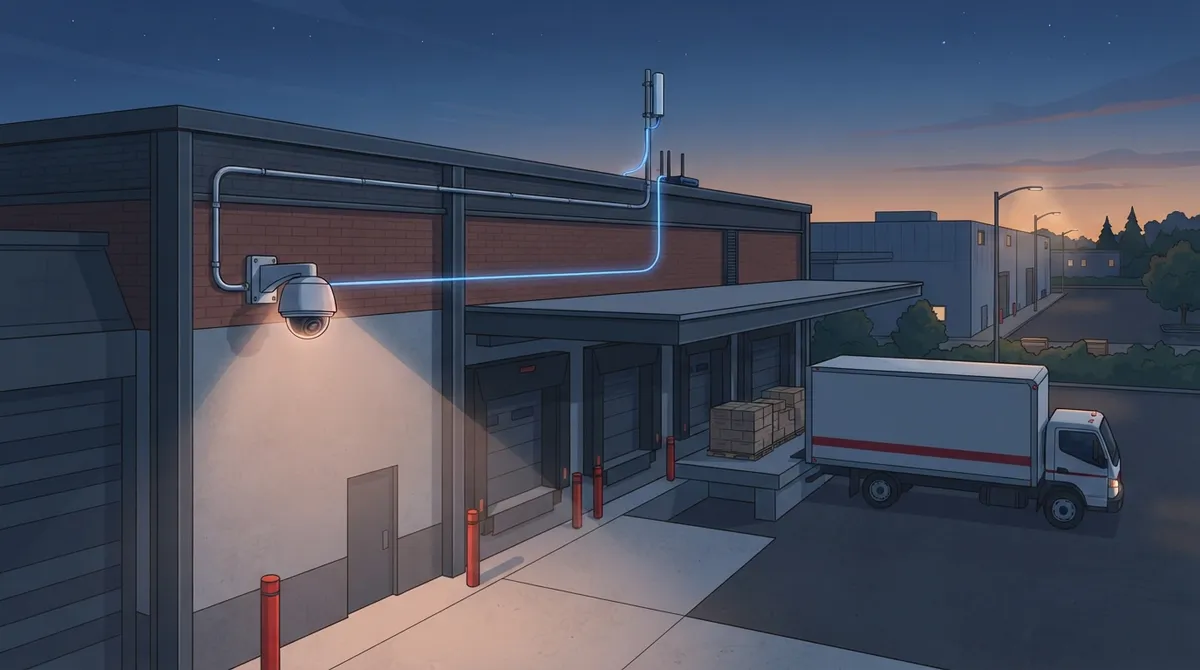
Picture this: it is 2 a.m., and a delivery truck backs into your loading dock gate. You get a phone alert, pull up a crisp night-vision feed, and see exactly what happened. That is the promise of outdoor business security cameras. But here is the part many owners miss. The camera is only one piece of the puzzle.
Behind every good outdoor camera is a network. It needs a steady connection, enough bandwidth, safe storage, and smart setup. If any of those pieces fails, your footage can freeze, vanish, or never reach you at all.
That is why outdoor cameras are really a telecom and IT project. In this friendly guide, we will walk through how they work, how to power and connect them, what to look for, and how to plan the install so it works on day one. Whether you run a single shop or a growing franchise, you will leave with a clear game plan.
What Are Outdoor Business Security Cameras?
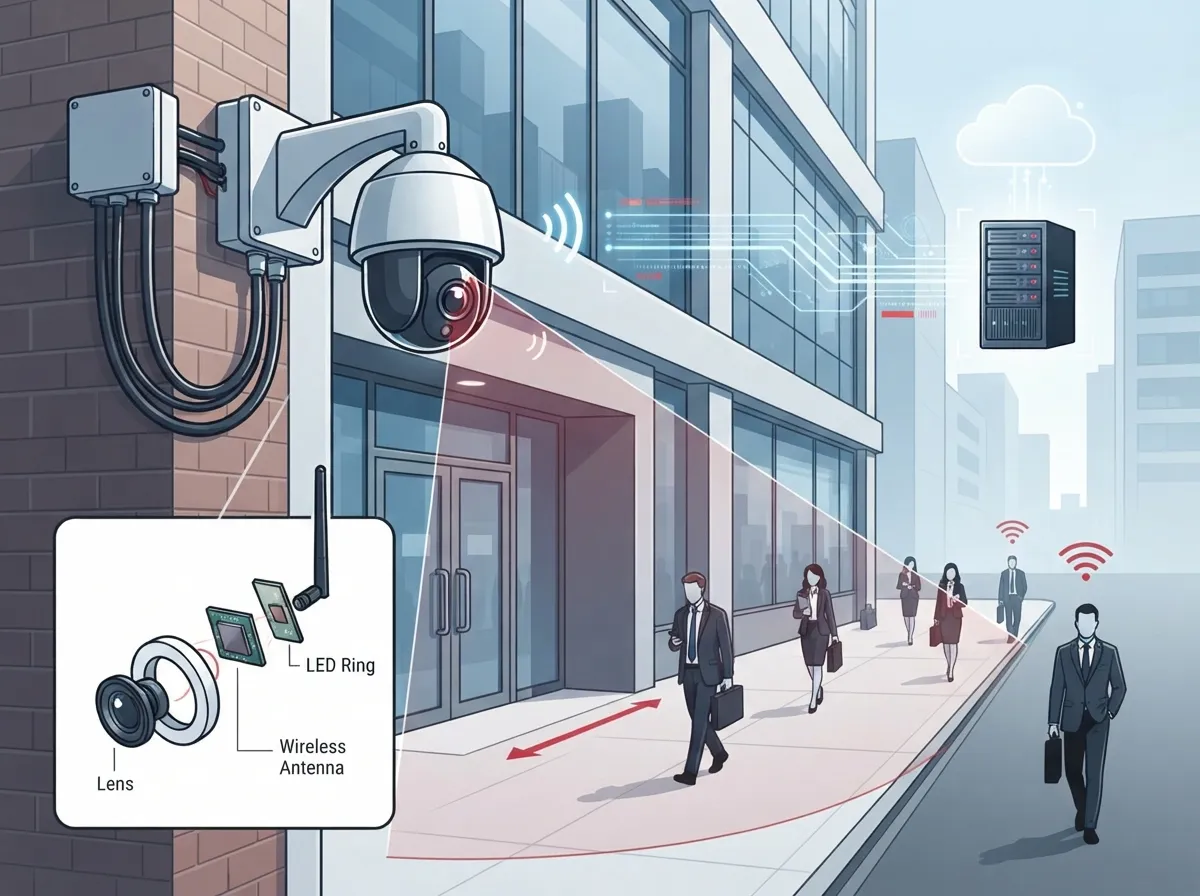
Outdoor business security cameras are weather-ready devices that watch your property from the outside. They cover entrances, parking lots, loading zones, fences, and building edges. Most modern systems use IP cameras, which send video over your network instead of through old coaxial wiring.
Industry research backs up this shift. Grand View Research reported that IP video surveillance made up more than 55.7% of the global video surveillance market in 2025. Dataintelo estimated IP cameras held about 72.5% of the outdoor surveillance camera market that same year. Estimates vary by report, but the direction is clear: networked cameras are the norm.
Because they live on your network, they rely on the same things your phones and computers do. That means your internet, your cabling, and your security settings all matter. If you want a broader look at what cameras do for a company, see what security cameras really do for your business.
Why Outdoor Cameras Depend on Your Network
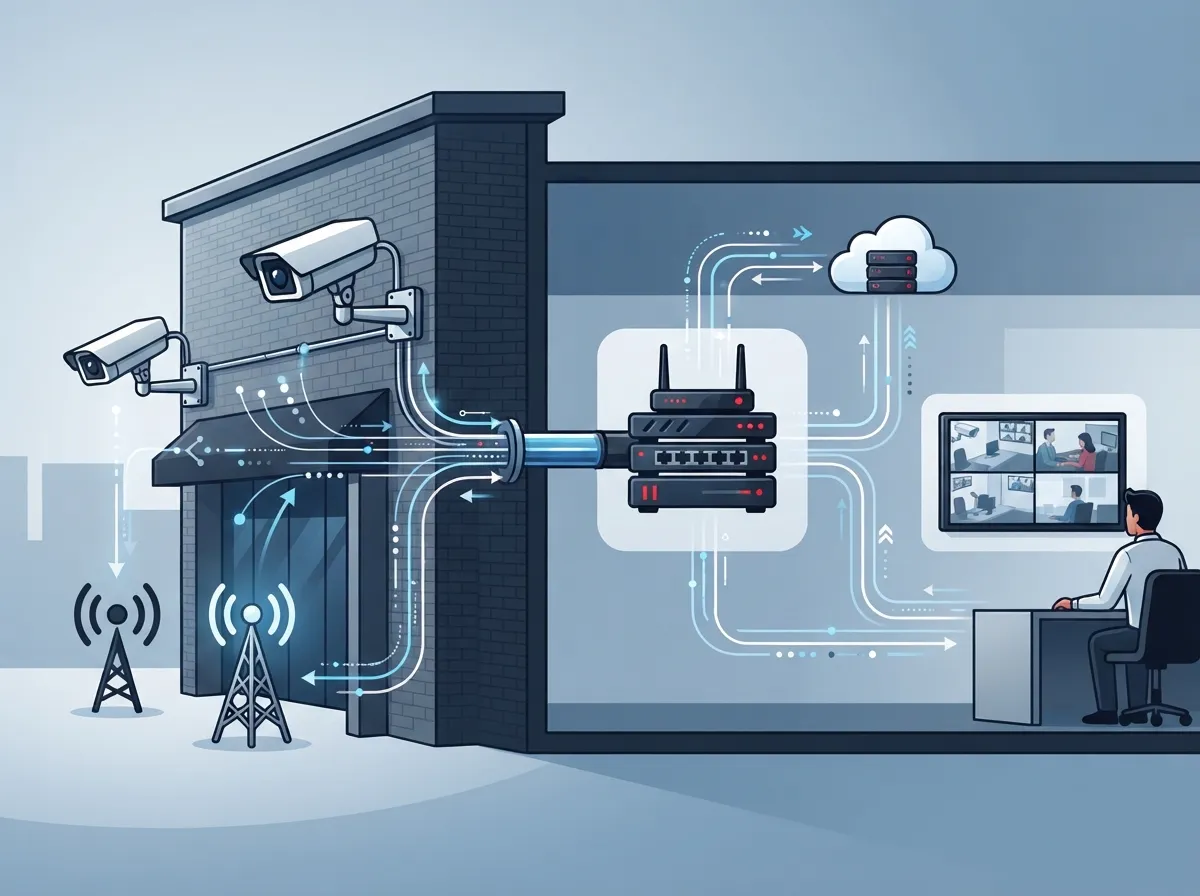
An IP camera is a tiny computer with a lens. It captures video, compresses it, and sends it somewhere. That somewhere might be a recorder in your server closet, a cloud platform, or both.
This means camera performance depends on four things:
- Connection quality: Wired, Wi-Fi, or cellular links all behave differently.
- Bandwidth: More cameras and higher resolution mean more data.
- Uptime: If your internet drops, cloud viewing may drop too.
- Security settings: Weak passwords and open ports invite trouble.
Think of it like a phone system. A great handset is useless with a poor connection. Cameras are the same. If you are curious how these needs overlap, our guide on how structured cabling supports VoIP and cameras explains it nicely.
PoE, Wi-Fi, or Cellular: Which Connection Fits?
One of the first choices you will make is how each camera connects. There is no single winner. The best pick depends on the spot you are covering.
Power over Ethernet (PoE)
PoE carries both power and data over a single Ethernet cable. That means one cable run, one clean install, and fewer outlets to worry about. For fixed, high-priority spots like front doors and main gates, wired PoE is often the most dependable choice.
Mordor Intelligence estimated that wired solutions made up about 67.74% of security camera deployments in 2025. That is an analyst estimate, not a universal count, but it shows how popular wired setups remain.
Wi-Fi
Wi-Fi cameras are handy for retrofits where running cable is tough. They can also suit temporary coverage. The tradeoff is that signal strength outdoors can swing with weather, distance, and walls. Mordor Intelligence projects wireless cameras to grow at a 17.72% CAGR through 2031, so demand is rising.
Cellular
Cellular cameras shine at places with no reliable fixed internet, such as construction sites, storage yards, or remote facilities. You will want to plan for signal quality, data usage, and monthly plan costs. A backup connection is a smart idea here too.
| Connection Type | Best For | Main Strength | Watch Out For |
|---|---|---|---|
| PoE (wired) | Entrances, gates, parking lots | Stable power and data in one cable | Needs cable runs and planning |
| Wi-Fi | Retrofits, temporary coverage | Easier install, flexible placement | Signal drops outdoors, interference |
| Cellular | Remote sites, yards, construction | Works without fixed broadband | Data plans, signal quality, ongoing cost |
If you are planning new cable paths, a pro can save you headaches. Take a look at structured cabling services to see how a clean foundation helps every device you add later.
How Much Bandwidth Do Outdoor Cameras Need?
This is one of the most common questions we hear, and the honest answer is: it depends. Bandwidth use grows with the number of cameras, the resolution, the frame rate, and how much video you send to the cloud.
Here are the main factors that raise or lower the load:
- Camera count: Ten cameras use far more than two.
- Resolution: Higher detail means bigger video files.
- Recording mode: Motion-only recording uses less than nonstop recording.
- Cloud upload: Sending every stream off-site needs strong upload speed.
- Remote viewing: Live viewing from phones adds extra traffic.
The key point is upload speed. Many offices have plenty of download speed but limited upload. Cloud video leans on upload, so check yours before you buy. Our tips on choosing the right internet speed for your business can help you size things up. And if your connection is already struggling, read why business internet slows down and how to fix it.
Cloud, Local, or Both? Choosing Video Storage
Where your footage lives matters just as much as how it gets there. You have three main paths.
Local Recording
A recorder on-site stores video in your building. It does not depend on internet to record, and there are no monthly cloud fees. The downside is that if the recorder is stolen, damaged, or fails, you could lose your footage.
Cloud Recording
Cloud video offers remote viewing, central management across locations, and off-site storage. That is great for multi-site owners and franchise operators. Just weigh subscription costs, retention length, upload bandwidth, and what happens when the internet goes down. Our post on keeping cameras working during internet outages covers this well.
Hybrid
Many businesses choose both. The camera records locally and also sends clips or streams to the cloud. If one side fails, the other still has your back. Ask any vendor whether the camera can buffer video during a connection loss and upload it later.
For a deeper side-by-side, see 6 key differences between cloud video security and DVR systems, or explore our cloud video security options.
What to Look for in an Outdoor Camera
Not every camera can handle the great outdoors. Florida sun, heavy rain, and humid nights are tough on gear. Here is what to check before you buy:
- Weather and temperature ratings: Look for an IP66 or higher ingress rating for dust and water resistance.
- Low-light performance: Infrared or other illumination helps at night.
- Resolution: Higher resolution helps with faces and license plates, but uses more bandwidth.
- Field of view: Wide lenses cover more ground, while narrow lenses reach farther.
- Mounting height and angle: Position matters as much as specs.
- Vandal resistance: Dome housings can resist tampering better than exposed bullet styles.
Grand View Research noted that outdoor deployment was the largest deployment segment in the surveillance camera market in 2025. Businesses clearly see the value of protecting what happens outside the walls. For a look at trusted names, check best security camera brands for Tampa businesses.
Where to Place Outdoor Cameras for the Best Coverage
Smart placement beats buying extra cameras. A few well-placed units often outperform a pile of poorly aimed ones. Start with the spots where activity and risk are highest.
- Main entrances: Capture every face coming and going.
- Parking lots: Cover vehicle entry points and lanes.
- Loading docks and delivery areas: Record shipments and after-hours access.
- Perimeter and fence lines: Watch for unwanted visitors.
- Dumpster and equipment areas: These are common trouble spots.
- Side and rear doors: Often overlooked, often targeted.
Walk your property at night, too. Shadows, glare from lights, and tree branches can create blind spots you would never notice by day. Also remember privacy. Aim cameras at your own property and limit capture of neighboring buildings or public areas where possible. Not sure how many you need? Read 10 factors that decide how many security cameras you need.
Plan It Like a Telecom and IT Project
The businesses that love their cameras treat the install as a real project, not a weekend DIY. Here is a simple roadmap to follow:
- Survey the site: Mark coverage goals, mounting spots, and cable paths.
- Check your network: Confirm switch capacity, PoE power budget, and upload speed.
- Estimate storage: Decide how many days of footage you need to keep.
- Segment the network: Keep cameras on their own network lane, away from business-critical systems where appropriate.
- Secure everything: Use strong, unique passwords, update firmware, and limit who can log in.
- Define procedures: Set retention rules, maintenance checks, and an incident response plan.
Skipping the network step is the classic mistake. A camera that cannot stream reliably is just an expensive decoration. A solid business network solution keeps your cameras, phones, and computers all running smoothly together. For more on timing and setup, see the security camera installation process for Tampa businesses and how business security camera installation should work.
How Do You Keep IP Cameras Safe From Hackers?
Cameras on your network can become an open door if you leave them unprotected. The good news is that a few habits go a long way.
- Change default usernames and passwords right away.
- Turn on multi-factor sign-in for cloud accounts.
- Keep camera firmware and software up to date.
- Place cameras on a separate network segment.
- Give each person only the access they truly need.
- Review who has access whenever staff changes.
Security is not a one-time task. A quick monthly check keeps small gaps from turning into big problems.
Is the Market Growing? A Quick Look at the Numbers
Demand for video surveillance is strong. Grand View Research estimated the global video surveillance market at $83.5 billion in 2025, with a forecast of $204.7 billion by 2033, and attributed 37.6% of 2025 revenue to commercial uses. The same firm estimated the surveillance camera market at $47.9 billion in 2025, heading toward $118.1 billion by 2033. Dataintelo estimated the outdoor surveillance camera market at $10.55 billion in 2025.
Keep in mind that these are third-party forecasts. Different publishers define markets differently, so the numbers vary. The takeaway is simple: more businesses are investing in outdoor cameras, and the technology keeps improving.
Ready to Protect Your Property With Confidence?
Outdoor business security cameras work best when the camera, the connection, the storage, and the security settings all work as one team. Get the network right, pick gear built for the weather, place cameras with care, and lock down access. Do that, and you will have a system you can trust at 2 a.m. and every hour in between.
At Ideal Solutions Provider, we have spent over 24 years helping businesses bring phones, internet, cabling, networking, cameras, and access control together under one roof. We handle the survey, the install, and the ongoing support, so you are not juggling vendors. Contact us for a friendly, no-pressure consultation, or call us to talk through your property. You can also follow along on YouTube for helpful tips.
FAQs
Q: Should a business use PoE, Wi-Fi, or cellular outdoor security cameras?
A: It depends on the spot. PoE is a great fit for fixed, high-priority areas like entrances because it delivers steady power and data over one cable. Wi-Fi helps with retrofits, and cellular works well at remote sites without reliable broadband.
Q: Can outdoor business cameras record to the cloud and locally at the same time?
A: Yes, many systems support hybrid recording. The camera can save video locally while also sending footage to the cloud, which gives you a backup if one side fails. Just ask your provider whether the camera can buffer video during an internet outage.
Q: What weatherproof rating should an outdoor commercial security camera have?
A: Look for an ingress protection rating such as IP66 or higher, which helps guard against dust and heavy water. Also check the operating temperature range so the camera holds up through hot summers and humid nights.
Q: How can a business secure IP cameras against unauthorized access?
A: Start by changing default passwords, turning on multi-factor sign-in, and keeping firmware updated. It also helps to keep cameras on a separate network segment and give each user only the access they need.
Q: How much internet bandwidth do business security cameras need?
A: It varies with camera count, resolution, recording mode, and how much video you send to the cloud. Upload speed matters most for cloud systems, so check your upload capacity before you buy.





