Key Takeaways
-
A typical business network setup in Lakeland costs $1,500-$3,500 for 2,000-4,000 sq ft and includes demarc extension, structured cabling, managed PoE switches, and commercial access points to support phones, cameras, and POS systems.
-
Separate your POS system from staff and guest WiFi using VLANs to protect customer payment data and maintain compliance with card industry security standards, preventing real vulnerabilities.
-
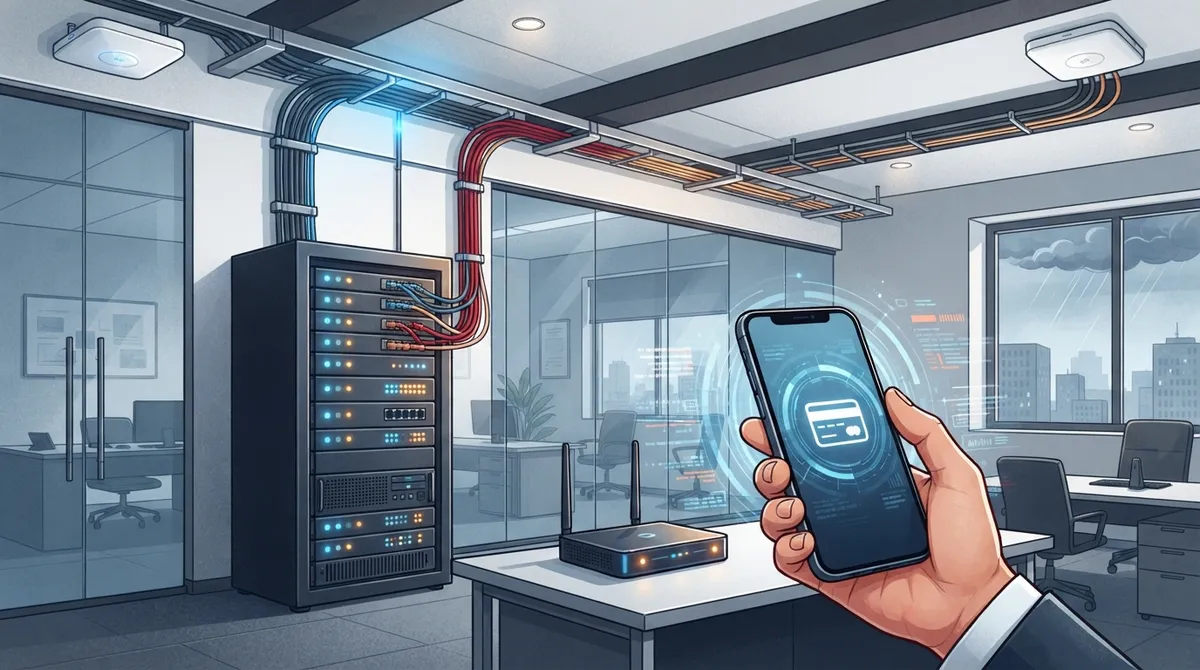
Cellular backup hardware ($200 upfront, $50-$100/month) is critical for most Lakeland businesses to maintain phone and payment system functionality during Florida storm outages and internet failures.
-
Structured cabling is your network’s foundation—upgrade if you experience frequent drops, have outdated CAT5 cabling, or struggle adding new devices, as this directly impacts WiFi speed and reliability.
-
Lakeland has 19+ fiber providers including Spectrum, AT&T, and Frontier offering speeds up to 1 Gbps; compare plans carefully by address before signing, as pricing and availability vary significantly by location.
-
Managed networking services provide 24/7 monitoring, firmware updates, and remote troubleshooting to catch problems before outages occur, eliminating the need for businesses to manage network health internally.
Opening a business in Lakeland is exciting, but your network setup can make or break your daily operations. Whether you’re running a small storefront on South Florida Avenue or managing a growing team near the Polk Parkway, a solid network keeps your phones ringing, your POS system humming, and your team connected. If you’ve ever dealt with slow WiFi during a busy lunch rush or lost internet right before a big call, you already know why this matters so much.
This guide breaks down everything you need to know about business network setup in Lakeland FL. We’ll cover real costs, what a proper setup includes, and how to avoid common mistakes that trip up local business owners. Think of this as your friendly roadmap to a network that just works, so you can focus on running your business instead of babysitting your WiFi.

Why Lakeland Businesses Need a Professional Network Setup
A shaky network isn’t just annoying. It costs you money every single day. Dropped calls mean missed sales. Slow WiFi frustrates customers and staff alike. And if your POS system shares a network with public WiFi, you’re opening the door to security headaches you don’t need.
Lakeland’s business scene has grown a lot over the past few years, from Dixieland to the Lakeside Village area. More businesses mean more demand for reliable connectivity. A well-designed network setup handles everything from VoIP phones to security cameras to guest WiFi, all without stepping on each other’s toes.
Common Pain Points Without a Proper Network
- Wi-Fi dead zones in certain parts of the office or store
- Customer and employee devices slowing down your POS transactions
- No backup plan when your main internet connection goes down
- Security cameras and access control systems competing for bandwidth
- Phone calls dropping during busy hours
- IT headaches from mismatched, outdated equipment
If any of these sound familiar, it’s probably time to look into a proper network setup built for growth rather than a patchwork of quick fixes.
What’s Included in a Business Network Setup in Lakeland FL
A typical small business network setup in Lakeland, covering about 2,000 to 4,000 square feet, runs between $1,500 and $3,500. This covers the essential building blocks that keep your business running smoothly.
Core Components of a Standard Setup
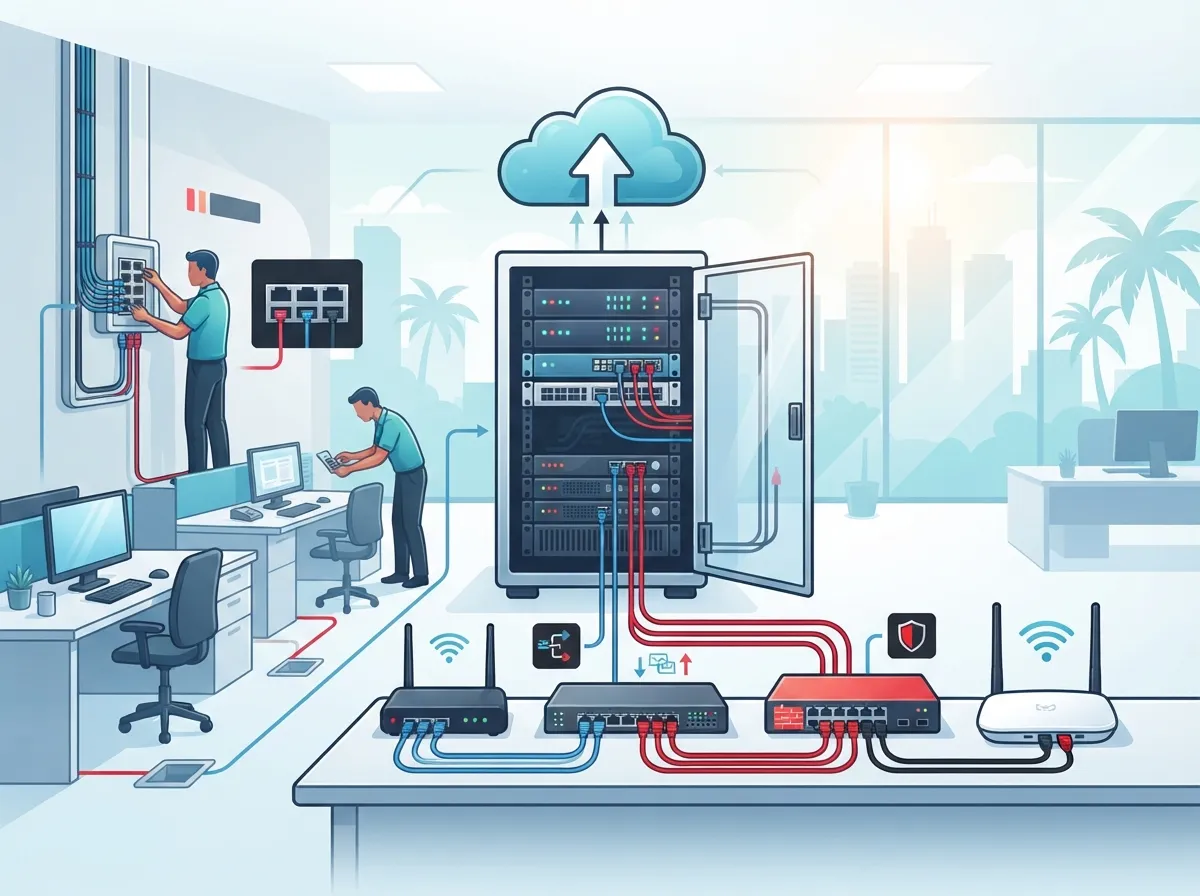
- Demarc extension: This connects your internet provider’s entry point to your main equipment room, sometimes requiring extra cabling if the demarc is far from your office space.
- Patch panels: These organize all your cabling in one place, making it easy to manage and troubleshoot later.
- Managed PoE switches: Power over Ethernet switches run your phones, cameras, and access points without needing separate power outlets everywhere.
- Commercial access points: Most small offices need two to three professional-grade WiFi access points for solid coverage.
- Network configuration: This includes setting up separate networks for your POS system, staff devices, and guest WiFi.
Larger buildings or spaces with tricky cable routes, like older buildings downtown, often cost more because of extra labor and materials. If you’re planning a buildout, it helps to plan your cabling installation early so you avoid surprise costs later.
Sample Cost Breakdown
| Component | Typical Cost Range | Notes |
|---|---|---|
| Demarc extension | $150 – $400 | Varies by distance from entry point |
| Structured cabling | $400 – $1,200 | Depends on square footage and cable runs |
| Managed PoE switches | $300 – $700 | Based on number of ports needed |
| Commercial access points (2-3) | $400 – $900 | Enterprise-grade WiFi coverage |
| Cellular backup hardware | ~$200 | Optional but recommended |
| Total estimated range | $1,500 – $3,500 | For 2,000-4,000 sq ft office |
Do You Need Cellular Backup for Your Network?
Here’s a question I hear a lot from Lakeland business owners: “Is cellular backup really necessary?” Honestly, for most businesses, yes. Cellular backup hardware costs around $200 upfront, with monthly service fees between $50 and $100.
Think about it this way. If your main internet goes down during a storm (and Florida storms are no joke), cellular backup keeps your phones and payment systems running. It’s a small monthly cost compared to losing sales for hours at a time. Many businesses pair this with SD-WAN solutions for even more reliable failover between connections.
Who Really Benefits From Cellular Backup
- Restaurants and retail stores that rely on POS systems all day
- Medical and dental offices that can’t afford downtime
- Franchise locations that need consistent uptime across sites
- Any business using cloud-based phone systems for daily calls
- Offices with security cameras or access control tied to the network
Choosing an Internet Provider for Your Lakeland Business
Lakeland businesses have plenty of options, with roughly 19 fiber internet providers serving the area. Major names like Frontier, AT&T, Verizon, and Spectrum all offer business-grade plans, some reaching speeds up to 1 Gbps or higher.
Spectrum Business, for example, starts around $65 per month for up to 1 Gig speeds. But pricing and availability can vary a lot depending on your exact location and building type. That’s why it helps to compare providers carefully before signing a contract.
Steps to Choose the Right Internet Provider
- Check what providers actually serve your building address
- Compare speed tiers against your daily bandwidth needs
- Ask about service level agreements and uptime guarantees
- Look into bundling internet with phone or security services
- Confirm installation timelines before signing anything
- Review contract length and early termination fees
An Internet Service Provider comparison alone won’t tell you everything, though. You also need to think about how your internal network handles that connection once it arrives.
Structured Cabling: The Foundation of Your Network
Good WiFi and fast internet mean nothing if your cabling can’t keep up. Structured cabling is basically the skeleton of your entire network. It connects your switches, access points, phones, and cameras in an organized, scalable way.
Local contractors specializing in Polk County businesses handle everything from MDF rack installation to full WiFi architecture. This matters more than people realize, especially in older Lakeland buildings where cable routes can get complicated fast.
Signs Your Business Needs New Cabling
- Frequent network drops or slow speeds during peak hours
- Visible cable clutter or exposed wiring around the office
- Difficulty adding new devices or access points
- Outdated CAT5 cabling that can’t handle modern speeds
- Planning a move or office expansion soon
If you’re noticing these issues, it might be time to check out common signs your business needs structured cabling before problems get worse.
POS Network Separation and Security
One thing a lot of Lakeland business owners overlook is keeping their POS system on a separate network from staff and guest WiFi. This isn’t just a nice-to-have. It’s a critical security step.
Mixing your payment system with public WiFi creates real vulnerabilities. A proper setup uses VLANs (virtual local area networks) to keep these systems isolated, even though they run on the same physical hardware. This protects customer payment data and keeps your business compliant with card industry standards.
Best Practices for Network Segmentation
- Create a dedicated VLAN just for POS and payment devices
- Set up a separate guest WiFi network with limited access
- Keep security cameras and access control on their own segment
- Use firewalls to control traffic between each network segment
- Regularly update passwords and firmware on all networking gear
Managed Networking Services: Ongoing Peace of Mind
Setting up your network is just step one. Keeping it running smoothly is a whole different challenge. Managed networking services provide continuous monitoring of your WiFi, firewalls, switches, and routers.
This kind of ongoing support catches problems before they turn into full outages. Instead of waiting for something to break, your network gets watched around the clock. That’s peace of mind most small business owners simply don’t have time to manage on their own.
What Managed Network Services Typically Include
| Service | What It Does |
|---|---|
| 24/7 monitoring | Watches network health and alerts you to issues |
| Firmware updates | Keeps equipment secure and running efficiently |
| Bandwidth management | Prioritizes critical traffic like VoIP calls |
| Remote troubleshooting | Fixes many issues without an on-site visit |
| Security patching | Protects against new threats as they emerge |
Businesses that pair managed services with a reliable cloud-based phone system tend to see fewer disruptions overall. Everything works together instead of fighting for the same limited resources.
Working With Local Networking Contractors in Polk County
Lakeland has several contractors who specialize in structured cabling, rack installation, and WiFi design for local businesses. When picking a contractor, experience with your specific building type matters a lot.
Older commercial buildings downtown often need creative cable routing solutions. Newer builds near the Lakeland Highlands area might have more straightforward installs. Either way, you want someone who understands both the technical side and the practical realities of your space.
Questions to Ask Before Hiring a Network Contractor
- Do you have experience with businesses similar to mine?
- Can you provide references from other Lakeland clients?
- What’s included in your standard installation package?
- Do you offer ongoing support after the install is complete?
- How do you handle POS and guest network separation?
- What’s your typical timeline for a project this size?
Getting these answers upfront saves you from surprises down the road. It also helps you compare quotes apples-to-apples instead of guessing what’s actually included.
How Ideal Solutions Provider Can Help
At Ideal Solutions Provider, we’ve spent over 24 years helping businesses across Florida build networks that actually work. As a Tampa-based telecom partner, we work with 35 vetted suppliers to design network setups tailored to your specific needs, whether that’s a single Lakeland office or multiple locations across the state.
We handle everything from initial consultation to installation and ongoing support, so you’re not stuck juggling different vendors for internet, cabling, phones, and security cameras. Our team also helps with enterprise network infrastructure services for growing businesses that need more robust solutions.
Final Thoughts on Business Network Setup in Lakeland FL
A solid business network setup isn’t just about getting WiFi to work. It’s about creating a foundation that supports your phones, your security, your point of sale, and your team’s daily productivity. Getting it right the first time saves you money, headaches, and a whole lot of frustrated customers.
Whether you’re opening a new location or upgrading an outdated system, taking the time to plan properly pays off. From choosing the right internet provider to setting up secure network segmentation, every piece matters more than it might seem at first glance.
Ready to build a network that actually keeps up with your business? Get in touch with our team for a free consultation, or give us a call to talk through your options today. You can also follow us on Facebook, check out project photos on Instagram, or watch setup walkthroughs on our YouTube channel. We’re here to make your network setup simple, affordable, and built to last.
FAQs
Q: What is the average cost to set up a business network in Lakeland, FL?
A: For a small office between 2,000 and 4,000 square feet, you’re typically looking at $1,500 to $3,500. This covers demarc extension, cabling, managed switches, and a few commercial access points. Larger spaces or tricky cable routes can push costs higher, so it’s always worth getting a walkthrough first.
Q: Which fiber internet providers serve businesses in Lakeland, Florida?
A: Lakeland business owners have about 19 fiber providers to choose from, including big names like Frontier, AT&T, Verizon, and Spectrum. Speeds can reach 1 Gbps or higher depending on your building and plan. It really pays to compare a few options since pricing and availability vary by address.
Q: Do I need cellular backup for my Lakeland business network?
A: For most businesses, yes, especially if you rely on phones or POS systems daily. Cellular backup hardware runs about $200, with monthly fees between $50 and $100. It’s a small investment that keeps you running during those unexpected Florida storm outages.
Q: What is included in a professional business network setup package?
A: A solid setup includes demarc extension, structured cabling, patch panels, managed PoE switches, and commercial-grade WiFi access points. It also typically covers network configuration for things like POS separation and guest WiFi. Everything works together so your team, customers, and systems all stay connected smoothly.
Q: How do I separate POS networks from general business WiFi in Lakeland?
A: The best approach uses VLANs to keep your POS system isolated from staff and guest devices, even on the same physical network. This protects payment data and helps you stay compliant with security standards. A good networking contractor can set this up during your initial installation.