

Key Takeaways
-
The best VoIP provider for your business is the one that can serve all your locations, support your people, and keep calls clear, not necessarily the one closest to you.
-
Check your network before choosing a provider: bandwidth, wired connections, router prioritization of voice traffic, cabling condition, and backup power all affect call quality.
-
Compare total cost, not just the per-user price: hardware, setup, number porting, E911 and regulatory fees, taxes, and annual commitments can significantly raise the final bill.
-
Ask every provider how they capture and update dispatchable 911 location for each user, especially remote workers and people who move between sites.
-
You can usually keep your existing business number when switching within the same geographic area, but don't cancel your old service until the port is complete.
-
Choose a single point of contact for phones, internet, and cabling where possible, so troubleshooting doesn't stall while vendors blame each other.
Typing “voip provider near me” into a search bar feels simple. But here is a little secret: the best provider for your business is not always the one with an office down the street. It is the one that can serve your locations, support your people, and keep your calls clear every single day.
Maybe you run a small shop in Tampa and you are tired of juggling phone bills. Maybe you manage IT for a growing company with three offices. Or maybe you are an office manager who just wants the phones to work so nobody comes knocking at your door. Whatever your story, you are in the right place.
In this friendly guide, we will walk through what “near me” really means in business telecom. We will cover features, costs, 911 rules, number porting, and the questions to ask before you sign. Grab a coffee, and let’s make this easier than you expected.

What Does “VoIP Provider Near Me” Really Mean for a Business?
When you search for a VoIP provider near me, you probably picture a local storefront. In business telecom, though, “near me” usually means a provider that can serve your company’s locations and users. A nearby office is nice, but it is not the whole story.
Cloud VoIP runs over the internet, so it can support remote workers and multi-site teams from almost anywhere. A local provider, on the other hand, may offer on-site network assessments, hands-on installation, and face-to-face support. Both can be great. The right fit depends on what your business needs.
Here is a quick way to think about it:
- Local-focused providers often shine at site visits, cabling checks, and in-person training.
- Cloud-first providers often shine at scaling fast, supporting remote staff, and adding locations.
- Hybrid partners can bring both: local know-how plus nationwide reach.
Keep in mind that being close by does not automatically mean better call quality or uptime. Reliability comes from the provider’s network, your internet connection, and how well the system is set up.
What Is Business VoIP and Which Features Matter Most?
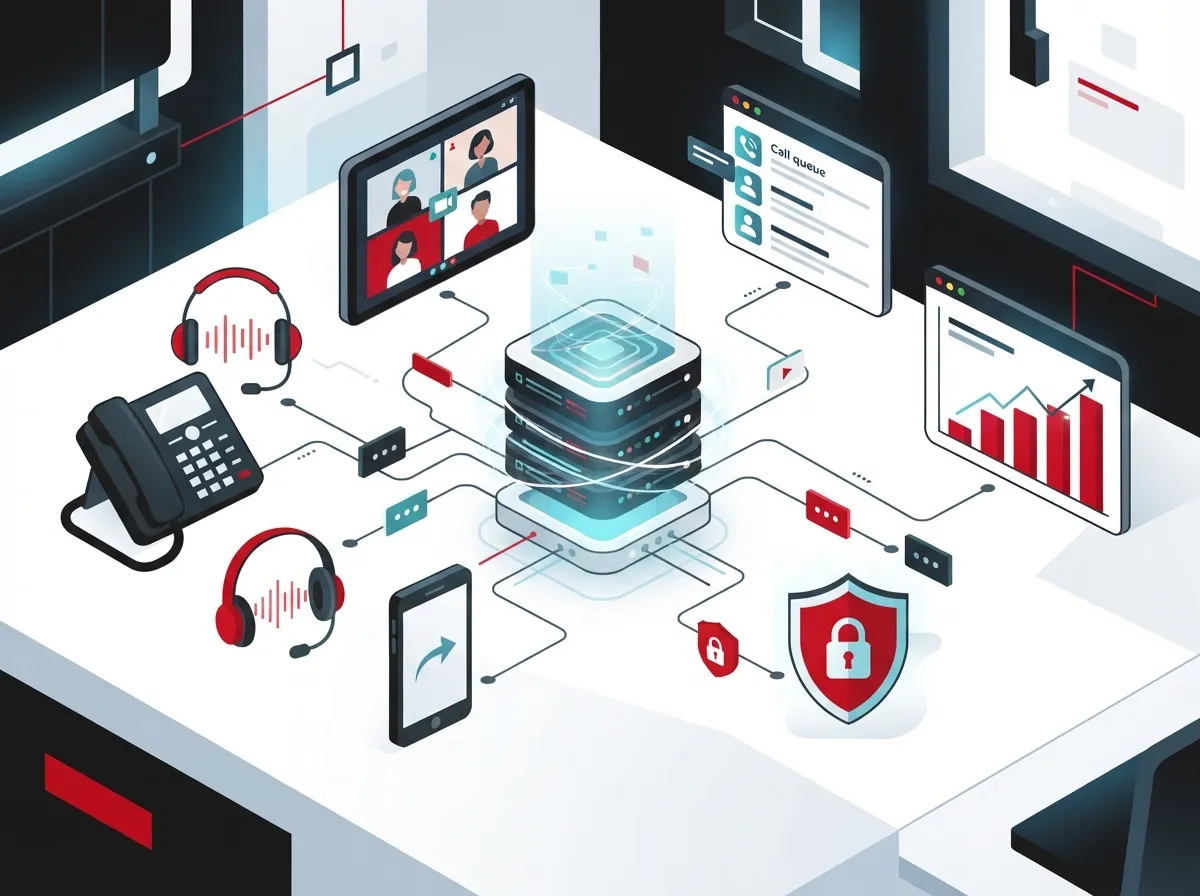
Business VoIP turns voice calls into internet traffic. Instead of traditional phone lines, your calls travel over your data connection. Most business plans include a lot more than basic calling, too.
Common features include:
- Business phone numbers and extensions
- Voicemail and call forwarding
- Call transfer and hold
- Auto attendants (the friendly “press 1 for sales” greeting)
- Call queues and ring groups
- Desktop and mobile apps
- Video and audio conferencing
More advanced plans may add text messaging, call recording, analytics, AI transcription, and CRM integrations. If you want a deeper look at which tools are worth paying for, our guide on how to choose VoIP features that help your business grow is a handy next read. You can also browse our list of VoIP phone system features every business needs in 2026.
Start With Your Real Needs
Before you compare plans, write down how your team actually works. Do people take calls from home? Do you need a call queue for customer support? Does your front desk need a simple auto attendant? A short checklist now saves you from paying for features you will never use.
Is Your Network Ready for VoIP?
This is the part many people skip, and it is a big one. Voice quality depends on your local network and internet connection, not only on the provider. Even the best VoIP service can sound choppy on a weak network.
Before deployment, check these items:
- Internet connection: Confirm you have enough bandwidth for your number of simultaneous calls.
- Wi-Fi and wired setup: Wired connections are usually steadier for desk phones.
- Routers and firewalls: Make sure they can prioritize voice traffic.
- Cabling: Old or damaged cabling can cause dropped calls and static.
- Power resilience: Plan for outages with backup power and a failover internet option if possible.
Good providers will offer a network-readiness test and explain who handles troubleshooting if something sounds off. If your cabling is aging, it may be worth reviewing signs your business needs structured cabling before you switch. Solid wiring is the quiet hero behind structured cabling that supports clear calls. And if you are wondering about speed, see what internet speed you need for VoIP.
How Do You Compare VoIP Providers Side by Side?
Once you know your needs, it is time to compare. Do not just look at the headline price. Look at the full picture.
| What to Compare | Why It Matters | What to Ask |
|---|---|---|
| Service availability | Not every provider serves every address or region | Do you serve all of my locations? |
| Uptime SLA | Shows the provider’s reliability promise | What is the uptime guarantee and what is excluded? |
| Support hours | Problems do not wait for business hours | Is support 24/7? How do escalations work? |
| Onboarding | A good setup prevents early headaches | Who installs and trains my team? |
| Security controls | Protects calls, data, and accounts | What security and access controls are included? |
| Integrations | Saves time with your existing tools | Does it connect to my CRM and apps? |
| Scalability | You may add users or sites later | How easy is it to add lines and locations? |
| Number availability | You may want local or specific numbers | Can I get local numbers in my area codes? |
It also helps to think about who is delivering the service. If you are weighing a direct vendor against a guided approach, our post on local vs. cloud VoIP providers breaks it down nicely. And if you would like a broader checklist, take a look at 9 ways to compare telecom providers.
How Much Does Business VoIP Really Cost?
Let’s talk money, because it is always on the list. A 2025 provider comparison reported that many business VoIP plans are listed at roughly $10 to $30 per user each month with annual billing. A 2026 PCMag comparison found tested offerings ranging from about $10 to $65 per person monthly, with many small businesses likely paying around $20 per person.
That sounds friendly, but the headline price is rarely the final price. Pricing and plans change, so always verify current quotes. Watch for these extras:
- Hardware such as desk phones or headsets
- Setup and installation fees
- Number porting charges
- E911, regulatory, and recovery fees
- Taxes and federal Universal Service Fund charges
- International or metered usage
- Optional add-on features
The same 2025 comparison estimated that E911, regulatory recovery, and federal USF charges can add roughly $2 to $6 per line before taxes in some cases. That is not a universal quote, since fees vary by provider, service, and location.
Also check whether a plan requires annual billing or a minimum number of seats. A cheaper monthly rate can feel less cheap if you are locked into more seats than you need. For a deeper cost breakdown, see how much a VoIP phone system costs for a business, and avoid common pitfalls with 15 business VoIP mistakes that cost you money.
What About 911 and Emergency Calling?
This one is important, so let’s give it some love. Interconnected VoIP providers must meet FCC 911 obligations, including providing 911 service as a standard feature and handling Enhanced 911 requirements. You can read the details in the FCC’s VoIP and 911 service guide.
Here is why it matters for your business. Unlike a traditional landline, a VoIP phone can move. A remote worker might use an app at home. A laptop might travel between offices. Emergency responders need to know where to go.
So ask each provider:
- How do you capture dispatchable location for each user or device?
- How do we update locations when people move or work remotely?
- What happens to 911 service during our transition?
- Can we set up internal notifications when someone dials 911?
A trustworthy provider will answer these clearly and without hesitation.
Can You Keep Your Existing Business Phone Number?
Good news: in most cases, yes. Businesses can generally keep an existing phone number when switching providers within the same geographic area through number porting.
A few friendly tips to keep the transfer smooth:
- Coordinate the port with your new provider before doing anything else.
- Do not cancel your old service until the transfer is complete.
- Gather your account details, billing name, and address ahead of time.
- Ask whether 911 service could be affected during the transition.
If you are in the Tampa area, we walk through the whole process in how to keep your phone number when switching to VoIP.
What Should You Ask a Local VoIP Provider?
If a local provider is on your shortlist, take advantage of the face time. Ask questions that go beyond price:
- Will you visit my site and assess my network before installation?
- Who handles installation, and how long will it take?
- What does your service-level agreement actually guarantee?
- Who do I call when something breaks, and how fast do you respond?
- Can you support all of my locations, including future ones?
- Do you offer help with cabling, internet, and security systems too?
That last question is a big one. Many businesses end up with one vendor for phones, another for internet, and a third for cabling. When something goes wrong, everyone points at someone else. A single point of contact can save you real stress.
Why a Single Point of Contact Makes Life Easier
Picture this: your calls sound fuzzy. Is it the phone system, the internet, or the cabling? With multiple vendors, you might spend a week finding out. With one trusted partner, you make one call.
That is the idea behind working with a telecom and IT partner. Ideal Solutions Provider is a Tampa-based team with over 24 years of experience and relationships with 35+ vetted suppliers. They help with cloud-based phone systems, business internet, and structured cabling, and they serve businesses nationwide.
Because they compare options across many suppliers, they can recommend what fits your needs rather than pushing a single product. That is especially helpful for franchise operators and multi-site companies who need consistent service across locations. To see how this approach works in practice, read why choose an all-in-one telecom solutions provider or how to choose a business VoIP solutions provider.
A Simple Step-by-Step Plan to Choose Your VoIP Provider
Feeling a little overwhelmed? Here is a simple path you can follow:
- List your needs. Count users, locations, remote workers, and must-have features.
- Check your network. Review internet speed, cabling, routers, and power backup.
- Verify service availability. Confirm each provider covers every address you need.
- Compare total cost. Include hardware, fees, taxes, and add-ons, not just per-user pricing.
- Review SLA and support. Read the uptime promise, exclusions, and escalation process.
- Confirm 911 and porting plans. Get clear answers in writing.
- Plan your rollout. Ask about installation, training, and ongoing support.
If you want a little hand-holding as you go, our walkthrough on how VoIP implementation works shows what to expect from start to finish.
Is VoIP Reliable Enough for Your Business?
Short answer: yes, when it is planned and installed well. Reliability depends on a solid provider, a healthy network, and smart setup choices like traffic prioritization and redundancy. Ask providers how they handle outages and who is responsible for troubleshooting when call quality dips.
If you want to dig into the reliability question further, we cover it in is VoIP reliable for business. Having a backup internet connection and a clear support path goes a long way toward peace of mind.
Ready to Find the Right VoIP Partner?
Finding the right VoIP provider near me does not have to feel like a guessing game. Focus on who can truly serve your locations, how ready your network is, what the total cost looks like, and how clearly they handle 911 and number porting. Proximity is a bonus, not the whole answer.
If you would like a friendly second set of eyes, contact us for a free consultation and we will review your current setup, compare options across our vetted supplier network, and help you find savings. Prefer to talk it through? You can also call us anytime. You can follow along with tips and updates on Facebook, Instagram, and YouTube too. We are happy to help!
FAQs
Q: Does a business VoIP provider need to be local to my office?
A: Not necessarily! Cloud VoIP can serve distributed teams from almost anywhere. A local provider can be handy for site visits and hands-on installation, but being nearby does not guarantee better call quality or reliability on its own.
Q: How much does business VoIP cost per user?
A: A 2025 comparison reported typical business plans around $10 to $30 per user each month with annual billing, and a 2026 PCMag review saw a wider range of about $10 to $65. Fees for hardware, number porting, E911, taxes, and add-ons can raise the total, so always ask for a full quote.
Q: Can I keep my existing business phone number when I switch to VoIP?
A: In most cases, yes, as long as you stay in the same geographic area. Work with your new provider to start the port, and avoid canceling your old service until the transfer is complete.
Q: How does 911 work with business VoIP?
A: Interconnected VoIP providers must provide 911 service under FCC rules. Be sure to ask how the provider captures and updates dispatchable location for each user or device, especially for remote workers and people who move between sites.
Q: What should I ask a local VoIP provider before signing?
A: Ask about network assessment, installation timelines, support hours, escalation steps, and the uptime SLA, including what it excludes. It is also smart to confirm they can support all of your locations as you grow.





