
Key Takeaways
-
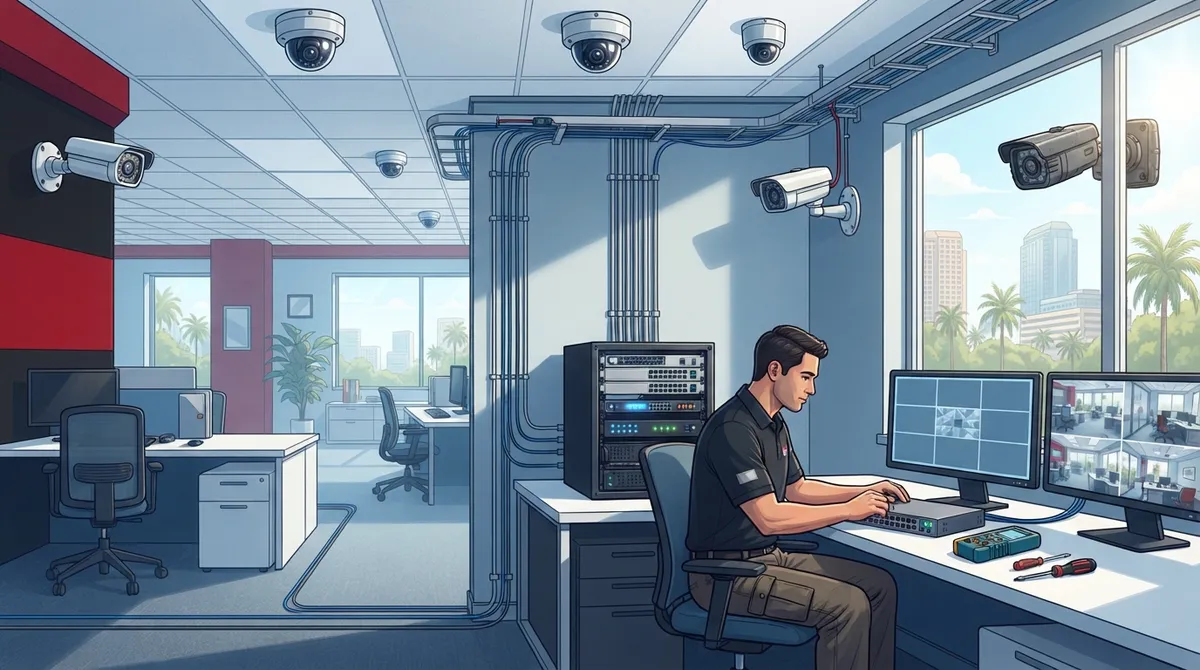
Security camera installation in Tampa is fundamentally a telecom and networking project, not just a camera purchase—cameras need proper cabling, bandwidth, storage, and secure remote access through structured cabling and Power over Ethernet (PoE) to function effectively.
-
A professional on-site assessment is essential and should evaluate entrances, exits, parking areas, lighting conditions, high-value zones, existing network capacity, and footage retention needs to avoid coverage gaps and ensure the system matches your actual requirements.
-
Choose camera types strategically for different areas: wide-angle domes for general coverage, varifocal for detail, infrared for low-light parking lots, and weatherproof outdoor units rated for Tampa's heat, humidity, and salt air corrosion near coastal areas.
-
Implement proper network security by using PoE switches, VLAN segmentation to isolate camera traffic, firewall rules, user permission levels, and secure remote access—unsecured cameras are common hacking targets that can compromise your entire business network.
-
Florida requires industry-specific surveillance compliance: alcohol-licensed venues, pawnbrokers, and medical-marijuana centers need 30-90 days retention, audio recording requires all-parties consent under Florida Statutes Chapter 934, and private areas like restrooms cannot have cameras.
-
Avoid common mistakes including consumer-grade cameras, skipping network assessment, choosing lowest quotes without verifying licensing, neglecting weatherproofing, enabling audio without legal review, and failing to plan for future expansion before installation.
If you own or manage a Tampa business, you’ve probably thought about security cameras at some point. Maybe it was after a break-in down the street. Maybe it was your insurance company asking questions. Either way, you’re here because you want to do this right the first time. Good news: you’re in the right place, and we’re happy to walk you through it.
Here’s the thing most people don’t realize. A recommended security camera installation in Tampa isn’t just about buying a few cameras off a shelf and sticking them on the wall. It’s really a telecom and networking project. Your cameras need cabling, bandwidth, storage, and secure remote access to actually work well. That’s why so many Tampa businesses turn to a telecom partner instead of a camera-only vendor. Companies like Ideal Solutions Provider handle the whole picture, from the network your cameras run on to the cloud storage that keeps your footage safe.
In this guide, we’ll walk through exactly what a smart, well-planned camera installation looks like for a Tampa business in 2026. We’ll cover the site survey, camera types, storage options, Florida rules you need to know, and how to pick a provider you can actually trust. Grab a coffee and let’s dig in together.
Why Camera Installation Is Really a Telecom Project
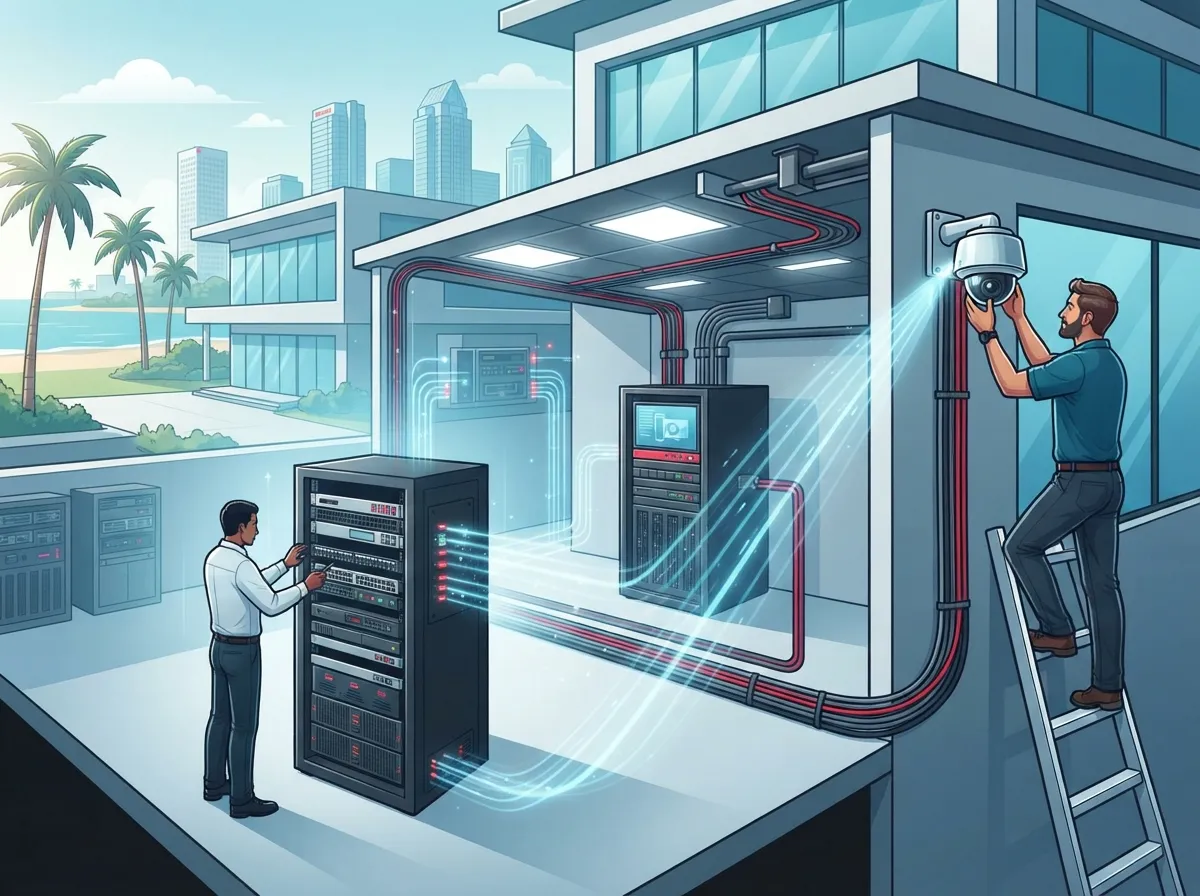
A lot of business owners think of security cameras as a separate purchase from their phones and internet. In reality, they’re deeply connected. Most commercial cameras today are IP cameras that plug into your network using structured cabling and Power over Ethernet, or PoE for short. This means the camera gets both power and its internet connection through one cable.
That single fact changes everything about how you should plan your installation. Your cameras will only work as well as the network behind them. If your cabling is outdated, your switch is too small, or your internet connection can’t handle the load, you’ll end up with grainy footage, dropped feeds, or a system that lags when you need it most.
This is exactly why a telecom-focused installer makes so much sense for Tampa businesses. They already understand networking, cabling, and internet service, so they can build a camera system that fits smoothly into what you already have. If you’re curious how this connects to your broader network, this piece on how structured cabling supports VoIP and cameras breaks it down nicely.
Step 1: The On-Site Assessment
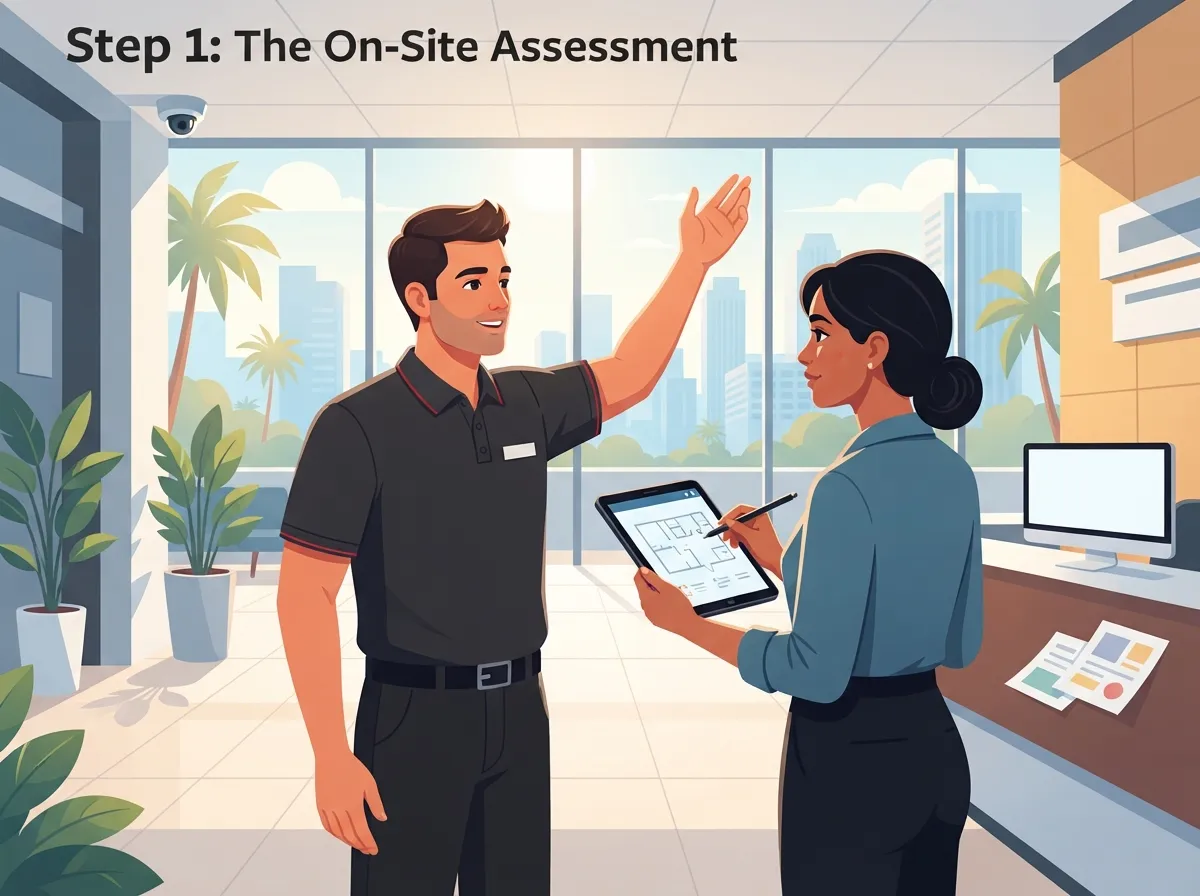
Every good installation starts with someone walking your building, not guessing from a spreadsheet. A proper Tampa business security camera assessment should look at:
- All entrances, exits, and parking areas, including loading docks
- Cash registers, safes, and other high-value areas
- Storage rooms, inventory areas, and employee-only zones
- Existing lighting conditions, both day and night
- Available mounting surfaces and cable pathways
- Your current network capacity and internet speed
- How long you’ll need to keep recorded footage
This walkthrough matters more than people expect. It’s the difference between a system that actually covers your blind spots and one that leaves gaps right where you need coverage most. If your internet connection is already stretched thin, this is also a good moment to check out ways to save money on high-speed internet for business before adding camera traffic to the mix.
Step 2: Choosing the Right Camera Types
Not every camera fits every spot. A recommended Tampa installation usually mixes a few different camera types depending on the area being covered.
| Camera Type | Best Used For | Why It Works |
|---|---|---|
| Wide-angle dome | Lobbies, retail floors, general coverage | Covers a broad area with one unit |
| Varifocal | Entrances, cash wraps | Adjustable zoom for close detail |
| Infrared / low-light | Parking lots, loading docks at night | Clear footage in the dark |
| Vandal-resistant dome | Warehouses, back hallways | Built to survive rough handling |
| Weatherproof outdoor | Building exteriors, rooftops | Handles Tampa heat, rain, and humidity |
Tampa’s climate is no joke. Between the heat, humidity, and heavy summer storms, outdoor cameras need real weatherproof and corrosion-resistant housings. Skimping here almost always leads to early equipment failure, especially near the coast where salt air speeds up corrosion.
Step 3: Picking the Right Resolution and Storage
People often ask what resolution they actually need. As a general rule, commercial cameras should be at least 2 megapixels if you want images clear enough to identify a face or read a license plate. But resolution alone isn’t the whole story. Lens quality, lighting, and camera distance all play a part too.
Storage and retention length depend on your industry. Here’s a quick breakdown of common recommendations:
- General commercial businesses: at least 30 days of stored footage
- Bars and nightclubs with alcohol licenses: entrance, exit, and sales area coverage with a 30-day minimum retention
- Pawnbrokers: at least 90 days of clear, identifiable transaction footage
- Medical-marijuana treatment centers: 24/7 coverage of cultivation, processing, and sales areas, with up to 90 days retention
You’ll want to choose between cloud storage, a local network video recorder, or a hybrid of both. Cloud systems are popular right now because they offer easy remote access and built-in backup, but they do lean on your internet connection. If you want to dig deeper into which setup fits your business, this comparison of cloud security cameras for Tampa commercial buildings is a great next read.
Step 4: Network Design and Cybersecurity
This step is where a lot of DIY installations fall apart. Your camera system needs a properly sized managed switch, enough bandwidth to handle video traffic, and network segmentation so your cameras aren’t sitting on the same open network as your point-of-sale system or office computers.
Here’s what a solid network design typically includes:
- PoE switches sized for your total number of cameras
- VLAN segmentation to isolate camera traffic
- Firewall rules limiting who can access the video feed
- User permission levels, so not everyone can view or delete footage
- Backup power to keep cameras running during short outages
- Secure remote access for authorized staff only
Cybersecurity really matters here. Unsecured cameras are a common target for hackers looking for an easy way into a business network. If your current setup feels outdated or vulnerable, it might be worth reviewing your business network performance before layering on new camera equipment.
Florida Rules Every Tampa Business Should Know
Florida doesn’t have one blanket law forcing every business to install cameras. But certain industries do have specific requirements, and privacy rules apply no matter what kind of business you run.
A few important points to keep in mind:
- Cameras should never be placed in restrooms, changing rooms, or other private areas
- Florida follows an all-parties-consent rule for recording audio conversations, under Florida Statutes Chapter 934
- Audio recording should generally stay off unless you’ve gotten proper legal advice and consent
- Alcohol-licensed venues, pawnbrokers, convenience stores open late, and medical-marijuana centers may have extra surveillance requirements
Because these rules can shift and vary by business type, it’s smart to get legal guidance before flipping on audio recording for any camera system.
How to Choose the Right Installer
Not every installer offers the same level of quality or expertise. Here’s a simple checklist to use when comparing options:
- Ask for a written scope of work and a camera placement map
- Confirm licensing and insurance coverage
- Check if they specify camera resolution and footage retention clearly
- Ask how they handle cybersecurity and remote access permissions
- Find out if they test motion alerts, recording, and power-failure recovery before calling the job done
- Ask about ongoing maintenance and support plans
- Confirm they can integrate cameras with your existing phones, internet, and network
A telecom-first provider has a real advantage here. Since they already manage your cloud-based phone system or internet service, they understand your network inside and out. That means fewer surprises and a smoother installation overall. If you’re weighing multiple vendors, this guide on finding a reliable structured cabling contractor in Tampa shares questions that apply just as well to camera installers.
Bringing It All Together With One Partner
Here’s something we hear a lot from Tampa business owners: managing five different vendors for phones, internet, cabling, and cameras is exhausting. One provider misses a call, another blames the network, and you’re stuck in the middle trying to sort it out.
This is exactly why so many businesses choose a single telecom partner who can handle cameras alongside internet, networking, and phone systems. Ideal Solutions Provider works with over 35 vetted suppliers and has more than 24 years of experience helping Tampa businesses build systems that actually work together. Whether you need a full cloud video security setup or want cameras paired with a new business network solution, having one point of contact saves time and headaches.
You can also follow their project updates and installation tips on Facebook, Instagram, and YouTube if you want to see real installs in action before committing to a project.
Common Mistakes to Avoid
Before you wrap up your planning, watch out for these common slip-ups:
- Buying consumer-grade cameras meant for homes, not businesses
- Skipping the network assessment and hoping your current setup can handle it
- Choosing the cheapest quote without checking licensing or warranty details
- Forgetting about weatherproofing for Tampa’s heat and storms
- Enabling audio recording without checking Florida consent laws first
- Not planning for future growth if you plan to add locations or cameras later
Taking a little extra time upfront to avoid these mistakes will save you money and stress down the road. It’s also worth checking your current business high-speed internet service to make sure it can support new camera traffic without slowing everything else down.
Ready to Get Your Cameras Installed the Right Way?
A recommended security camera installation in Tampa is really about building a smart, connected system, not just mounting hardware. When you combine the right cameras, solid network design, proper storage, and Florida-compliant privacy practices, you get a system you can actually trust to protect your business.
If you’re ready to talk through your options with people who understand both cameras and the network behind them, feel free to reach out to our team for a free consultation. Or if you’d rather just talk it through right now, give us a call and we’ll help you figure out the best plan for your Tampa business.
FAQs
Q: What is the recommended security camera installation for a Tampa business?
A: The recommended approach combines a proper site survey, commercial-grade PoE IP cameras, structured cabling, secure network design, and cloud or NVR storage. It’s really a telecom project as much as a camera project, so working with a provider who understands both networking and surveillance gives you the best results.
Q: How much does commercial security camera installation cost in Tampa?
A: Costs vary quite a bit based on how many cameras you need, your building size, and whether new cabling is required. We always recommend getting a written scope of work first, so you know exactly what’s included before you commit to a price.
Q: Should my Tampa business choose cloud cameras, an NVR, or a hybrid system?
A: It really depends on your internet reliability, budget, and how you want to access footage. Cloud systems are great for remote viewing and automatic backup, while NVRs work well if you want footage stored locally. Plenty of Tampa businesses land on a hybrid setup for the best of both worlds.
Q: Do Florida businesses need signs or consent for security cameras?
A: Video recording in public business areas generally doesn’t require consent, but audio is a different story. Florida follows an all-parties-consent rule for recording conversations, so it’s best to keep microphones off unless you’ve gotten proper legal guidance.
Q: How many security cameras does my Tampa business actually need?
A: That depends on your building layout, entrances, high-value areas, and blind spots. A good installer will walk your space, map out coverage areas, and recommend camera placement based on what actually needs watching, not just a random number.





