
Key Takeaways
-
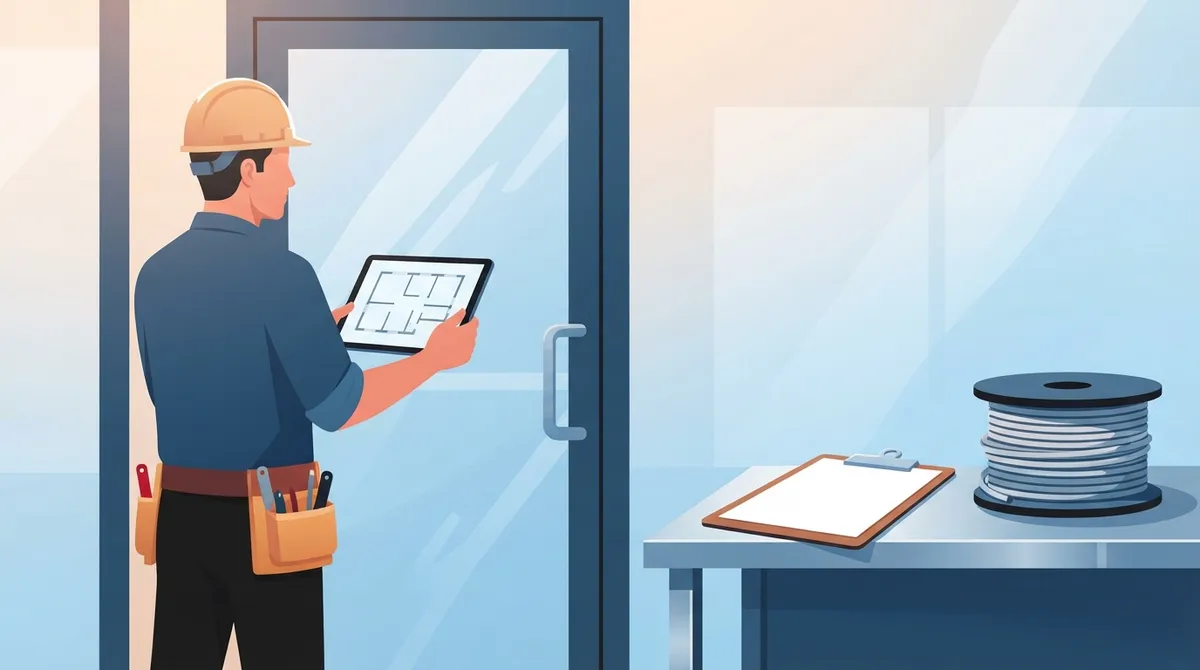
Insist on a site survey before accepting any quote; a flat per-door price given without assessing doors, wiring, network capacity, and egress requirements is a red flag.
-
Ask every installer what happens to door access during internet or power outages, and confirm that doors keep working locally with battery backup while honoring life-safety egress rules.
-
Request an itemized proposal covering hardware, software license fees, cabling, testing, training, and warranty terms, since cheaper quotes that omit cabling or training often cost more later.
-
Verify commercial experience, state-required licenses, liability and workers' compensation insurance, and talk to two or three past customers before choosing an installer.
Searching for an access control installer near me can feel overwhelming. One company sells locks. Another pushes software. A third only talks about cameras. Meanwhile, you just want your doors to work, your team to get in smoothly, and your building to stay safe.
Here’s the good news: choosing well is easier when you know what to ask. A modern access control system is more than a card reader on a wall. It’s a network-connected system that depends on solid cabling, reliable internet, power, and smart configuration. That’s why the best installers think like telecom and IT partners, not just door hardware vendors.
This friendly guide gives you 14 practical ways to find, compare, and choose the right installer in 2026. Whether you run a small office, manage a growing company, or oversee several franchise locations, you’ll walk away with a clear checklist and the confidence to ask great questions.
What Does an Access Control Installer Actually Do?
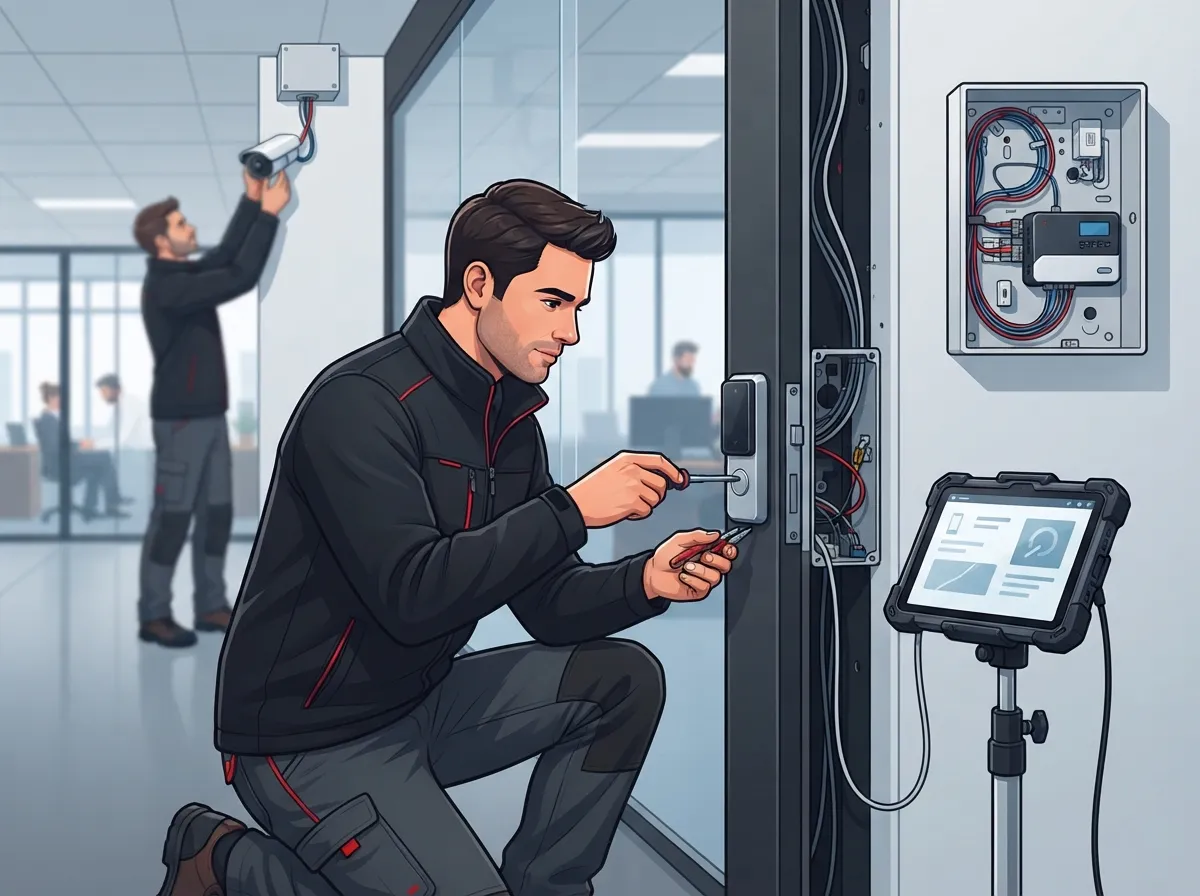
A commercial access control installer designs and deploys systems that control and record who enters specific doors, areas, and times. Typical components include electronic locks, readers, door controllers, credentials, management software, and network connectivity.
Permissions can be assigned by person, role, location, and schedule. When someone leaves your company, you can revoke their access in moments. That’s a big upgrade from re-keying a whole building.
In a business telecom setting, the job often overlaps with cabling, networking, intercoms, video, and alarms. If you want a deeper overview, our guide on why Tampa businesses need commercial access control breaks it down nicely.

14 Ways to Choose the Right Access Control Installer
1. Look for Real Commercial Experience
Residential smart lock installers and commercial access control pros are not the same thing. Commercial work involves higher user counts, life-safety codes, and multiple doors working together.
Ask how many commercial projects they complete each year. Ask for projects similar to yours in size and industry. A confident installer will happily share examples.
2. Insist on a Site Survey First
A generic per-door price is a red flag. Every building is different. A qualified installer should walk your space and assess doors, locks, egress requirements, existing wiring, network capacity, and future expansion before quoting.
Think of it like a doctor’s visit. You wouldn’t trust a prescription without an exam. The site survey is the exam.
3. Check Their Network and Cabling Skills
Networked access control depends on reliable cabling or wireless links, power, and network configuration. If the installer doesn’t understand your network, you may face dropped connections and doors that don’t respond.
This is where telecom expertise shines. Solid structured cabling gives your readers and controllers a stable foundation. Learn more in 13 ways structured cabling supports VoIP and cameras.
4. Ask About Cloud, On-Premises, and Hybrid Options
Each deployment style has trade-offs. A good installer explains them without pushing one answer for everyone.
| Deployment Type | Where Data Lives | Best For | Key Question to Ask |
|---|---|---|---|
| Cloud-hosted | Provider’s cloud | Multi-location businesses, remote management | What happens if the internet goes down? |
| On-premises | Your own server | Sites needing full local control | Who handles updates and backups? |
| Hybrid | Local plus cloud | Growing companies wanting flexibility | Can doors work locally during outages? |
Our post on cloud vs. on-premise access control goes deeper on this choice.
5. Verify Licensing and Insurance
Ask for proof of the licenses your state and local area require, plus liability and workers’ compensation insurance. This protects you if something goes wrong during installation.
It’s a quick request, and any professional installer expects it.
6. Confirm Platform and Manufacturer Expertise
Some installers only know one product line. Others work with many. Neither is automatically better, but you should know which platforms they support and how long they’ve worked with them.
A partner with many vetted suppliers can match a system to your needs instead of forcing a one-size-fits-all fit.
7. Get an Itemized Proposal
Your proposal should spell out hardware, software and licensing, installation, configuration, testing, training, support, and any required electrical or door-hardware work. Vague quotes hide surprise costs.
Here’s a quick checklist of what a strong proposal includes:
- Door-by-door hardware list
- Software and recurring license fees
- Cabling and power details
- Testing and commissioning steps
- Staff training
- Warranty and support terms
8. Ask About Cybersecurity Practices
Access control is both a physical and cyber risk. A smart installer talks about unique administrator accounts, least-privilege access, secure configuration, software updates, protected network connections, and backups.
They should also help you plan how to disable a lost credential right away. Coordinate with your IT team early so nothing gets missed.
9. Understand the Integration Options
Access control rarely lives alone. It can connect with video surveillance, alarms, intercoms, visitor management, and identity platforms. Ask what’s possible now and what you might add later.
For example, pairing doors with cameras lets you see who actually entered, not just whose badge was used. See what security cameras really do for your business for the bigger picture.
10. Plan for Outages
Internet and power outages happen. Ask what happens to door access when they do. A well-designed system keeps doors working locally, uses battery backup where needed, and always honors life-safety egress rules.
This one question can separate a thoughtful installer from a rushed one.
11. Explore Mobile Credentials
Many businesses now let employees use smartphones instead of cards or fobs. According to ASSA ABLOY’s 2025 Wireless Access Control Report, 17% of surveyed organizations had fully mobile access solutions in 2025, up from 5% in 2023.
Mobile credentials can simplify onboarding and reduce lost-card headaches. Compare your options in mobile vs. traditional access control.
12. Think About Wireless Locks
Wireless locks can save on cabling in older buildings or tricky doors. The same ASSA ABLOY report says 42% of surveyed end users deploy wireless locks, up from 39% in 2023.
Wireless isn’t always the right answer, though. A good installer weighs range, battery upkeep, and security for each door.
13. Check Support and Response Times
Installation is only the start. Ask about service response times, warranty terms, remote support, and ongoing maintenance. A locked-out team on Monday morning is not a fun surprise.
Get support promises in writing, not just in conversation.
14. Talk to References
Past customers tell you what a brochure never will. Ask about on-time completion, communication, cleanup, and how problems were handled after launch.
Two or three honest references are worth more than any sales pitch.
How Much Should You Expect to Pay?
Costs vary widely based on door count, hardware type, software model, cabling needs, and building conditions. That’s exactly why a site survey matters. For budgeting tips, read how much you should budget for cloud access control.
Compare proposals on scope, not just the bottom line. A cheaper quote that leaves out cabling or training often costs more later.
Why the Market Is Growing
More businesses are modernizing their entry systems. Mordor Intelligence estimates the global access control market at USD 3.80 billion in 2025 and projects USD 5.94 billion by 2031. These are analyst estimates, and other firms use different scopes, but the direction is clear: demand is rising.
The same firm estimates hosted access-control-as-a-service held 51.60% of the global ACaaS segment in 2025. In plain terms, cloud-managed access is becoming a mainstream choice.
Quick Comparison: Questions to Ask Every Installer
| Topic | Strong Answer | Warning Sign |
|---|---|---|
| Site survey | Free or low-cost walkthrough before quoting | Flat per-door price over the phone |
| Network skills | Discusses cabling, power, and IT coordination | Ignores your network |
| Proposal | Fully itemized scope | One lump-sum number |
| Support | Clear response times and warranty | No written support terms |
| Security | Talks about accounts, updates, and backups | Skips cybersecurity entirely |
A Simple Step-by-Step Way to Start
Feeling ready to move? Here’s an easy path:
- List the doors you want to secure and who needs access.
- Note your current network, cabling, and internet setup.
- Request site surveys from two or three installers.
- Compare itemized proposals side by side.
- Check licenses, insurance, and references.
- Choose the partner who explains things clearly and plans for growth.
Why a Telecom-Minded Partner Makes Life Easier
When your access control, internet, cabling, phones, and cameras come from different vendors, finger-pointing is almost guaranteed. One company blames the network. Another blames the software. You just want the door to open.
Ideal Solutions Provider is a Tampa-based telecom and IT partner with over 24 years of experience and relationships with 35+ vetted suppliers. They serve as a single point of contact, handling consultation, installation, and ongoing support. That means fewer vendors to juggle and a team that understands how all the pieces connect. You can explore their cloud based access control services to see how it works.
If you manage several sites, scalability matters too. See scalable access control systems for multi-location businesses for planning ideas.
Final Thoughts
Finding the right access control installer near me doesn’t have to be stressful. Focus on commercial experience, a real site survey, network know-how, an itemized proposal, strong security habits, and dependable support. Do that, and you’ll end up with a system your team trusts every single day.
Ready for a friendly, no-pressure conversation? Contact us for a free consultation, or call us to talk through your doors, your network, and your goals. We’d love to help you secure your space with confidence.
FAQs
Q: What does a commercial access control installer do?
A: A commercial installer designs, installs, and configures systems that control who can enter specific doors and when. That includes locks, readers, controllers, software, and network connections. The best ones also test everything and train your team so you feel comfortable from day one.
Q: Can access control work with my cameras, intercoms, and alarms?
A: Yes, many systems can connect with video surveillance, intercoms, alarms, and visitor management tools. That way you can see who came through a door, not just whose badge was scanned. Just ask your installer which integrations your chosen platform supports before you buy.
Q: What happens to door access if the internet or power goes out?
A: It depends on how your system is designed. A well-planned setup lets doors keep working locally, uses battery backup where needed, and always follows life-safety exit rules. Be sure to ask this question before signing any proposal.
Q: Can employees use their smartphones instead of access cards?
A: Absolutely! Many modern systems support mobile credentials, so staff can open doors with their phones. This can make onboarding easier and cut down on lost-card replacements. Your installer can tell you which readers and software support it.
Q: How long does commercial access control installation take?
A: Timing depends on the number of doors, wiring needs, and any door-hardware or electrical work involved. A small office may finish in a few days, while larger or multi-site projects take longer. A site survey will give you a realistic schedule.





